
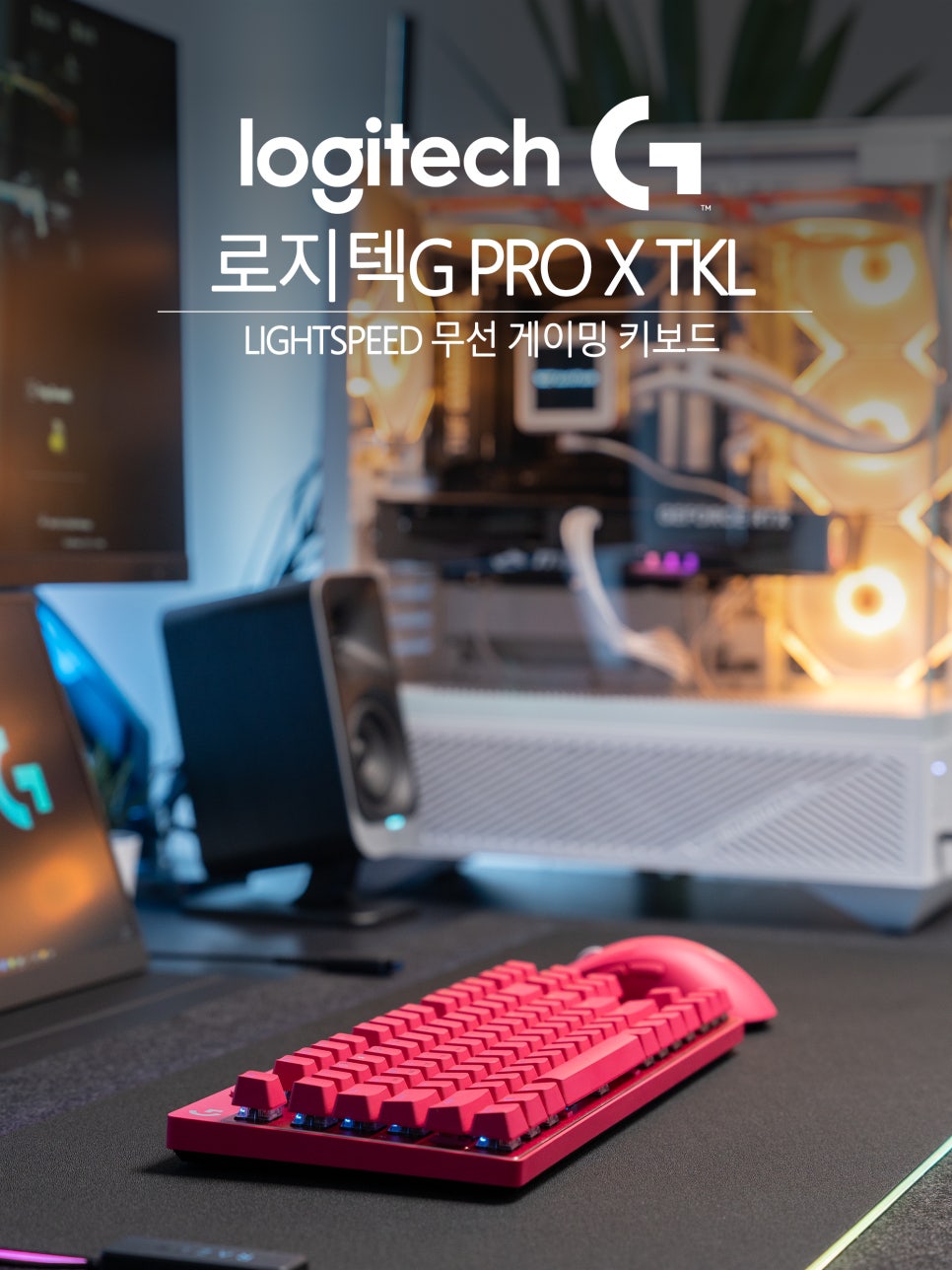
Logitech has long been a beloved brand among gamers in the gaming peripheral market, and Logitech gaming keyboards, in particular, are highly trusted by professional gamers worldwide for their stable performance and excellent durability.

Among these, the PRO series is literally a product line ‘for pros,’ characterized by its design in collaboration with top-tier esports players worldwide.
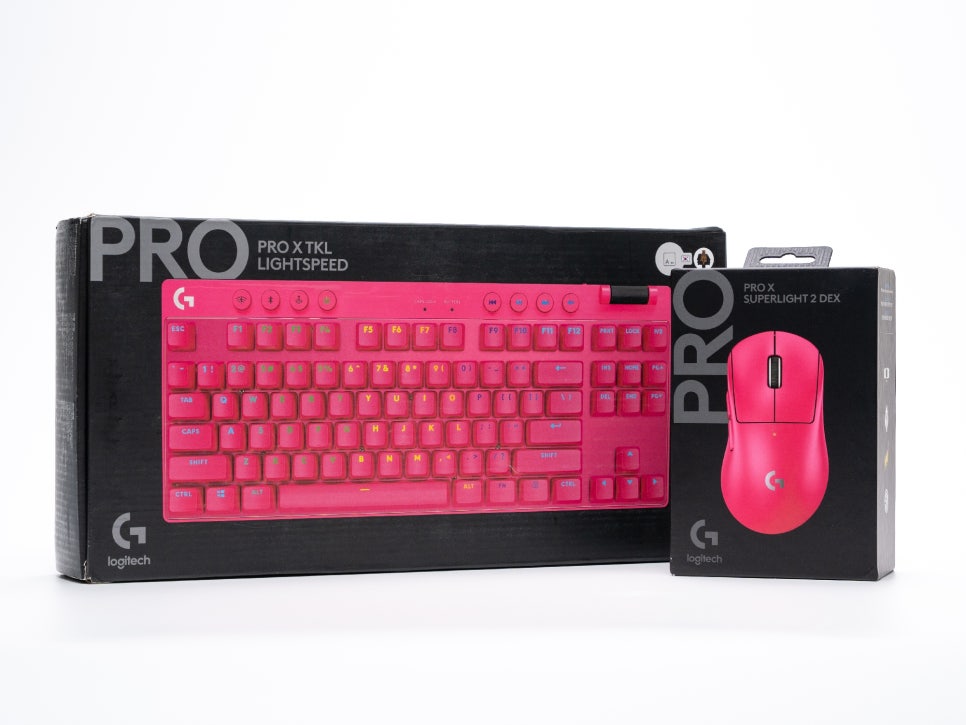
The Logitech G PRO X TKL, which we will introduce today, inherits the philosophy of the PRO series while also being an evolved wireless gaming keyboard. Its tenkeyless (TKL) design, which removes the number pad, allows for efficient use of desk space, and most importantly, it features Logitech’s proud LIGHTSPEED wireless technology, boasting a rapid 1ms response time comparable to wired connections.
This high-end mechanical keyboard offers the performance and stability that professional players would use in actual competitions, while also featuring an attractive design and convenient functions for general users. Let’s take a closer look at what it offers.
Specifications and Components
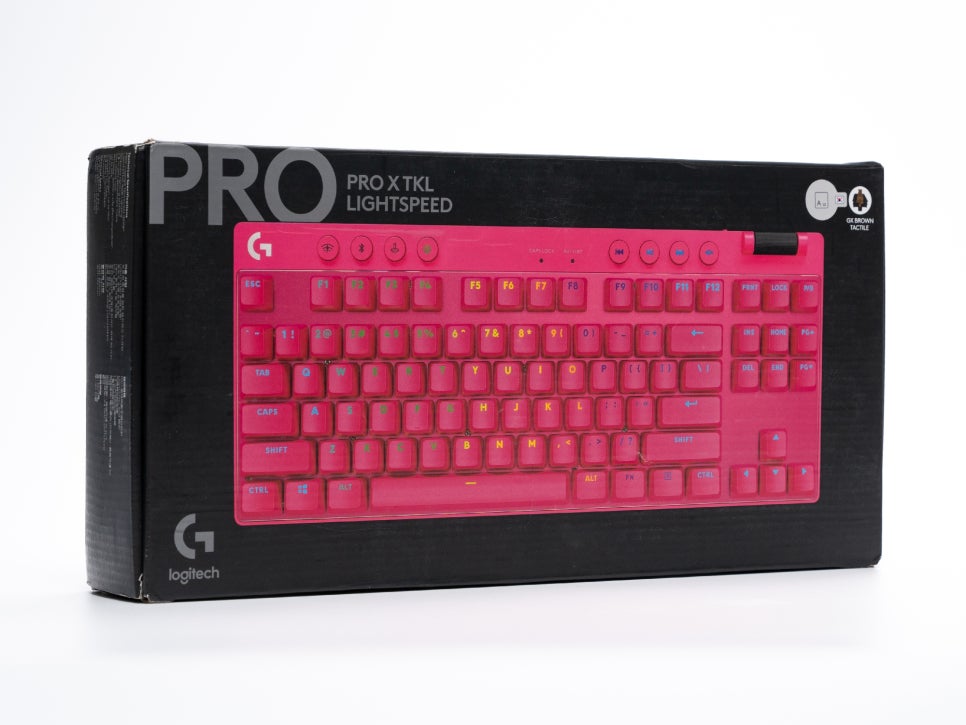
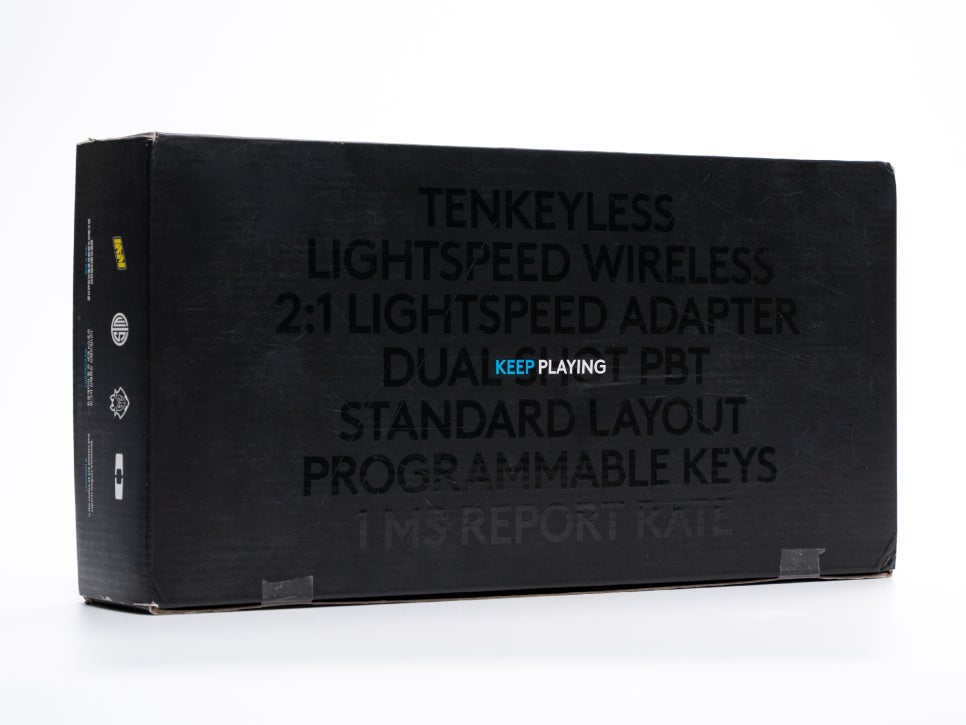
The main specifications of the Logitech G PRO X TKL are summarized as follows:
Product Specifications
Form Factor : Tenkeyless (TKL) / 87-key
Dimensions : 352mm (Width) x 150mm (Length) x 34mm (Height)
Connectivity : LIGHTSPEED Wireless (2.4GHz), Bluetooth, USB-C Wired
Switches : GX Mechanical Switches (Brown Tactile / Red Linear)
Keycaps : Double-shot PBT
Battery Life : Up to 50 hours
Cable : 1.8m USB-A to USB-C Detachable
Wireless Range : Up to 10m
Response Time : 1ms (when connected via LIGHTSPEED)
Lighting : LIGHTSYNC RGB
Colors : Black, White, Pink
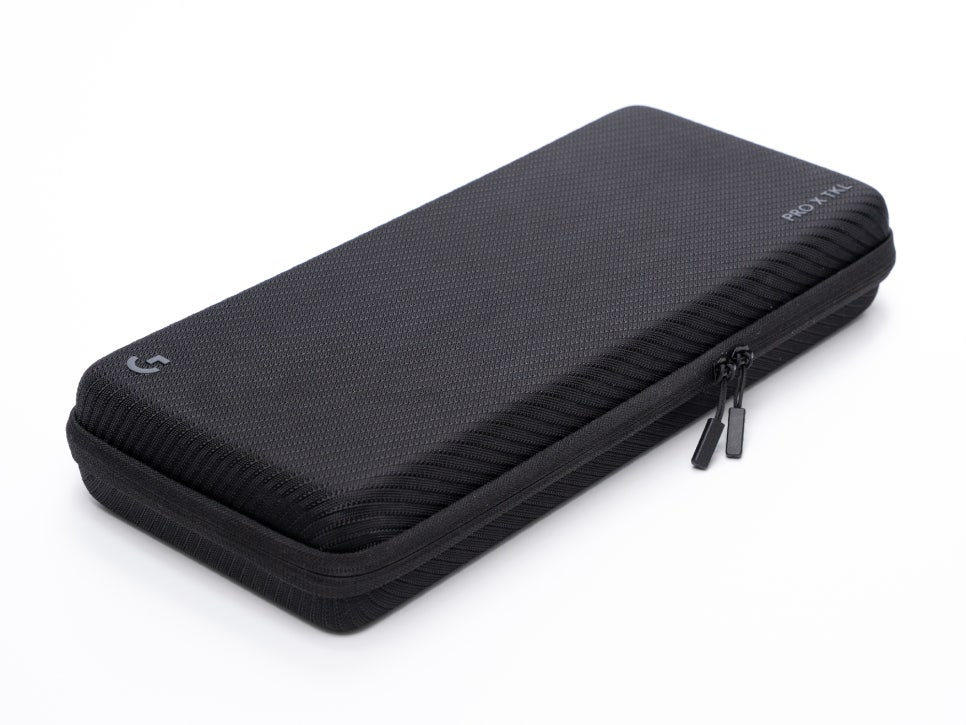
Upon unboxing the components, you’ll find a hard case. This is a dedicated case with a luxurious finish, designed for carrying the keyboard. The exterior is finished with a dense fabric material, and the interior uses a soft material to safely protect the keyboard.
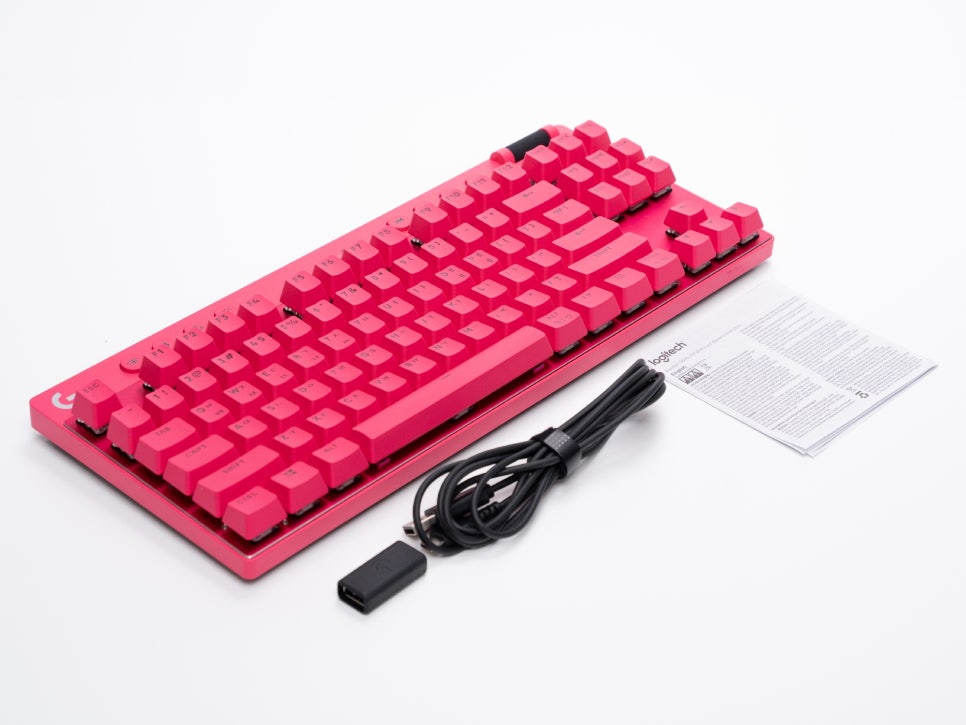
Inside the case, along with the PRO X TKL keyboard body, you’ll find a USB LIGHTSPEED adapter, an adapter extension cable, a USB-A to USB-C charging and data cable, and a user manual.
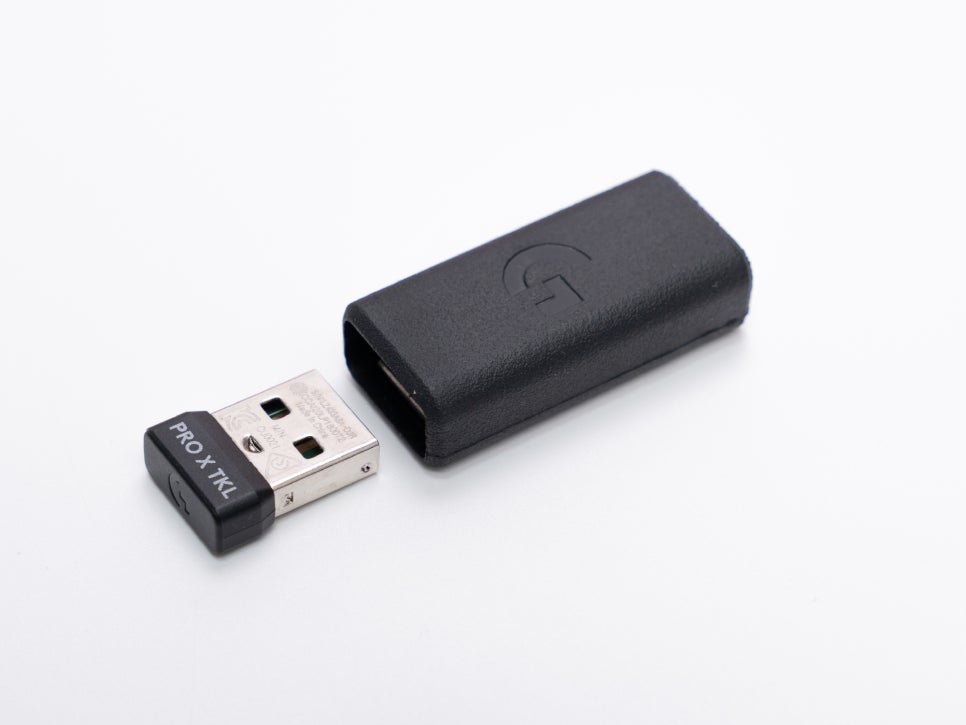
The wireless receiver is provided attached to the bottom of the keyboard body. By using the included adapter and cable, you can place the receiver closer on your desk instead of behind your PC, ensuring a more stable wireless connection.
Appearance and Features
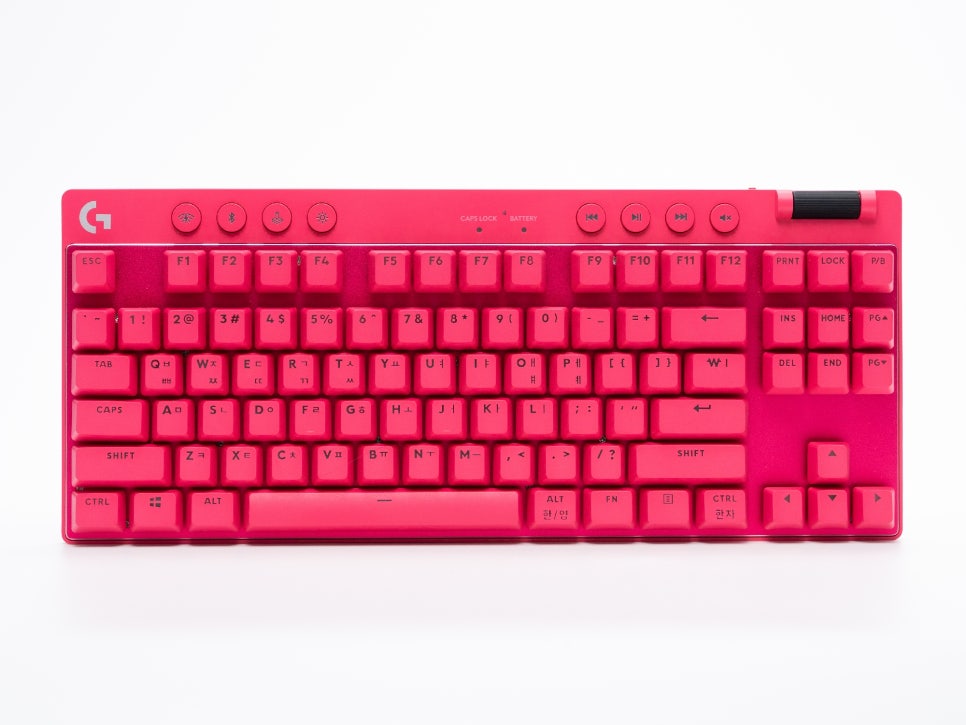
The Logitech G PRO X TKL features a tenkeyless layout, boasting a compact size compared to standard full-sized keyboards. Its dimensions of 352mm x 150mm provide ample space for mouse movement, allowing for more free gameplay in genres like FPS and Battle Royale.
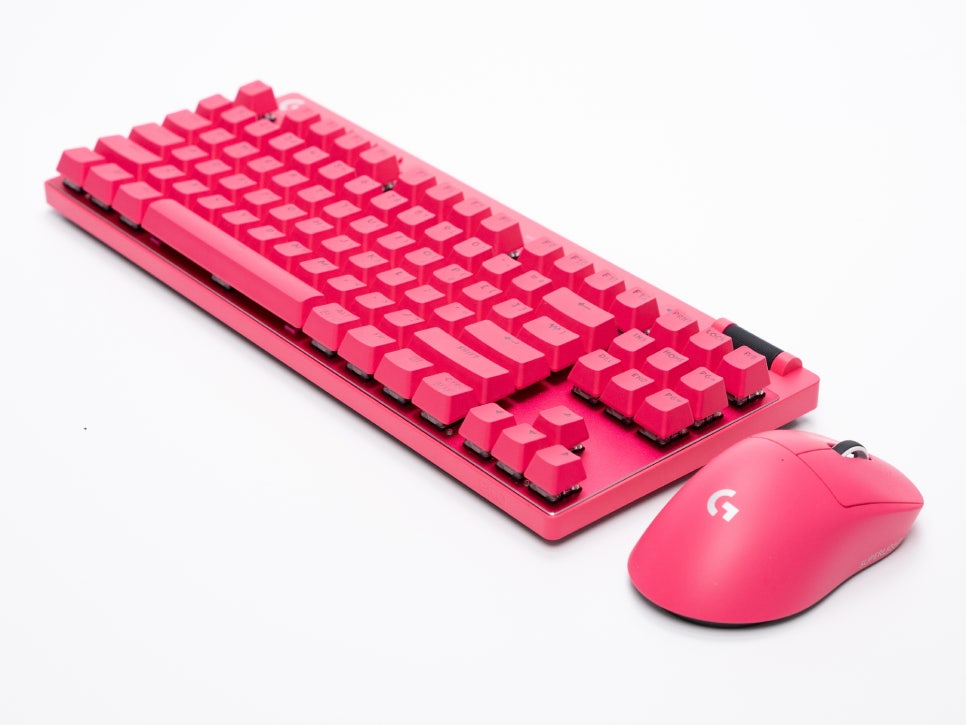
It comes in three color options: classic black, clean white, and a stylish pink.
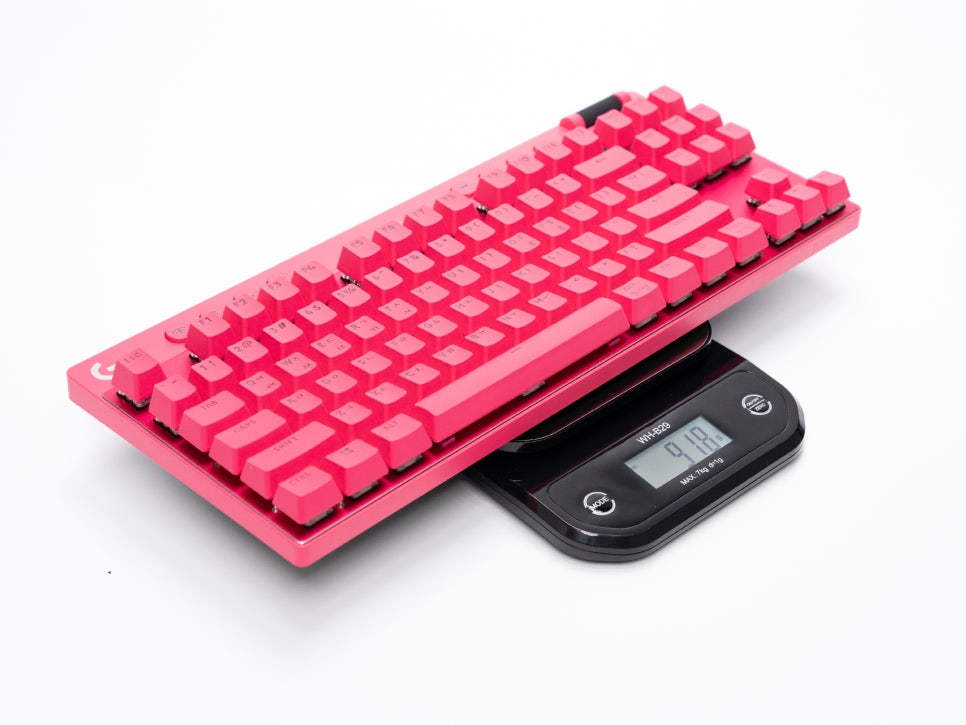
The keyboard weighs approximately 920g, offering a moderate weight, which ensures stable placement and use without slipping during gameplay.
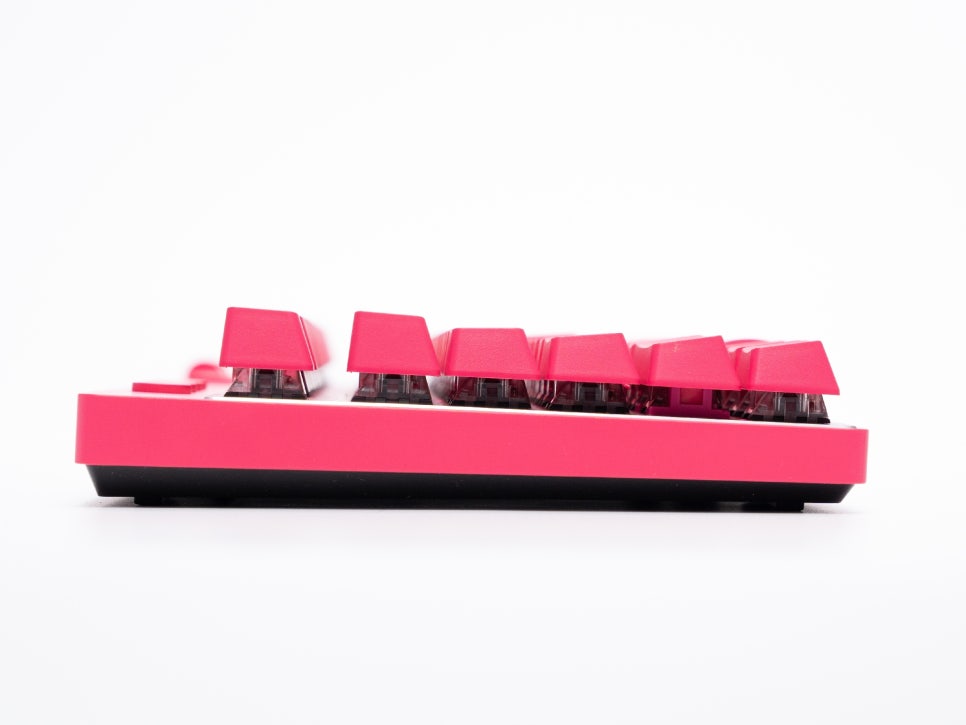
The keycap profile is OEM, which is about 1-2mm higher than Cherry profile. It also features Step Sculpture 2, where keycap heights vary by row.
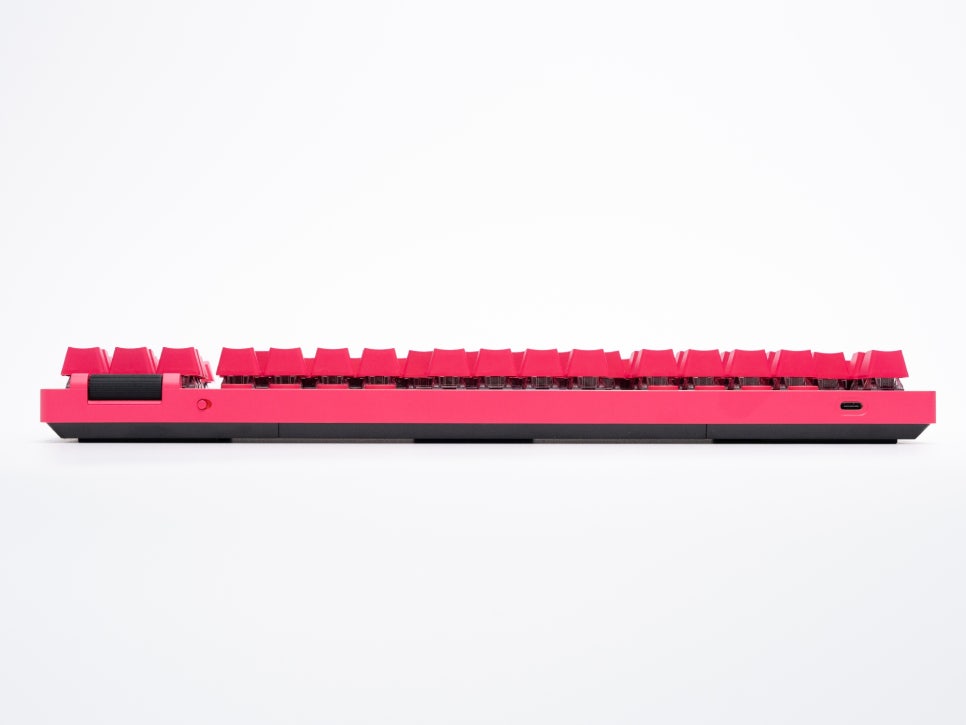
On the rear, there is a USB-C port and a power switch. The USB-C port is used for both charging and wired connection, and it’s designed without a restricted cutout, allowing for the use of various cables.
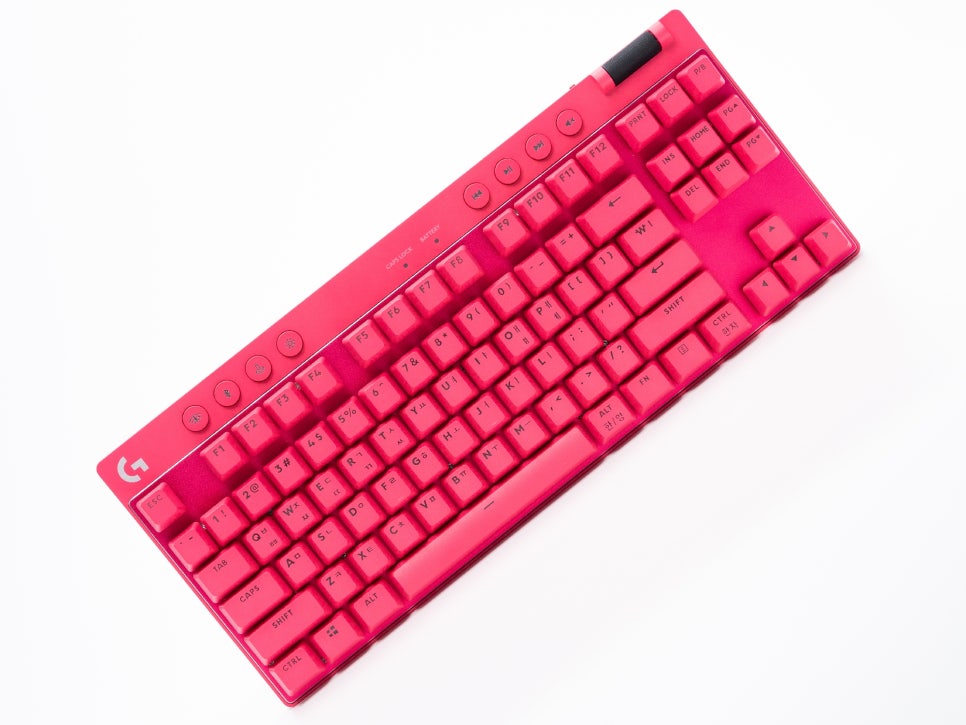
Although the housing is made of plastic, a brushed aluminum plate is applied beneath the keycaps, ensuring robust durability. Even when pressing around the keyboard, it feels solid without any bending or creaking.
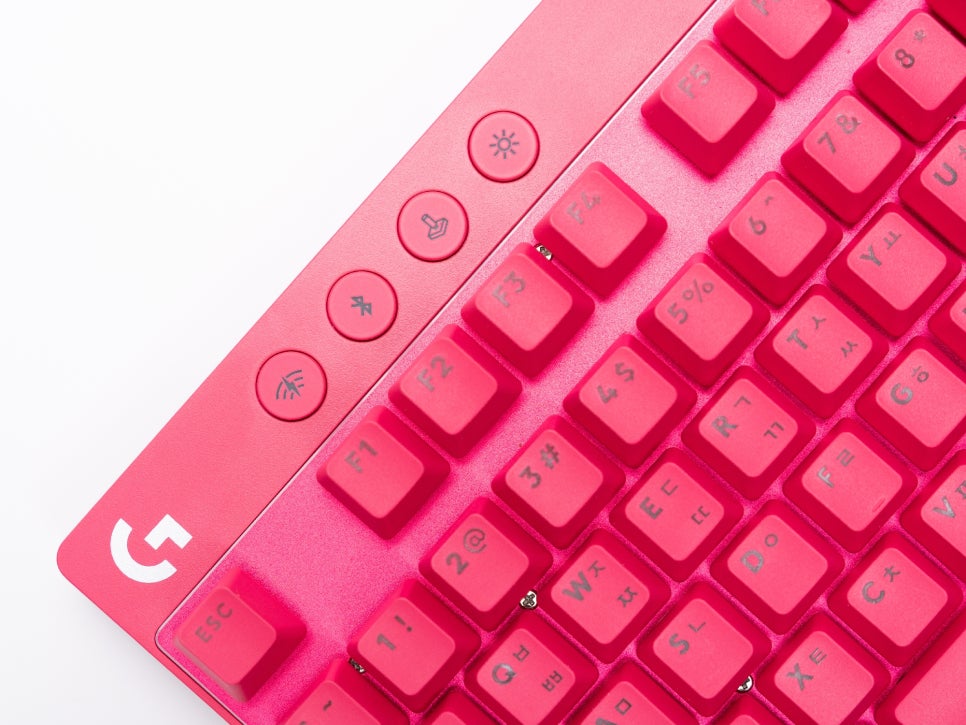
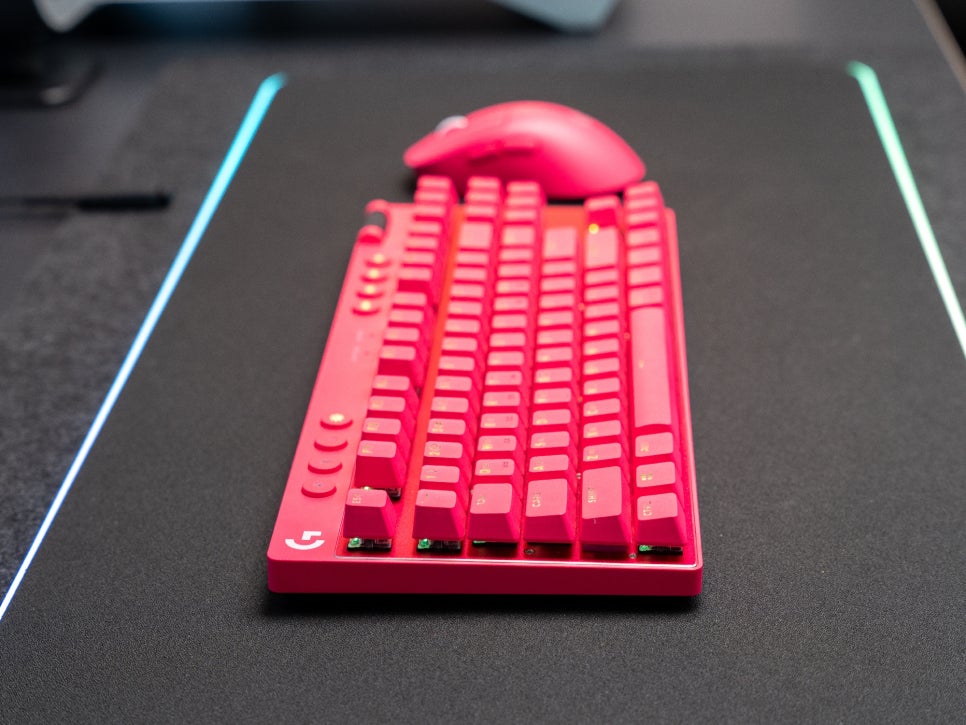
On the top left of the keyboard, you’ll find buttons for Game Mode, RGB brightness control, and connection selection. Activating Game Mode disables the Windows key, preventing accidental exits to the desktop while gaming. The connection button allows for easy switching between LIGHTSPEED wireless and Bluetooth connections, a useful feature for users managing multiple devices.
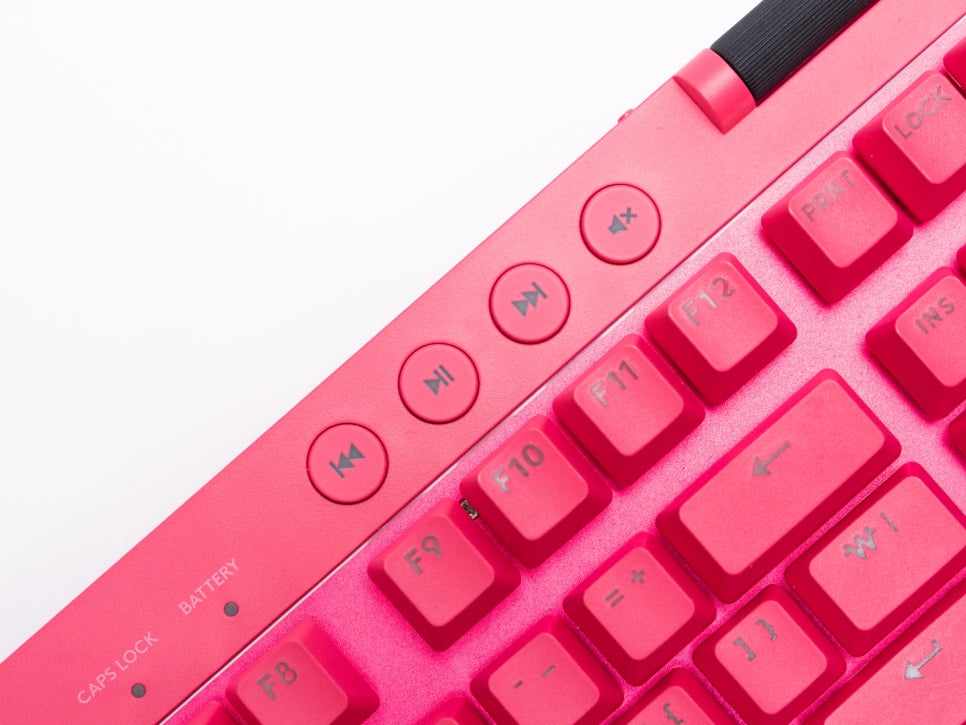
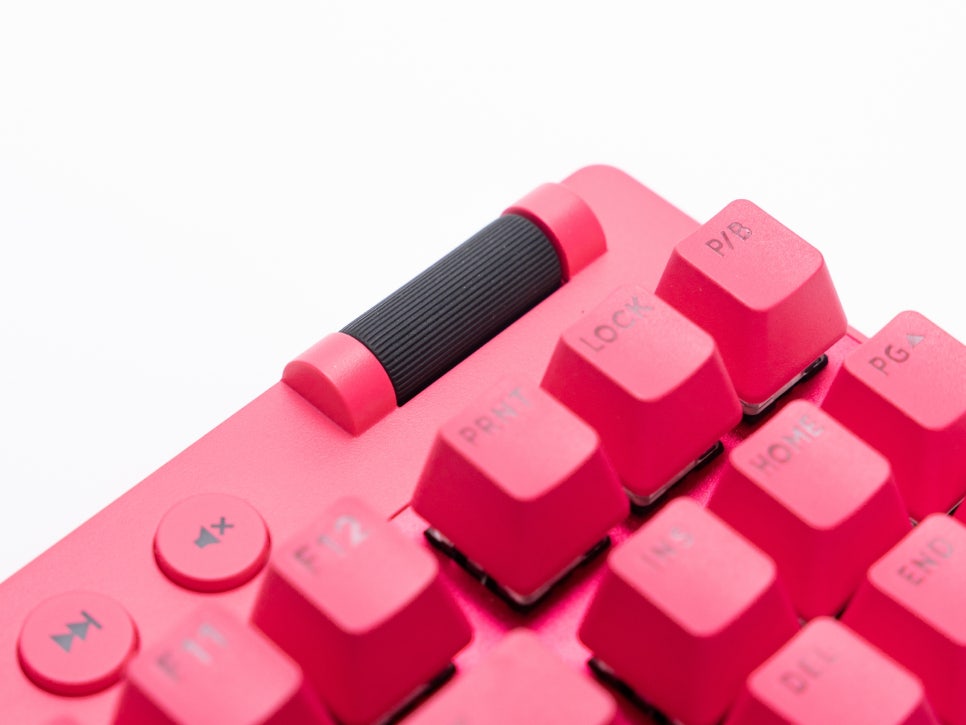
On the top right, media control keys are located. These include buttons for previous track, play/pause, next track, and mute, allowing direct control of music or video playback without separate software. Next to them, a smoothly rotating volume roller provides intuitive system volume adjustment.
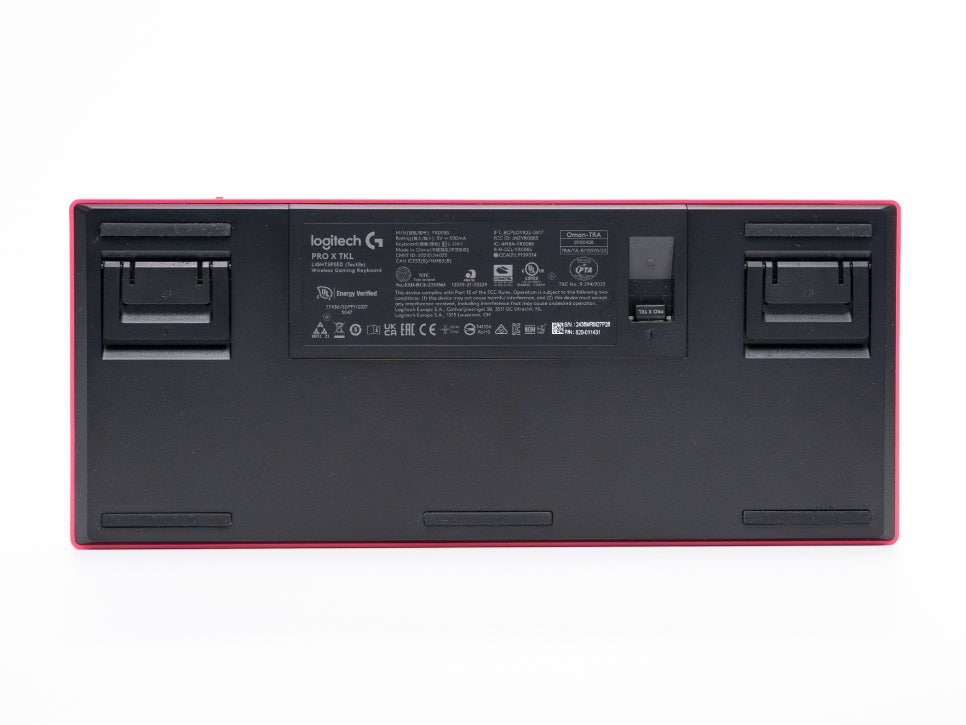
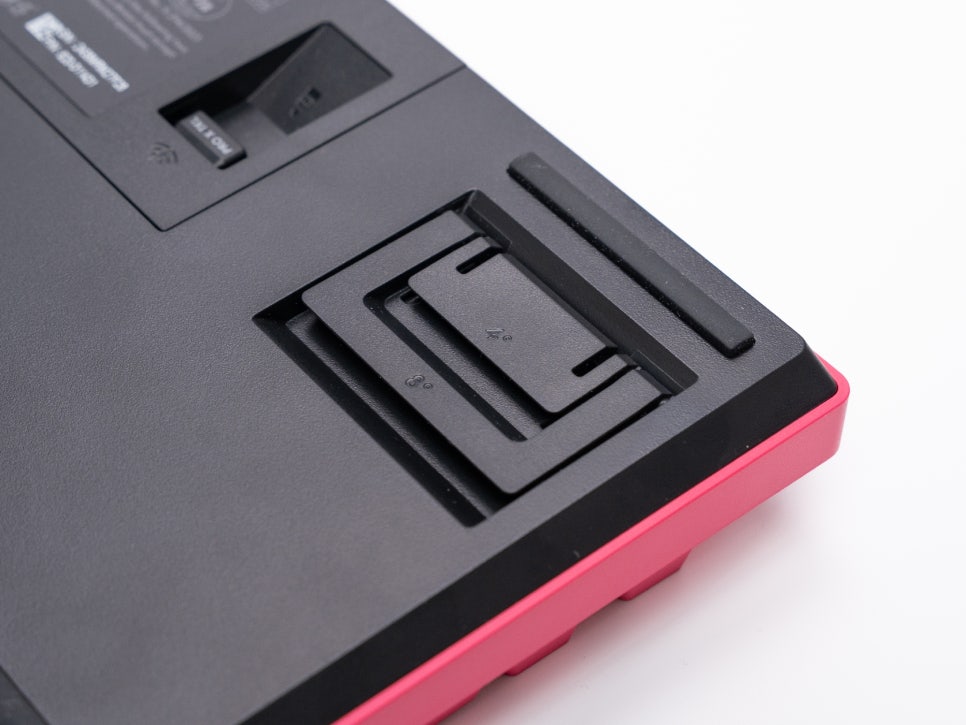
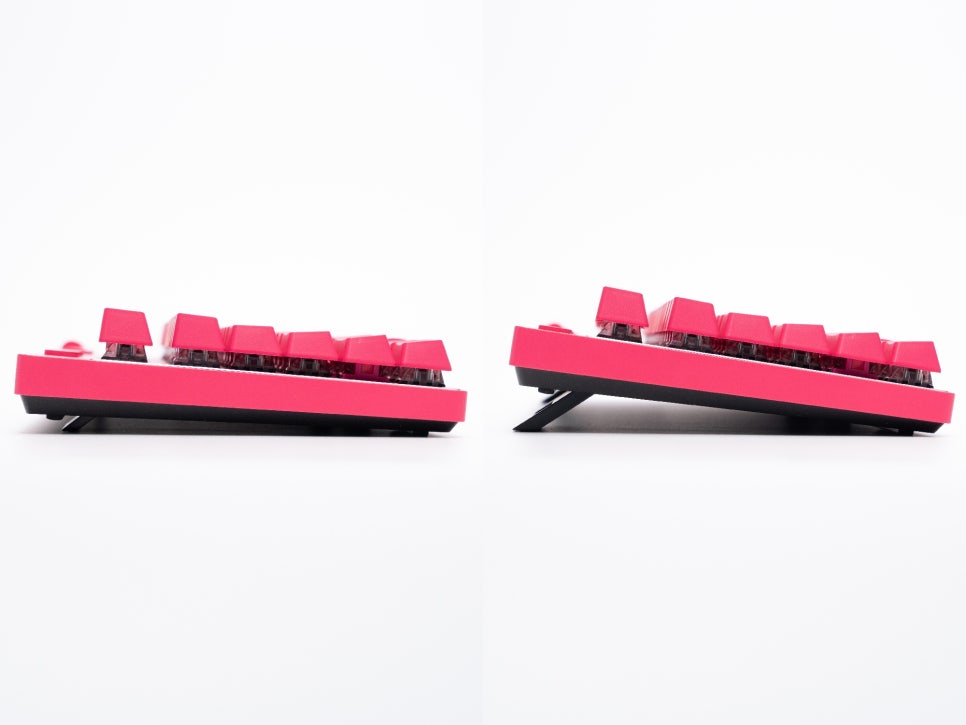
The bottom of the keyboard features a two-stage adjustable folding stand, allowing users to customize the typing angle to suit their habits.
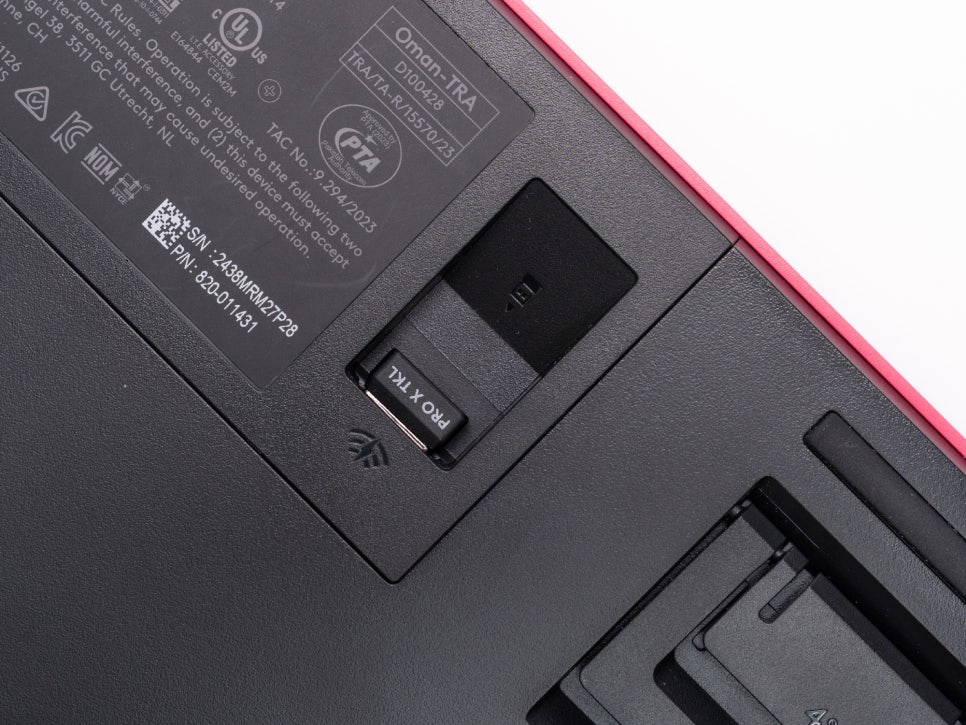
Additionally, there’s a dedicated receiver storage compartment on the bottom, making it easy to store the receiver when on the go.
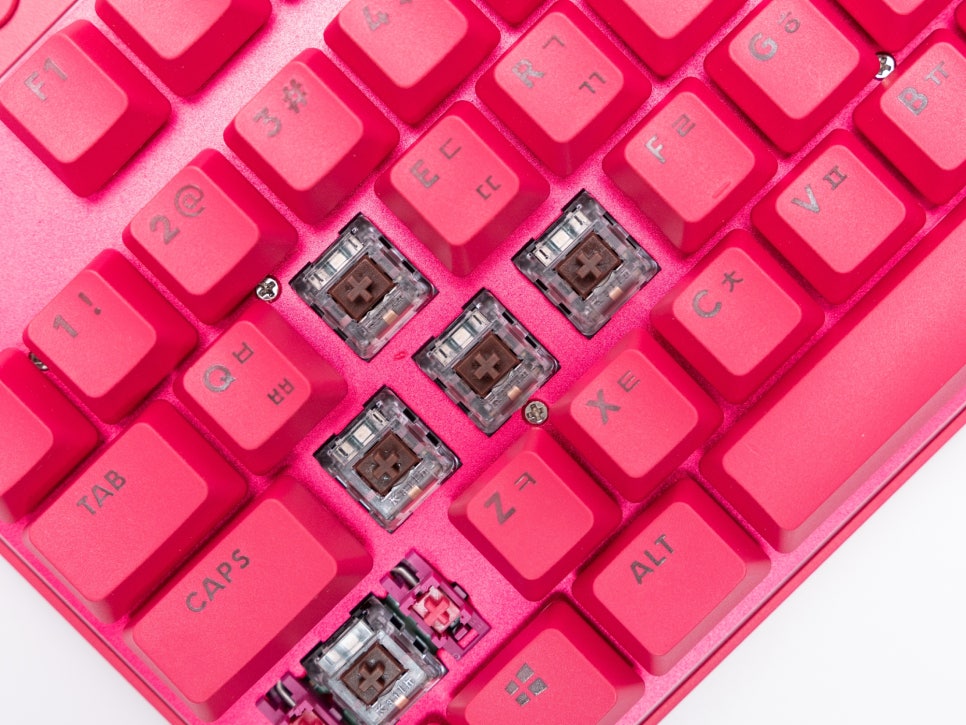
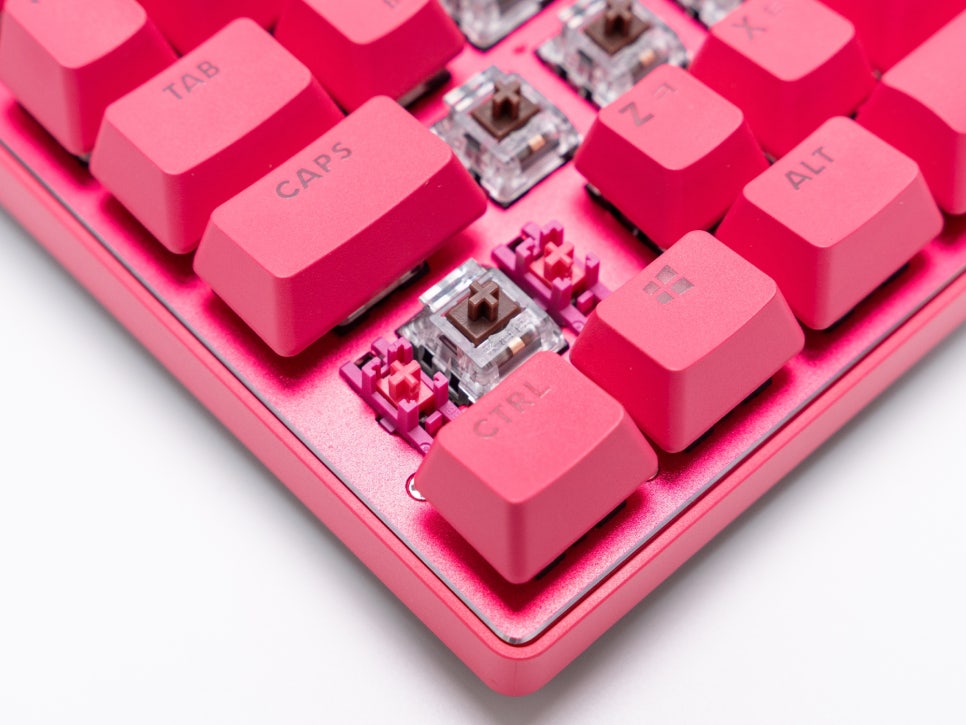
The switches feature Logitech’s proprietary GX mechanical switches. You can choose between two options: GX Brown Tactile and GX Red Linear. Tactile switches provide a distinct clicky feedback when pressed, while linear switches offer a smooth keystroke.
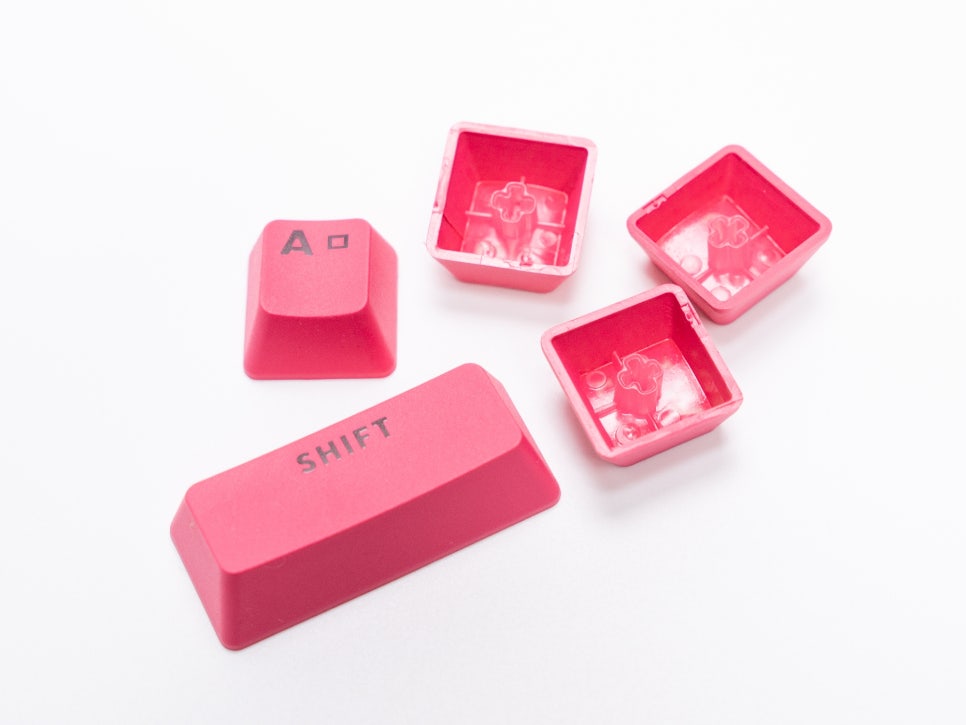
The keycaps are made from double-shot PBT material. PBT keycaps offer superior wear resistance compared to standard ABS keycaps and are less prone to developing a shiny look even after prolonged use. Furthermore, the double-shot injection molding ensures the legends won’t fade, and RGB lighting shines through cleanly.
The battery supports up to 50 hours of use, even with RGB lighting active. Of course, this can vary depending on lighting brightness and usage environment, but for typical usage patterns, charging about once a week should be sufficient.
Connectivity and Logitech G HUB Introduction
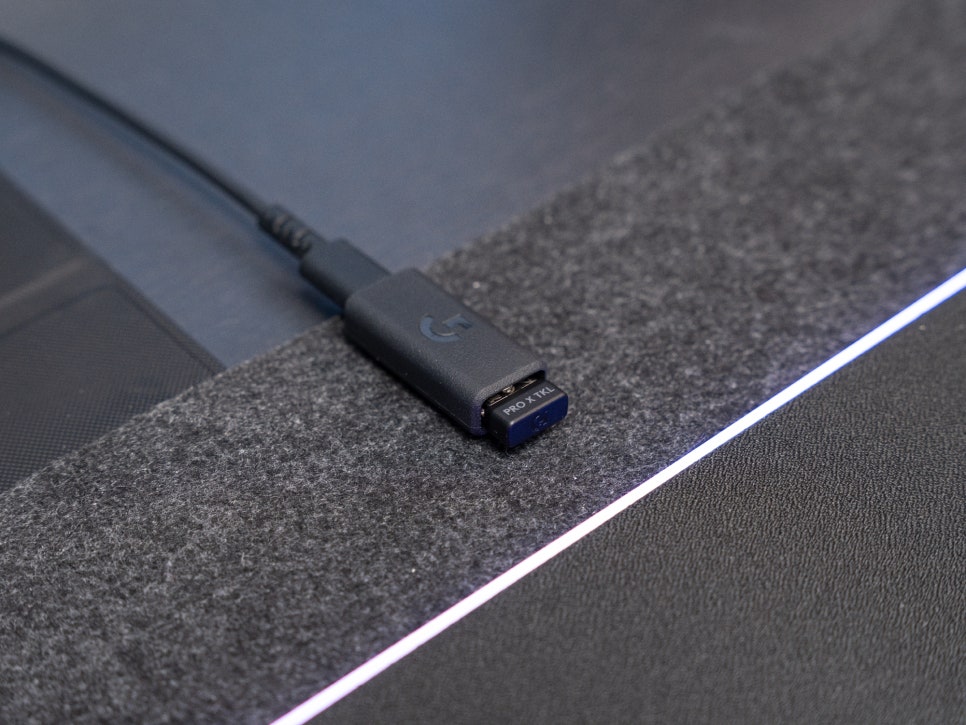
For connectivity, you can choose from three methods: LIGHTSPEED wireless, Bluetooth, and wired. Logitech’s LIGHTSPEED technology allows you to connect two devices, such as a keyboard and mouse, with a single receiver.
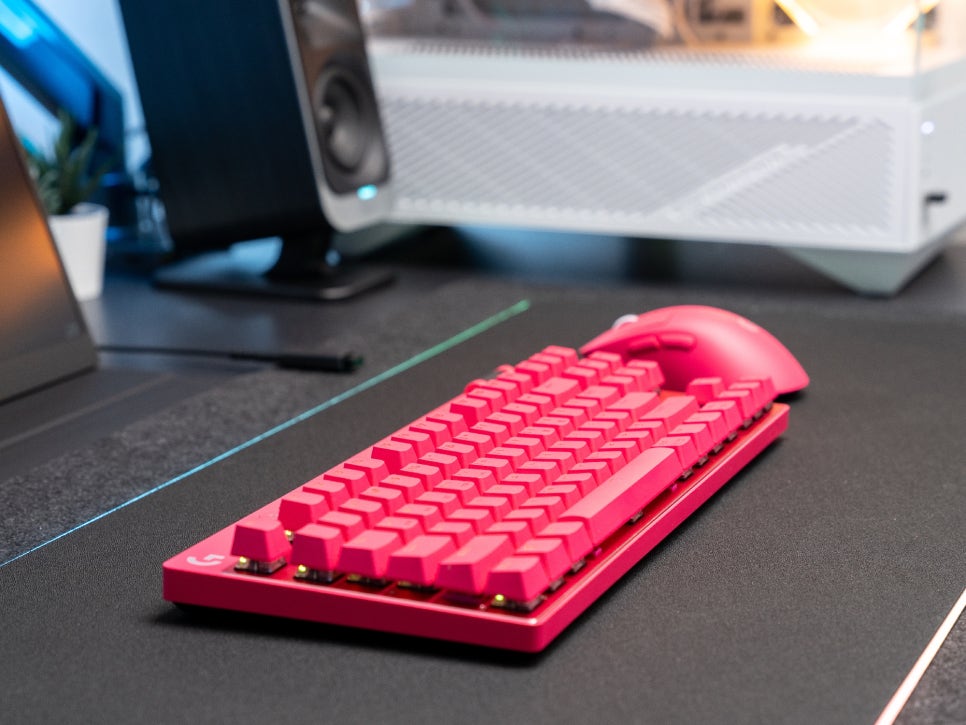
If you use a compatible mouse like the PRO X SUPERLIGHT, you can use both your keyboard and mouse wirelessly while only occupying one USB port, allowing for a cleaner desk setup.
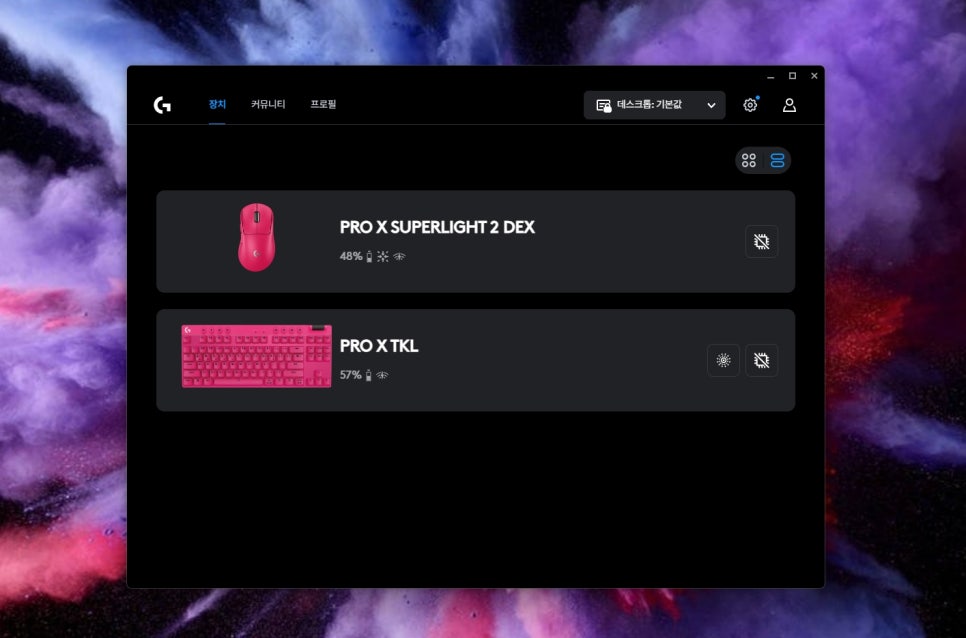
Logitech G HUB software is designed for integrated management of Logitech products, featuring an intuitive interface.
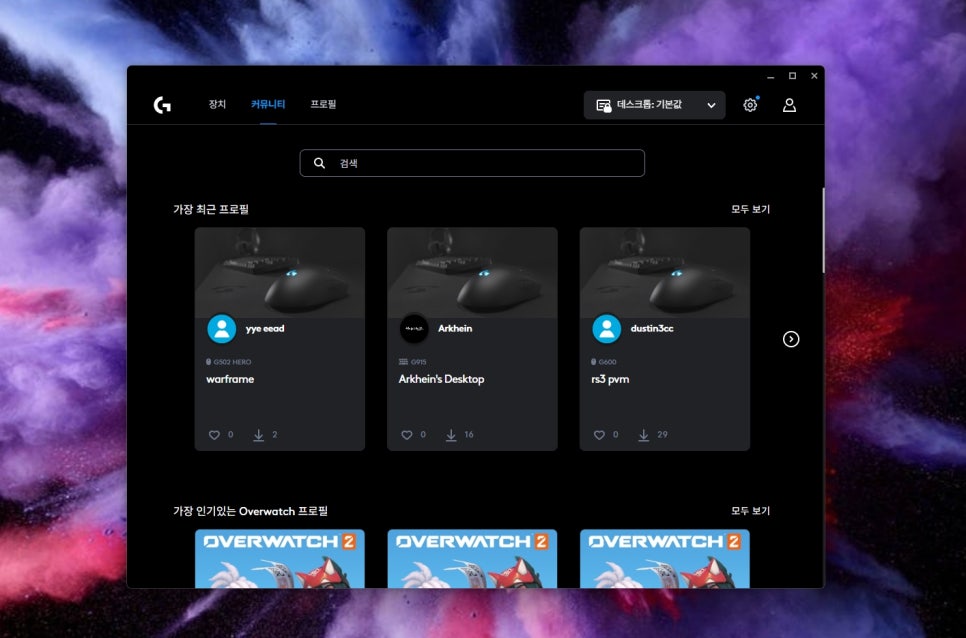
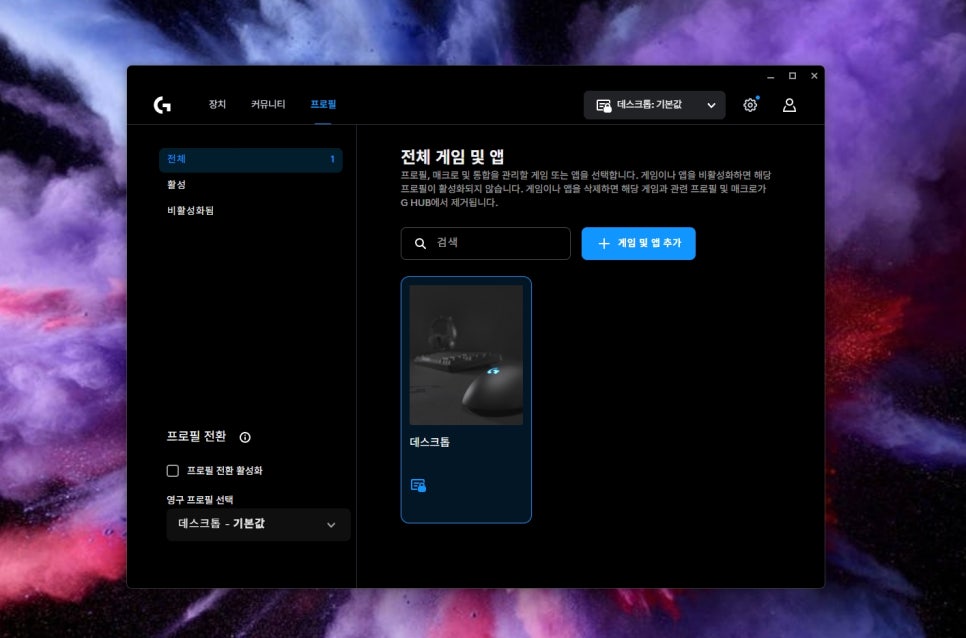
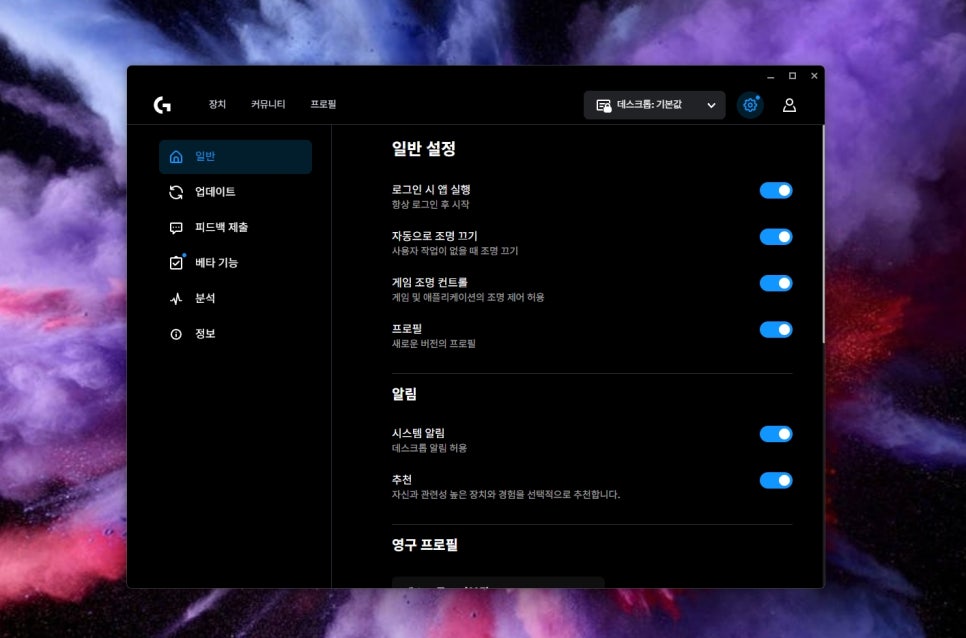
On the main screen, you can check and manage currently connected devices, and in the Community tab, you can download profiles created by other users. The profile management feature allows you to save different key settings and lighting effects for each game and switch between them quickly.
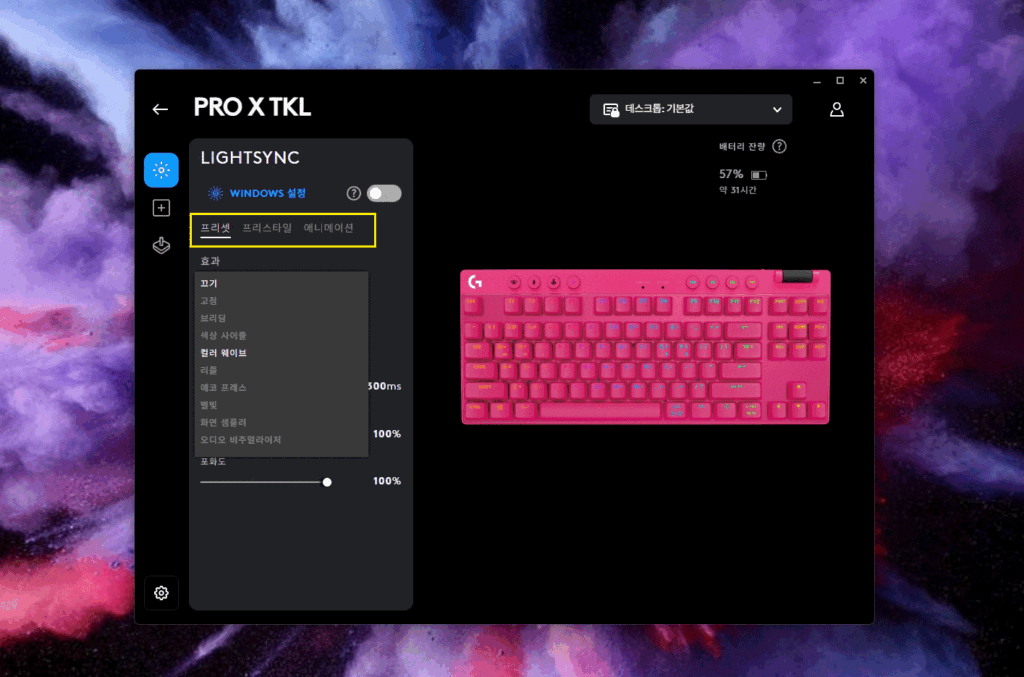
In the LIGHTSYNC menu, you can customize RGB lighting. In Preset Mode, you can choose from various default lighting effects, while in Freestyle Mode, you can individually assign desired colors to each key. Animation Mode allows you to apply dynamic lighting effects such as wave and breathing.
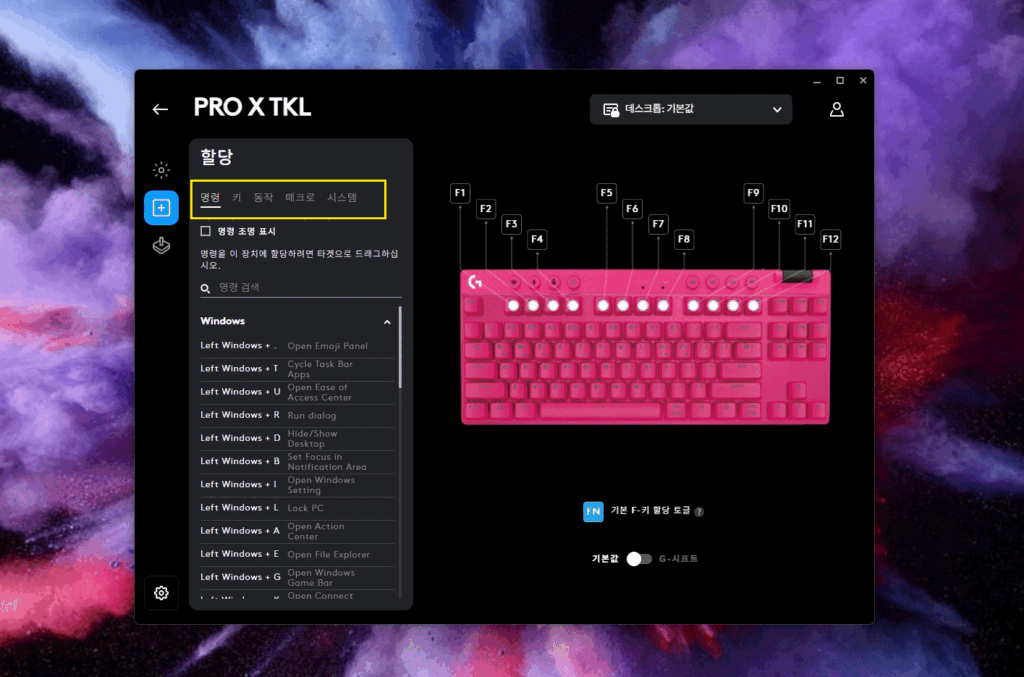
The Assignments menu provides macro and key remapping functions. You can assign various key combinations or commands to each key, allowing you to execute complex skill combos or repetitive tasks with a single key.
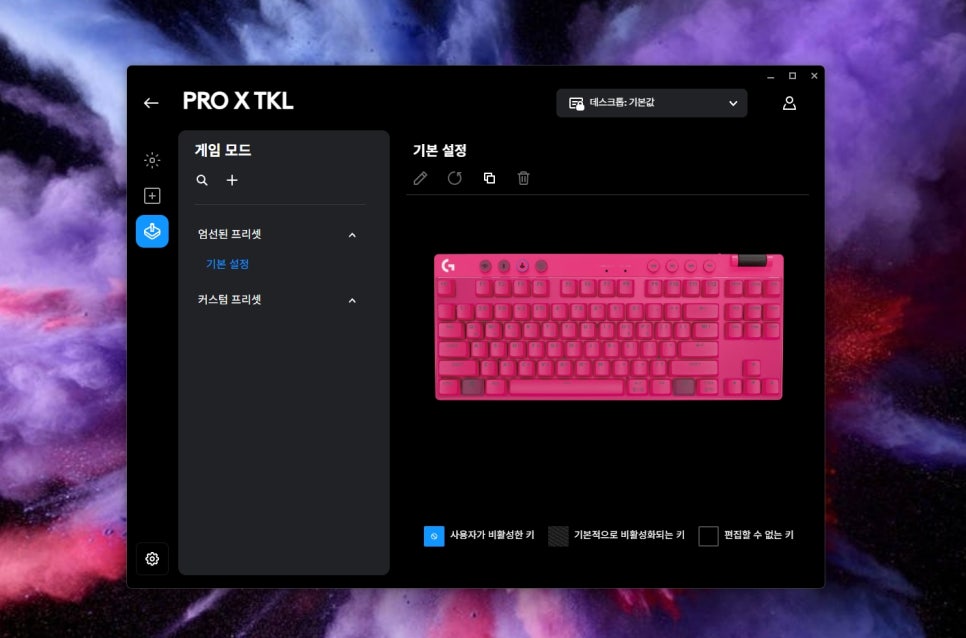
The Game Mode menu allows you to precisely configure which keys will be disabled when Game Mode is activated. By default, only the Windows key is disabled, but you can also block combinations like Alt+Tab if needed, creating an environment where you can focus more on your game.
User Review
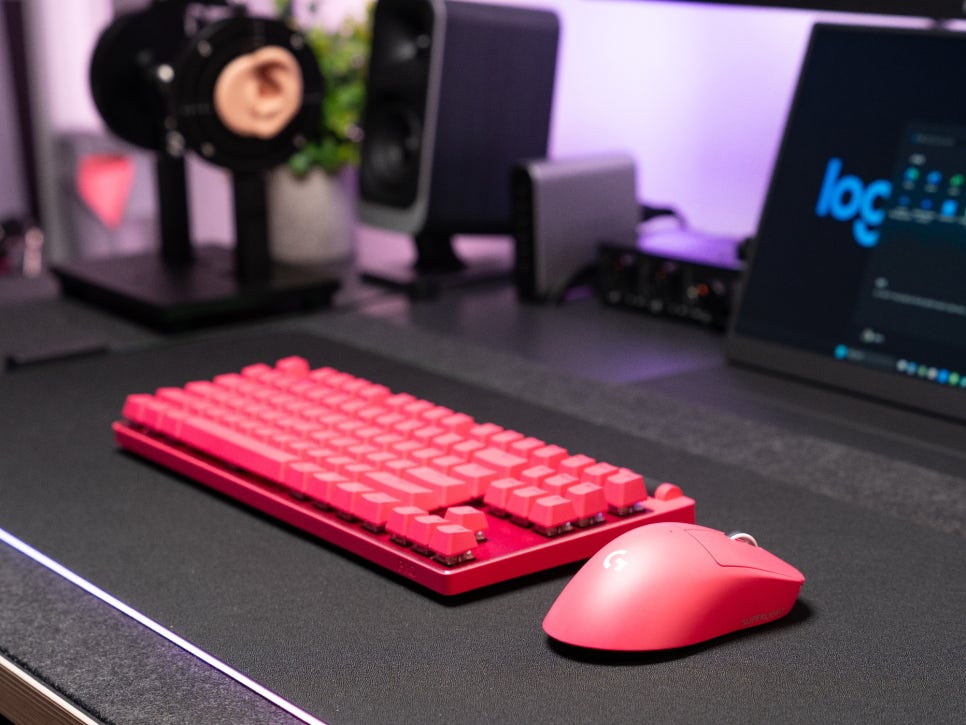
The model I used was the pink one. Despite being pink, it’s not overly flashy; rather, it’s a calm and sophisticated tone that pairs well with any black or white desk setup. I actually liked that it could add a nice accent to an otherwise monochromatic gaming setup.
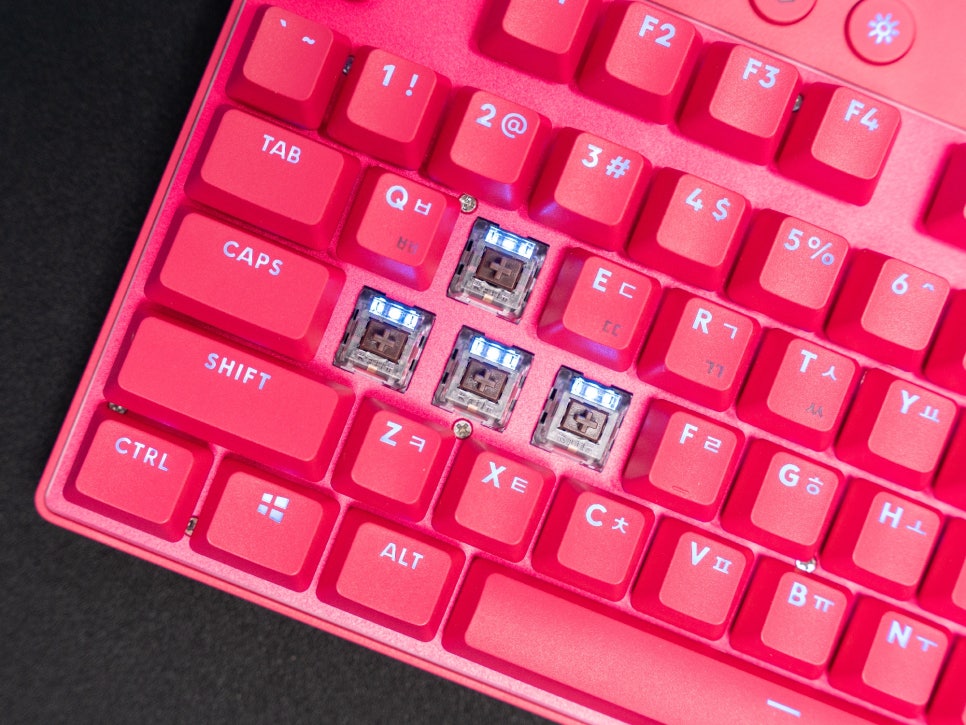
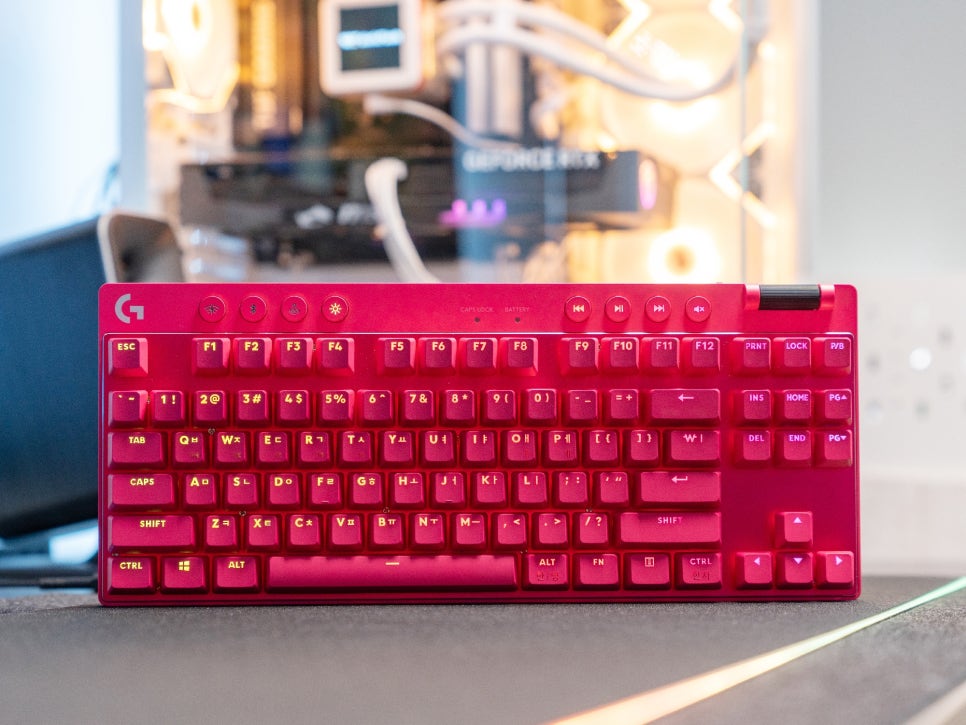
The RGB LEDs are designed to emit light from the top of the switches, displaying surprisingly subtle yet vivid colors. Even at maximum brightness, they aren’t dazzling or disruptive to gameplay, so I didn’t experience much fatigue even after long gaming sessions with the lights on.
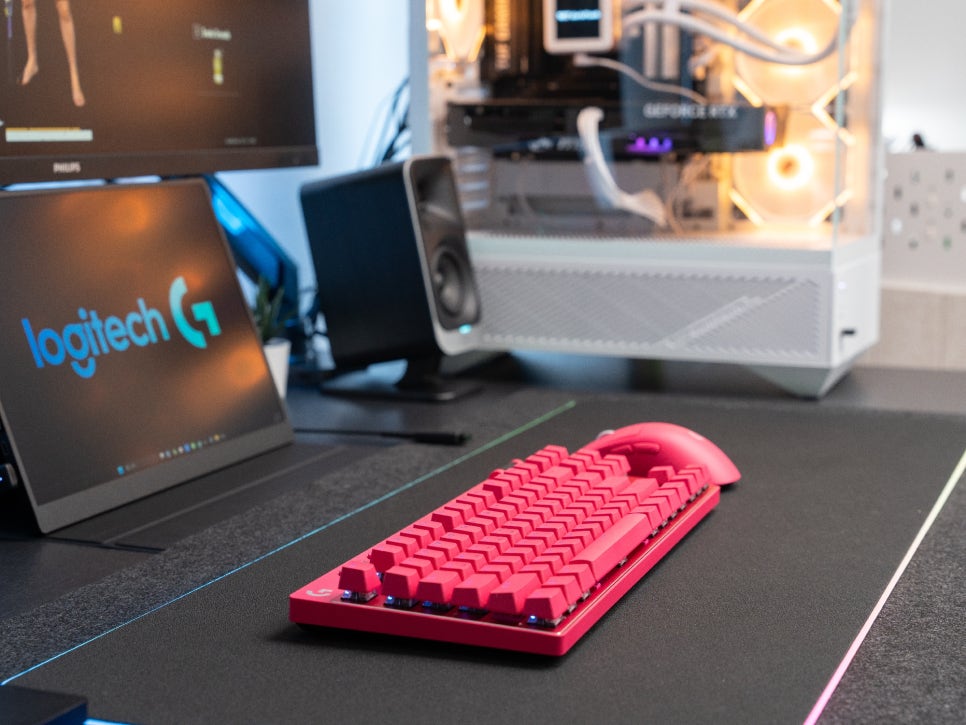
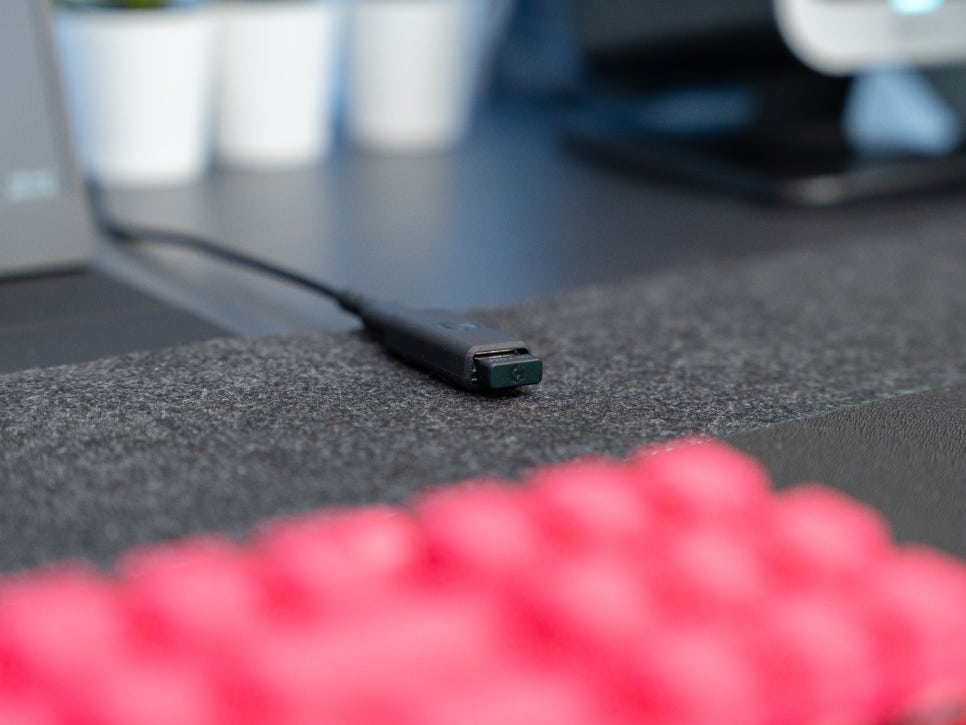
What was most impressive was the stability of the LIGHTSPEED wireless connection. Many people worry about input lag or disconnections with wireless keyboards, but with the PRO X TKL’s 1ms response time, I felt absolutely no difference compared to a wired connection.
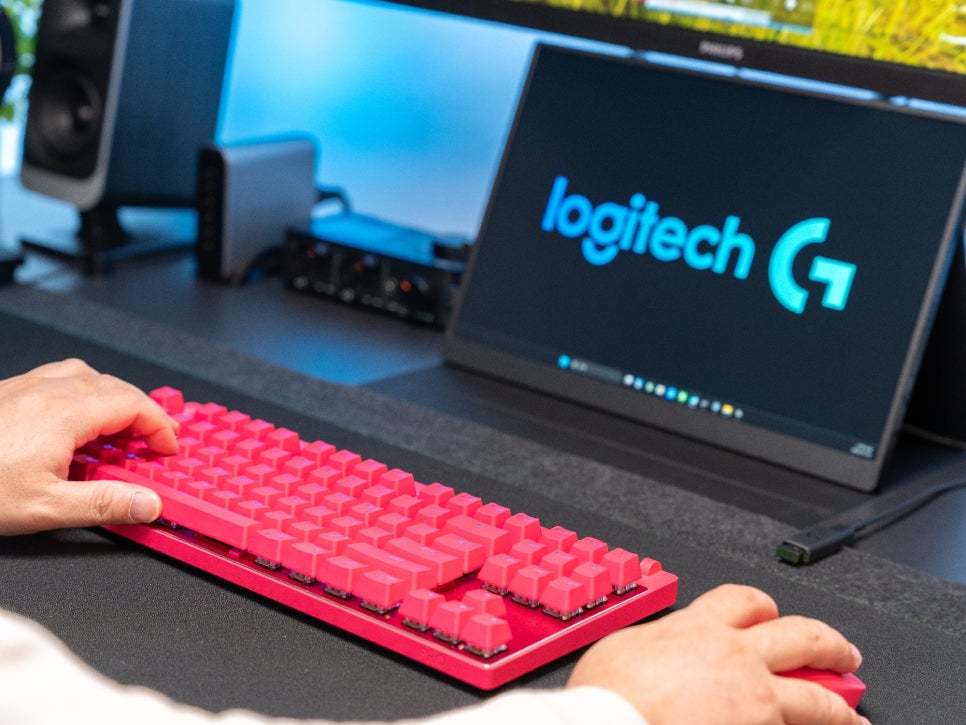
Even when moving quickly and inputting keys in FPS games, it responded accurately without any delays or missed inputs, and I experienced a comfortable input feel even during general typing.
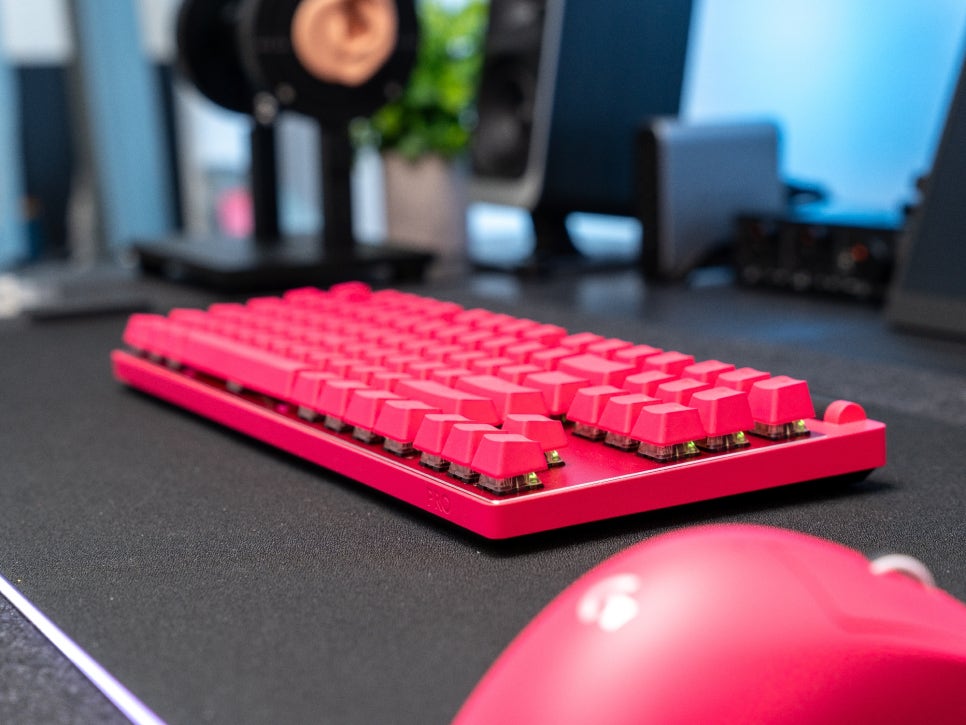
The typing feel of the GX Tactile switches offers a moderate click with a crisp sound. While not extremely quiet, they aren’t distractingly loud either, so there shouldn’t be much of an issue unless you’re in a very quiet environment.
Concluding the review
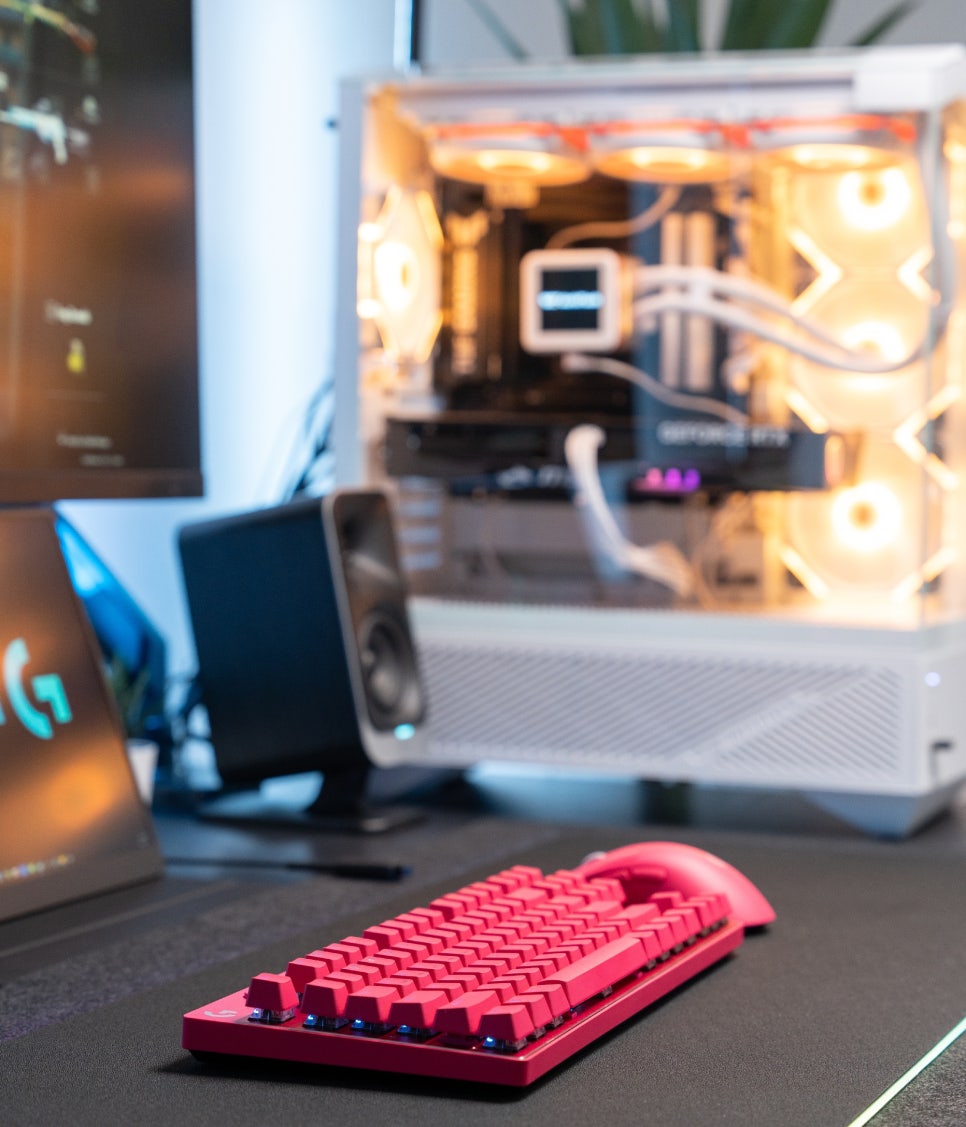
The Logitech G PRO X TKL is a high-end wireless mechanical keyboard that faithfully reflects the needs of professional gamers. It achieves a 1ms response time comparable to wired keyboards with LIGHTSPEED wireless technology, and its tenkeyless design allows for efficient use of desk space.
With three connection methods, including Bluetooth support, a generous battery life of up to 50 hours, intuitive media controls and a volume roller, and various customization options via G HUB, it can be described as a well-balanced product that offers convenience not only for gaming but also for everyday use.
In this review, we’ve looked at the overall features and user experience of the PRO X TKL. In the next review, we’ll delve into more in-depth content, including performance tests in actual gameplay.
Buy Product
As an Amazon Associate I earn from qualifying purhases.
Purchase Product : https://amzn.to/41HpuY4
