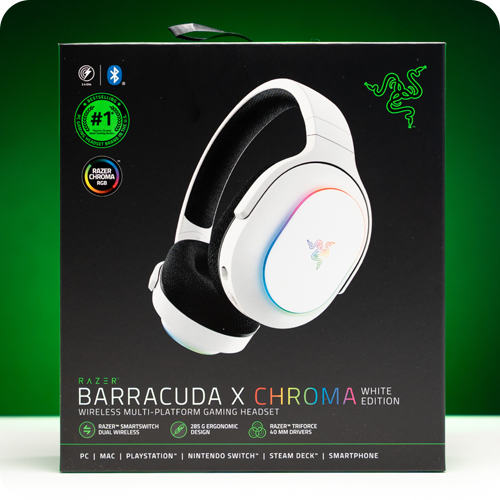
Since the release of the Nintendo Switch 2, the accessory market has been booming. Among these, gaming headsets are essential peripherals that enhance game immersion. With more games supporting voice chat, there is a growing demand for products with excellent microphone performance.
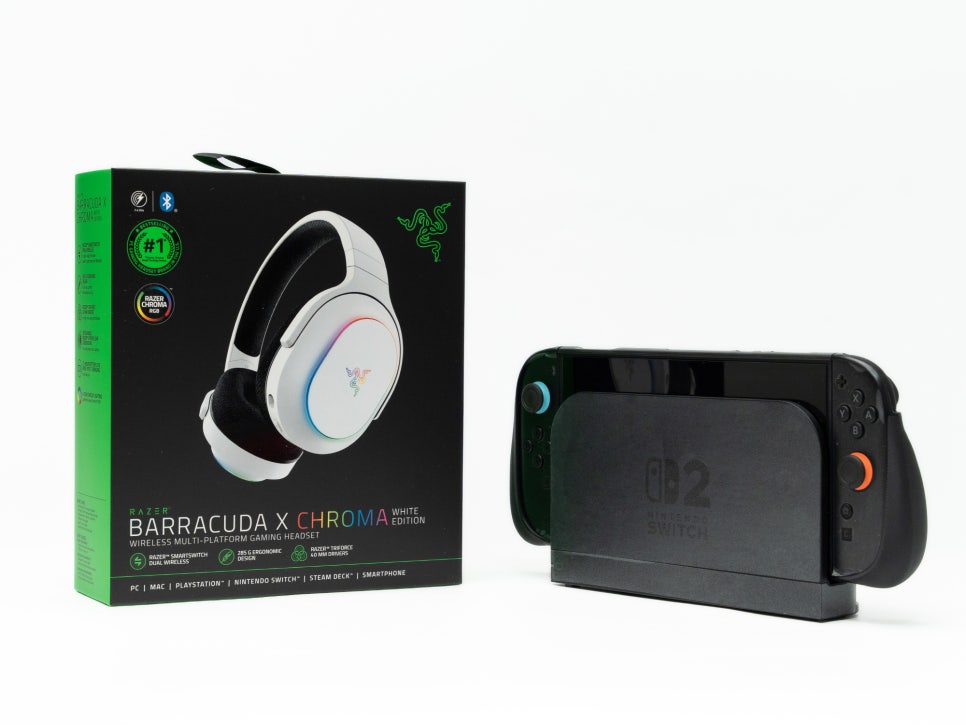
RAZER, a global gaming gear brand, offers headset lineups such as the Kraken series, BlackShark series, and Barracuda series. The Barracuda series stands out for its multi-platform support. It is a highly practical product that can be used with a single headset across PCs, PlayStation, Nintendo Switch, and mobile devices.
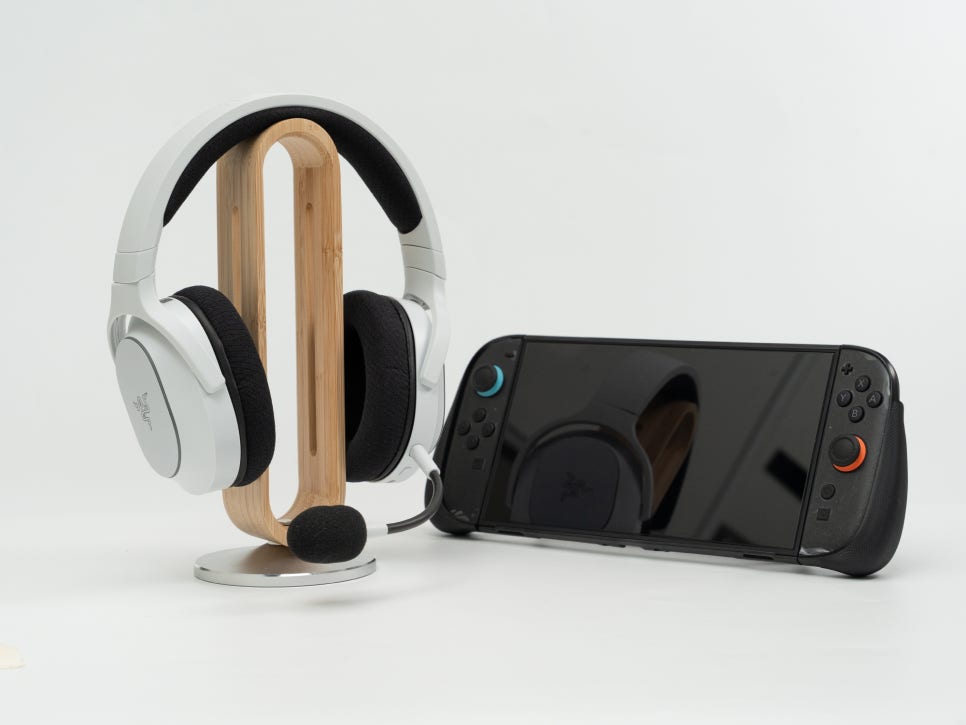
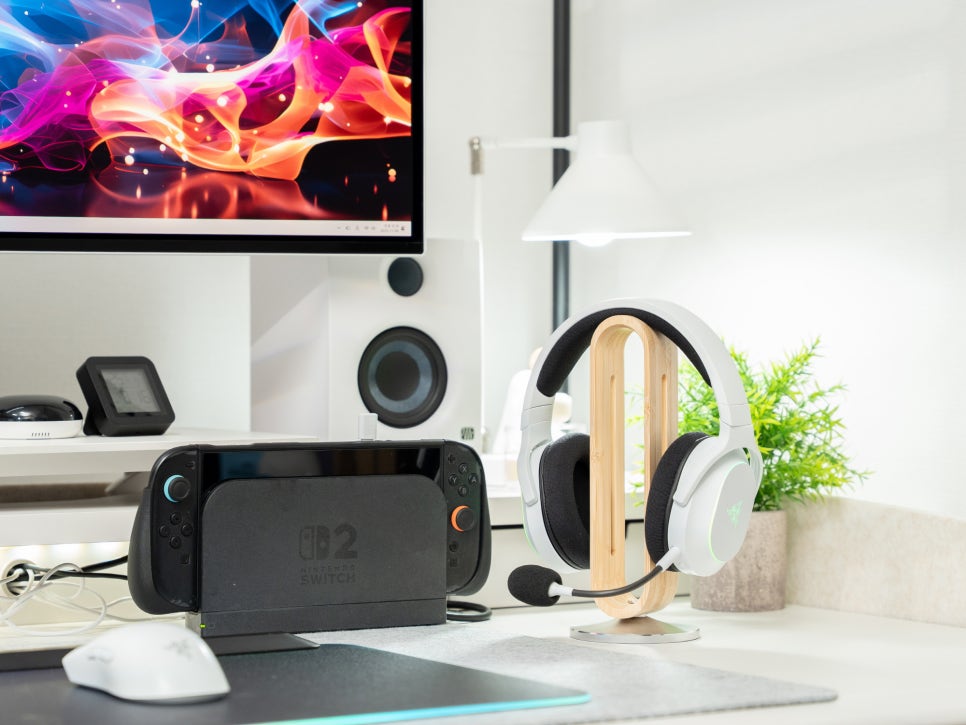
The white color model introduced here offers a cleaner and more sophisticated look compared to the existing black model. Let’s take a closer look at the wireless gaming headset Razer Barracuda X Chroma White, a must-see for Nintendo Switch 2 users.
Product Specifications and Contents

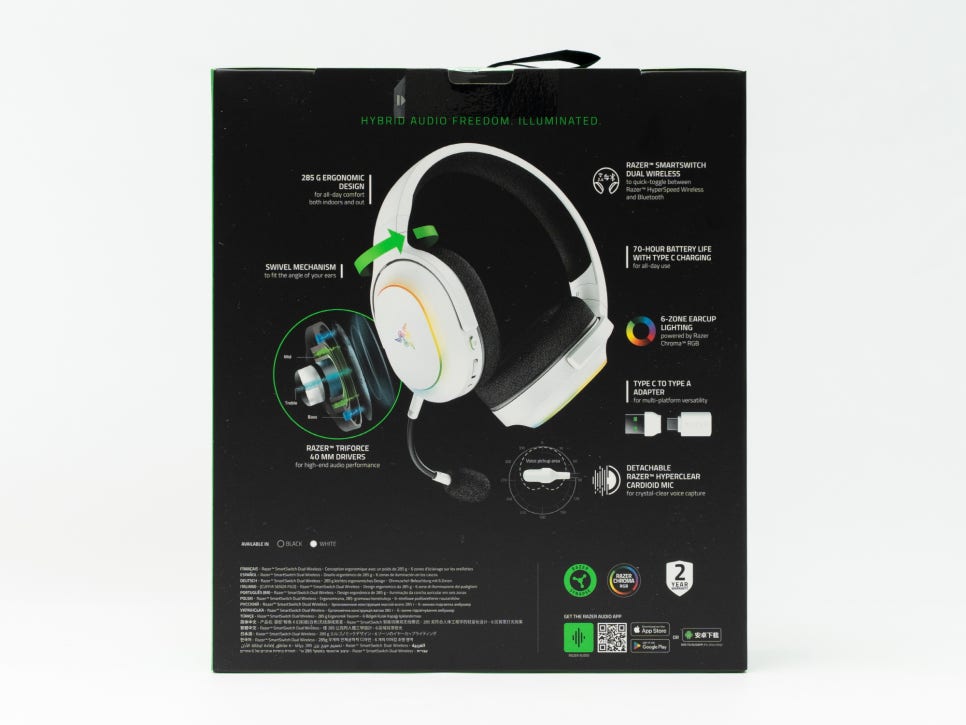
The Razer Barracuda X Chroma White is an FPS headset known for its lightweight and convenient multi-platform connectivity. Let’s first look at its main specifications.
Product Specifications
Model Name : Razer Barracuda X Chroma White
Frequency Response : 20Hz~20kHz
Impedance : 32Ω
Sensitivity : 98dB SPL/mW @1KHz
Driver : Razer TriForce 40mm Driver
Connection Type : 2.4GHz HyperSpeed Wireless, Bluetooth 5.3
Weight : Approx. 285g
Microphone Frequency Response : 100Hz~10kHz
Pickup Pattern : Unidirectional Cardioid
Battery : Up to 70 hours with lighting off, up to 30 hours with lighting on
Compatible Platforms : PC, PlayStation, Nintendo Switch, Steam Deck, Mobile Devices
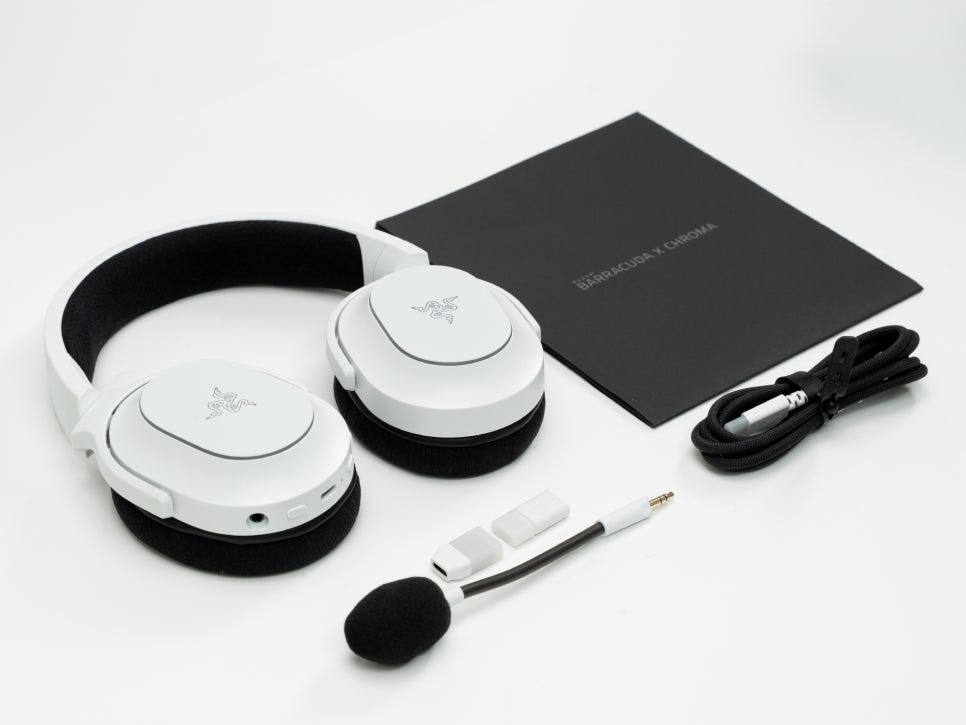
The package includes the headset itself, a detachable Razer HyperClear Cardioid Microphone, a USB-C wireless dongle, a USB-A adapter, a USB-C charging cable, and a product manual. The convenience of connecting to various devices with just one USB-C dongle is noteworthy.
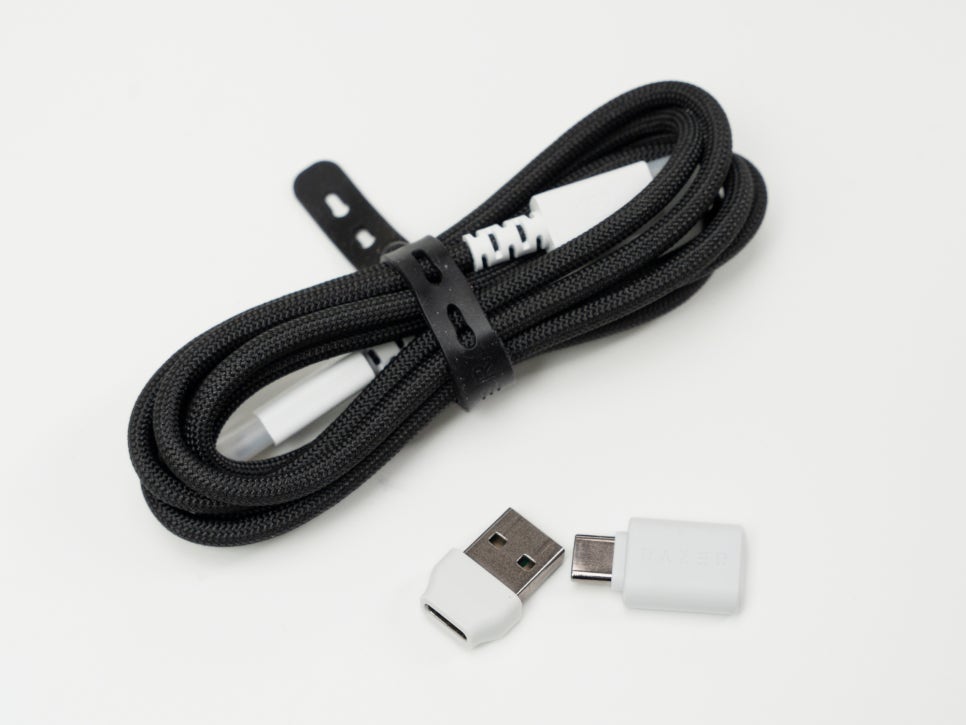
There are two main connection methods. The 2.4GHz HyperSpeed wireless connection provides ultra-low latency wireless connectivity via a USB dongle, while Bluetooth 5.3 is used for connecting to mobile devices such as smartphones and tablets. For the Nintendo Switch 2, you can directly connect the wireless dongle to the USB-C port for immediate use without additional settings.
Appearance and Features
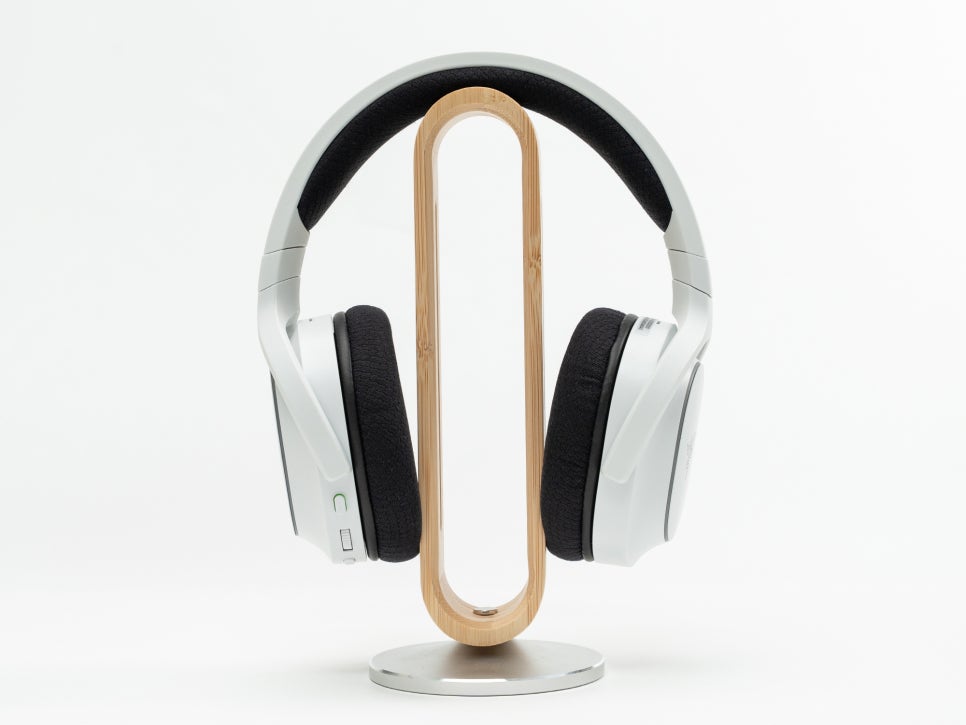
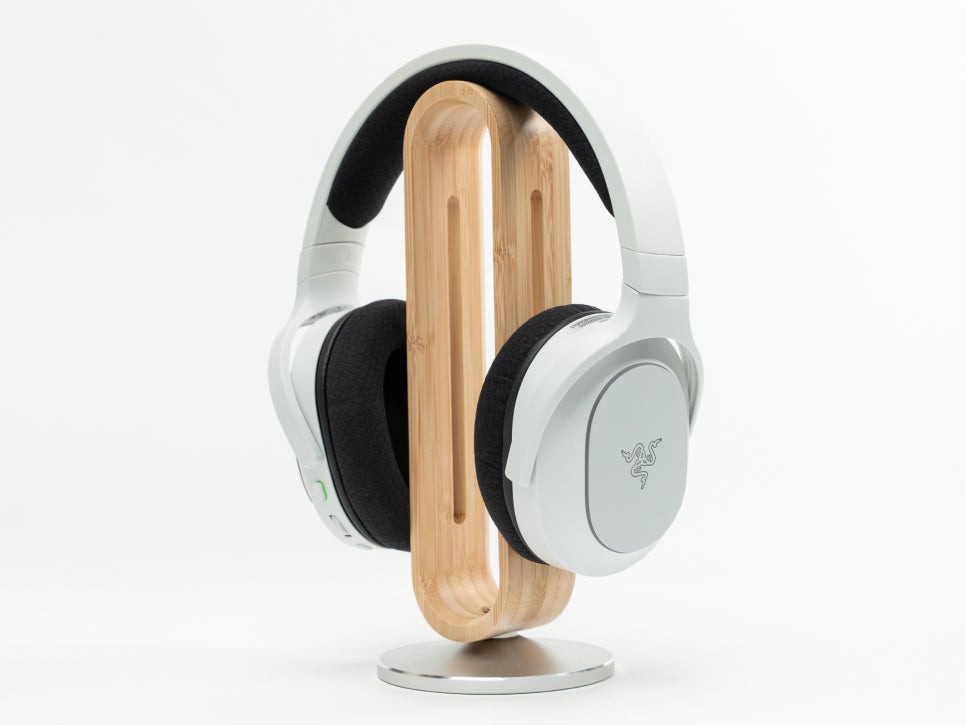
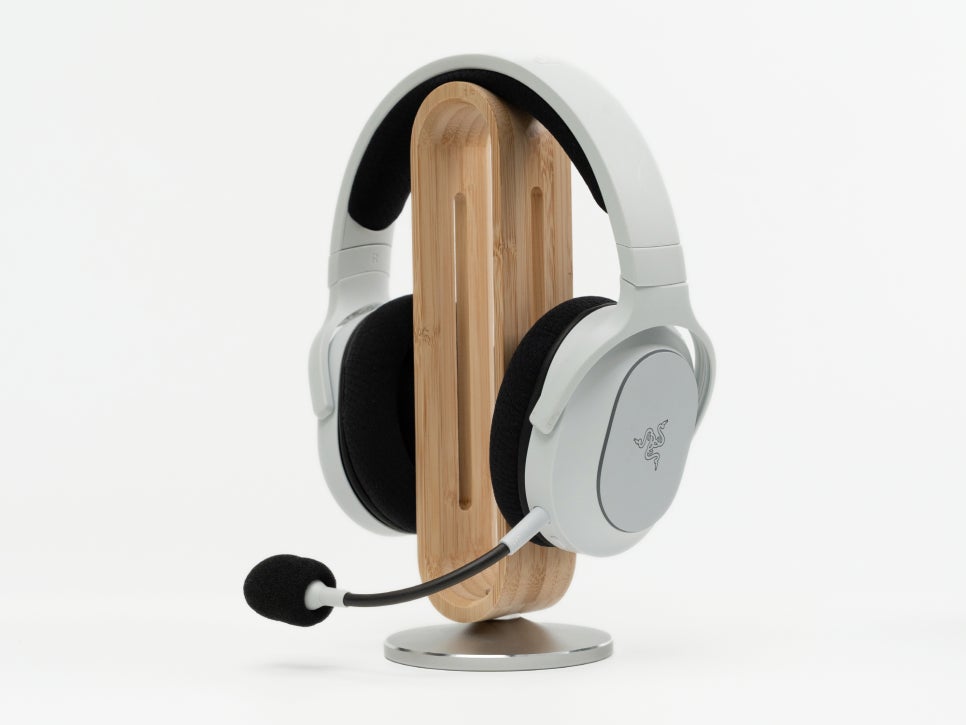
The Razer Barracuda X Chroma White boasts a clean and sophisticated design with a white color base.
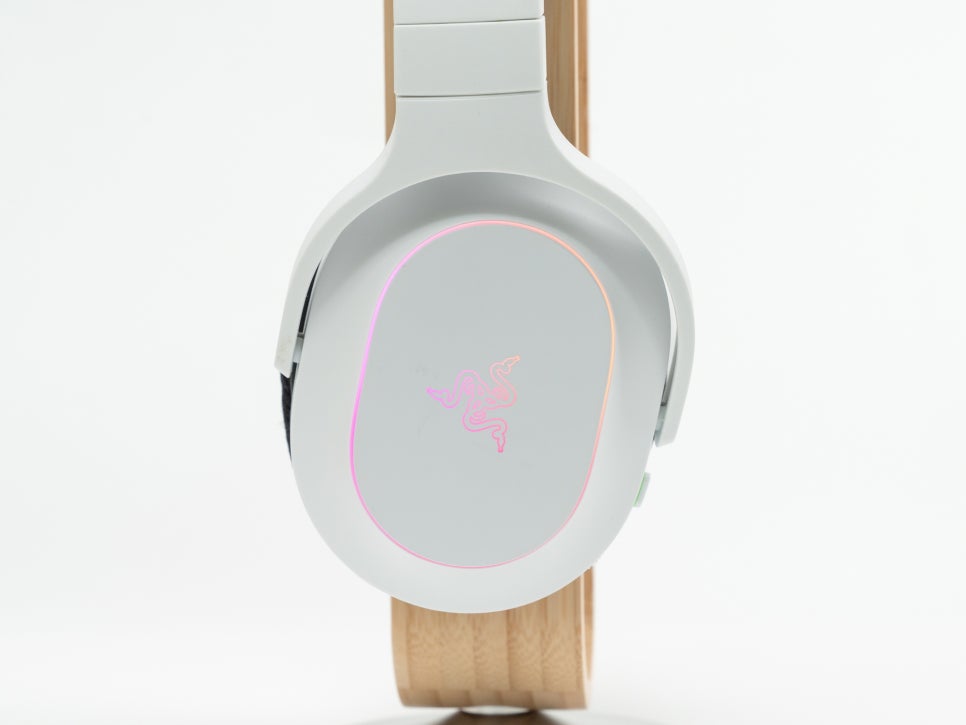
The matte white finish gives it a luxurious feel, and the RGB lighting on the Razer logo and the edges of the ear cups adds a striking touch.
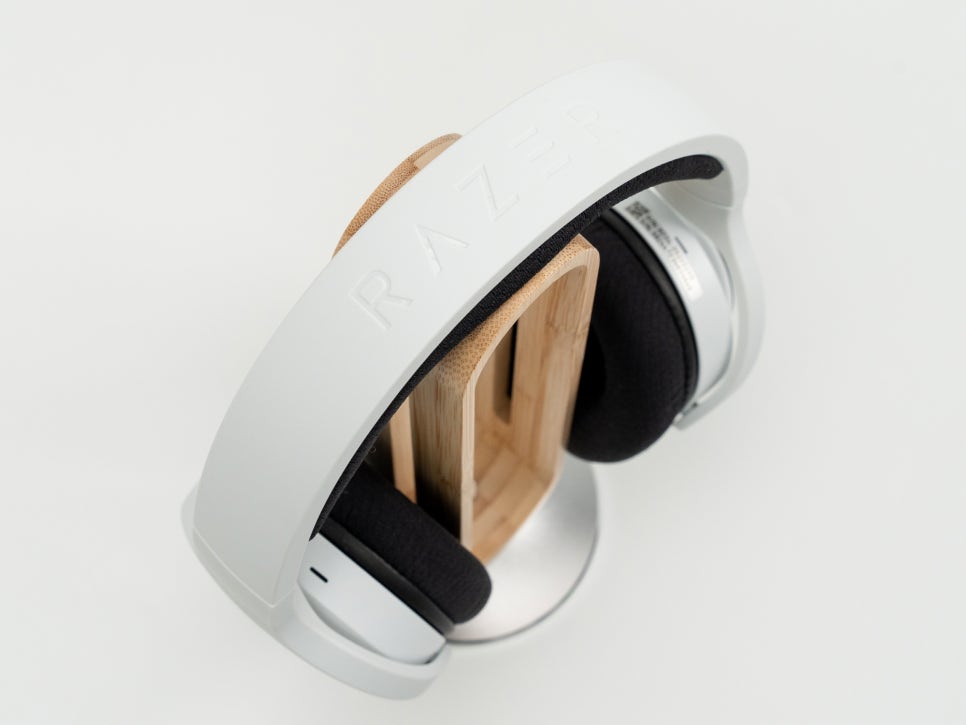
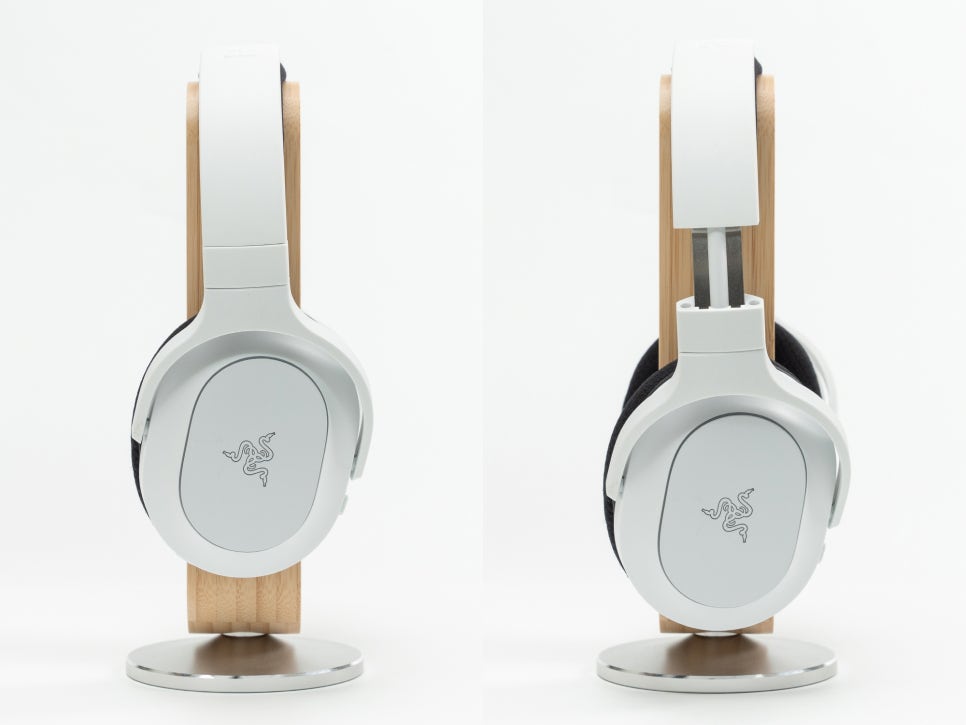
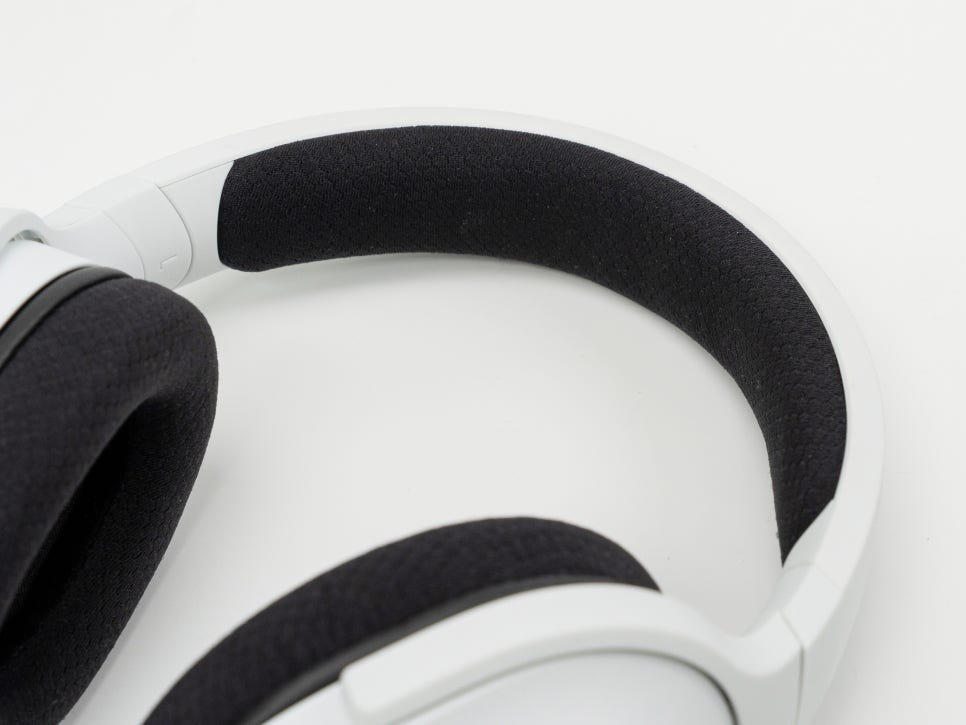

The headband is adjustable to fit the user’s head size optimally. Its lightweight of about 285g ensures minimal strain on the neck and shoulders even during extended wear.
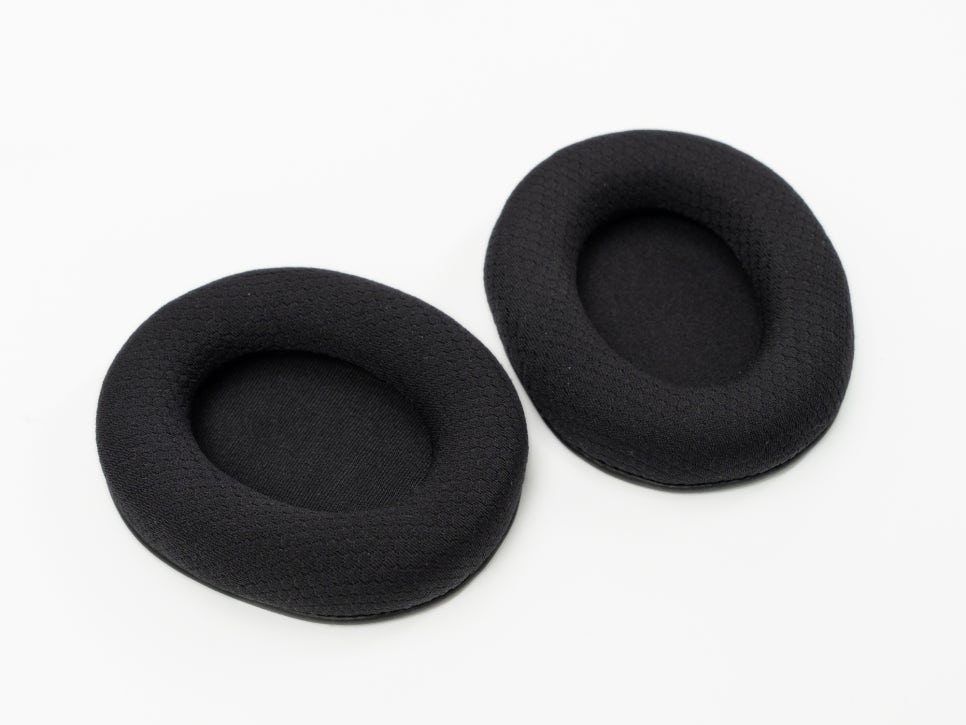
The ear cushions are made of breathable memory foam, ensuring a comfortable fit even in summer.
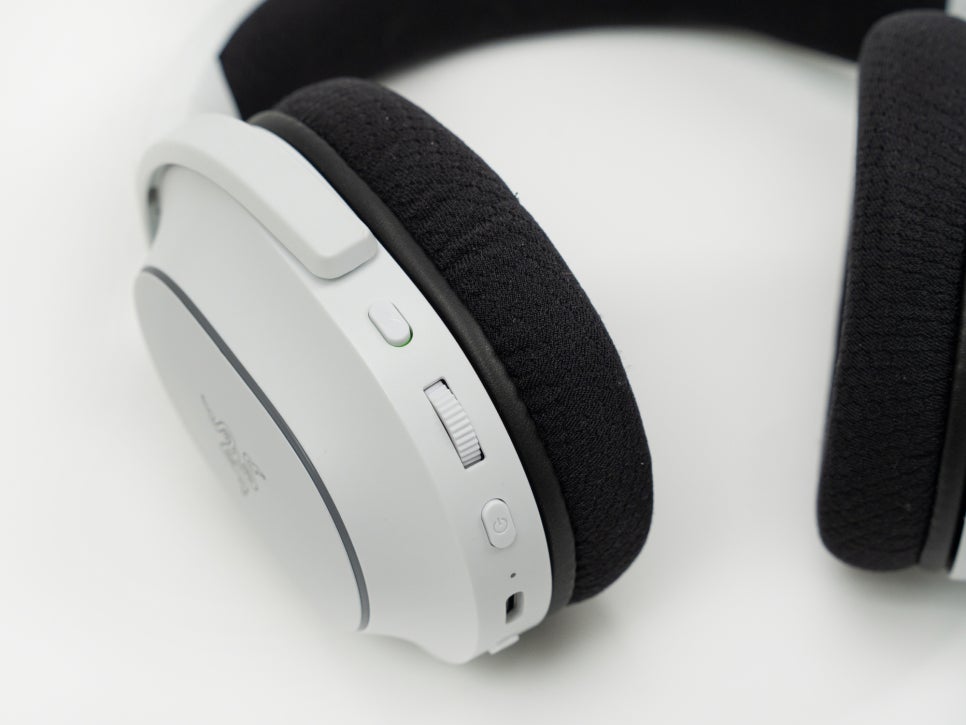
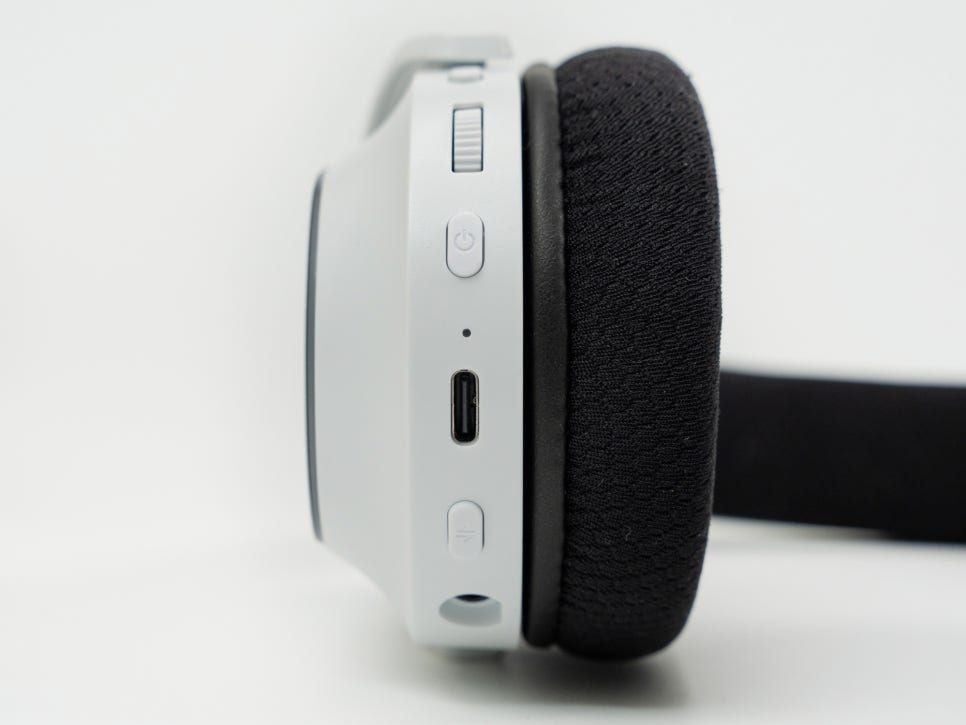
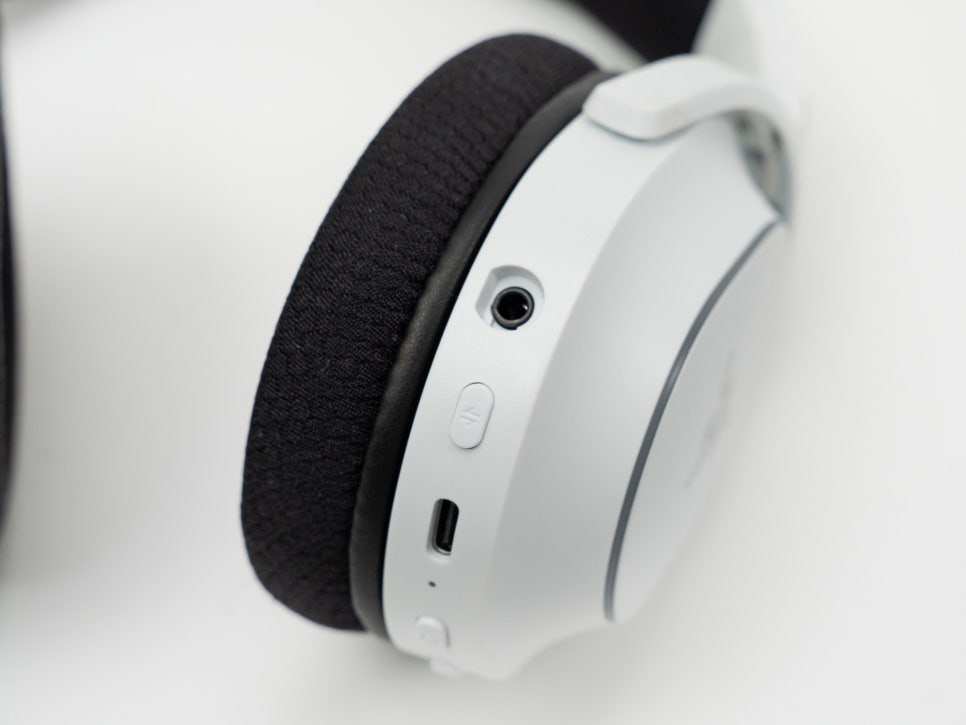
All control buttons and ports are concentrated on the left ear cup. The intuitive layout of the microphone jack, pairing button, USB-C charging port, power button, volume control wheel, and microphone mute button allows for easy operation even during gameplay.
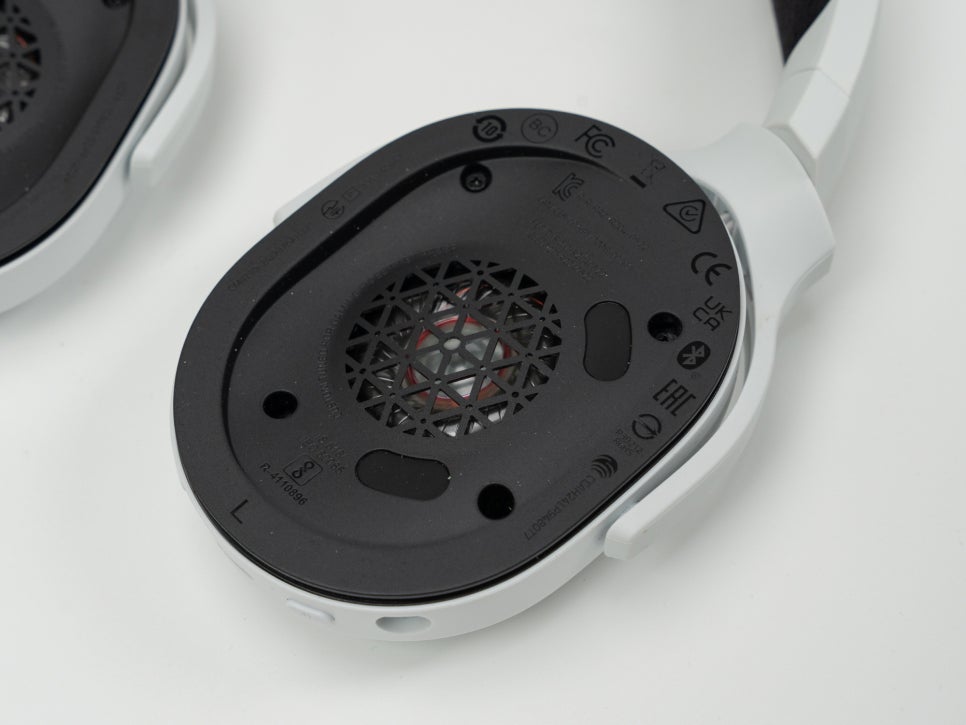
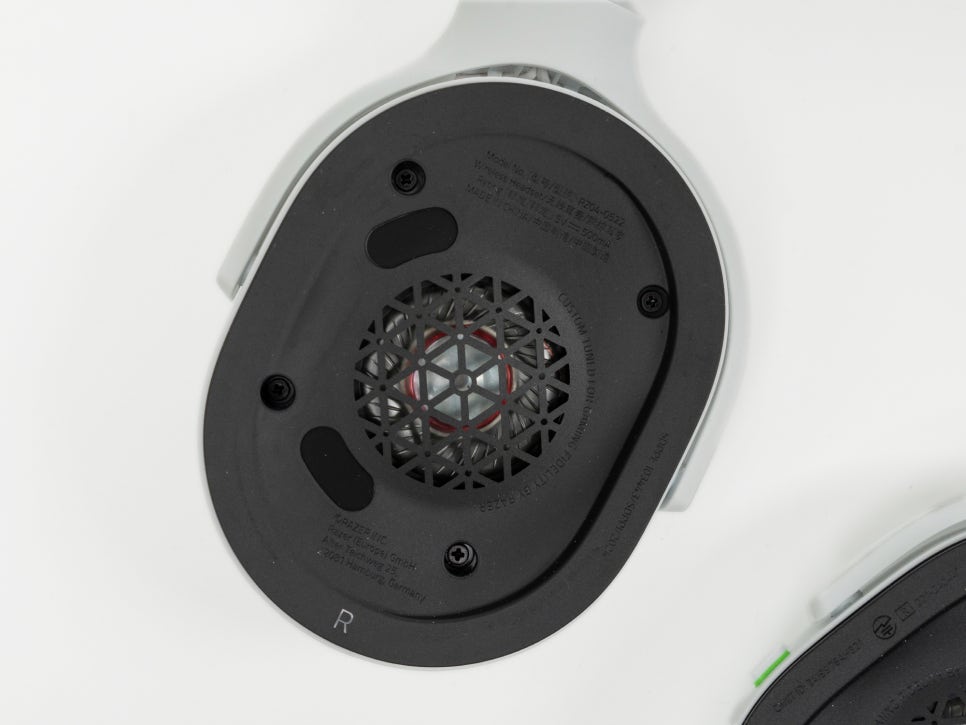
The Razer TriForce 40mm driver features Razer’s proprietary triple driver design, independently tuning high, mid, and low frequencies. This minimizes distortion across the sound spectrum and delivers precise sound, which is particularly beneficial in FPS games for accurately identifying the direction of footsteps or gunfire.
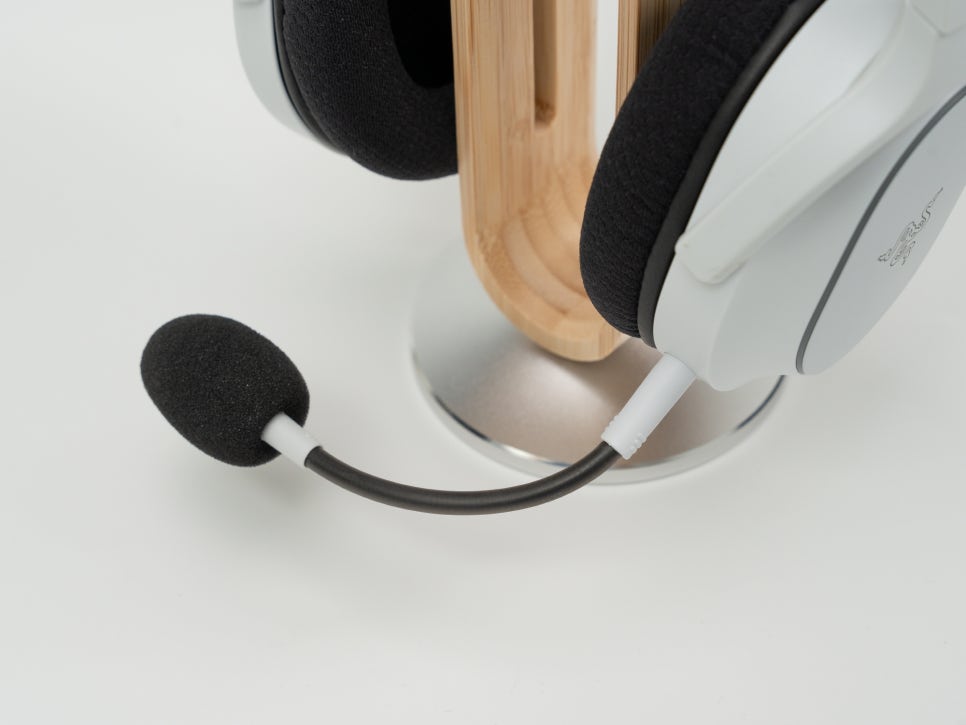
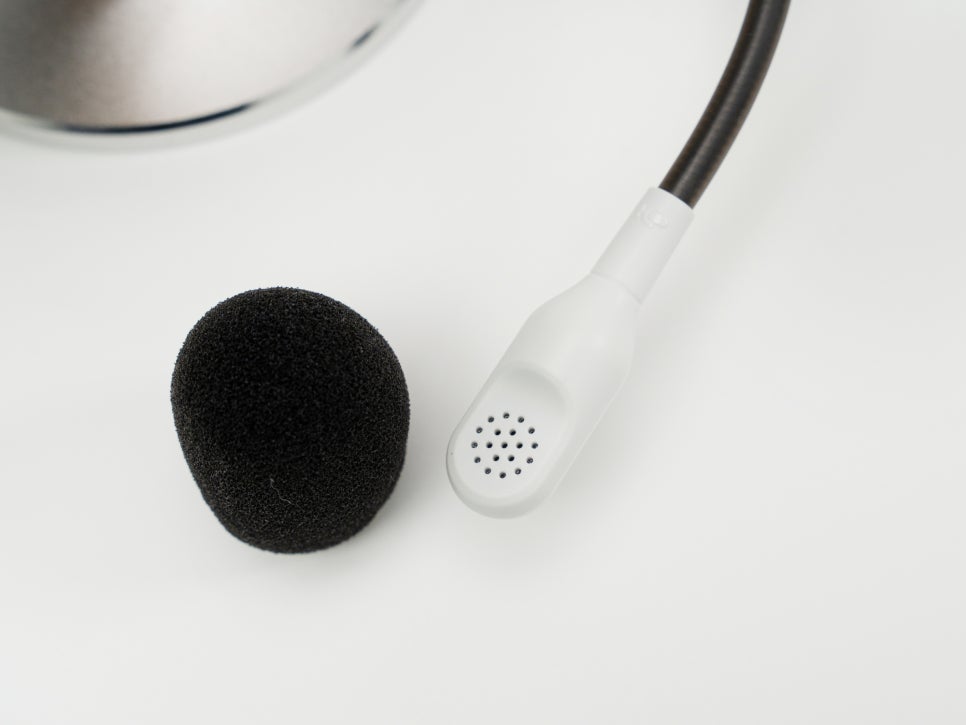
The detachable HyperClear Cardioid Microphone uses a unidirectional pickup pattern to block ambient noise and deliver the user’s voice clearly. When the microphone is not needed, it can be removed for a cleaner appearance.
Connecting to Nintendo Switch 2
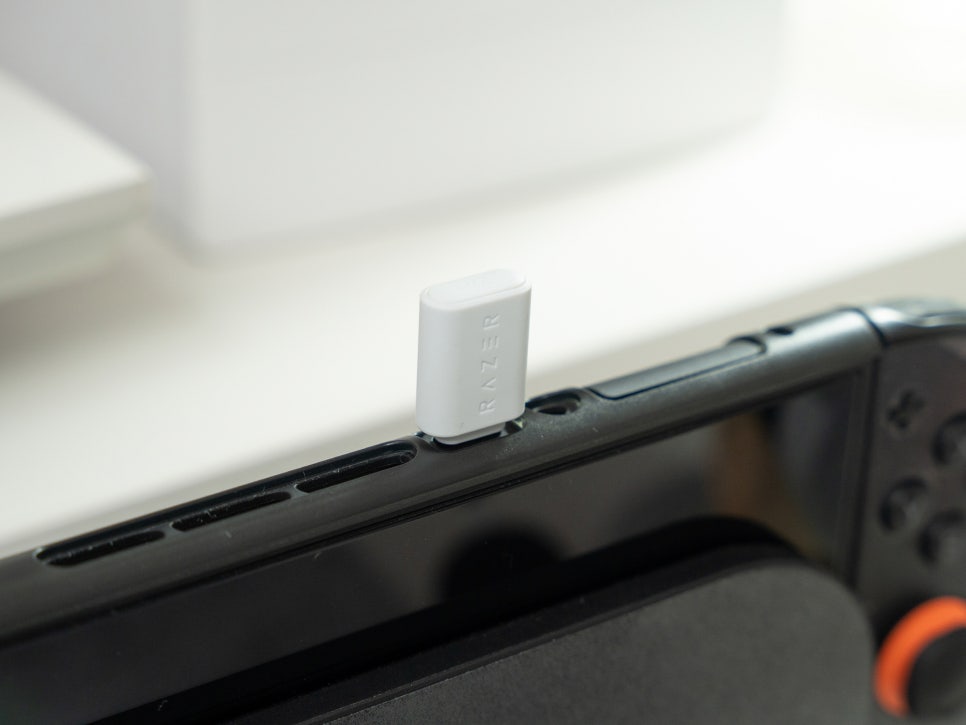
Connecting to the Nintendo Switch 2 is incredibly simple. Just plug the included USB-C wireless dongle into the USB-C port on the top of the Nintendo Switch 2.
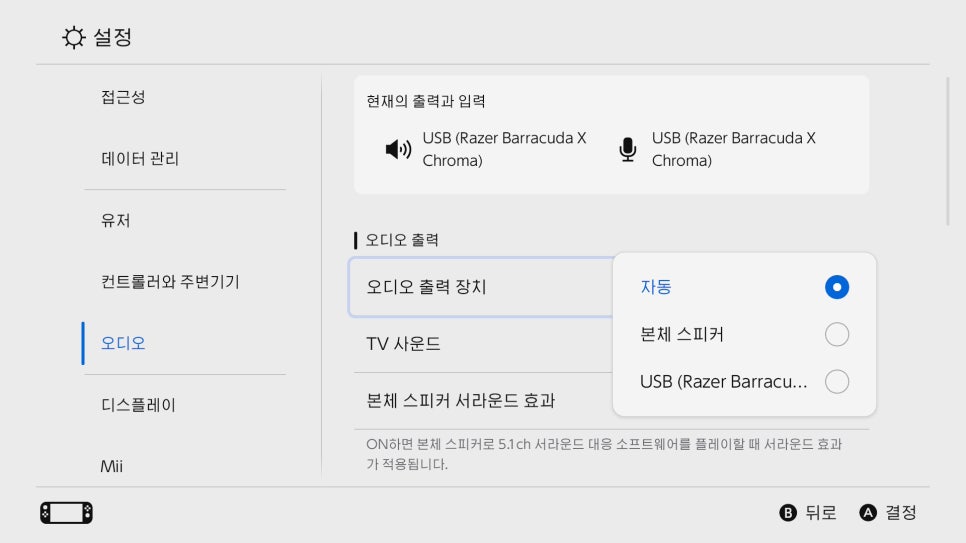
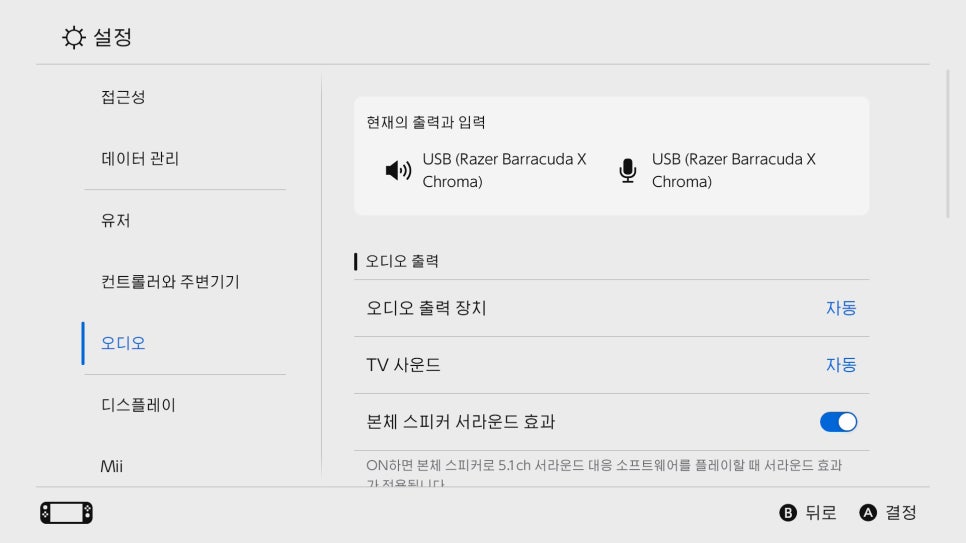
Once the dongle is connected, the headset is automatically recognized, and audio is output without any pairing process or settings.
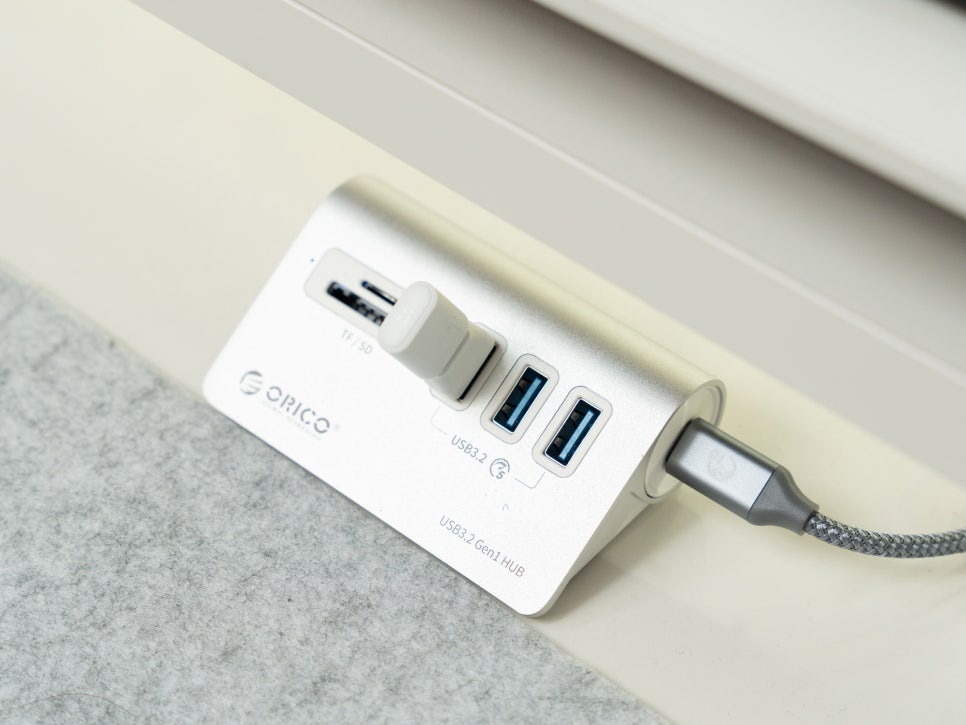
The wireless dongle is not only compatible with the Nintendo Switch 2 but also with various devices with USB ports, such as PCs and Steam Deck, offering excellent versatility.
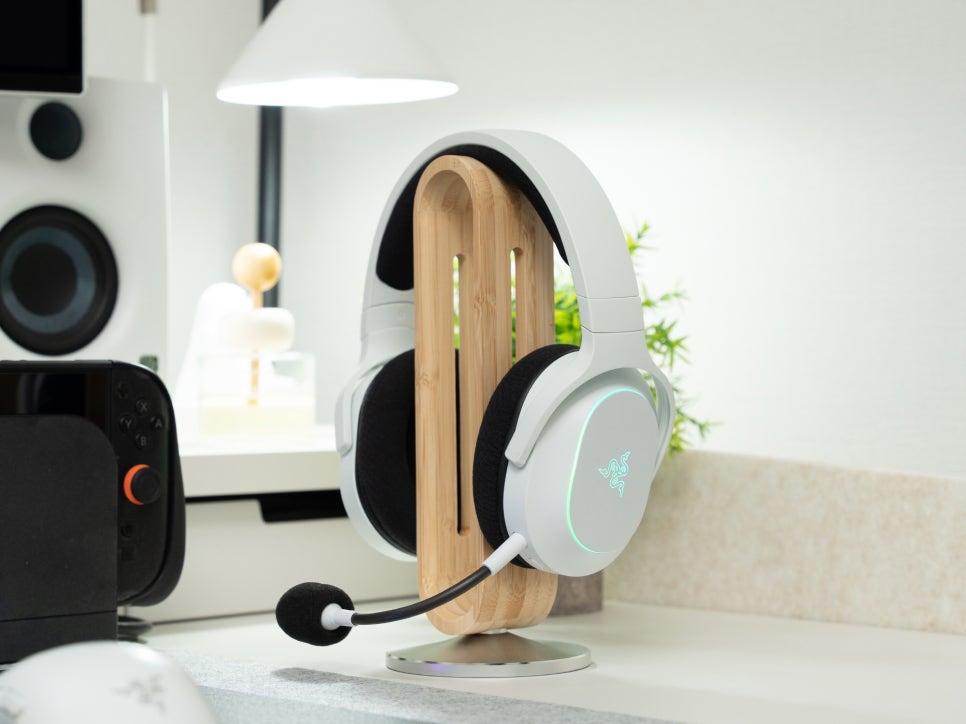
The 2.4GHz HyperSpeed wireless technology provides ultra-low latency, ensuring perfect synchronization between in-game sound and visuals. This stable wireless connection and low latency are crucial for games where timing is essential, such as rhythm games or FPS genres. It offers a much faster response time than Bluetooth connections, giving you an edge in competitive gaming.
Razer Synapse 4 Software
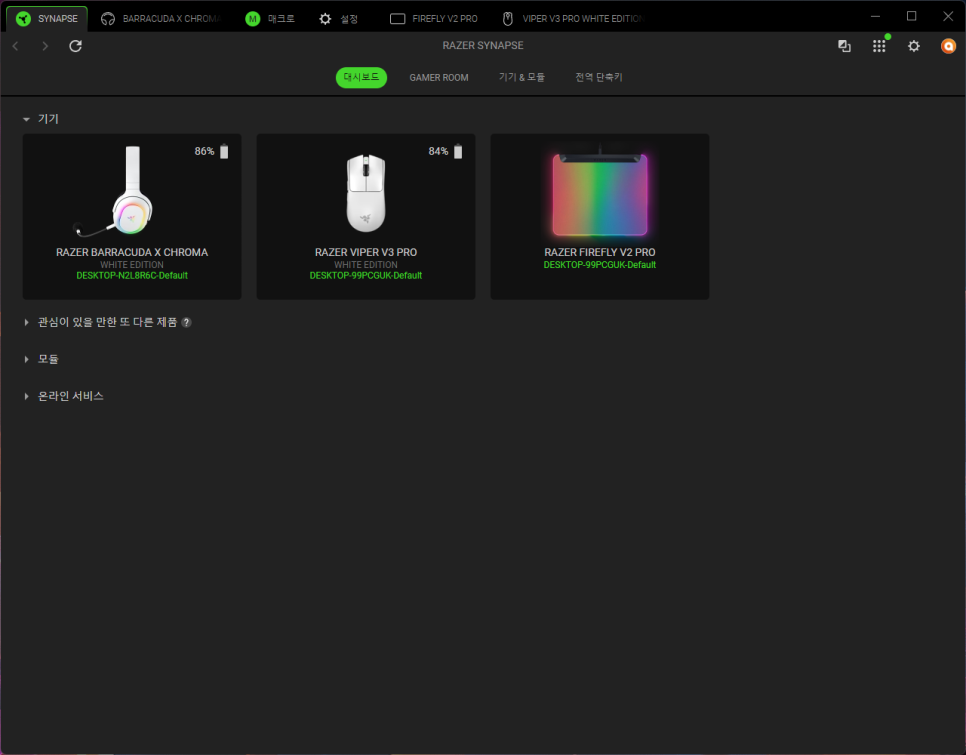
In a PC environment, you can utilize Razer’s integrated management program, Synapse 4. While the Nintendo Switch 2 can be used immediately by connecting the dongle, on a PC, you can finely adjust all the headset’s features through the Synapse software.
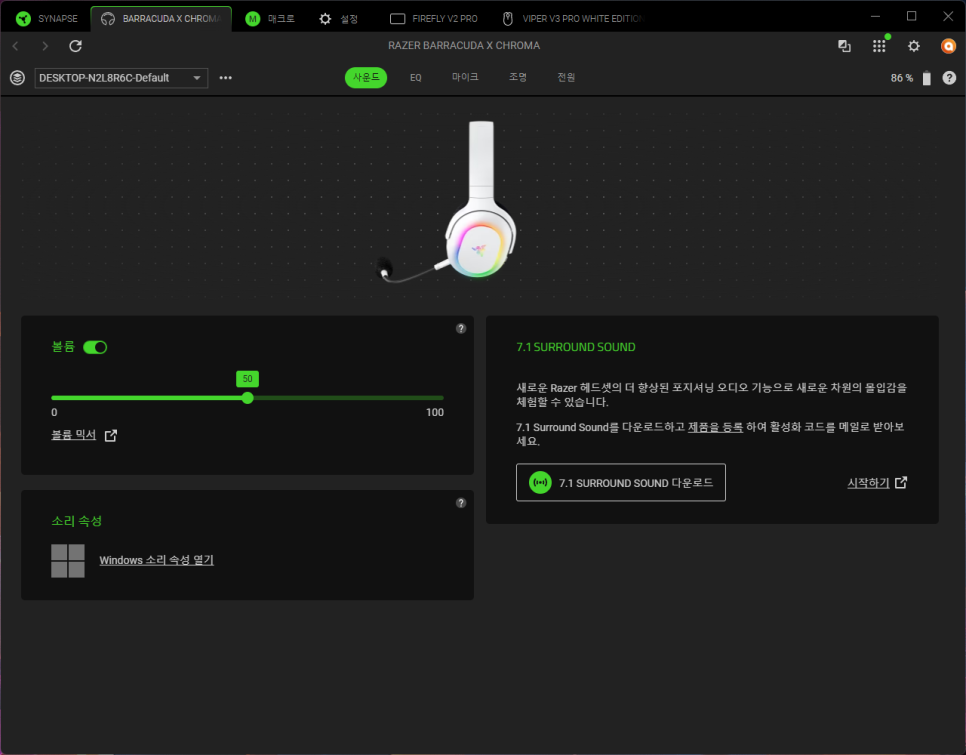
The Razer 7.1 Surround Sound virtual surround feature can also be activated in Synapse. Enabling this feature allows you to experience a three-dimensional sound orientation, including up and down directions, which is particularly helpful in FPS games for identifying enemy positions.
In Synapse 4, you can adjust the balance of different sound frequencies to your preference through the equalizer (EQ) settings. You can choose from preset options for gaming or music listening, or make detailed adjustments by frequency.

The microphone sensitivity adjustment feature allows you to optimize the voice input level, and by activating the microphone monitoring (sidetone) feature, you can monitor your voice through the headset for more natural conversations.

The RGB lighting control feature is also available through Synapse. You can select your desired color from 16.8 million colors and apply various lighting effects such as spectrum cycling, wave, and breathing. Additionally, you can synchronize the lighting with other Razer devices to create a unified gaming environment.
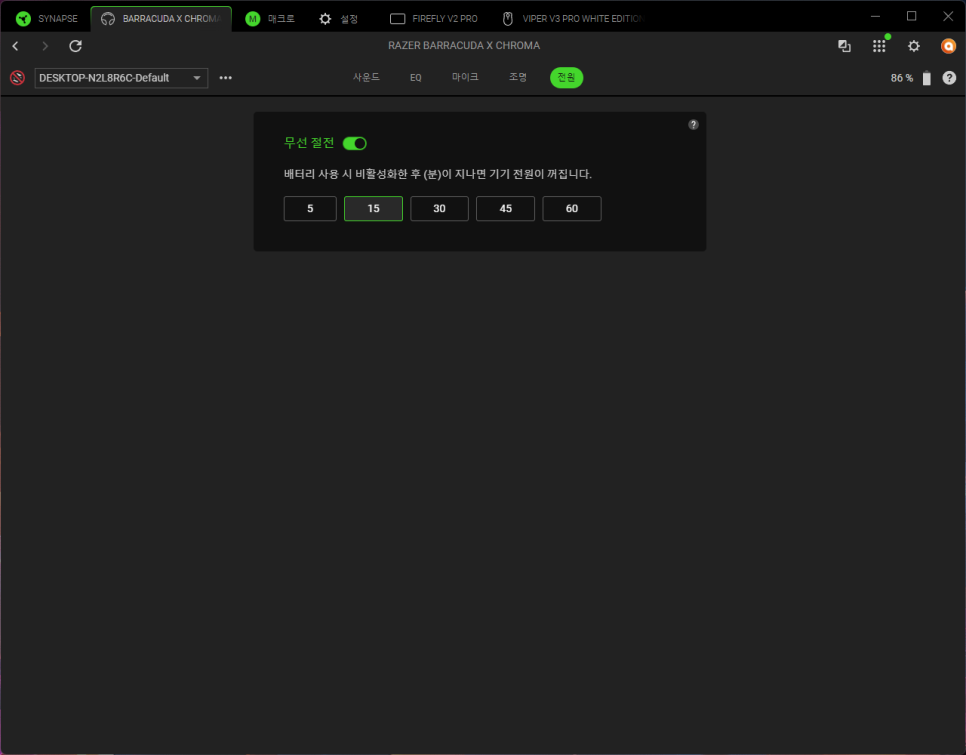
Synapse 4 also offers a wireless power-saving feature to optimize battery life. This feature allows the headset to automatically switch to power-saving mode when not in use for a certain period.
Razer Chroma RGB Effects
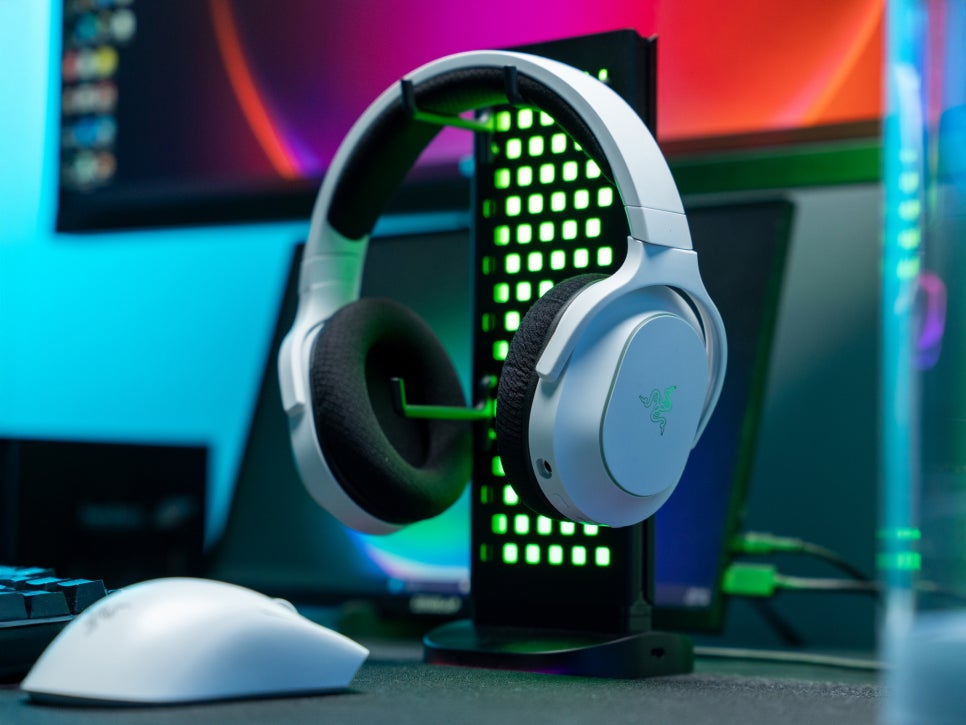
One of the most striking features of the Razer Barracuda X Chroma White is the Chroma RGB lighting. The Razer logo and edges of the ear cups feature a total of six independent lighting zones, each of which can be assigned a color from 16.8 million options.
Through the Razer Chroma software, you can fully customize the lighting colors and effects, choosing from presets such as solid colors, spectrum effects, breathing effects, and wheel effects. By utilizing the Chroma Connect feature, you can synchronize the lighting with specific games, enhancing immersion as the lighting changes according to in-game situations.
Sound Test
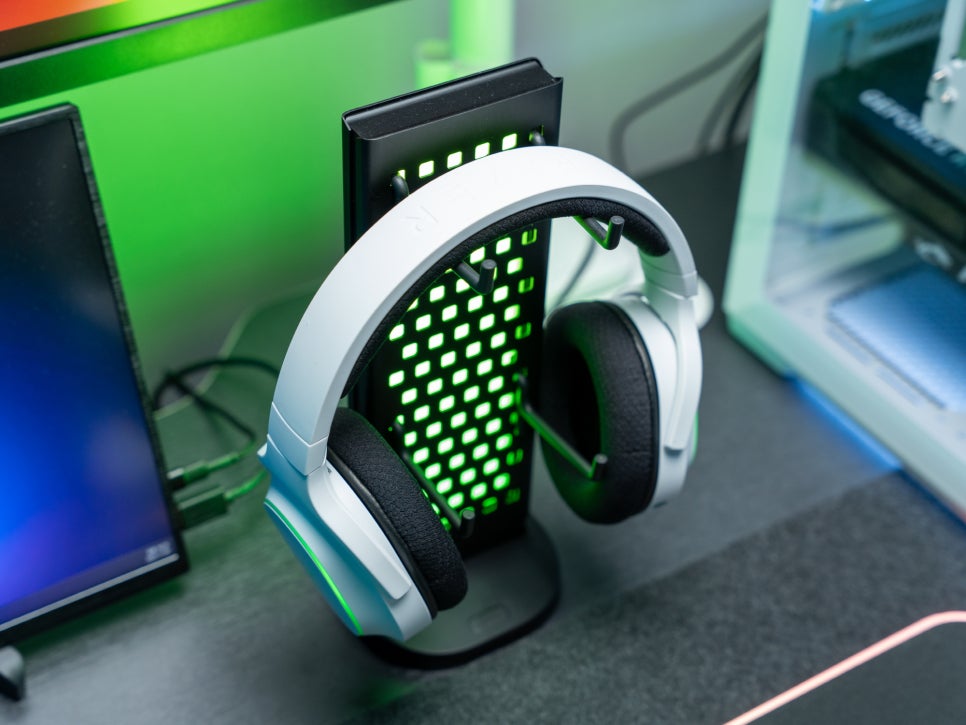
We tested the sound with various presets in real-world usage environments.
First, we set the preset to music mode in Synapse and listened to various genres of music. The TriForce 40mm driver’s characteristic is that the high frequencies are clear and transparent, conveying the delicate tonal changes of female vocals well. The mid frequencies are rich and warm, preserving the natural texture of instruments. The low frequencies are heavy yet clean, providing satisfying sound for genres like EDM and hip-hop.
Switching the preset to game mode significantly changes the sound characteristics. Optimized for the FPS genre, detailed sounds in the game, such as footsteps, gunshots, and reloading sounds, become more distinct. While testing with Battlegrounds, we could accurately detect the direction of enemy footsteps and gunfire.
User Experience
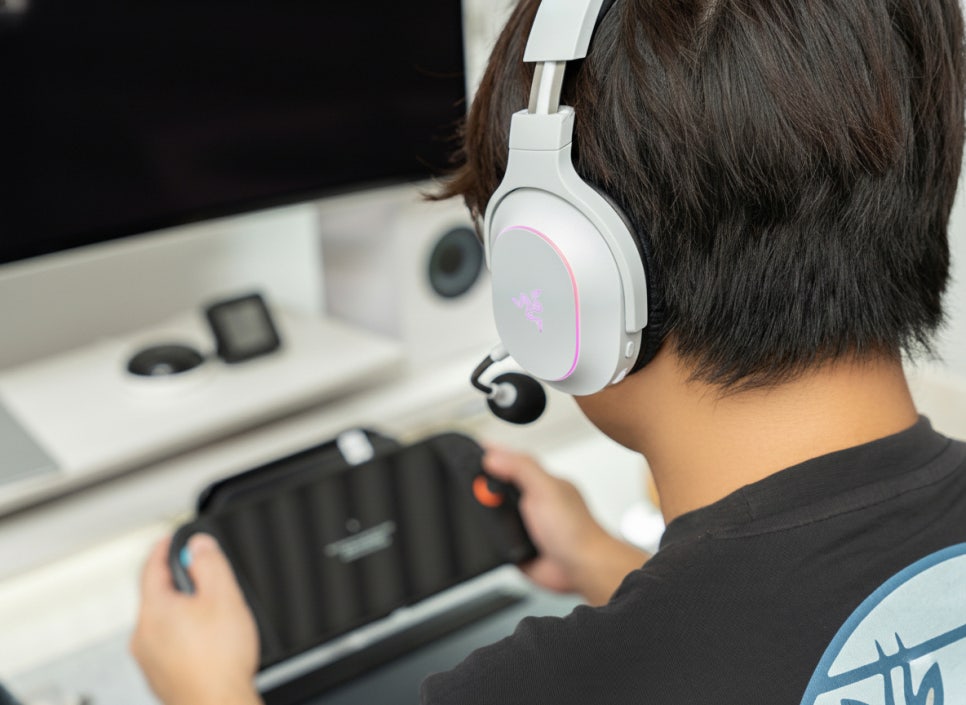
First of all, the comfort level is exceptional. Thanks to its lightweight of 285g, even after long gaming sessions, there was no discomfort in the neck or head. The memory foam ear cushions gently envelop the ears while providing adequate support, ensuring no pressure or discomfort even after prolonged wear. It is especially recommended for those who wear glasses, as the arms of the glasses are not pressed.
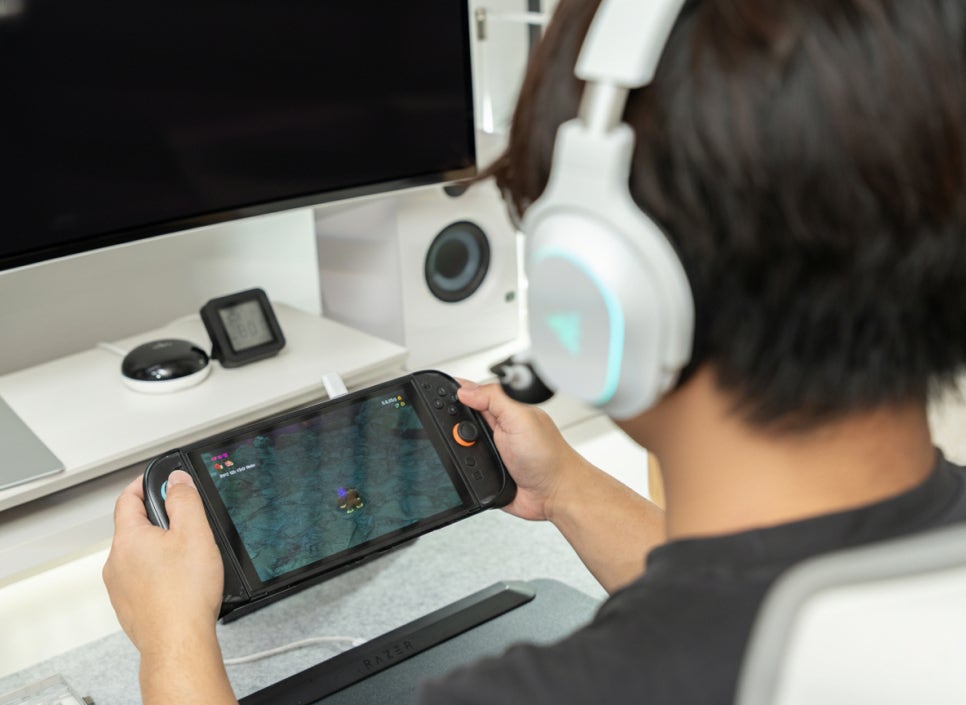
In terms of audio quality, it’s quite excellent considering the price point. The balanced sound produced by the TriForce drivers is satisfying for all purposes – not just gaming but also music listening and video watching. Especially for gamers who primarily enjoy FPS games, the spatial awareness and clear sound will be helpful.
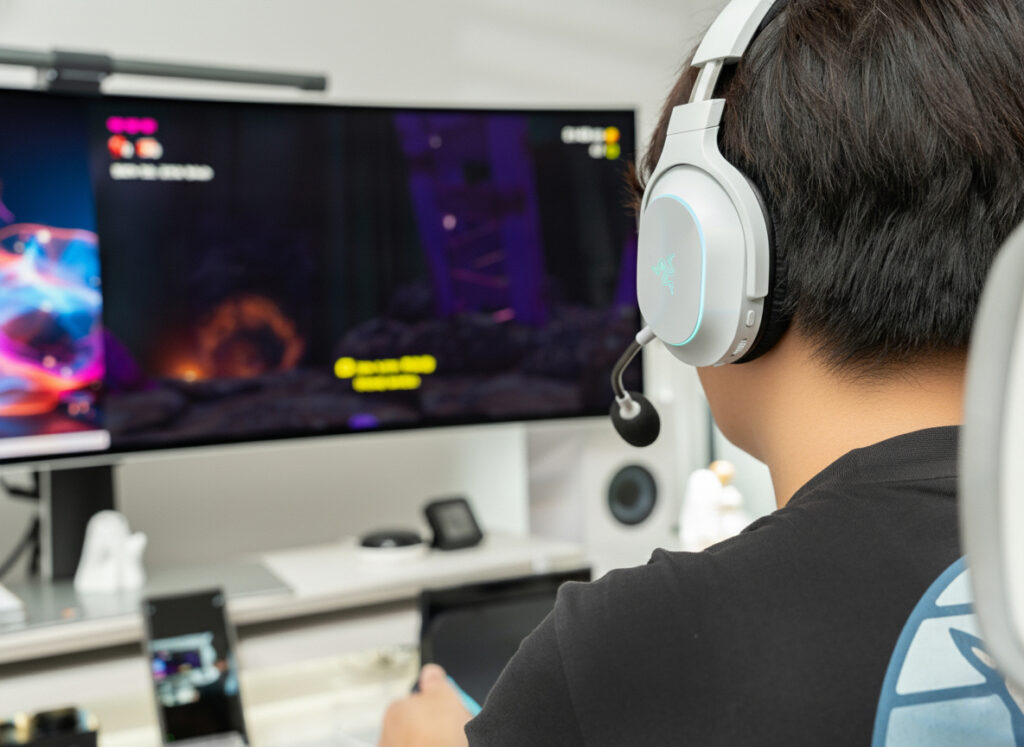
And we can’t leave out the compatibility with Nintendo Switch 2. Since it’s recognized immediately just by plugging in the dongle without any additional setup, it has become a go-to item when you want to immerse yourself in games or during nighttime sessions.
Conclusion
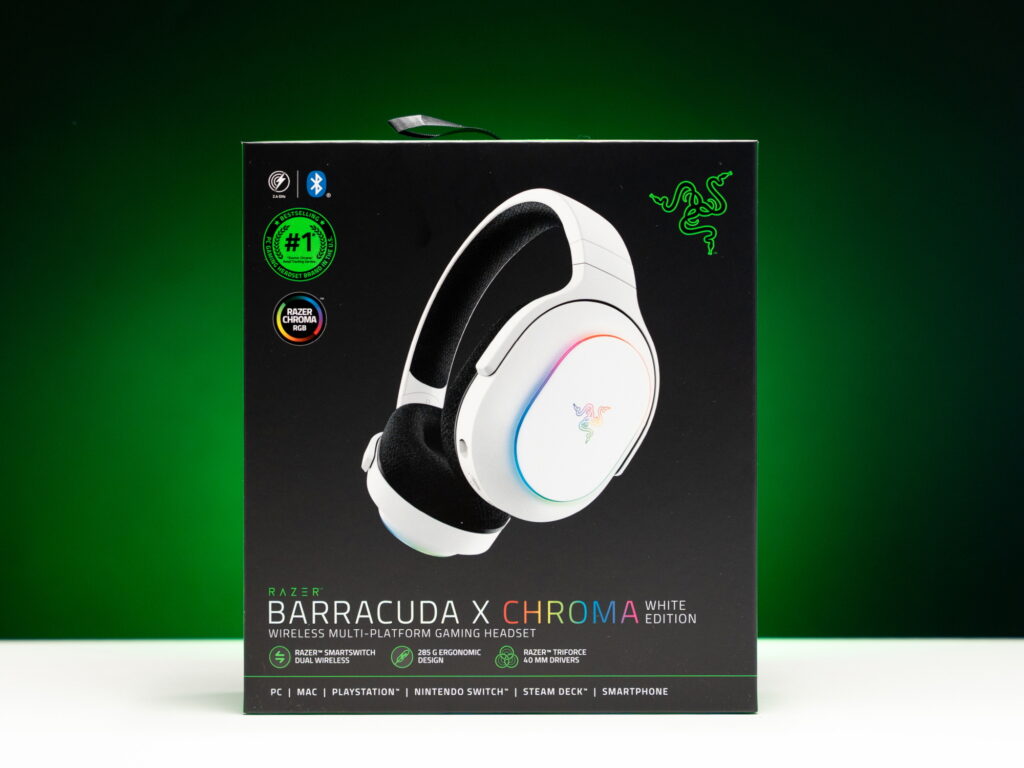
The Razer Barracuda X Chroma White is one of the optimal gaming headsets for Nintendo Switch 2 users. The simple USB dongle connection method allows anyone to use it easily without complicated setup. Beyond just convenience, the balanced high-quality sound delivered by the TriForce 40mm drivers greatly enhances game immersion, especially providing accurate sound positioning in FPS genres.
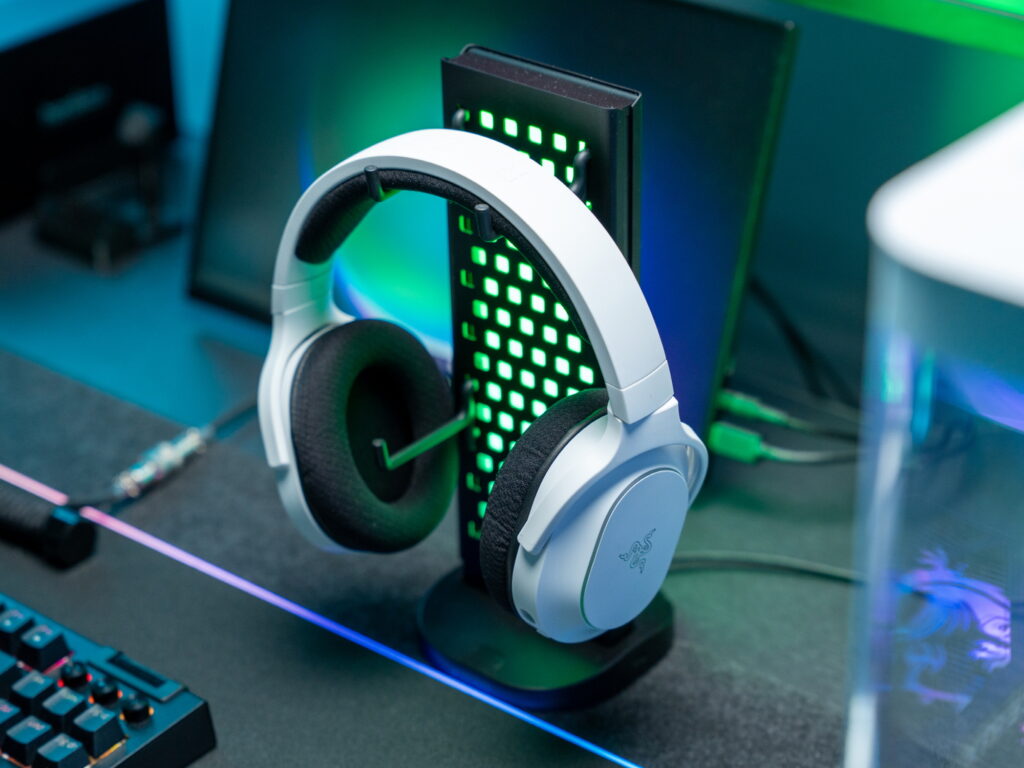
The HyperClear microphone delivered quite clear voice transmission, and the battery life of up to 70 hours relieves concerns about frequent charging. The RGB lighting on the housing plate allows for a personalized gaming environment, and the white color in particular would be an attractive option for those building white-themed systems.
I recommend the Razer Barracuda X Chroma White to those looking for a Nintendo Switch 2 headset, those who need a multi-platform wireless gaming headset, and those who prefer sophisticated white-colored gaming gear.
As an Amazon Associate I earn from qualifying purhases.
Purchase Product : https://amzn.to/4qRDSbF