DarkFlash, a global brand well-known in the PC case market for its value-for-money products, has been releasing high-quality products at reasonable prices. However, this brand also has a premium lineup: the DY series.
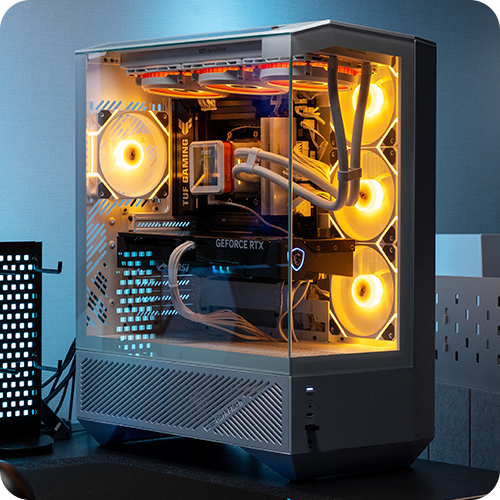
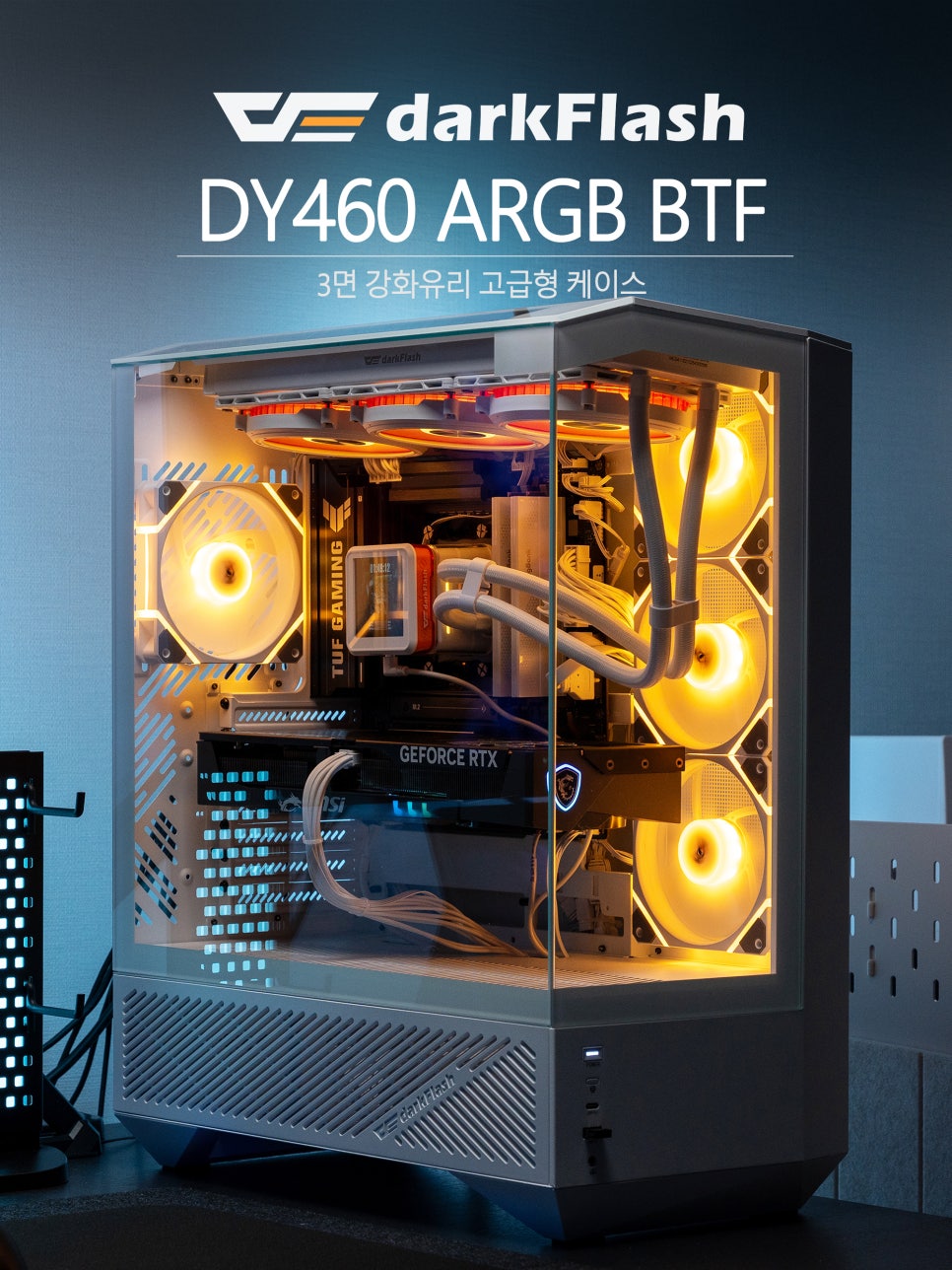
Among them, the DarkFlash DY460 ARGB BTF, which we will introduce today, adopts the currently popular “aquarium case” design. While aquarium cases typically feature tempered glass on the front and side, this product boasts an impressive three sides made of tempered glass, offering an overwhelming sense of openness with approximately 330 degrees of visibility.
Furthermore, it incorporates a louver panel design for enhanced cooling efficiency. As expected from a premium lineup, it comes standard with an impressive four DM12 PRO 120 PWM ARGB cooling fans and even supports the BTF method, accurately reflecting current trends in PC cases. Now, let’s take a closer look at this product.
Specifications & Configuration
First, let’s examine the main specifications of the DarkFlash DY460 ARGB BTF.
Key Features
Form Factor : Supports ATX, M-ATX, ITX
Dimensions : Approx. 452 x 238 x 541mm (W x D x H)
Expansion Slots : 7
Drive Bays : 2 x HDD, 1 x SSD
Cooling Fans : Front/Side 3 x 120mm (pre-installed), Rear 1 x 120mm (pre-installed), Top 3 x 120mm, Bottom 3 x 120mm
Liquid Cooler (AIO): Top: Up to 360mm, Rear: Up to 140mm
Power Supply : ATX (up to 260mm)
CPU Cooler Height : Up to 175mm
Graphics Card Length : Up to 410mm
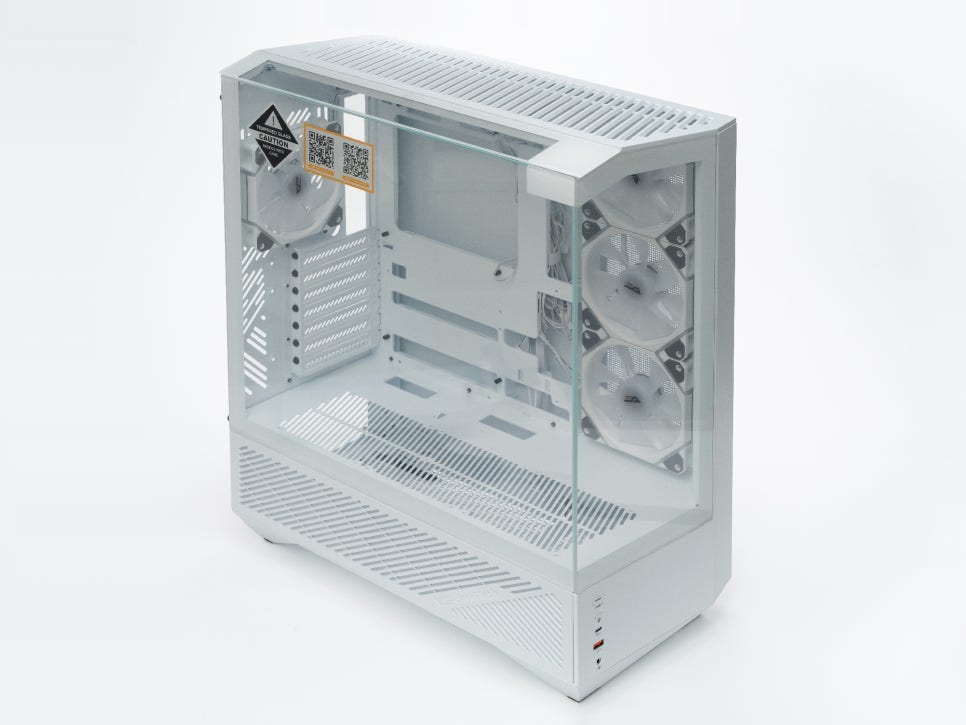
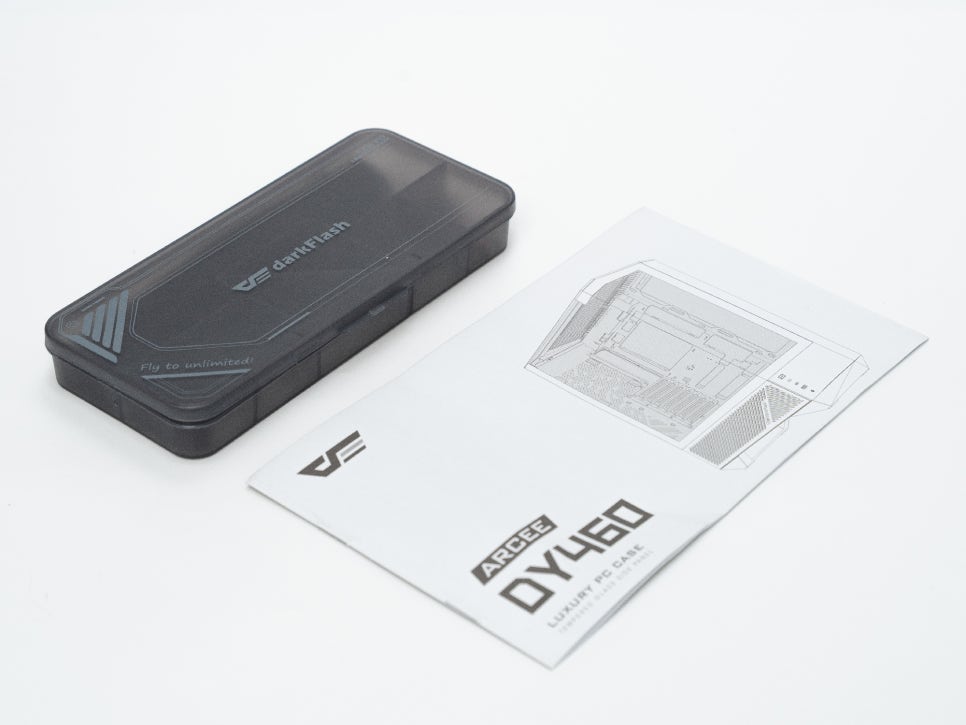
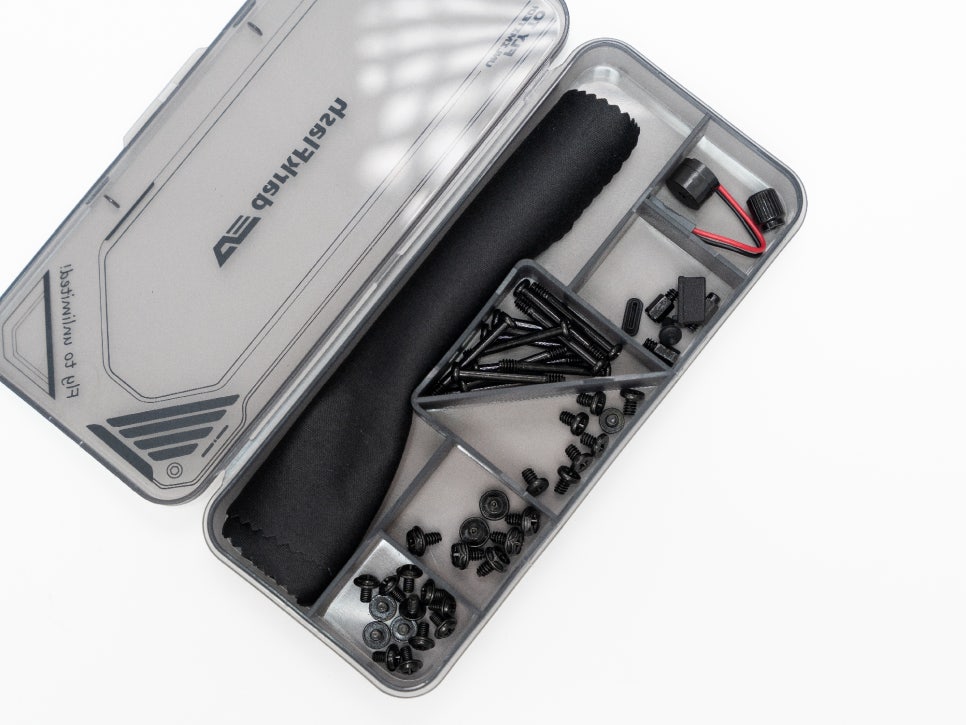
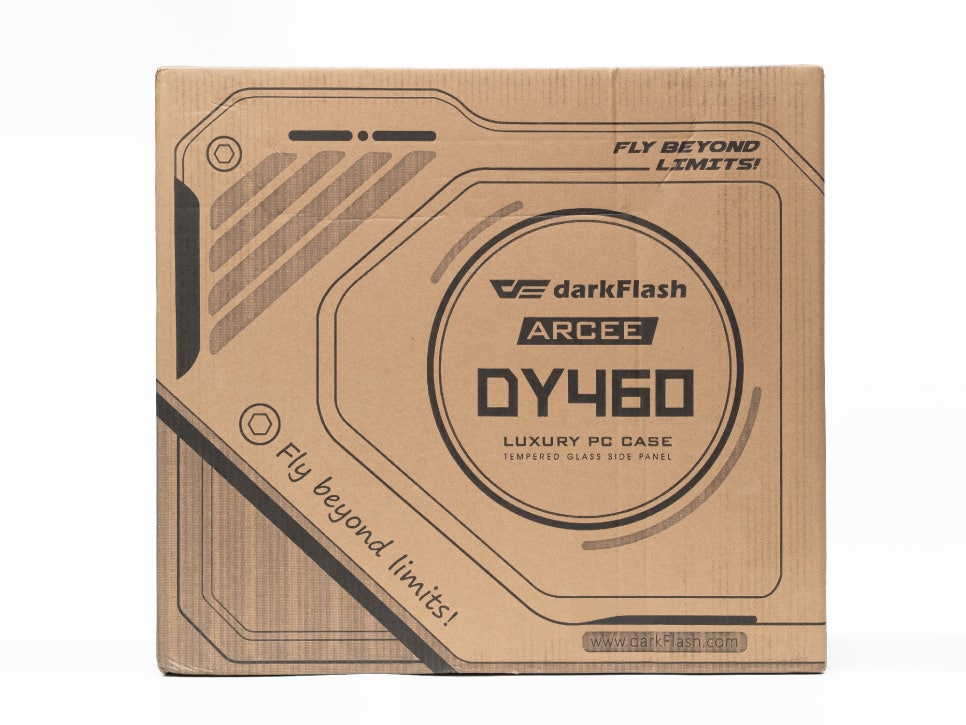
Looking at the components, the case body and four DM12 PRO 120 PWM ARGB cooling fans are provided as standard. Additionally, a neatly organized utility box containing various screws and cable ties necessary for assembly is included, making assembly very convenient.
Exterior and Features
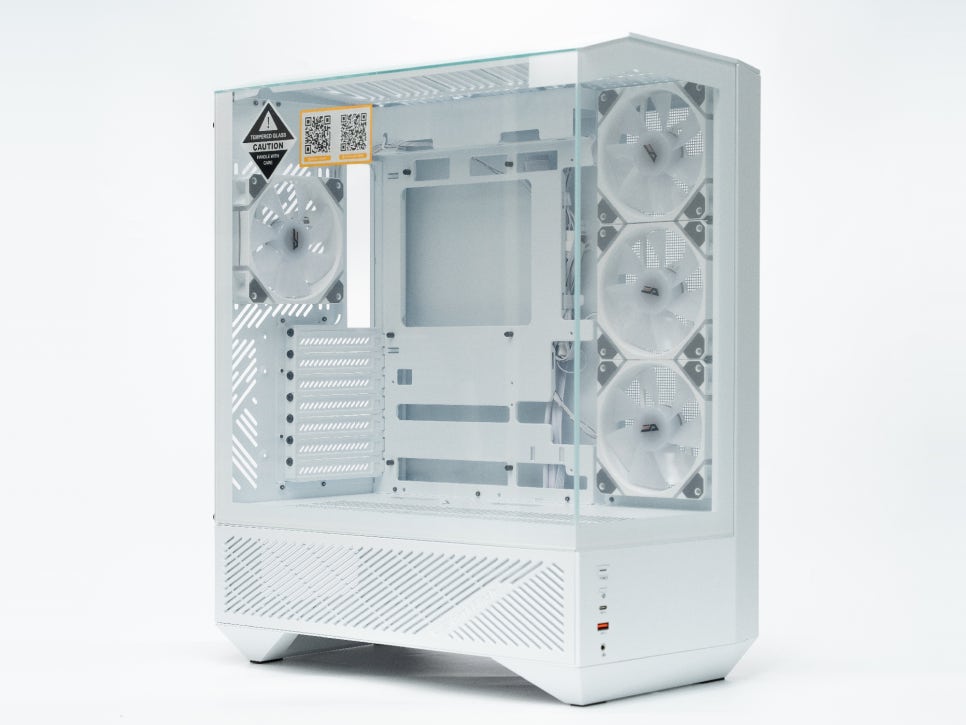
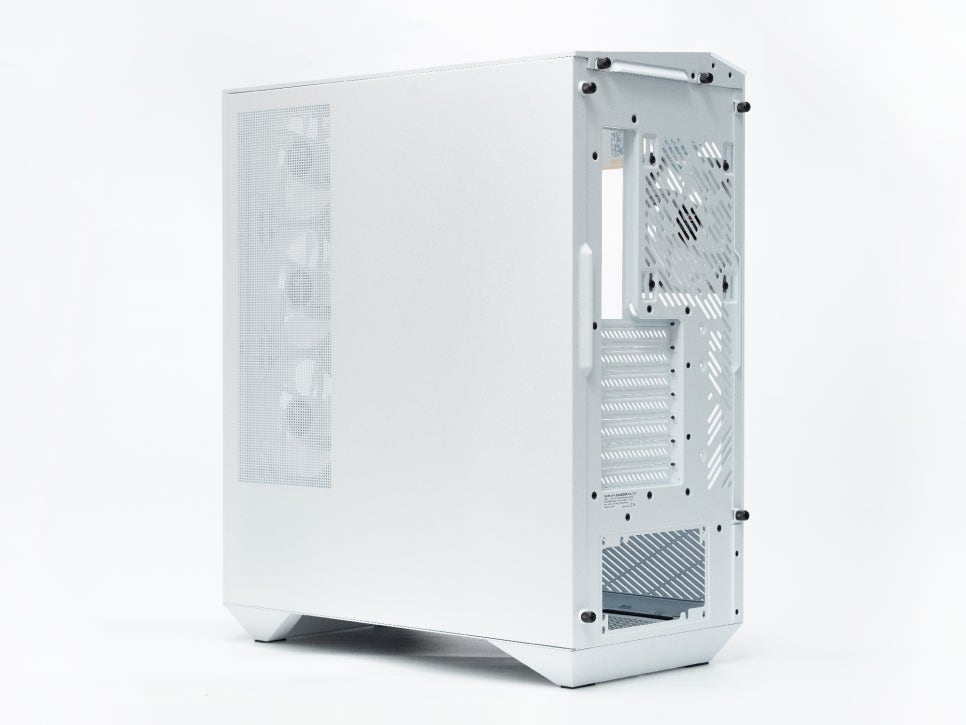
Examining the product’s exterior, this PC case features a mid-tower form factor and is available in two colors: white and black. I received the white version this time, and it boasts a clean visual aesthetic that seems perfect for the currently popular white setups.
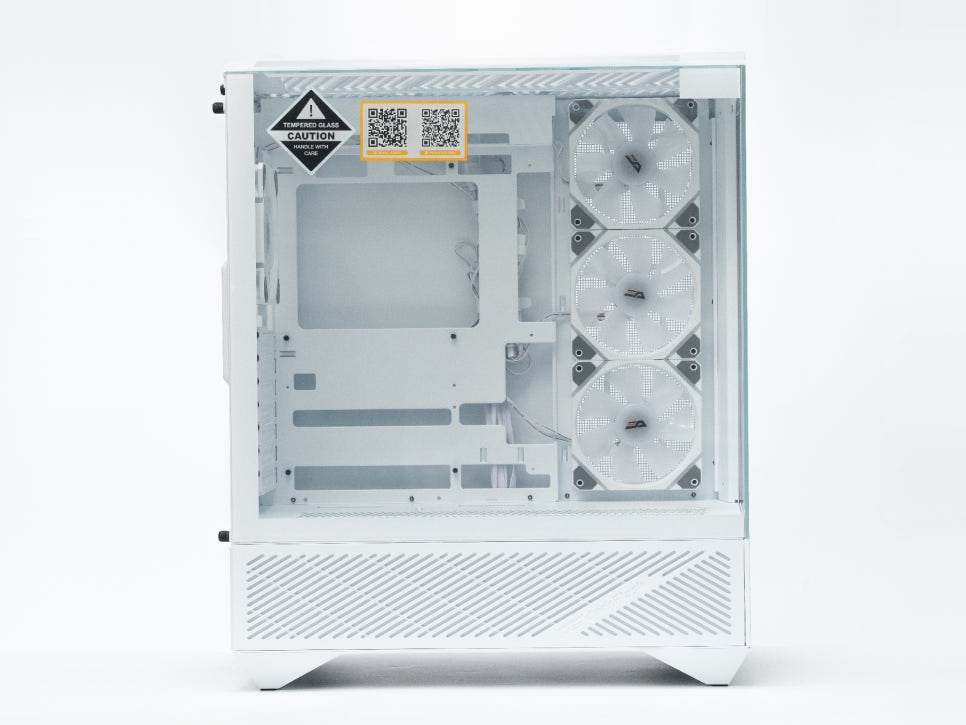
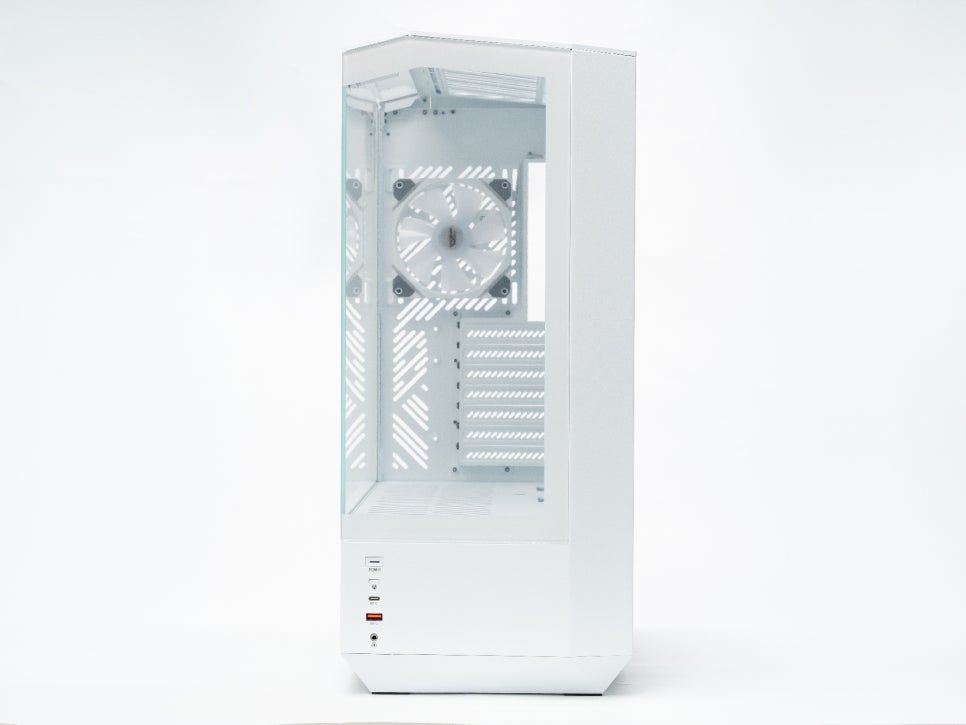
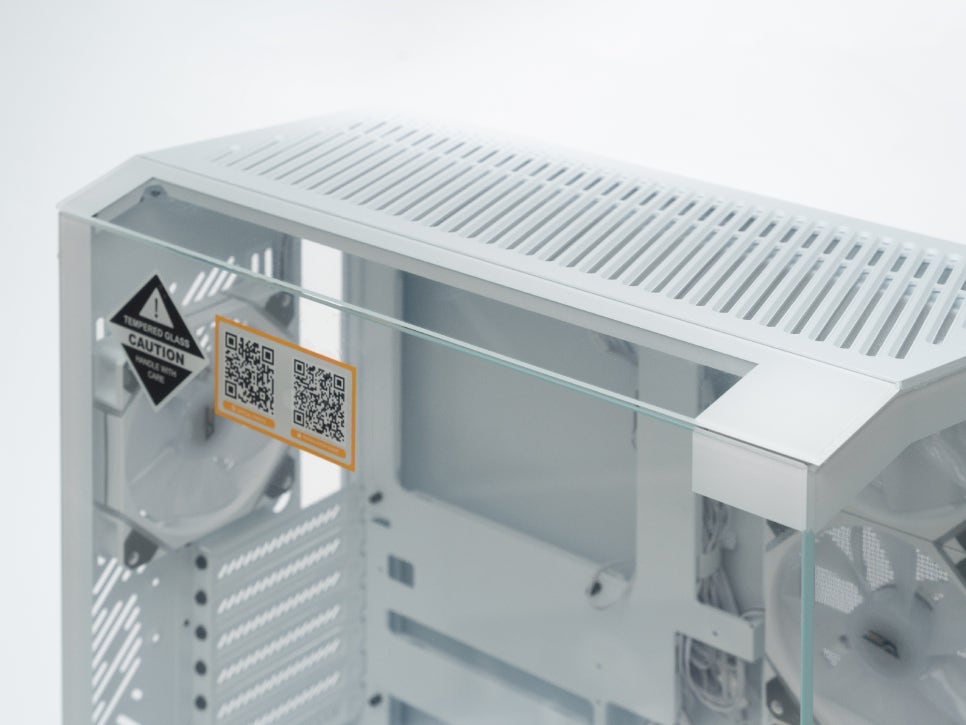
The first thing that catches the eye is, of course, the three-sided tempered glass design. While typical ‘aquarium cases’ use tempered glass on about two sides, this product features tempered glass on the front, both sides, and even the top, providing an expansive view of approximately 330 degrees.
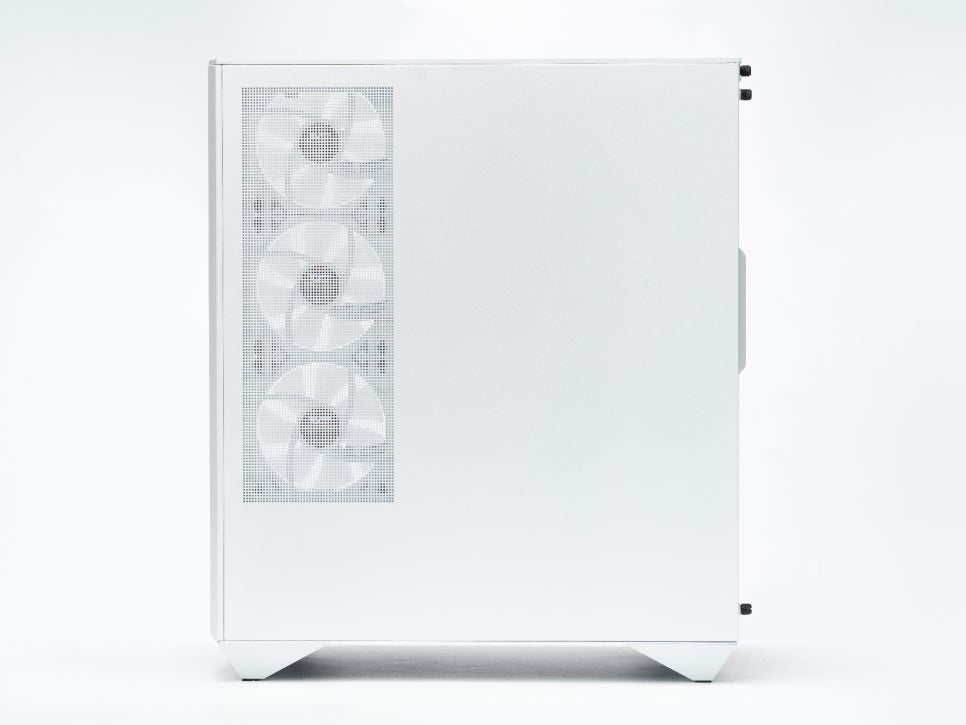
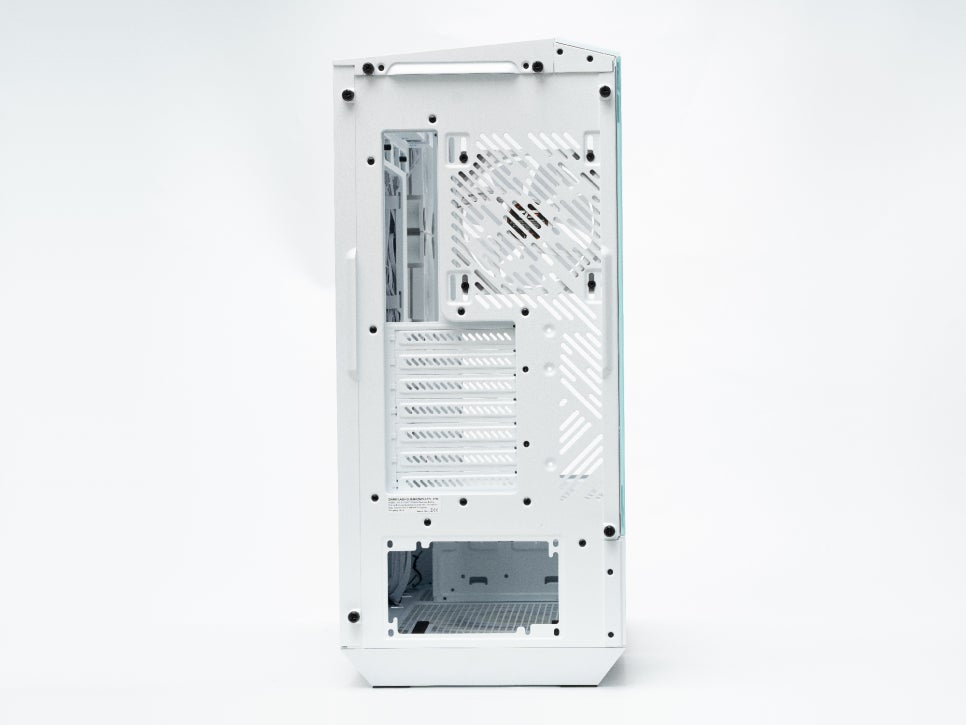
The right side panel also features perforations in the cooling fan intake area to ensure airflow, and the rear panel is also well-perforated for heat exhaust, allowing for smooth overall air circulation.
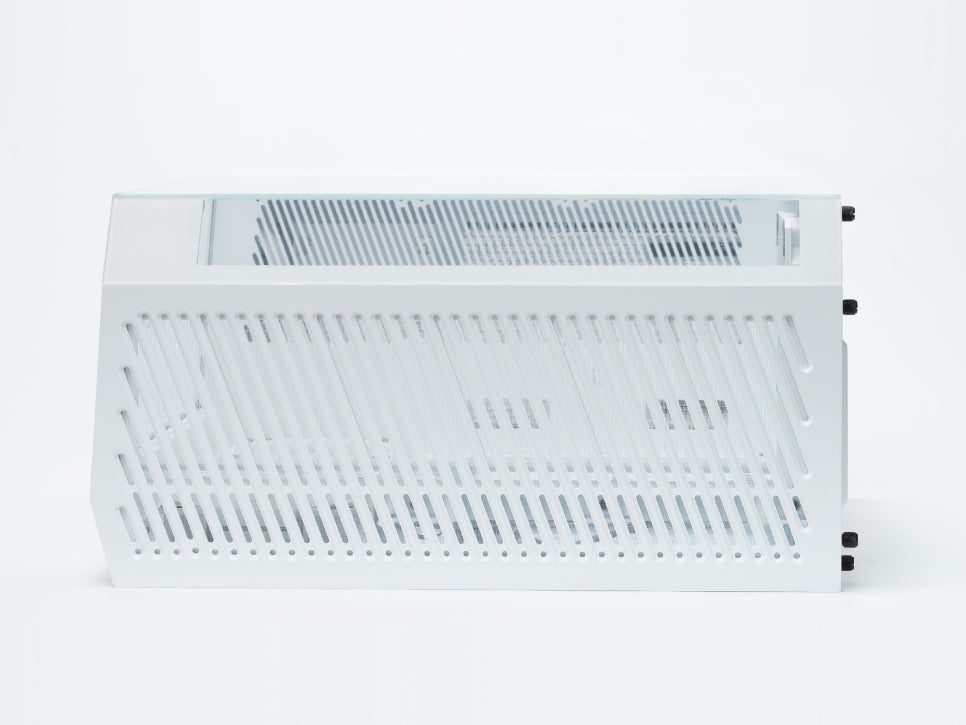
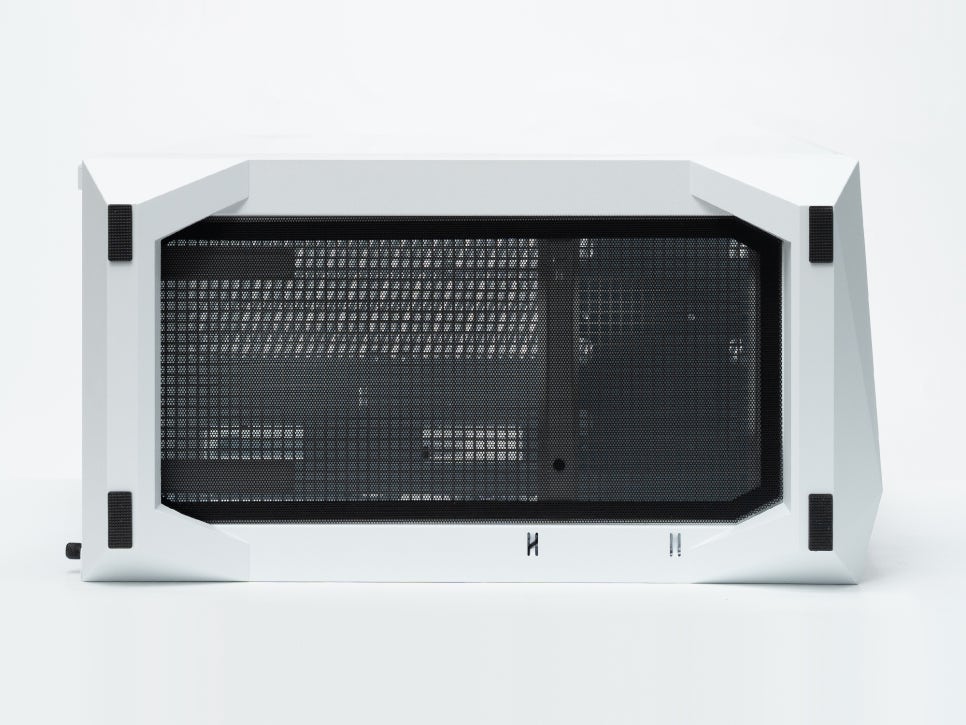
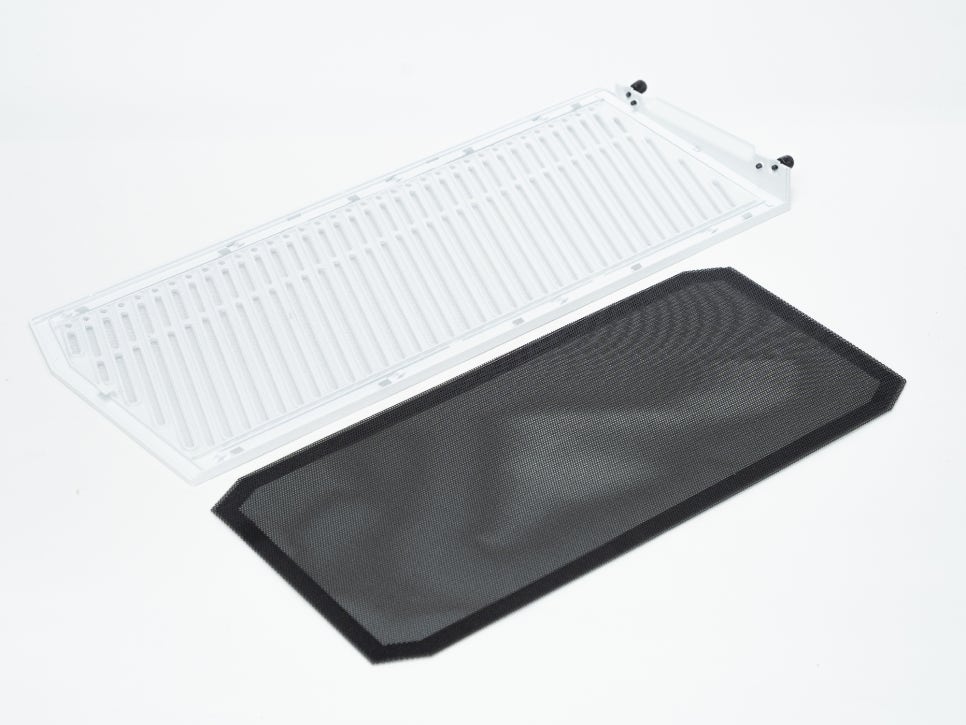
The top panel is equipped with a detachable dust filter cover. Its two-stage structure, consisting of an internal dust filter and diagonal vents, prevents dust from entering without obstructing airflow. The bottom also features a magnetic dust filter, making maintenance very convenient.
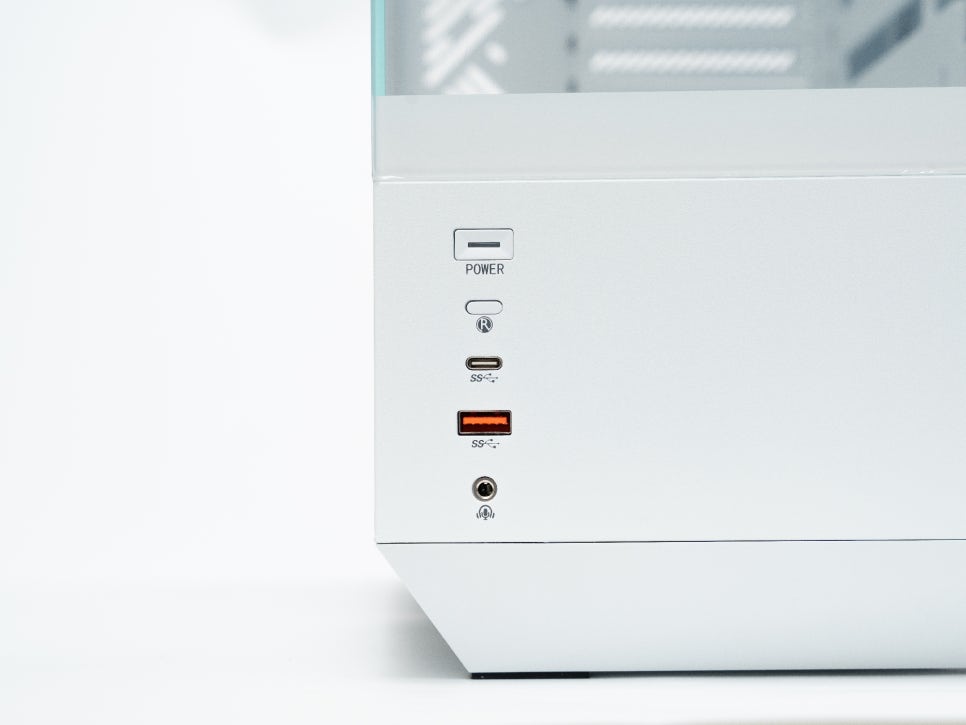
For users who place the main unit on their desk, the I/O ports are conveniently located at the bottom of the front panel. These include a power button, a reset button, one USB Type-C port, one USB 3.0 port, and an audio combo jack.
Internal Structure and Features
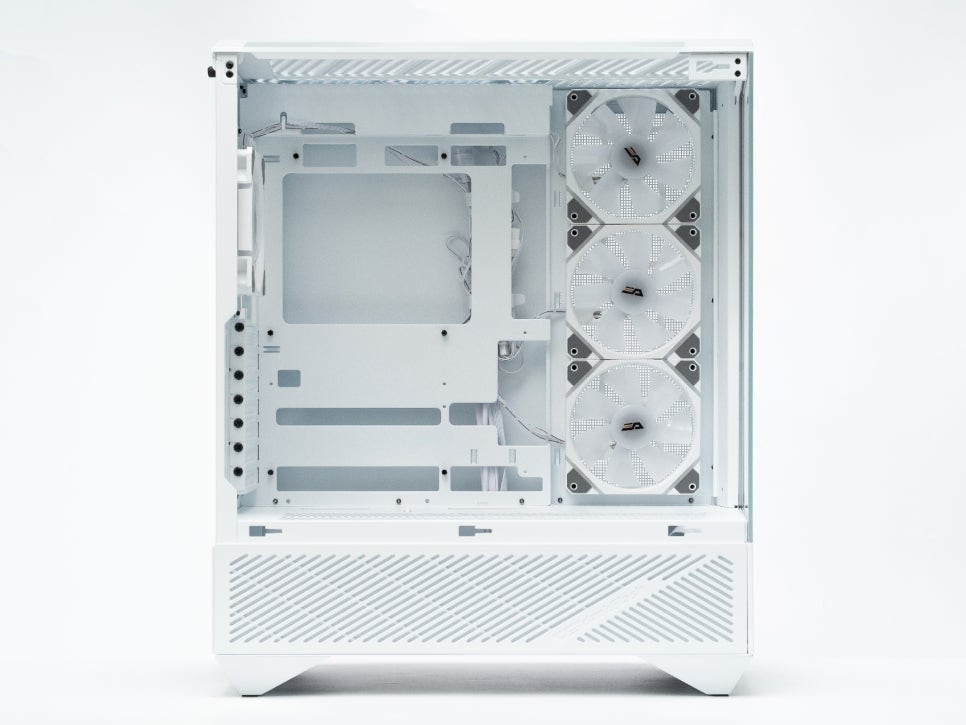
Examining the internal structure, it supports various motherboard form factors like ATX, M-ATX, and ITX. Notably, it can accommodate BTF-style motherboards with rear connectors.
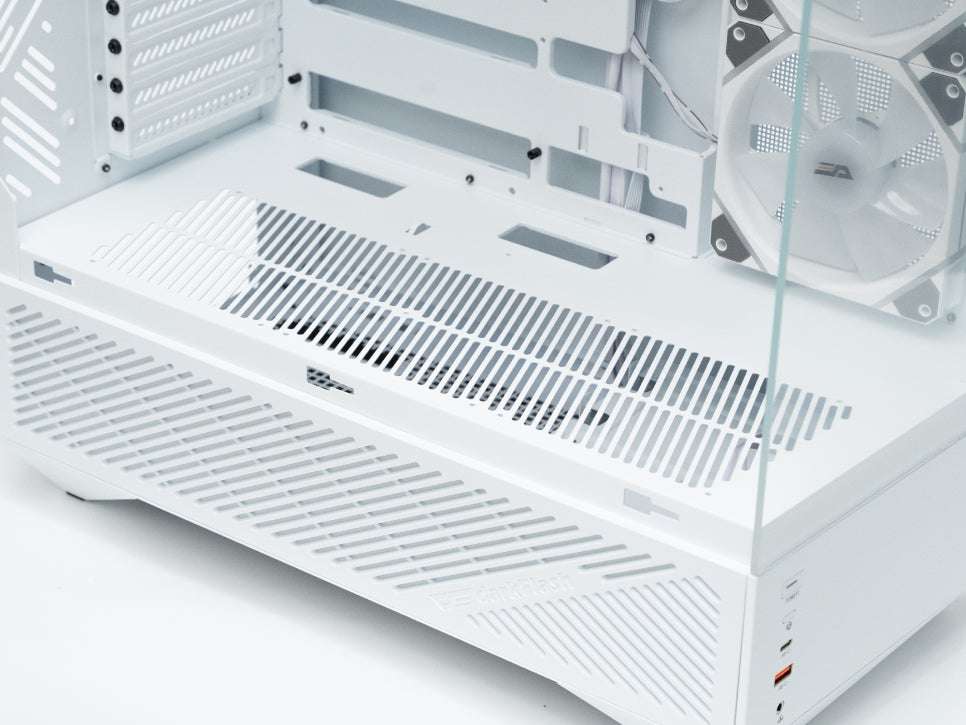
Looking at the cooling fan installation space, you can mount up to three 120mm fans on the top and up to three 120mm fans on the bottom. It comes standard with three 120mm fans on the side and one on the rear, and the specifications of these cooling fans are quite good.
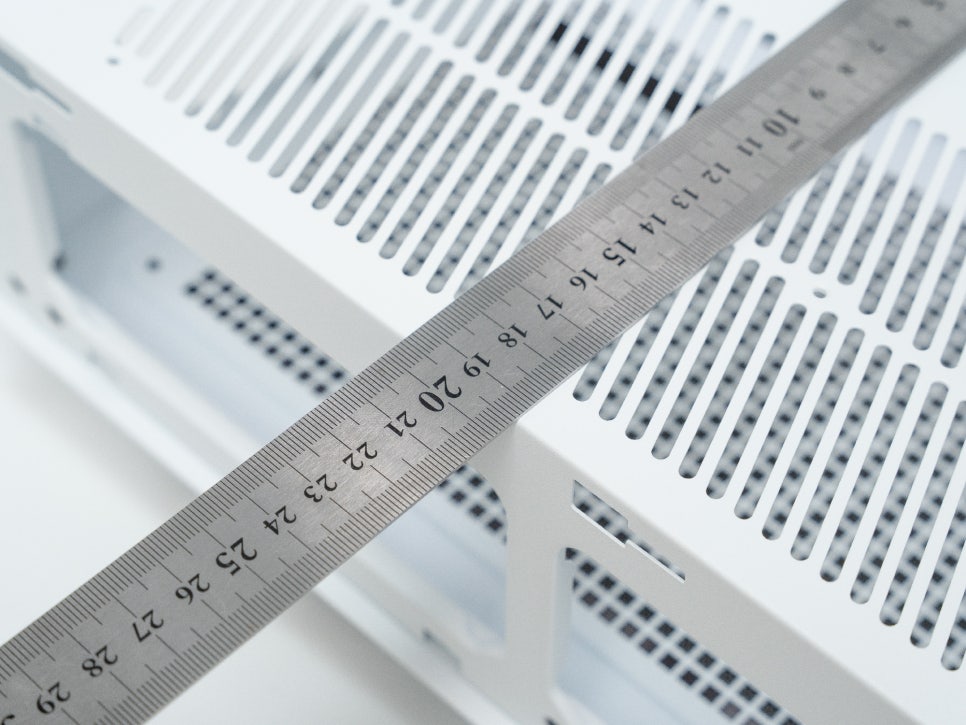
CPU coolers up to 175mm in height can be installed, and graphics cards up to 410mm in length are supported. This size allows you to use most high-performance coolers and graphics cards without any issues.
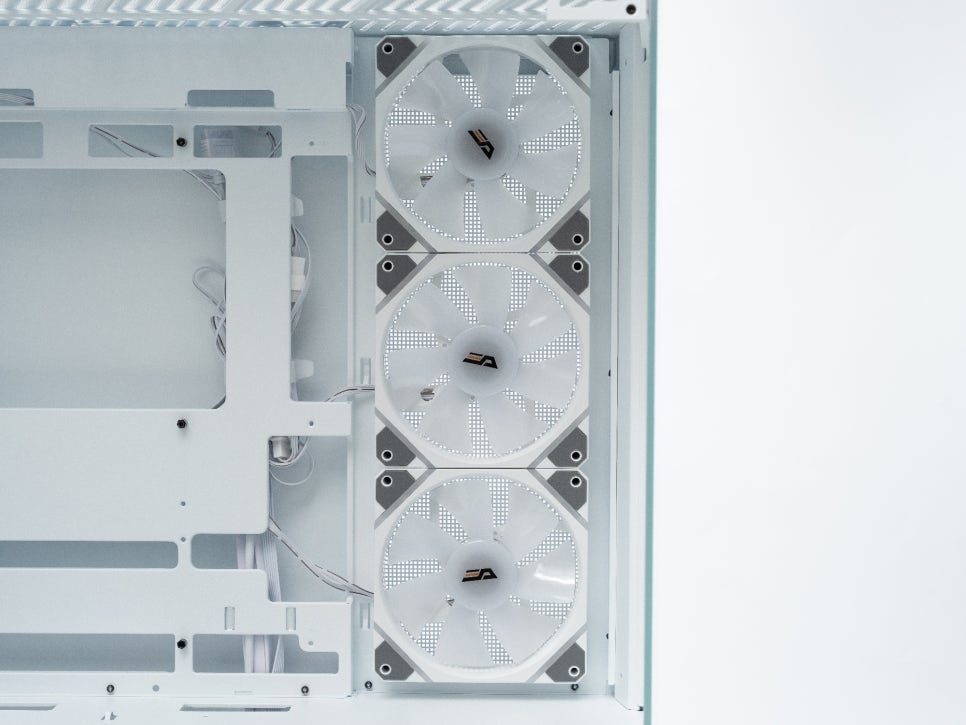
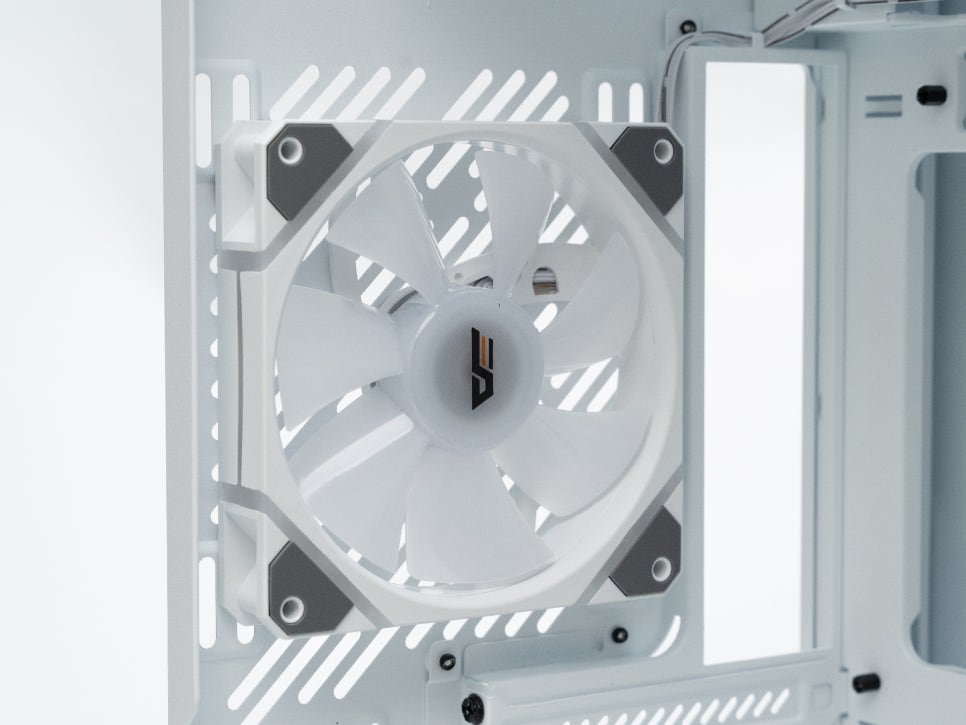
Looking at the specifications of the included DM12 PRO 120 PWM ARGB cooling fan, it operates at speeds of 800-1600rpm, with an airflow of 48.32CFM, air pressure of 1.75mmH2O, and a noise level of 22.36dBA. Since it supports ARGB, you can connect it to the motherboard to create various color effects, and it adopts an edge lighting method to provide sophisticated illumination. The effect of light subtly spreading from the fan’s edge looks quite stylish.
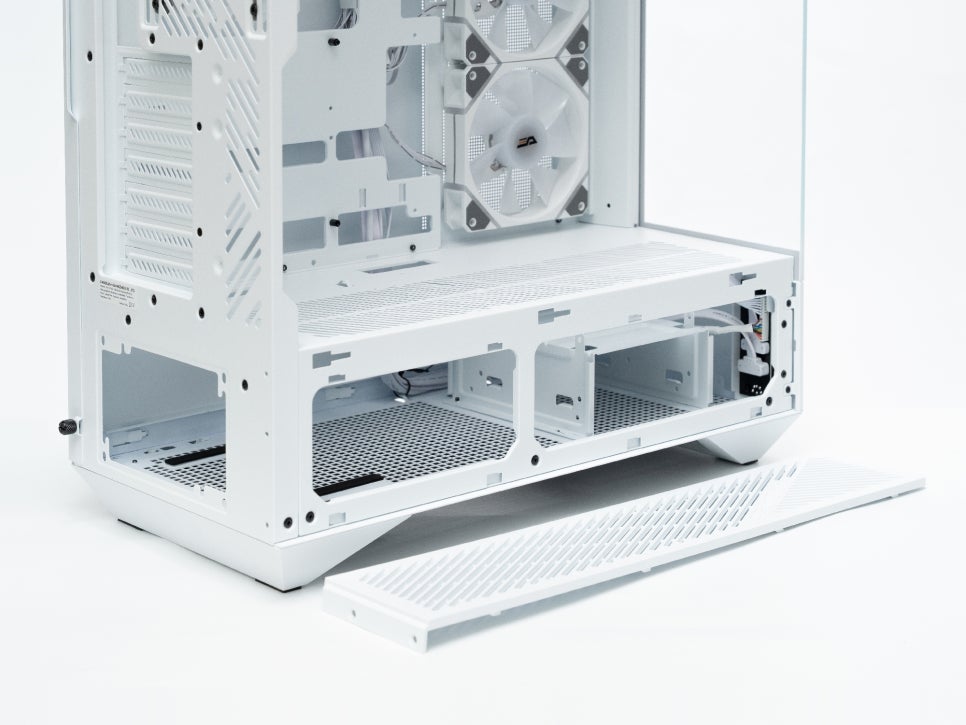
A particularly noteworthy feature is the louver design. Thanks to the louver structure applied to the side panel, airflow is excellent. The lower left panel is also detachable, allowing you to remove it as needed.
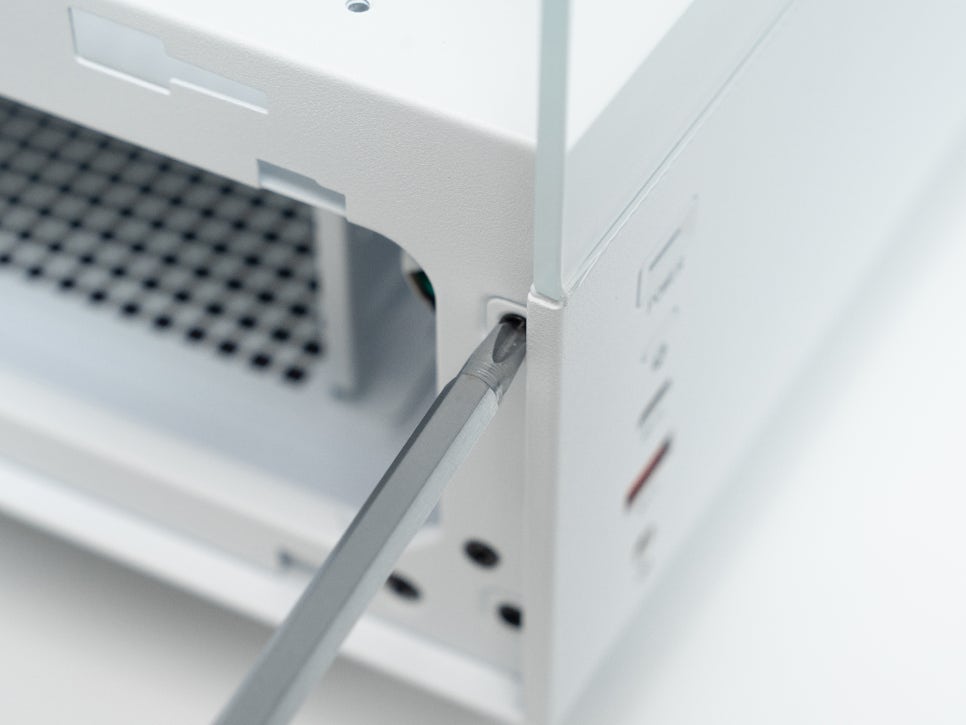
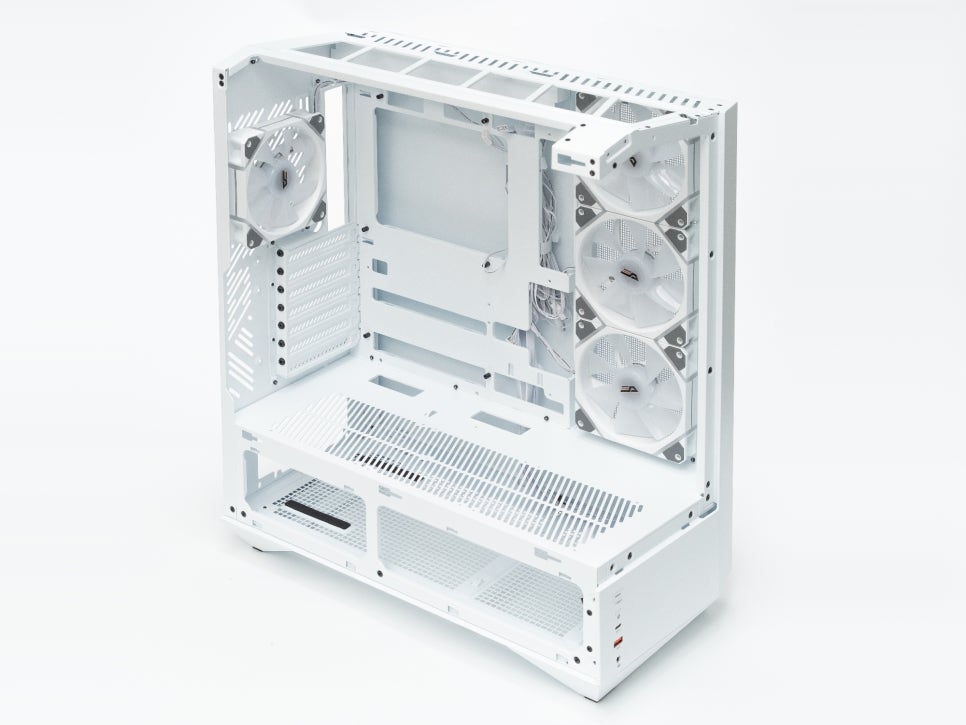
The tempered glass panels on the front, side, and top can also be easily detached, making assembly and cleaning very convenient.
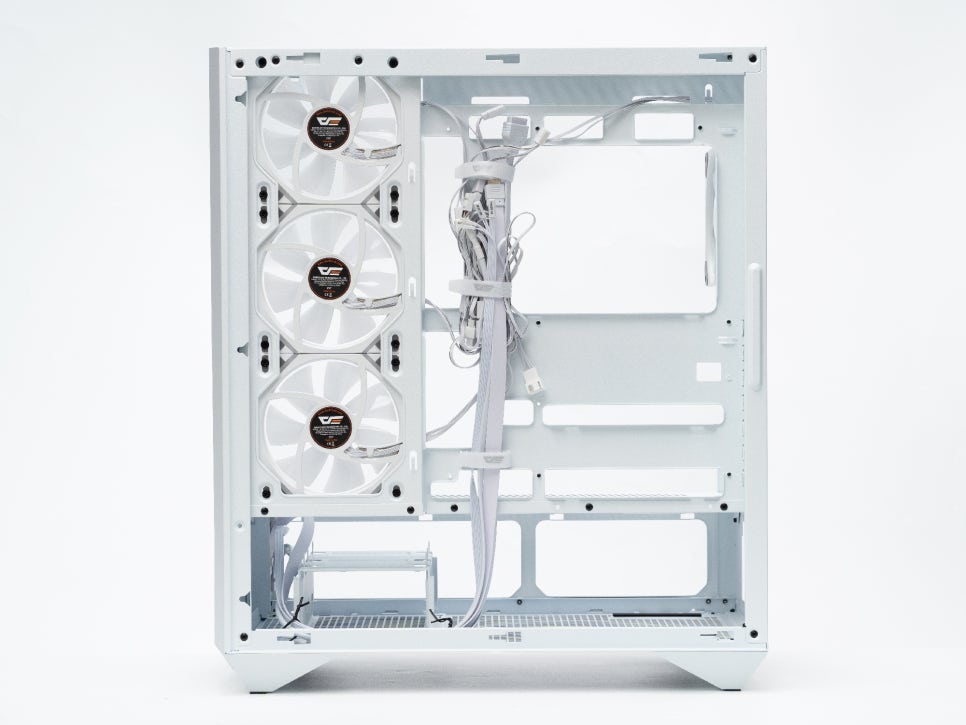
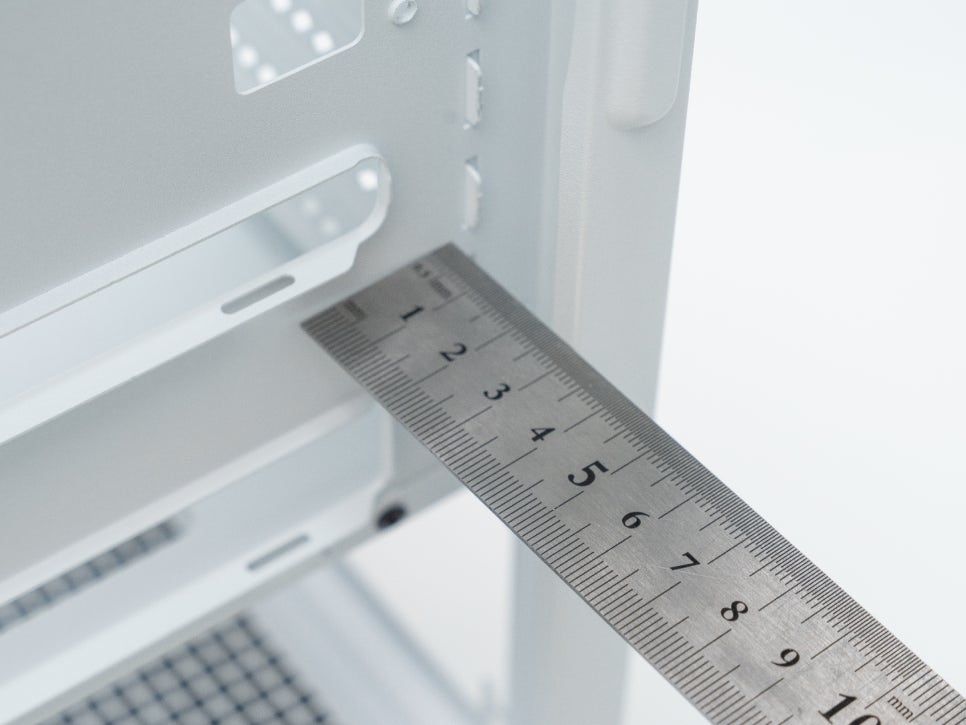
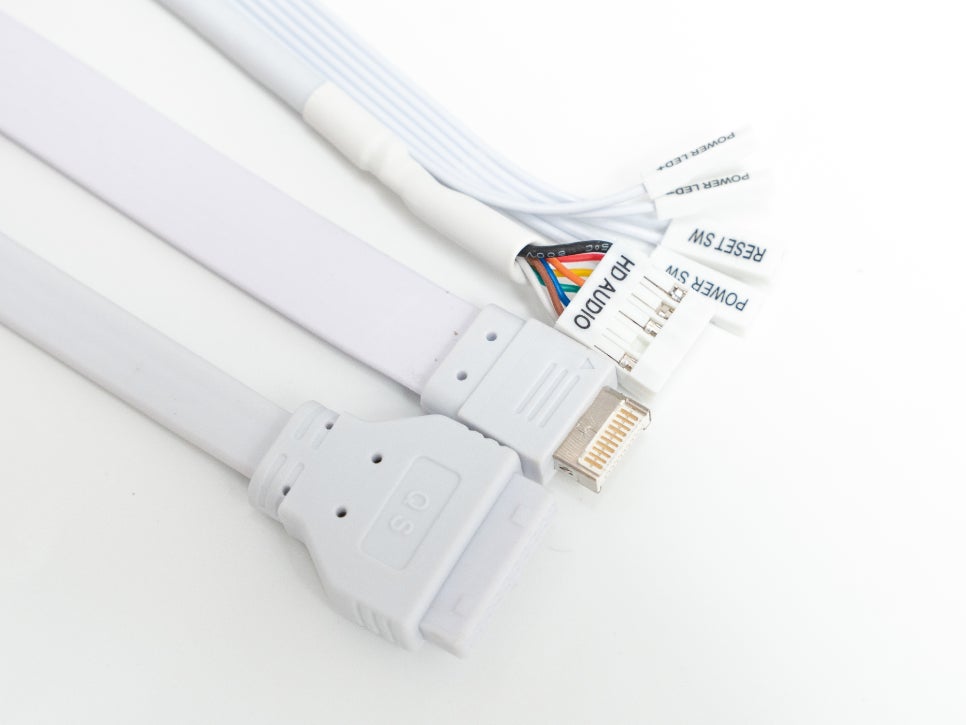
The right-side cable management space provides approximately 25mm, allowing for neat organization of cables. The internal cables are also white, enhancing the unified aesthetic of the white product.
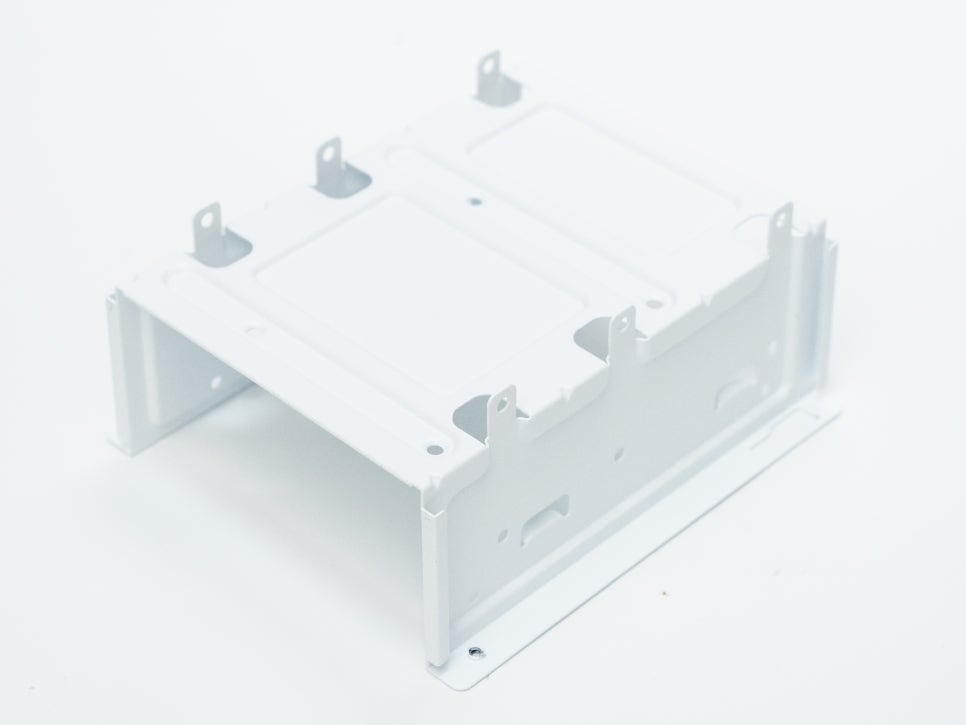
At the bottom of the case, there’s a storage bracket where you can install two HDDs and one SSD. Considering the current trend where most users primarily use SSDs, I believe this is an appropriate configuration.
Assembly
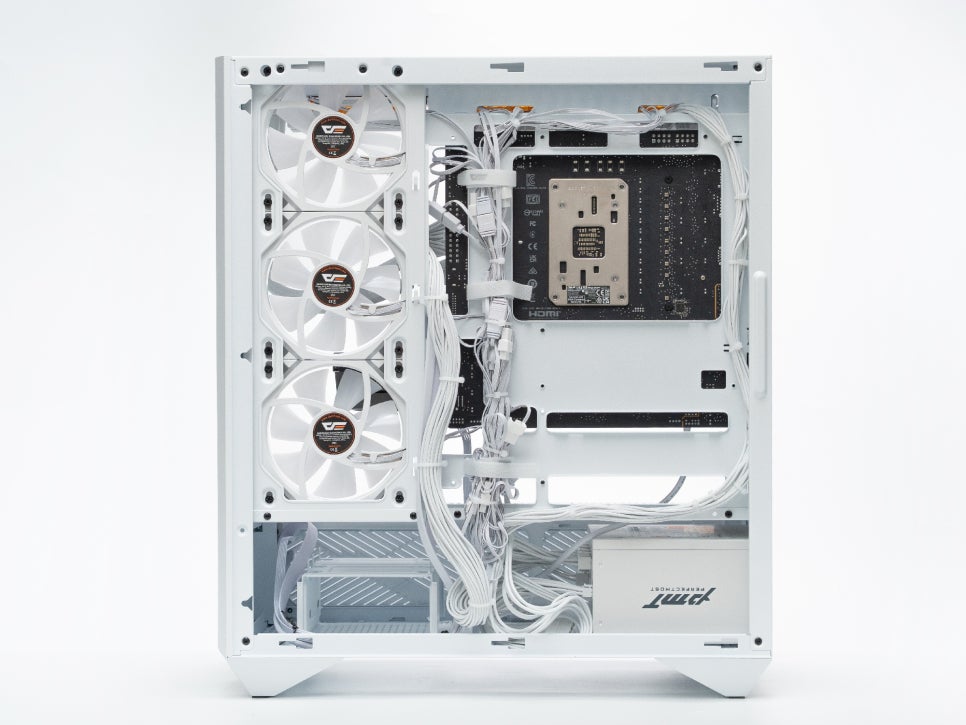
Overall, there’s plenty of space, making assembly quite easy. Velcro straps for cable routing are strategically placed in several spots, which helped in neatly organizing the cables.
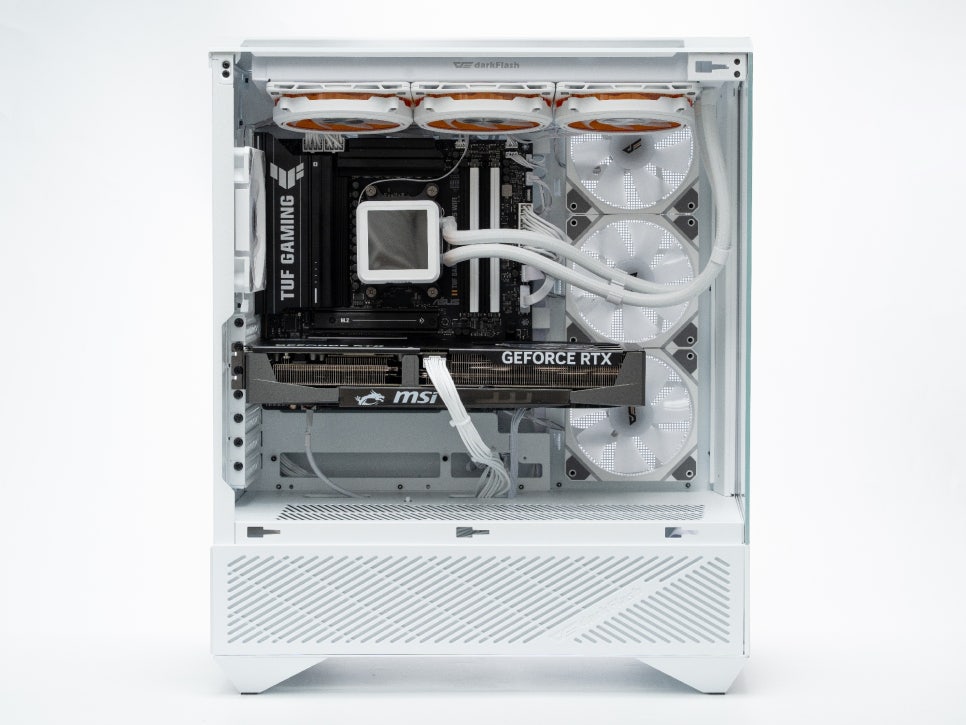
Specifically, the bottom space was more generous than anticipated, leaving ample room even after installing the power supply. Installing an additional cooling fan at the bottom would likely be a significant help for graphics card cooling. Users with high-performance graphics cards might consider installing a bottom intake fan.
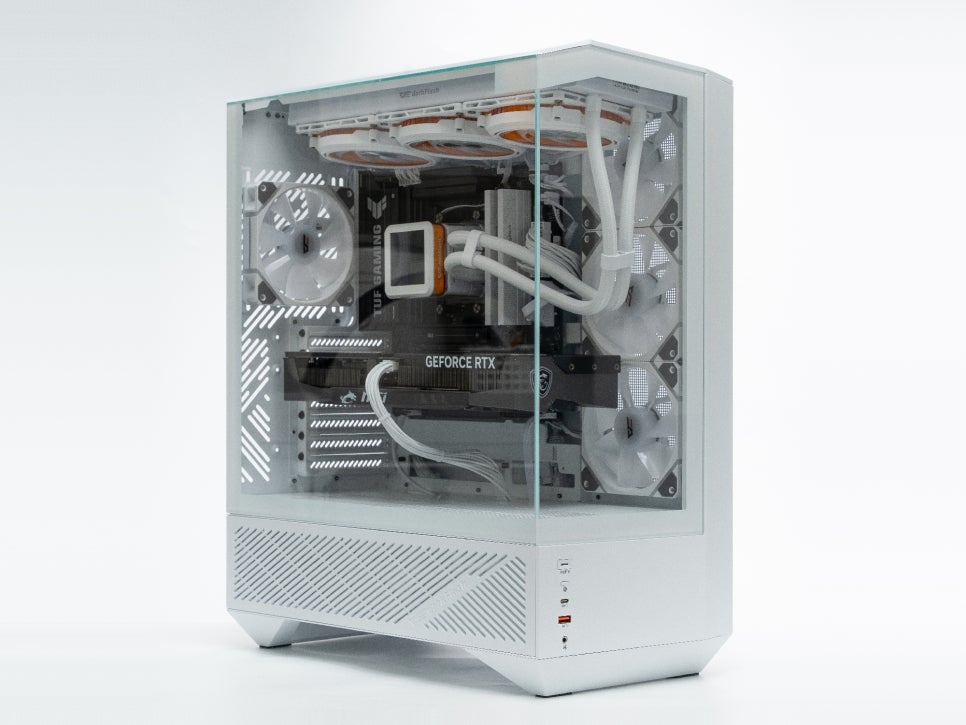
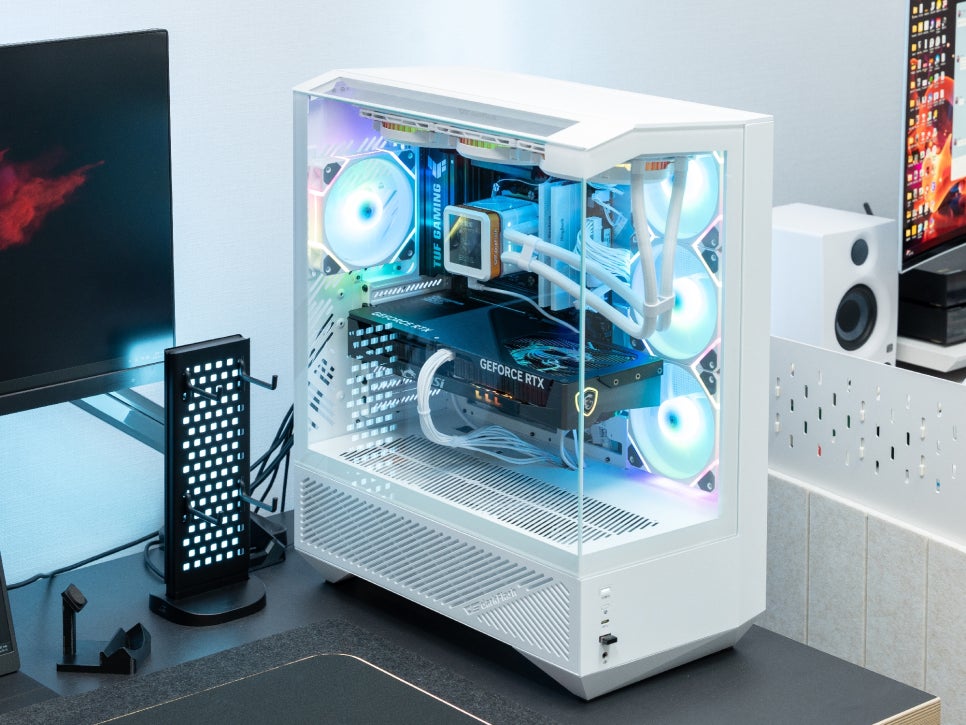
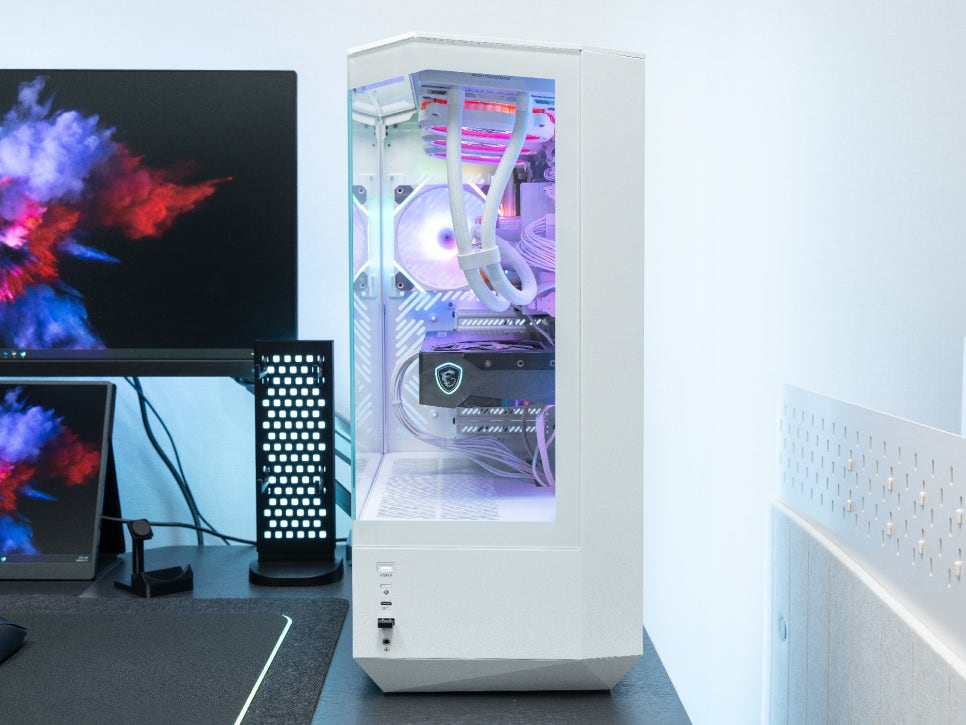
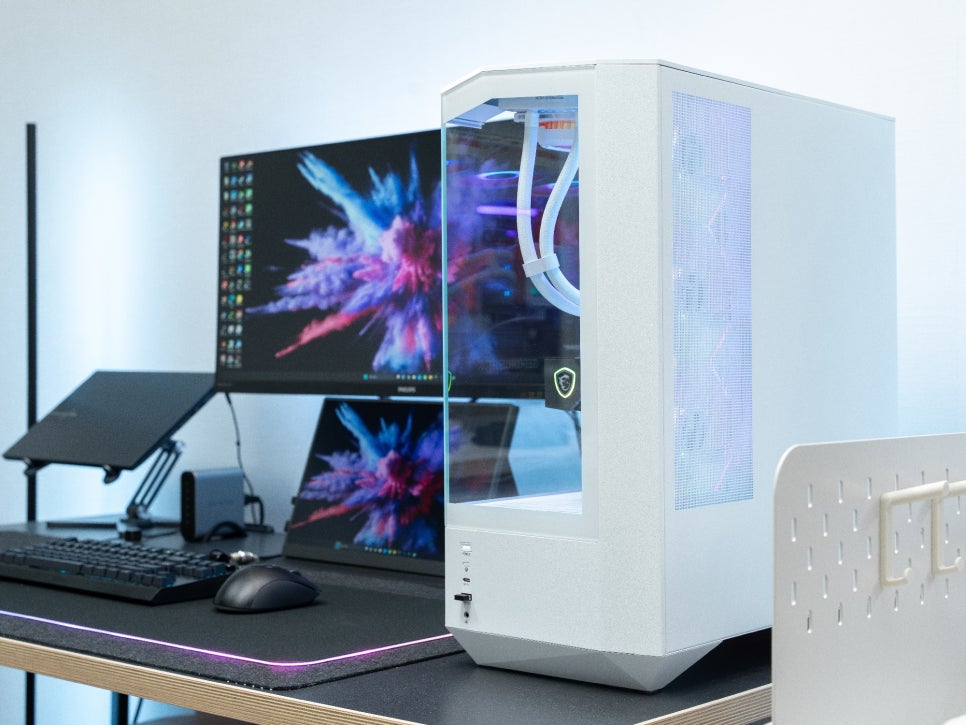
Since the tempered glass panels are easily detachable, component installation was convenient, and future upgrades should also be straightforward. The pure white interior is incredibly neat, making it particularly well-suited for users building a white-themed system.
RGB Effects
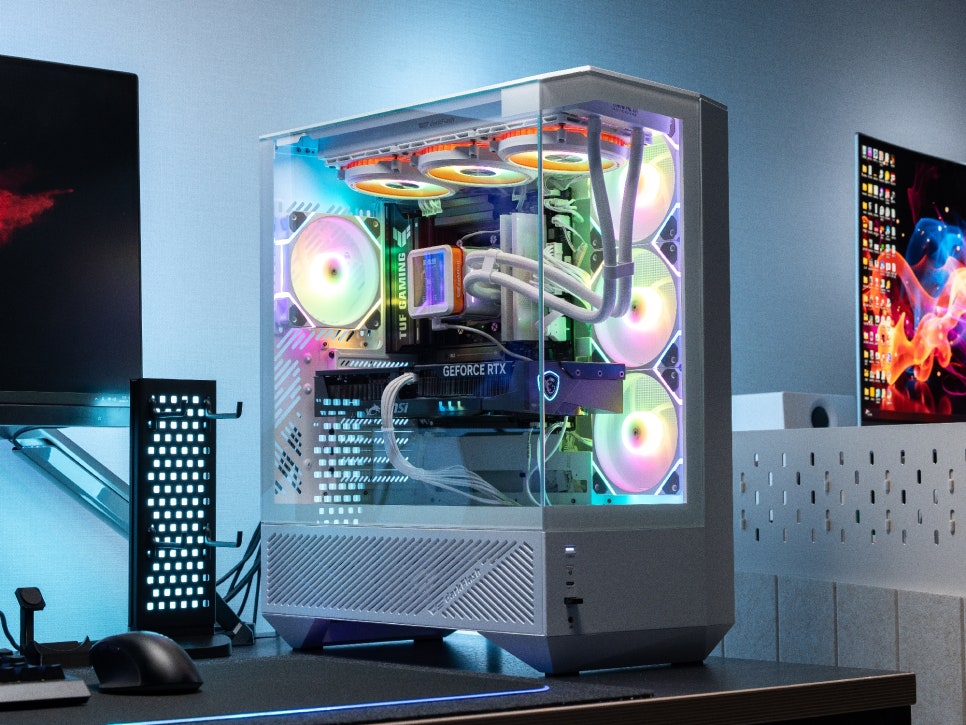
After connecting the ARGB cooling fans to the motherboard, you can synchronize the RGB effects using the motherboard’s software. It supports all major motherboard manufacturers’ RGB control programs, including ASUS Aura Sync, MSI Mystic Light, and GIGABYTE RGB Fusion.
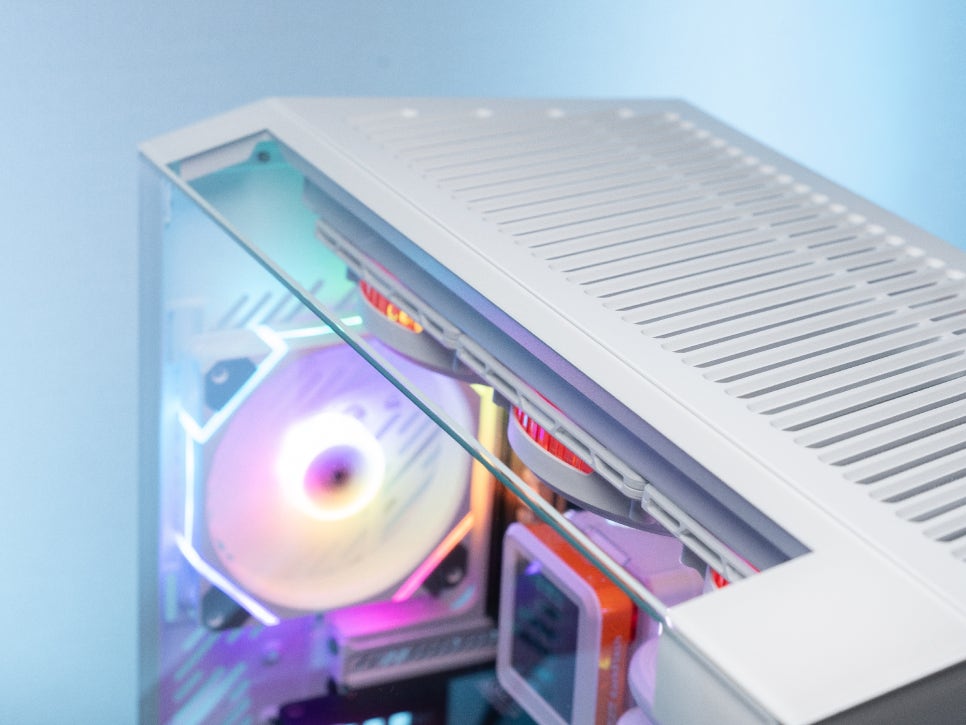
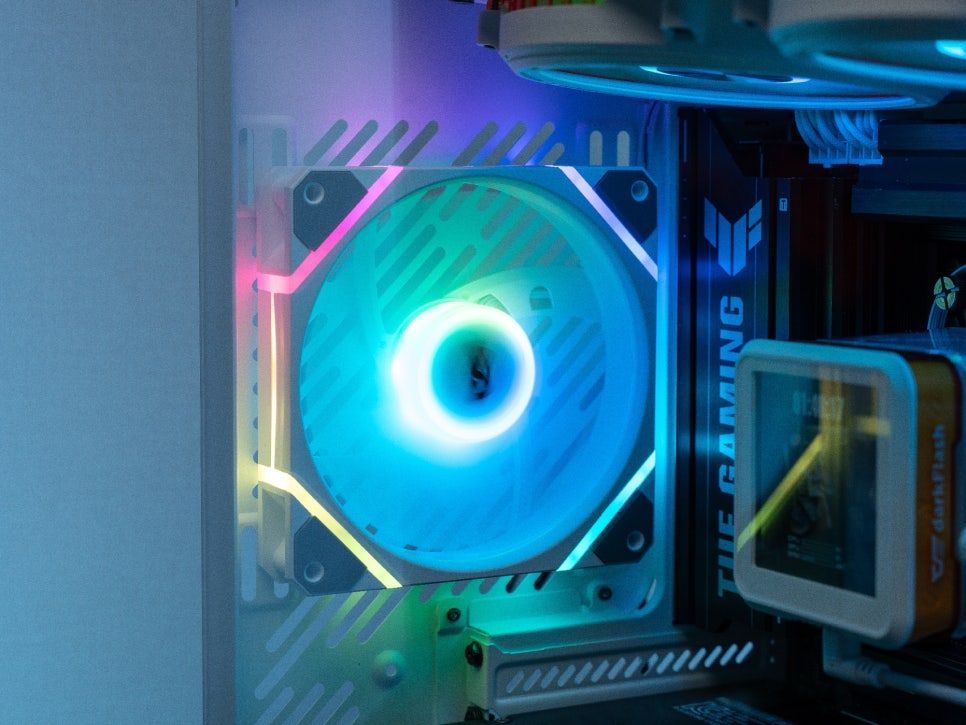
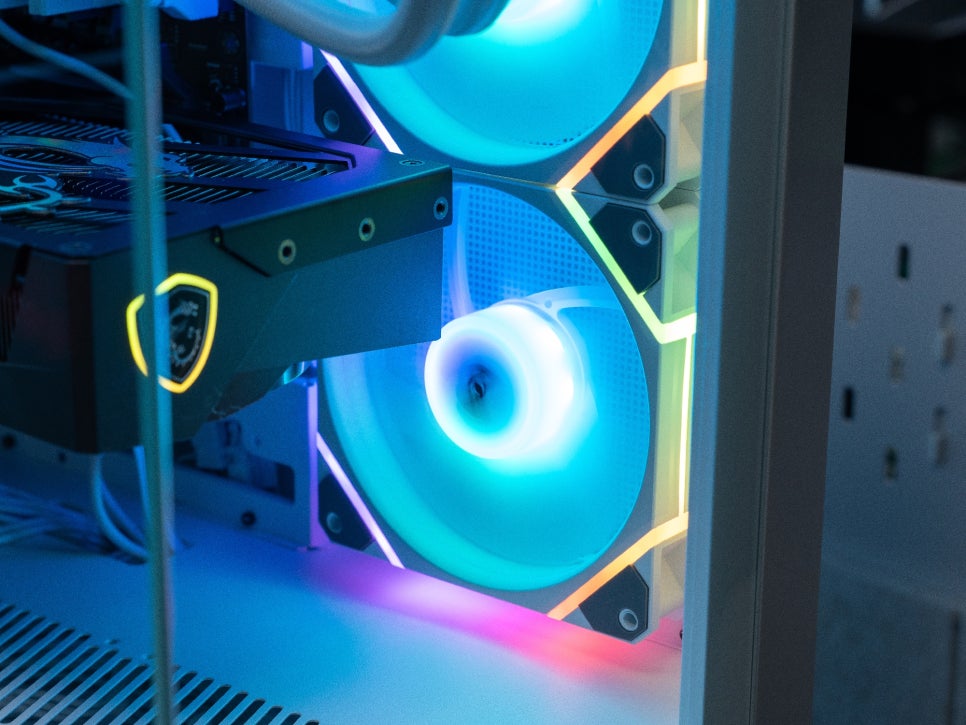
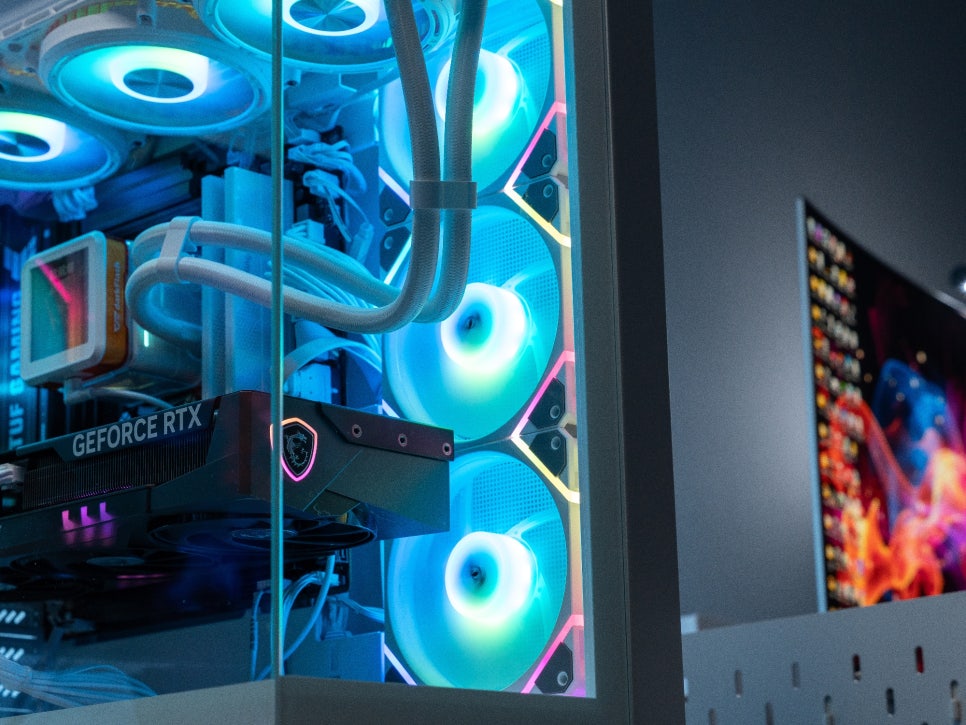
Upon activating the RGB effects, the cooling fans exhibited excellent LED illumination. The edge lighting effect, combined with the ideal brightness, conveys a premium feel. The soft diffusion of light along the fan’s rim appeared very sophisticated.
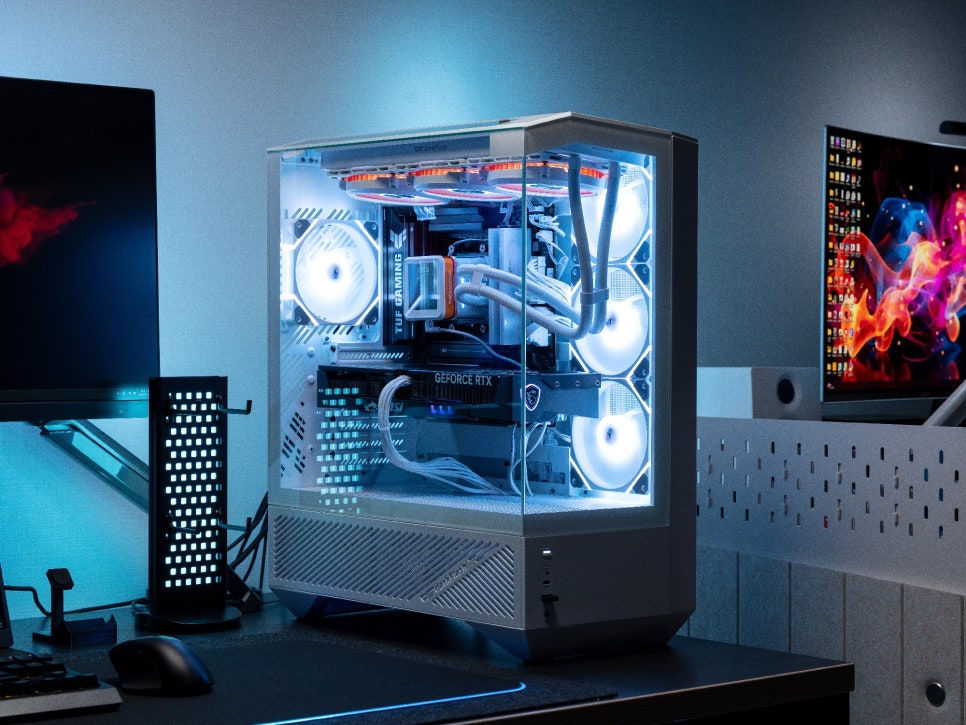
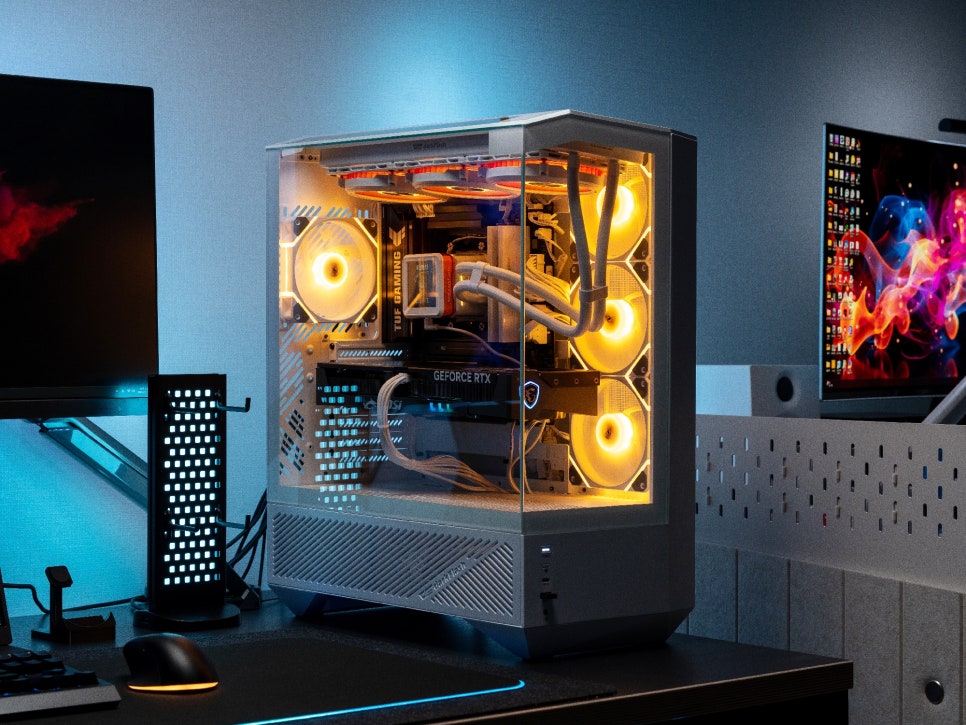
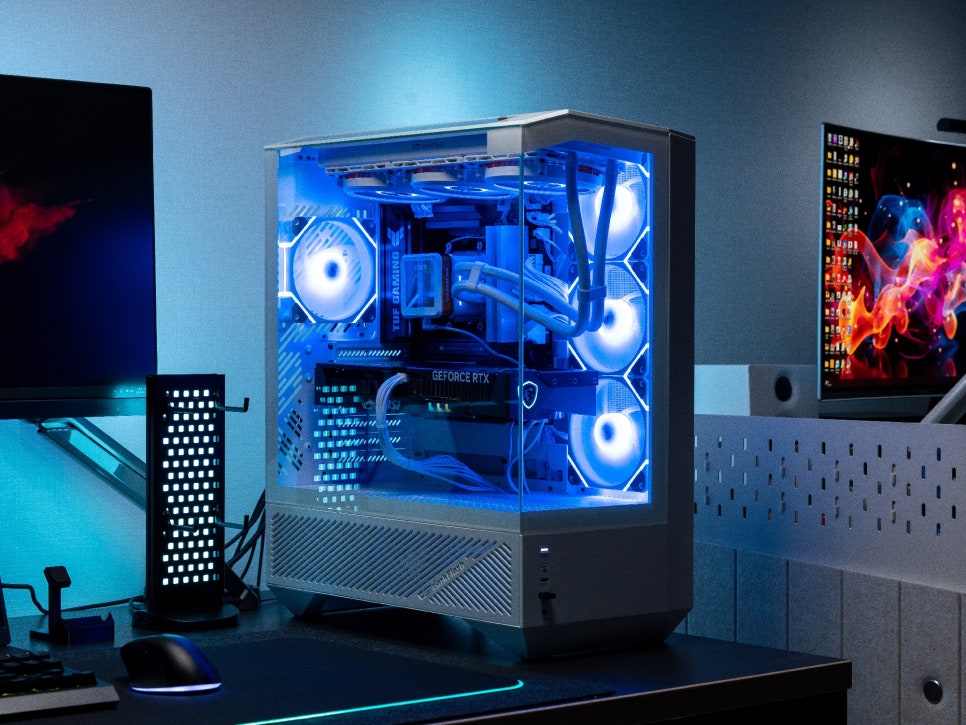
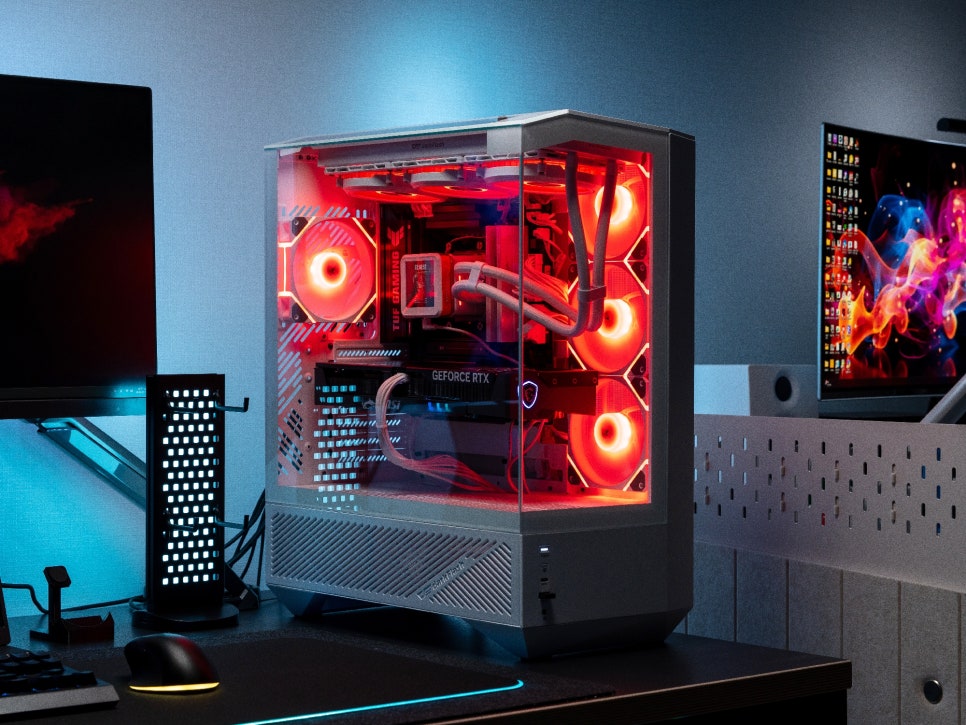
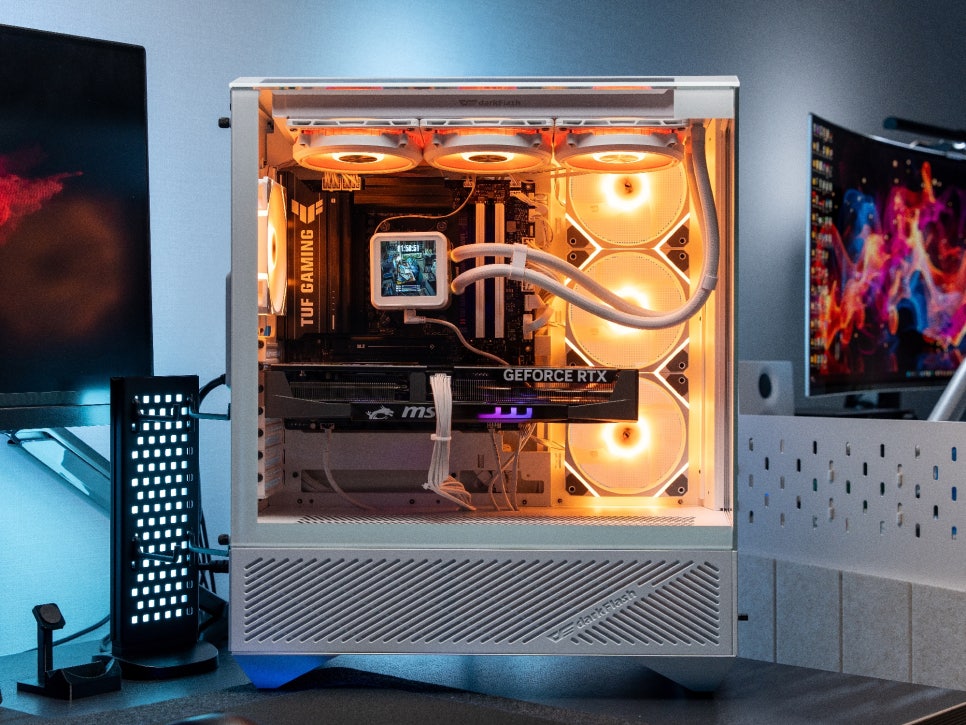
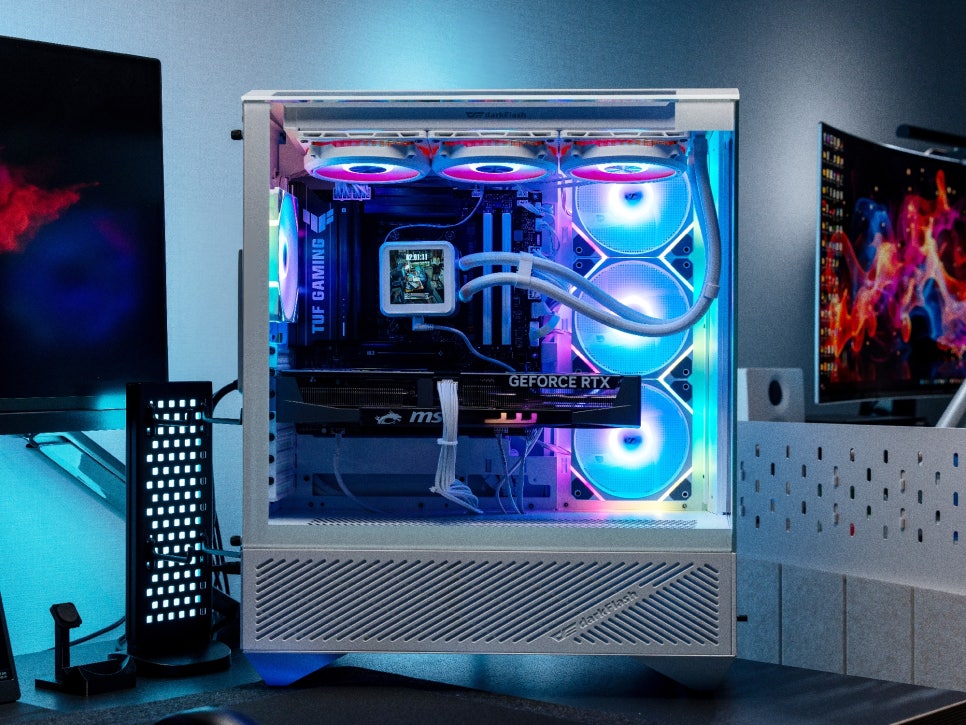
Thanks to the three-sided tempered glass design, a major advantage is being able to appreciate the internal RGB effects from any angle. Especially when the RGB effects are turned on in a dark environment, it boasts a truly spectacular visual.
Concluding the Review
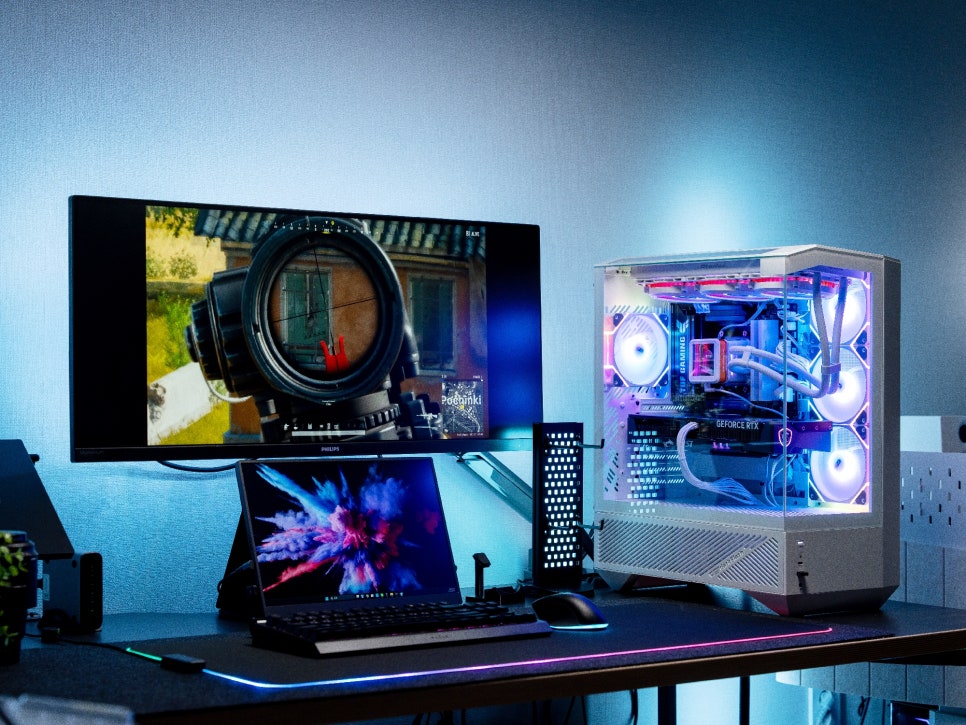
The Darkflash DY460 ARGB BTF, befitting Darkflash’s premium lineup, features an impressive design that considers not only aesthetics but also practicality and performance. The approximately 330-degree panoramic view provided by the three-sided tempered glass maximizes the effect of RGB tuning, allowing you to admire the beauty of the internal components from any angle.
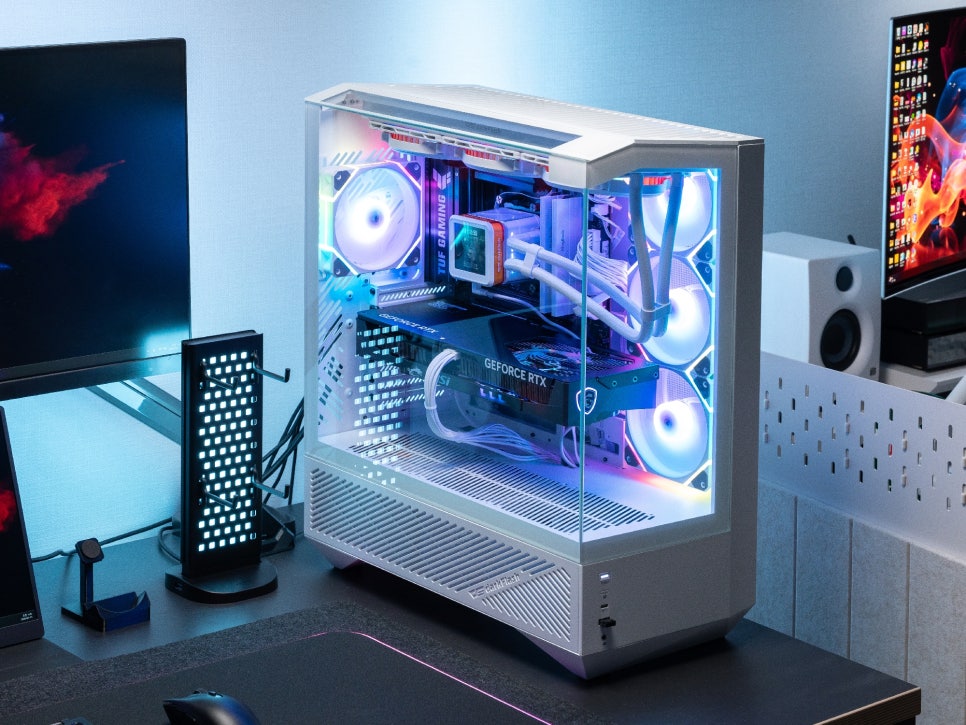
Another undeniable advantage is the excellent airflow design achieved through the louver panel. Thanks to the well-planned ventilation structure on the sides, rear, top, and bottom, cooling efficiency is outstanding, and the four high-quality ARGB cooling fans included deliver both performance and visual appeal. The subtle lighting effect from the edge lighting method adds a touch of luxury, and the motherboard RGB synchronization function allows for diverse customization to suit your taste.
I was curious to see what Darkflash, known as a value-for-money brand, would offer in its premium lineup, and this DY460 ARGB BTF more than met those expectations. We recommend this PC case to anyone looking for a product that combines a stunning design, practical features, and excellent cooling performance.
Buy Product
As an Amazon Associate I earn from qualifying purhases.
Purchase Product : https://amzn.to/4dqRHJQ