
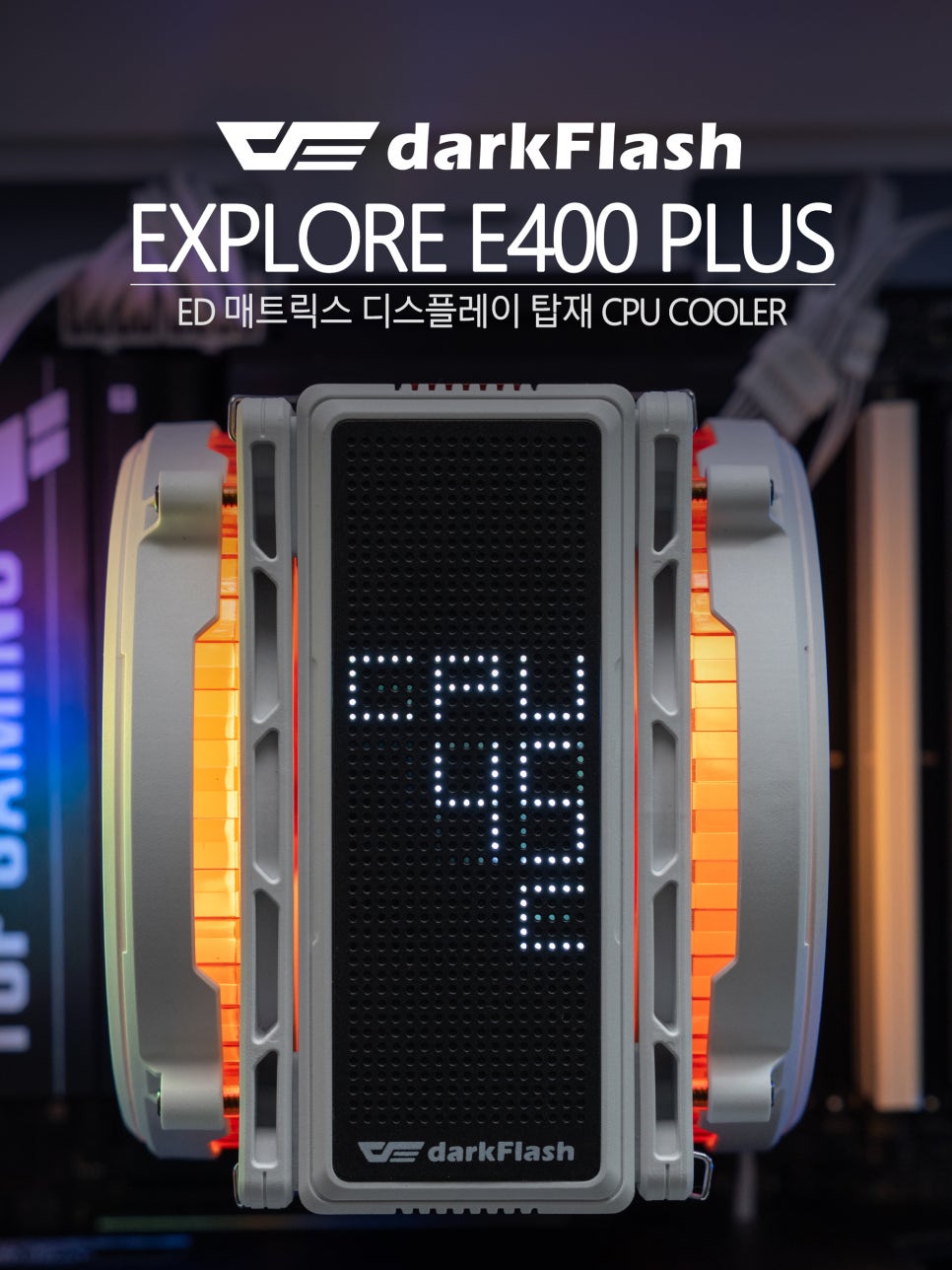
The EXPLORE series, meticulously prepared by darkFlash, a global brand specializing in computer peripherals, has finally been released. This is the very product that captivated PC enthusiasts worldwide with its unique space exploration concept and futuristic design since its initial unveiling at Computex 2025. The first product in the EXPLORE series, the darkFlash E400 PLUS ARGB, features dual cooling fans responsible for intake and exhaust within its compact single-tower form factor, and it also includes an LED matrix display that shows real-time CPU and GPU temperatures and usage.
In today’s air cooler market, the trend is not just about cooling performance but also vibrant RGB lighting as a standard, and displaying system information via LCD or LED screens on the top. The E400 PLUS ARGB perfectly reflects this trend while differentiating itself with a cybernetic design reminiscent of a spaceship. Now, let’s take a closer look at this product.
Configuration & Specifications


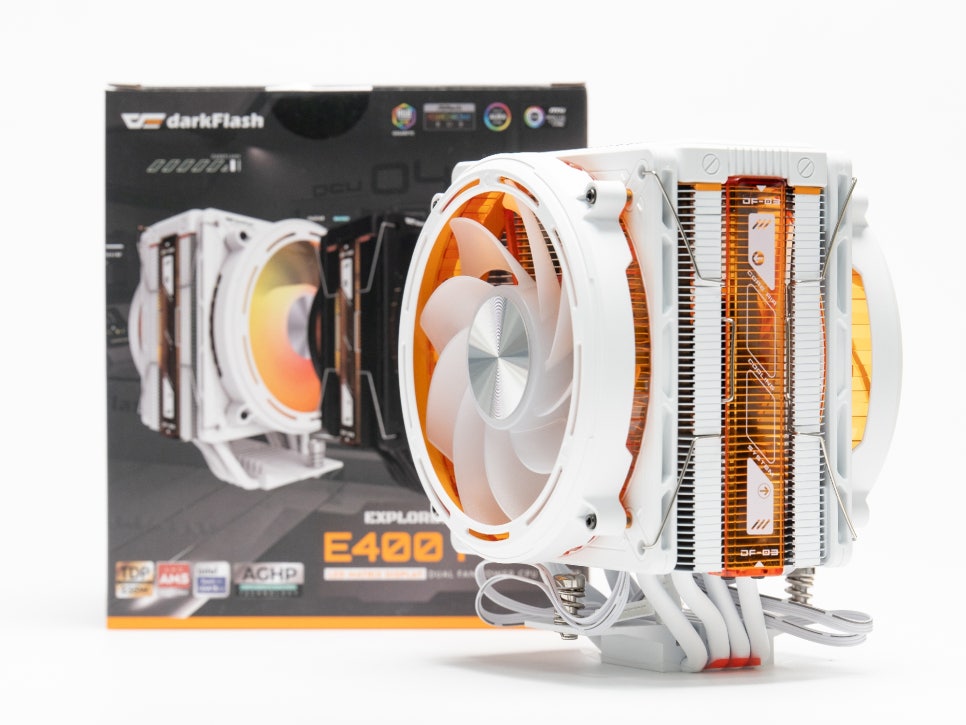
Looking at the detailed specifications of the product, it measures 155mm in height, 122mm in width, and 115mm in depth, allowing for easy installation in most mid-tower cases. The core of its cooling performance, the heat pipes, consist of four 6mm diameter pipes. These, combined with densely arranged aluminum heatsink fins, are designed to handle a maximum TDP of up to 235W.
Socket compatibility includes support for Intel LGA 18XX, 1700, 1366, 115X series, and AMD AM5, AM4 sockets, making it usable with both the latest CPUs and older platforms. Automatic fan speed control is possible via the PWM function, and it supports a 5V ARGB interface, allowing for synchronized lighting effects with the motherboard.
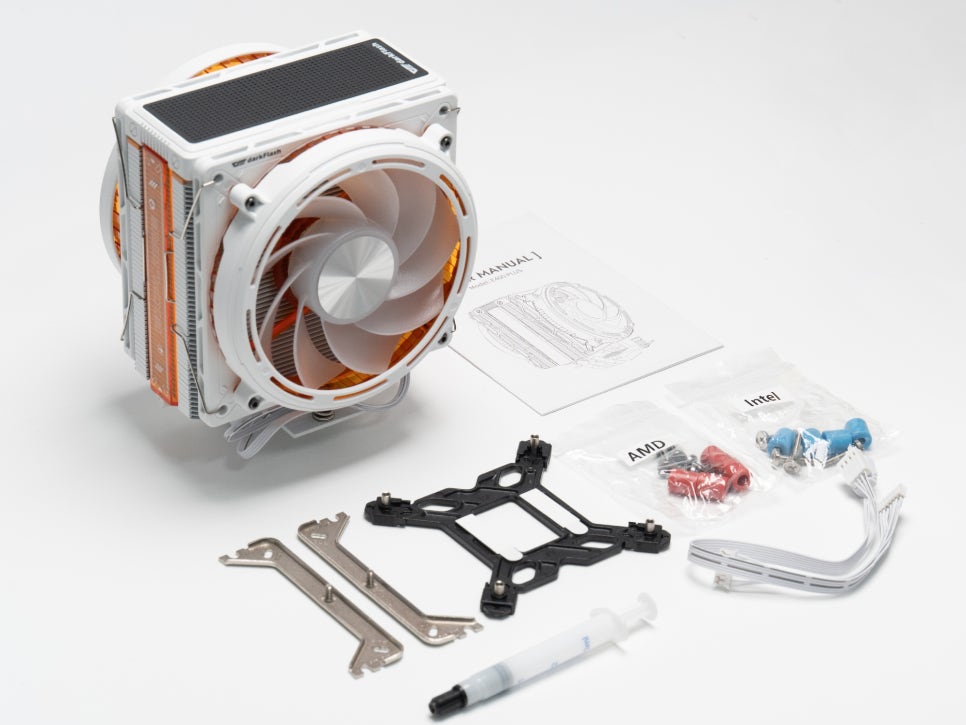
Examining the components of the darkFlash E400 PLUS ARGB White Edition, you’ll find the heatsink body and 120mm dual fans, along with mounting brackets and standoffs, color-coded for both Intel and AMD platforms. Thermal paste, a Y-type cable for fan connection, and a USB 2.0 connector for LED matrix monitoring are also included.
Exterior Features

The darkFlash E400 PLUS ARGB immediately catches the eye with its cybernetic design, reminiscent of a spaceship or its engine. It’s available in two colors: black and white. The white model we’re reviewing today offers a clean aesthetic, particularly suitable for the recently popular white-themed system builds.
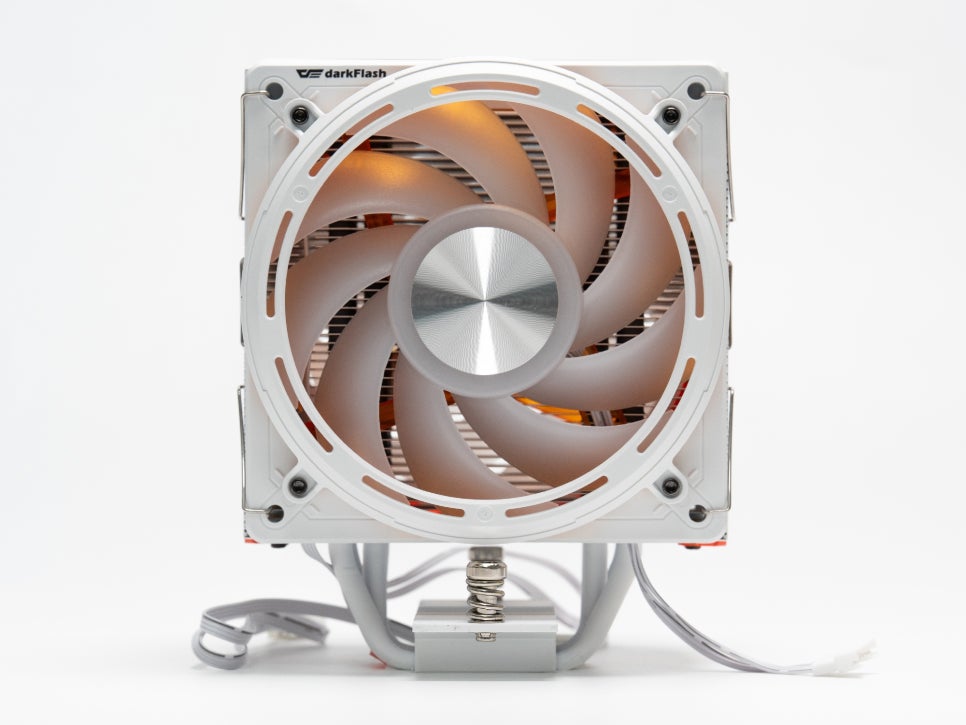
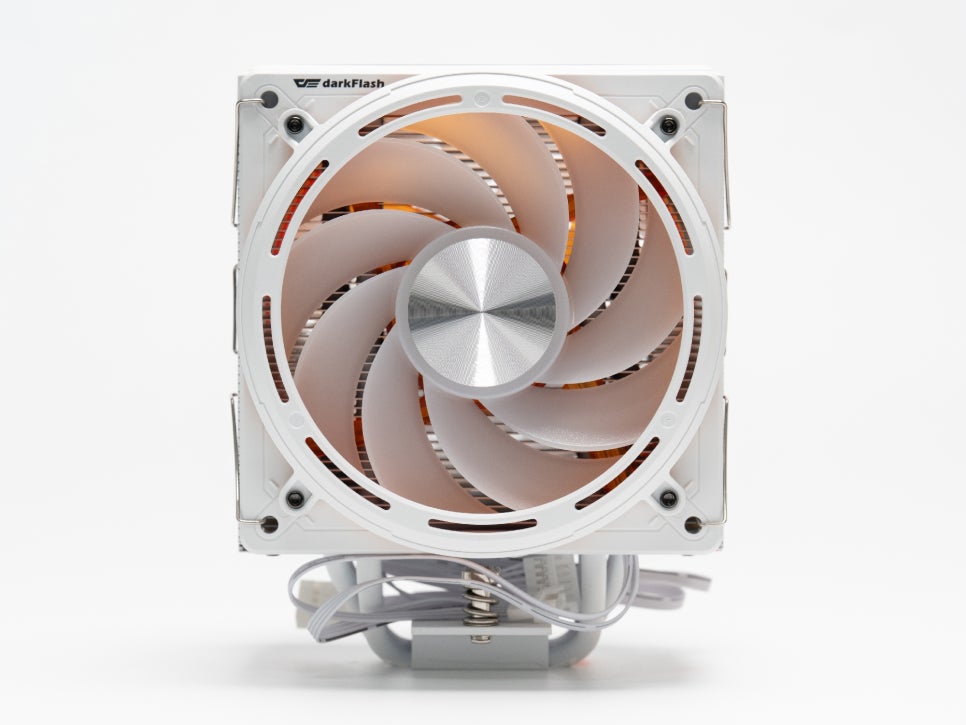
Although it’s a single-tower form factor, it features a dual-fan configuration. On the right, there’s a fan that rotates in the standard direction, drawing in external air, while on the left, a fan rotates in reverse, expelling hot air.
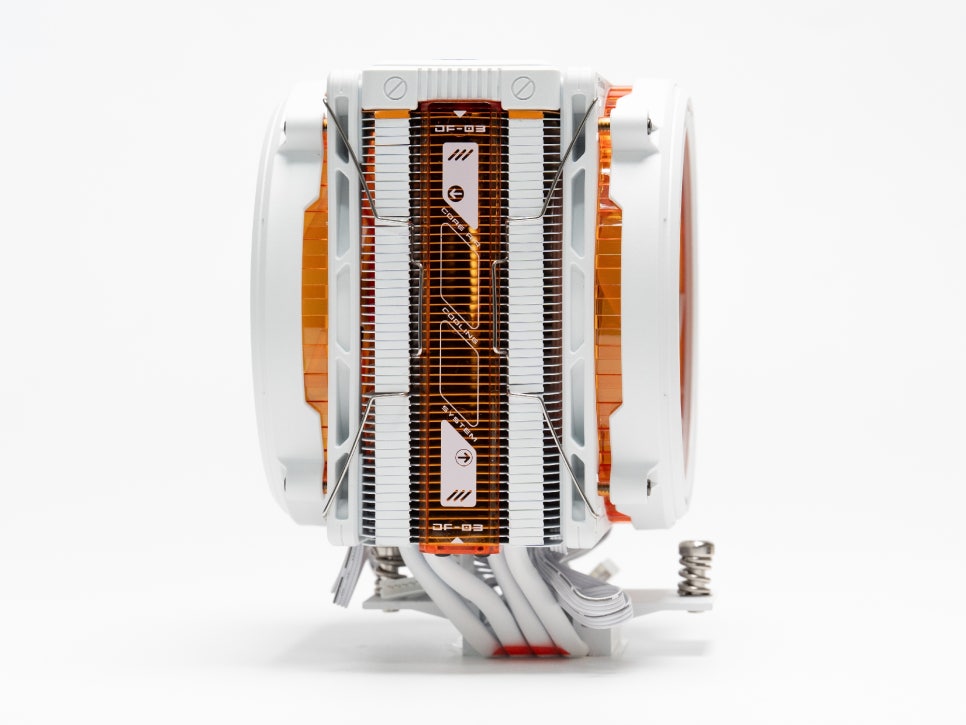
The concentric laser texture engraved on the side panel of the cooler body creates an optical illusion of a swirling vortex, combining with ARGB lighting to produce fantastic visual effects.
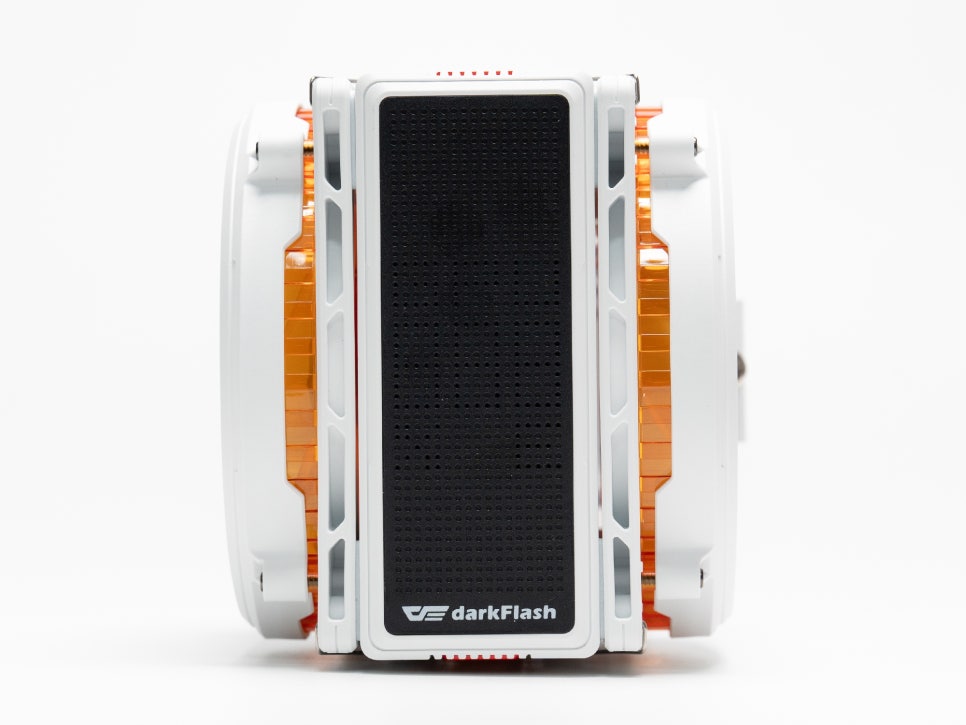
The LED matrix display mounted on the top is arguably this product’s most significant feature. As air coolers increasingly aim for extravagance and premium feel by integrating LCD or LED screens on top, the E400 PLUS also adopts a dot-matrix display to align with this trend.
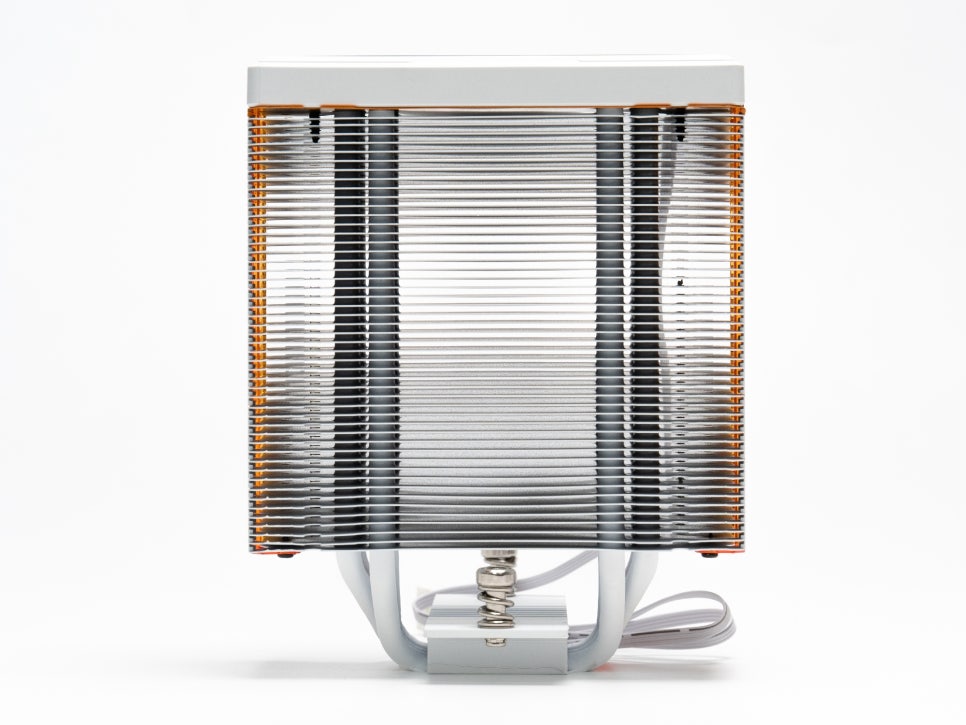
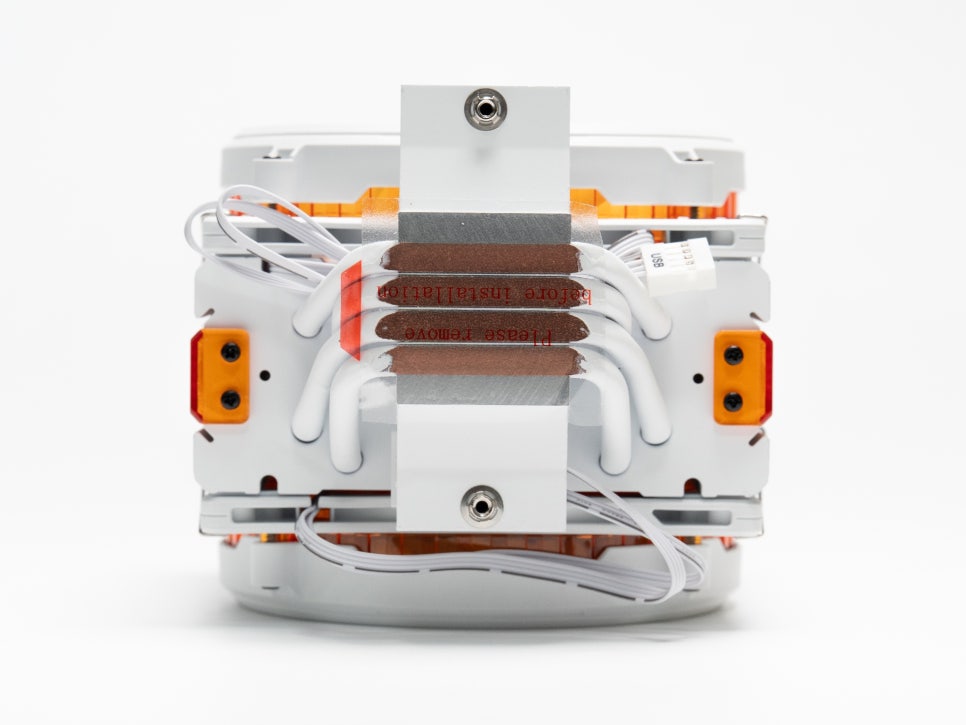
It adopts a direct-touch method where four 6mm thick heat pipes directly contact the CPU. Above these, densely arranged heatsink fins are said to reliably manage high heat dissipation up to a TDP of 235W.
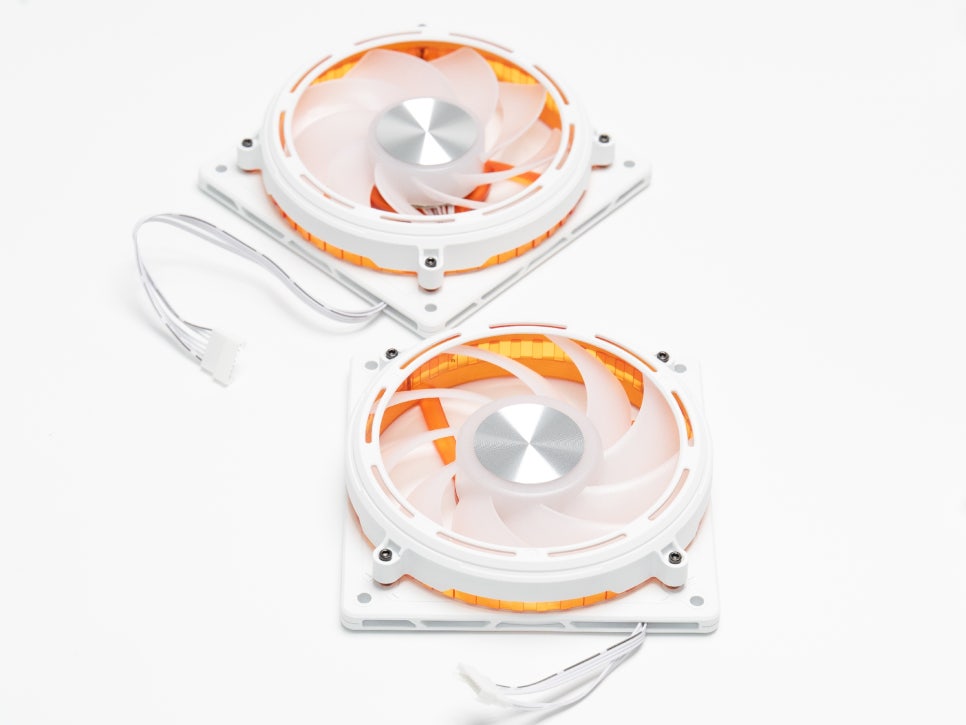

ARGB lighting is evenly distributed around the entire fan frame, and various RGB effects can be applied when synchronized with motherboard software. The brightness is sufficient to brilliantly illuminate the inside of the case, and personally, I was particularly fond of the orange transparent housing.
System Setup & Assembly
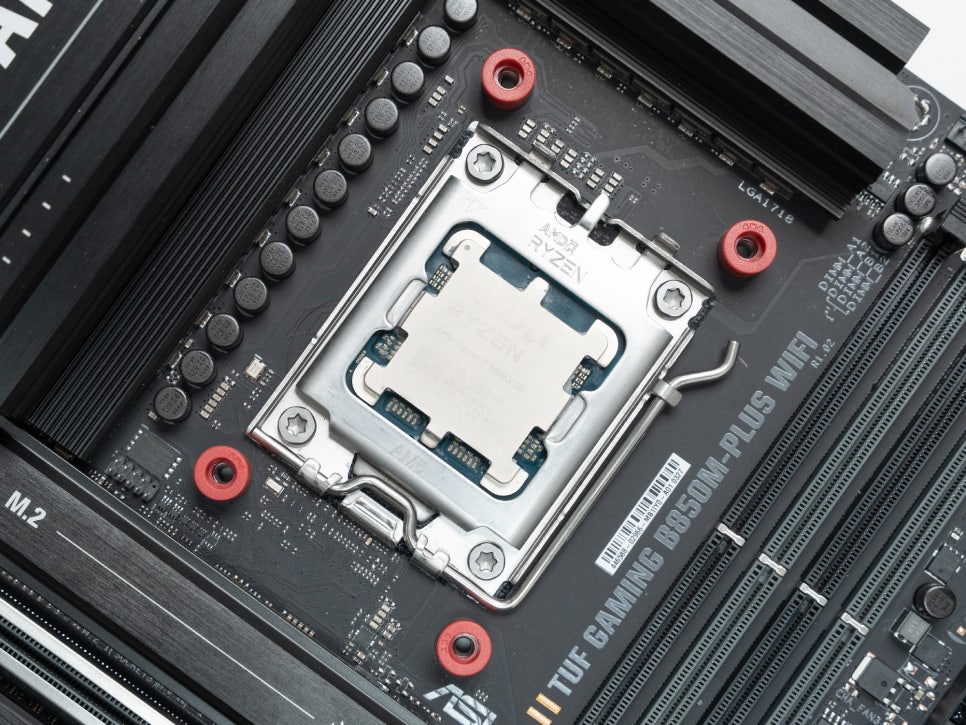
For testing, we configured a system with AMD’s Ryzen 9 9800X3D and an ASUS TUF B850 motherboard.
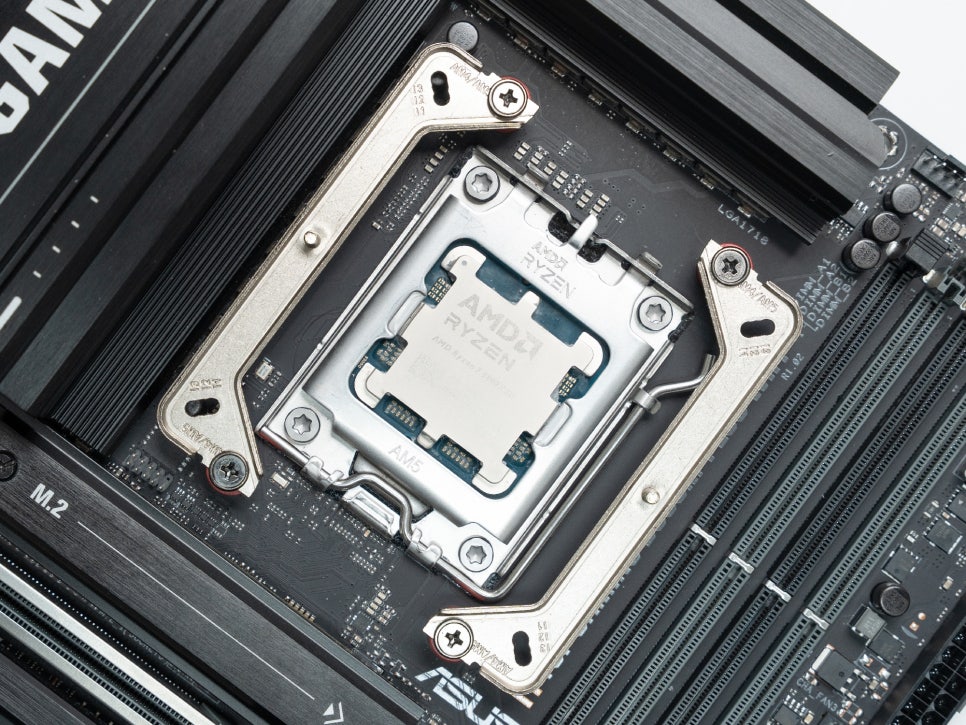
The assembly process is simpler than expected. First, you need to install the AMD standoffs into the motherboard holes, noting that Intel and AMD standoffs are color-coded. After securing the standoffs, place the mounting bracket on top and firmly tighten it with screws to complete the basic preparation.

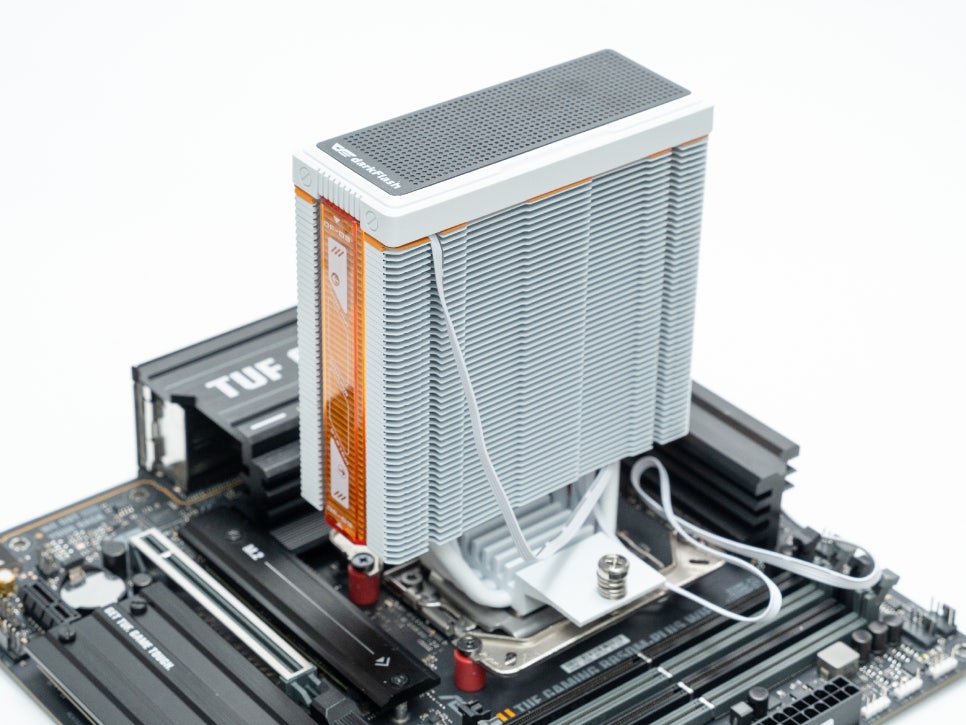

Next, apply an appropriate amount of the included thermal paste to the CPU surface, then carefully place the heatsink and secure it to the bracket with screws.
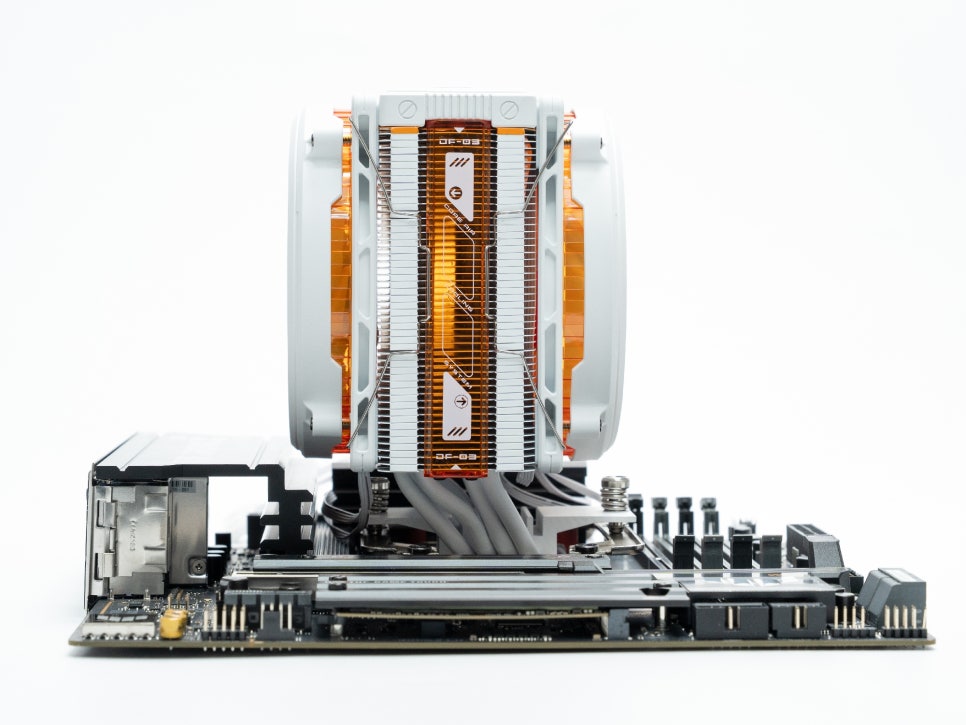

When installing the fans, you must correctly distinguish between intake and exhaust directions. The right fan should be installed in the standard direction (intake), and the left fan in the reverse direction (exhaust) to ensure proper airflow. A Y-type cable is also provided to connect both fans, allowing them to be controlled by a single fan header on the motherboard.
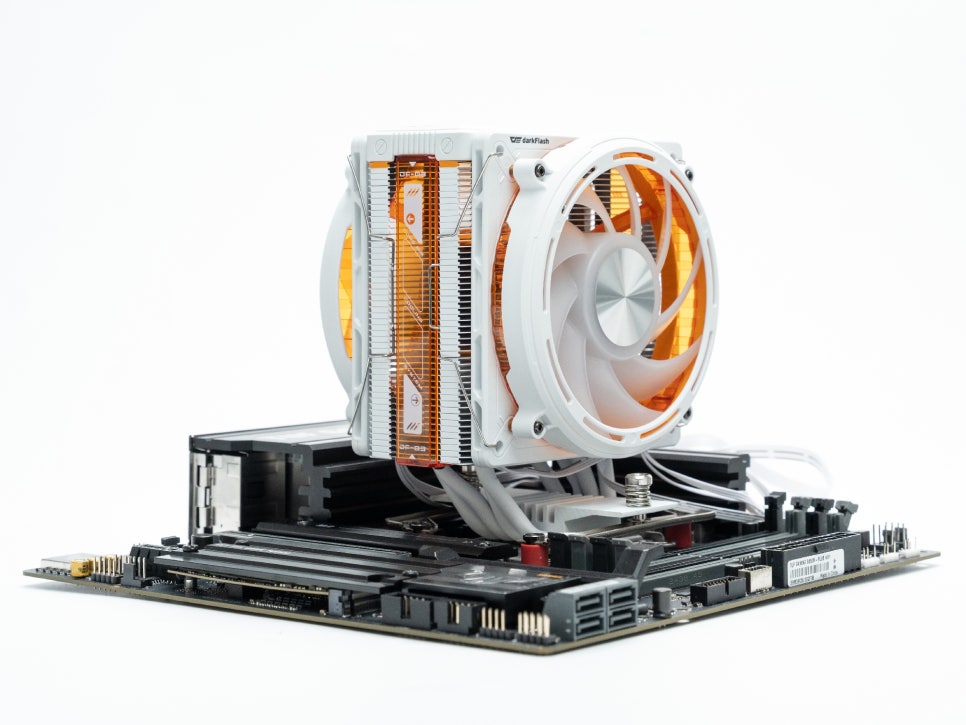
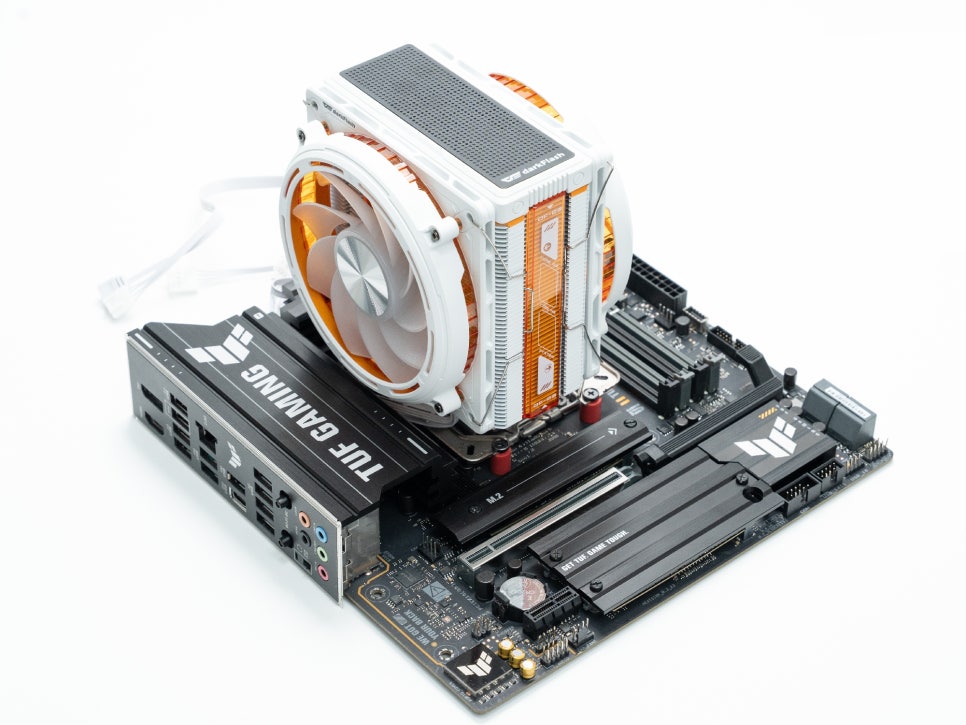
A major advantage of the single-tower structure is the lack of memory interference. The E400 PLUS was installed cleanly without interfering with the first memory slot. It appears there will be no issues even when using RGB memory with large heatsinks.
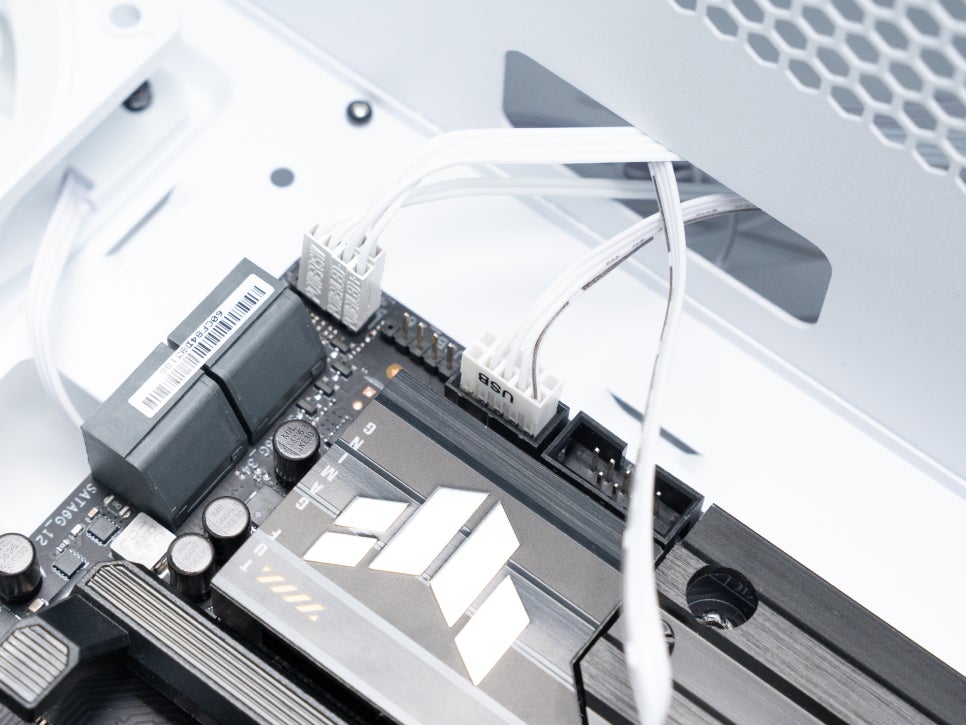
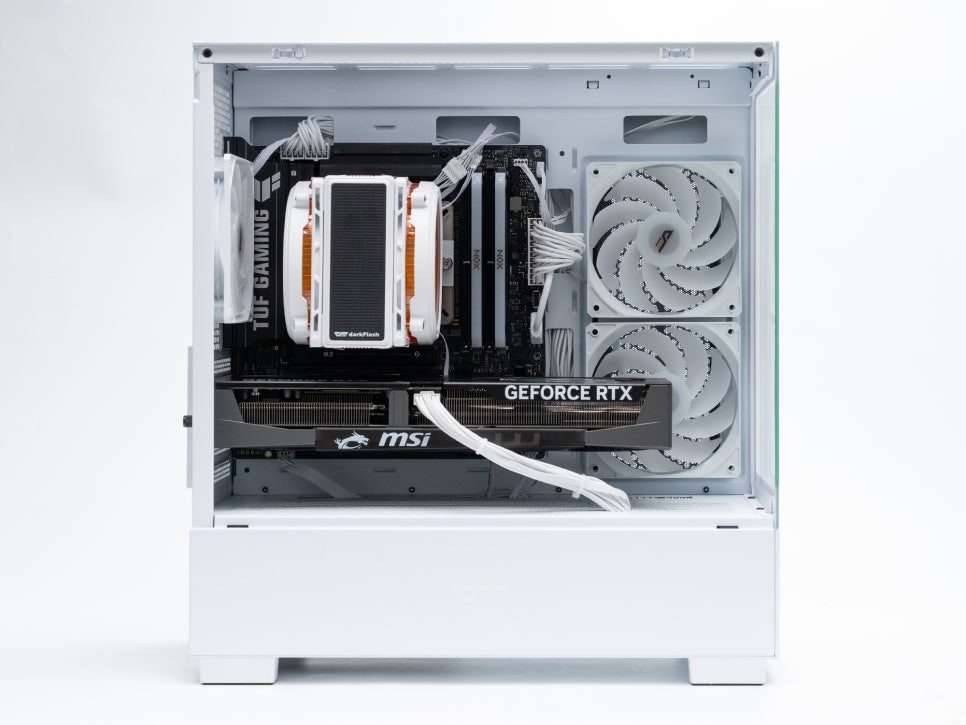
Finally, to activate the monitoring function of the LED matrix display, connect the connector to the motherboard’s USB 2.0 header, and the assembly is complete.
ARGB & LED Matrix
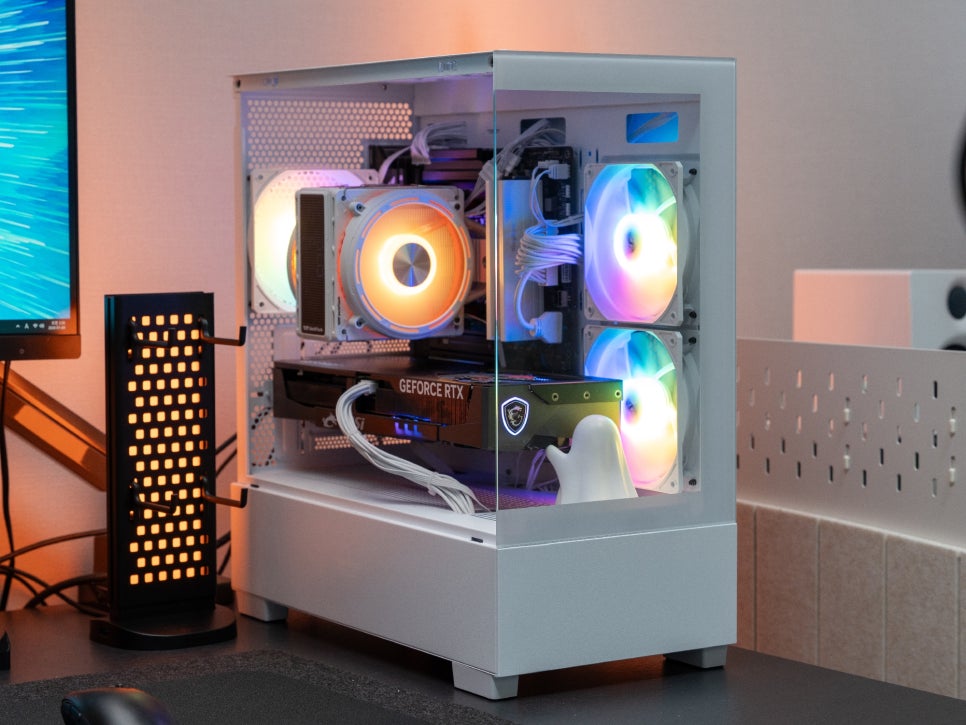
The ARGB lighting on the fans can be synchronized with motherboard software to apply various RGB effects. It supports software from major motherboard manufacturers such as ASUS Aura Sync, MSI Mystic Light, and GIGABYTE RGB Fusion, allowing for a unified RGB aesthetic across the entire system.
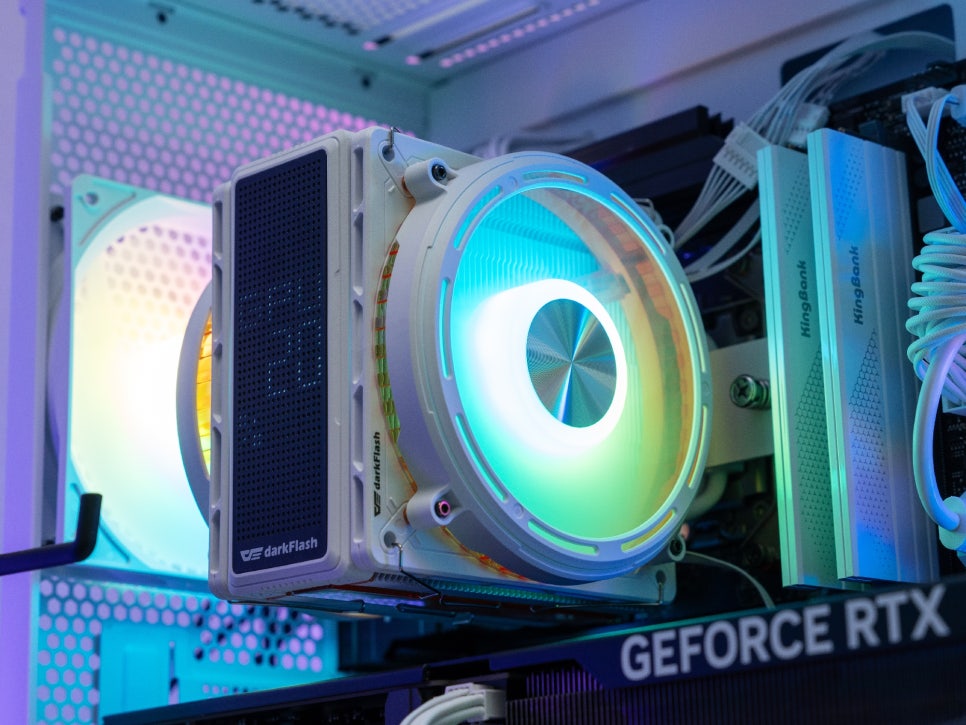
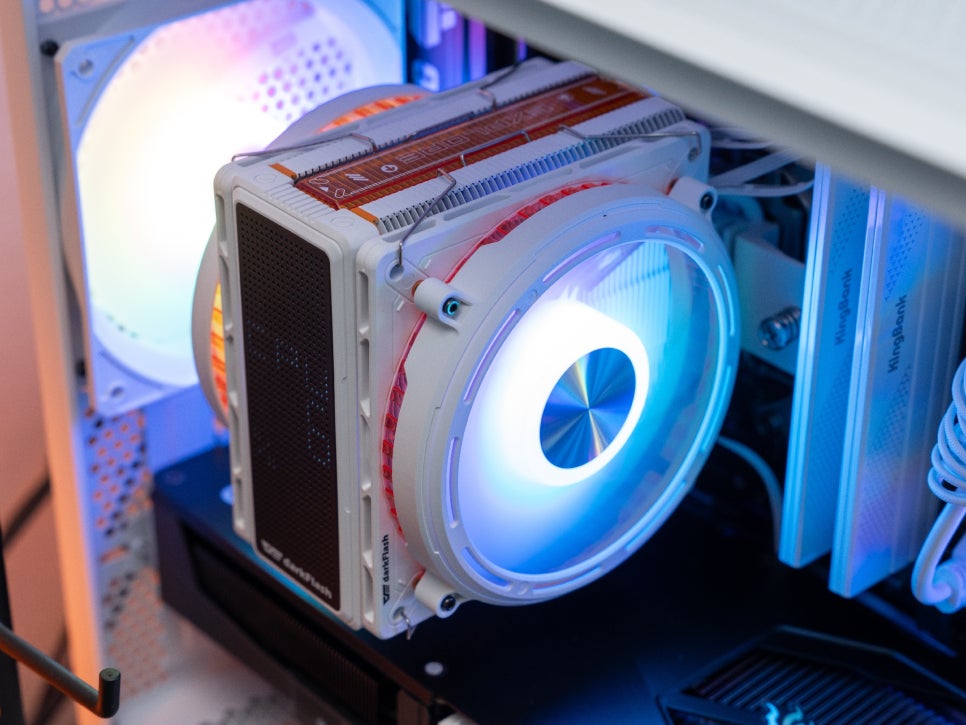

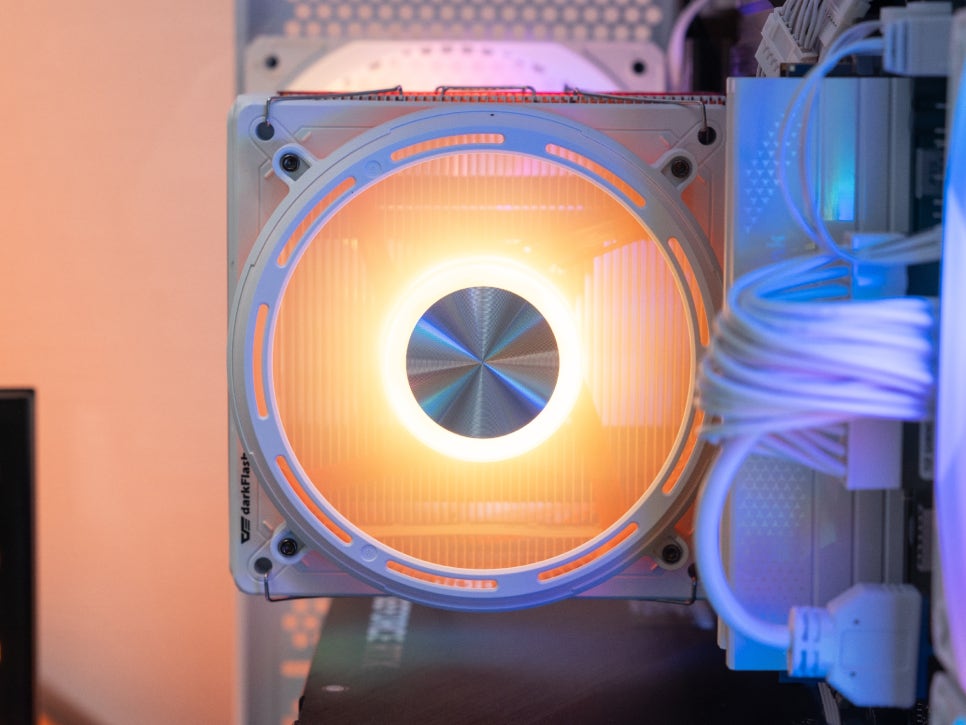
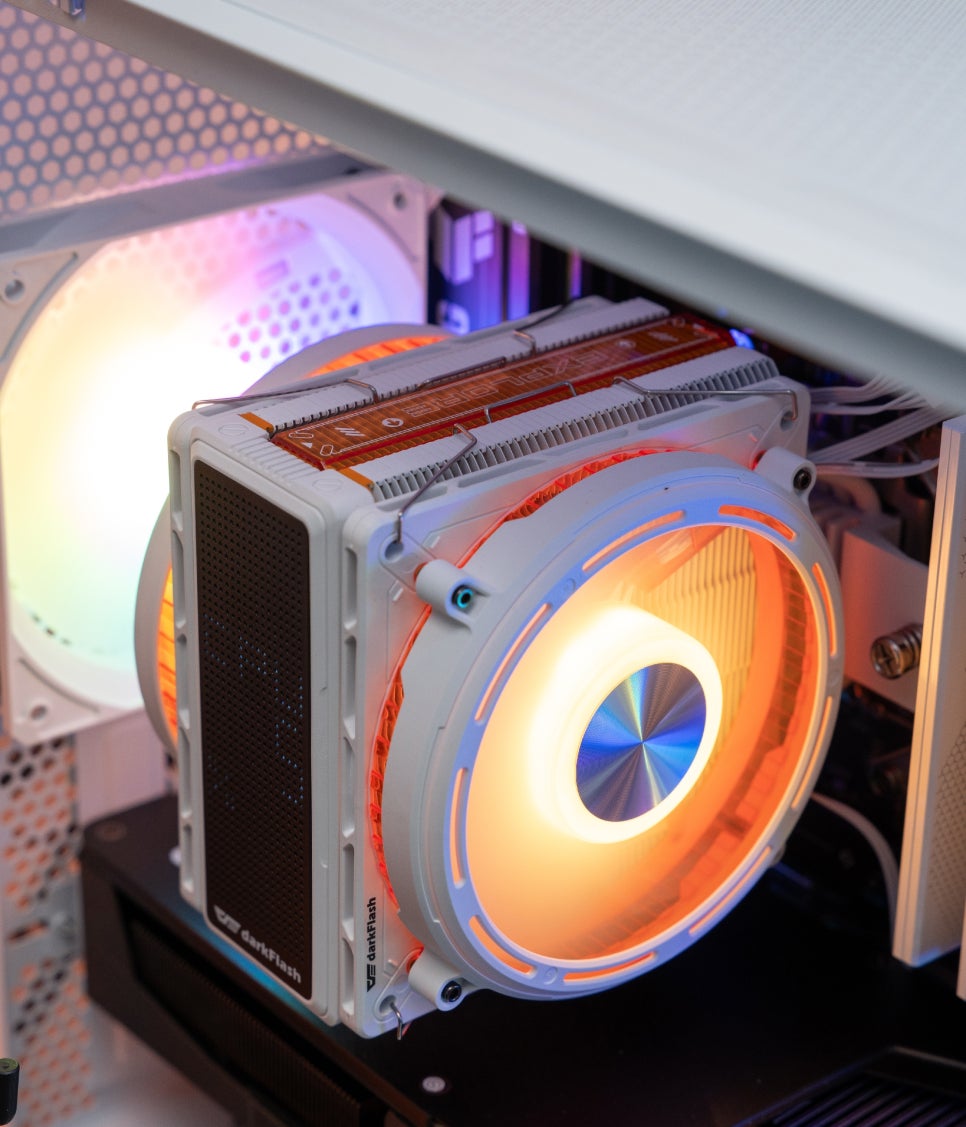
After testing various colors and effects, the RGB brightness proved to be quite sufficient, brilliantly illuminating the inside of the case. We tried different patterns like rainbow, wave, and breathing effects, and among them, the solid orange color personally felt the most appealing.
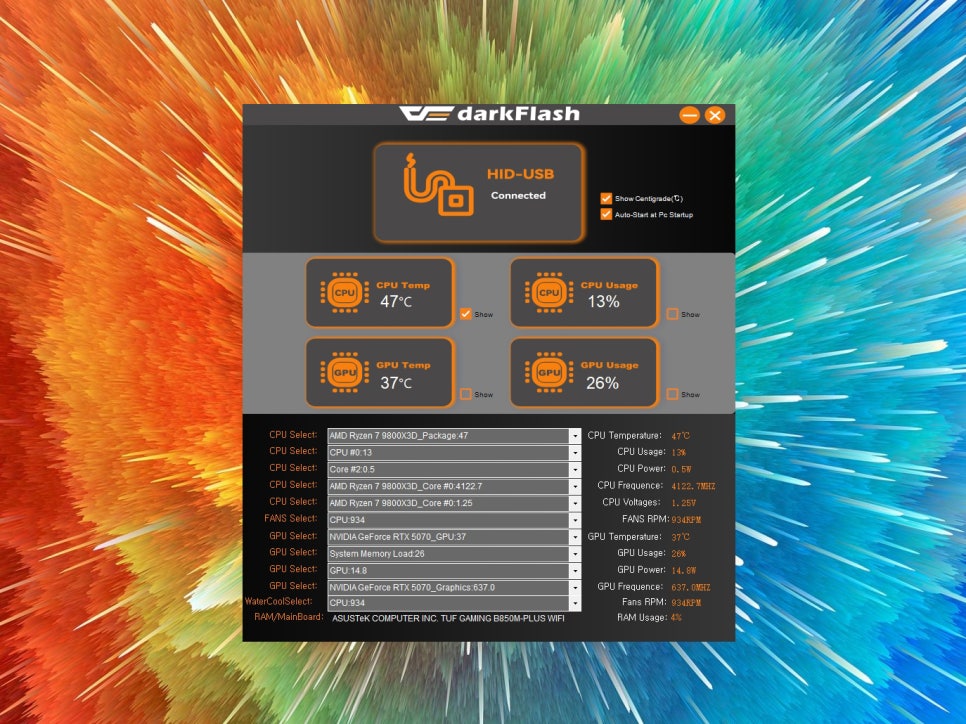

The LED matrix display on the top requires a dedicated program to be installed. You can download and install the driver from the darkFlash official website. Through this dedicated program, you can select and display CPU temperature, CPU usage, GPU temperature, and GPU usage individually.
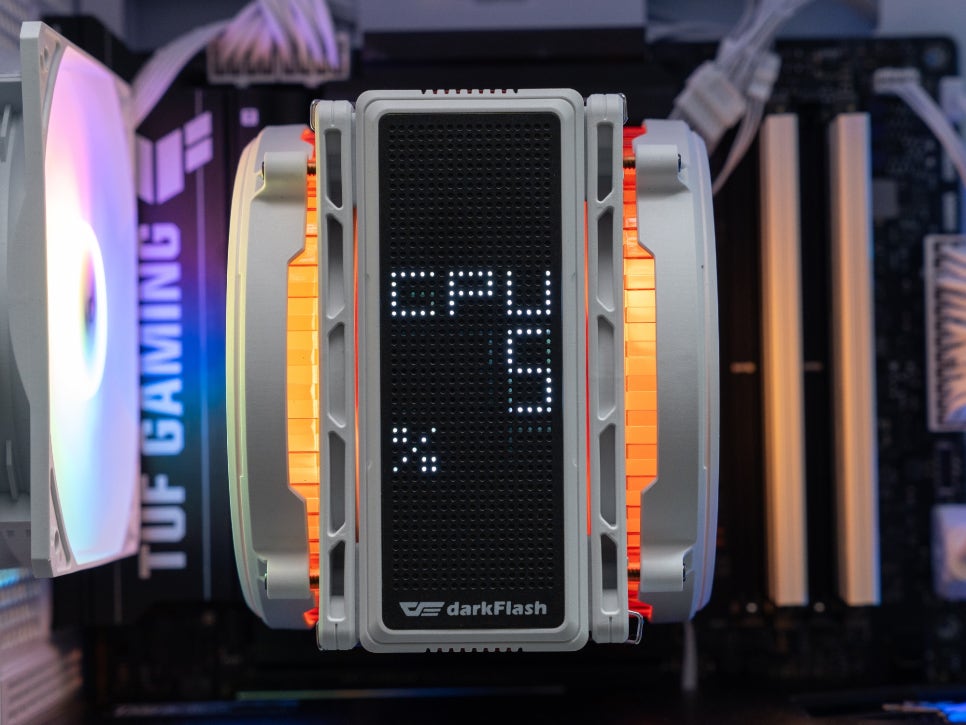
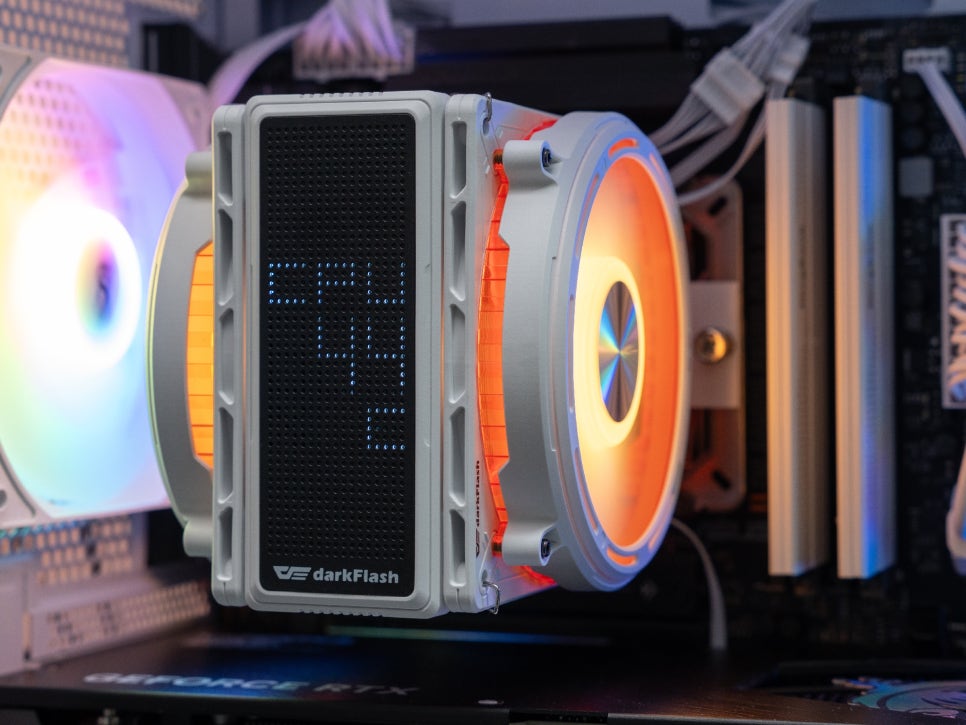
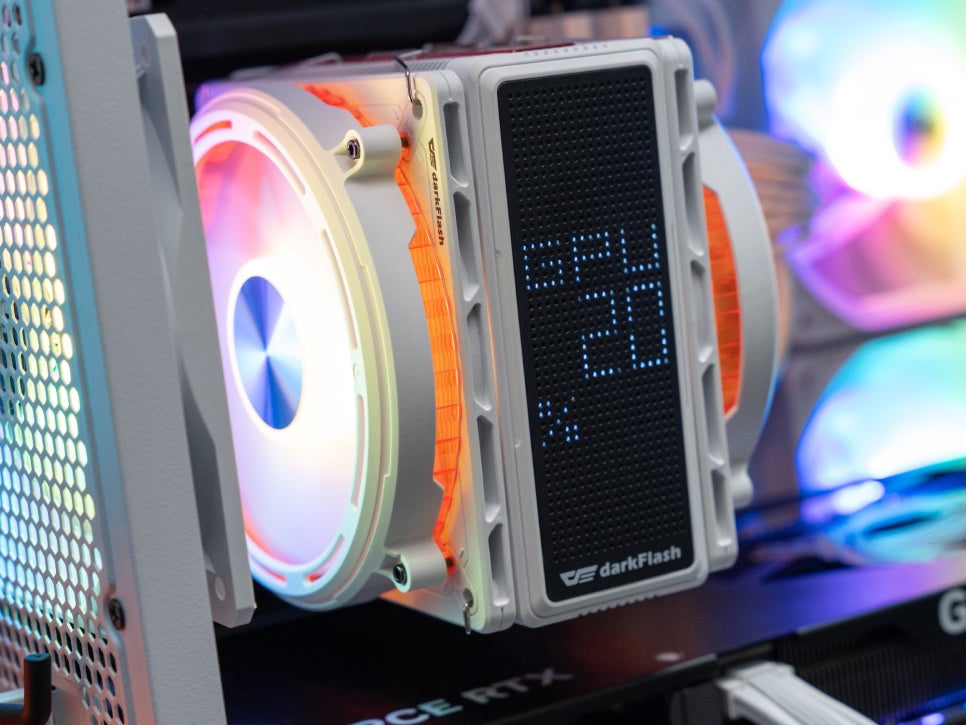
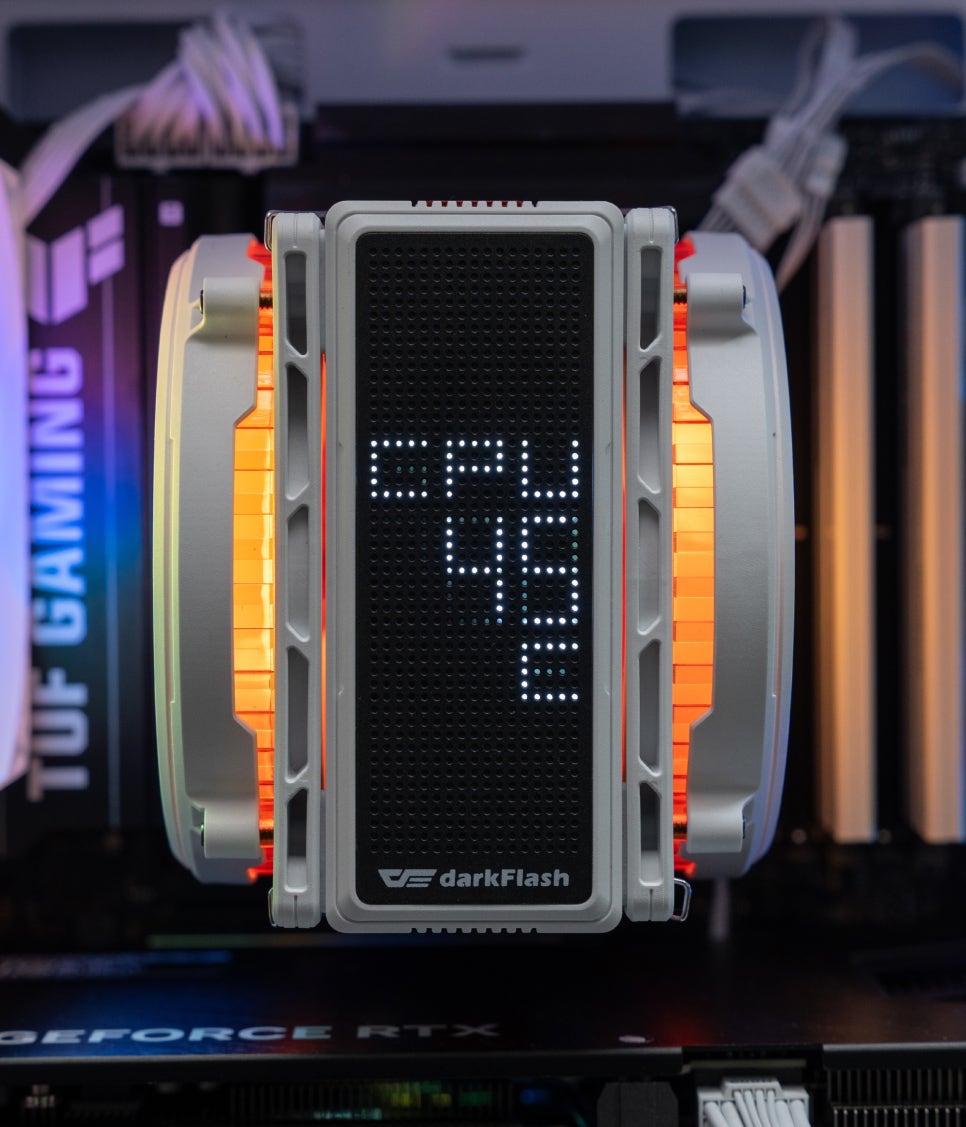
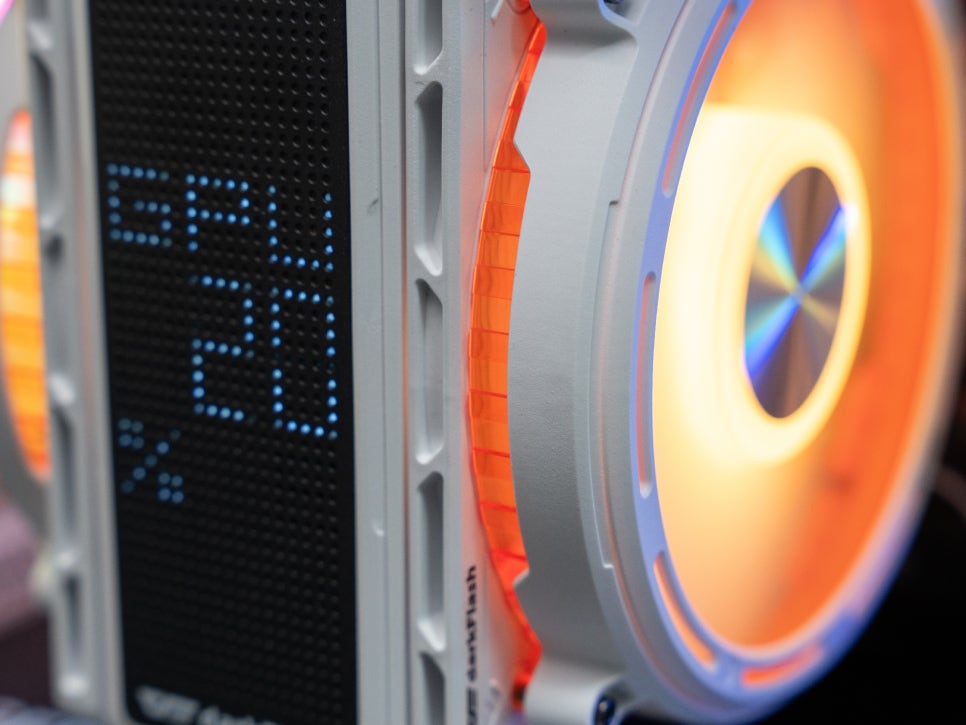
There’s also a mode that cycles through the four pieces of information sequentially, and it’s possible to fix and output only specific sensor information. For example, you can continuously display only the GPU temperature while gaming, or monitor the CPU temperature during rendering tasks.
Concluding the Review
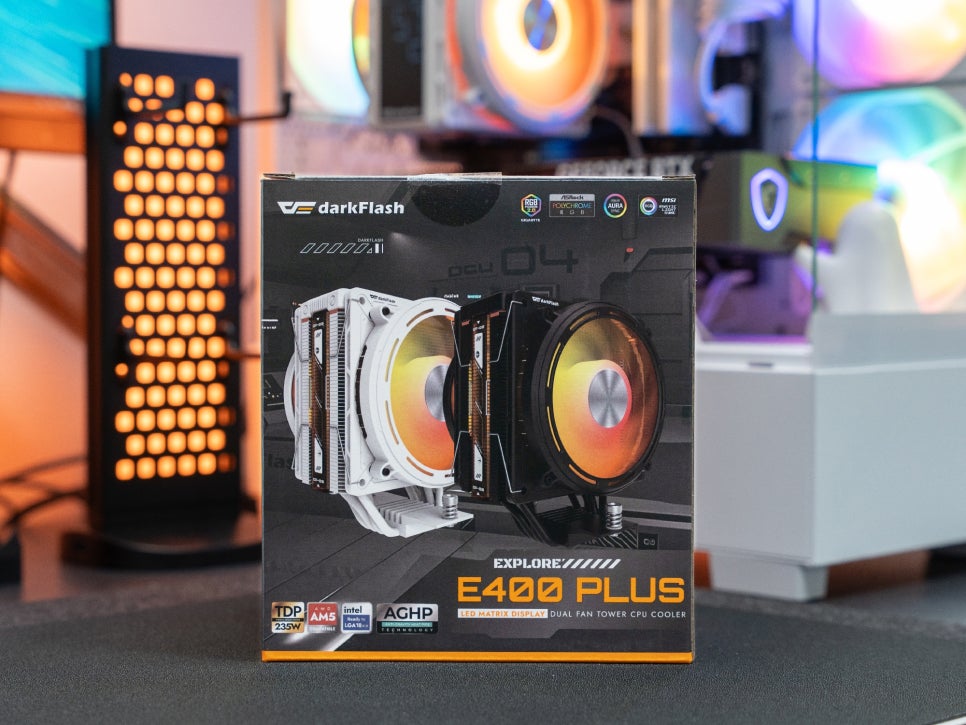
The darkFlash EXPLORE E400 PLUS ARGB White embodies the space exploration concept throughout its design. Within its compact single-tower size, it features dual fans and an LED matrix display, satisfying all three aspects: performance, functionality, and design.
In particular, the LED matrix display is very useful for understanding system status, as it allows you to check CPU and GPU temperatures and usage at a glance, even from outside the case. This can be considered a unique charm of the EXPLORE series, like looking at a spaceship’s dashboard.
Considering its price point, the cooling performance, with its four 6mm heat pipes, dense fin array, and dual-fan configuration, reliably handles up to a TDP of 235W. Even with high-performance CPUs like the AMD Ryzen 9 9800X3D, it operates flawlessly in typical gaming environments. However, during rendering tasks, temperatures can approach 95 degrees, suggesting that undervolting might be necessary for high-end CPUs.
If you are looking for a CPU cooler with a distinctive design, you might want to take a closer look at the darkFlash EXPLORE E400 PLUS ARGB.
As an Amazon Associate I earn from qualifying purhases.
Purchase Product : https://amzn.to/3LdAMPu
#다크플래쉬
#EXPLOREE400PLUS
#공랭쿨러
#CPU쿨러
#싱글타워쿨러
#ARGB쿨러
#화이트쿨러
#LED매트릭스
#컴퓨터쿨러
#PC조립