
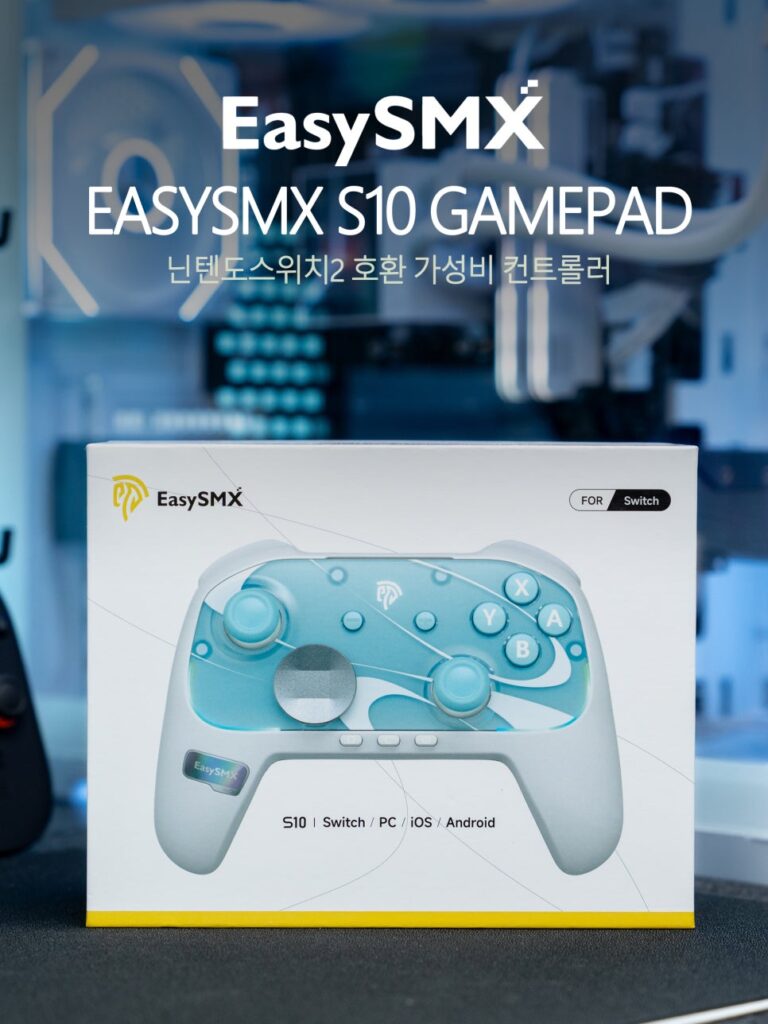
As the year-end approaches, many people are considering the Nintendo Switch 2 as a Christmas gift. The Switch offers a plethora of titles like Mario Kart and Smash Bros that families can enjoy together. To play with multiple people, purchasing additional controllers is practically essential. However, the price of the official Pro Controller can be a burden, and opting for cheaper alternatives often raises concerns about durability.
Recently, a variety of third-party controllers have been released, offering a wider range of choices. Today, I’d like to introduce the EasySMX S10, a product from the global gaming controller brand EasySMX. It is said to be more affordable than the Pro Controller 2 while offering more features. Let’s take a closer look at what this product has to offer.
Specifications and Contents
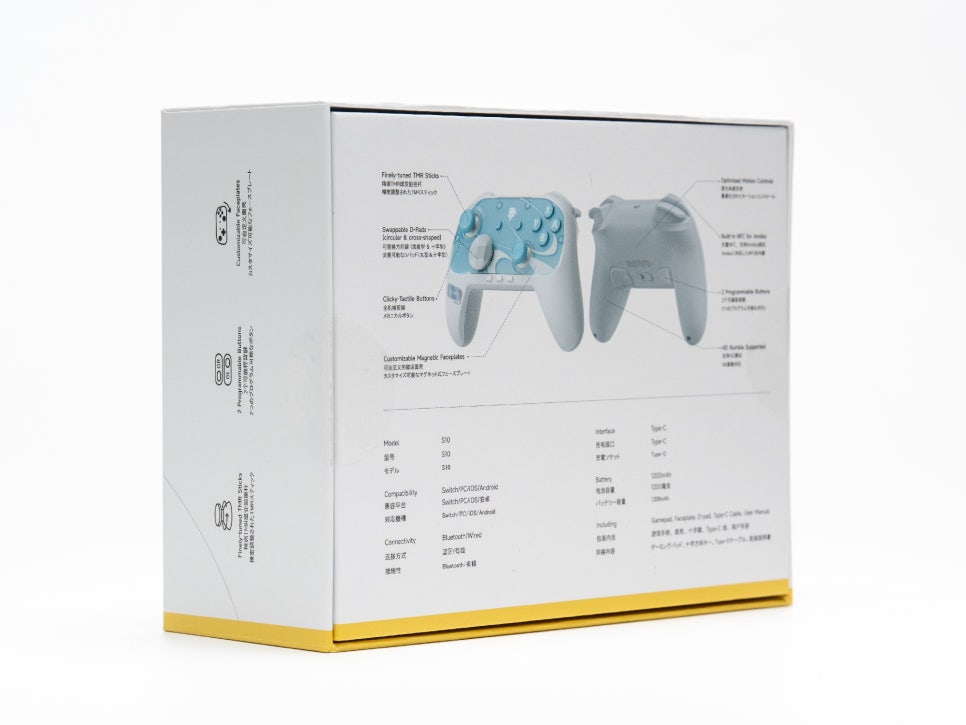
Key Specifications
Connection Method : Wired USB-C / Bluetooth
Battery Capacity : 1200mAh
Weight : Approximately 244g
Compatible Platforms : Nintendo Switch 2, Switch, PC, Android, iOS
Vibration HD : Vibration (ALPS Linear Motor)
Additional Features : NFC (Amiibo), 6-axis motion sensor, RGB LED
Compared to the Switch 2 Pro Controller’s 1070mAh battery, the S10’s 1200mAh battery is more generous. Its weight is also similar to the Pro Controller (235g) at 244g, ensuring it doesn’t strain your wrist even after long hours of use.
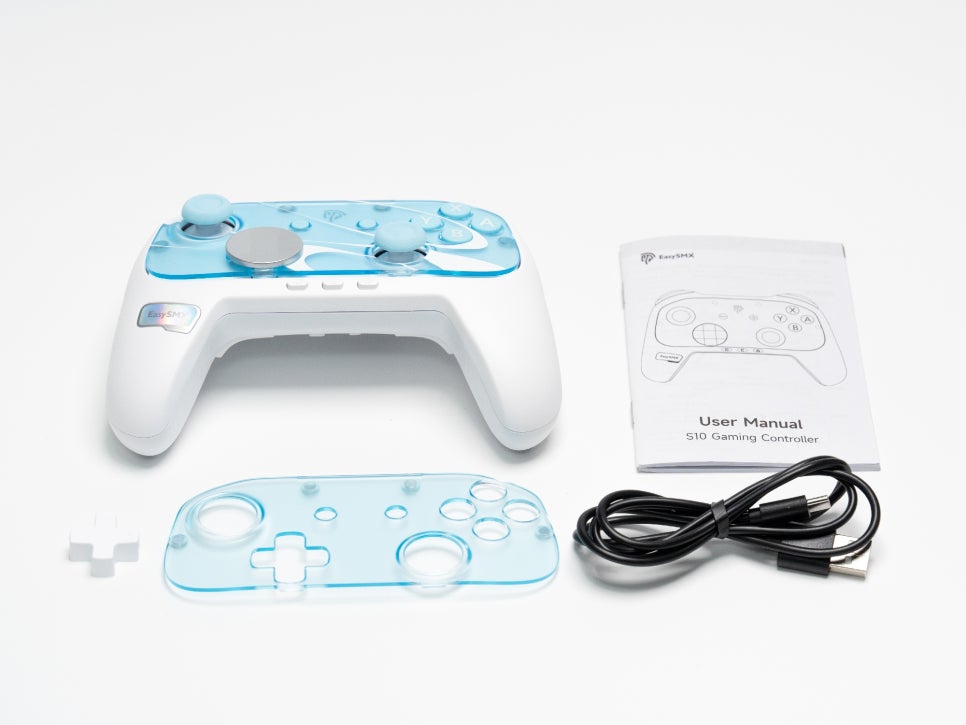
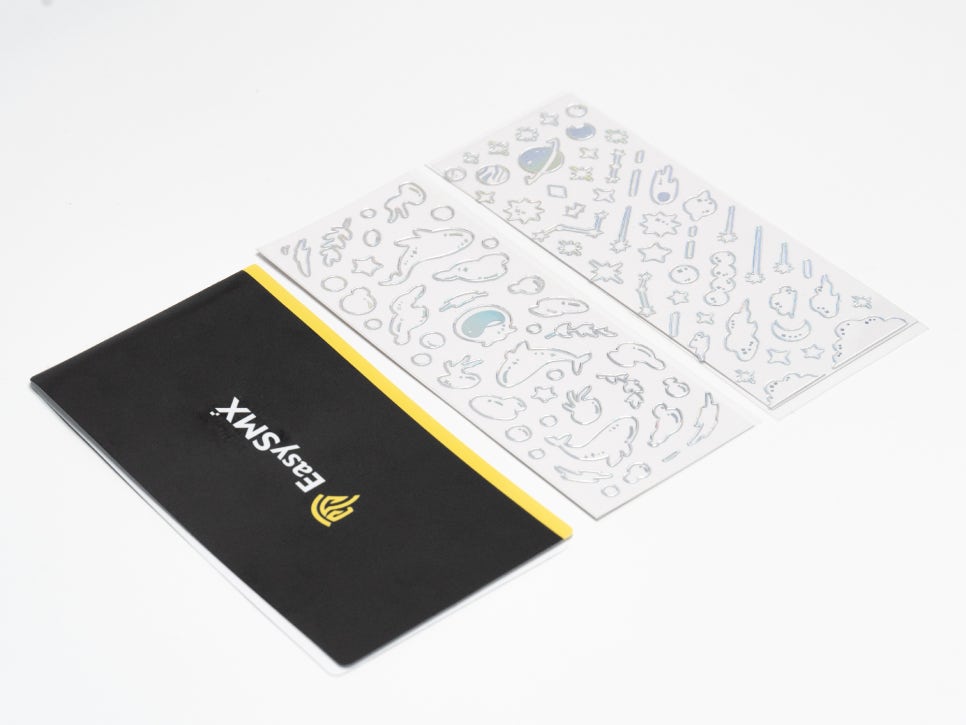
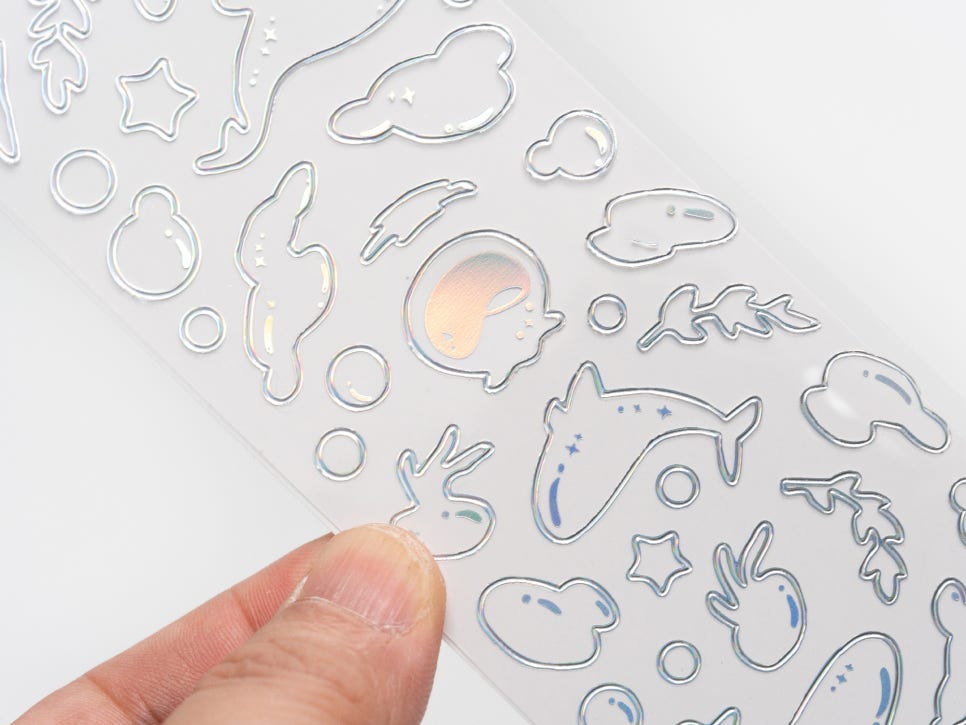
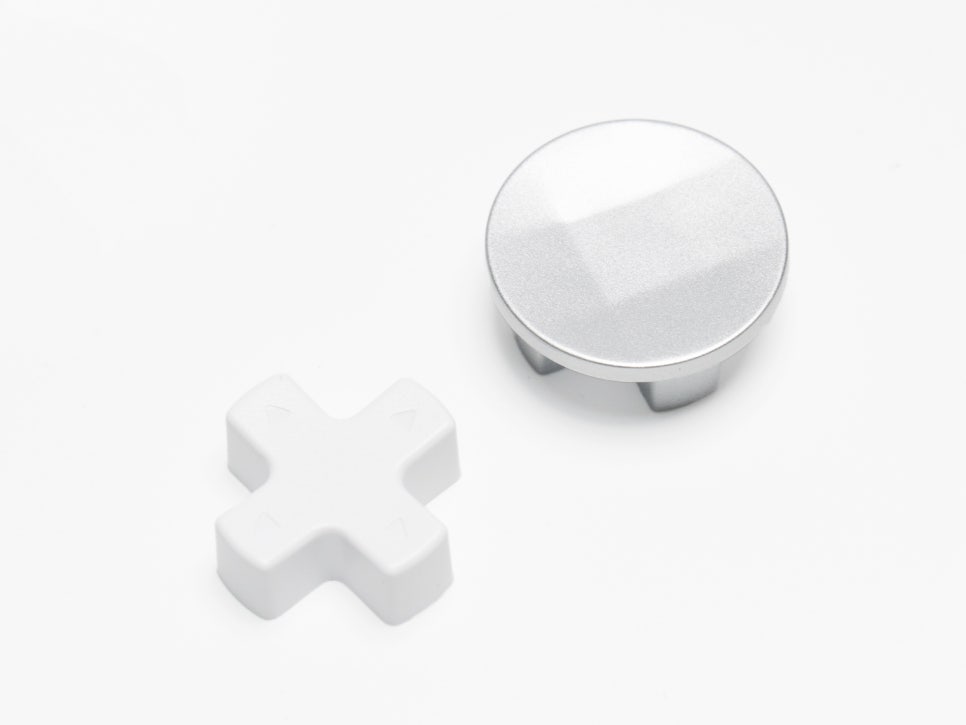
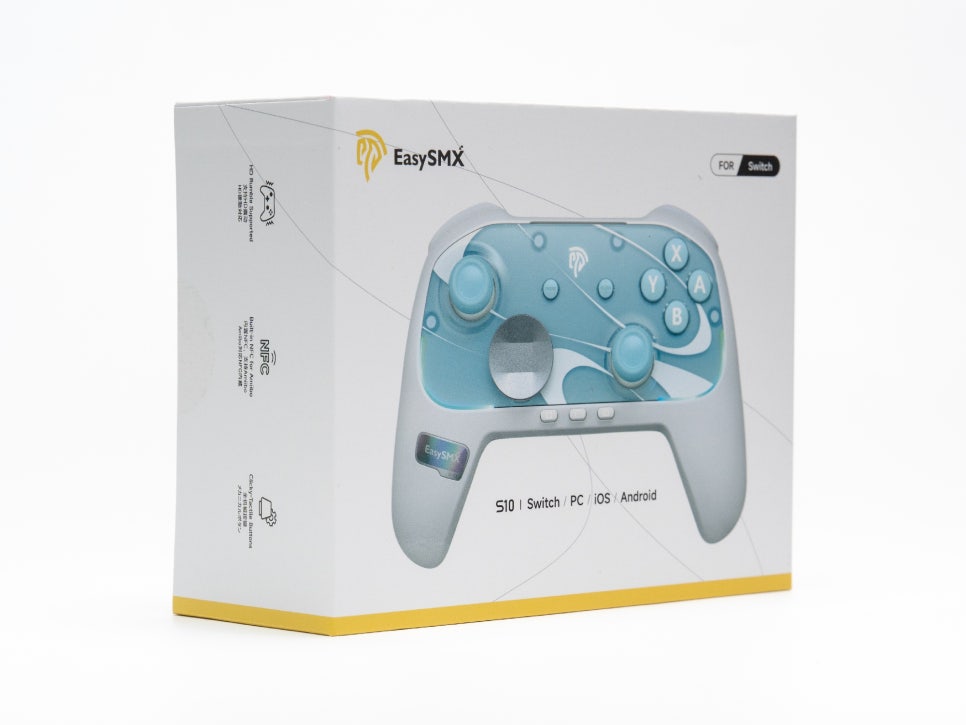
Inside the box, you’ll find the controller itself, a USB-C charging cable, a replaceable faceplate, a replacement D-pad, custom stickers, and a user manual. The inclusion of a replaceable faceplate and stickers allows you to customize your controller to reflect your personal style.
Appearance and Features
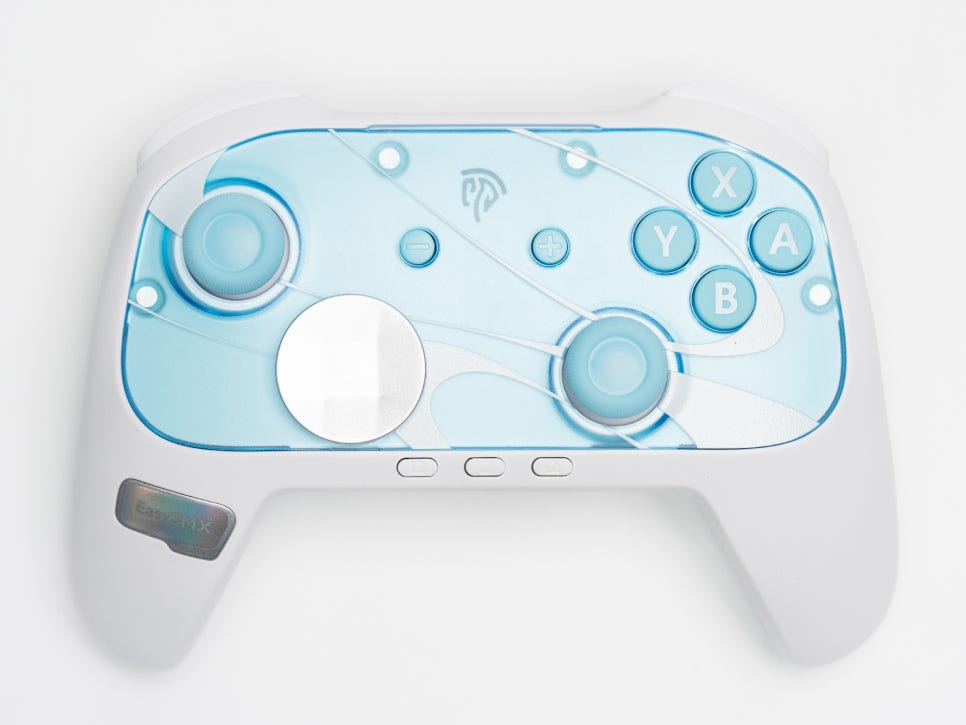
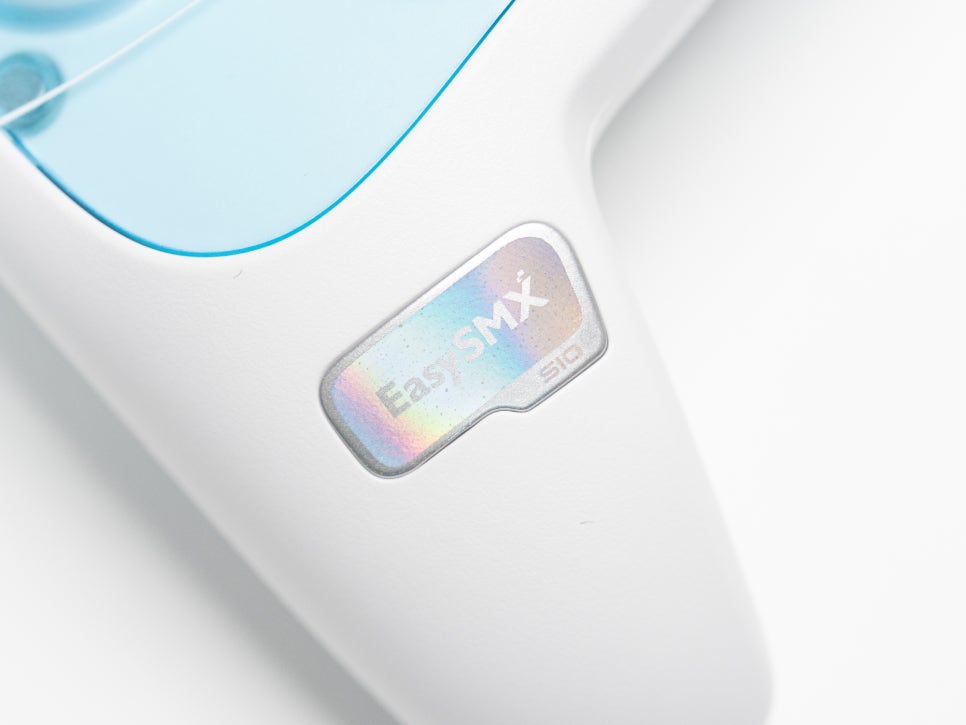
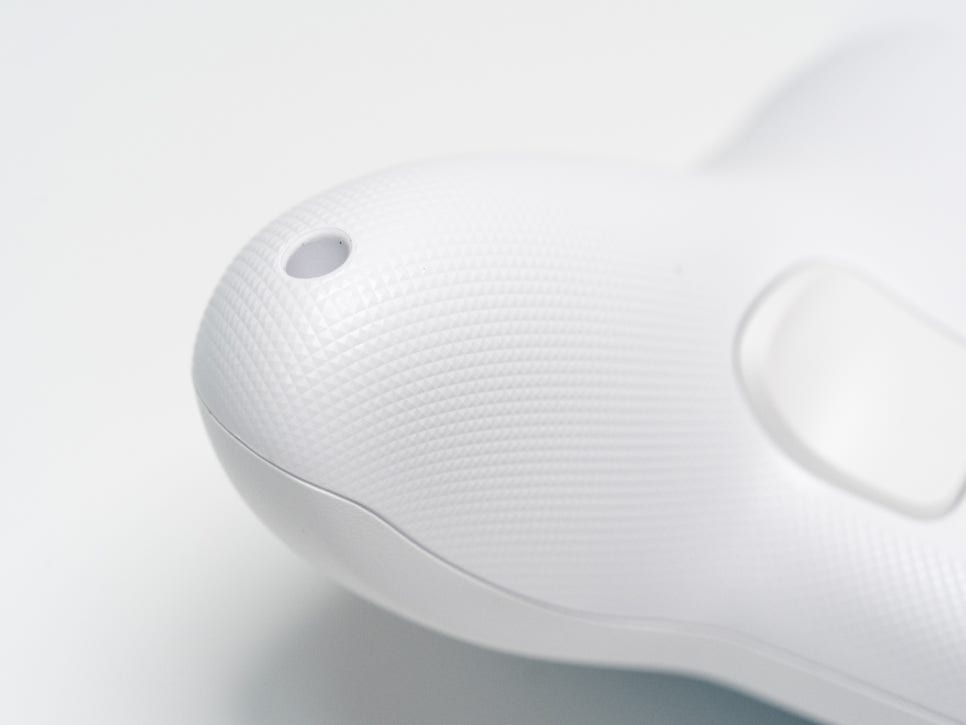
The first impression of the EasySMX S10 is quite luxurious. Its overall design is similar to the Nintendo Pro Controller, giving Switch users a familiar feel. The back of the grip has a fine texture, ensuring a stable grip even when your hands get sweaty.
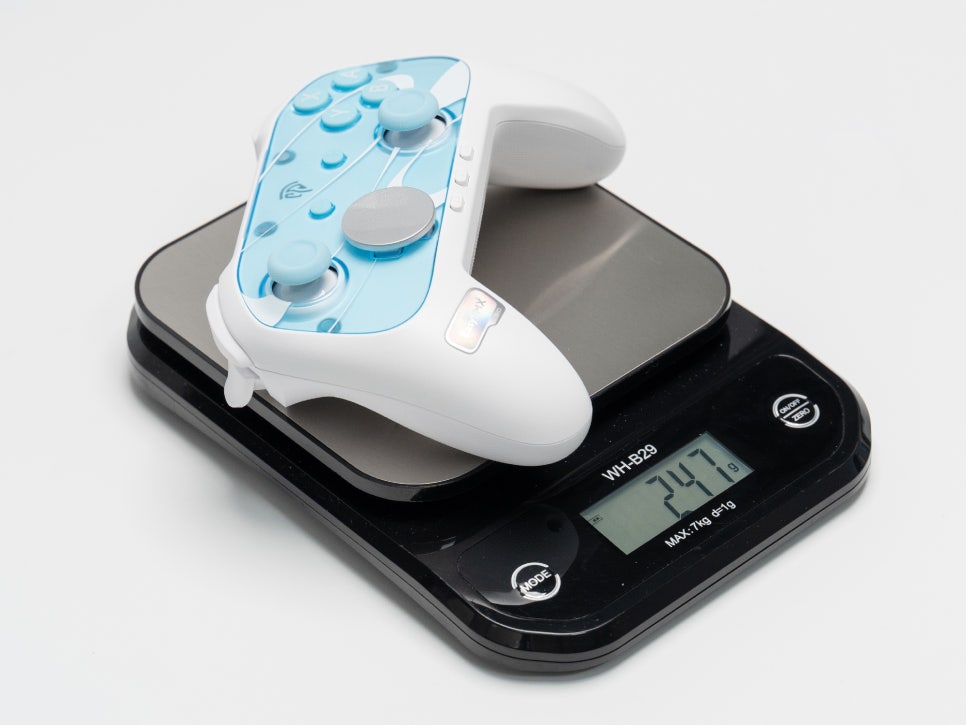
With an actual weight of 247g, it feels familiar in hand, similar to the Pro Controller, and reduces fatigue even during extended gaming sessions.
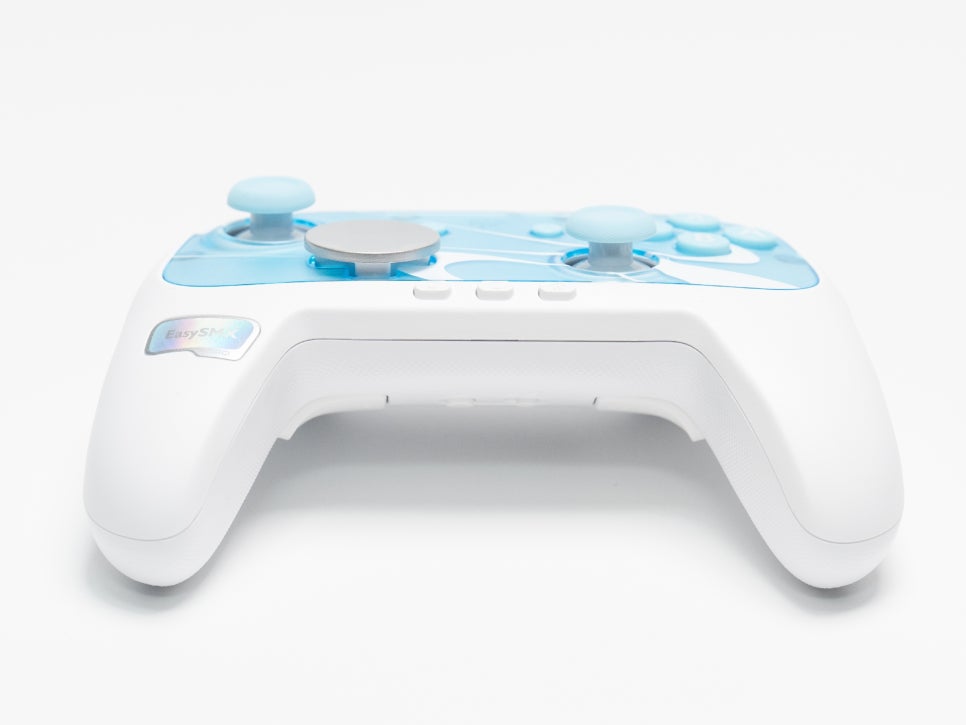
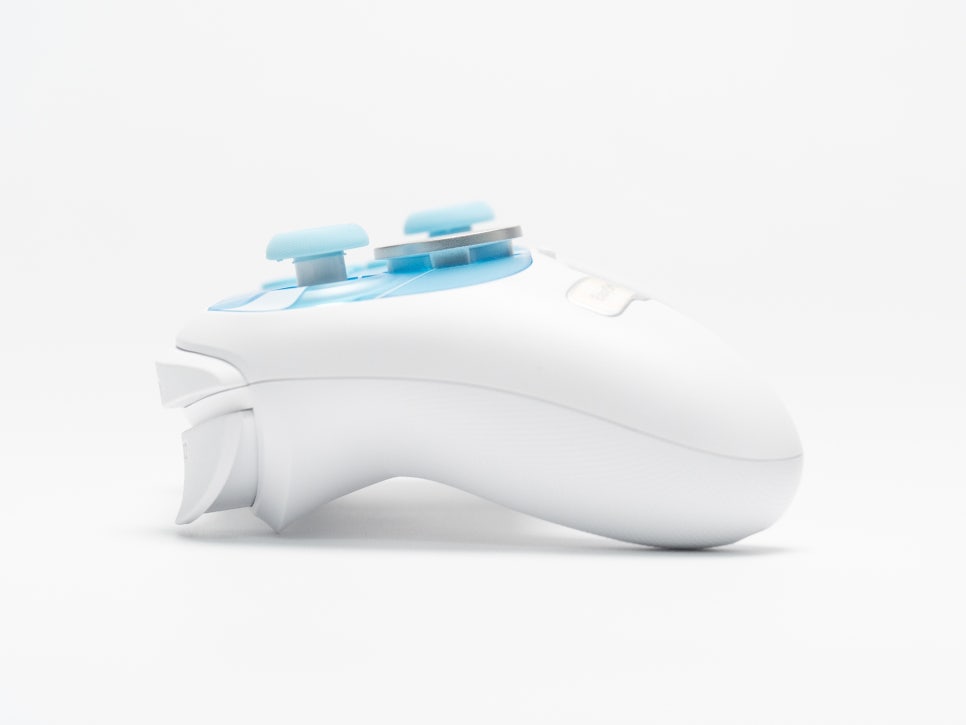
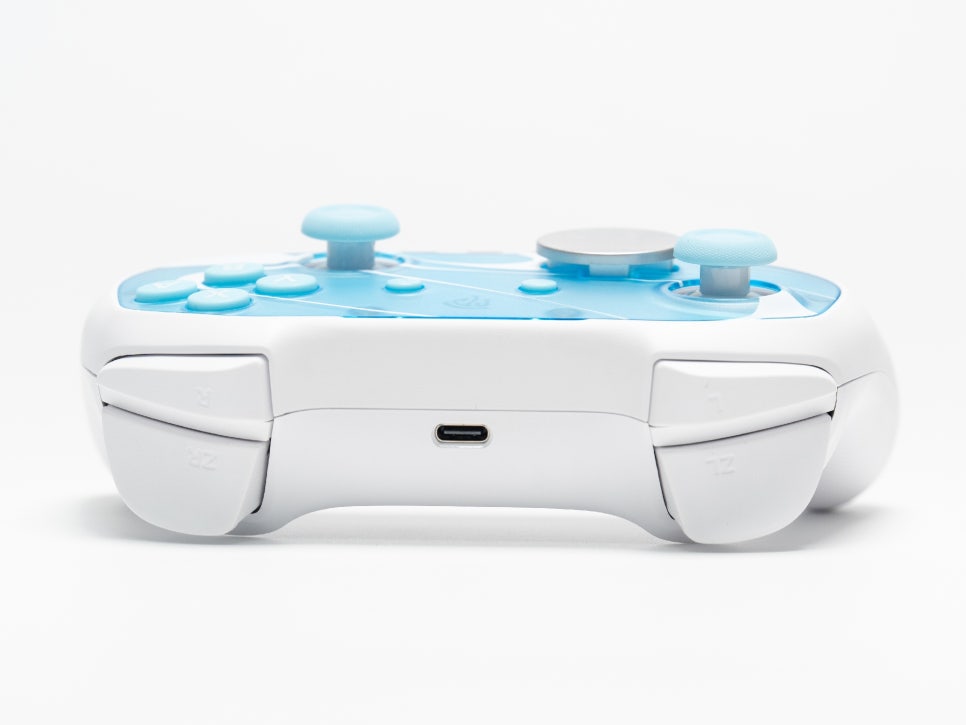
For games like the Zelda series, where motion control is crucial, the controller is equipped with a 6-axis gyroscope. This allows for precise tilt recognition, enabling accurate control during aiming or puzzle-solving.
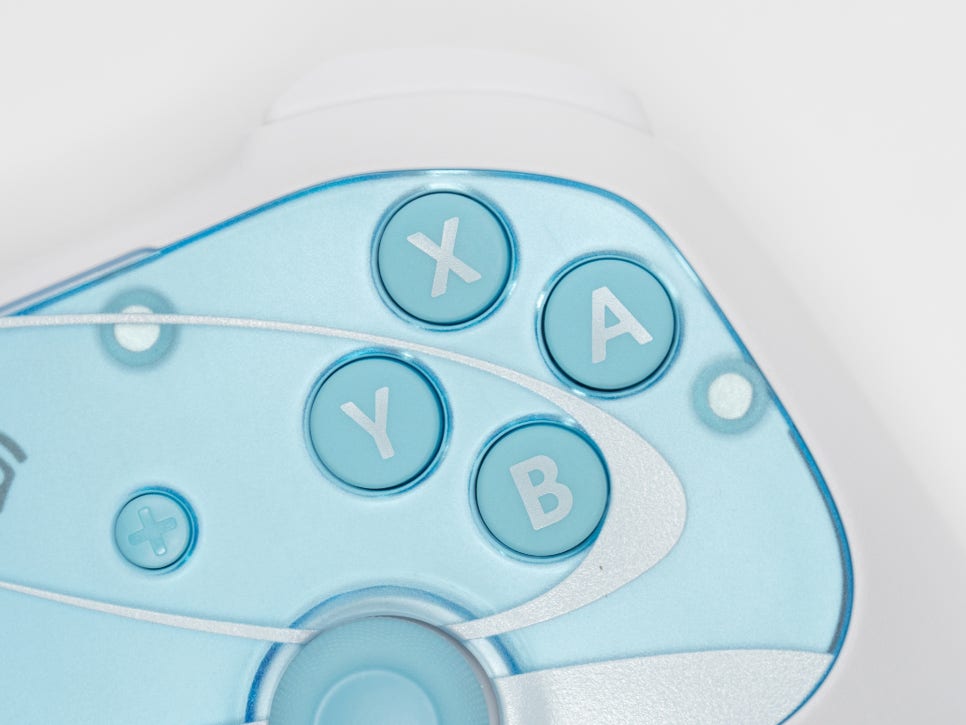
The button layout follows the standard Switch configuration, with micro switch 2.0 buttons made of liquid silicone. They offer a tactile click similar to mechanical keyboards while being quiet and responsive.
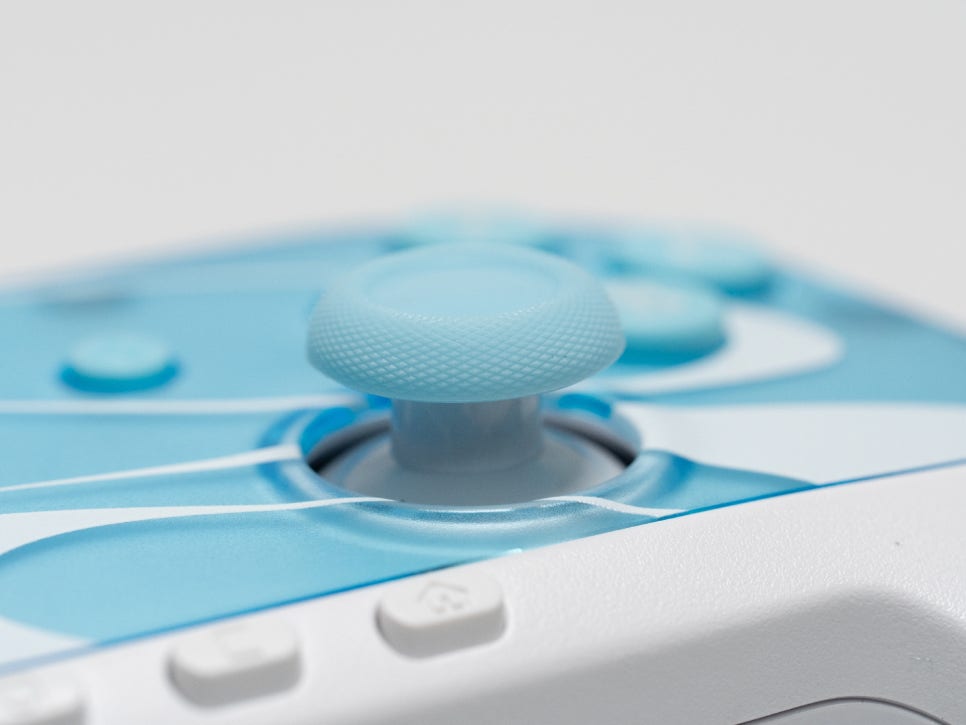
The EasySMX S10 features TMR joysticks. Unlike the traditional potentiometer method, TMR uses magnetic resistance to detect position, resulting in minimal physical wear and maintaining smooth operation with precise input.
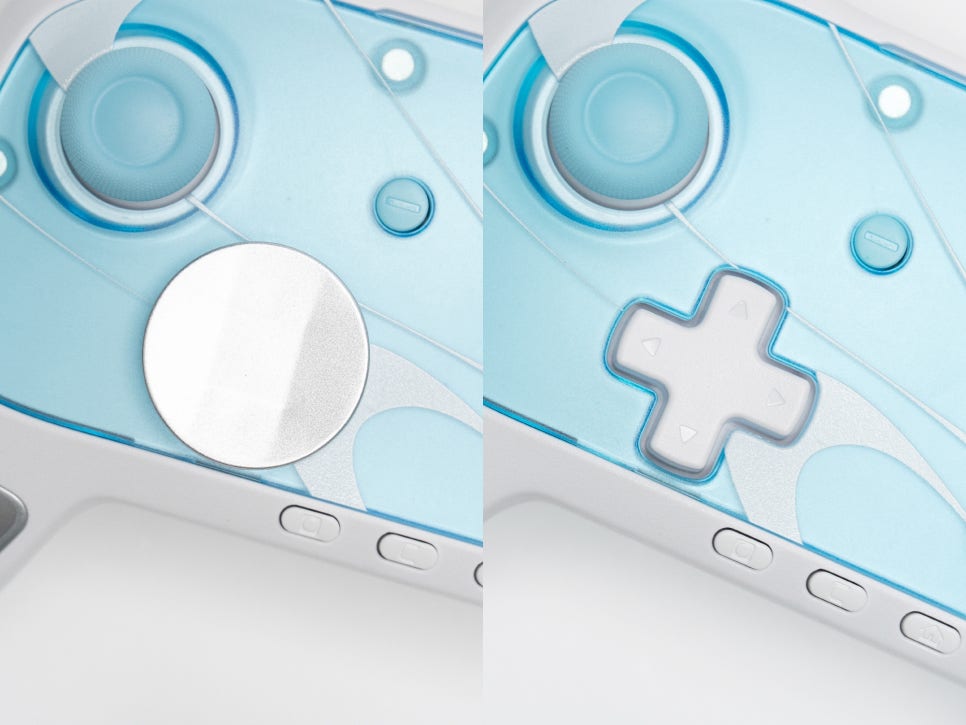
The EasySMX S10 offers a fun feature of interchangeable D-pads. You can choose between the default circular wheel type D-pad and the traditional cross-shaped D-pad based on your preference. The magnetic design allows for easy attachment and detachment without tools. Fighting game or platformer enthusiasts might prefer the cross shape, while RPG menu explorers might lean towards the circular shape, and it’s great to have the option to try both.
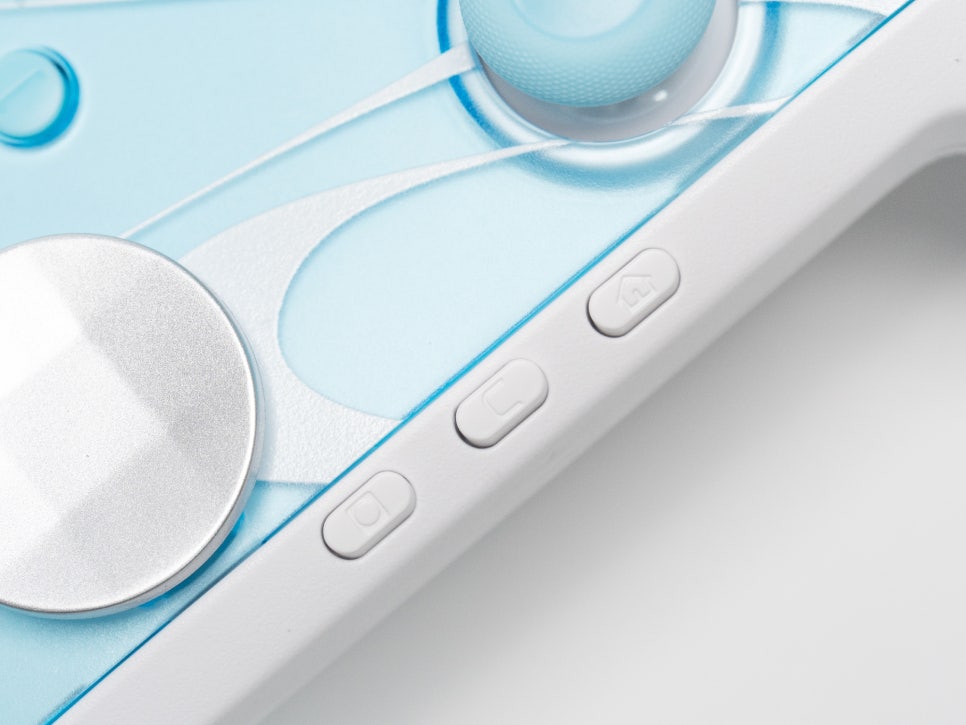
The S10 includes a C button, which provides access to in-game chat functions on the Switch 2. Although it’s implemented via a macro method rather than an official protocol, it works well in games like Fortnite.
The vibration feature includes an ALPS genuine linear motor. It’s said to be the same motor as the official Pro Controller, offering delicate haptic feedback with adjustable intensity across five levels.
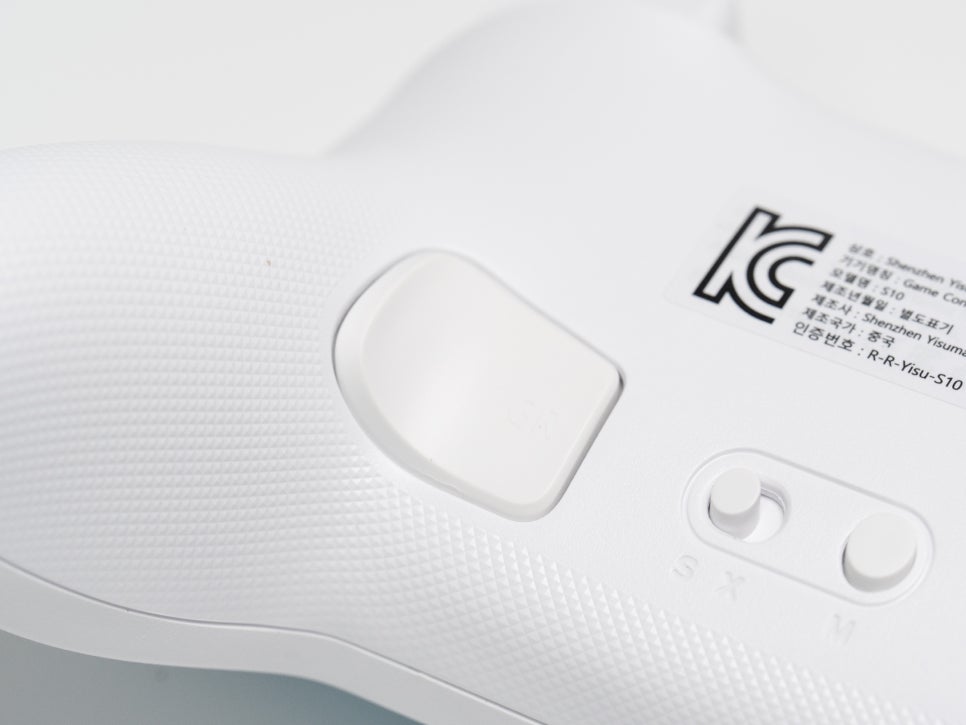
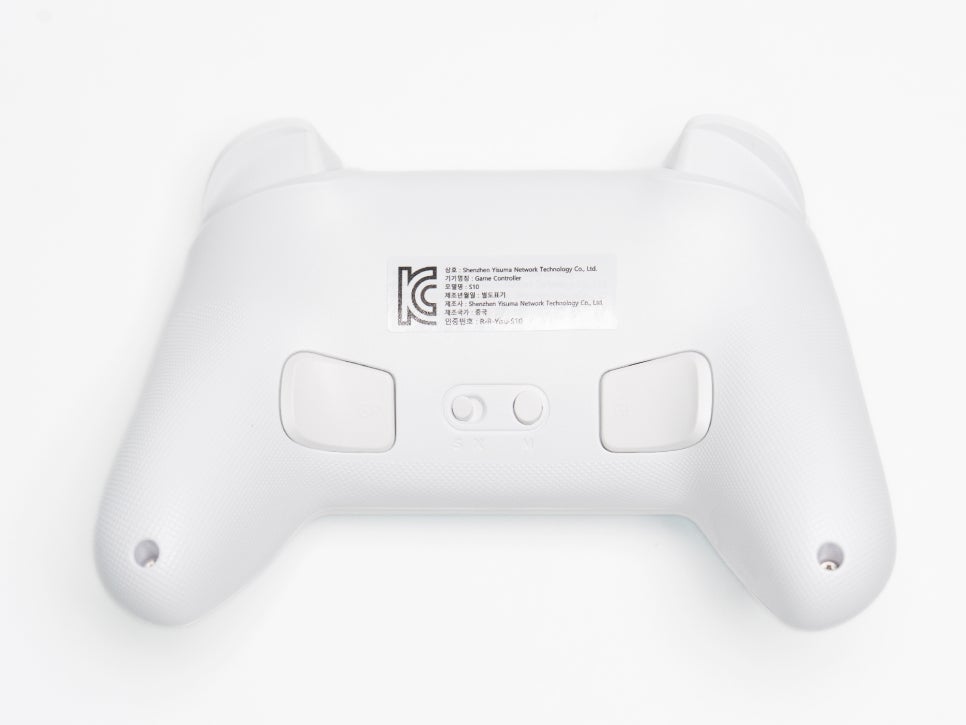
On the back, there are two macro back buttons. These can be mapped to desired functions, proving quite useful in FPS or action games.
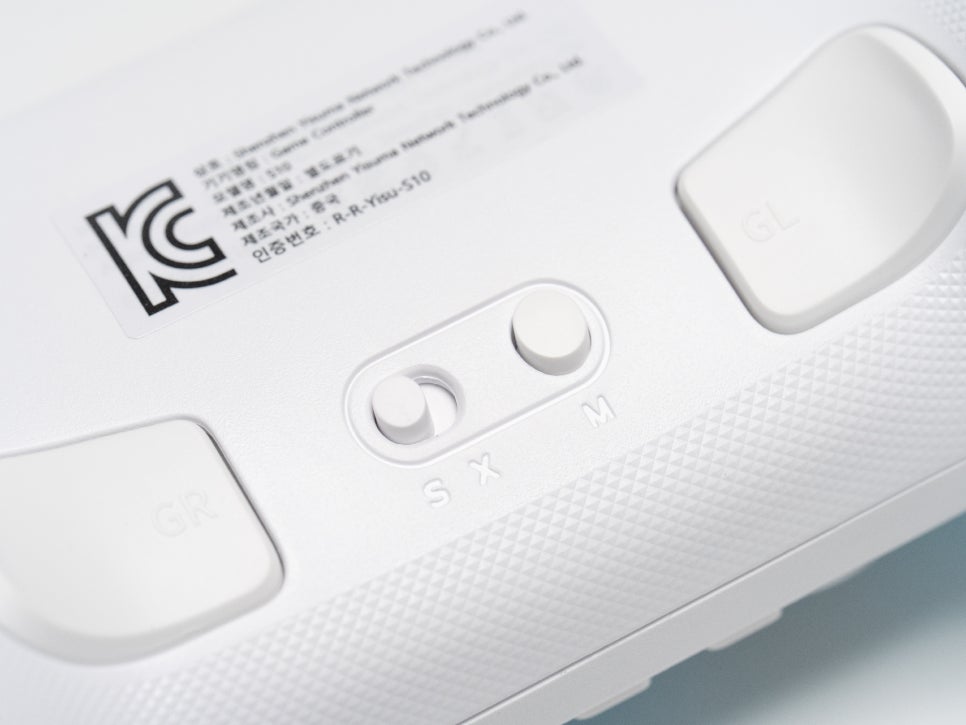
The S10 supports both automatic and manual rapid-fire functions. By combining the rear M button with the desired button, you can set up turbo mode, reducing finger fatigue in shooting games or situations requiring repeated input.
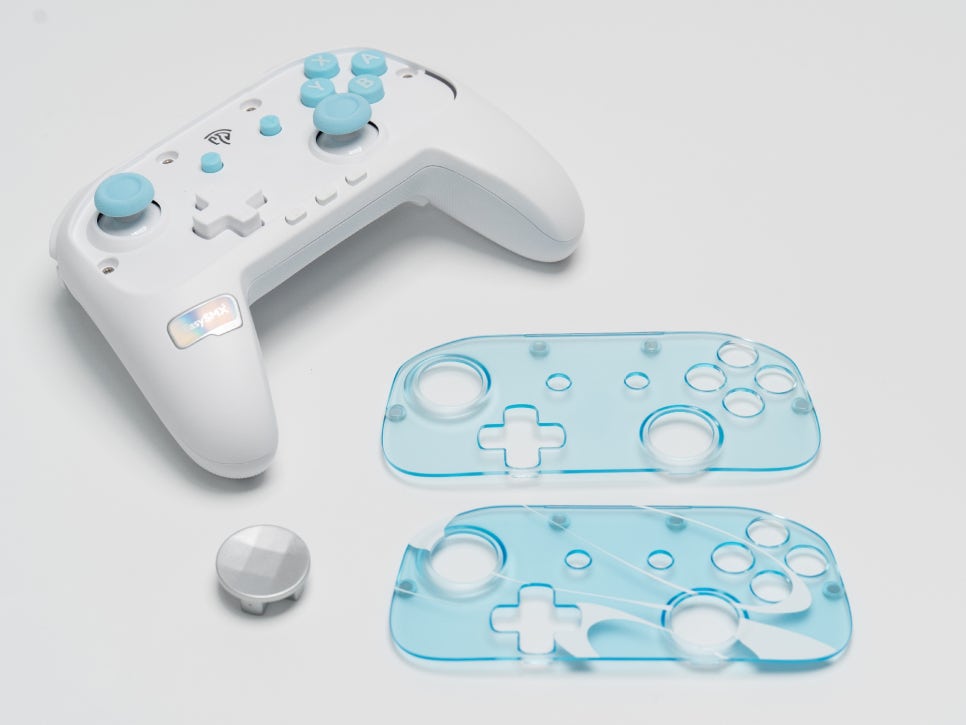
One of my personal favorite features is the magnetic faceplate, which can be easily removed. You can choose between a default patterned plate and a plain one. Use the included stickers or customize it yourself to create a one-of-a-kind controller.
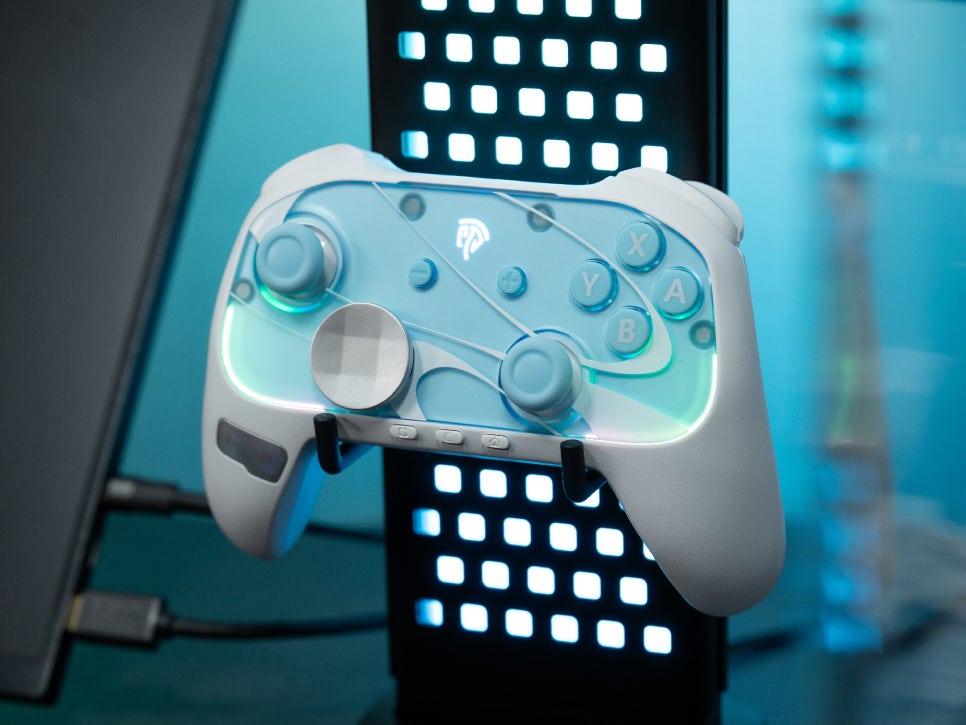
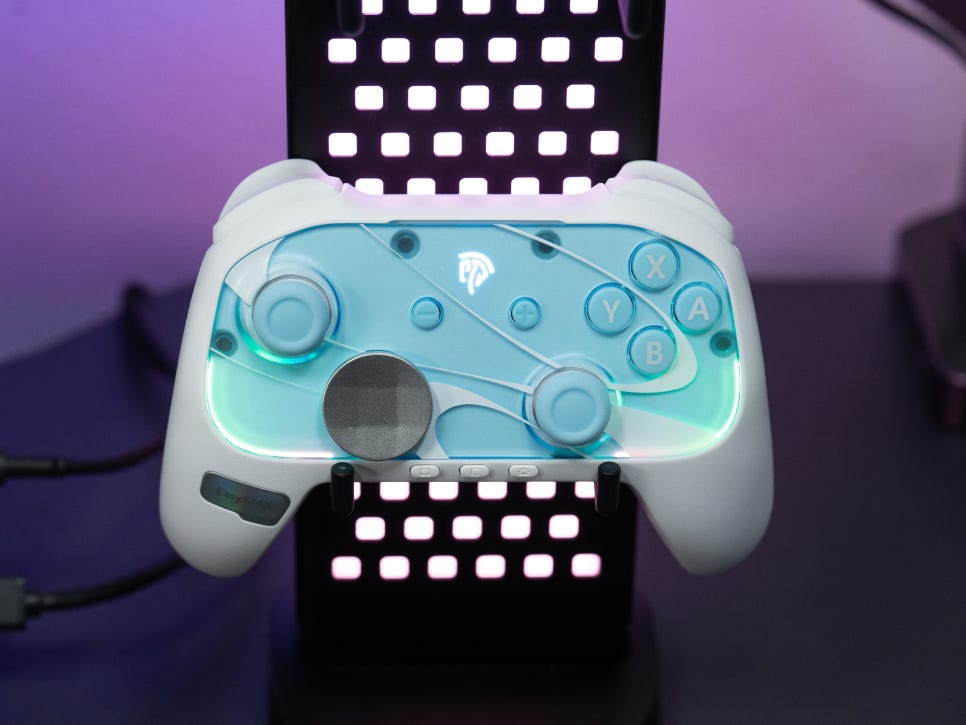
RGB LEDs are placed inside the faceplate and around the joysticks and grips. It supports seven color modes with various effects like dynamic, breathing, solid, and gradient. The light subtly diffuses through the transparent faceplate, enhancing the gaming atmosphere without being overly flashy. If you don’t need RGB, you can turn it off.
Connectivity and Compatibility
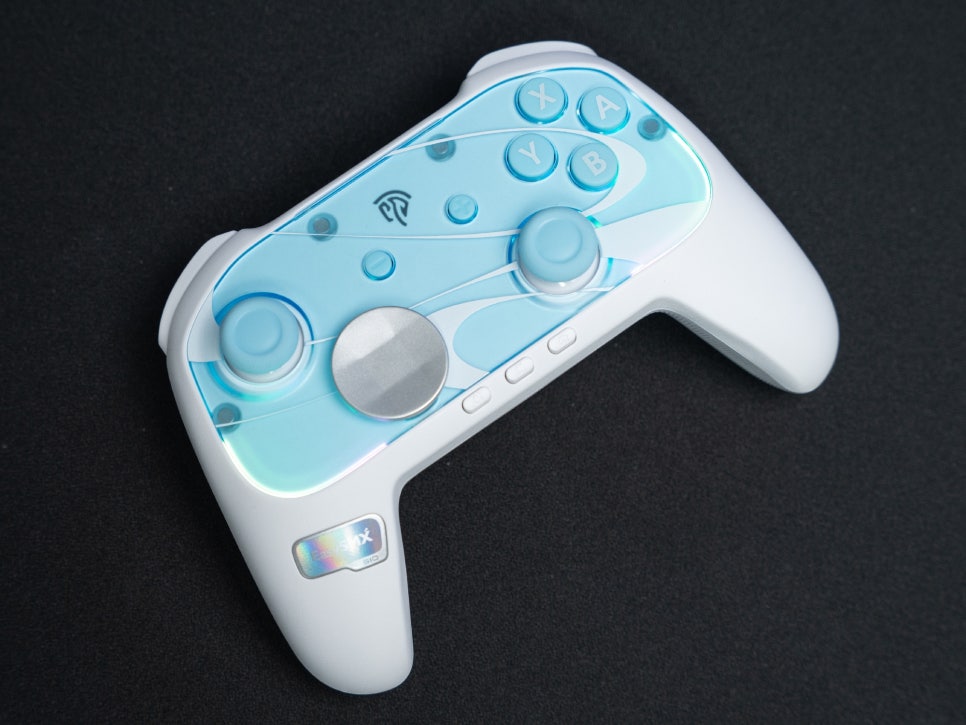
As a recommended wireless gamepad, the S10 supports a wide range of platforms, including Nintendo Switch 2, the original Switch, PC, Android, and iOS. You can switch connection modes via the rear switch, making it convenient to use one controller across multiple devices.
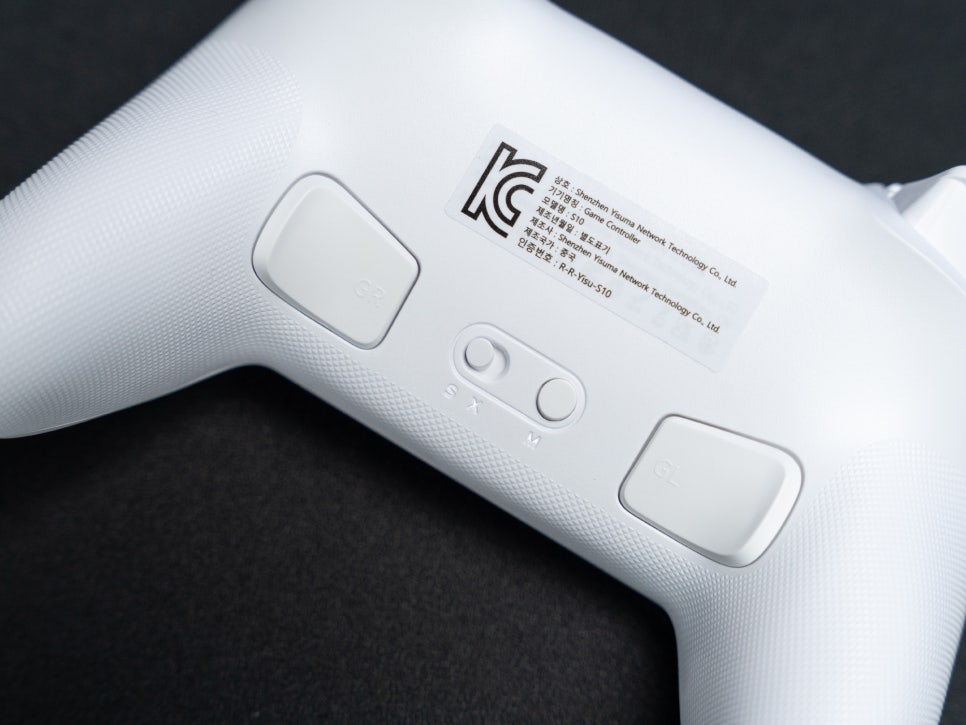
To connect with the Nintendo Switch, first set the slide toggle button on the back to S.
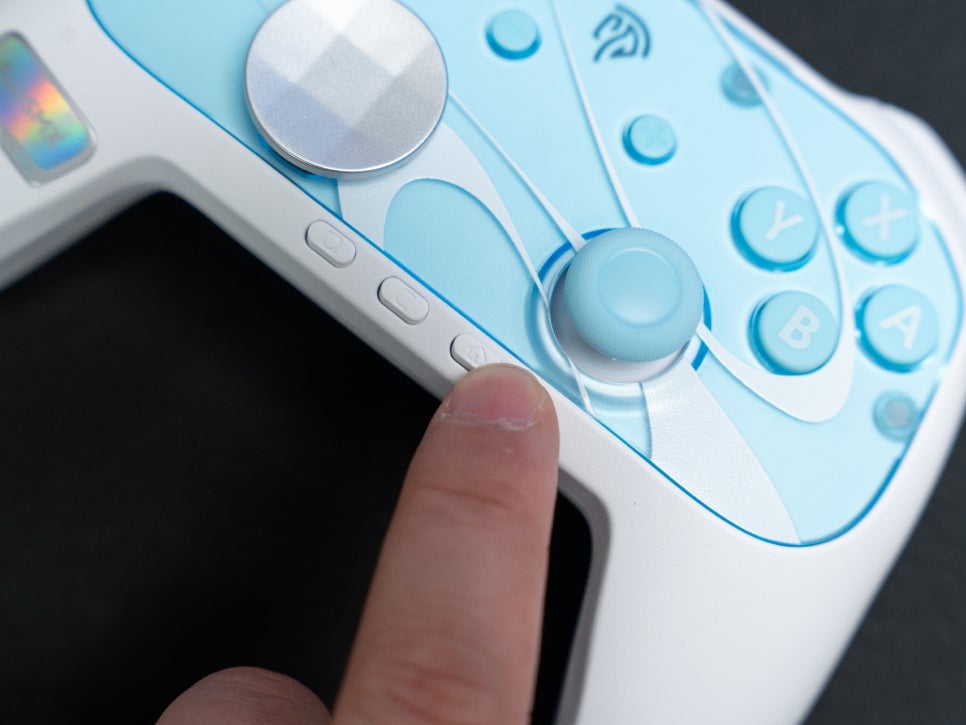
Then, press the home button for more than three seconds to switch to pairing mode, indicated by the blinking logo and LED.
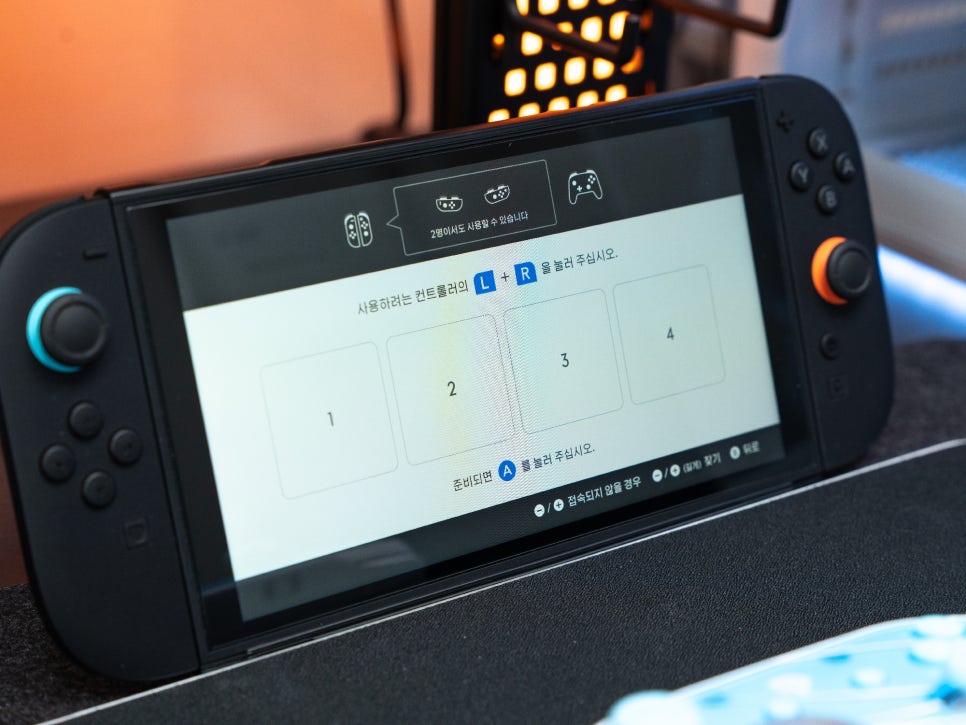
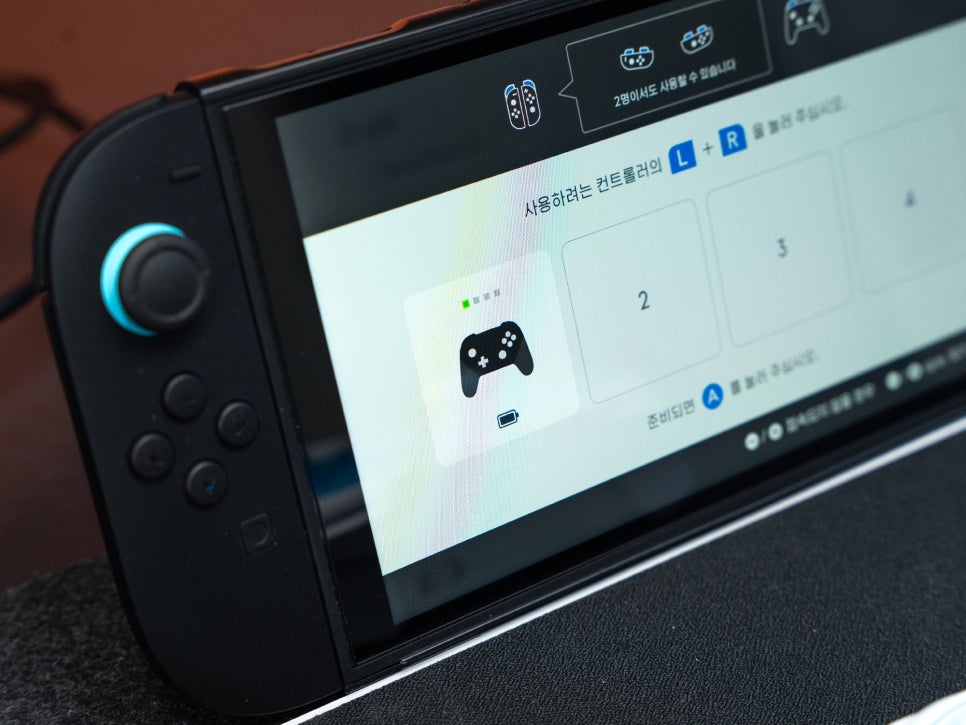
Enter the controller > Change Grip/Order menu on the Nintendo Switch 2, and the controller will automatically register.
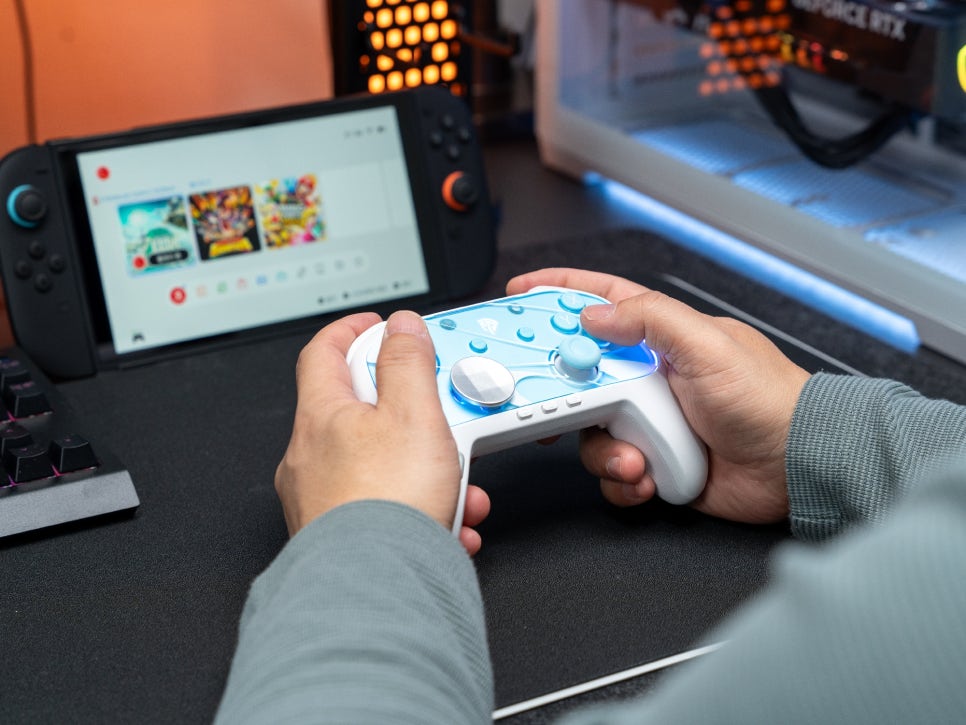
One of the features of this product is the ability to wake the Nintendo Switch 2 console remotely with the S10. You can start gaming immediately by pressing the home button on the controller without moving to the dock near the TV or on the desk. Although some initial setup is required for pairing, once connected, it automatically recognizes the device thereafter.
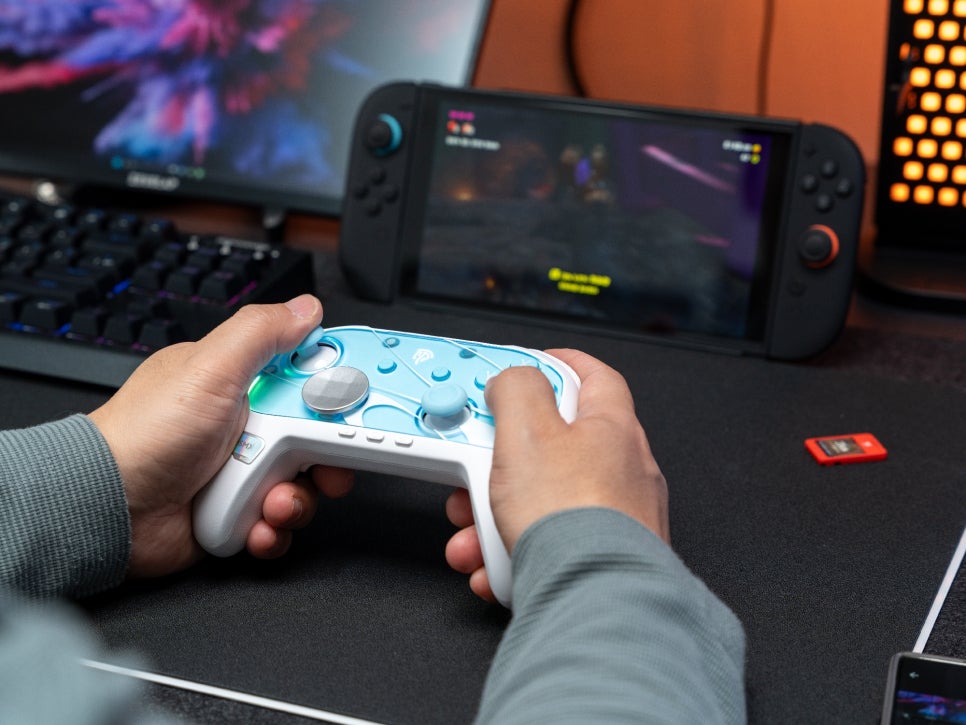
I tried playing Donkey Kong Banana with the S10. The precision of the TMR joystick was immediately noticeable, with accurate input in areas requiring fine directional control.
The micro switch buttons provide a satisfying click, akin to using a mechanical keyboard, and the HD vibration is comparable to the Pro Controller. The ability to wake the console without reaching behind the TV is perhaps the most significant advantage.
Conclusion
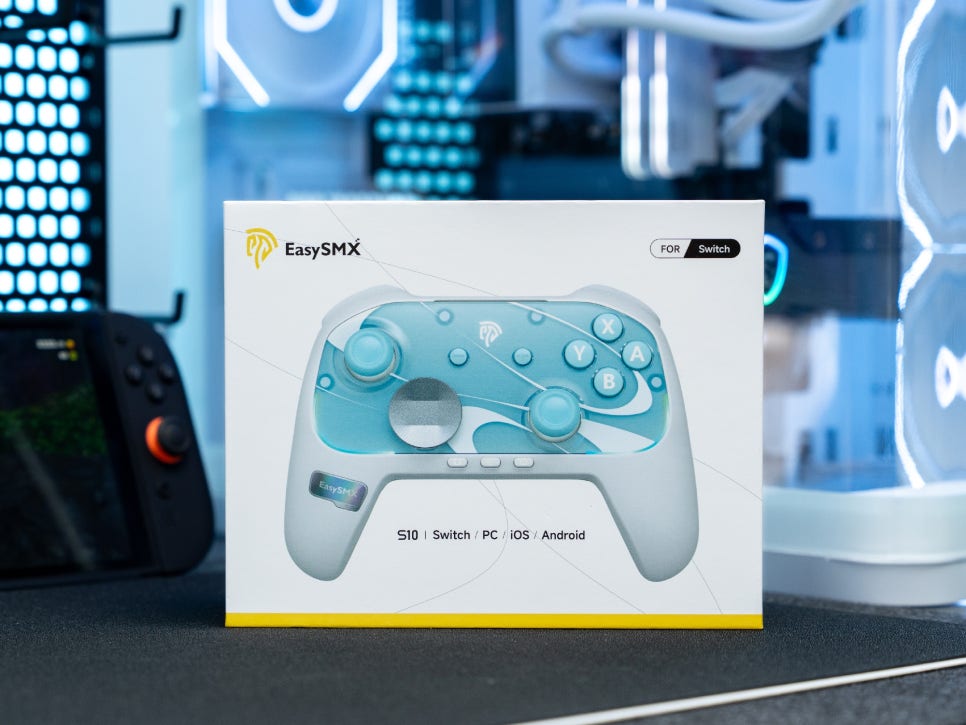
The EasySMX S10 is a product that shouldn’t be missed from the list of recommended Nintendo controllers. It’s over 20,000 won cheaper than the Pro Controller, yet it alleviates drift concerns with TMR joysticks and offers satisfying input with micro switch buttons. The HD vibration based on the ALPS linear motor provides an immersive experience comparable to the Pro Controller, and the interchangeable D-pad and magnetic faceplate add customization fun.
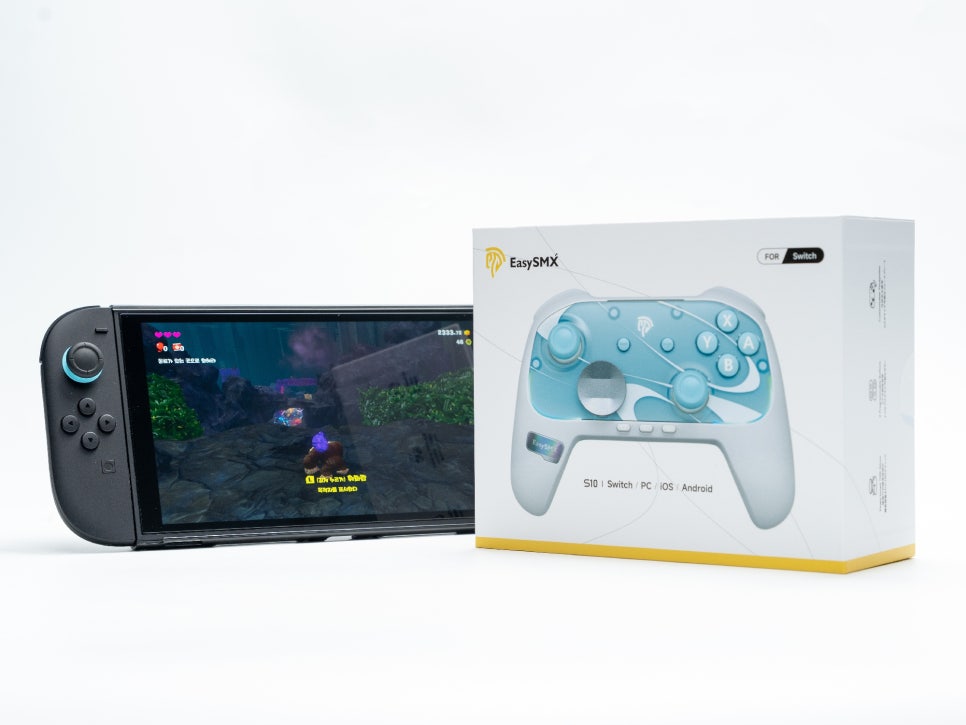
With features like waking the Switch 2 console, NFC Amiibo support, a 6-axis motion sensor, a large 1200mAh battery, back buttons, and turbo functions, it even surpasses the Pro Controller in some aspects. Its compatibility with PC and mobile platforms makes it highly versatile for multi-platform gamers.
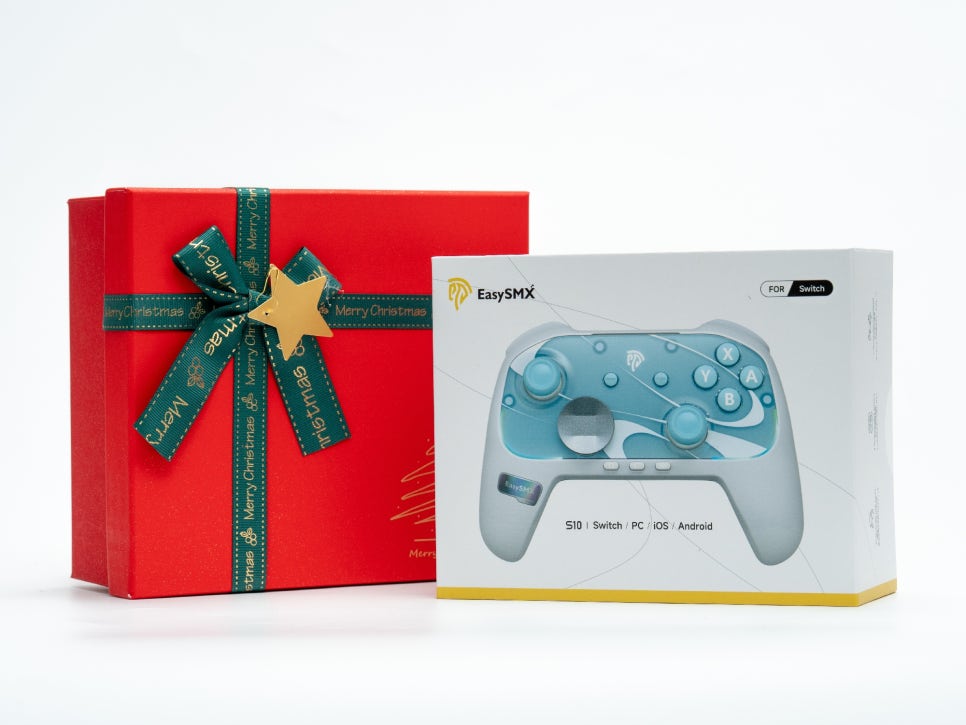
If you need a second controller to enjoy the Switch with family or are preparing a Christmas gift, the EasySMX S10 offers premium quality at a reasonable price and is worth considering.
As an Amazon Associate I earn from qualifying purhases.
Purchase Product : https://amzn.to/3MVScAJ
#NintendoControllerRecommendation
#WirelessGamepadRecommendation
#BluetoothGamepadRecommendation
#EasySMX
#NintendoSwitch2
#Switch2Controller
#GamepadReview
#ChristmasGift
#ThirdPartyController