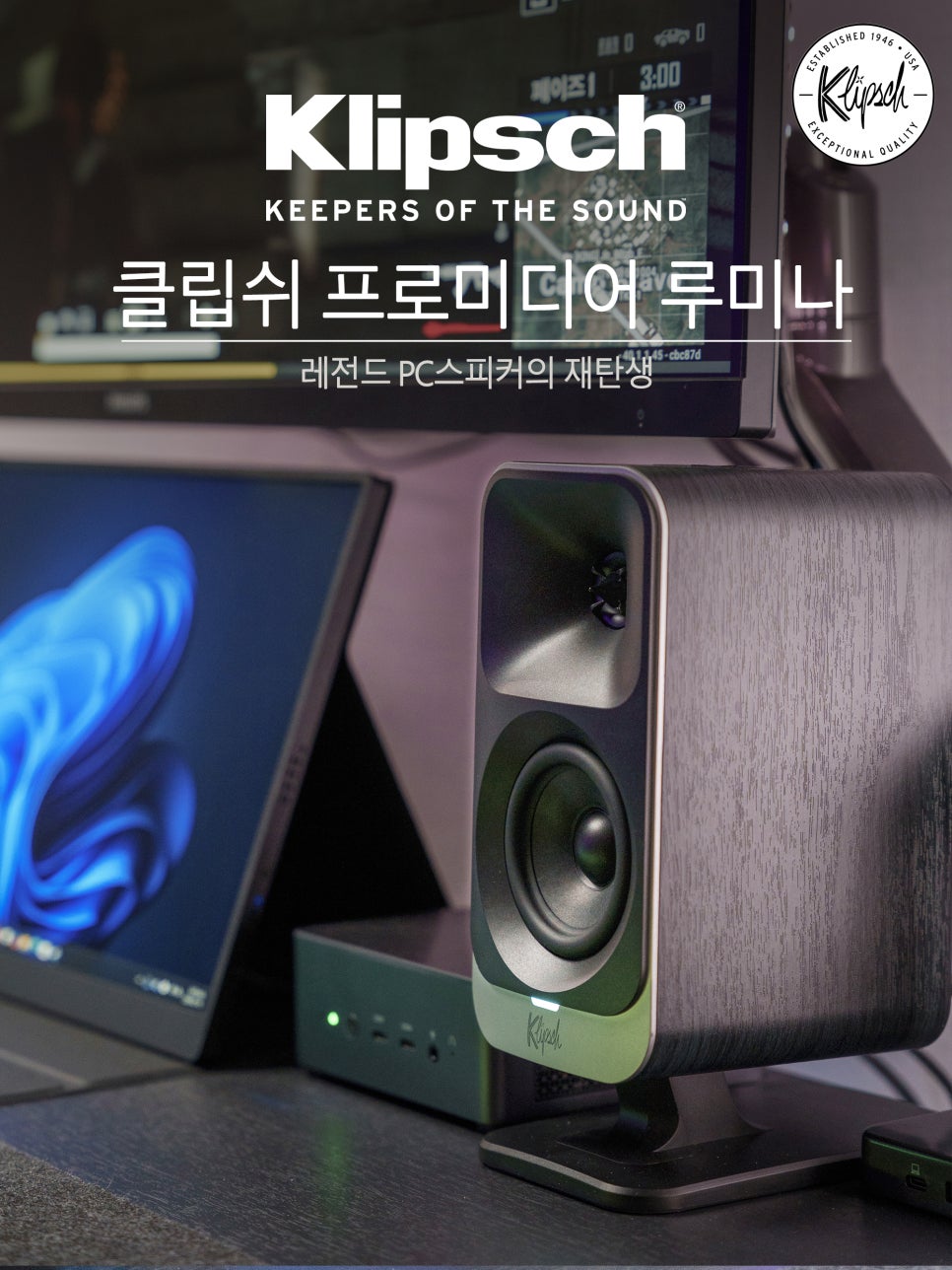
In the previous unboxing review, we examined the exterior and components of the Klipsch ProMedia Lumina. This time, I’d like to summarize my impressions after actually using it for about a month. It’s difficult to truly appreciate a speaker’s value by only listening to it for a short period, as physical changes can occur due to ‘aging’ (burn-in). For this reason, I secured permission from Ido Company, the official distributor, to borrow and use it for over a month.
Therefore, in this review, I will frankly discuss what kind of sound the ProMedia Lumina delivers in various situations, including music listening, movie watching, and game playing, as well as the pros and cons I experienced during actual daily use.
Specifications and Features
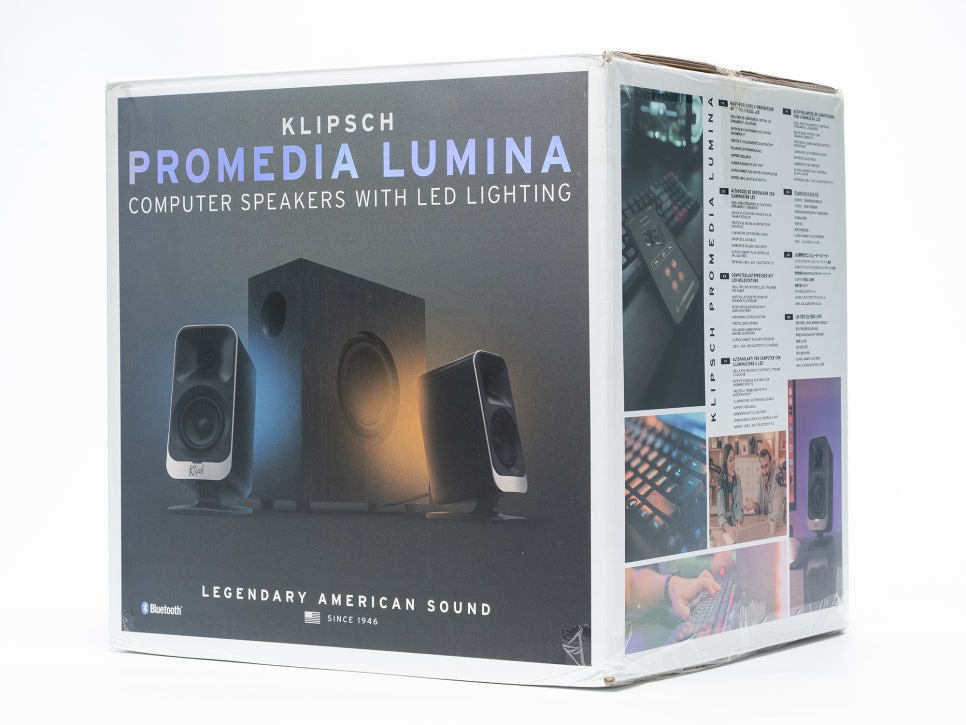
Before delving into the full user review, let’s briefly revisit the core specifications and features of the Klipsch ProMedia Lumina. The ProMedia Lumina is a 2.1 channel system consisting of two 2-way satellite speakers and one subwoofer. Its maximum sound pressure level is 98dB SPL, and it covers a frequency response range from 40Hz to 20kHz. It supports all connection methods: USB Type-C, 3.5mm AUX, and Bluetooth 5.3, allowing flexible connectivity with various devices such as PCs, laptops, game consoles, and smartphones.
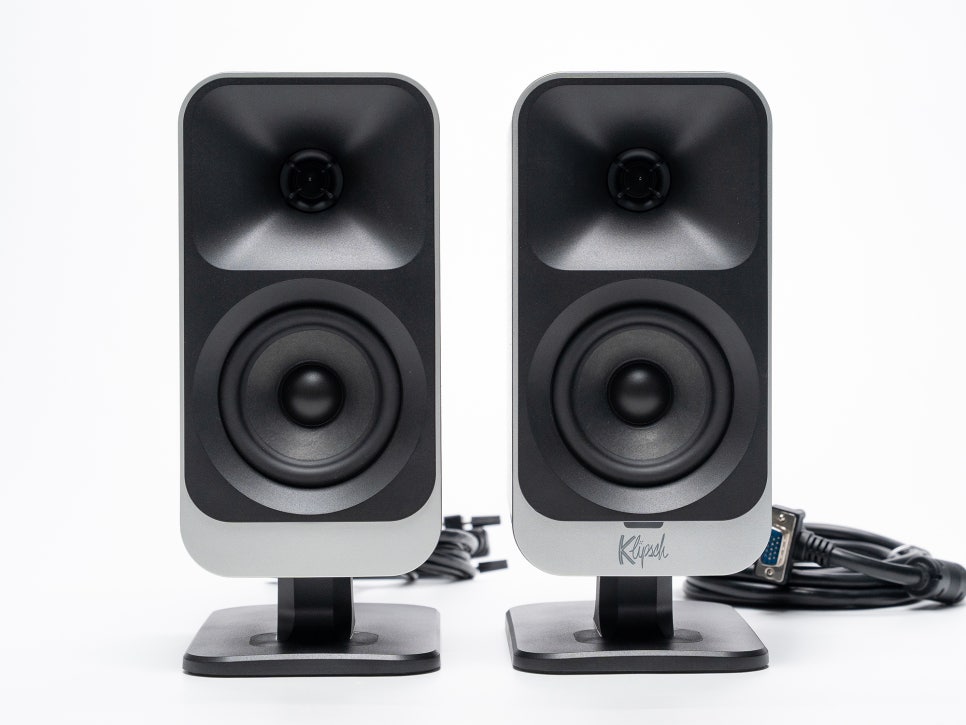
The satellite speakers feature Klipsch’s signature MicroTractrix Horn technology in a 2-way design.
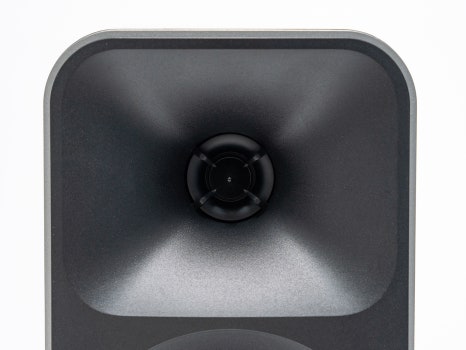
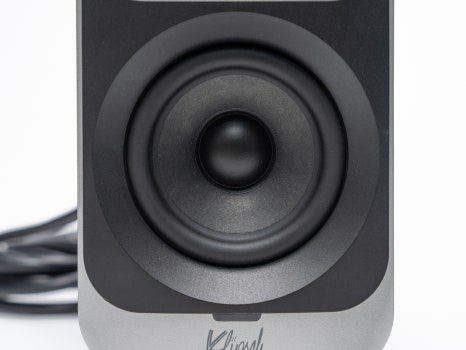
At the top, a 1-inch soft dome tweeter is mounted within a horn structure, enabling clear and precise high-frequency reproduction even with low power. At the bottom, a 3-inch midrange driver is installed to handle the mid-range frequencies.
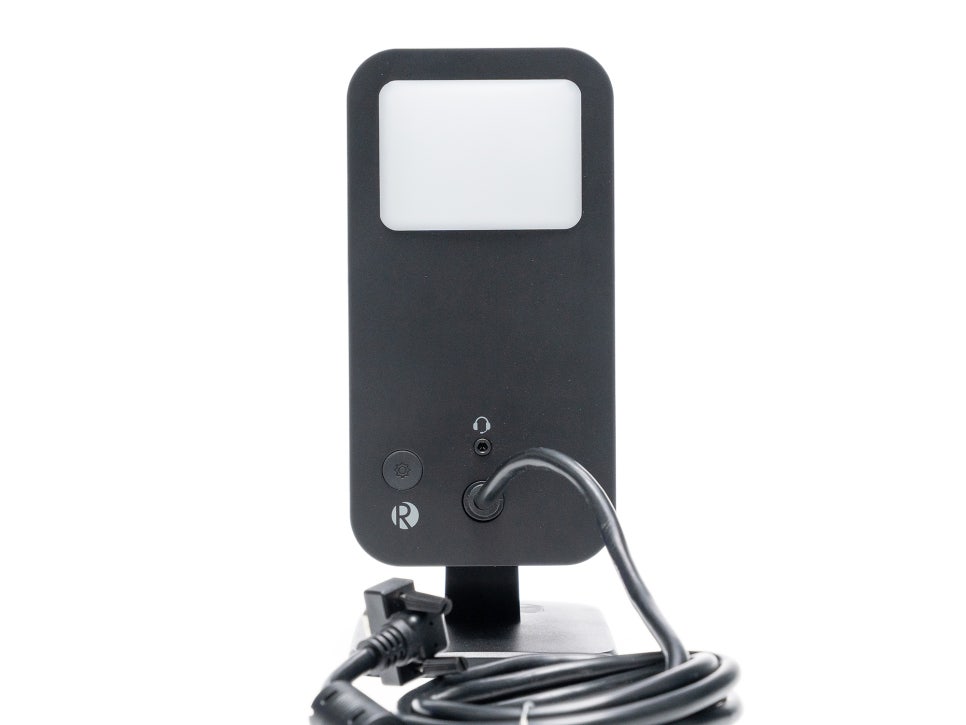
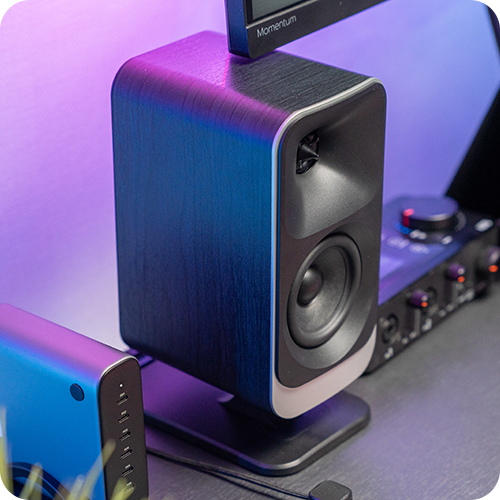
The rear of the satellite speaker is equipped with 6 LEDs. You can freely change the colors and effects using dedicated software, and the subtly diffused lighting creates an atmospheric effect without any glare.
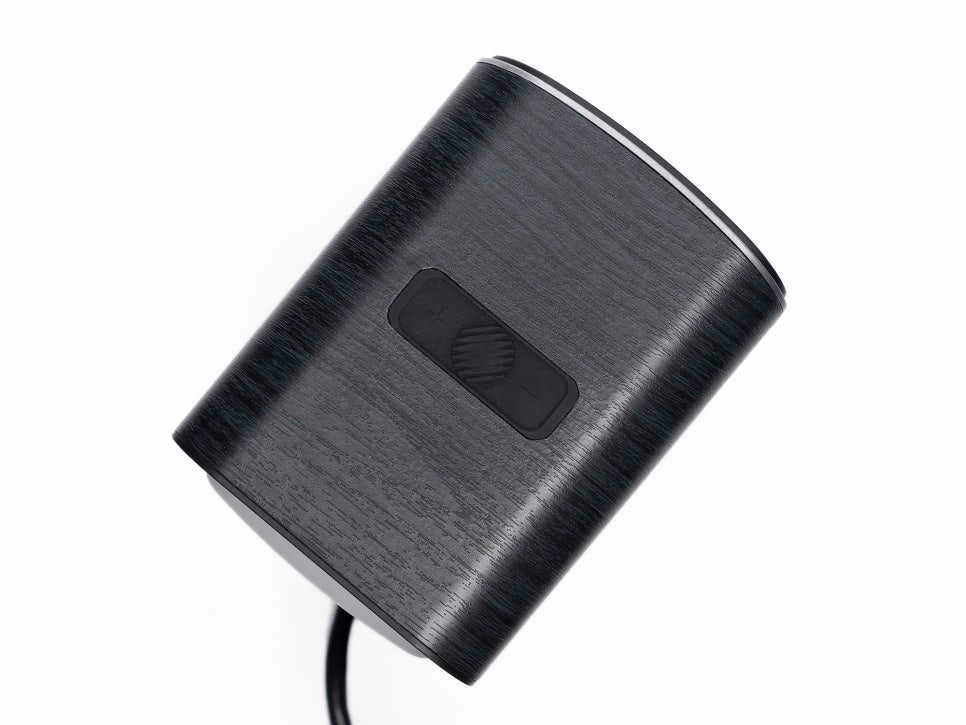
Touch-sensitive control buttons are located on the top of the speaker. From here, you can easily power it on/off, change lighting effects, and adjust brightness. Switching between wired and Bluetooth modes is also done via these buttons, and the intuitive controls make it easy to get used to quickly.
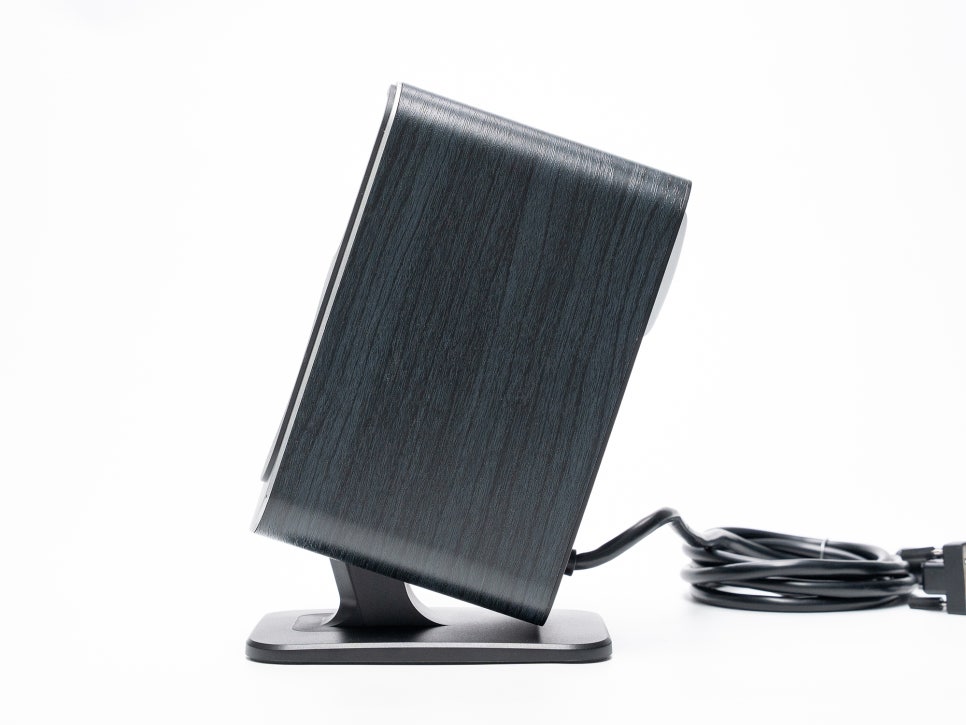
Many typical bookshelf speakers require purchasing a separate stand to achieve the optimal listening angle. However, the ProMedia Lumina comes with an included stand that allows for angle adjustment from 0 to 20 degrees. If you tilt the speaker to match your ear height according to your desk height, the directional characteristics of the horn tweeter ensure that high frequencies reach your ears precisely, significantly improving stereo imaging and soundstage accuracy.
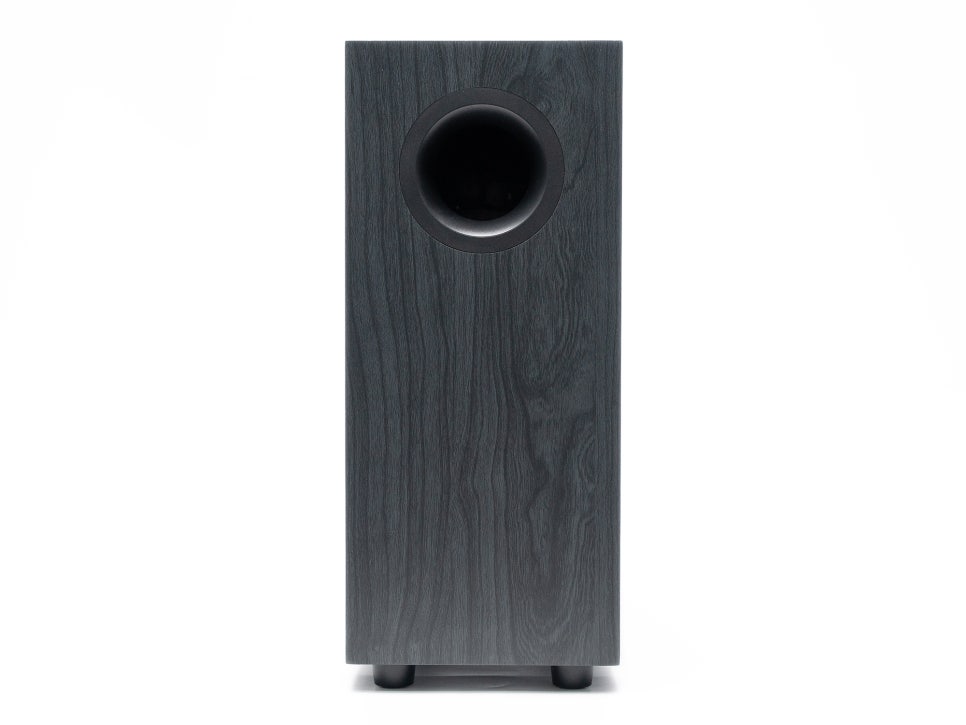
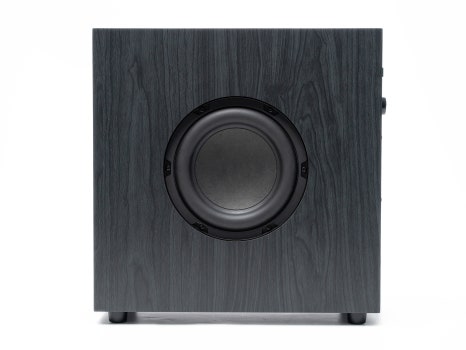
The subwoofer speaker features a slim, upright design with a 6.5-inch side-firing driver. This side-firing design means the driver is mounted facing the side, allowing bass to reflect off walls or the floor, which helps distribute sound evenly throughout the entire space.
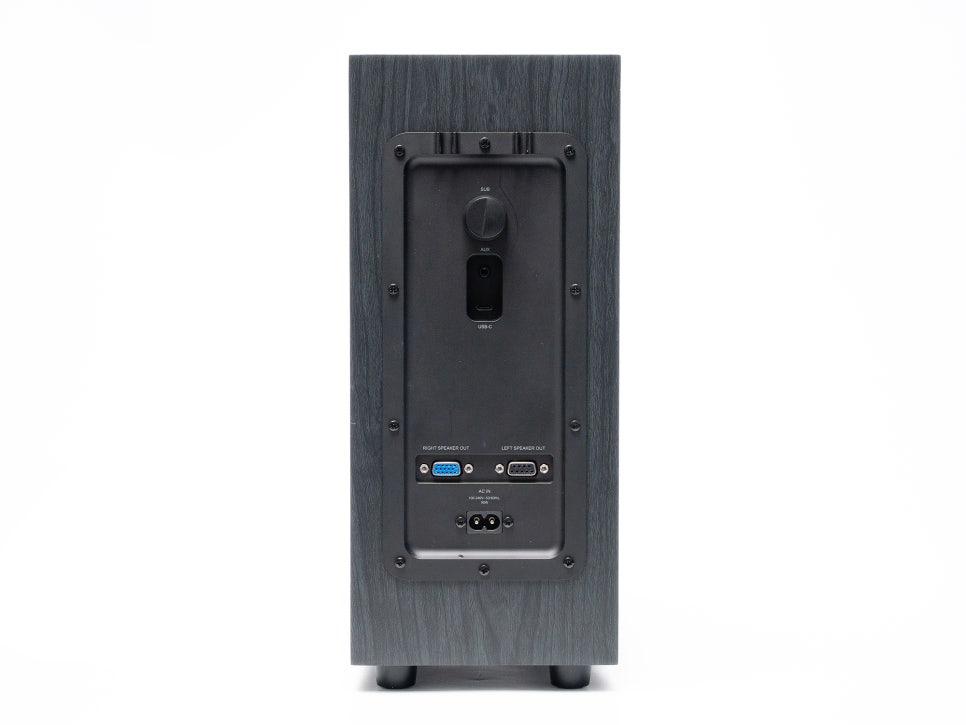
On the rear of the subwoofer, there’s a gain (volume) control knob, allowing you to adjust the bass level to suit your environment and preferences. A USB-C input, an AUX input, and a 9-pin connector for connecting left and right satellite speakers are also located here. Cable clips are provided as well, making cable management easier.
Software and RGB Effects
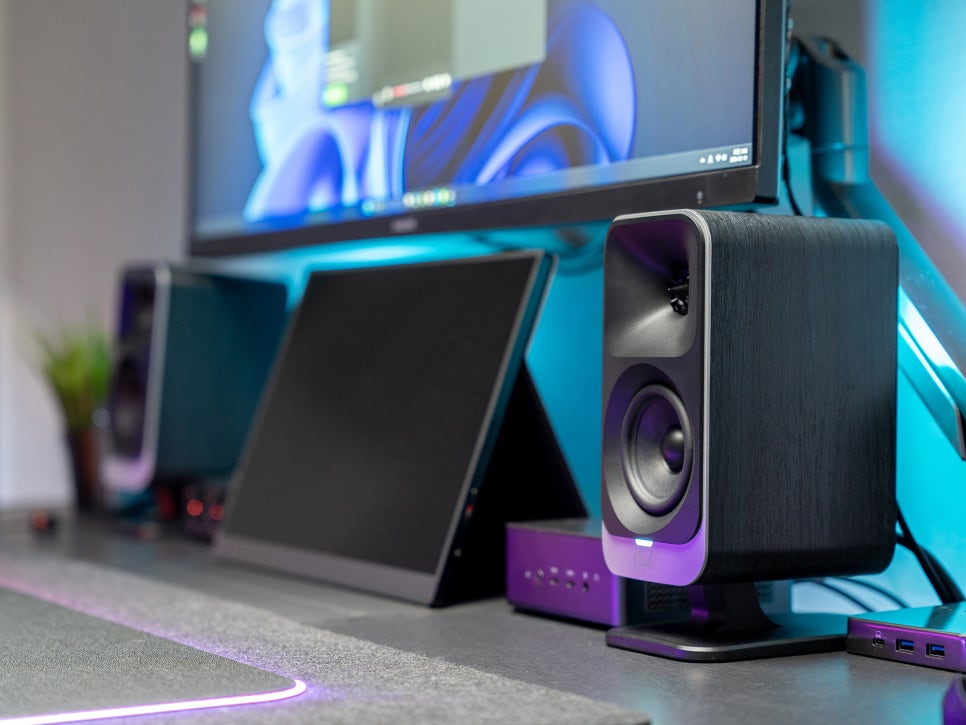
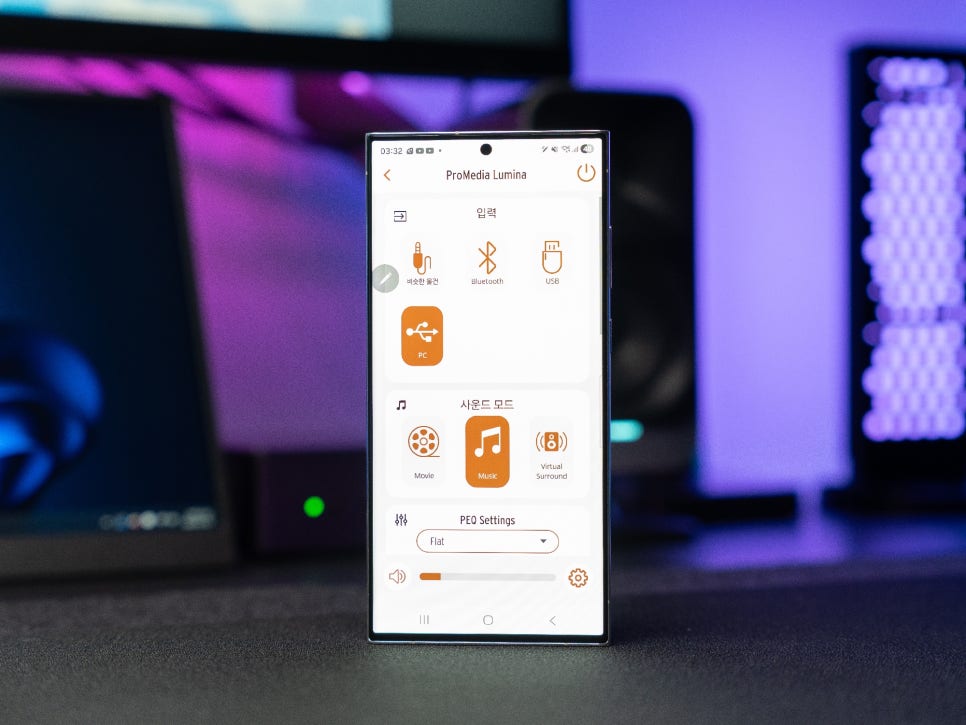
The Promedia Lumina supports both the Klipsch Control app for PC and the Klipsch Connect Plus app for mobile. Both apps offer core features like EQ adjustment, lighting settings, and night mode, but there are special features available only in the PC app.
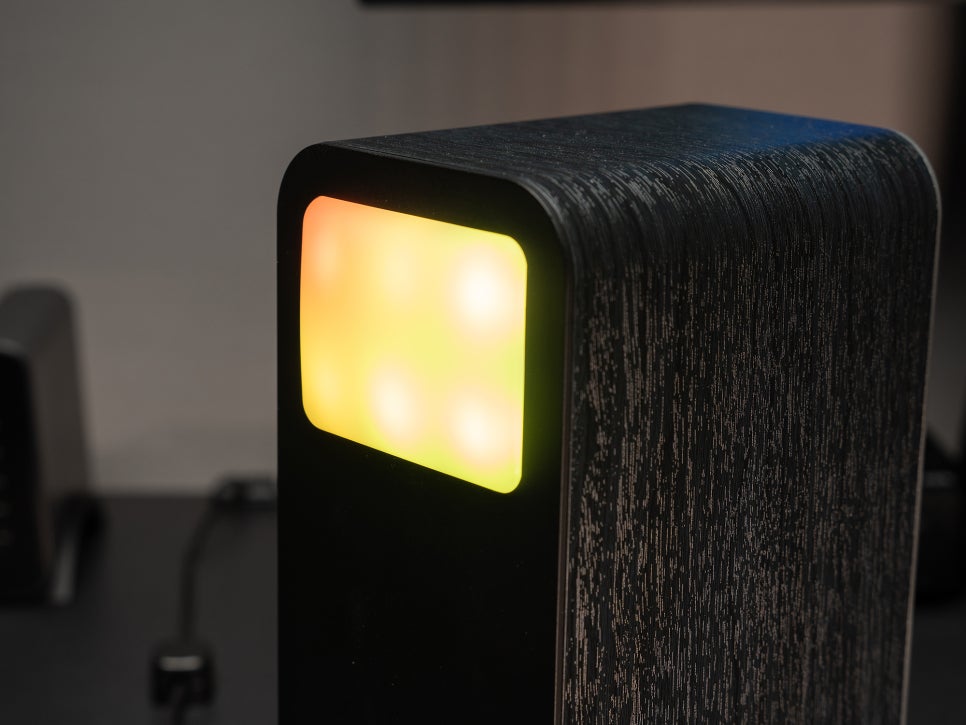
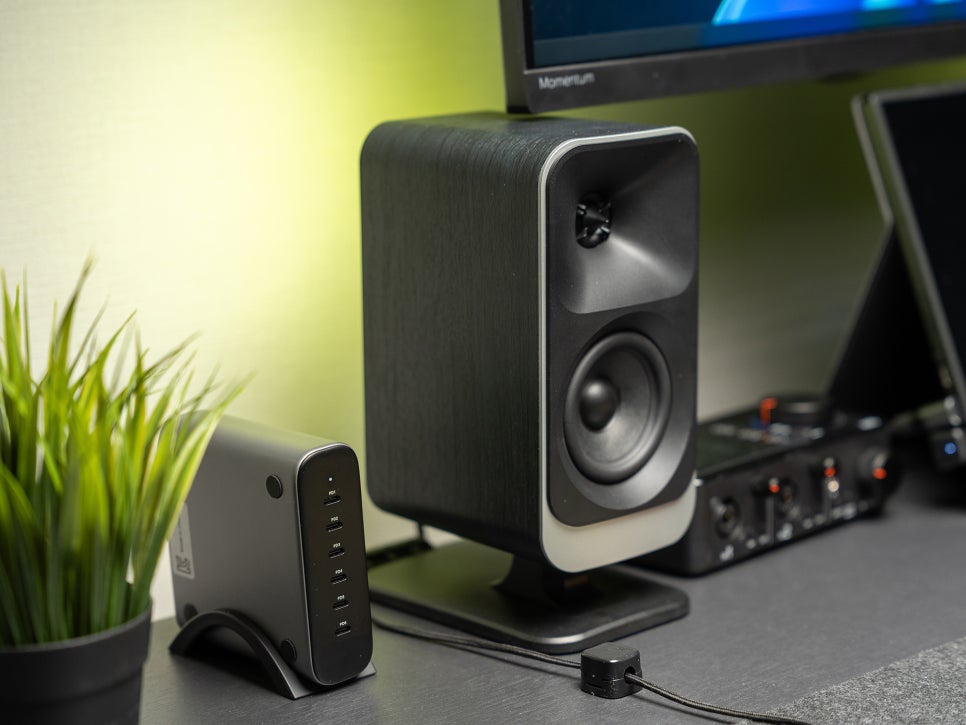
While changing RGB LED colors is a basic function, by installing the PC app, you can utilize Screen React Mode and Dynamic Lighting features.
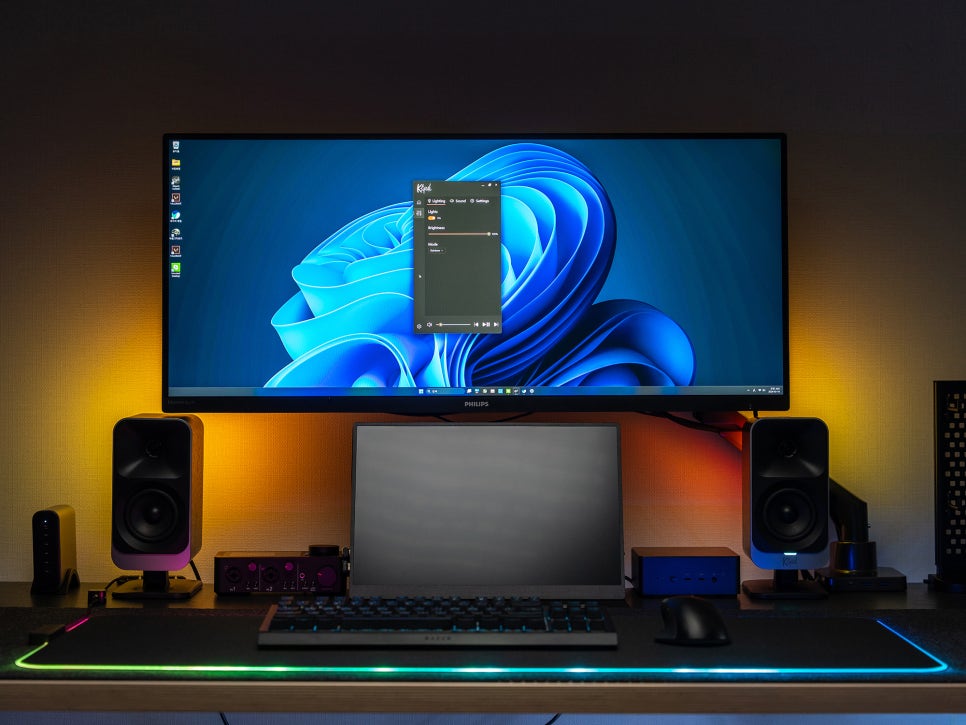
Screen React is a feature that analyzes the colors on your monitor screen in real-time and reflects them on the rear LEDs of the speakers. If the screen turns red, the lighting also turns red; for blue scenes, the lighting turns blue, thereby enhancing visual immersion.
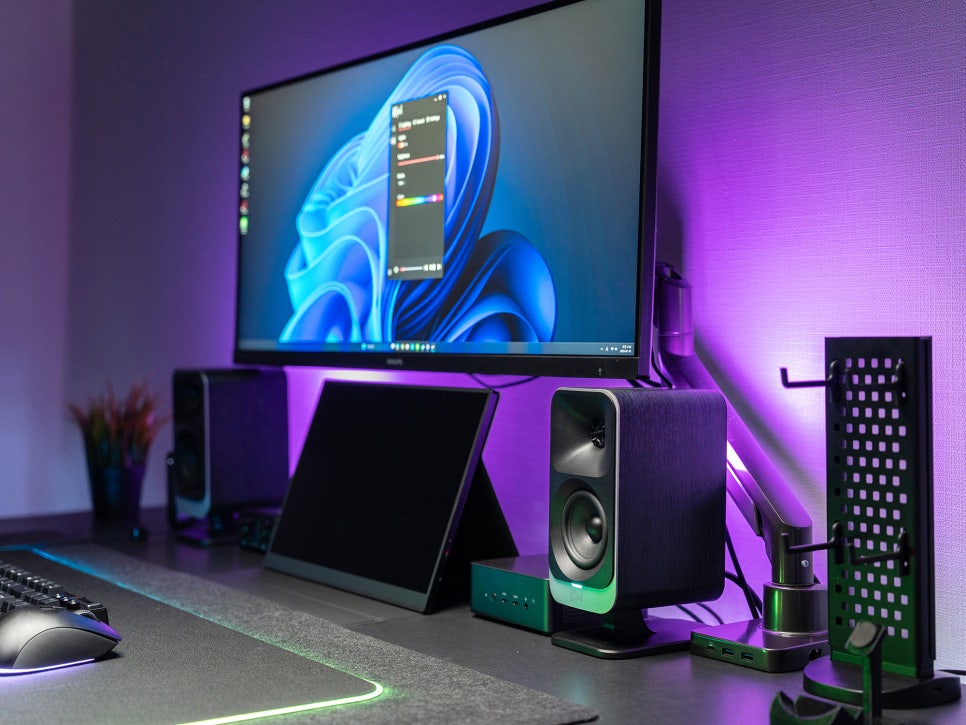
Dynamic Lighting is a feature supported by Windows 11 that allows you to link lighting with other RGB-compatible devices such as monitors, mice, and keyboards. This is a useful feature for those who want to integrate and control all RGB devices on their desk.
In practice, this ambient effect is quite effective when watching movies or listening to music. Especially when watching a movie in a low-light environment, the subtle lighting emanating from the back of the speakers, matching the scene on the screen, fills the background behind the monitor, creating a unique atmosphere.
Sound Test
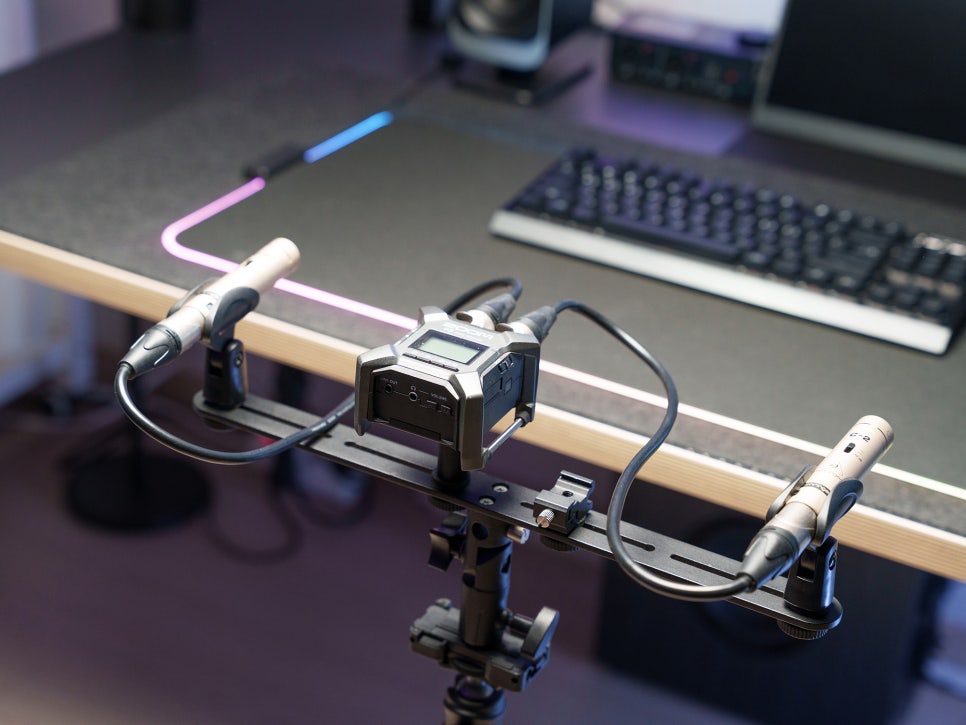
For recording equipment, I used a Behringer C-2 condenser microphone and a ZOOM F3 2-channel portable field recorder. Since these are not professional-grade devices, there may be a significant difference from the actual sound.
Music Listening
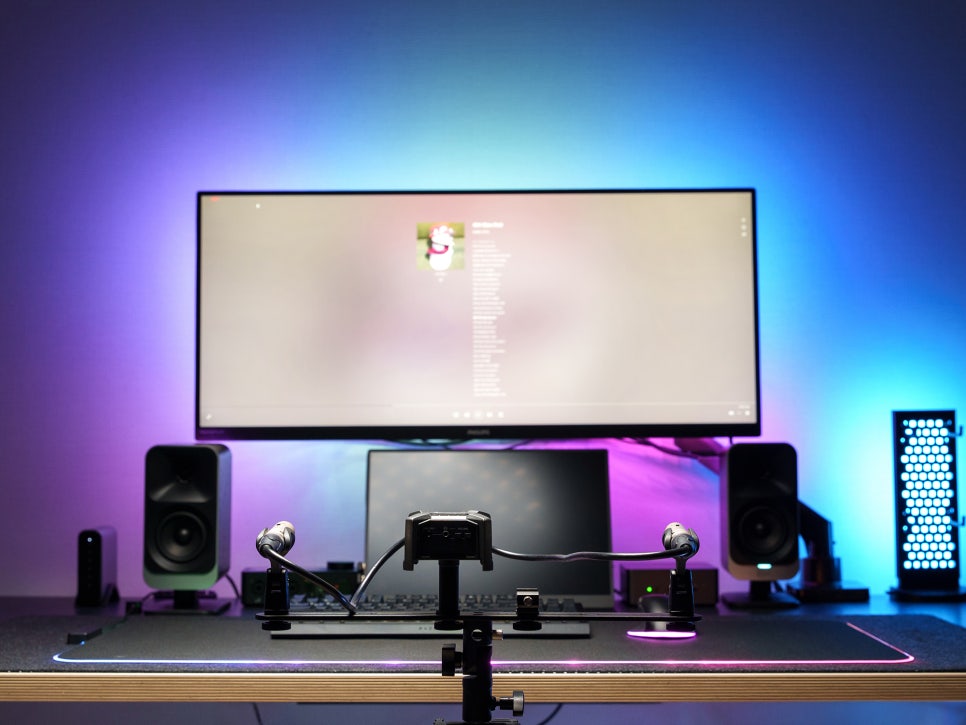
When listening to music, the first thing you notice is the clarity of the high frequencies. Thanks to the MicroTractrix horn tweeter, vocals come through clearly, and the details of high-pitched percussion instruments like cymbals and hi-hats are well-preserved. In pop and EDM, the bassline provides solid support.
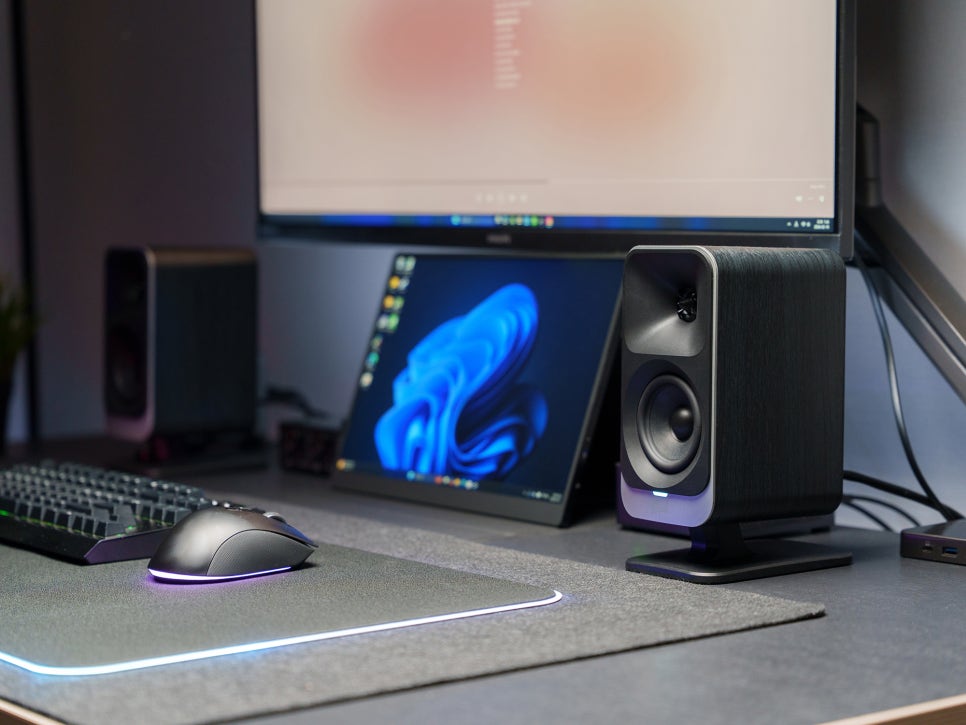
The 6.5-inch subwoofer delivers significant bass punch despite its slim profile. What’s notable is that the bass doesn’t feel overly bloated; it’s well-controlled, which means less listening fatigue even during long sessions. Instead of the hollow bass often found in some budget 2.1 channel systems, this one offers impressive, dense, and tight bass.
Gaming
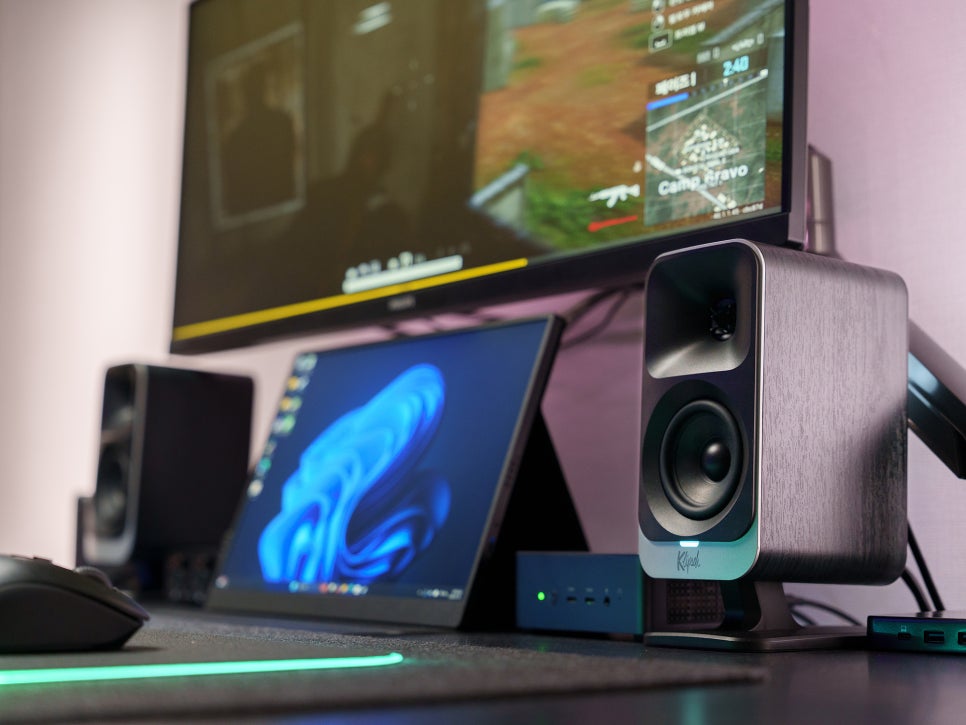
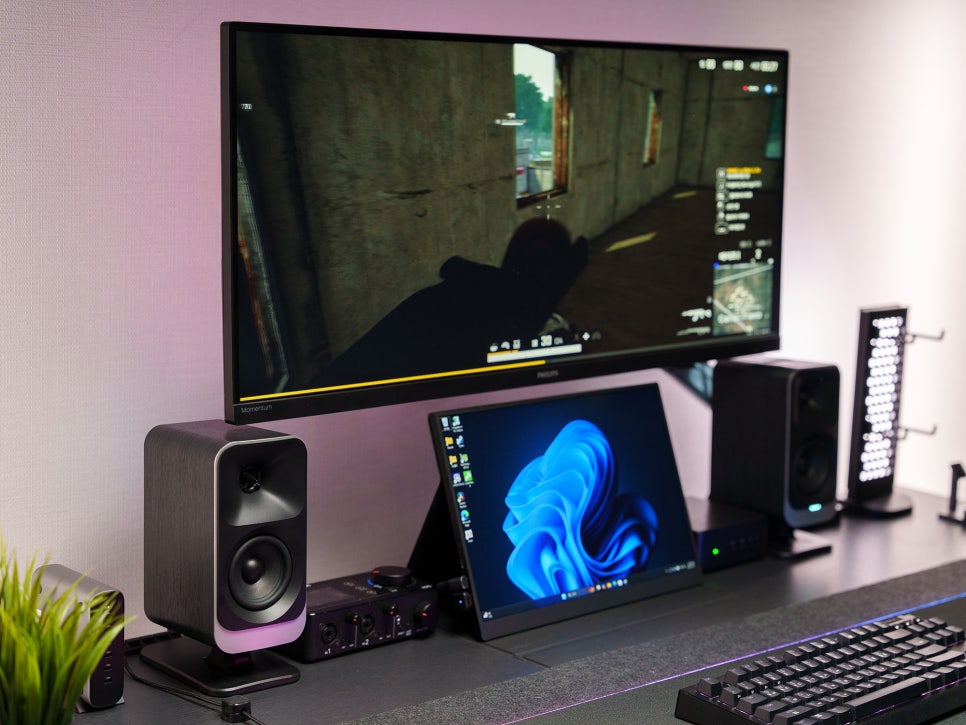
In gaming, you can definitely feel the horn tweeter’s precise sound imaging performance. In FPS games, it’s easy to pinpoint the direction of enemy footsteps by sound alone, and gunshots are delivered with sharp impact. For low-frequency sound effects like explosions or vehicle engines, the subwoofer provides appropriate weight.
Although I couldn’t make a video, when playing in virtual surround mode, it gives the feeling of hearing footsteps, surrounding gunshots, and ambient effect sounds on a slightly wider stage.
Movie Watching
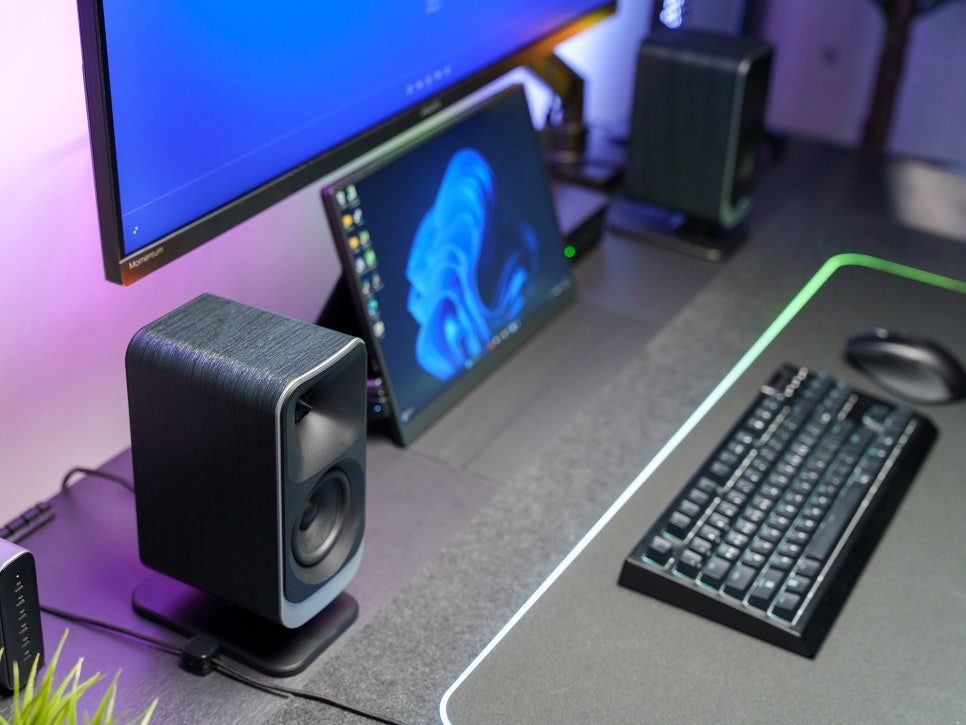
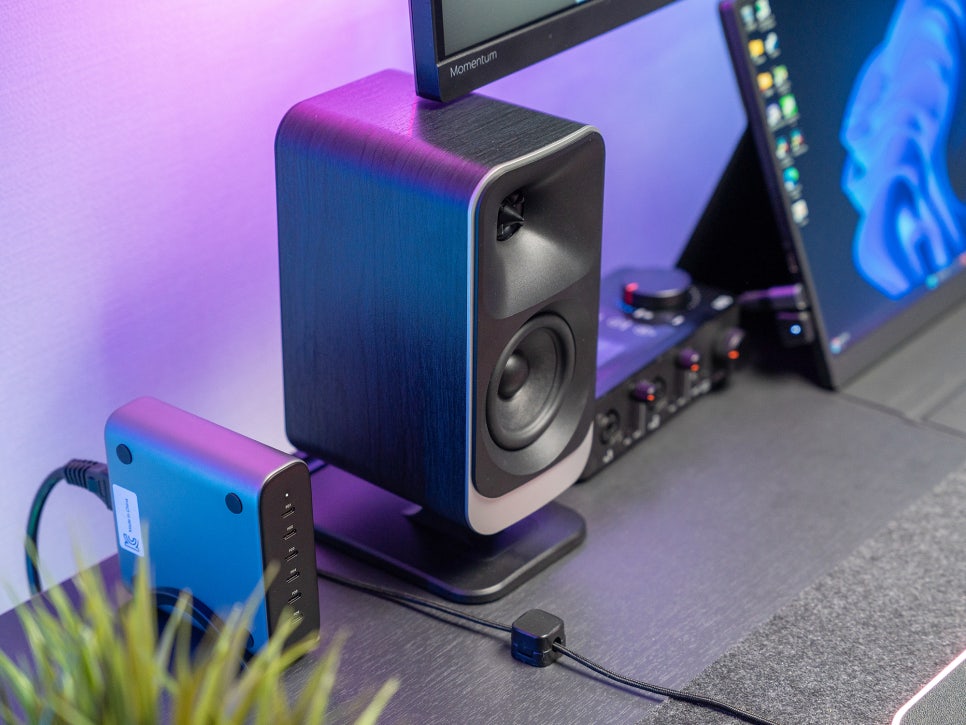
Above all, the true value of a 2.1 channel system shines during movie watching. The subwoofer adds significant weight to explosions, and dialogue is clearly delivered from the mid-range of the satellite speakers.
Similar to gaming, turning on virtual surround mode gives a slightly more expanded sense of sound spaciousness. While it’s not at the level of replacing a true surround system, it’s quite effective at enhancing cinematic immersion in a desktop environment.
Concluding the Review
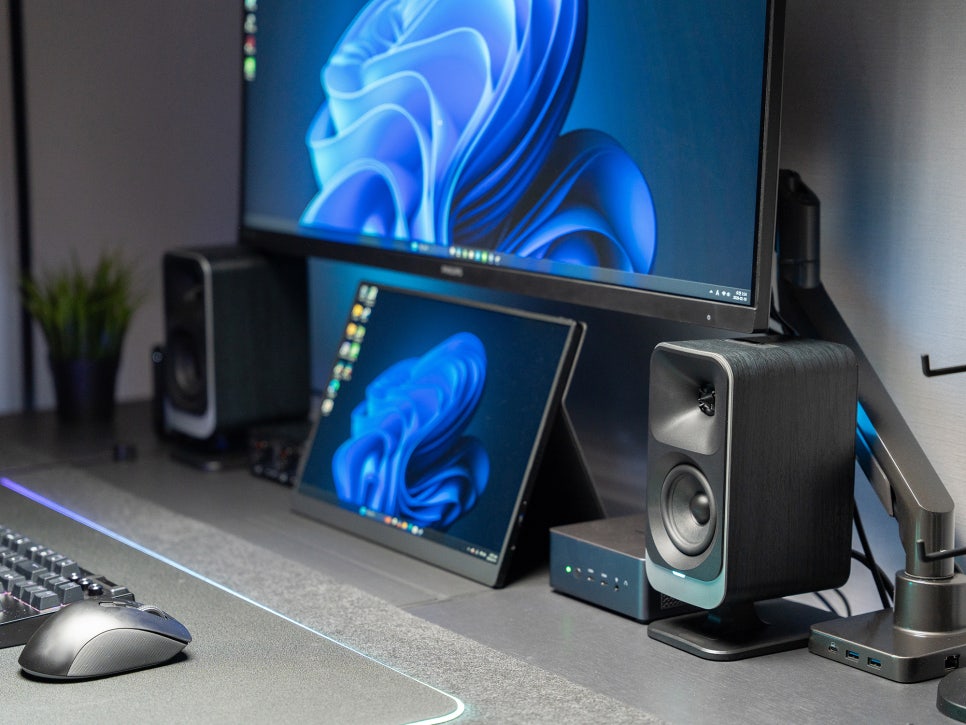
After using the Klipsch ProMedia Lumina for about a month, I’ve come to realize that it’s an all-around 2.1-channel speaker, perfectly optimizing Klipsch horn technology for desktop environments to satisfy gamers, creators, and music lovers alike.
The clear highs from the horn tweeter, rich mids from the midrange, and deep bass from the 6.5-inch subwoofer create a balanced sound. The RGB lighting and screen-react features further enhance visual immersion.
Its broad connectivity, including USB-C, AUX, and Bluetooth, is also a major draw, allowing flexible use with various devices. I’ve seen many international reviews praise its value for money, even at its 450,000 won price point, and I completely agree. I believe this product is highly recommendable for anyone looking to truly upgrade their desktop audio setup.
Buy Product
As an Amazon Associate I earn from qualifying purhases.
Purchase Product : https://amzn.to/4siiD32