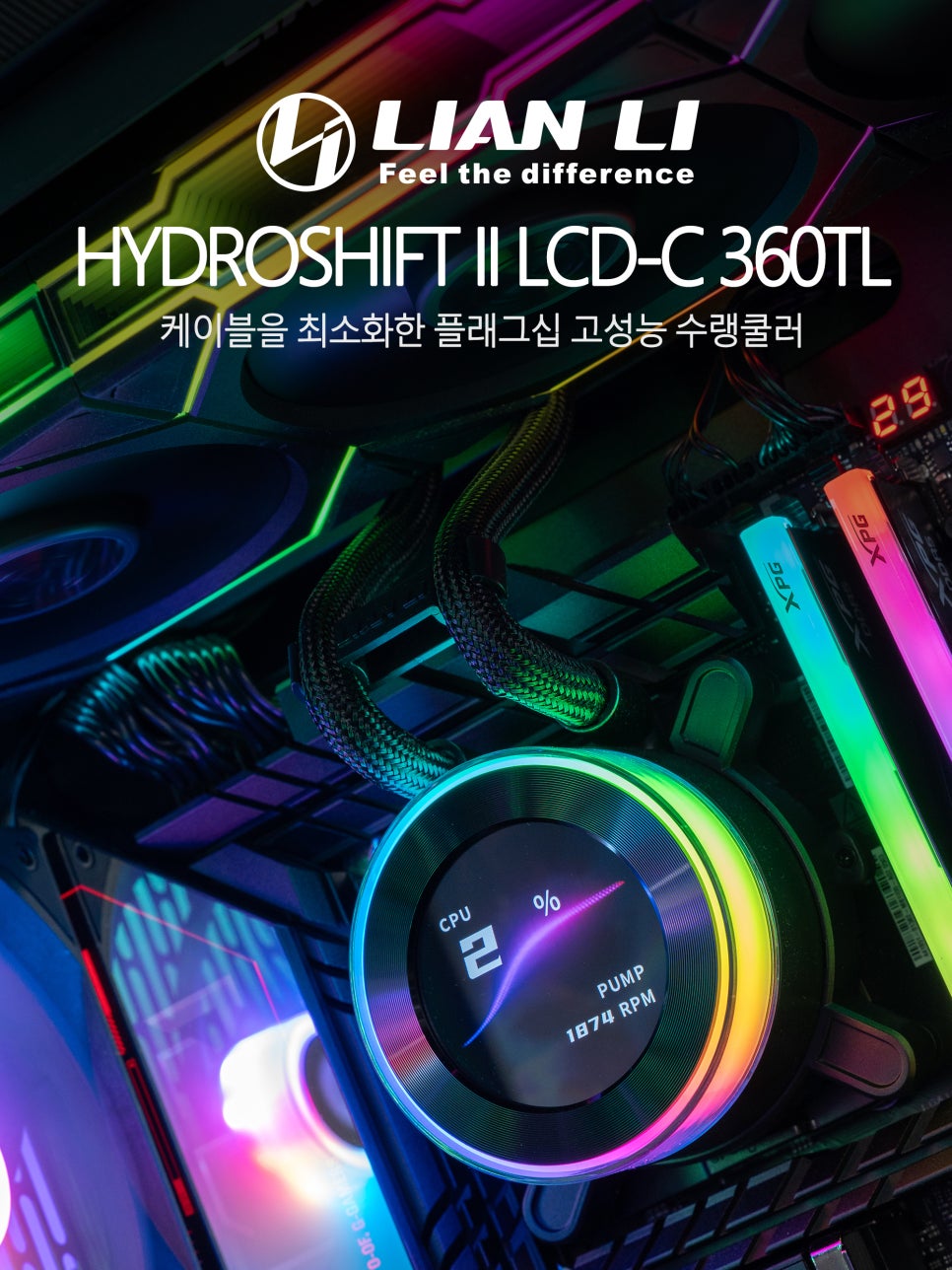
Lian Li is a brand renowned for its premium PC cases and cooling solutions, particularly loved by many PC enthusiasts for its innovative designs and excellent quality. Last year’s Lian Li Hydroshift LCD 360, with its side-mounted tubes and tube brackets, allowed for a remarkably clean build by minimizing tube exposure. Its satisfying performance also garnered significant attention.
Now, the successor model, the Lian Li Hydroshift II LCD-C 360TL, has been released. It features a redesigned pump LCD display and upgraded performance. Let’s take a closer look at this 3-fan AIO CPU cooler.
Specifications and Components
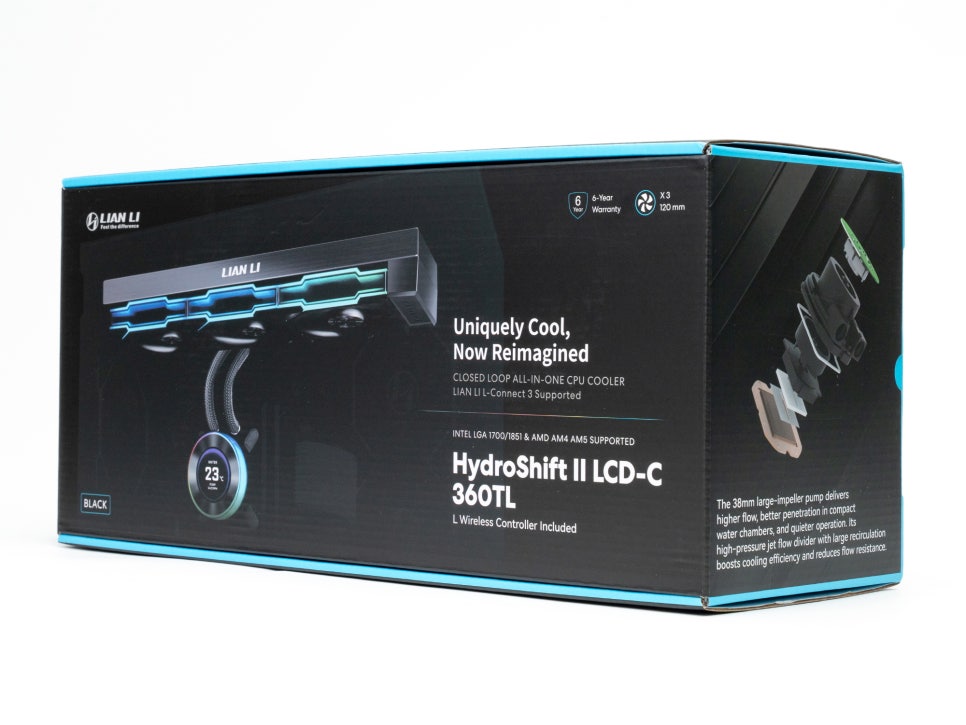
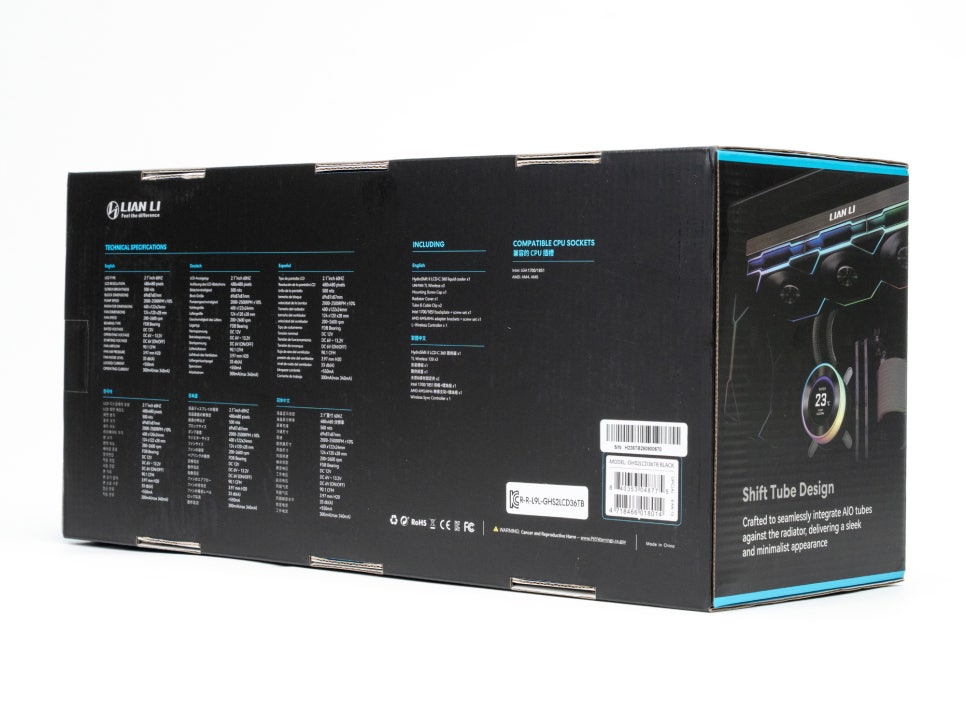
First, let’s examine the main specifications of the Lian Li Hydroshift II LCD-C 360TL Black.
Key Specifications
| Radiator | 400 x 122 x 24mm (3-fan AIO) |
| Hose Length | 450mm (Server-grade corrugated tubing) |
| Pump Speed | 2000-2500 RPM |
| Cold Plate | Micro-skived copper |
| Cooling Fan | 120mm x 3 units, UNI FAN TL Wireless |
| Fan Speed | 0, 200-2600 RPM (Supports Zero RPM mode) |
| Max Airflow | 90.1 CFM |
| Max Static Pressure | 3.97 mmH₂O |
| Noise | Max 33dBA |
| LCD Display | 2.1-inch IPS, 480×480 resolution, 60Hz |
| Brightness | 500 nits |
| Supported Sockets | Intel LGA1700/1851, AMD AM4/AM5 |
| Warranty | 6-year quality warranty + Leakage compensation |
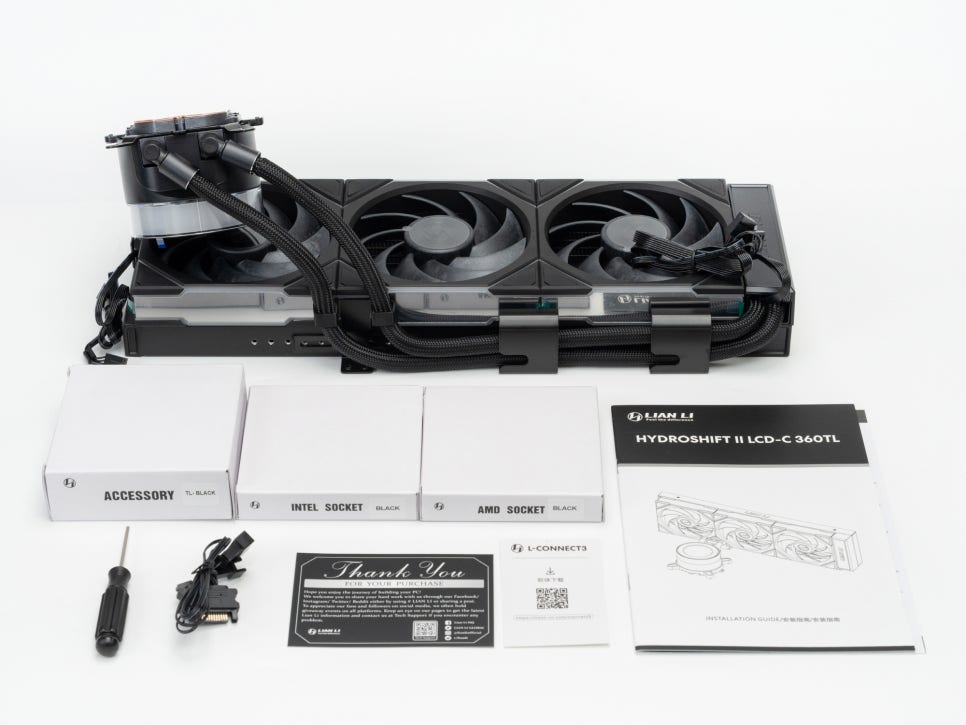
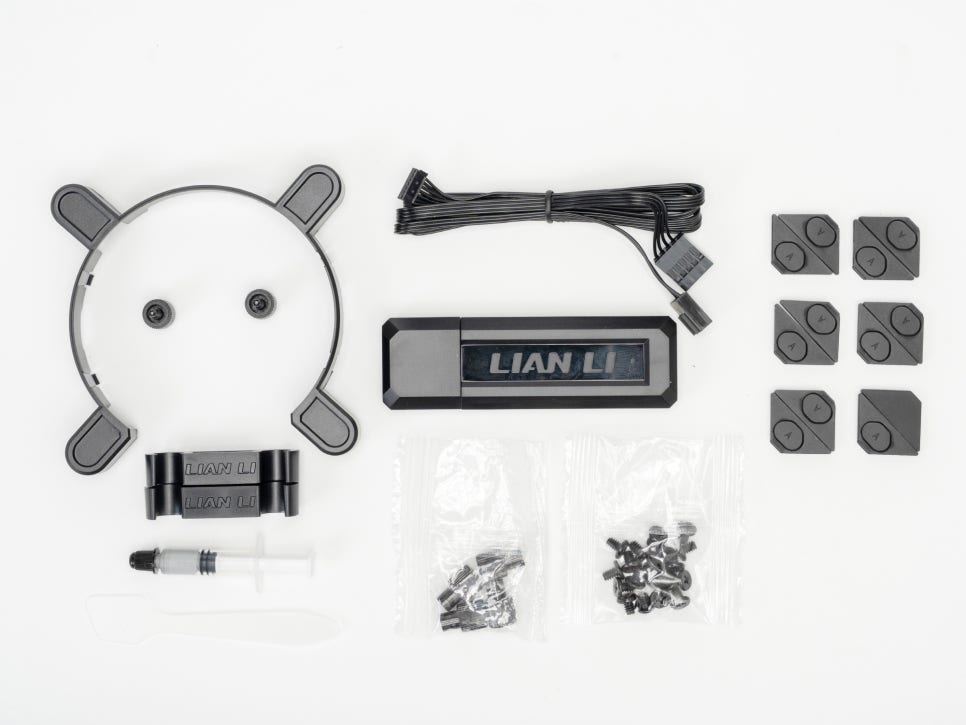
Looking at the components, the pump unit and radiator come with cooling fans pre-installed. Various mounting brackets and screws are provided for both Intel and AMD platforms. A syringe-type thermal compound is also included, eliminating the need for a separate purchase.
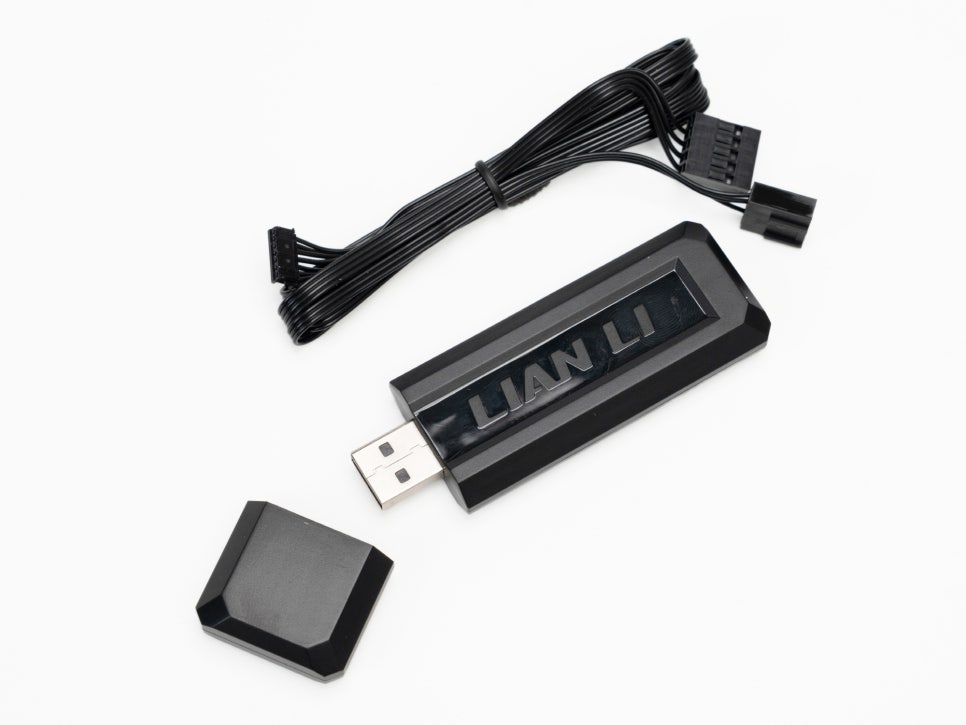
Particularly noteworthy is the L-Wireless Controller. By plugging this small dongle into a USB port on your motherboard, you can wirelessly control the pump’s LCD screen and RGB lighting. This allows for an even cleaner build by reducing the number of cables around the pump. The dongle also supports a wired USB connection, giving you flexibility depending on your setup.
Appearance and Features
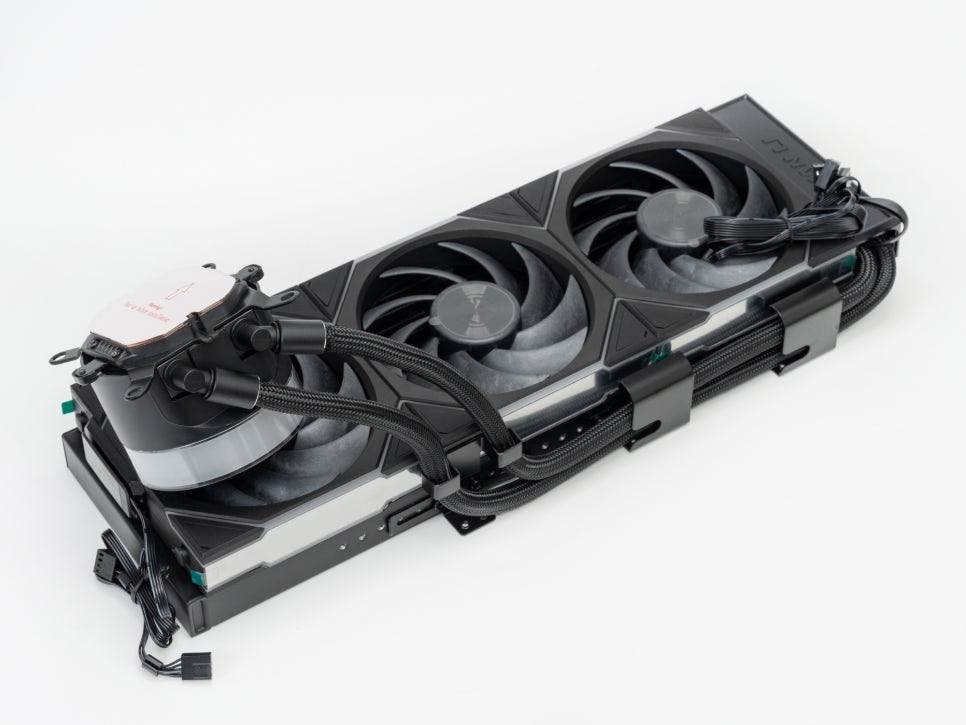
The Hydroshift II LCD-C 360TL is available in two colors, black and white. Each color comes in three versions (360S, 360R, 360TL), differentiated by their fan configuration. The 360TL version reviewed today is the premium model, equipped with UNI FAN TL Wireless fans as standard.
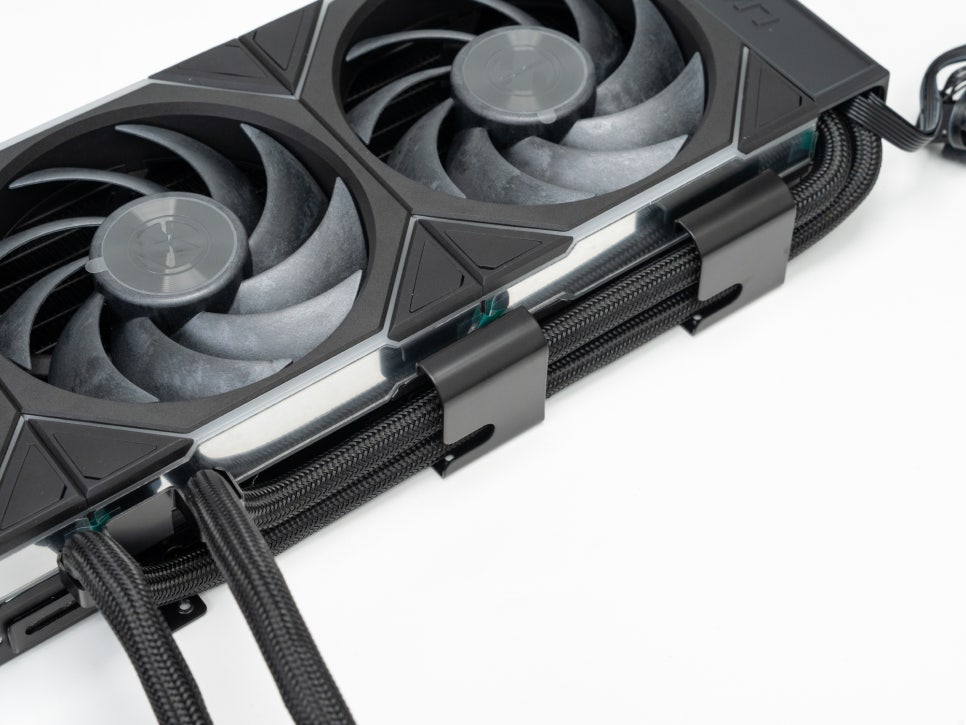
Similar to its predecessor, the most significant feature of this AIO cooler is its adjustable tubing design for minimal tube exposure. While typical AIO coolers have long tubes stretching from the pump to the radiator exposed externally, the Hydroshift neatly routes its tubes along the side of the radiator. The tube bracket is attached to the radiator, allowing you to adjust the tubes to your desired direction (left or right), and a plastic cover conceals most of it, creating a tidy appearance reminiscent of BTF motherboards.
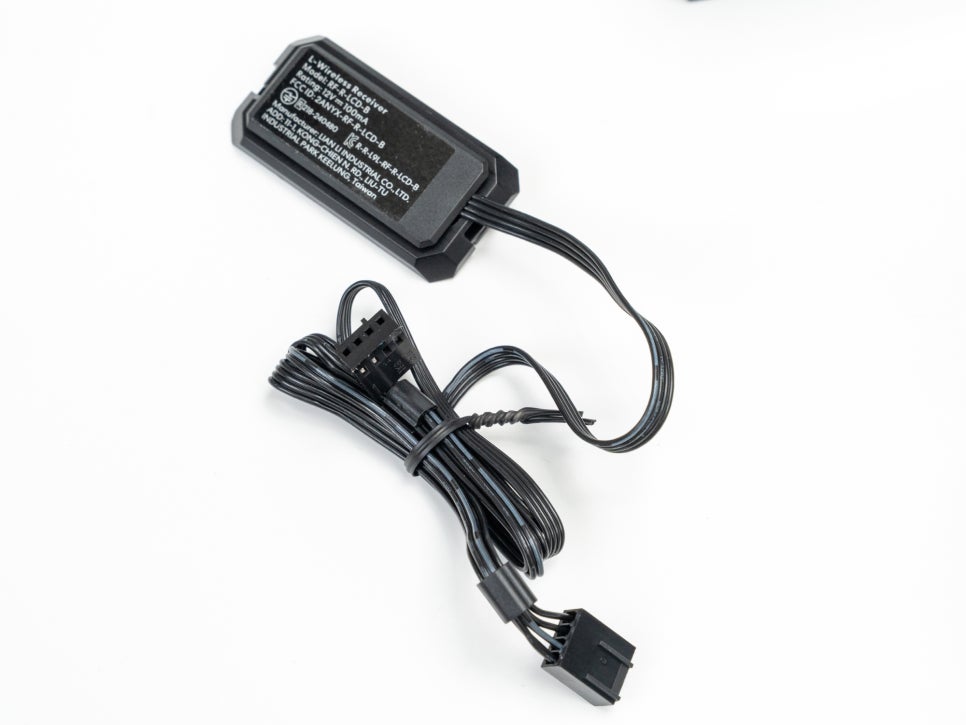
The L-Wireless Controller receiver connects the pump and fans via a 2.4GHz wireless signal. Simply plug it into a USB port, and you can conveniently control all settings wirelessly through the L-Connect 3 software.
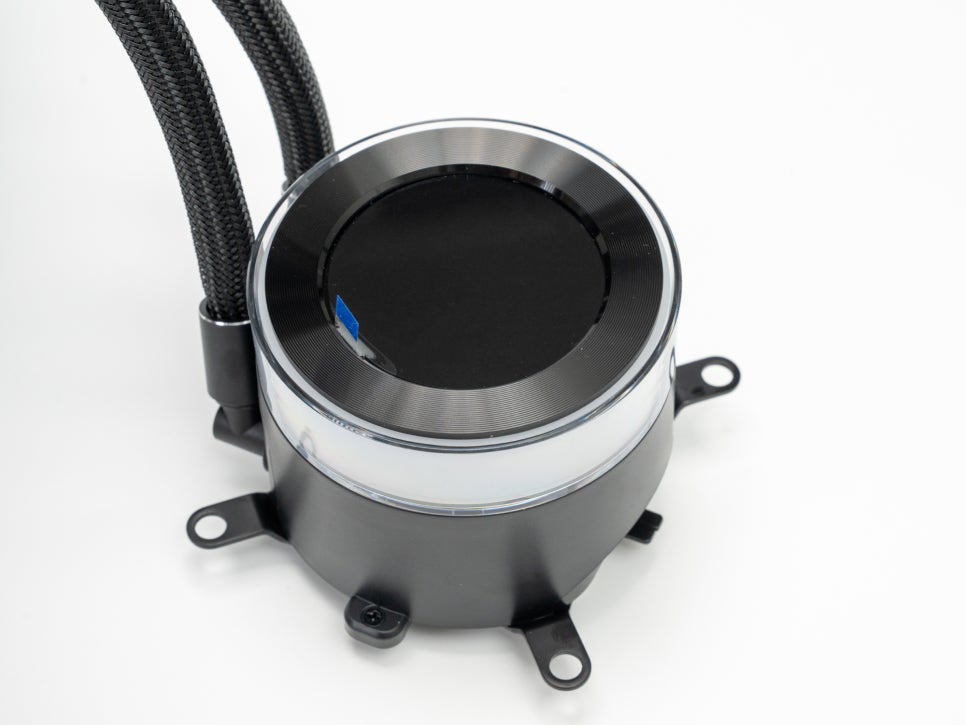
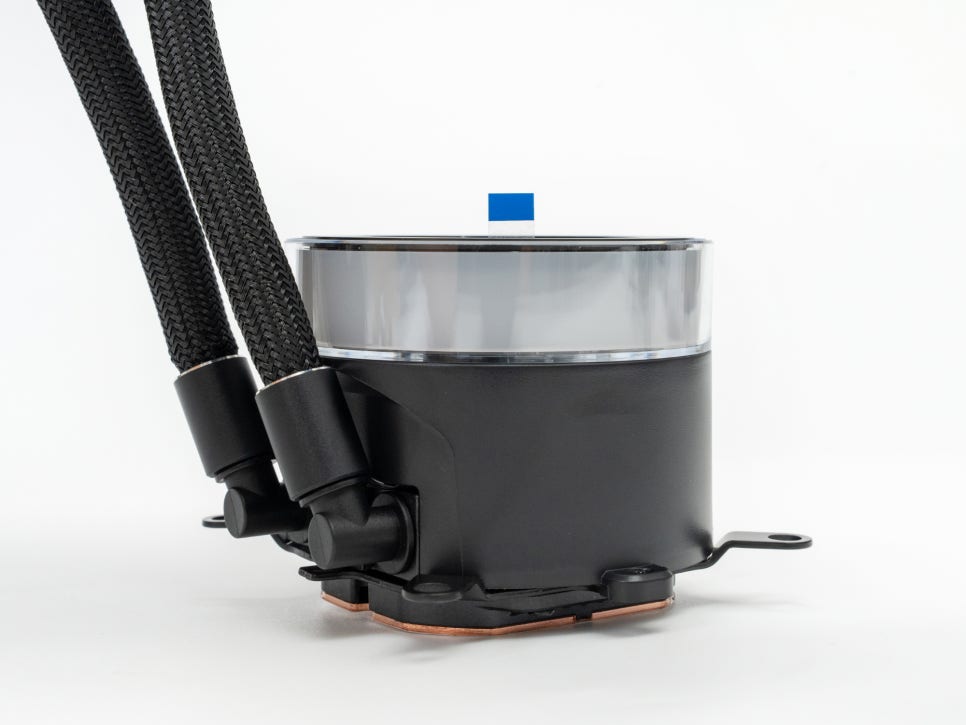
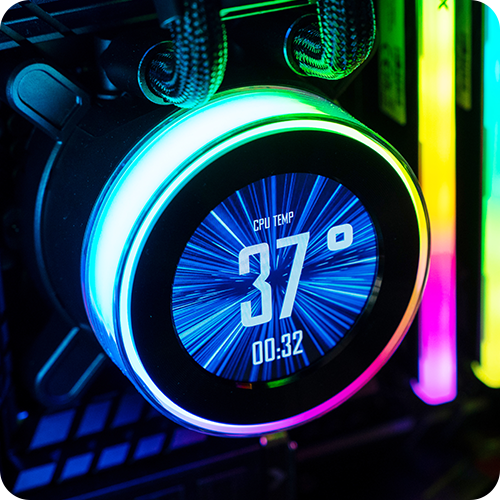
The pump unit is quite compact, measuring 87 x 87 x 69mm. It operates at 2000-2500 RPM with a maximum noise level of just 33dBA, making it very quiet. The biggest change in this generation is the LCD display. It features a 2.1-inch round IPS panel with a 480×480 resolution, and the refresh rate has doubled from the previous 30Hz to 60Hz, providing a much smoother display. With a maximum brightness of 500 nits, it remains clearly visible even inside a dark PC case.
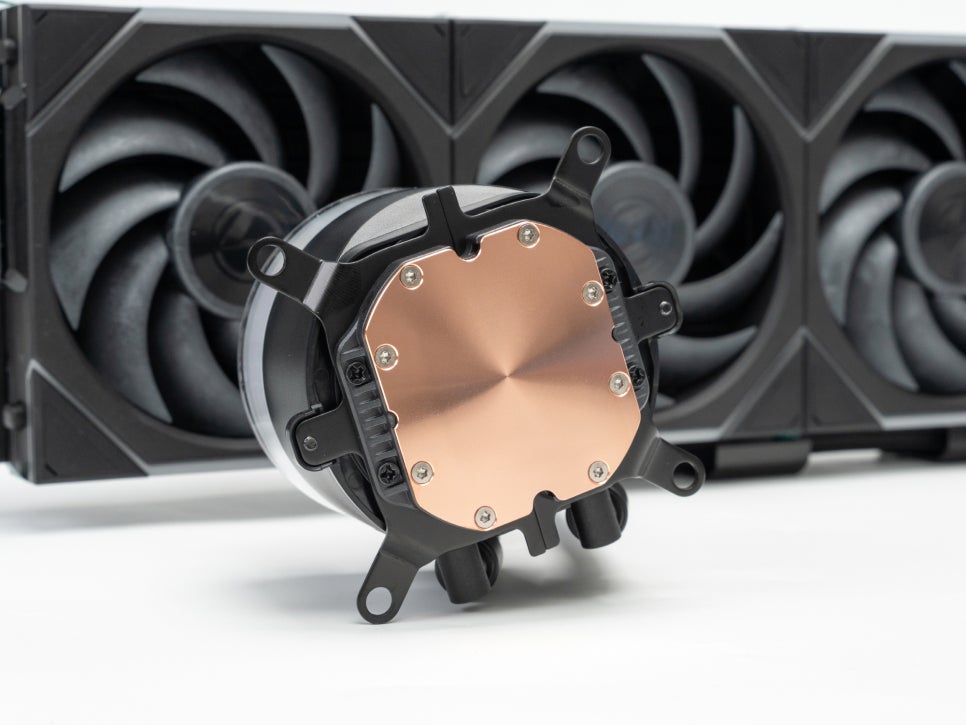
The cold plate at the bottom of the pump is made of micro-skived copper. Its size has been reduced compared to the previous generation to minimize deformation due to mounting pressure, and the shorter distance from the CPU to the coolant is said to improve thermal efficiency. It supports both Intel LGA1700/1851 and AMD AM4/AM5 sockets, making it compatible with most modern platforms.
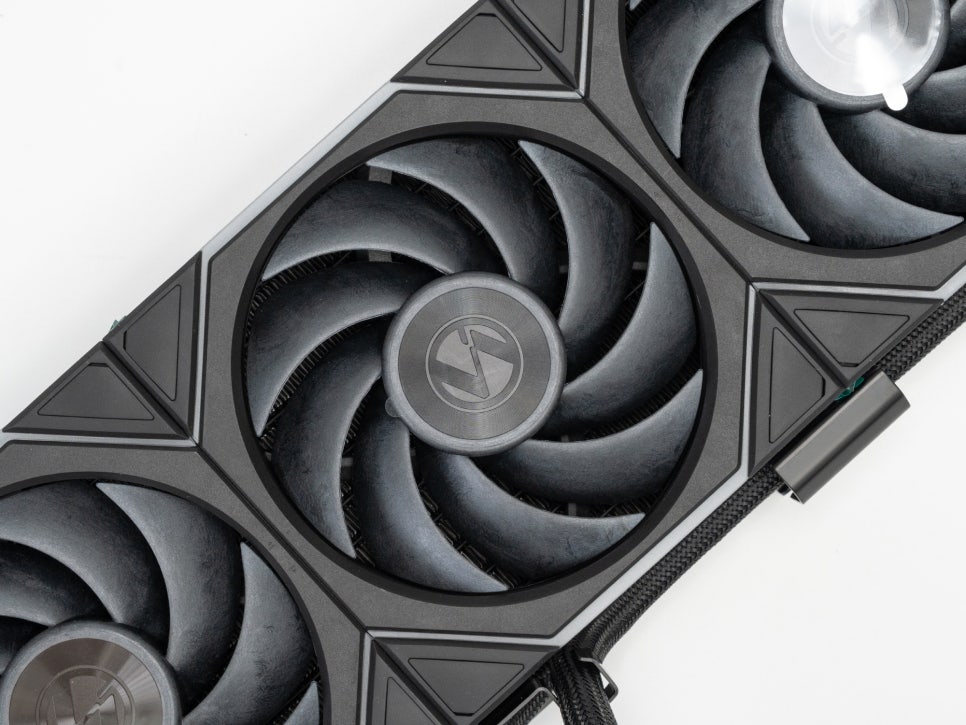
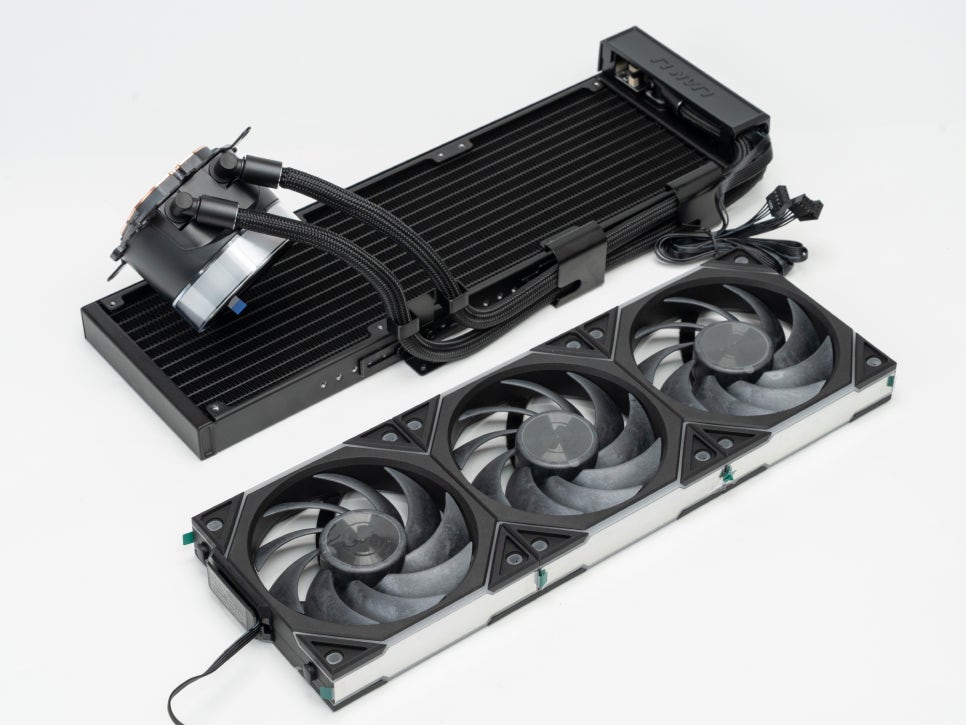
The cooling fans are three 120mm UNI FAN TL Wireless models. They feature FDB bearings for excellent durability and support a wide speed range of 200-2600 RPM. Zero RPM mode is also supported, allowing for completely silent operation at idle. With 26 built-in LEDs and an infinity mirror design, they create spectacular multi-layered lighting effects.
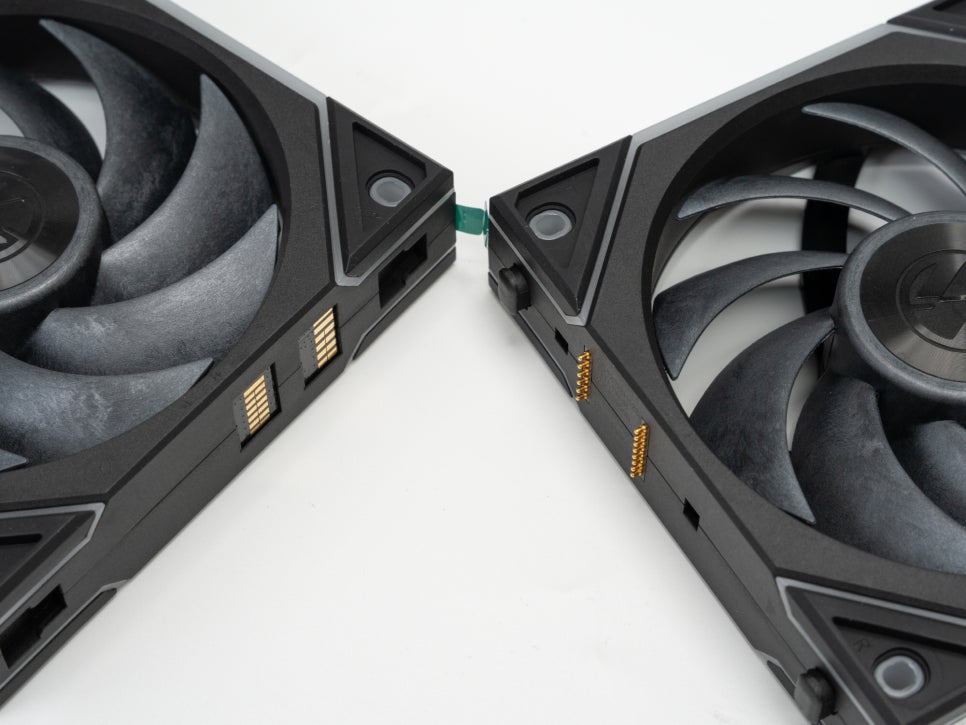
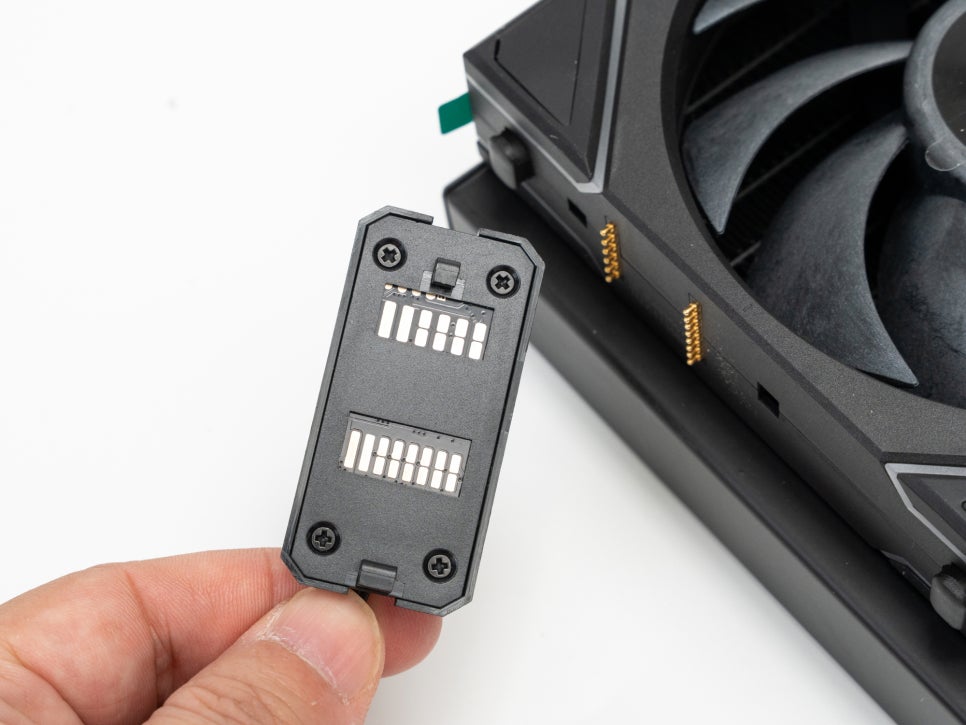
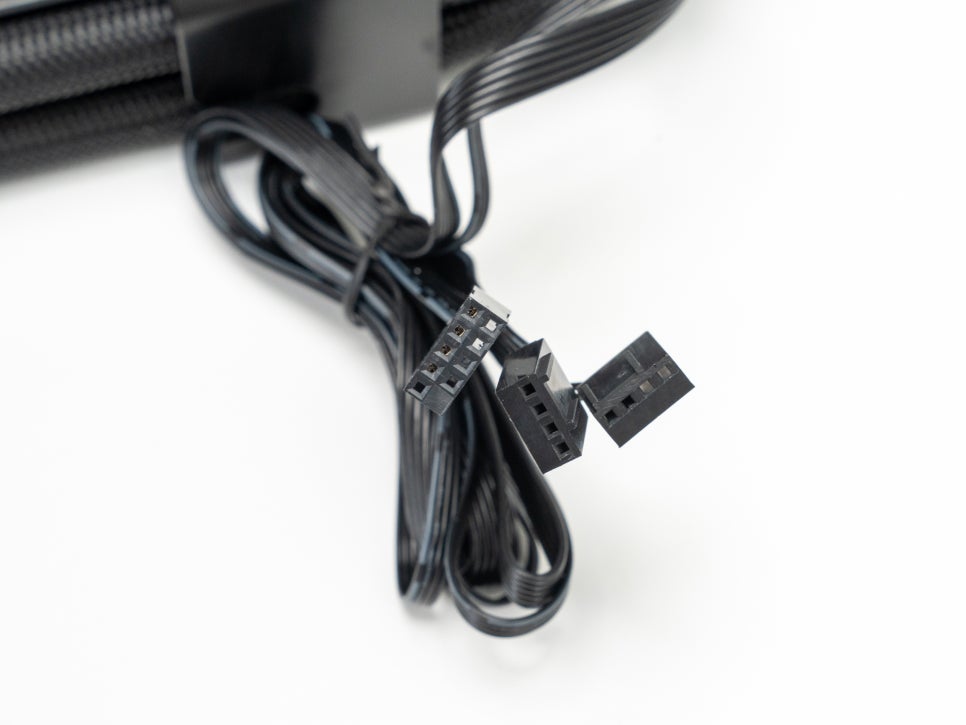
These fans connect in a daisy-chain manner. After connecting the three fans to each other, only one cable needs to be connected to the pump unit, allowing all fans to be controlled simultaneously. While connecting three typical fans would require three PWM cables and three RGB cables (a total of six), this product’s daisy-chain design solves everything with just a single cable.
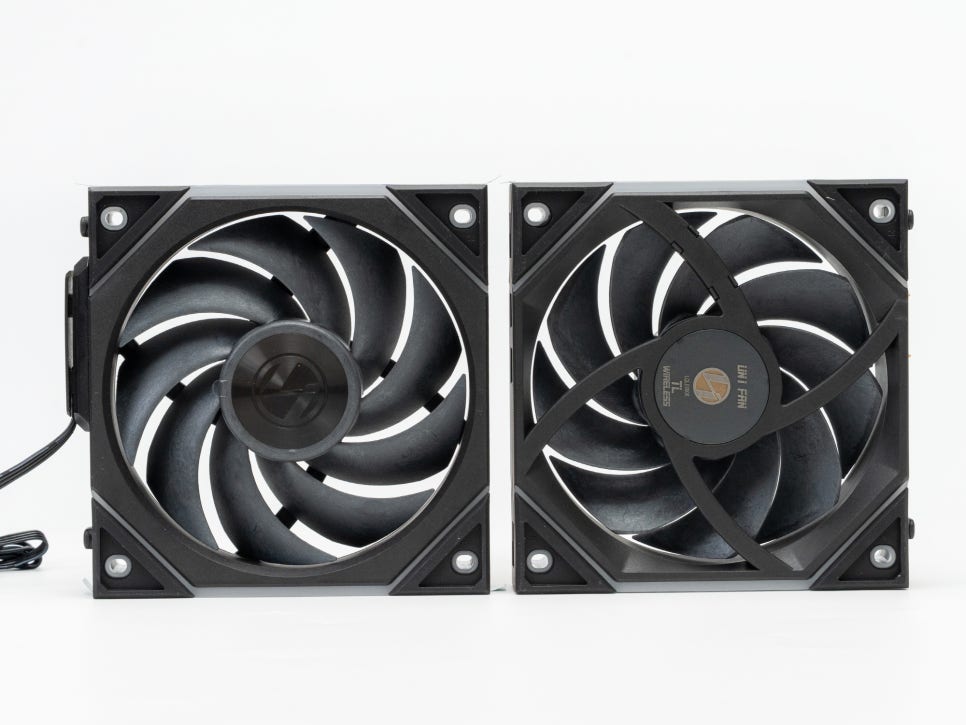
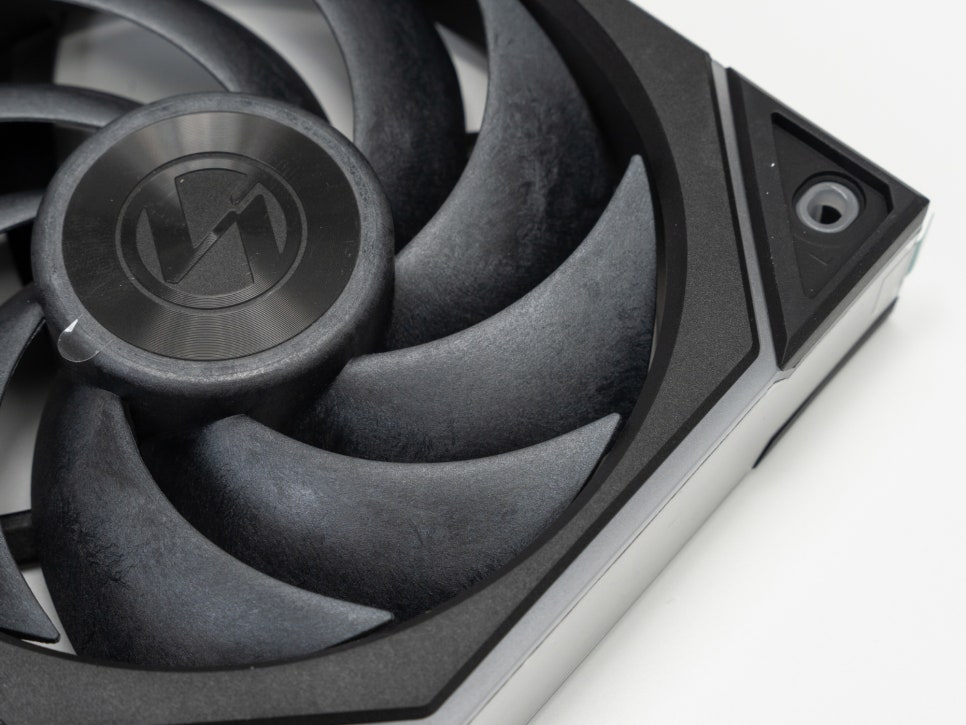
The fan blades are made of LCP material, offering excellent stiffness and durability. They deliver high airflow while maintaining low noise levels, with a maximum of 33dBA. Even at their maximum speed of 2600 RPM, they operate stably without excessive noise.
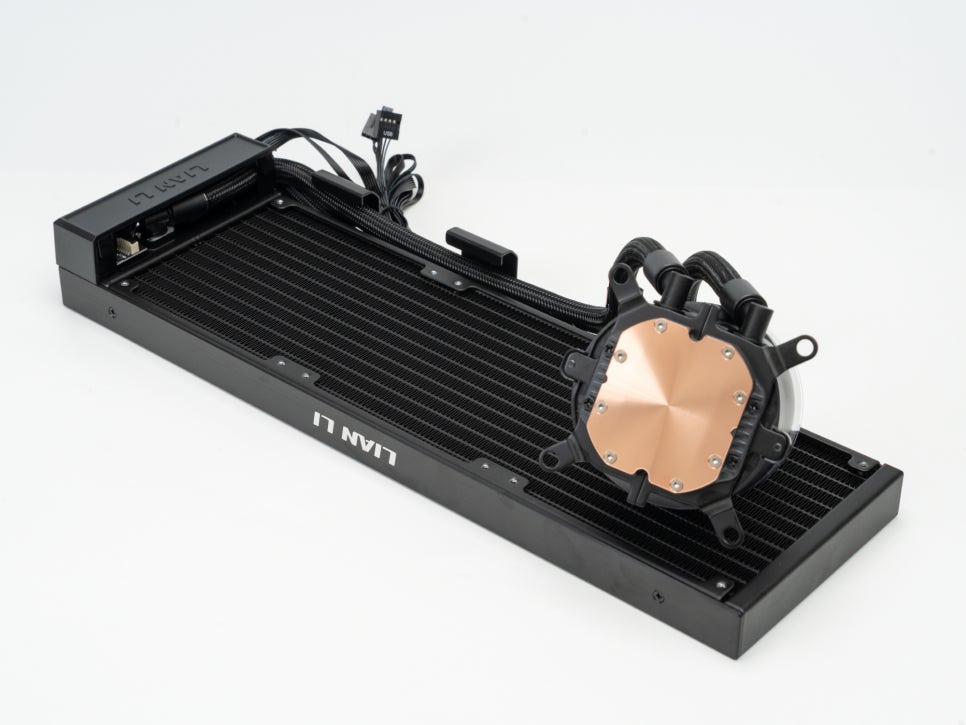
The radiator measures 400 x 122 x 24mm, is constructed from high-density aluminum, and features a single wave fin pattern for efficient cooling performance.
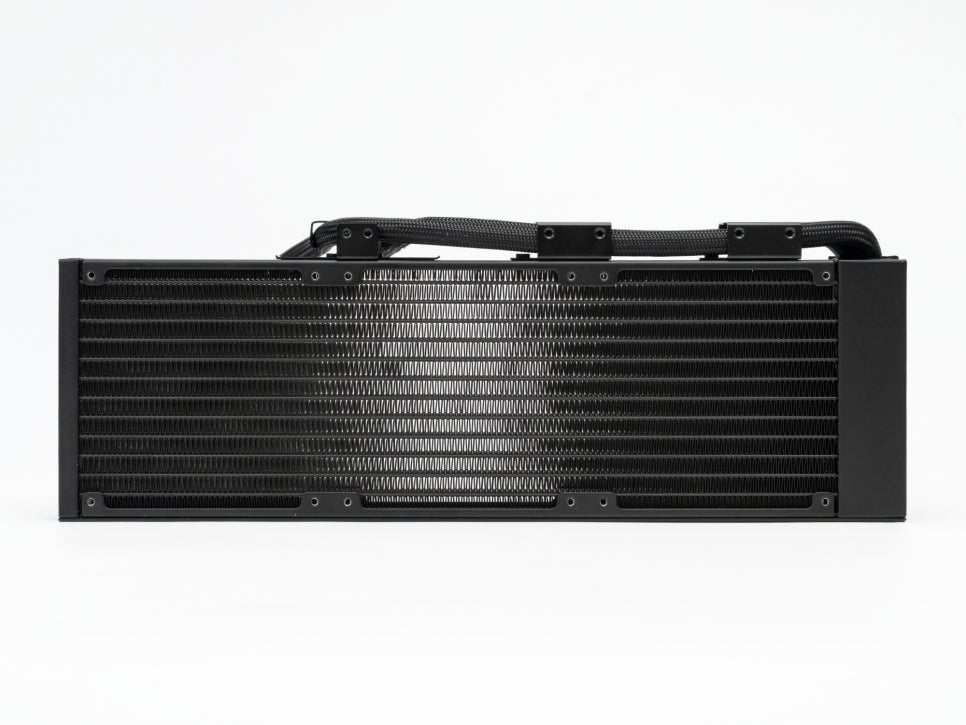
Compared to the previous generation, the thickness and length are 3mm slimmer, and the width is 2.5mm narrower, improving case compatibility and making the integration with the side-routed tube design even more seamless.
Assembly and Installation
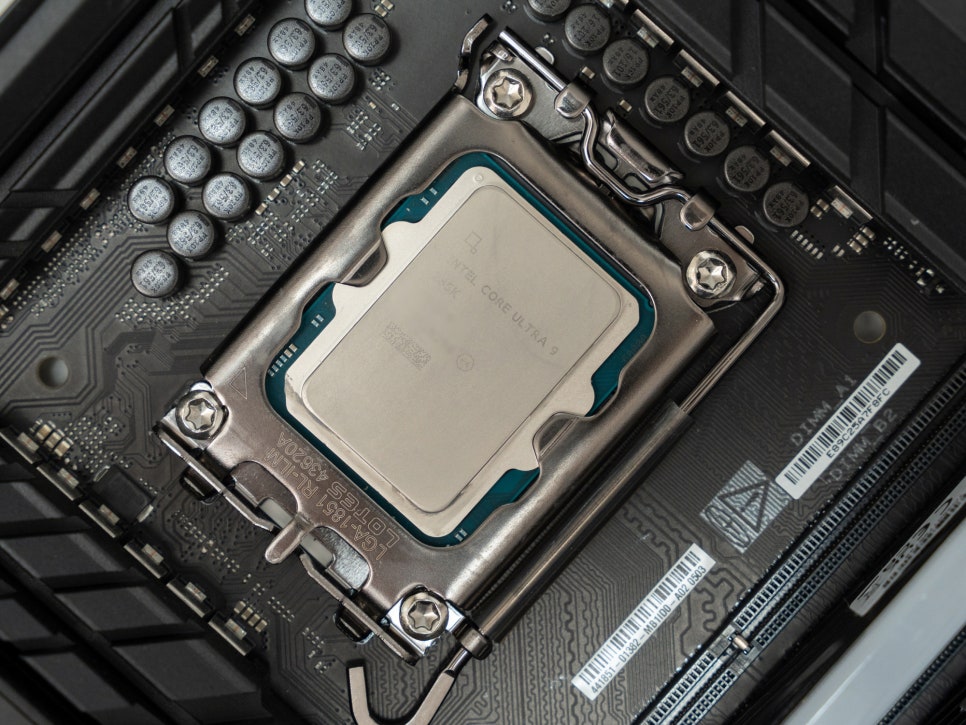
For this test, we configured an Intel Core Ultra 9 285K system. The 285K is a powerful CPU with 8 P-cores and 16 E-cores, totaling 24 threads. While its power efficiency is said to be improved over Intel’s 14th generation, it remains a processor that generates considerable heat under high loads.
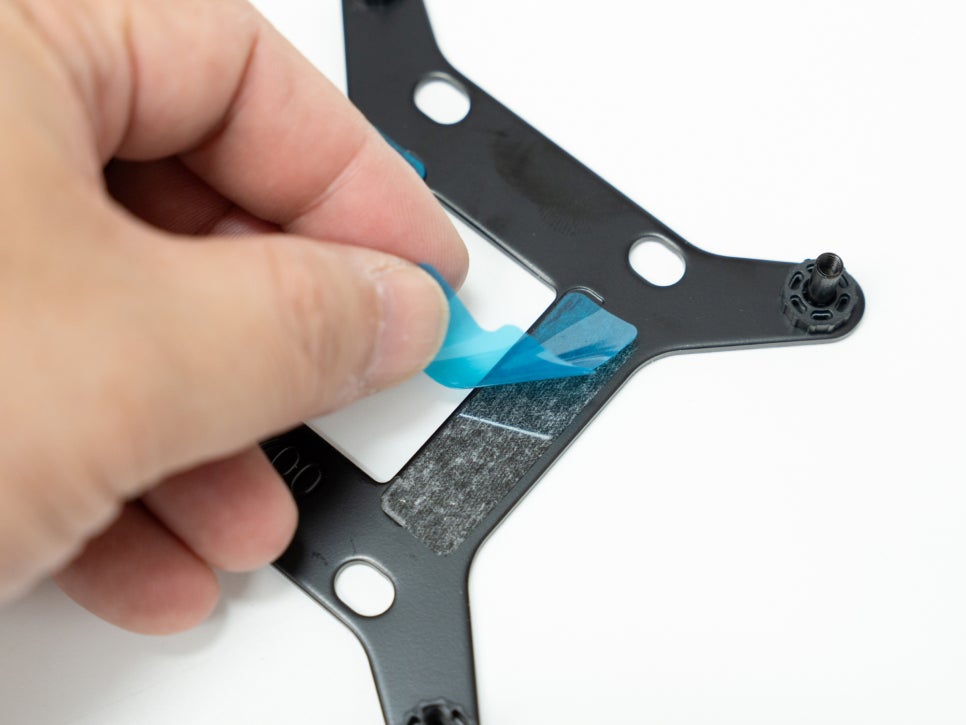
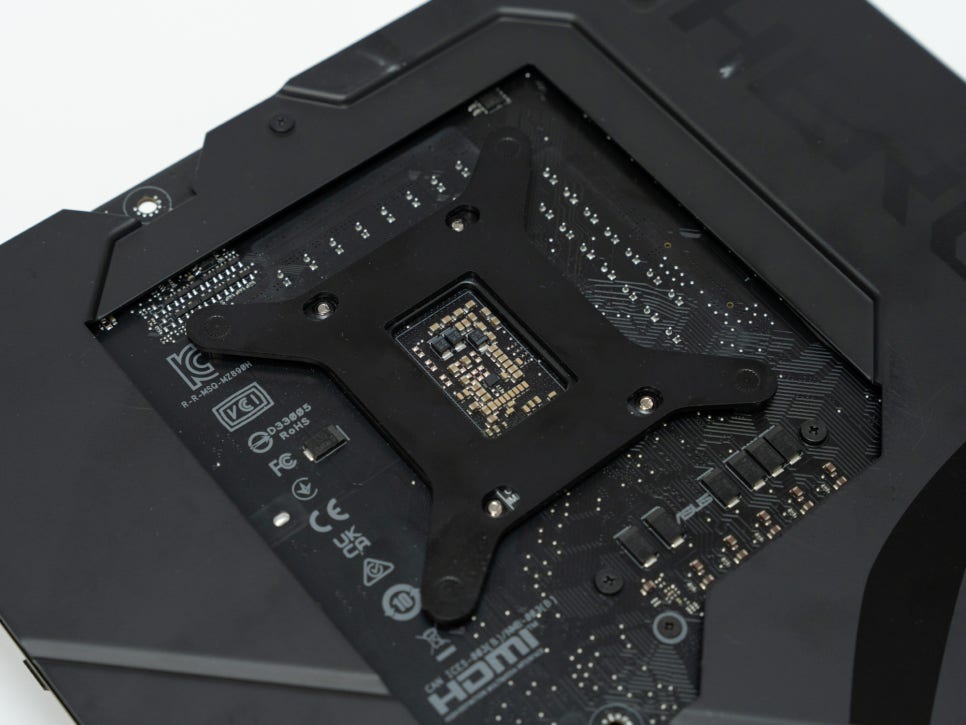
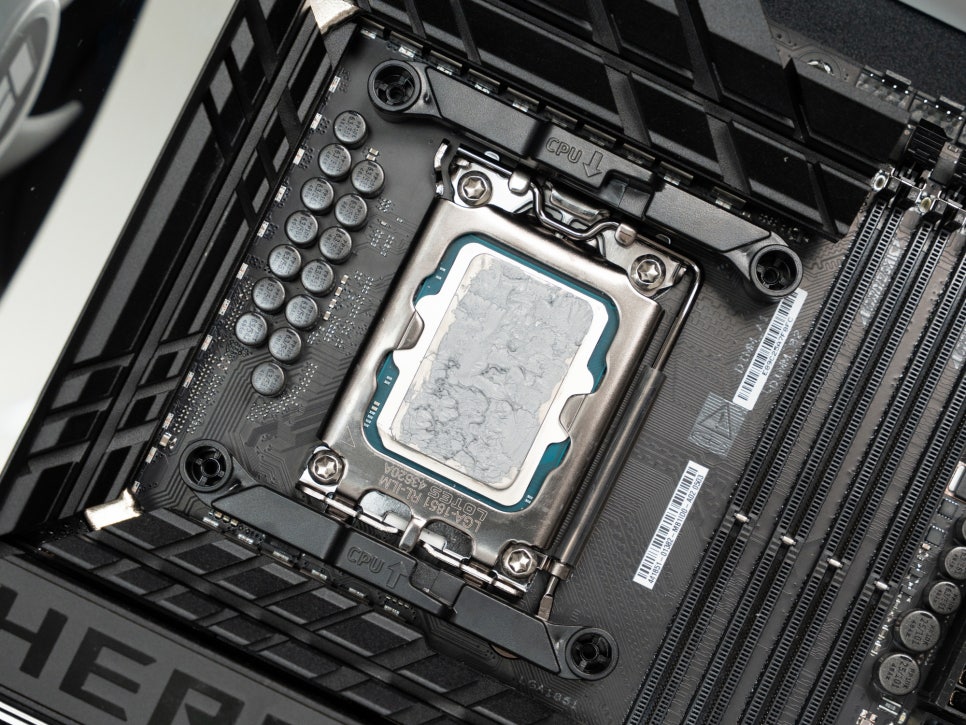
First, attach the backplate to the motherboard, then secure the 4-point mounting bracket to the front.
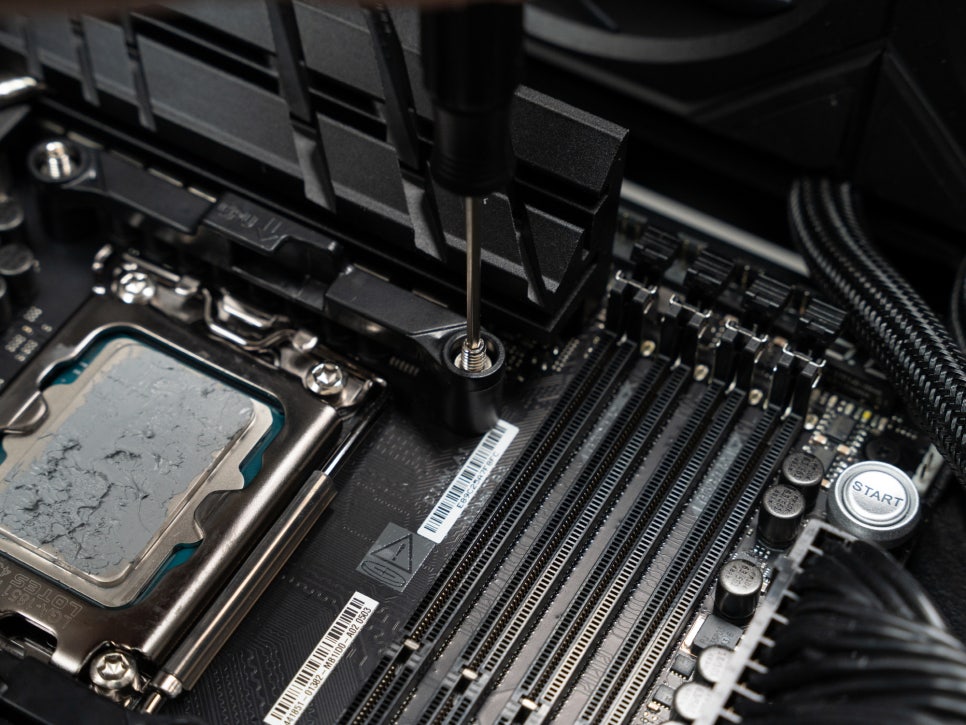
Use the included dedicated screws and screwdriver to secure the bracket.
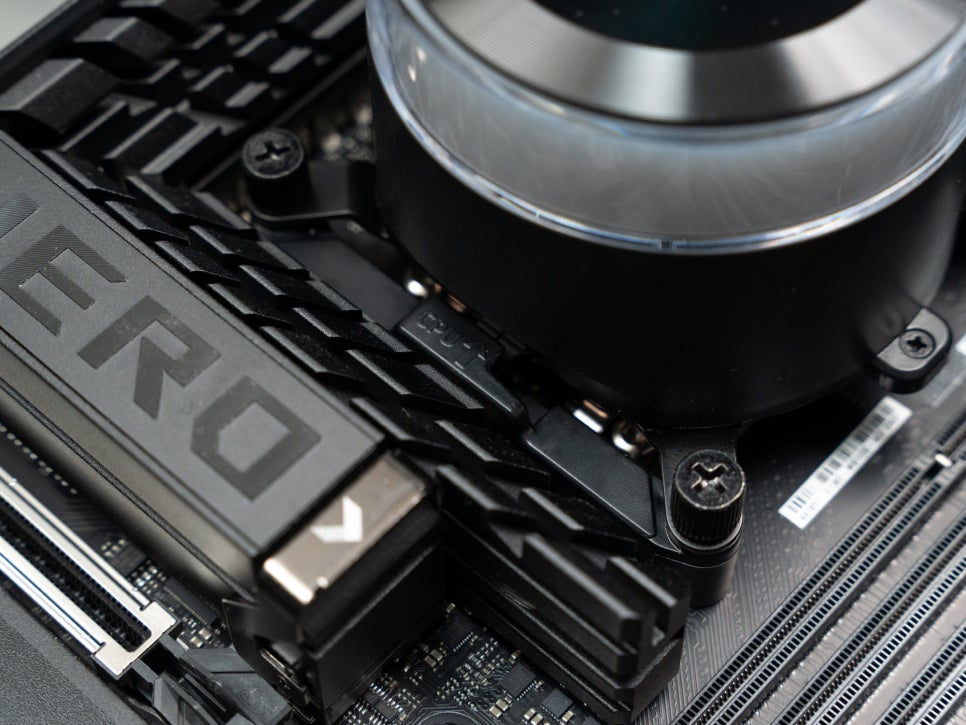
Next, slide the pump unit onto the bracket to the left. The newly designed bracket structure makes installation very intuitive.
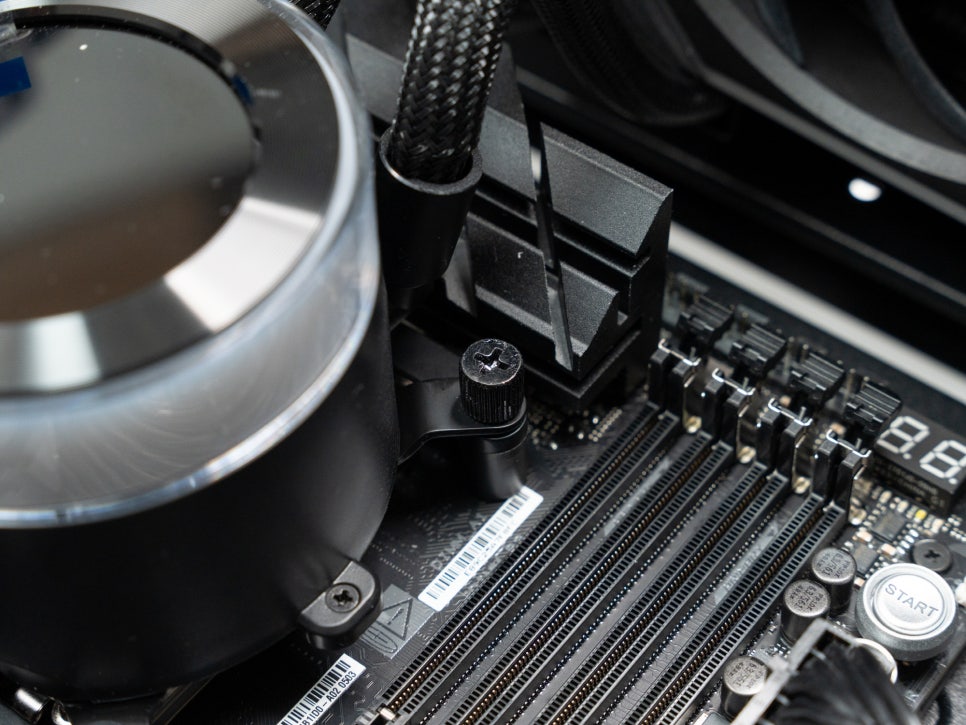
Once secured with four screws, the pump installation is complete. A cover bracket is placed over the screws, making them invisible for a cleaner look.
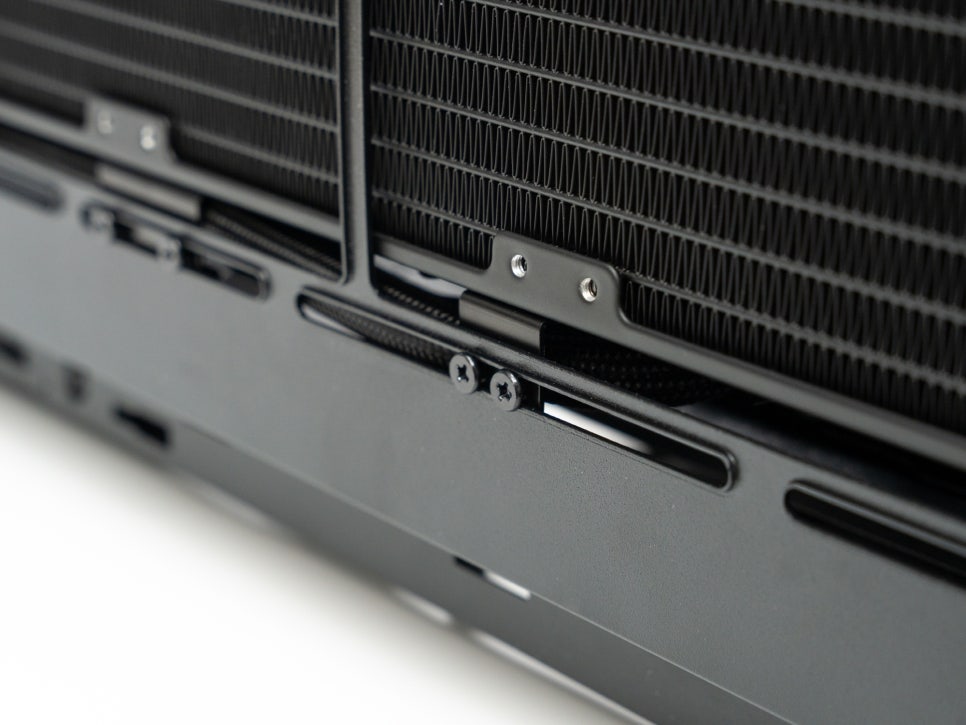
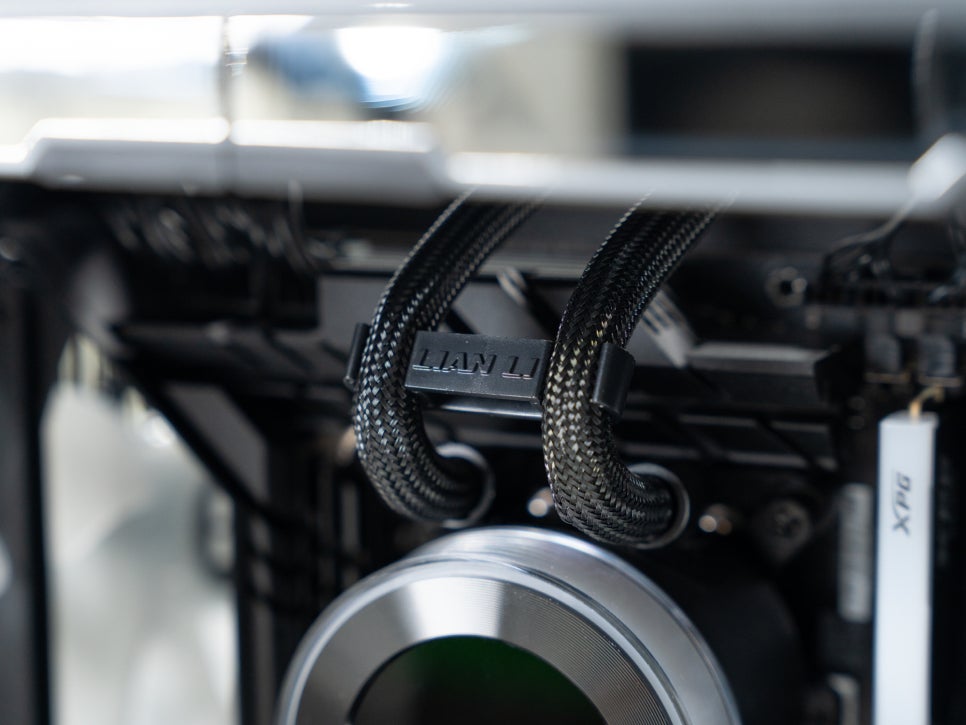
After mounting the radiator, you can adjust the position of the tube bracket to route the tubes in your desired direction.
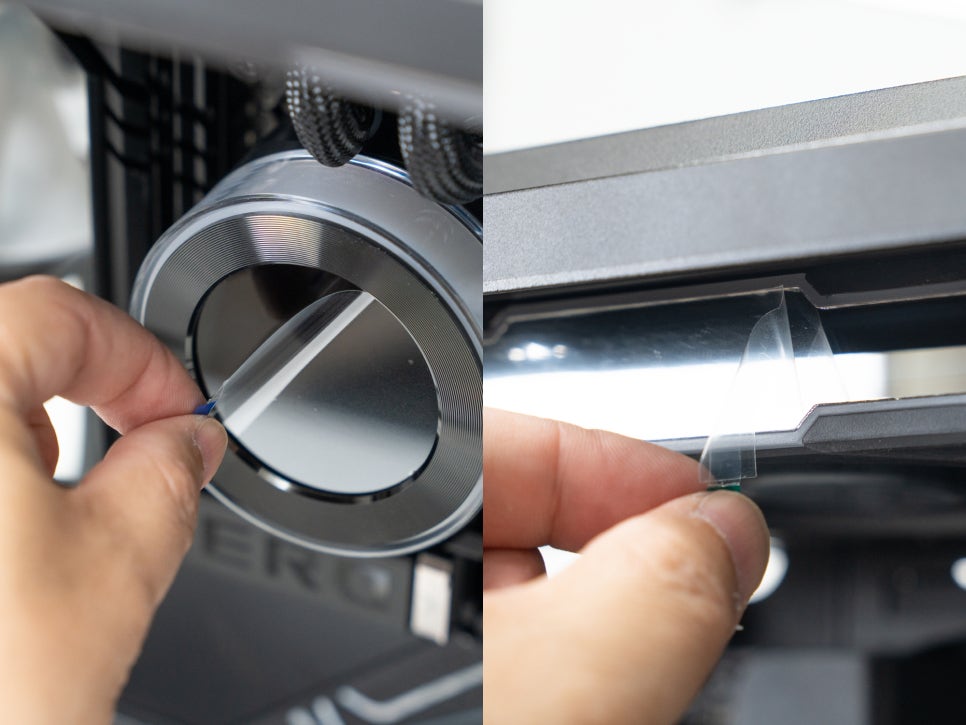
Finally, connect the cables to the motherboard. Since the fans are daisy-chained, only one PWM cable needs to be connected to the pump unit. Connect the pump’s power cable and either the USB cable or the wireless dongle to the motherboard, then remove the protective films from the pump display and cooling fan sides. All installation steps are now complete.
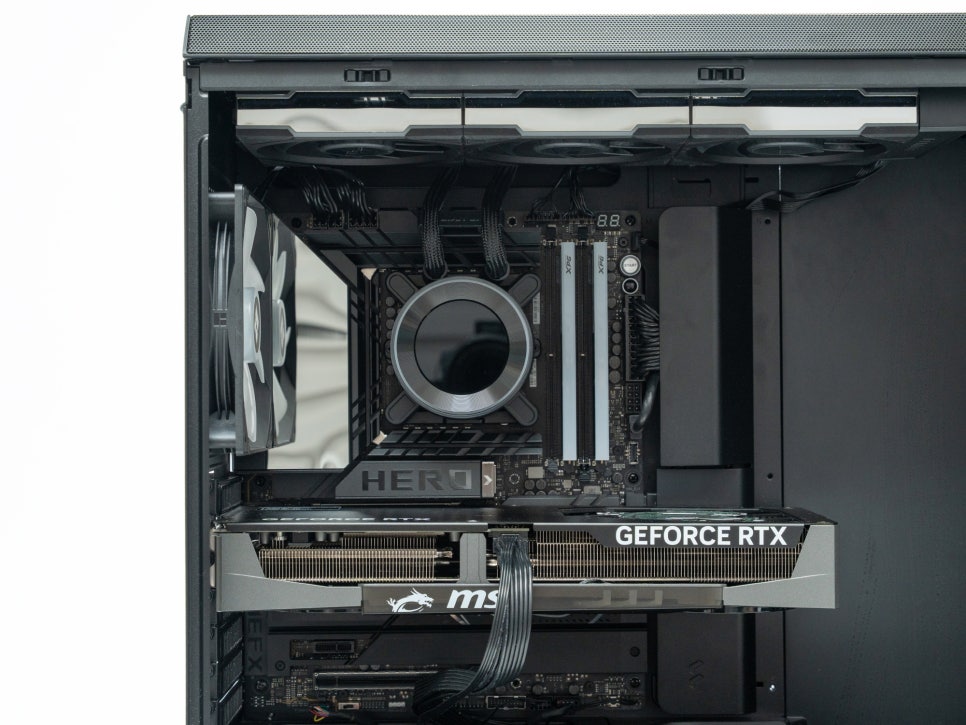
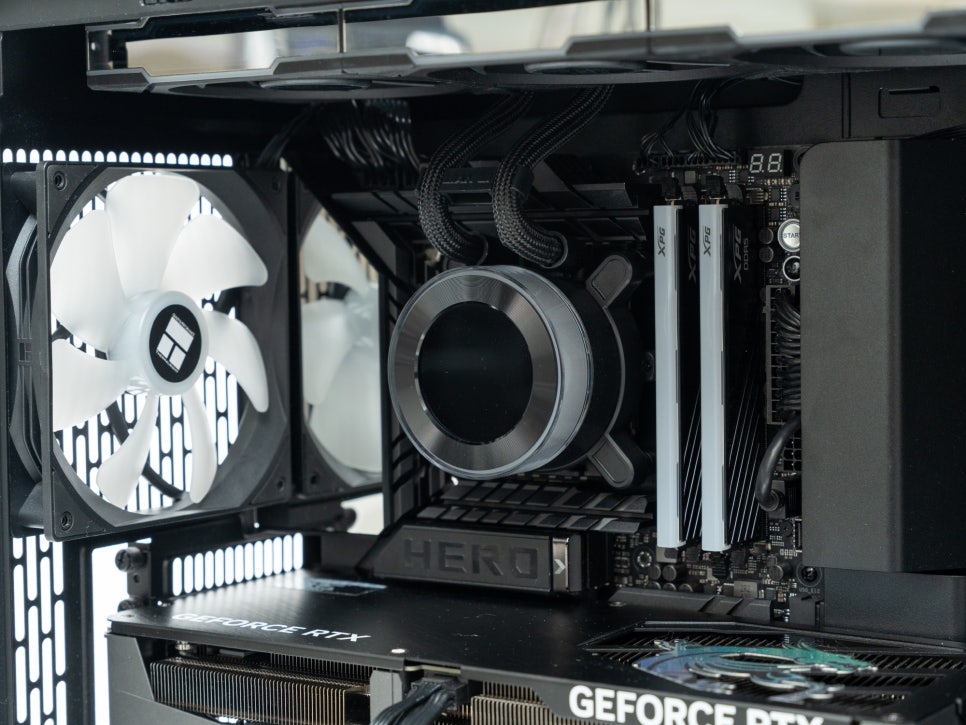
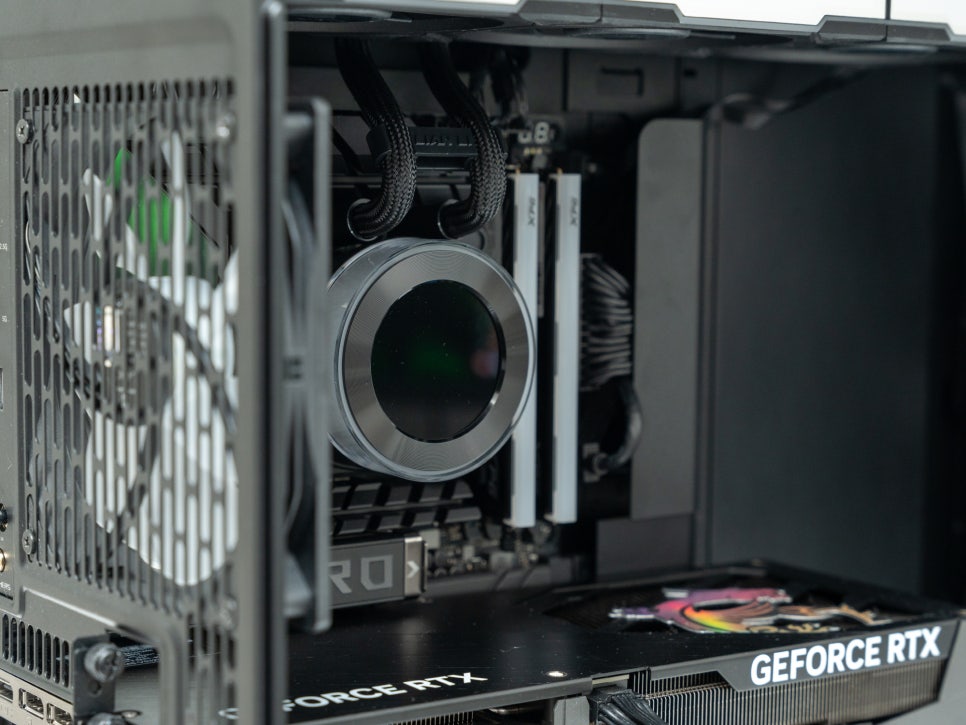
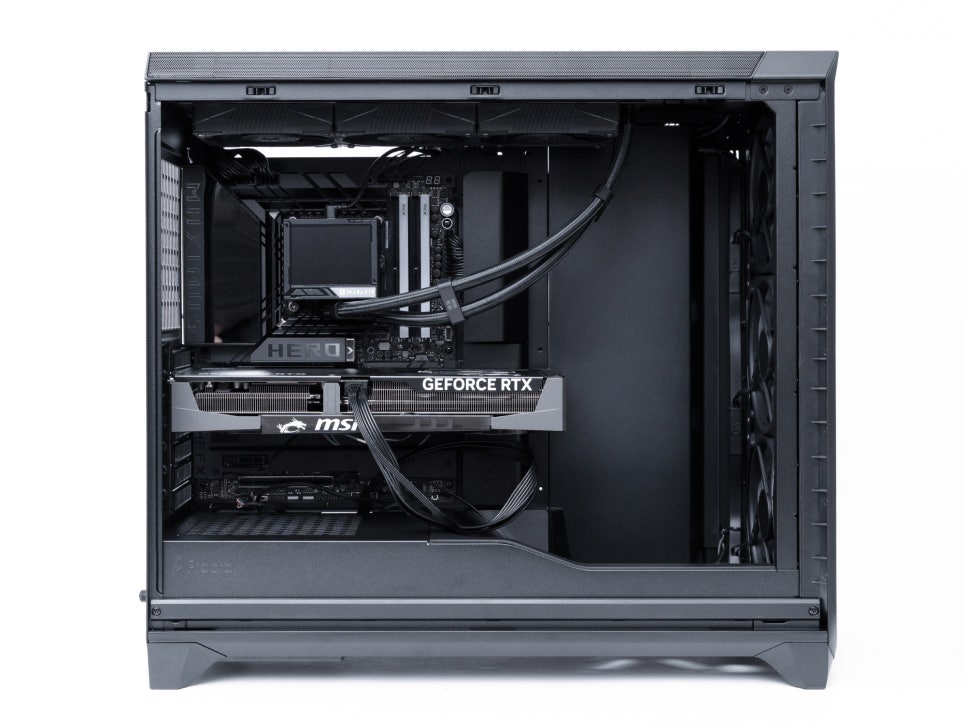
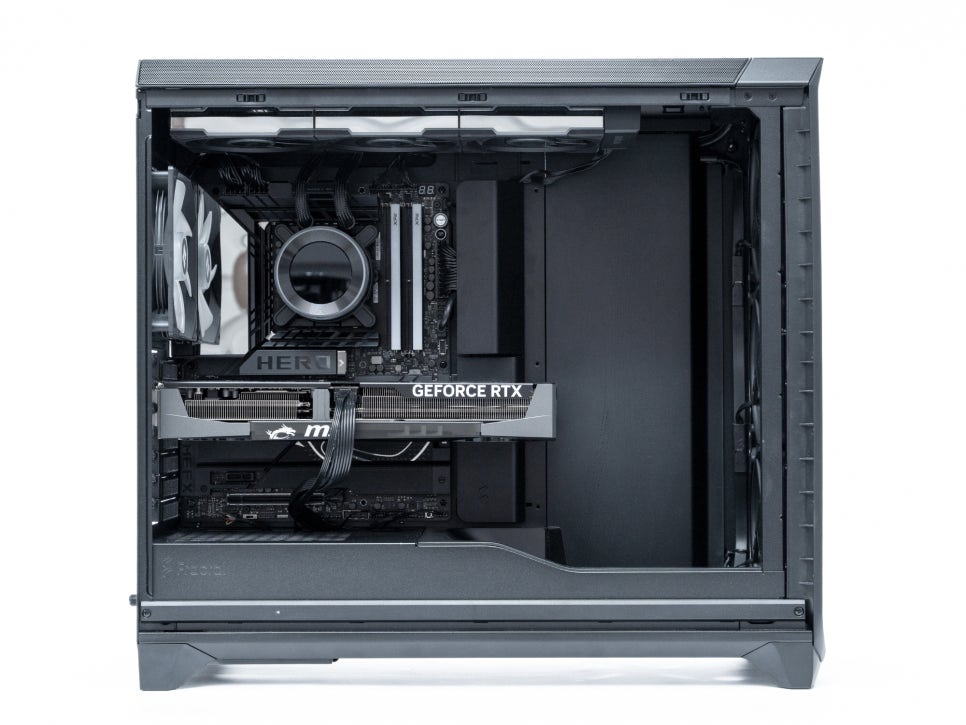
The completed installation looked exceptionally clean. With typical AIO coolers, tubes often drop down from the right side, obstructing the RGB of enthusiast RAM. However, the Lian Li Hydroshift II LCD-C 360TL’s tubes drop from the top, not obscuring the memory slots at all. I was particularly impressed by how it enabled such a tidy build, akin to a BTF motherboard.
L-CONNECT 3 Software
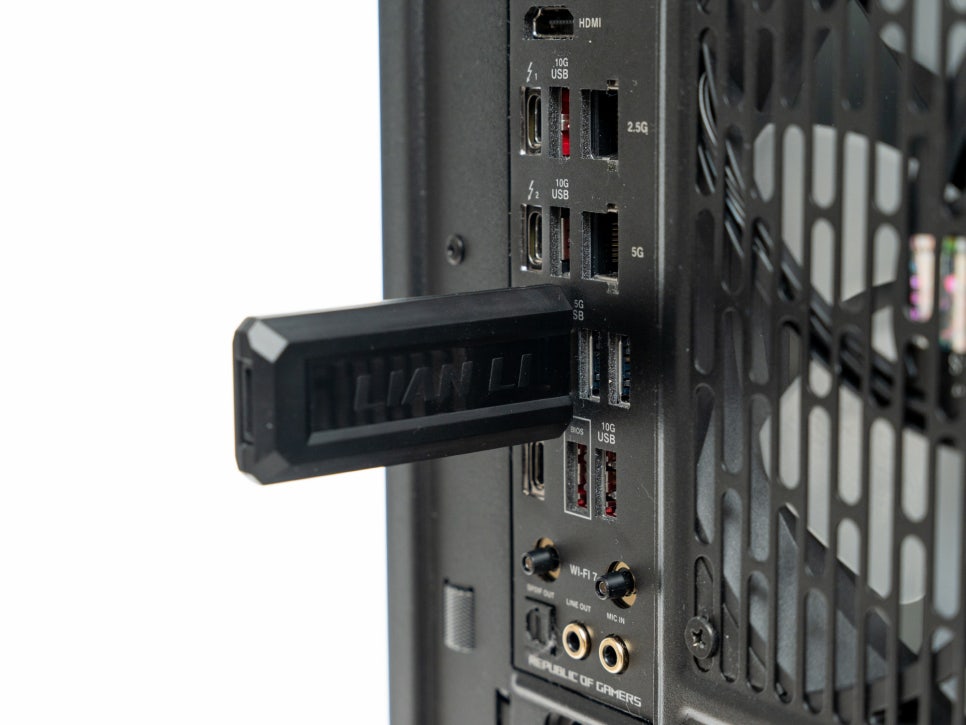
By plugging the wireless dongle into a USB port, you can change all settings wirelessly without any cable connections. In the L-Connect 3 program, you can easily select LCD screen themes and change RGB colors and effects.
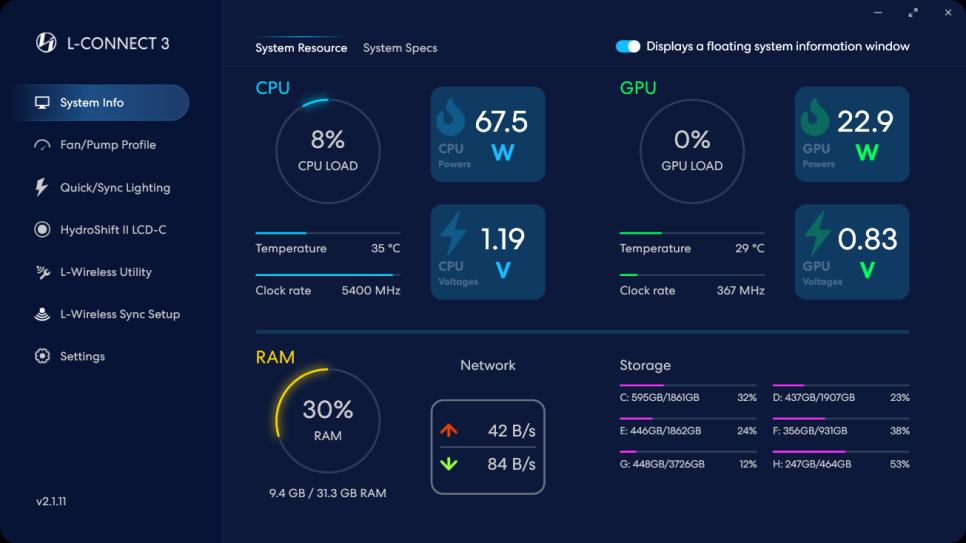
L-Connect 3 is Lian Li’s integrated control software. With this one program, you can manage everything from pump LCD screen settings, RGB lighting control, fan speed adjustment, to temperature monitoring. The software is largely divided into sections such as System Info, Fan/Pump Settings, Lighting Control, and LCD Screen Control. In System Info, you can check CPU temperature, utilization, clock speed, and even GPU information in real-time.
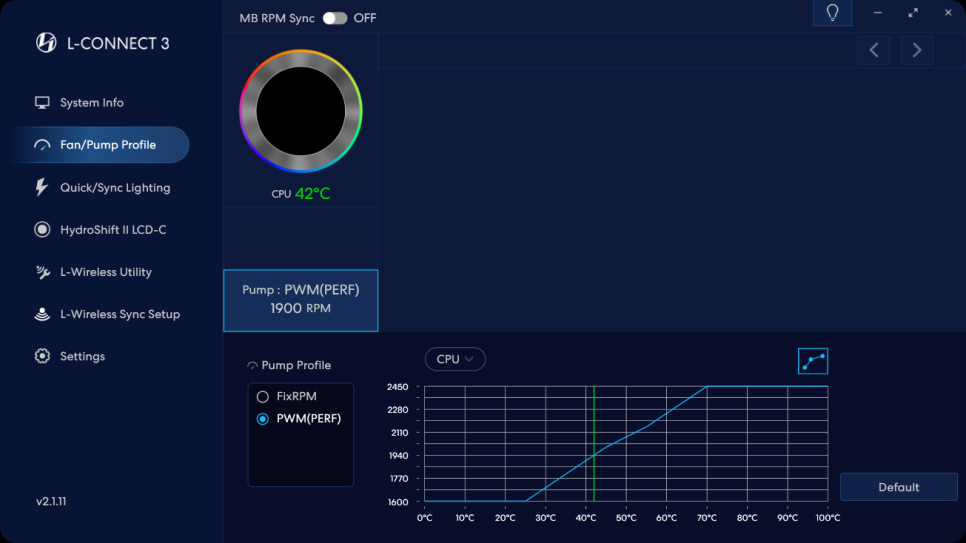
In the Fan/Pump section, you can directly set custom fan curves. You can draw a curve to automatically adjust fan speeds based on temperature, and activating Zero RPM mode allows for completely silent operation when temperatures are low.
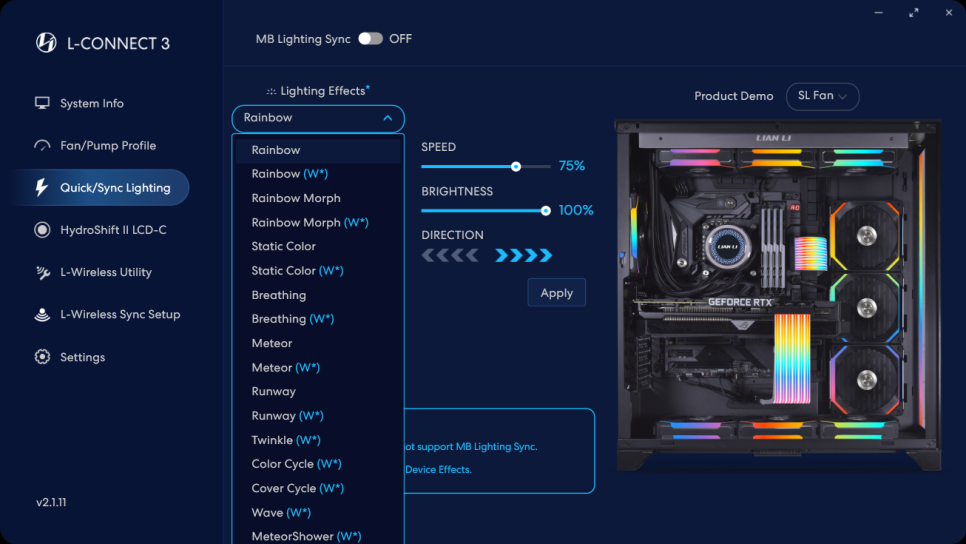
The Quick/Sync Lighting section allows you to synchronize RGB effects of Lian Li products installed in your system. You can choose from various effects like Rainbow, Wave, and Breathing, and also adjust their speed and brightness.
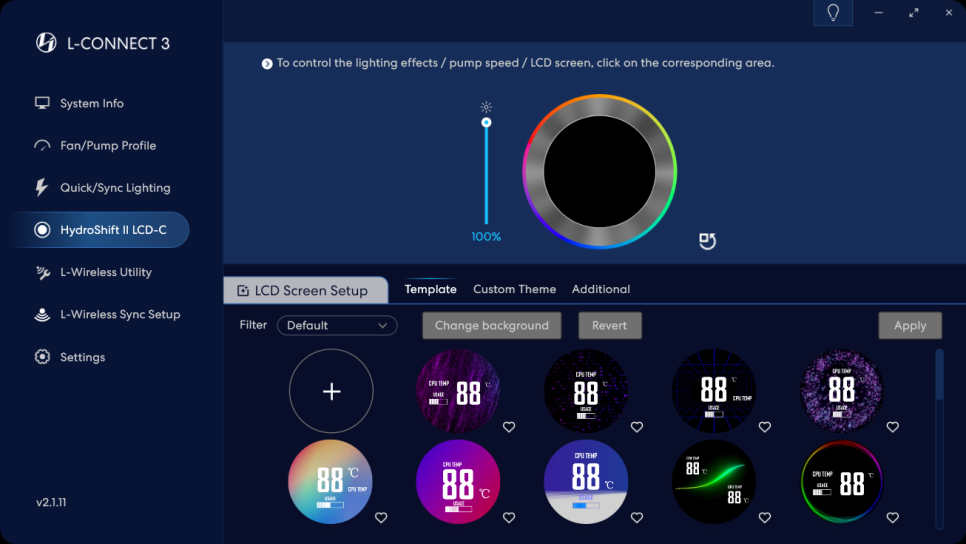
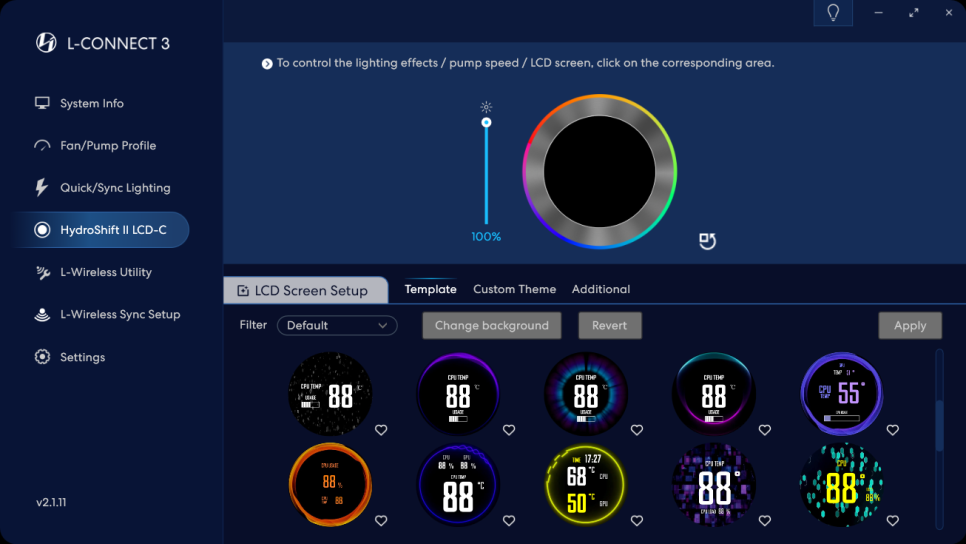
In the Hydroshift LCD-C section, you can change the LCD screen’s theme. While various themes are provided by default, user customization is also possible.
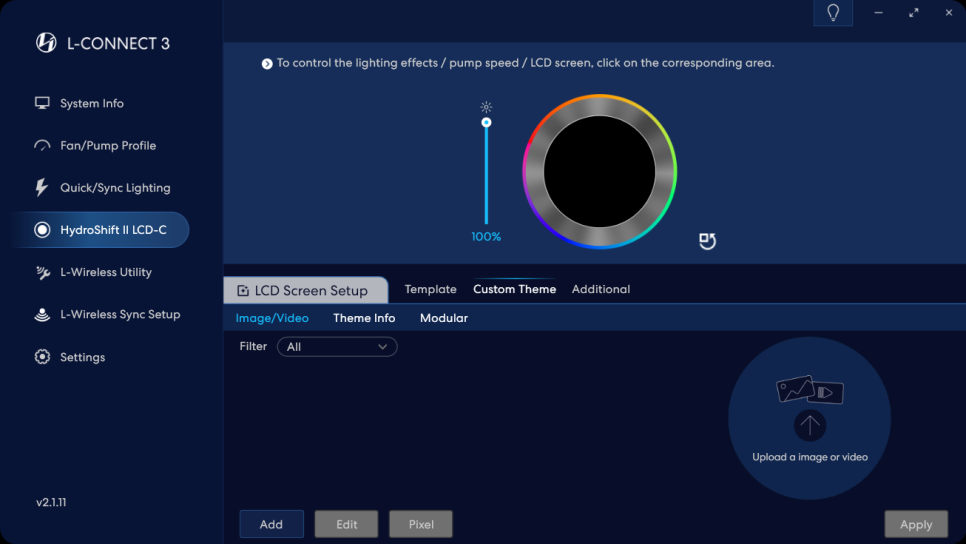
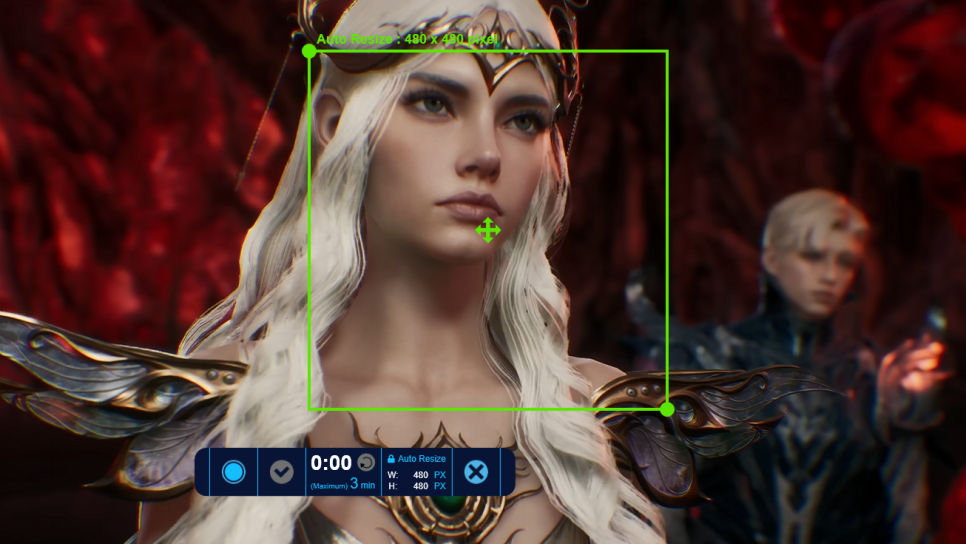
You can upload video files, GIFs, JPGs, or PNG images to create your own themes, and even use the screen capture function to record your screen and display it on the LCD.
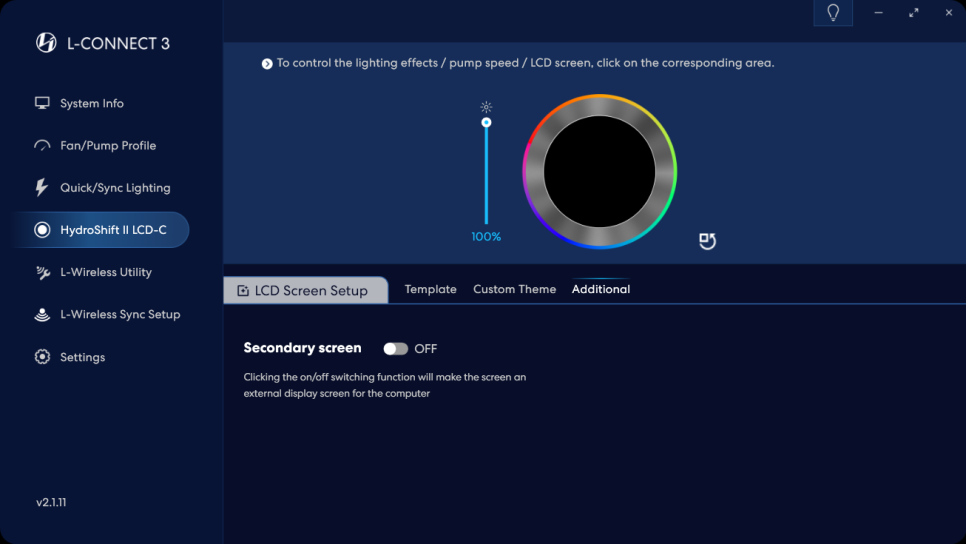
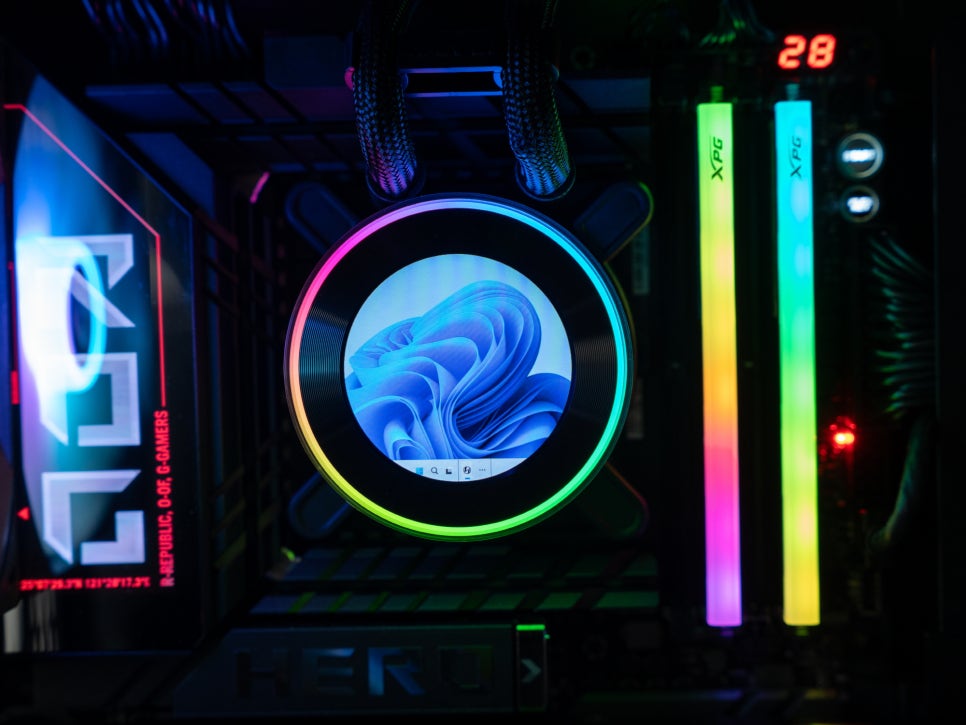
A particularly interesting feature is the Secondary Screen Mode. When activated, the pump’s LCD screen can be used as an extended display for your PC. Through the screen capture function, you can mirror a specific area of your main monitor onto the LCD in real-time, or use it in various ways such as playing videos from YouTube or Netflix on the small screen, or displaying a Discord chat window.
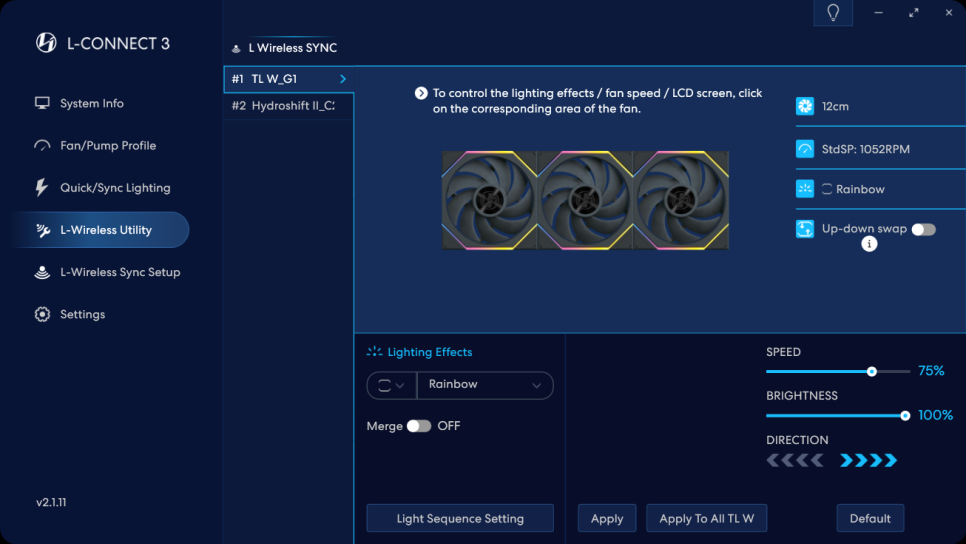
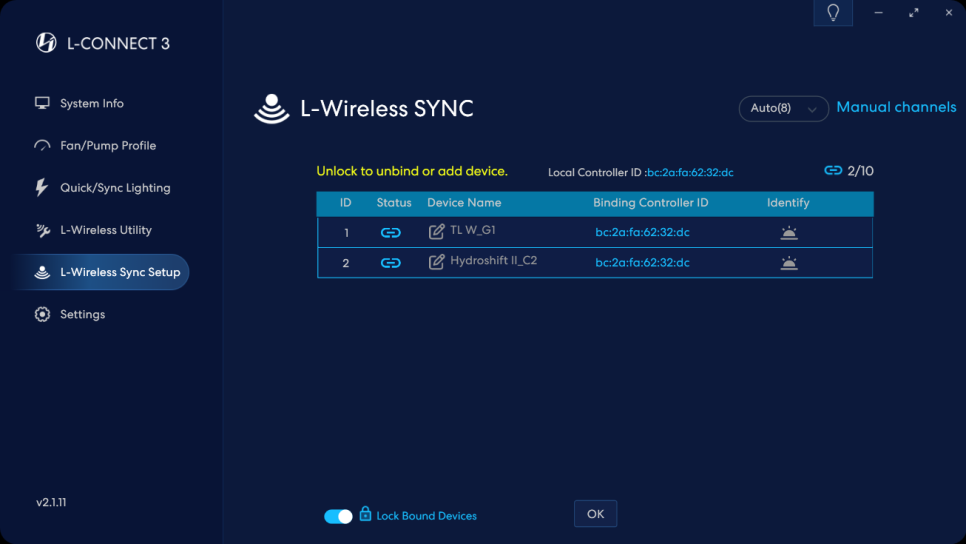
And the L-WIRELESS SYNC feature, as introduced earlier, allows you to integrate not only the AIO cooler’s pump and fans but also other Lian Li wireless products into a single network with just one Lian Li wireless dongle for unified control. You can control over 20 devices simultaneously via a 2.4GHz wireless signal without needing separate cables for each product.
Lighting and Display Effects
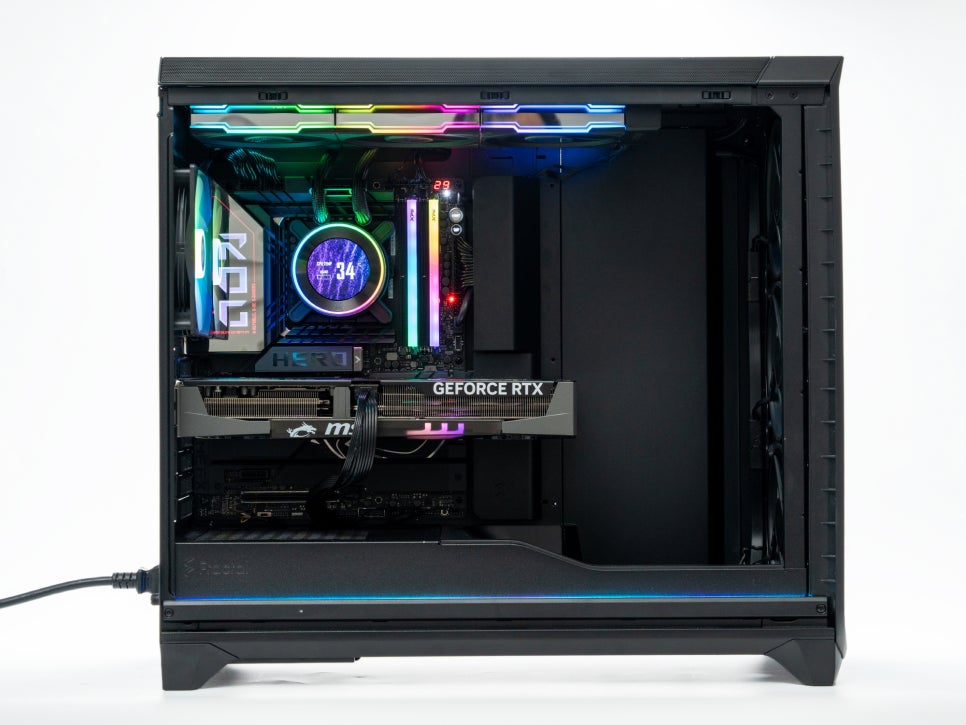
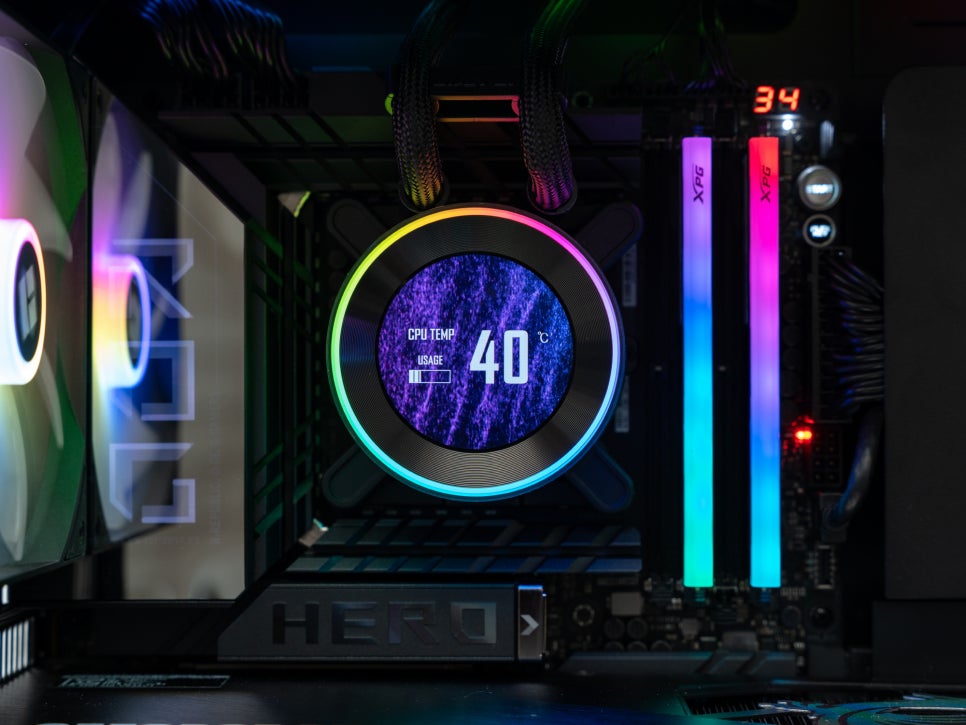
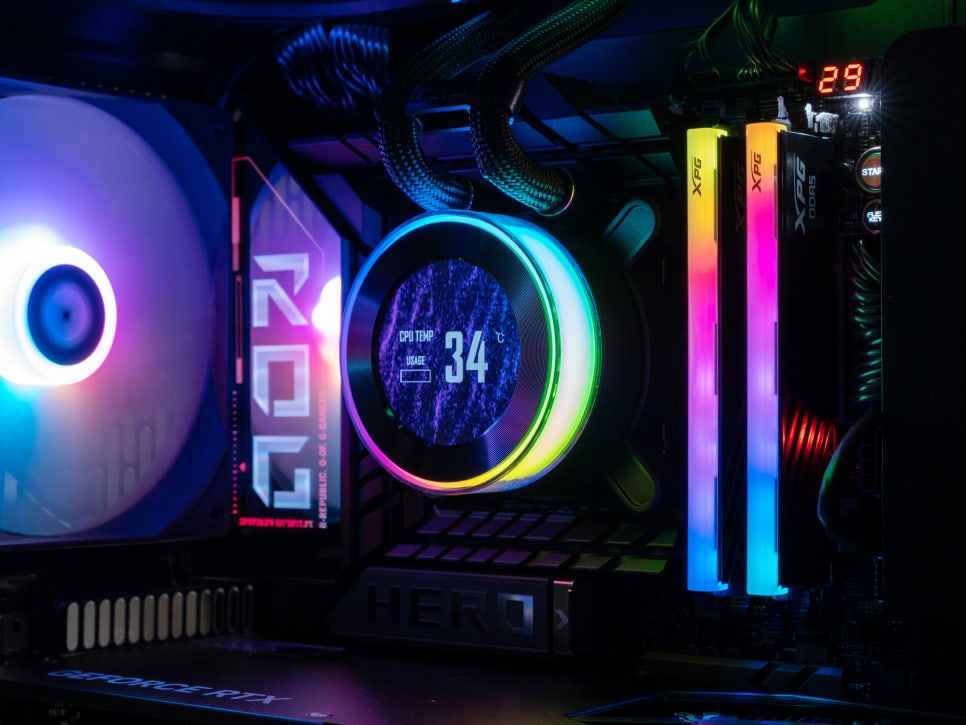
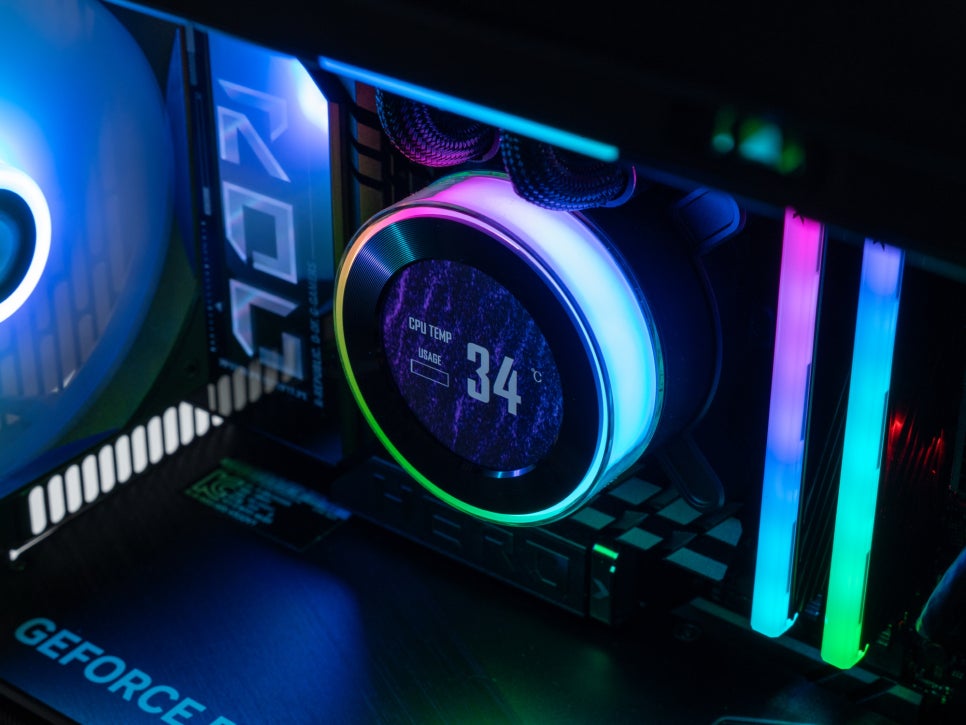
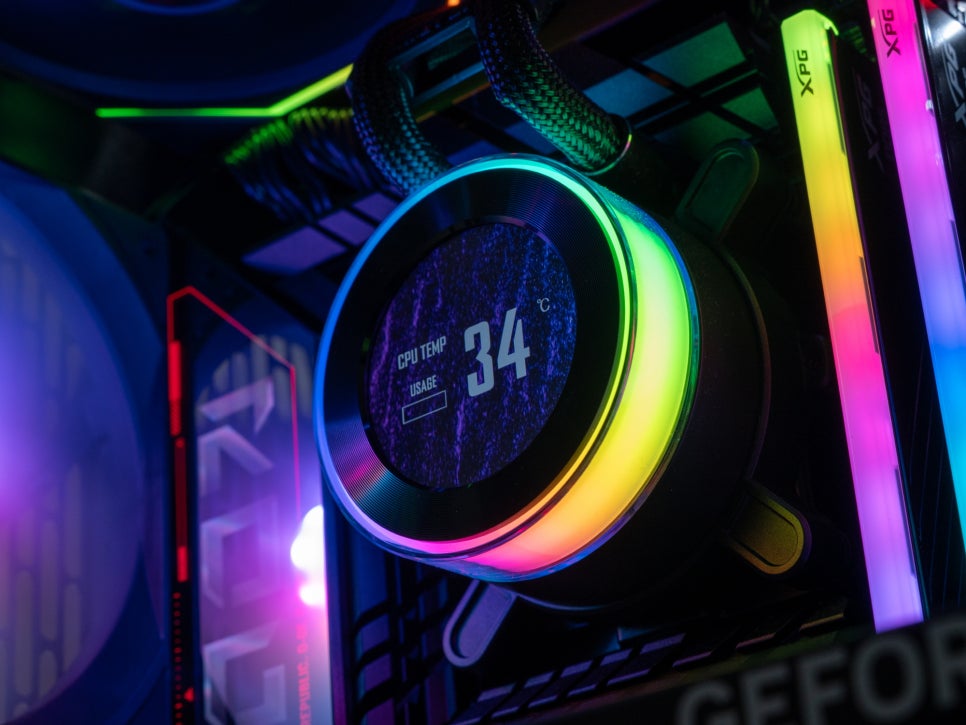
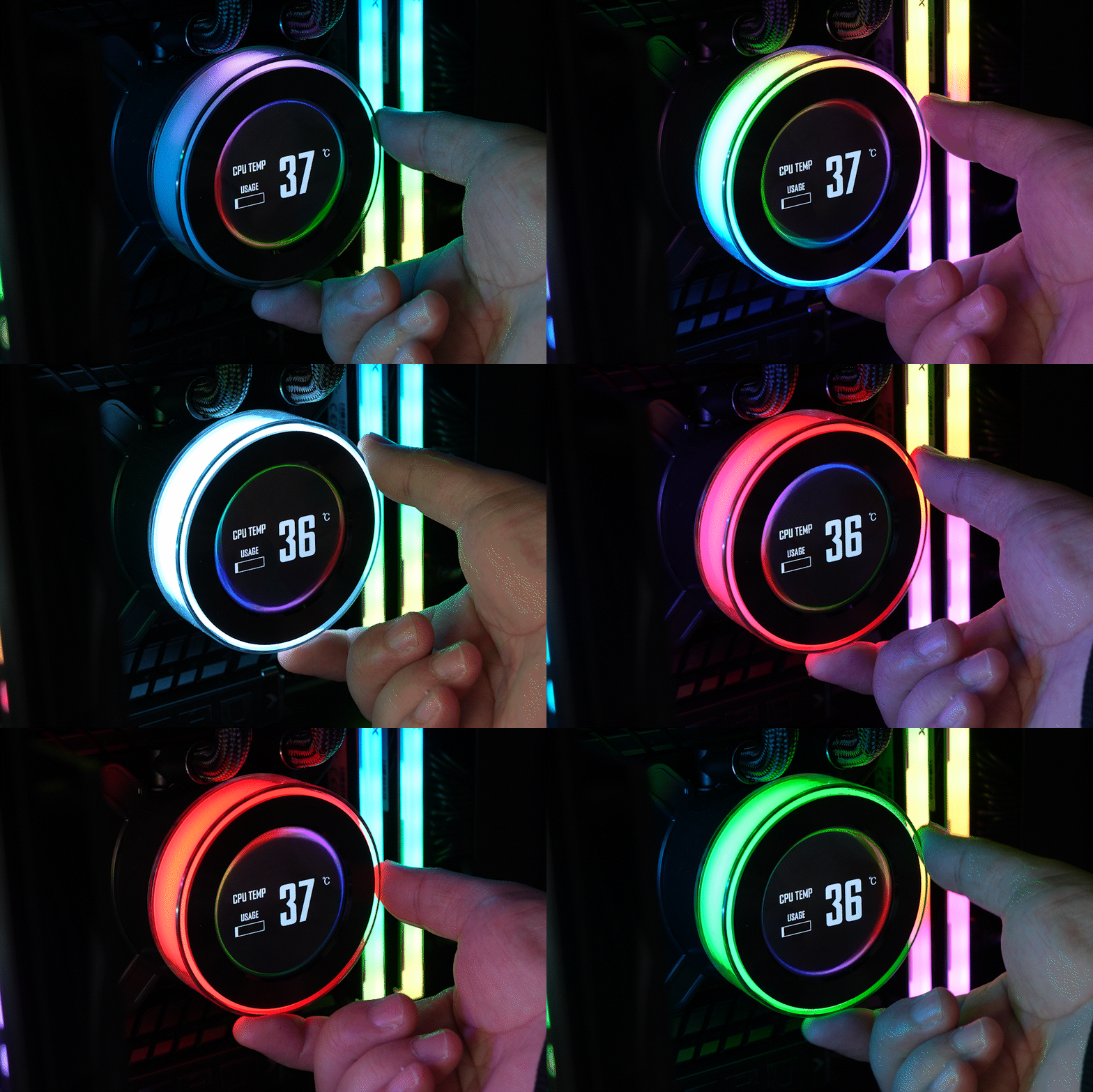
We tested various lighting effects and LCD screen themes using L-Connect 3. The RGB ring on the pump’s exterior had ample brightness over a wide area and excellent color reproduction.
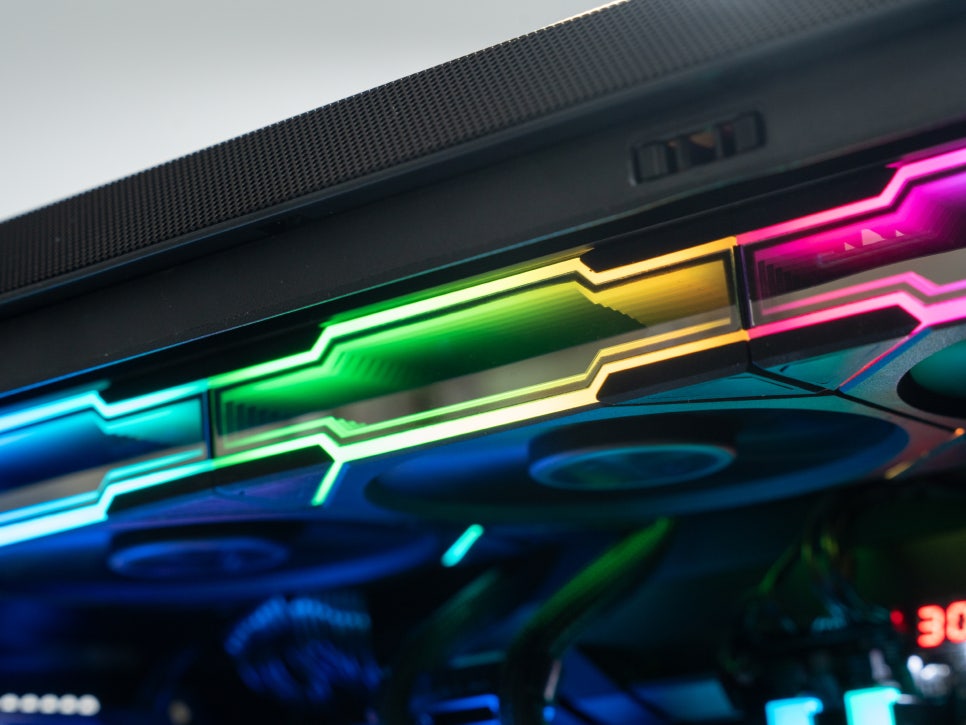
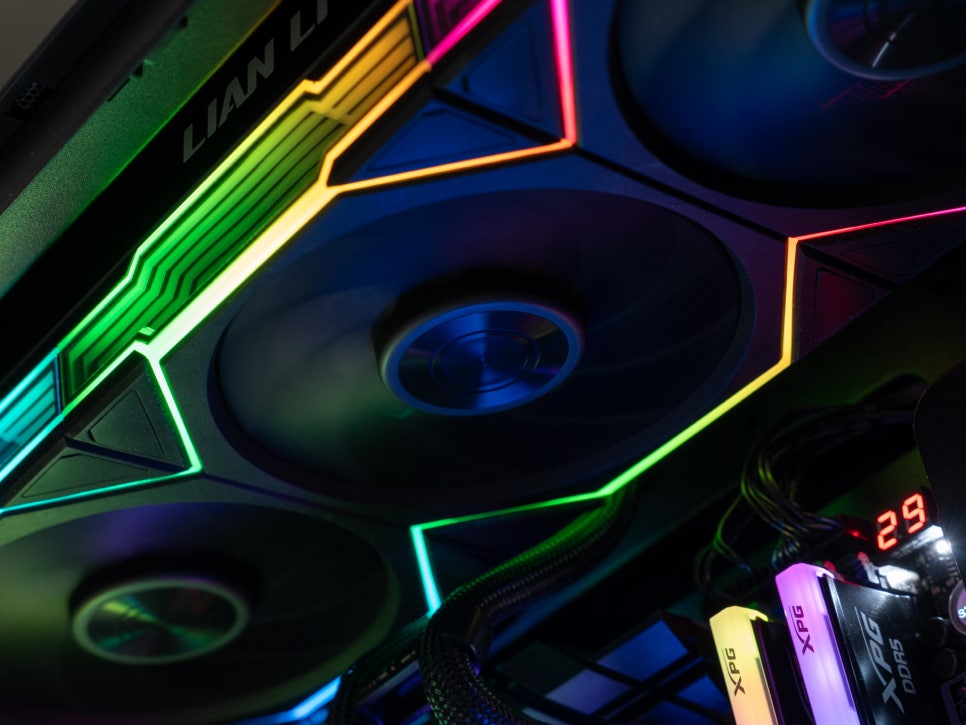
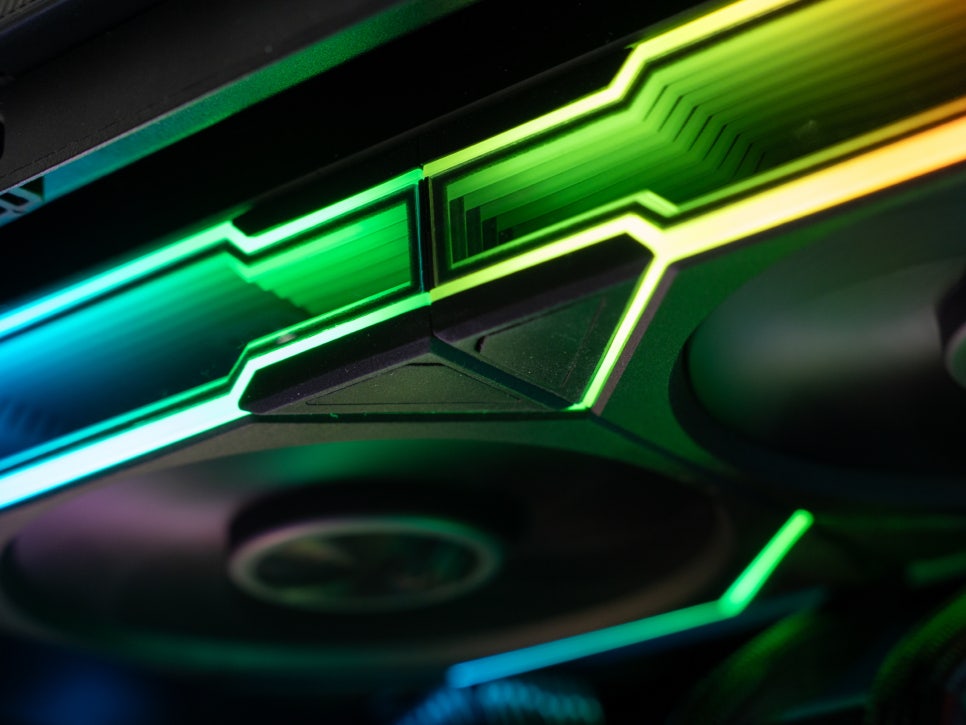
The cooling fans feature 26 built-in LEDs and an infinity mirror design that creates spectacular multi-layered lighting effects. The LEDs reflect in multiple layers, giving a visual impression of extending infinitely.
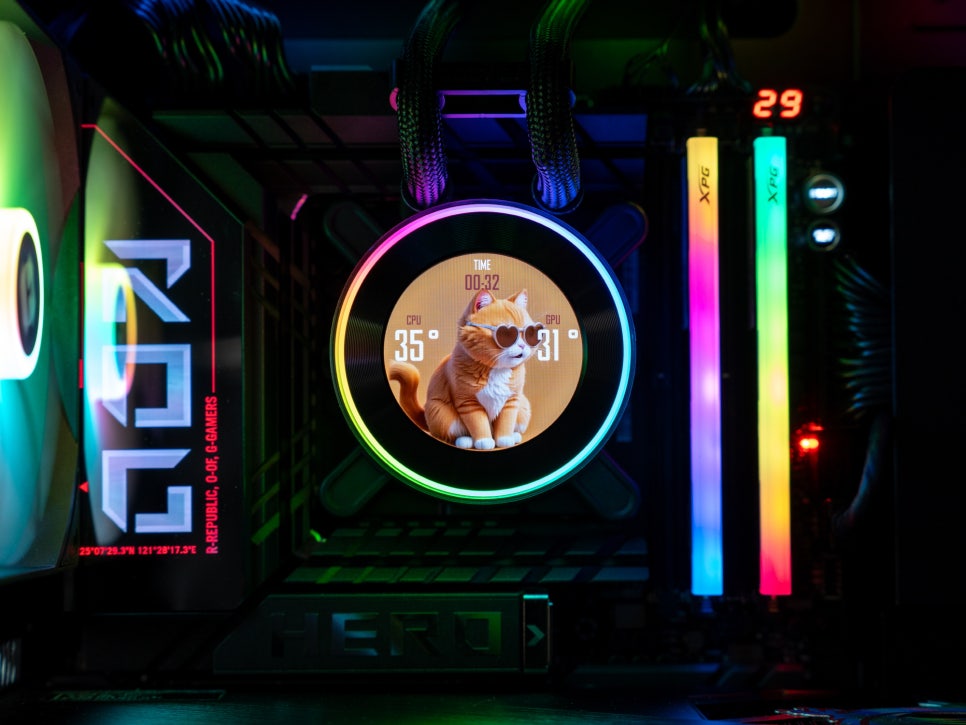
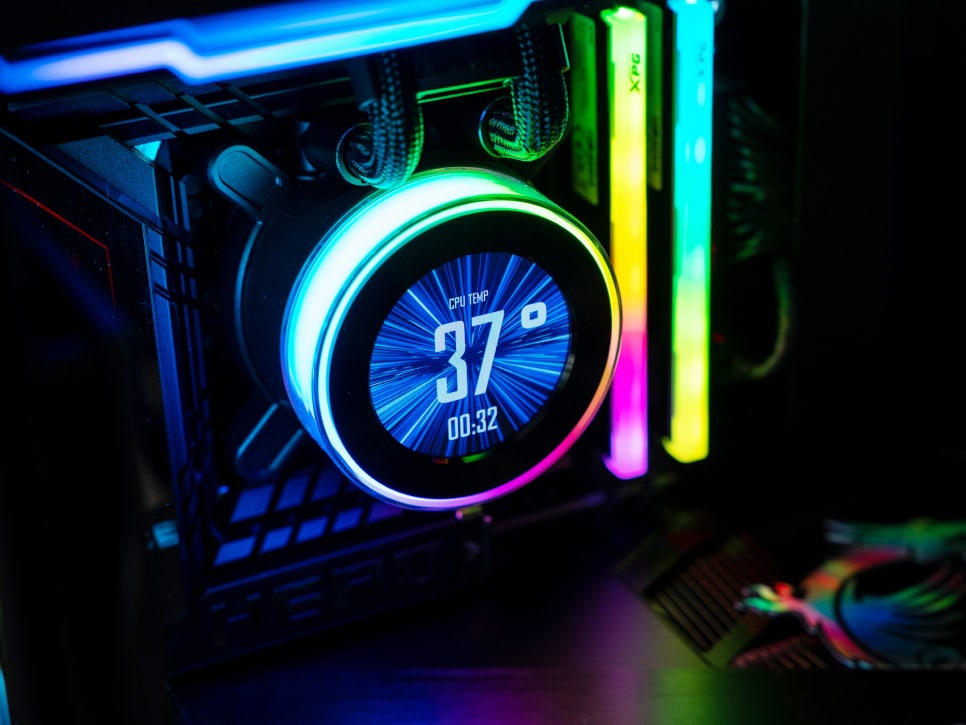
The Lian Li Hydroshift II LCD-C 360TL’s LCD display has been upgraded from 30Hz to 60Hz, making videos and animations play much more smoothly. The 2.1-inch screen with 480×480 resolution is small but clear, and its high brightness of 500 nits makes it easily visible inside the case.
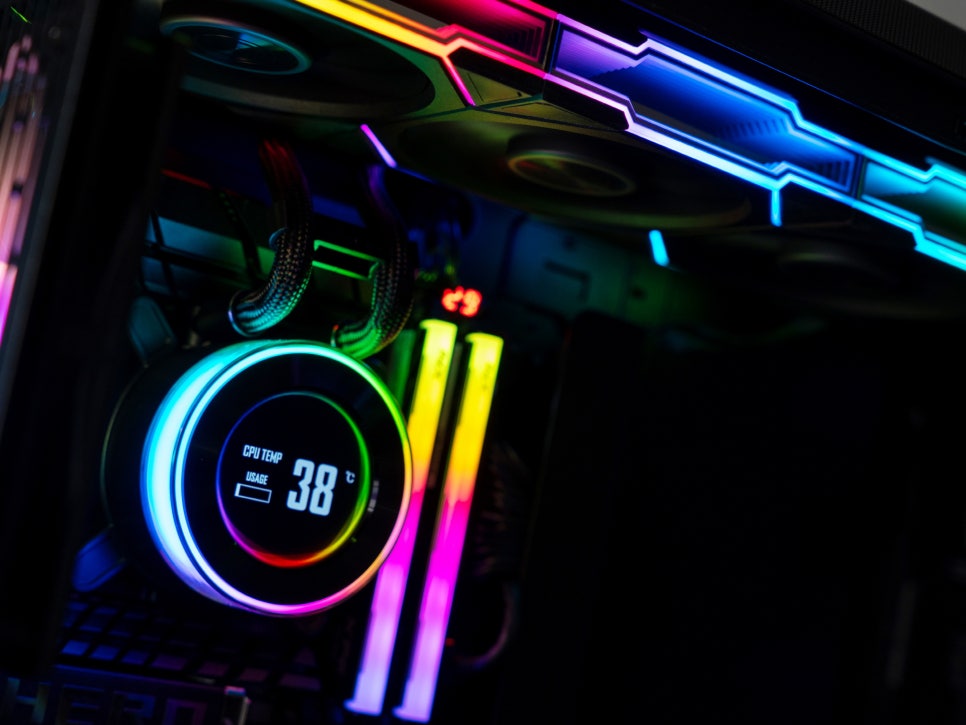
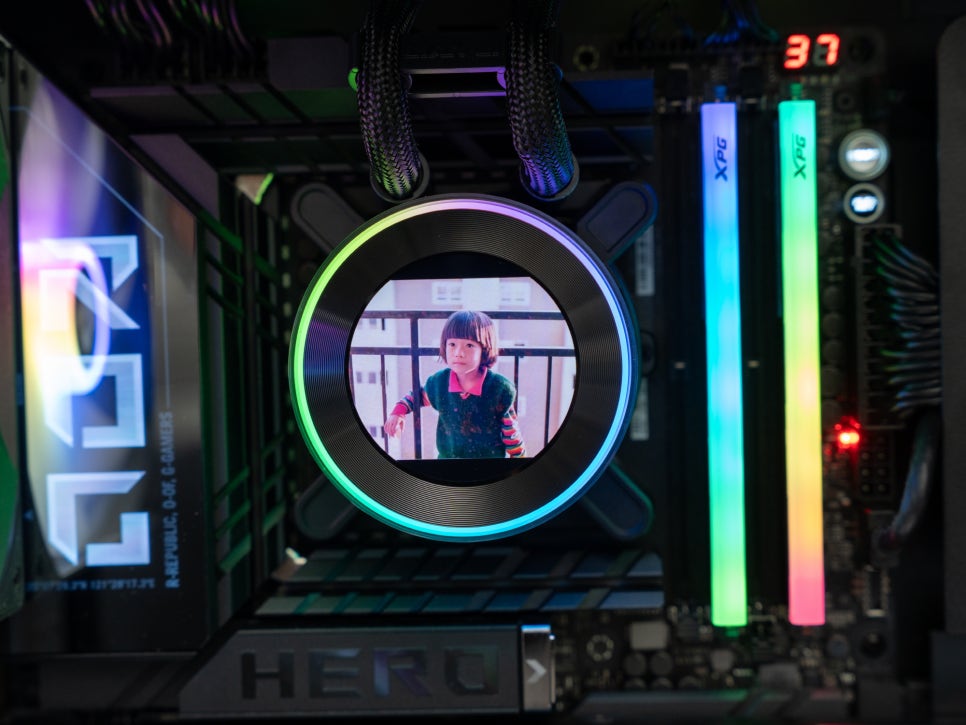
Through custom image themes, you can display your favorite game characters, family photos, or even short video clips. I was pleased that videos played smoothly without stuttering, thanks to the 60Hz refresh rate.
Performance Test
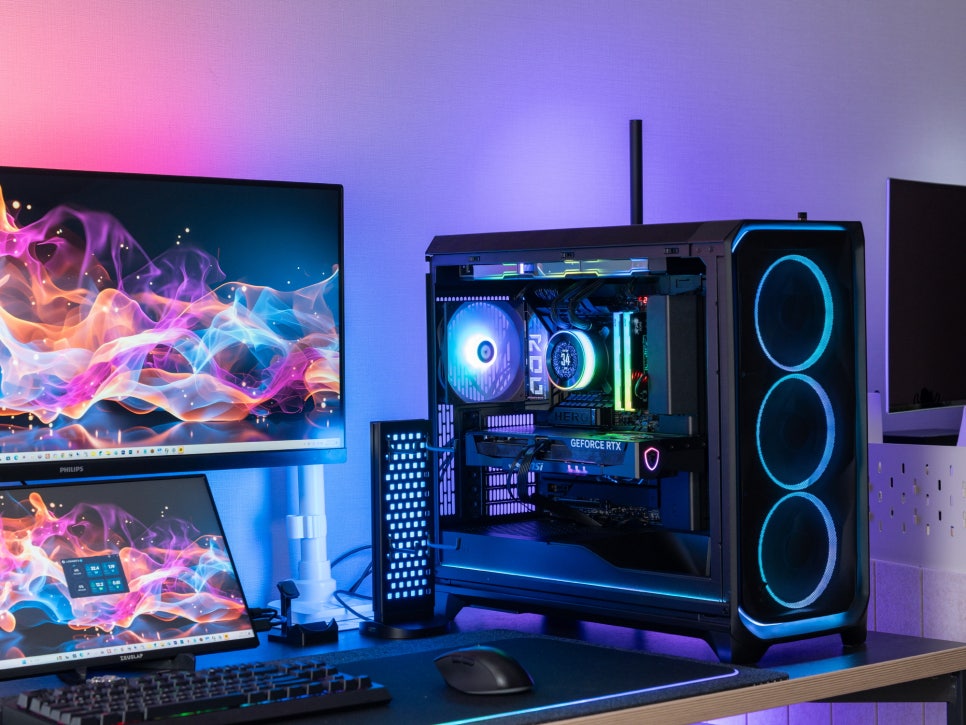
We conducted performance tests on the Lian Li Hydroshift II LCD-C 360TL. The test system consisted of an Intel Core Ultra 9 285K, an ASUS ROG MAXIMUS Z890 HERO motherboard, and 32GB of DDR5-6400 memory.
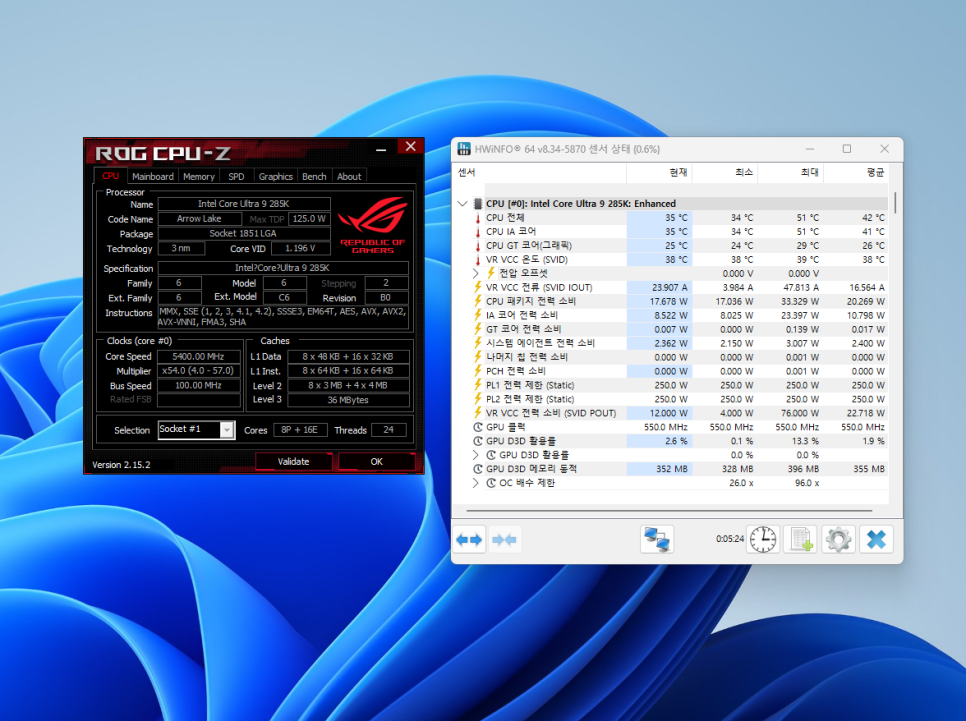
In an idle state, after waiting 5 minutes after Windows boot, the CPU temperature maintained an average of 42 degrees Celsius.
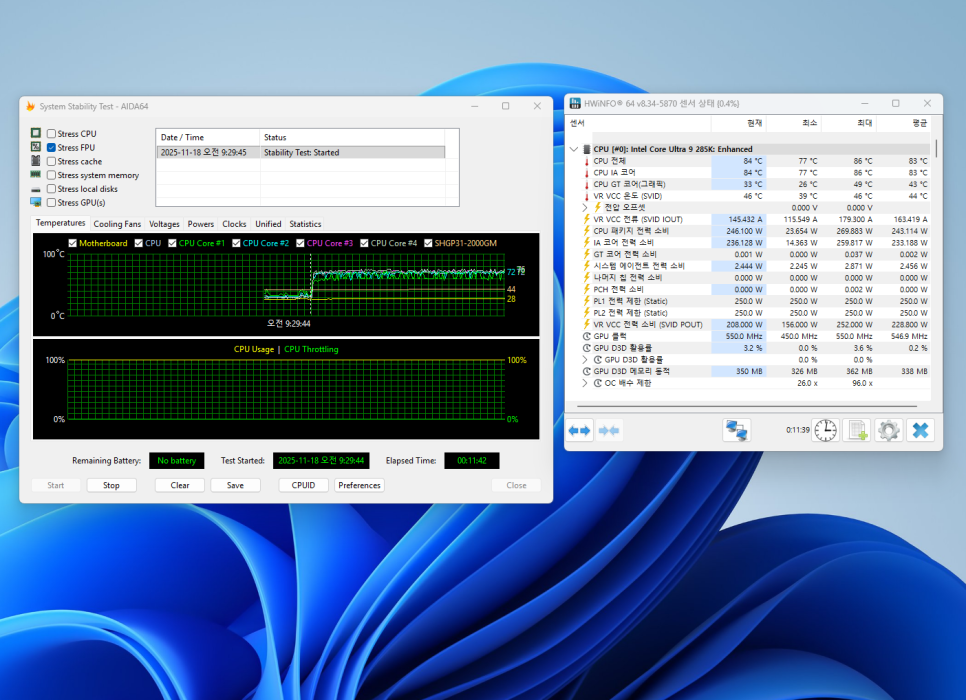
We ran AIDA64’s System Stability Test for approximately 10 minutes, set to Stress FPU. The CPU package temperature recorded a maximum of 86 degrees Celsius and an average of 83 degrees Celsius. Maintaining temperatures in the low 80s while consuming the 285K’s maximum rated power of 250W is an excellent result.
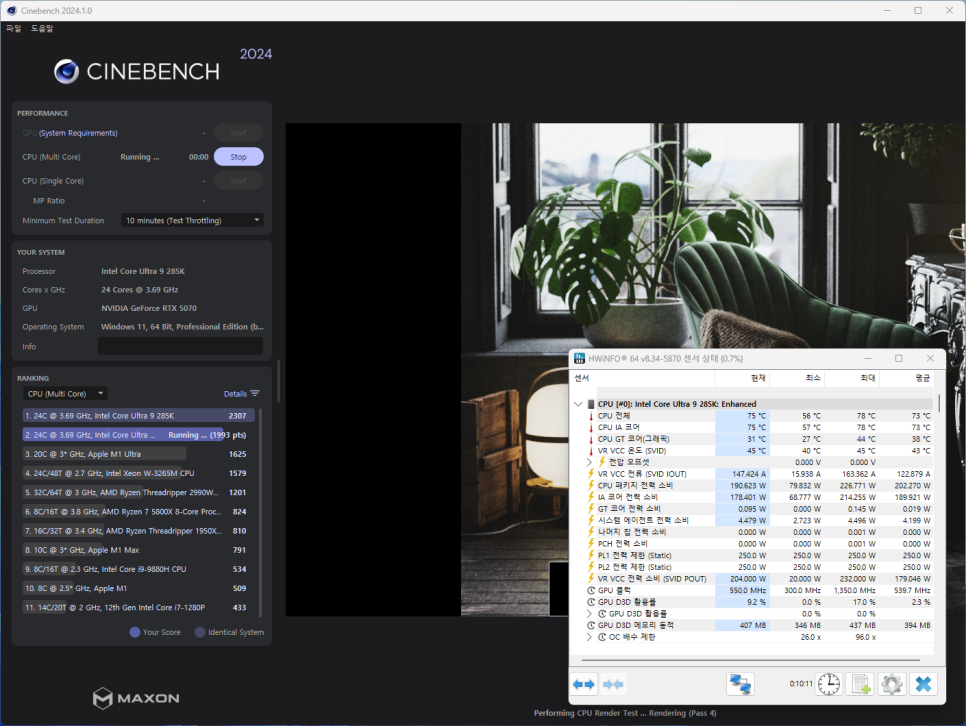
We performed the Cinebench 2024 multi-core test. This test loads all cores to 100%, effectively demonstrating thermal performance in real-world workloads. With fans at maximum speed, the maximum temperature recorded was 78 degrees Celsius, and the average temperature was 73 degrees Celsius.
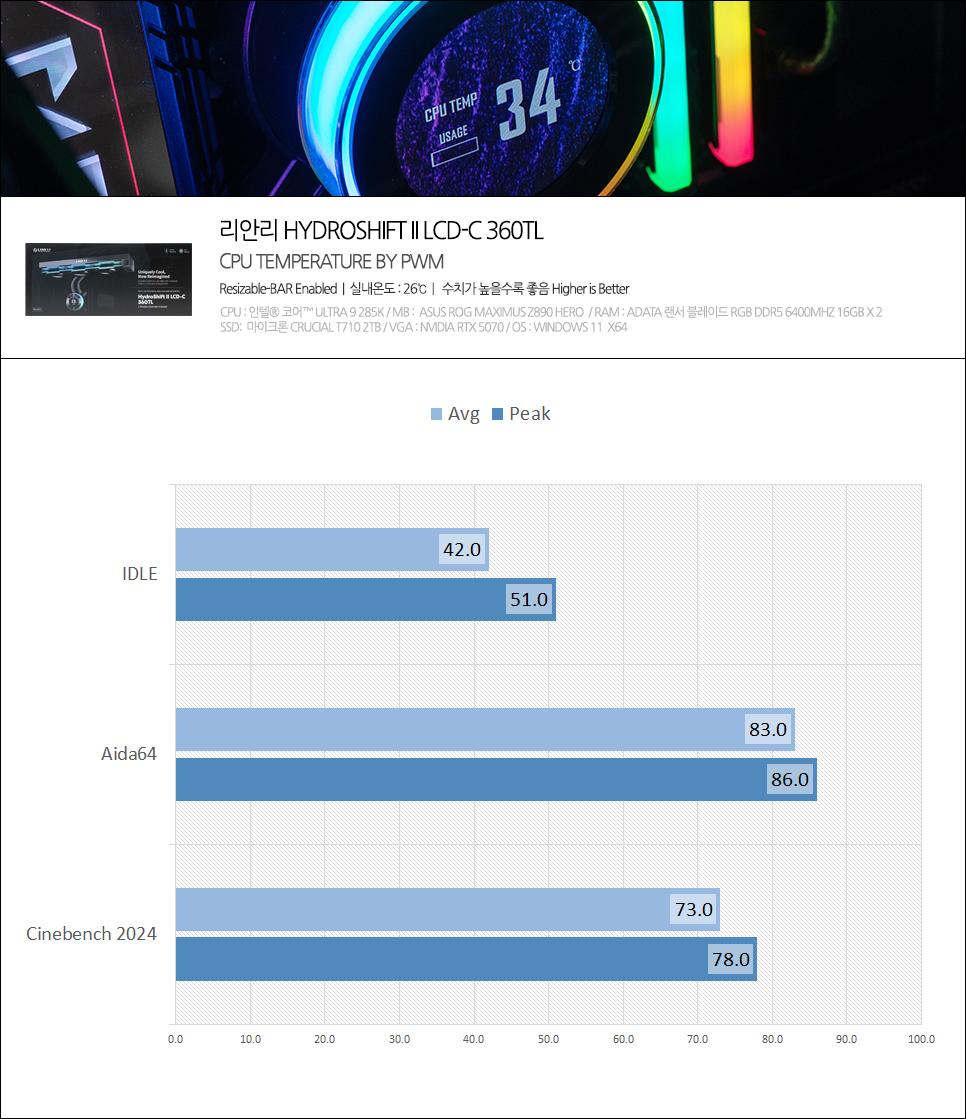
Overall, the cooling performance of the Lian Li Hydroshift II LCD-C 360TL ranks in the upper-mid tier by hardware community standards. An average in the low 70s during the Cinebench test indicates it is more than capable of handling high-load tasks.
Concluding the Review
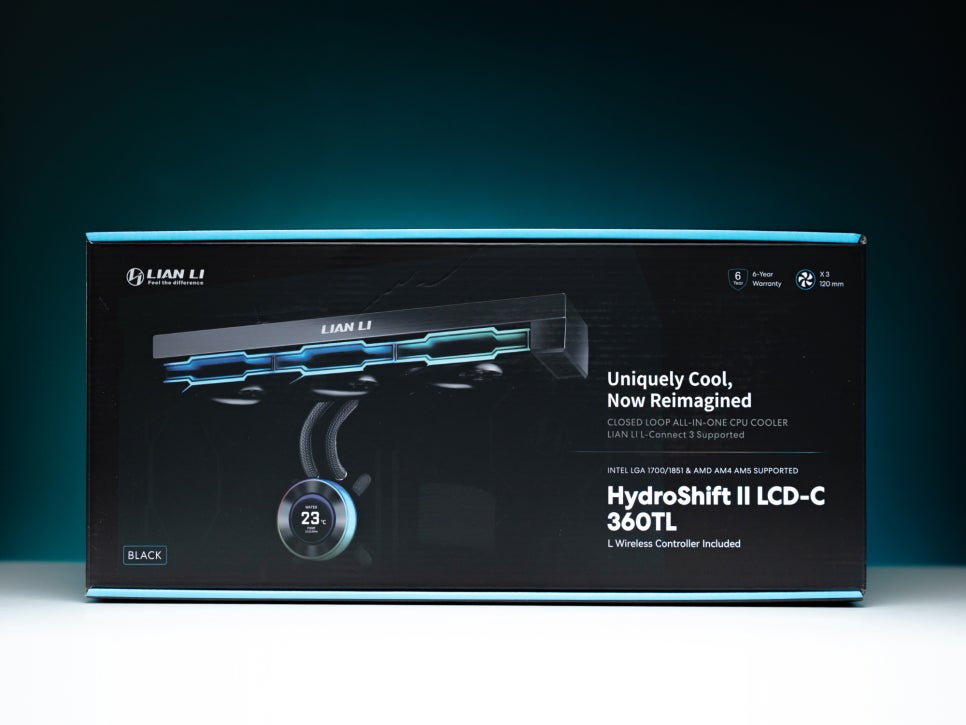
The Lian Li Hydroshift II LCD-C 360TL is highly satisfying in terms of design. Its side-mounted tube design, which makes the tubes almost invisible, creates a clean, integrated cooler appearance, which is very appealing. It would be particularly attractive to those pursuing minimalist builds like BTF or Project Zero. Despite a thinner 24mm radiator compared to its predecessor, its cooling performance is also satisfying, reliably controlling the high-heat Intel Core Ultra 9 285K.
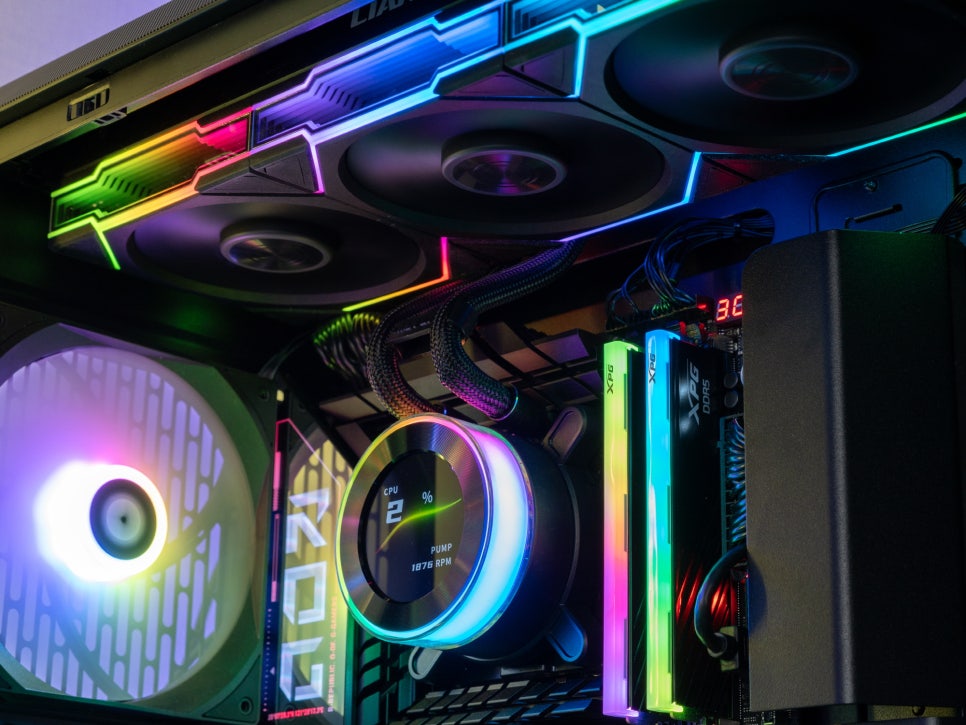
The 2.1-inch LCD screen, with a 480×480 resolution and 60Hz refresh rate, allows real-time monitoring of CPU temperature and clock speed. Thanks to the twofold increase in refresh rate over the previous generation, video playback is significantly smoother.
The combination of L-Connect 3 software and the wireless controller allows for cable-free control of all settings. The software itself is intuitive, and crucially, its easy integration and management with other Lian Li products make it a significant selling point for those building a Lian Li ecosystem.
Finally, the generous 6-year warranty, including leakage compensation, provides long-term peace of mind. This product should be very appealing to those who prioritize clean builds, are looking for a flagship AIO cooler, and are building a Lian Li ecosystem.
As an Amazon Associate I earn from qualifying purhases.
Purchase Product : https://amzn.to/4pWJrUU