
This review was written after receiving the product from Logitech.
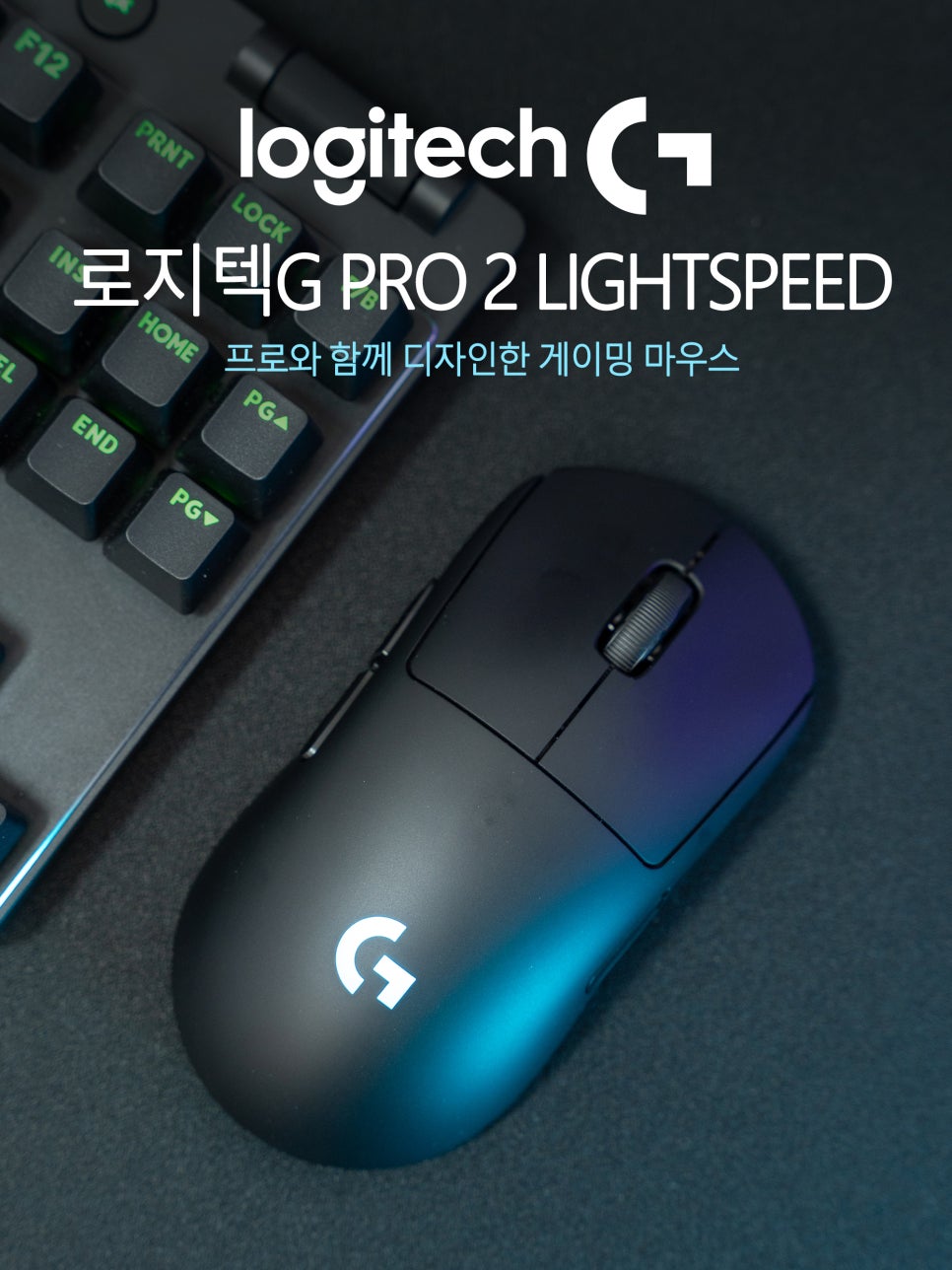
The gaming mouse market these days is truly a battleground. Each manufacturer is vying to equip their products with high-performance sensors and innovative switches. With most aspects like sensors, response speed, wireless stability, and weight becoming standardized at a high level, you can expect a certain level of performance from almost any product you choose.
However, what I personally consider most important is familiarity. No matter how impressive the specs, if a mouse doesn’t fit your hand, it’ll eventually end up in a drawer. That’s why many gamers seem to stick with a brand of mouse they’ve tried before.

Logitech has long been a beloved brand among gamers and users in the gaming gear market. Those who have used Logitech series products will surely agree: gaming mice have a unique feel that perfectly conforms to the hand, leading to high brand loyalty.
Today, I’ll be introducing the Logitech G PRO 2 LIGHTSPEED gaming mouse. This model inherits the classic design of its predecessor, the G PRO Wireless, while significantly upgrading core specifications such as the LIGHTFORCE Hybrid switches and HERO 2 sensor. Let’s take a closer look at what’s new, one by one.
Specifications and Contents
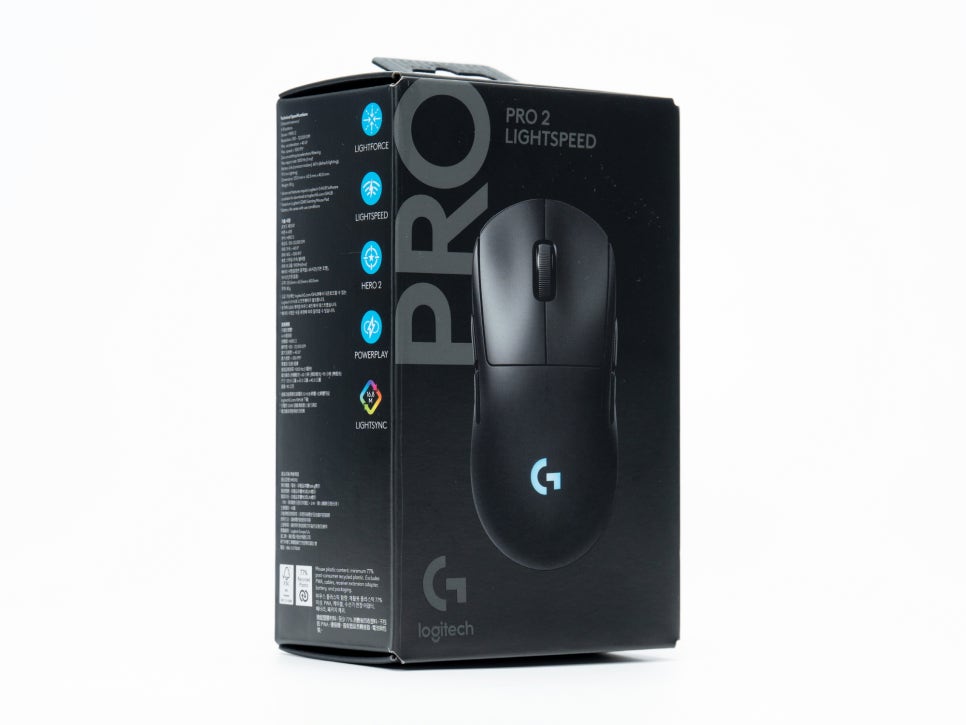
To summarize the key specifications of the Logitech G PRO 2 LIGHTSPEED: it features the HERO 2 sensor, with sensitivity adjustable from 100 to 44,000 DPI. The maximum tracking speed reaches 888 IPS. For wireless connectivity, it uses LIGHTSPEED technology, and with the lighting off, the battery can last up to 95 hours.

The package contents include the mouse body, a wireless receiver, an extension adapter, a USB-C charging cable, additional side buttons, and a user manual.

Particularly noteworthy is the side button configuration. Due to its symmetrical design, there are two side buttons on each side, totaling four. These buttons are magnetically detachable. The box also includes covers to block the buttons, allowing for flexible combinations, such as blocking the buttons on the unused side or activating both sides.
Appearance and Features
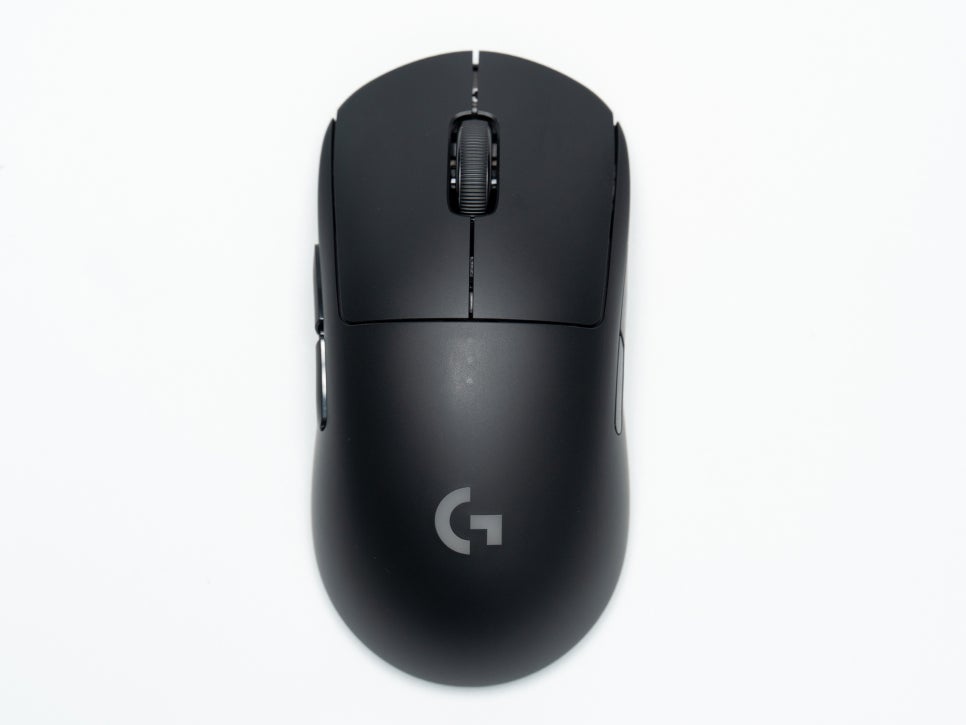
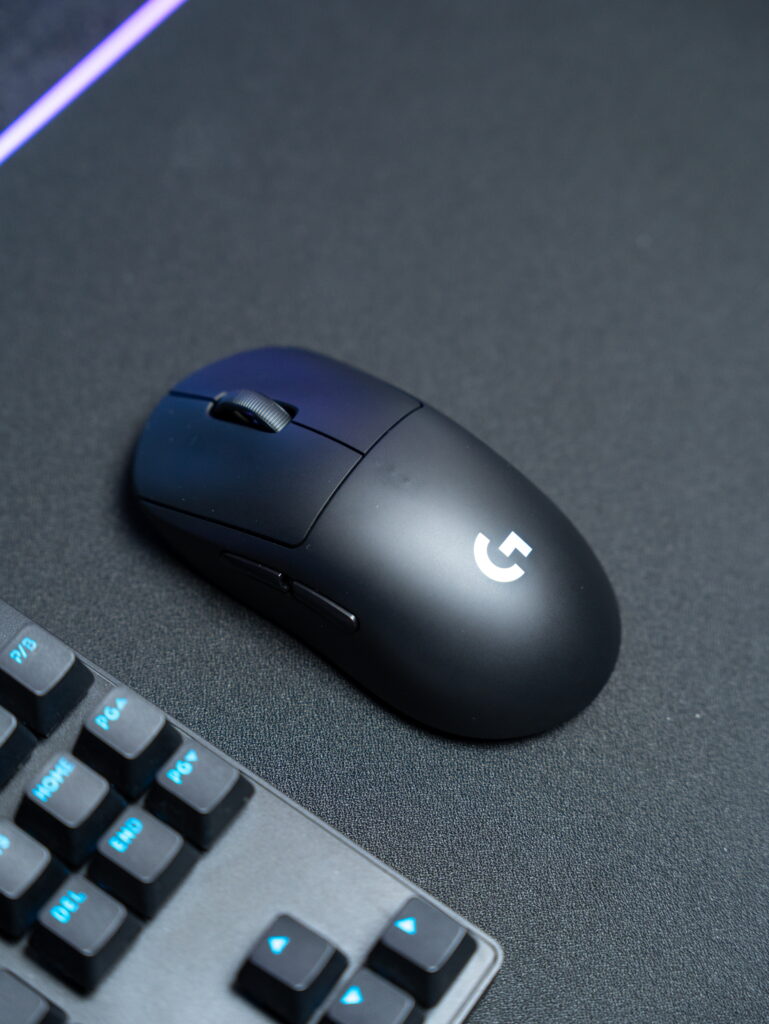
The Logitech G PRO 2 LIGHTSPEED is available in three colors: black, white, and pink. Its dimensions are 125mm in length, 63.5mm in width, and 40mm in height, placing it in the medium size category. This versatile size is suitable for users with small to large hands.

Weighing 80g, it’s slightly on the heavier side compared to the ultralight mice popular today. However, for those who prefer a moderate weight, 80g offers a well-balanced feel.

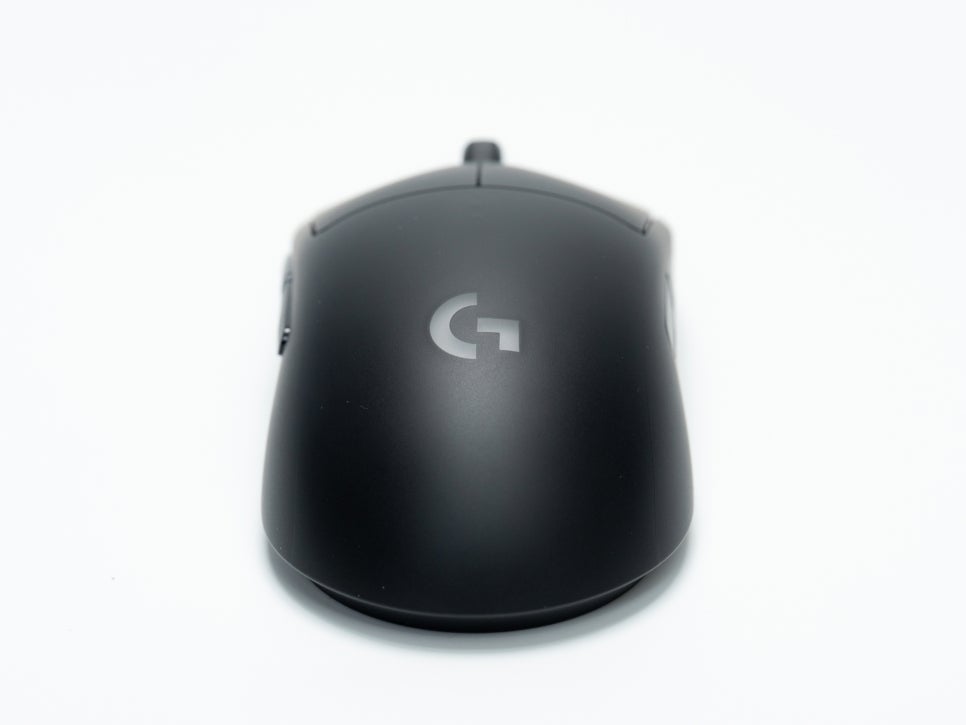
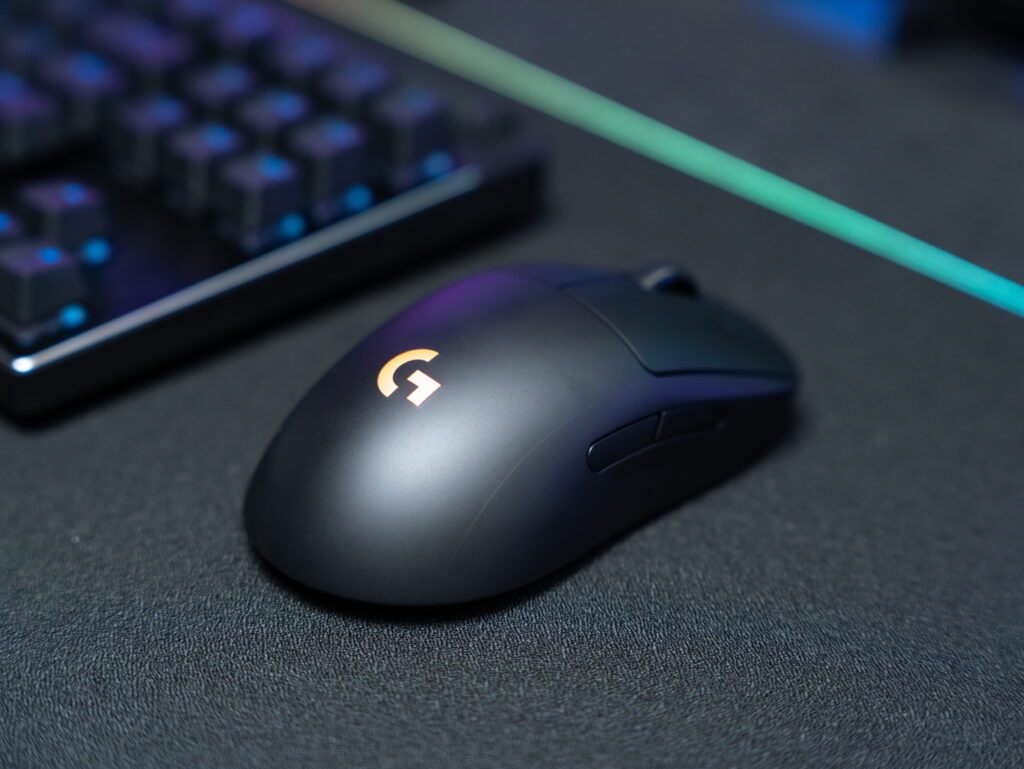
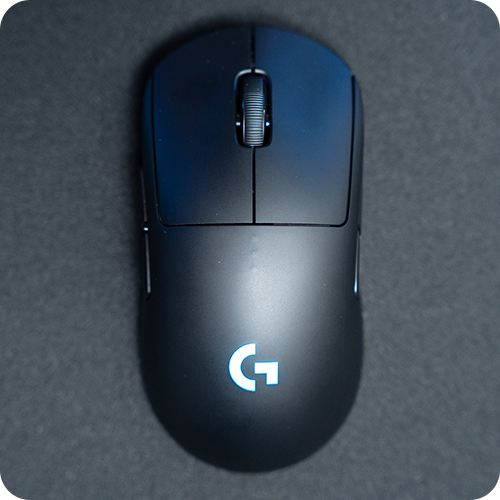
The exterior design maintains the classic symmetrical shell of its predecessor. The surface is finished with a matte texture, making it resistant to fingerprints and smudges, and providing minimal slippage.
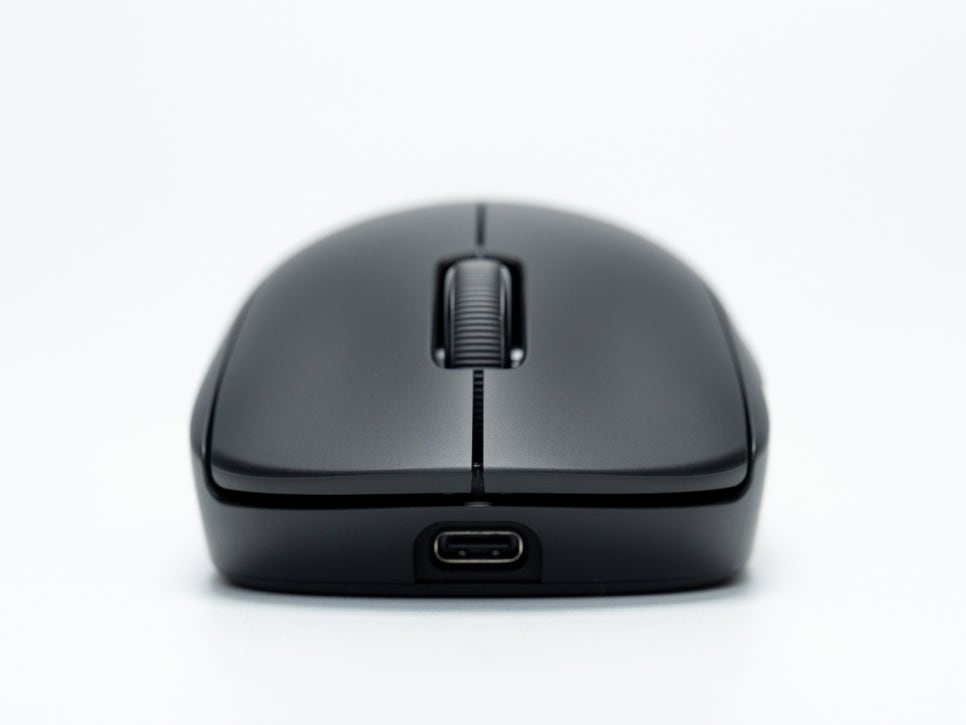
As mentioned earlier, the battery life is up to 95 hours without RGB lighting, which typically allows for about a week of use without recharging.

The center of the left and right click buttons features a slight concave groove, allowing fingers to naturally rest comfortably.
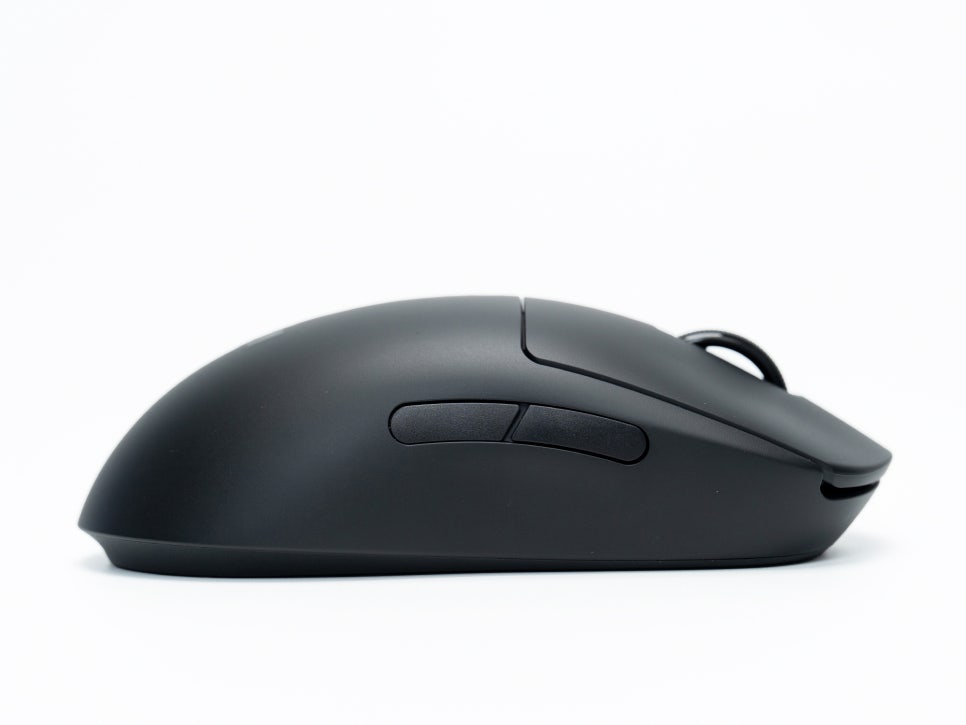

As previously explained, the side buttons are magnetically detachable, yet there’s almost no play between them, and their click feel is as crisp and responsive as the main buttons.
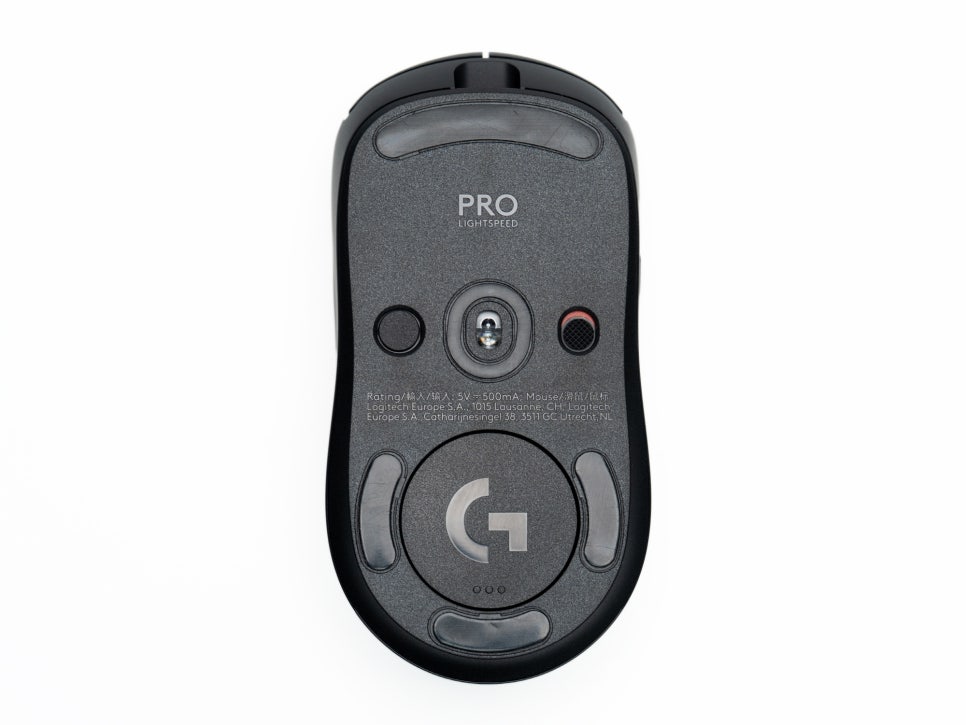
The underside of the mouse features a total of five feet, which provide smooth gliding and low friction, advantageous for quick mouse maneuvers.

It’s equipped with Logitech’s proprietary HERO 2 sensor, renowned for its stable tracking performance. The DPI switch button and power button are located on the bottom.
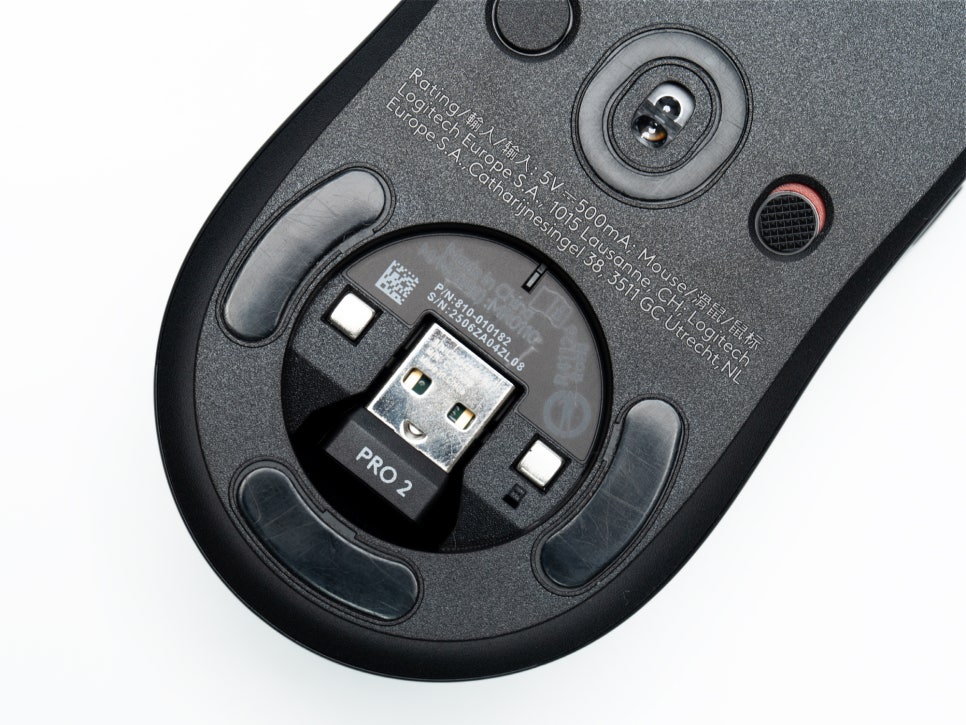

A storage compartment for the wireless dongle is conveniently located on the underside of the mouse, eliminating the risk of losing it when not in use or during transport. The dongle itself is compact, so it doesn’t get in the way when plugged into a USB port.
Connectivity and Logitech G HUB Introduction
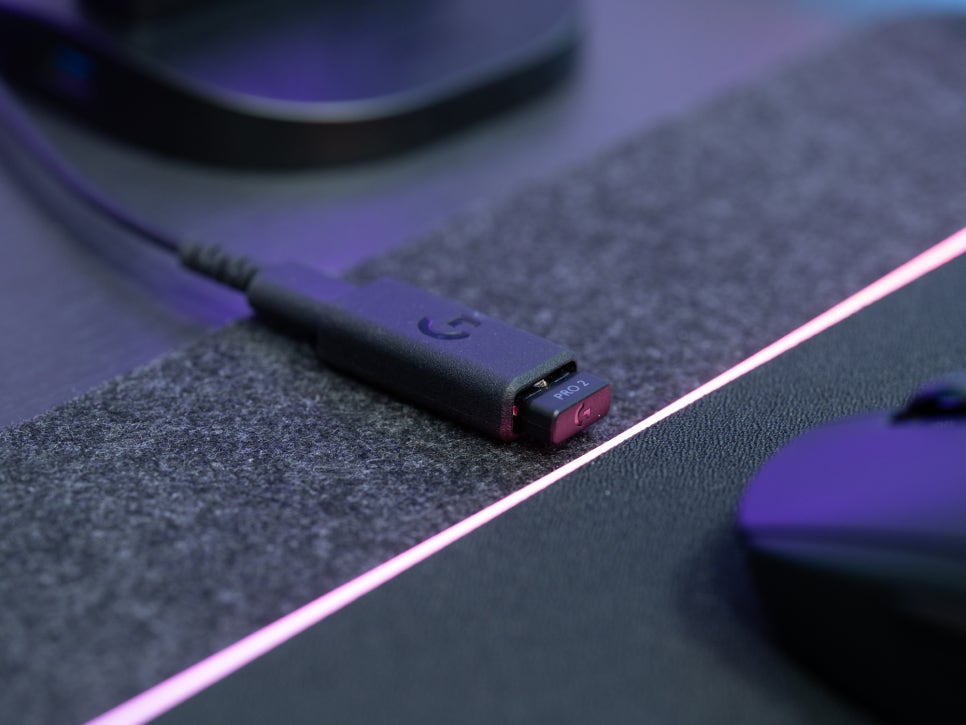

The Logitech G PRO 2 LIGHTSPEED supports two connection methods: wireless connection via the LIGHTSPEED receiver, and wired connection via a USB-C cable.
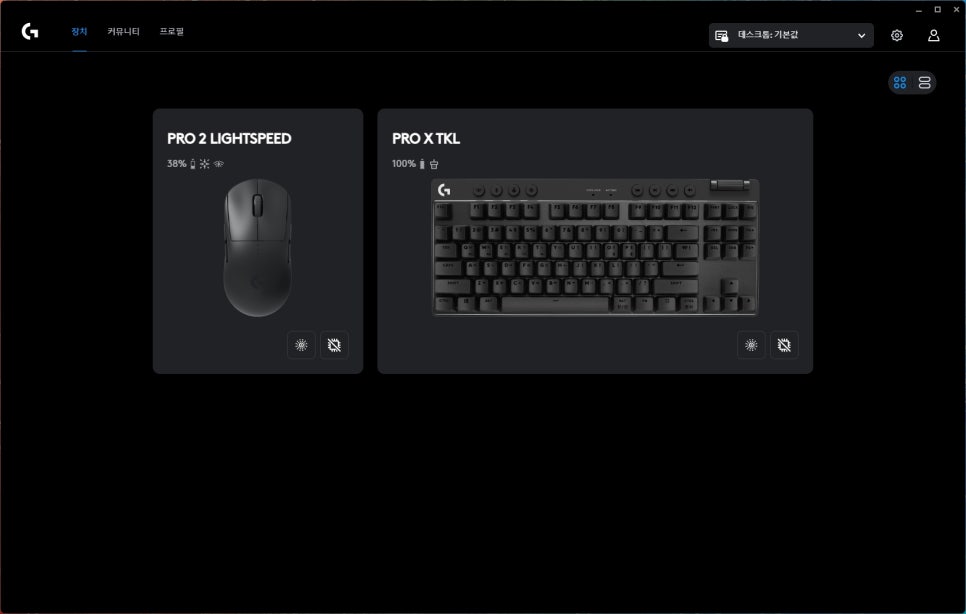
To customize the mouse’s detailed settings, you’ll need to install the Logitech G HUB software. G HUB offers a variety of functions, including button mapping, DPI settings, RGB lighting customization, and macro settings.
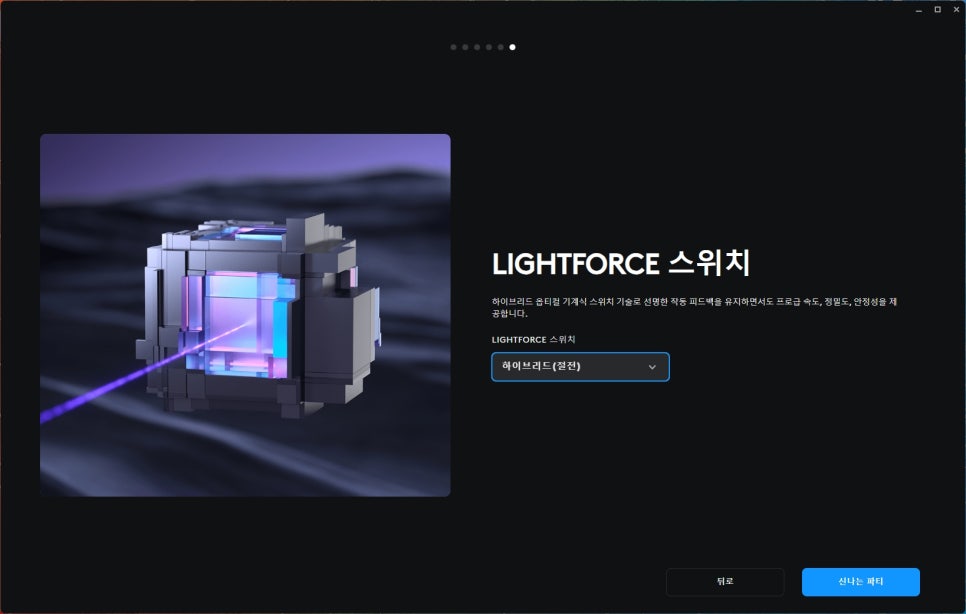
After connecting, you can adjust options related to the LIGHTFORCE switches in the quick settings menu. The LIGHTFORCE switches utilize a hybrid optical-mechanical design, and G HUB allows you to finely adjust settings like click response speed and debounce time.
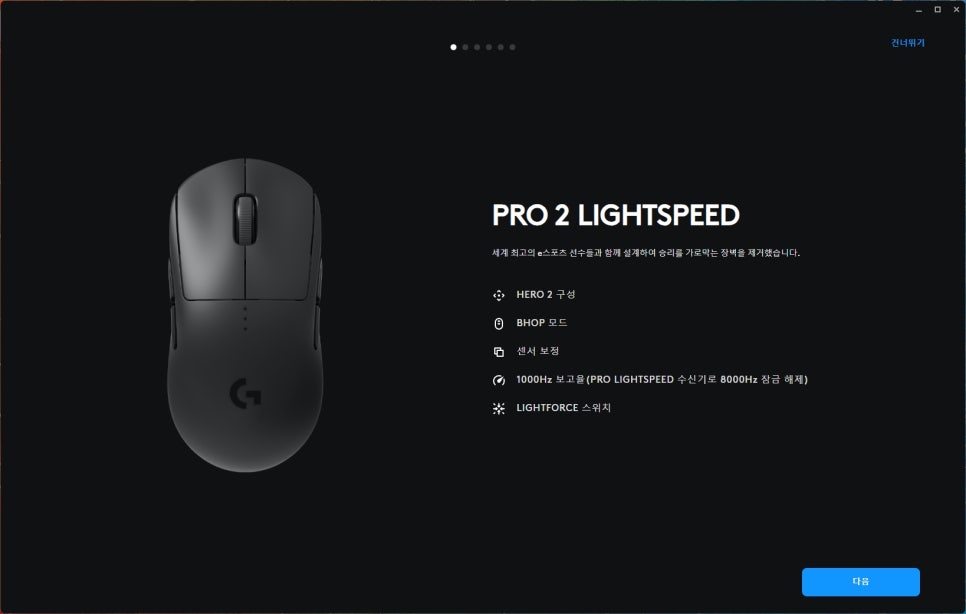
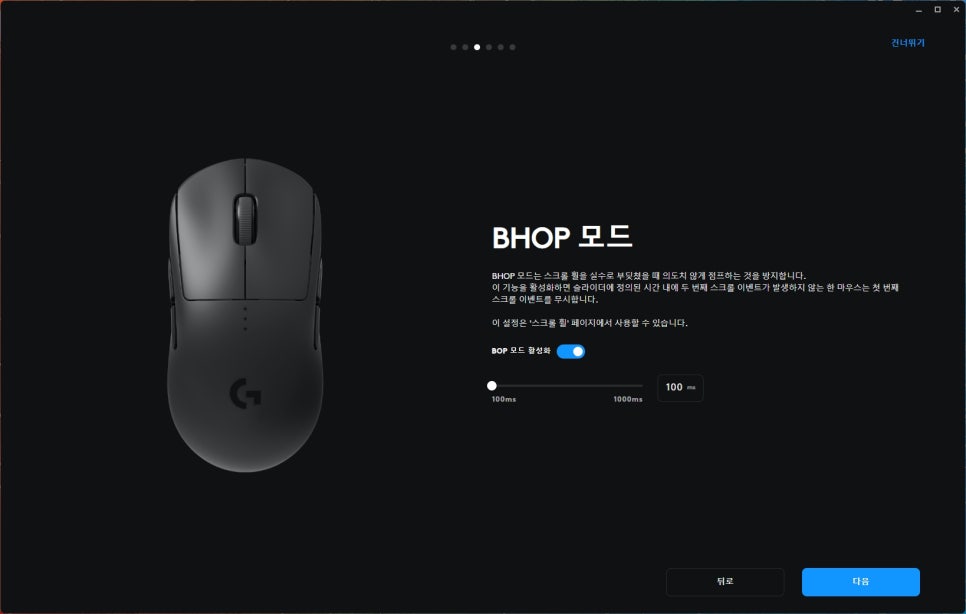
BHOP mode is a useful feature for continuous jumping in games. It makes bunny hopping easier, which is a technique in certain FPS games that amplifies acceleration slightly gained during jumps.
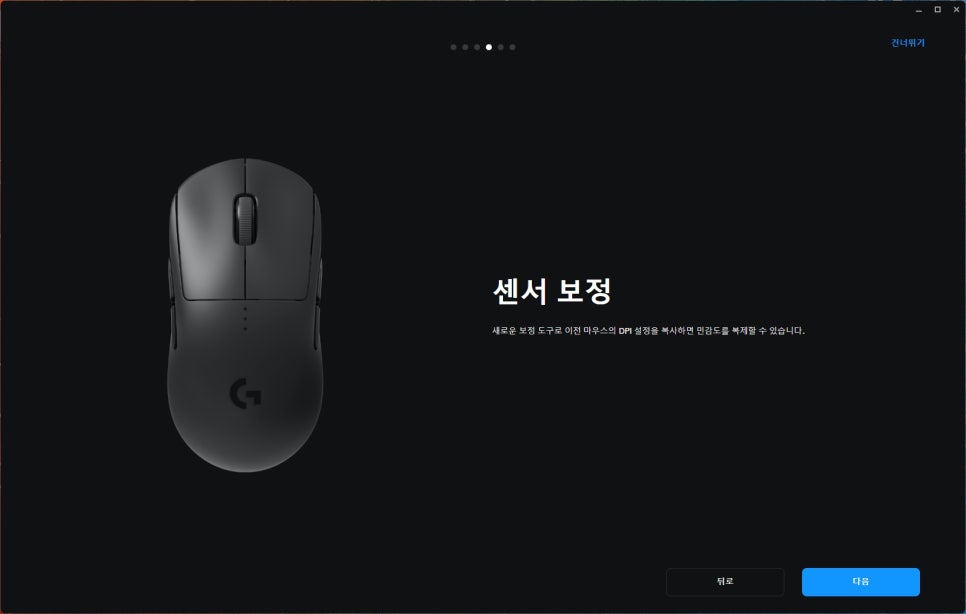
Using the sensor calibration feature, you can calibrate the sensor to match your mouse pad’s surface for more accurate tracking.
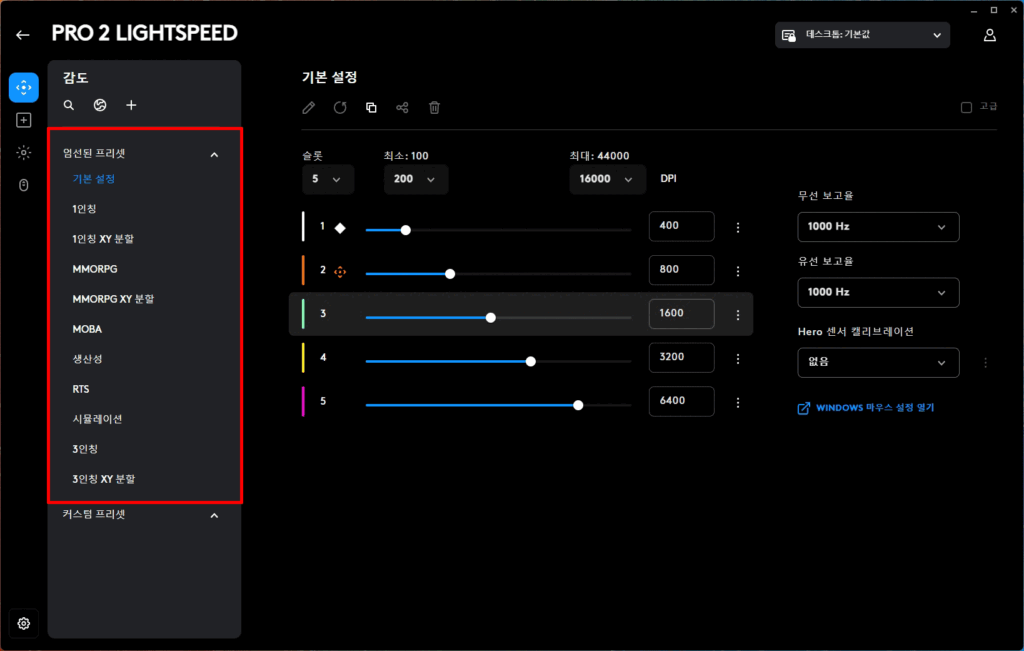
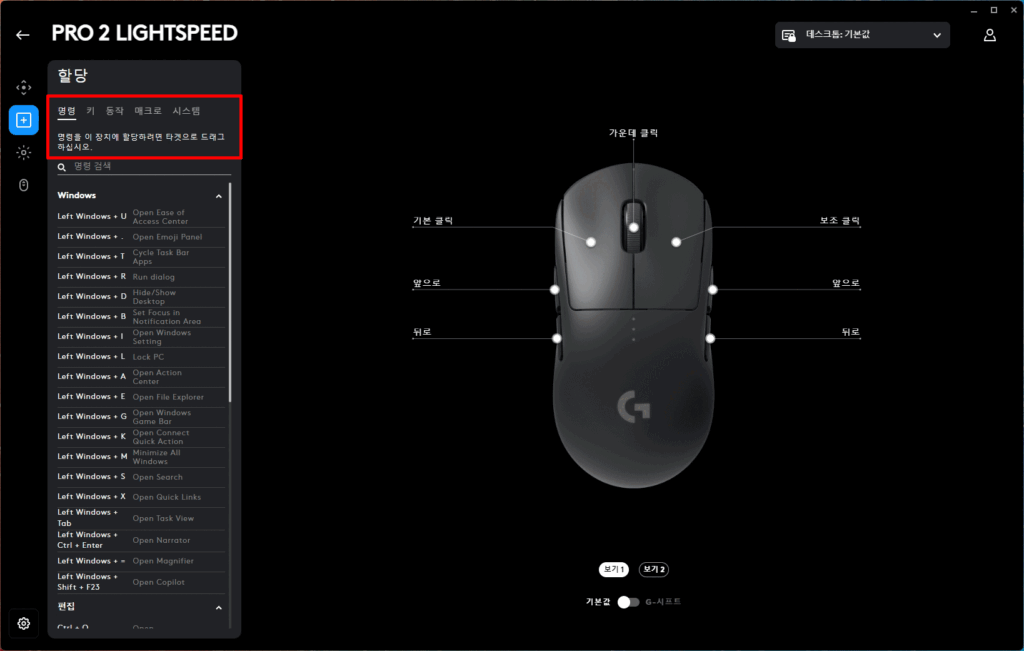
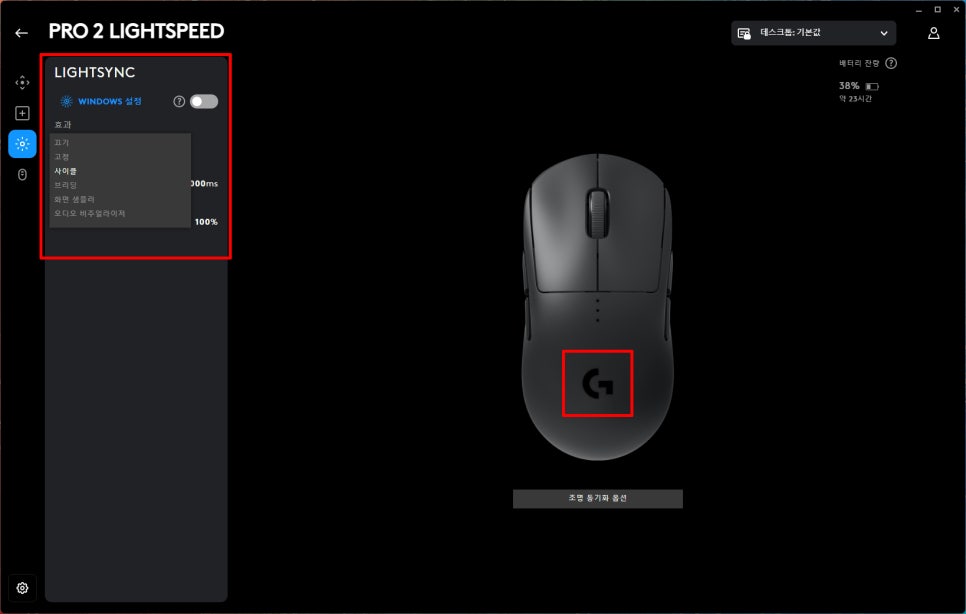
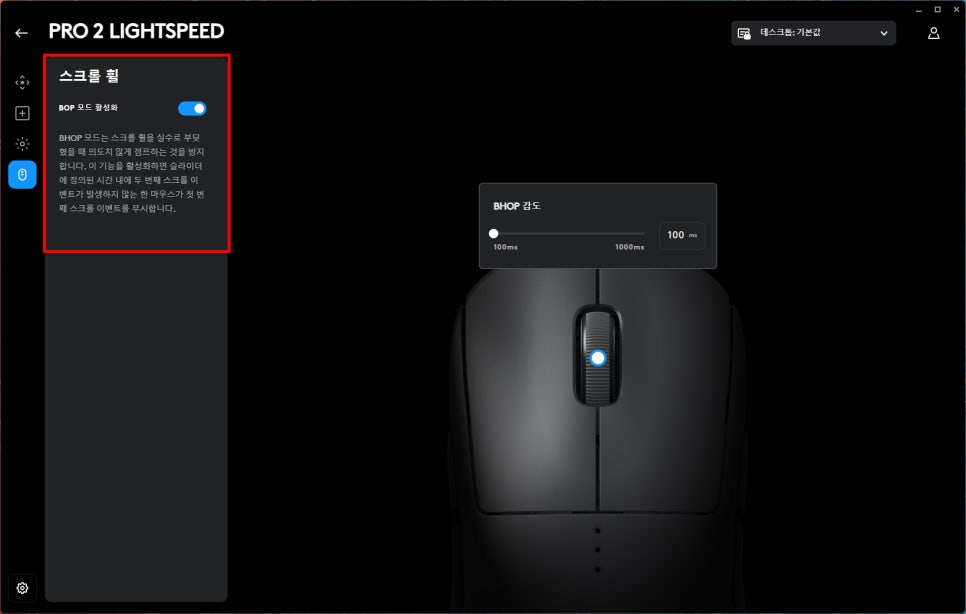
G HUB also provides essential functions such as managing connected devices, downloading community profiles, and saving/managing personal profiles. Applying different profiles for each game is convenient, as the corresponding settings will automatically be applied when you launch the game.
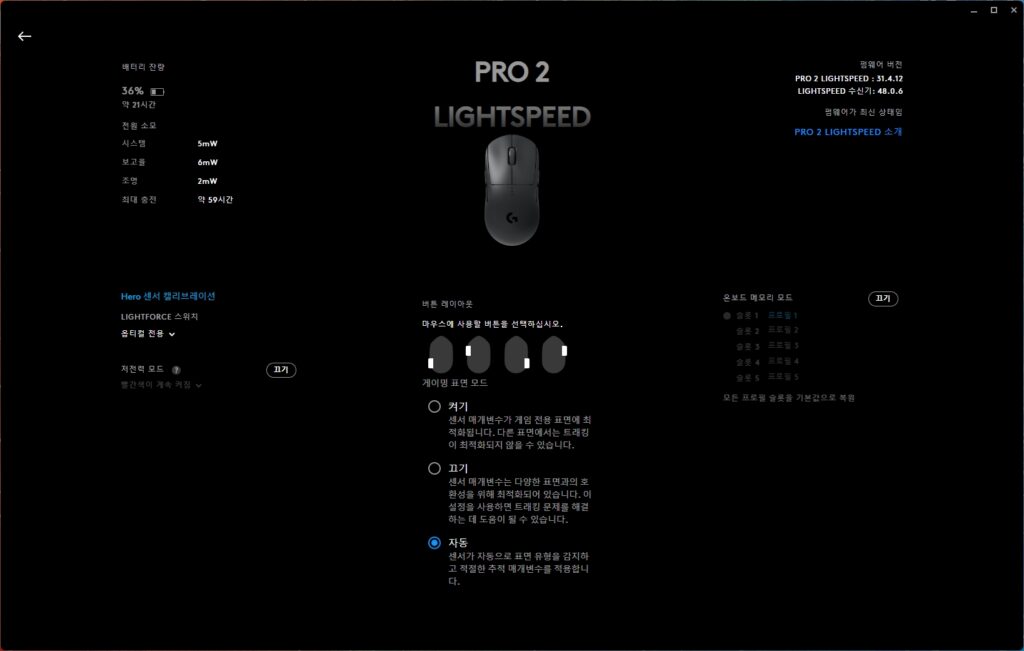
One of the biggest advantages of LIGHTSPEED technology is the ability to connect two devices with a single receiver. If you’re using a Logitech LIGHTSPEED keyboard, you can connect this mouse to the same keyboard receiver.
Product Features
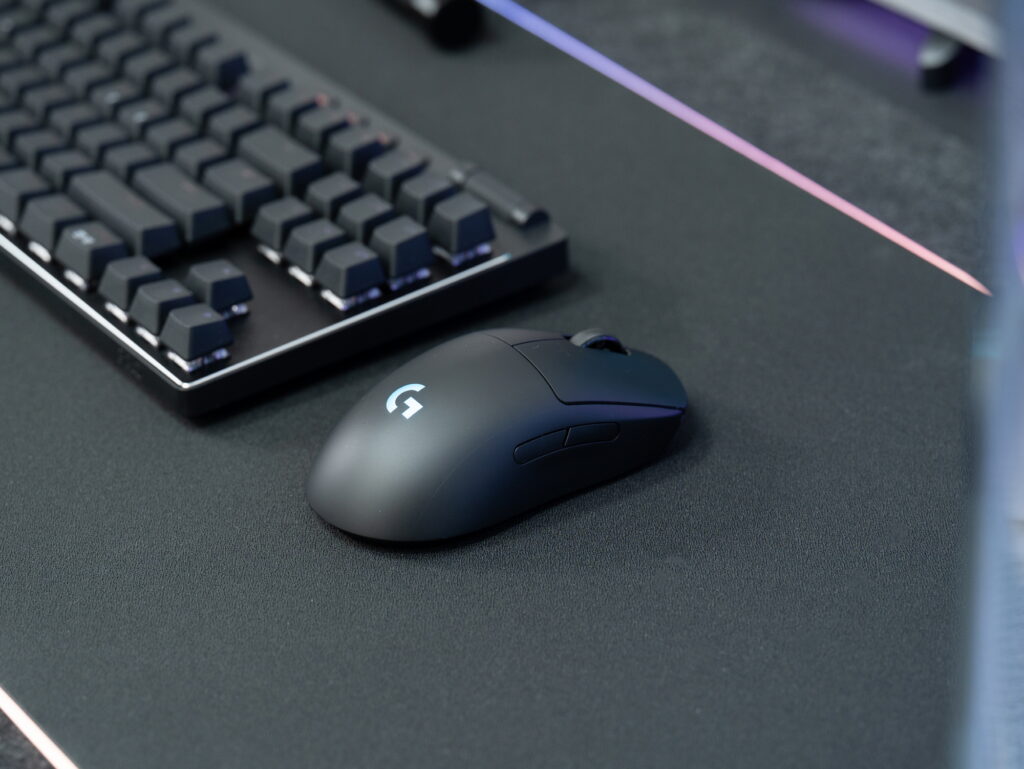
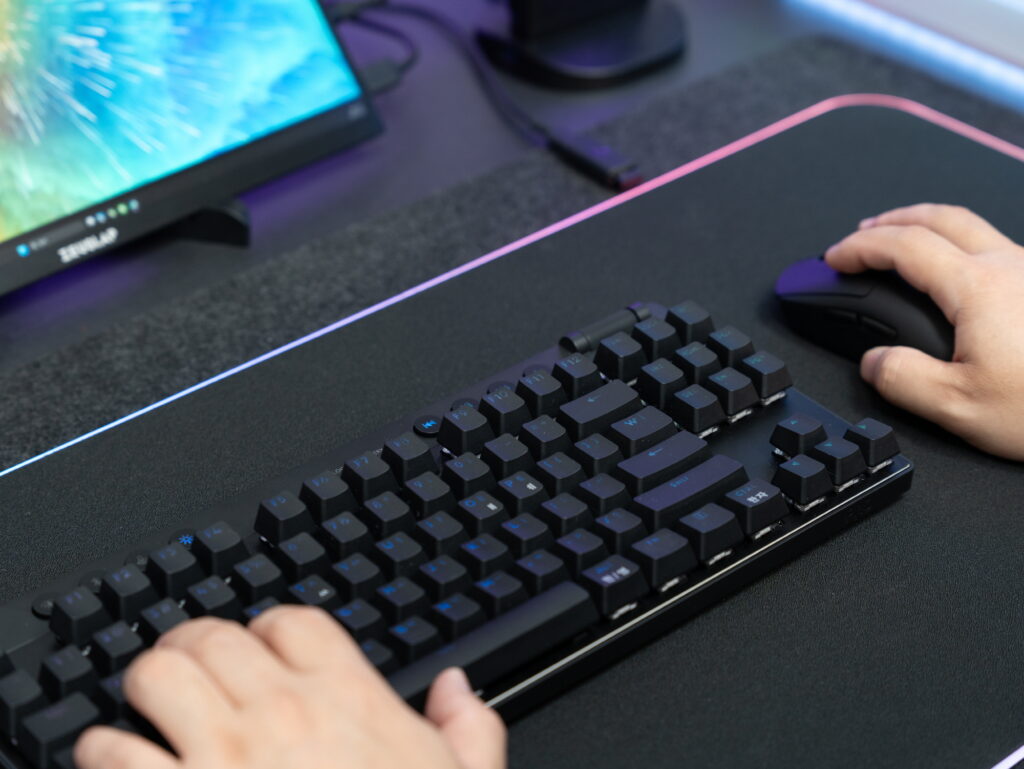
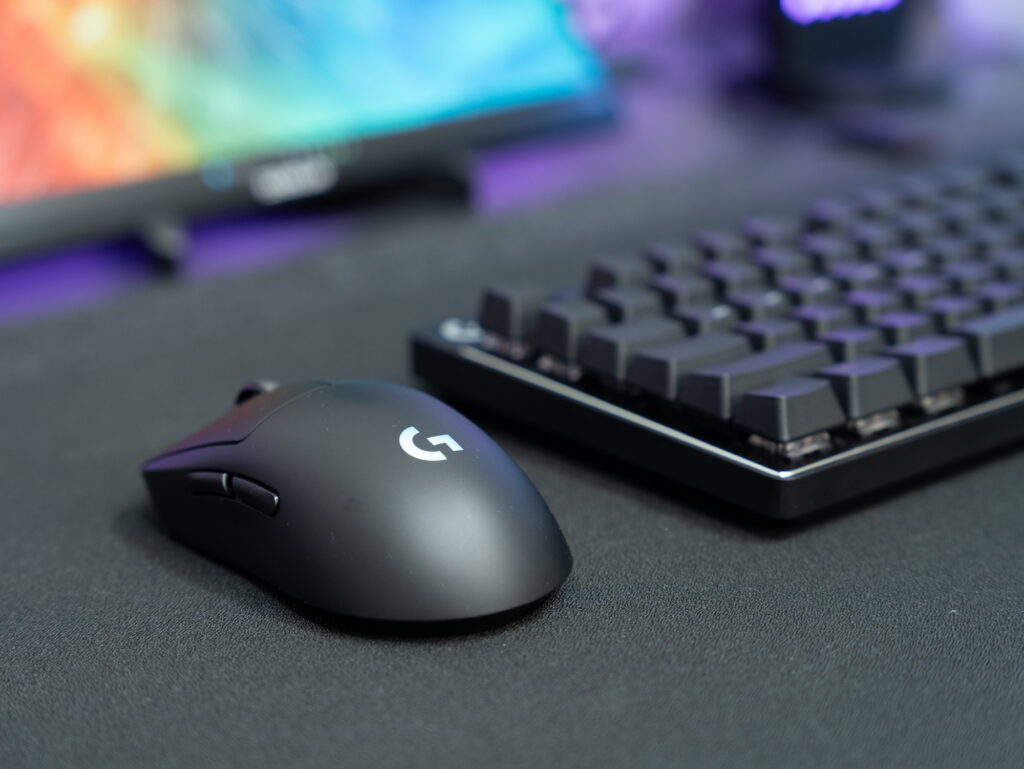

The ambidextrous design is one of this mouse’s key features. Both side buttons are removable, allowing left-handed users to have the same experience as right-handed users.

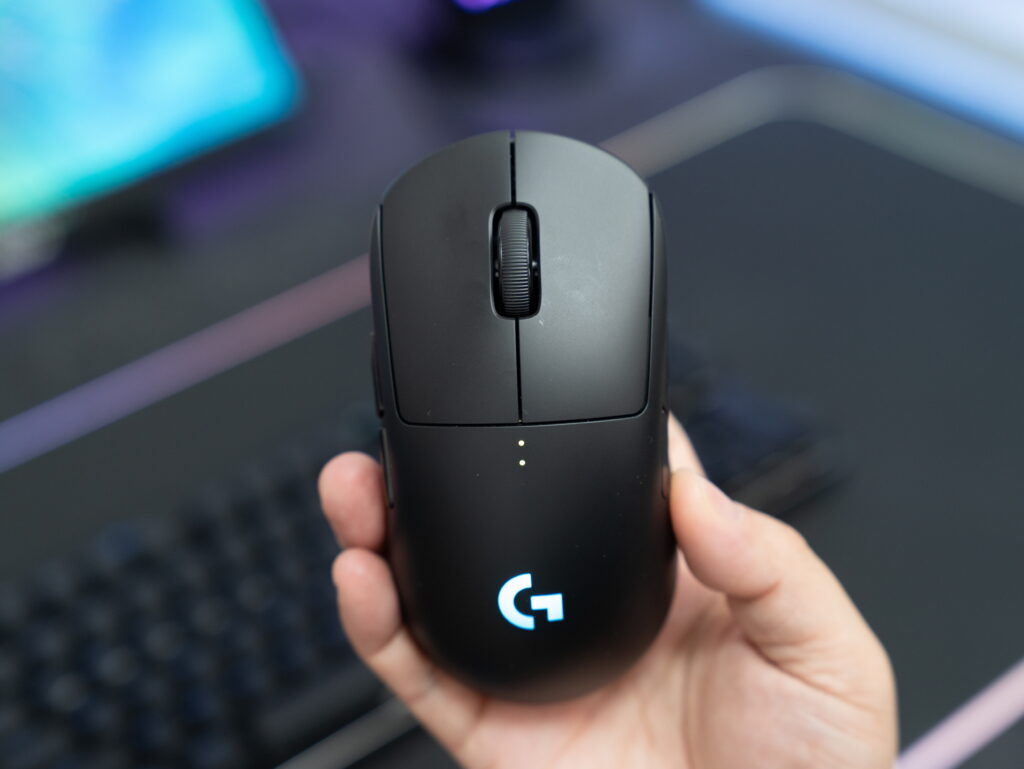
DPI adjustment can be changed in stages by pressing the button on the bottom. The current DPI level is intuitively indicated by the color of the top logo lamp, so you can see your current settings at a glance even during gameplay. While you do need to lift the mouse to change DPI since the button is on the bottom, you can map the DPI switch function to one of the side buttons through G HUB.

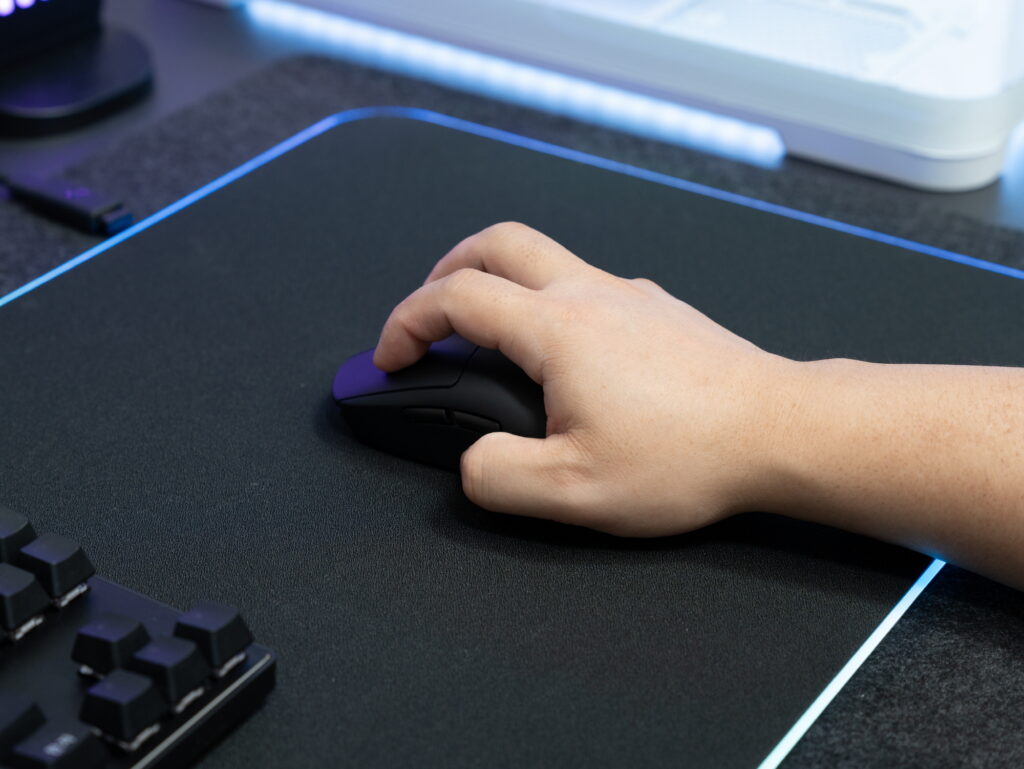

Regarding grip comfort, this mouse is particularly well-suited for palm grip users. The gentle curve in the center naturally rests against your palm, and the length is sufficient to reach the lower part of your hand. While it can be used with claw grip or fingertip grip, the mouse’s shape provides the most comfort with palm grip.
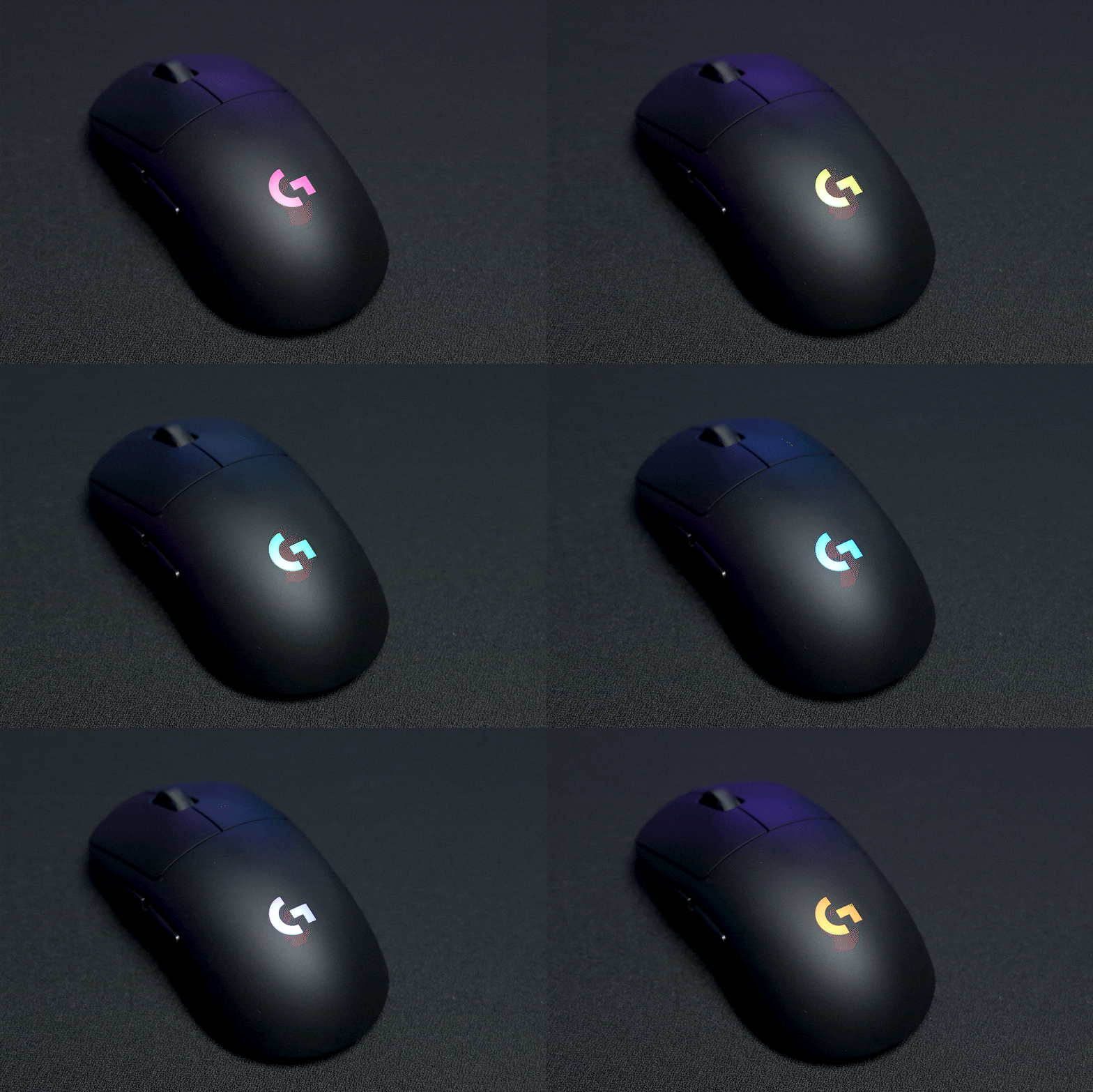
The LIGHTSYNC RGB feature allows you to customize from 16.8 million colors and sync lighting across supported devices.
User Experience

After using it for several days, I was initially worried that 80g might feel heavy, but the moderate weight actually provided stable control.
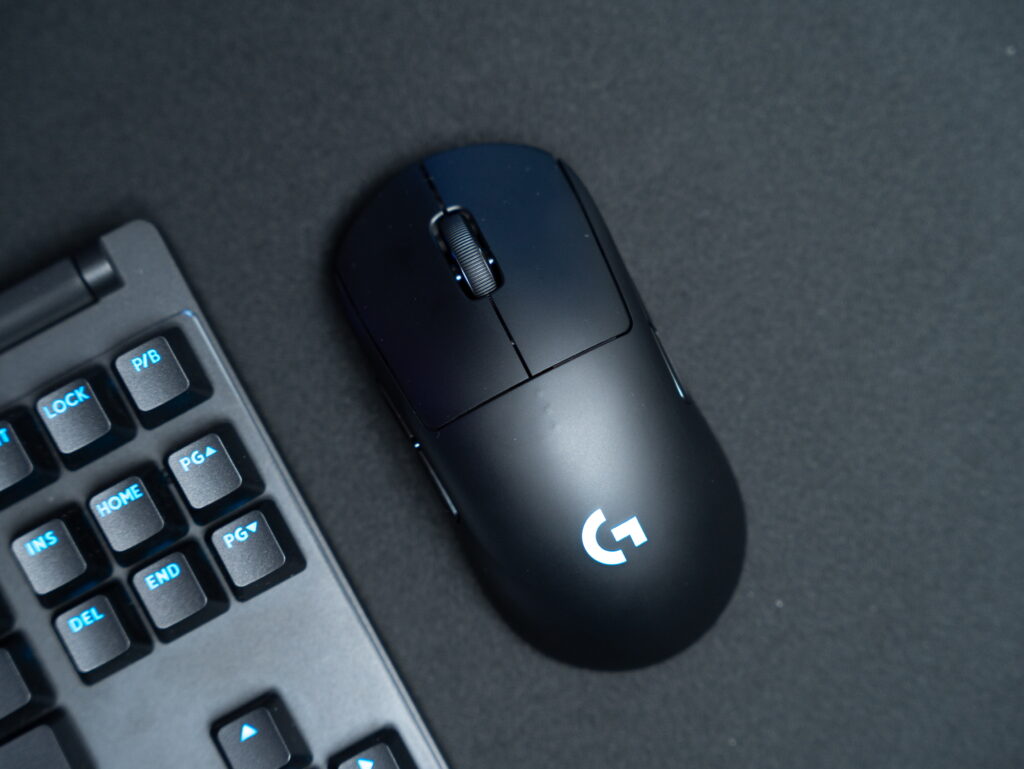
The click feel of the LIGHTFORCE hybrid switch is quite impressive. The clicks are crisp and clear, with fast response times providing immediate tactile feedback.
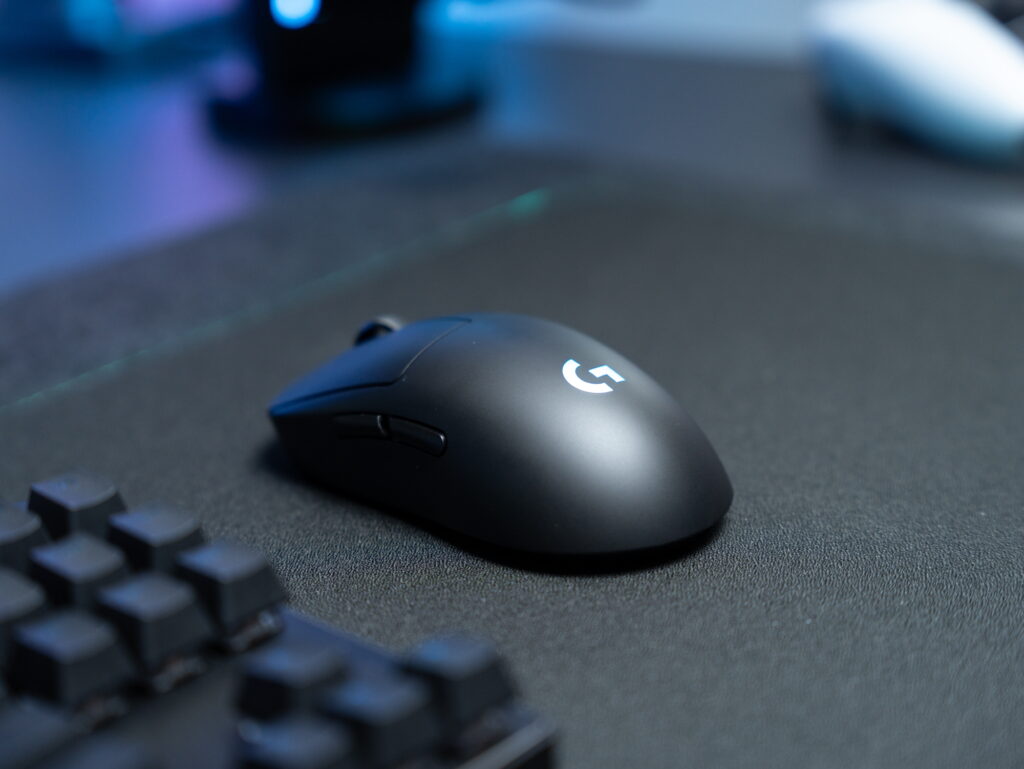
When playing FPS games, the HERO 2 sensor’s tracking was precise with virtually no lag, making quick aim transitions and headshot targeting smooth. Even with rapid mouse movements, there was no cursor jumping or stuttering.
Final Thoughts

The Logitech G PRO 2 LIGHTSPEED upgrades key performance aspects while maintaining the proven design of its predecessor. The LIGHTFORCE hybrid switch achieves both the satisfying click feel of mechanical switches and the fast response speed of optical switches, while the HERO 2 sensor provides a wide DPI range and precise tracking.

The ambidextrous design with removable side buttons shows thoughtful consideration for left-handed users, and LIGHTSPEED wireless technology continues to deliver industry-leading stability.
While the 80g weight may feel somewhat heavy for those pursuing ultra-lightweight mice, it offers an appealing sense of presence and stability for those who prefer moderate heft.
I’ll return with a more in-depth review after using it for a few more weeks.
As an Amazon Associate I earn from qualifying purhases.
Purchase Product : https://amzn.to/45Fjy4g
GamingMouse #GamingMouseRecommendation #LogitechGamingMouse #WirelessGamingMouse #LogitechMouse #LogitechGPRO2 #LIGHTSPEED #LightweightMouse #ProGamerMouse #LogitechG