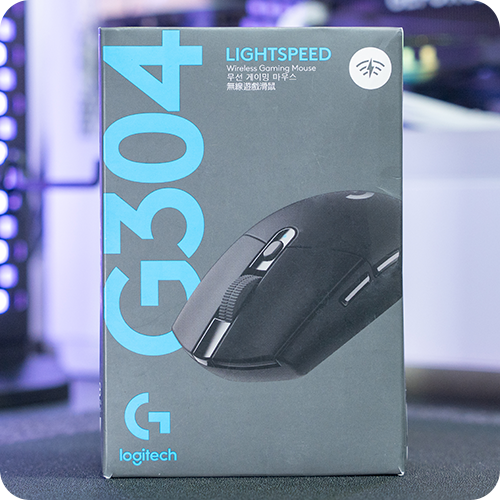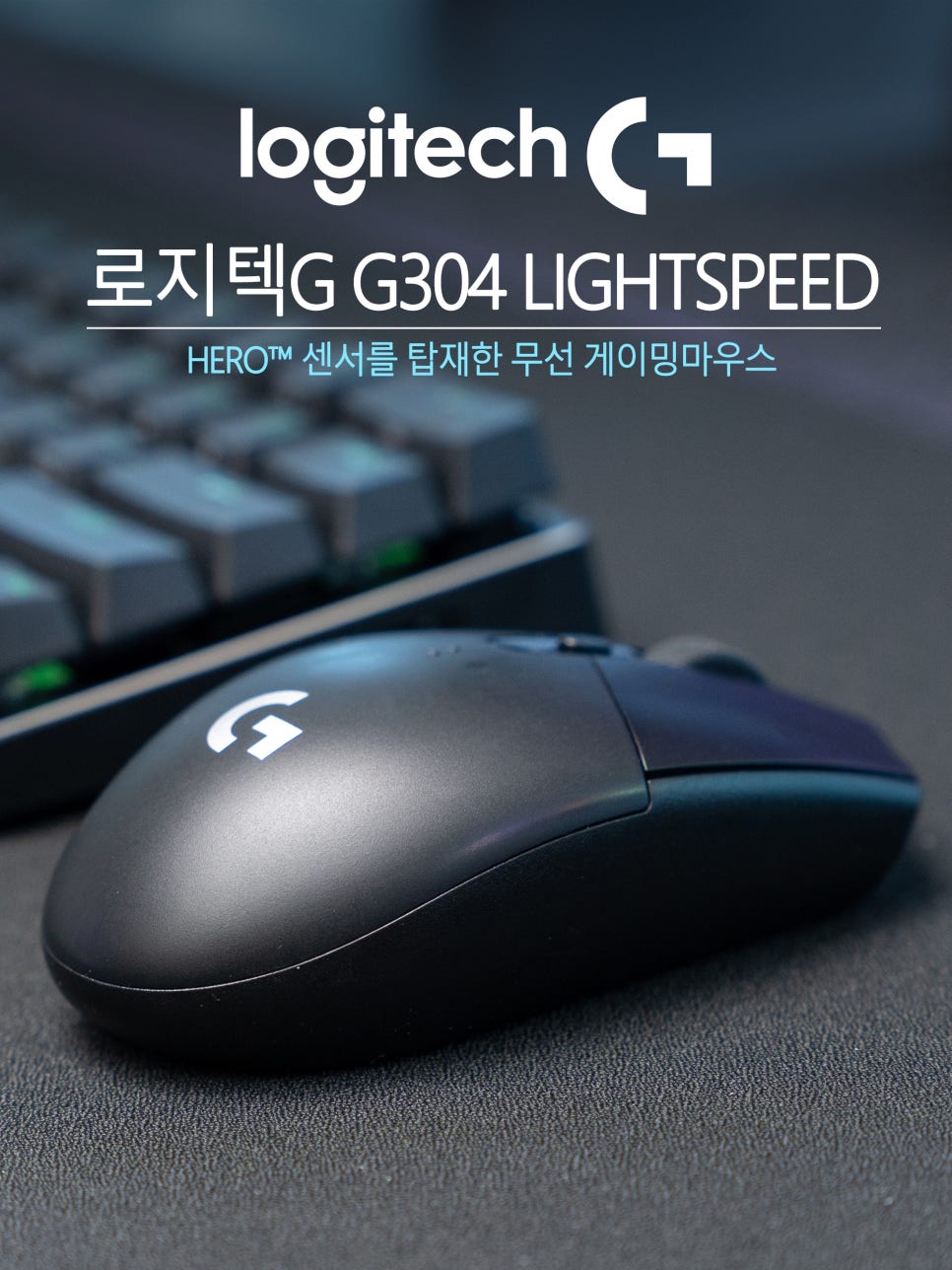
Logitech’s G Series, from a global brand specializing in gaming gear, is a lineup tailored for gaming. It has a broad user base, from pro gamers to casual users, and popular products include the G502, G PRO, and G903.
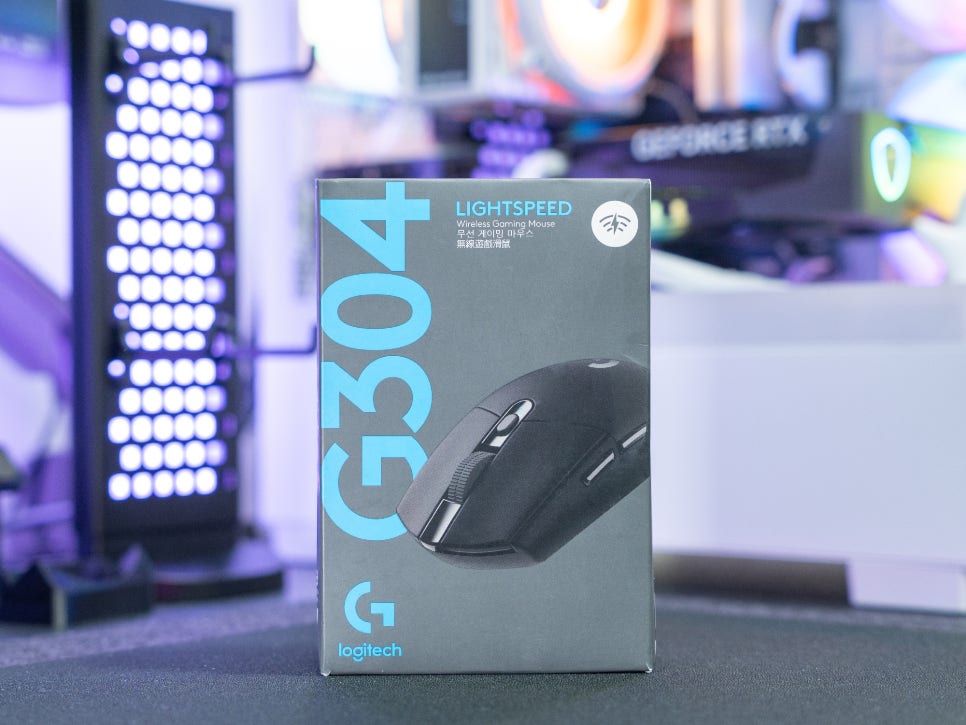
Among them, the G304 is a long-standing model that has been consistently sold since its release in 2018. Its light weight, stable wireless connection, long battery life, and above all, excellent value for money, make it a consistently recommended model for those looking for an entry-level gaming mouse.
Now, let’s take a closer look at what makes the Logitech G304 LIGHTSPEED special.
Specifications and Configuration
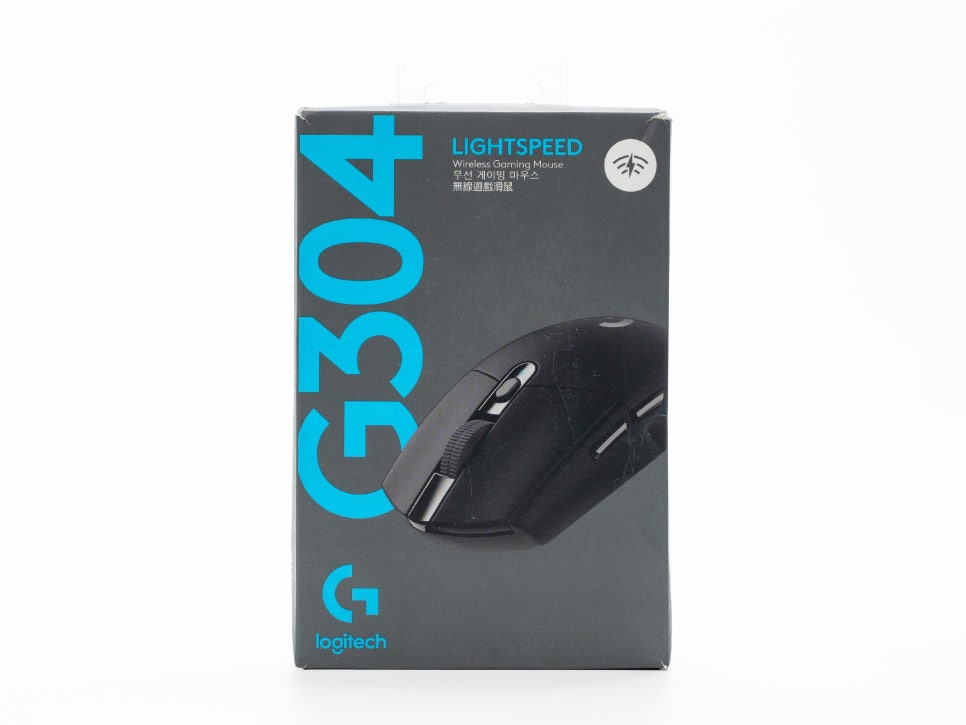
First, looking at the specifications of the Logitech G304 LIGHTSPEED, it is equipped with Logitech’s self-developed HERO sensor. The DPI is adjustable from 200 to 12,000, and one profile can be saved to the onboard memory. The tracking speed is over 400 IPS, and it supports a maximum acceleration of 40G.
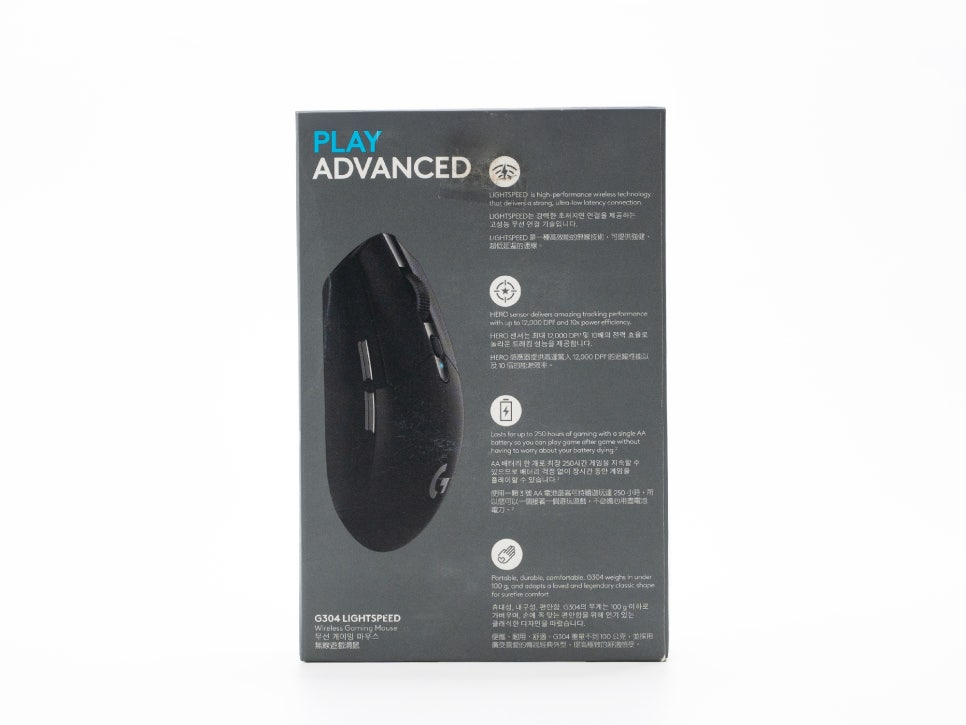
Wireless connectivity uses LIGHTSPEED technology, and the response time is 1ms, identical to wired connections. The polling rate is 1000Hz.
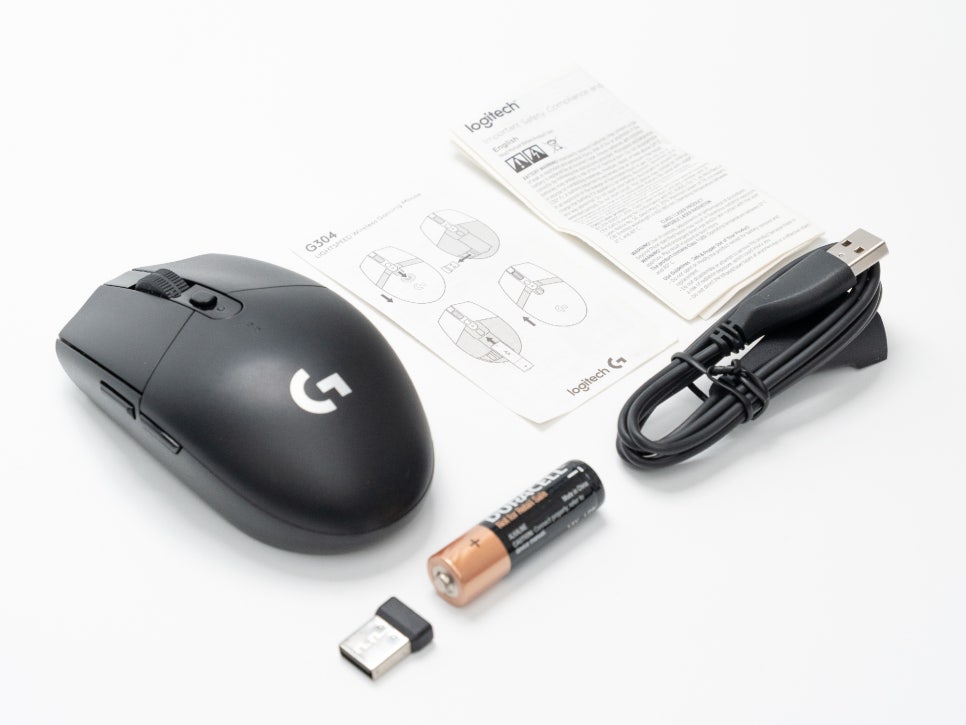
The product includes the mouse body with a LIGHTSPEED USB receiver inside. One AA battery is included as standard, along with a dongle extension cable, user manual, and warranty.
Appearance and Features
The G304 features a typical ambidextrous, symmetrical design. Its dimensions are 116.6mm (length) x 62mm (width) x 38mm (height), making it a small to medium-sized mouse.
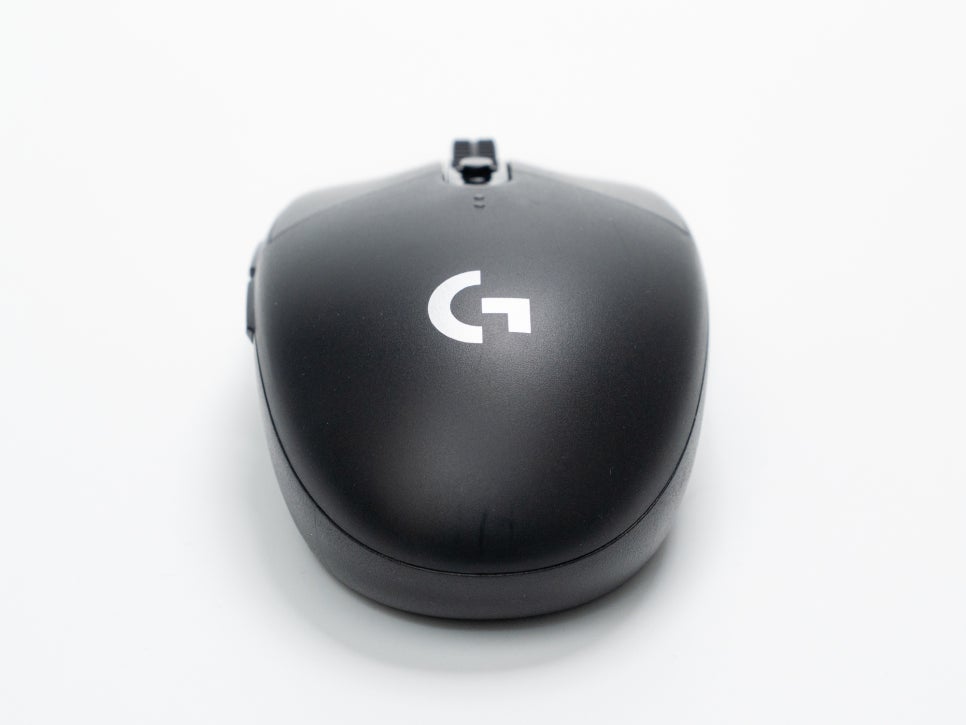
The overall silhouette follows a classic mouse shape. The exterior material is finished with matte plastic, which resists fingerprints well and provides a decent grip. It comes in various colors, including Black, Lilac, Mint, Blue, and White.
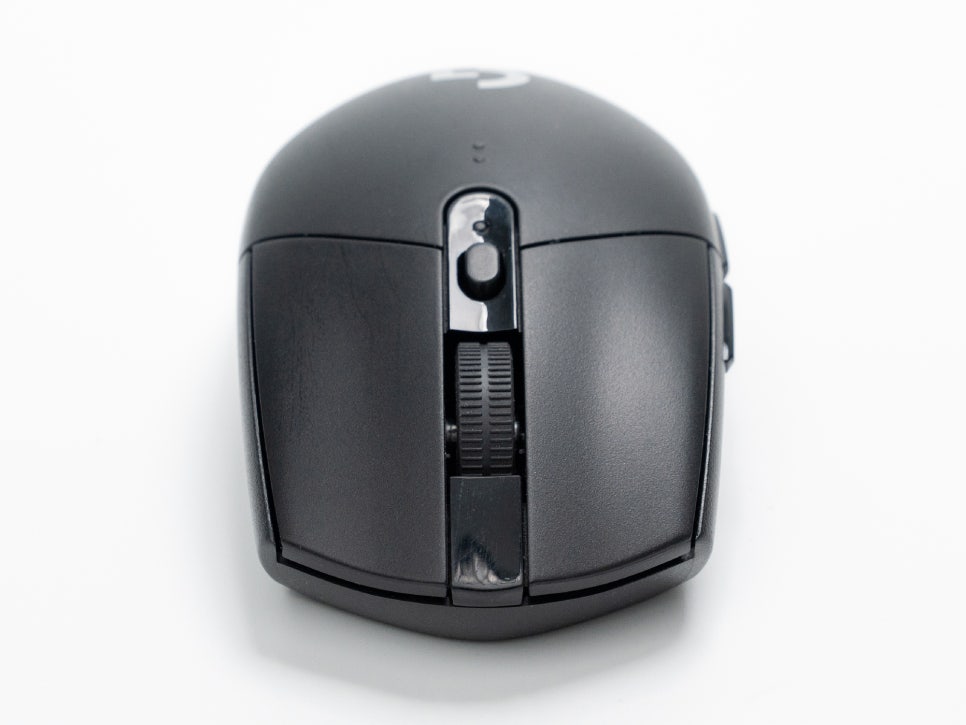
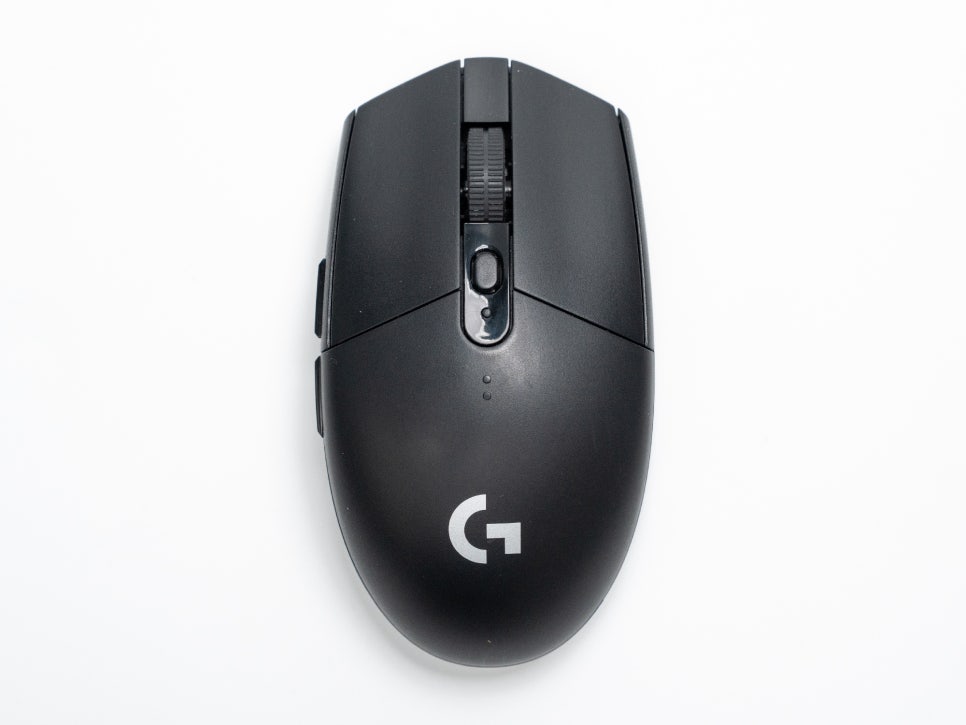
The button configuration includes a total of six buttons: left and right click, scroll wheel click, a DPI button, and two side buttons. All of them are programmable. The left and right click buttons feature Logitech’s mechanical button tension system. A key characteristic of this system is its high click consistency and reduced force required for clicks, resulting in less finger fatigue during long gaming sessions. The switches guarantee a lifespan of 10 million clicks.
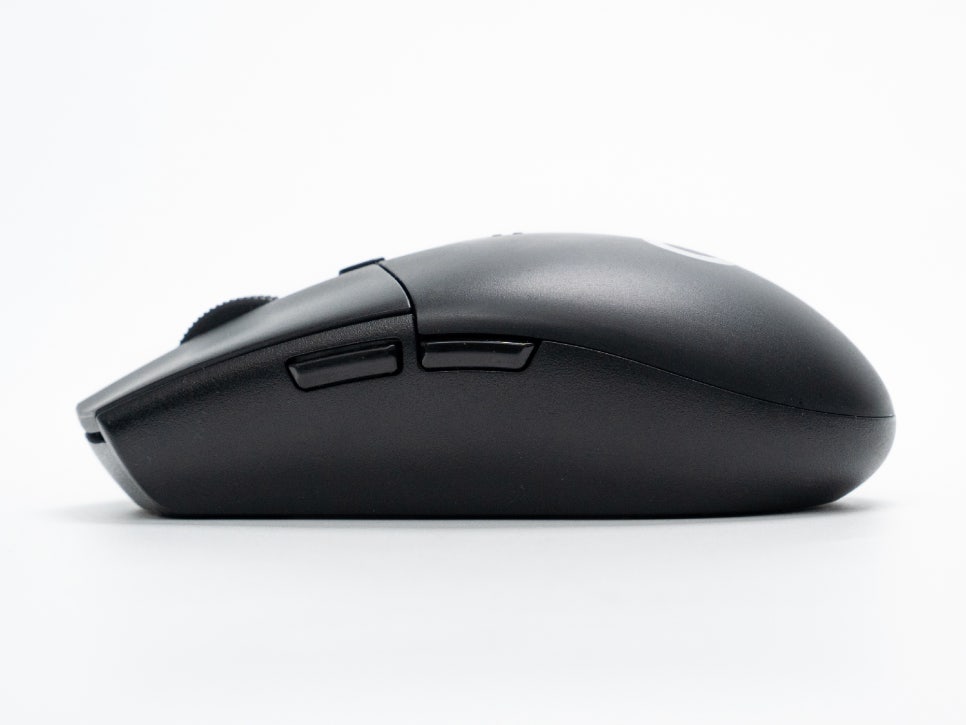
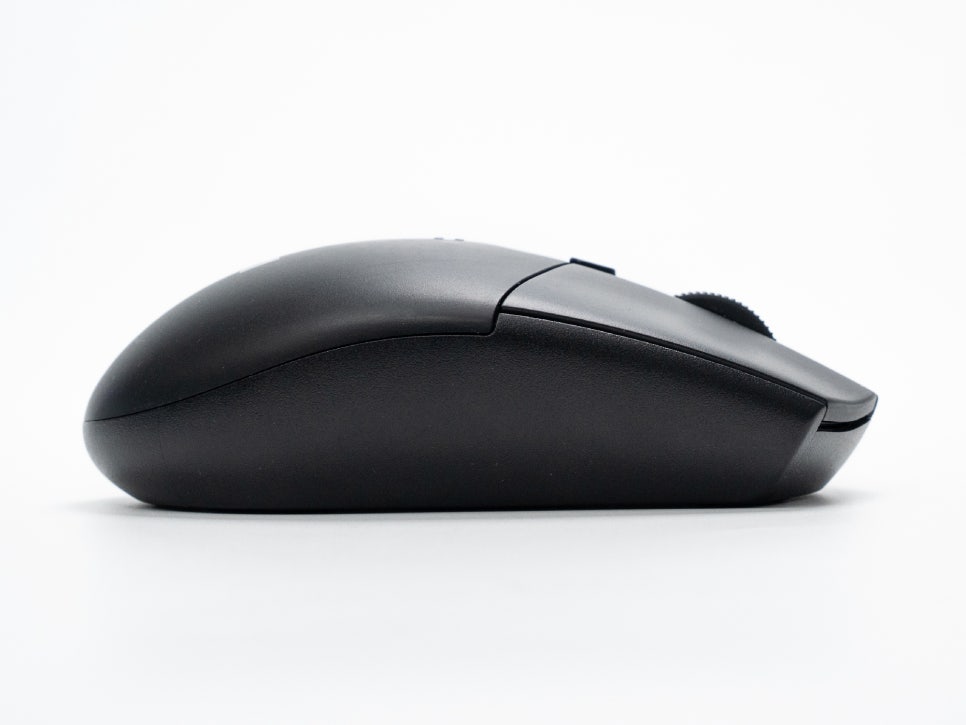
Two side buttons are located on the left side. Although it has an ambidextrous design, the side buttons are only on the left side, which may make them slightly inconvenient for left-handed users.
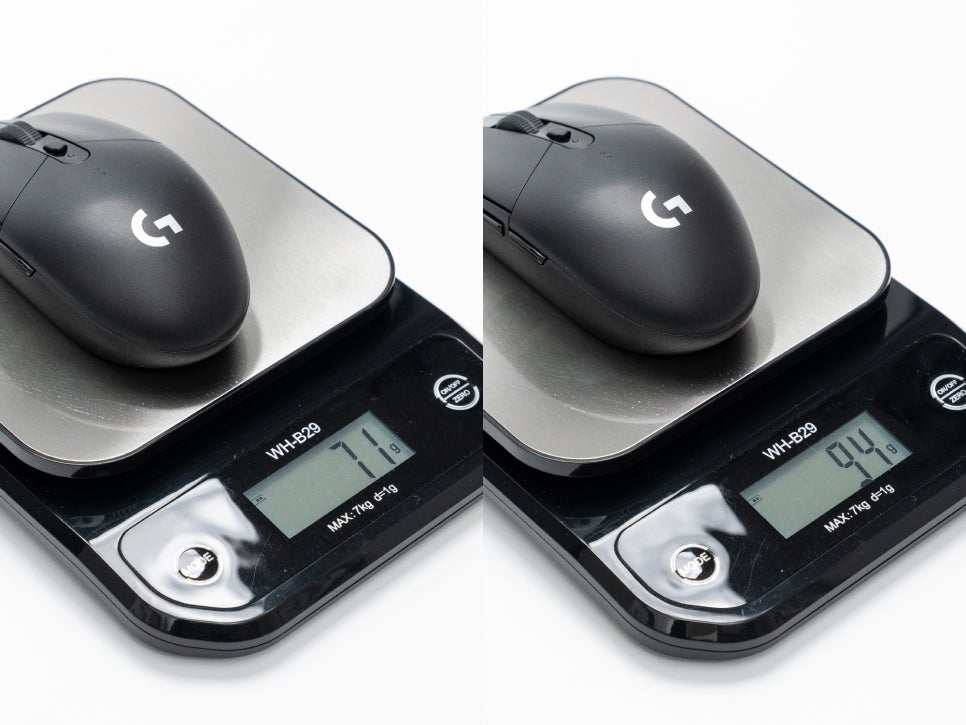
The weight before inserting the battery is approximately 71g. With an AA battery, it weighs around 94g, but the weight may vary depending on the type of battery installed.
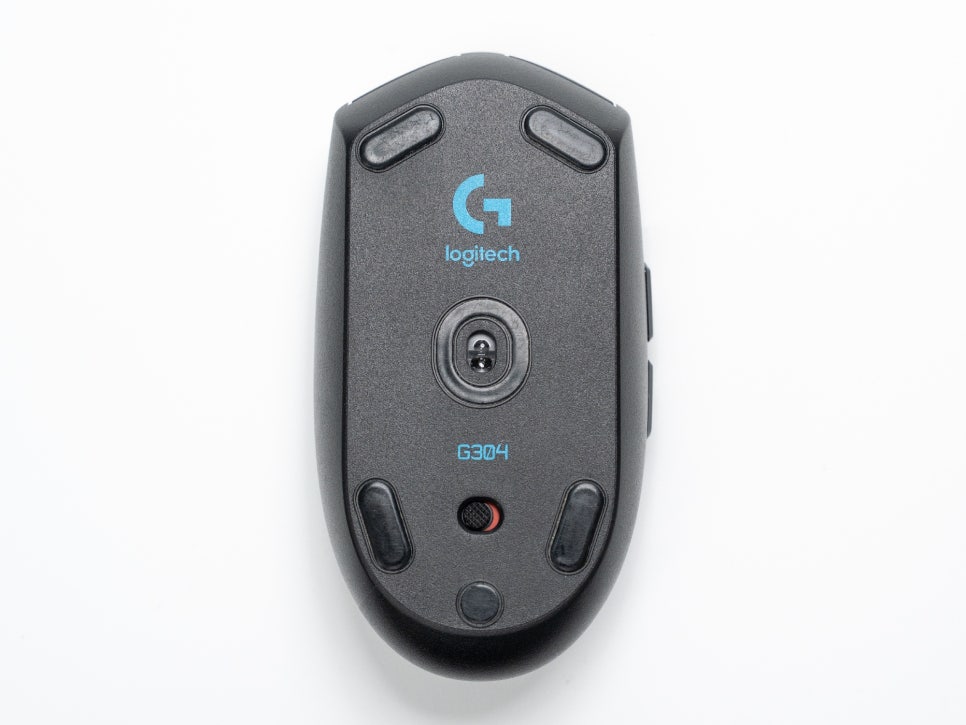
The bottom of the mouse features five PTFE feet, with the HERO sensor located in the center. The HERO sensor is an optical sensor developed by Logitech. It supports up to 12,000 DPI and boasts 10 times greater power efficiency compared to existing PMW sensors. It also supports zero smoothing, filtering, and acceleration, ensuring that mouse movements are accurately reflected on screen.
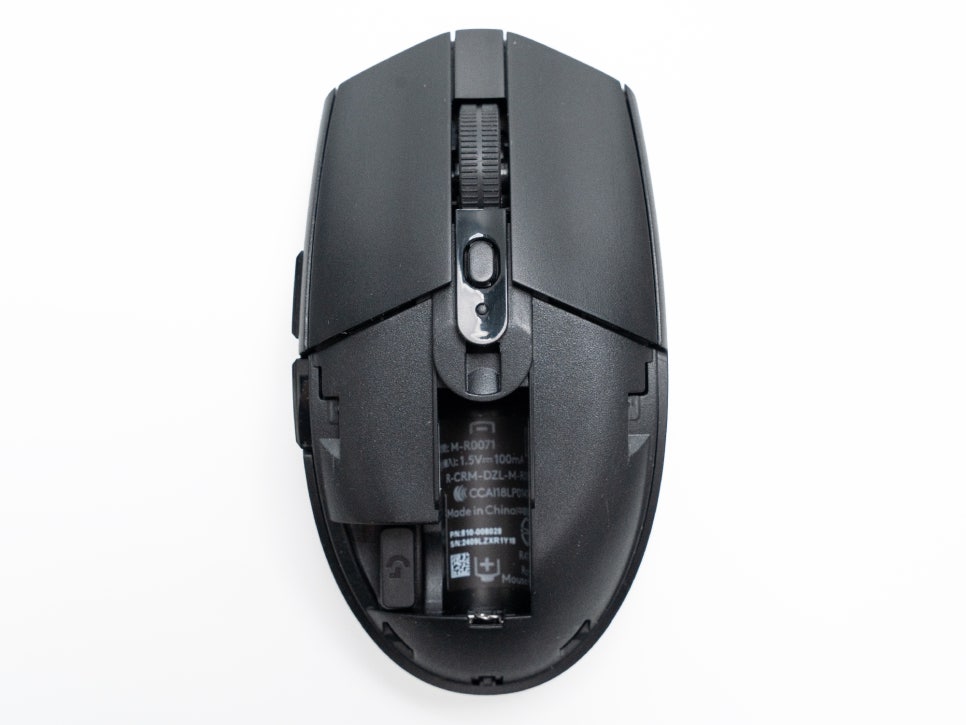
The G304 uses replaceable AA batteries, not a built-in rechargeable battery. While it’s not rechargeable, meaning you have the inconvenience of replacing batteries when they run out, it also offers the advantage of long-term use without worrying about battery life.
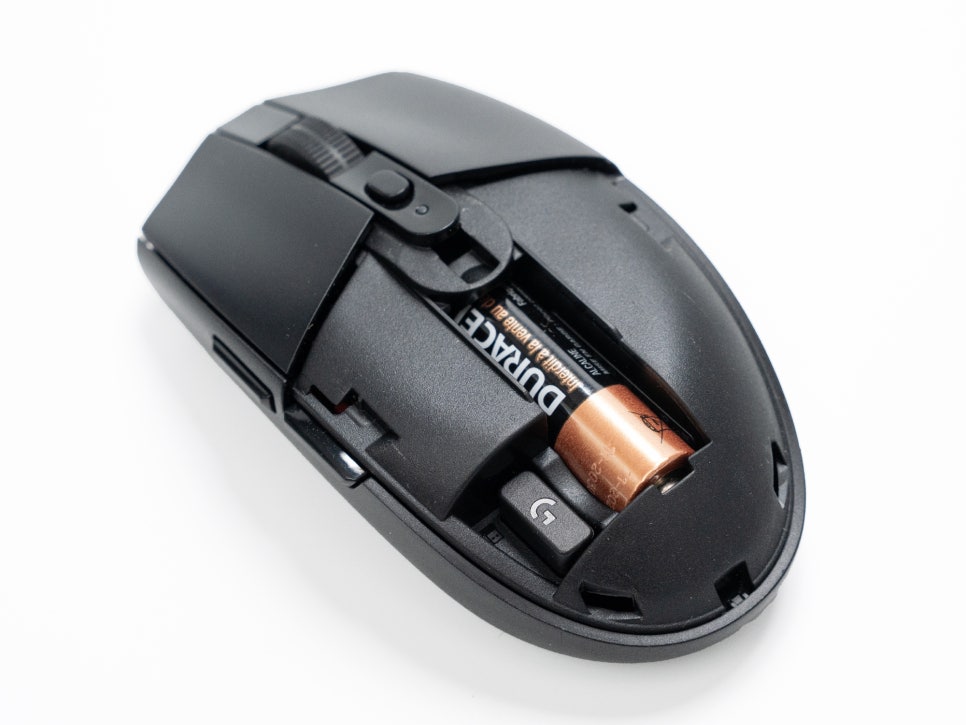
The G304 Lightspeed boasts excellent battery efficiency. It can be used for up to 250 hours even in game performance mode (with a 1ms response time), and up to 9 months in power efficiency mode.
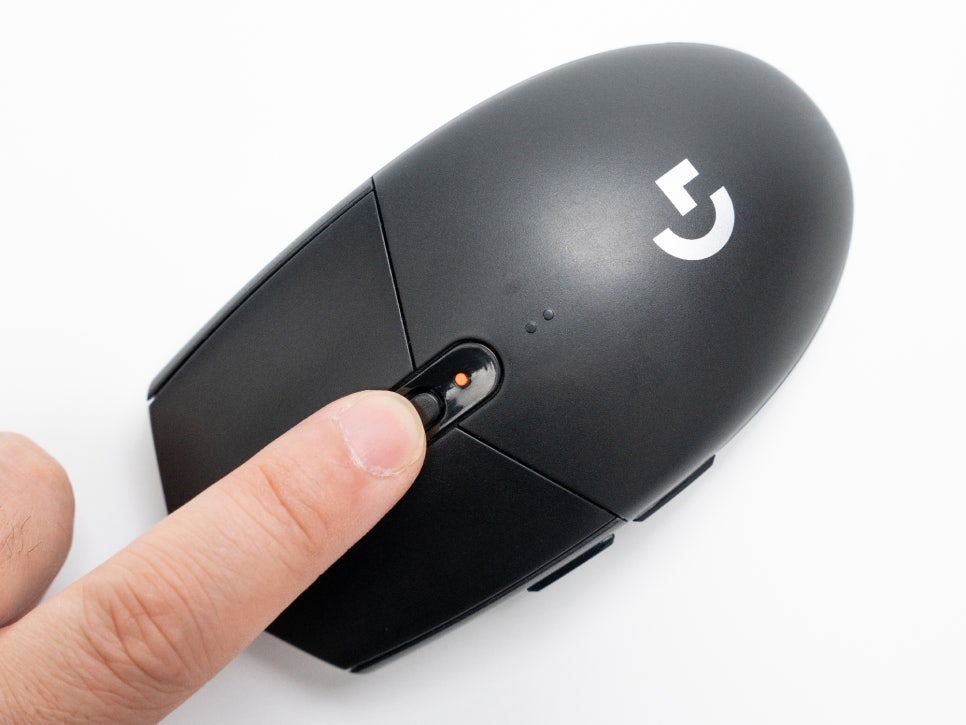
The DPI button is located directly below the scroll wheel. In the default settings, it allows for 4-level switching between 400, 800, 1600, and 3200 DPI. However, through the Logitech G HUB software, you can customize the DPI values for each level from 200 to 12,000 as desired.
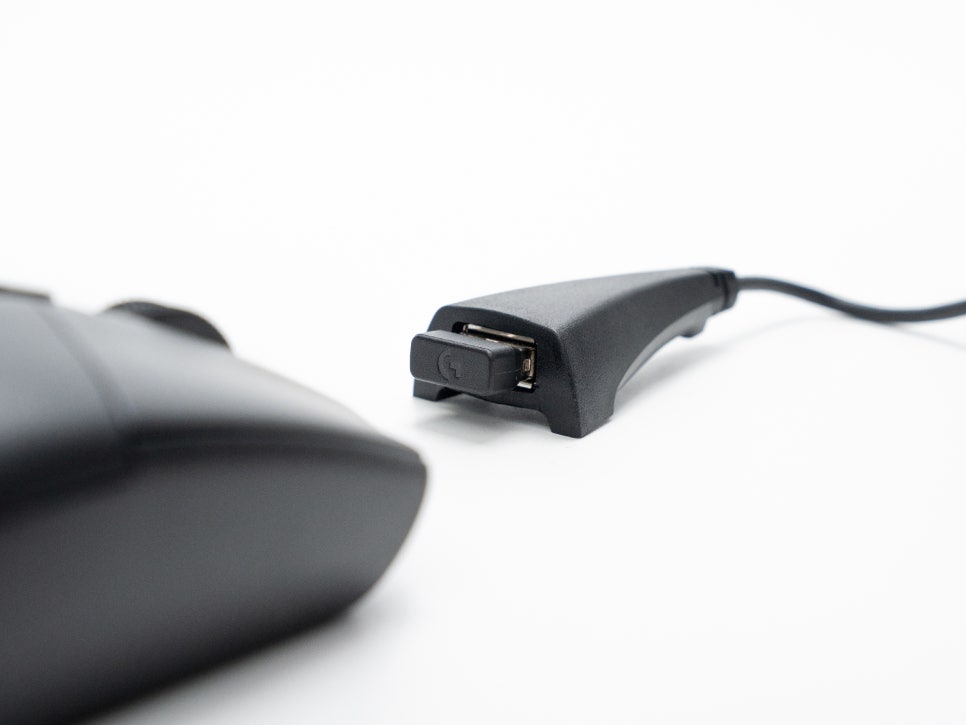
The G304 uses LIGHTSPEED wireless connectivity. By connecting the USB receiver to your PC, you can achieve ultra-low latency wireless connectivity of 1ms. When not in use, the receiver can be stored inside the mouse, reducing the risk of losing it.
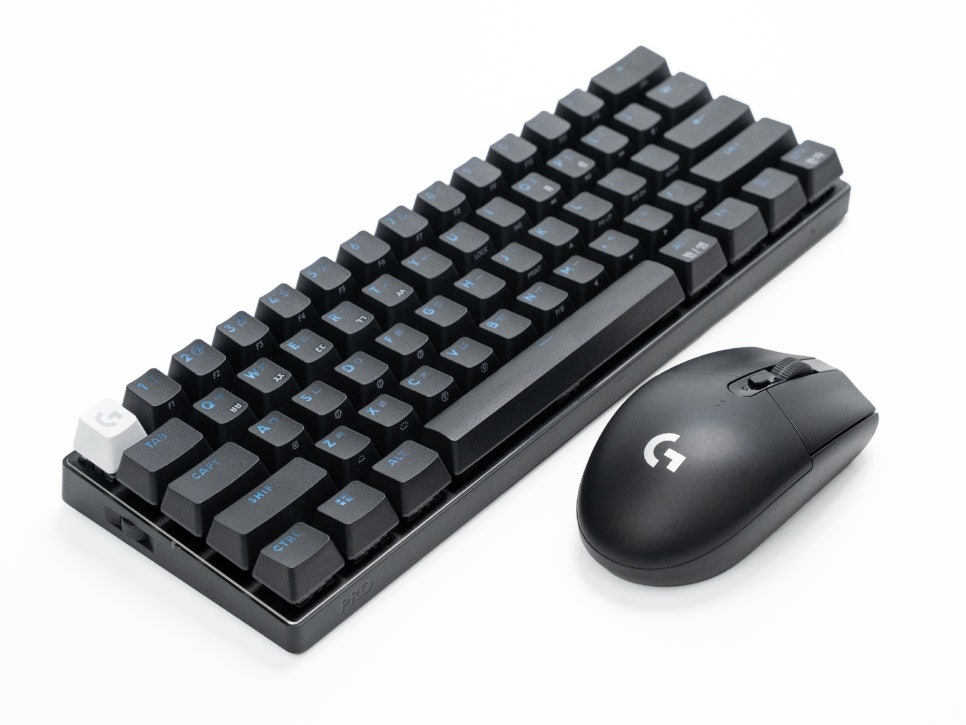
The mouse is small and lightweight, making it highly portable. It’s convenient to carry in your bag along with a 60% layout mini keyboard like the Logitech G PRO X 60. This is a useful combination for those who game or work outdoors with their laptop.
Introducing Logitech G HUB Software
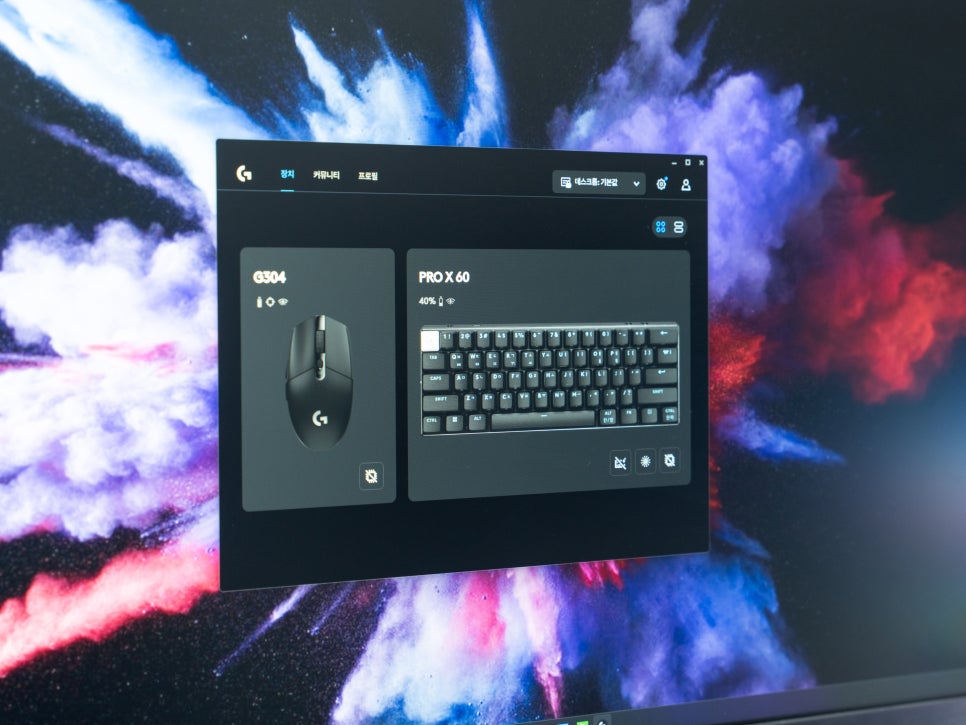
Logitech G HUB is a program that allows you to manage Logitech G series devices in an integrated manner. You can configure all connected Logitech G devices – not just mice, but also keyboards, headsets, and more – all in one place.
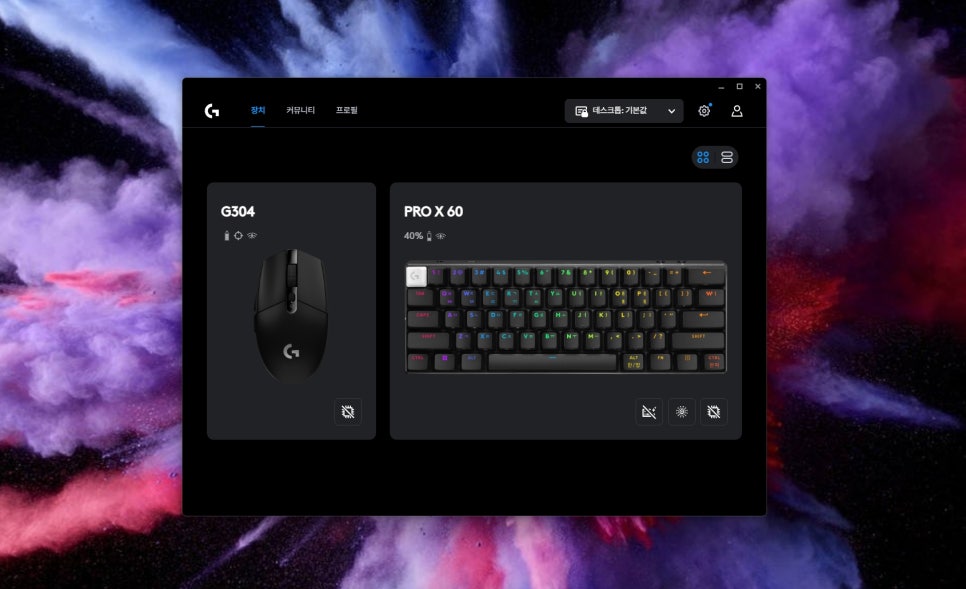
The main screen provides features such as connected device management, community access, and profile management. Its highly intuitive interface makes it convenient to use.
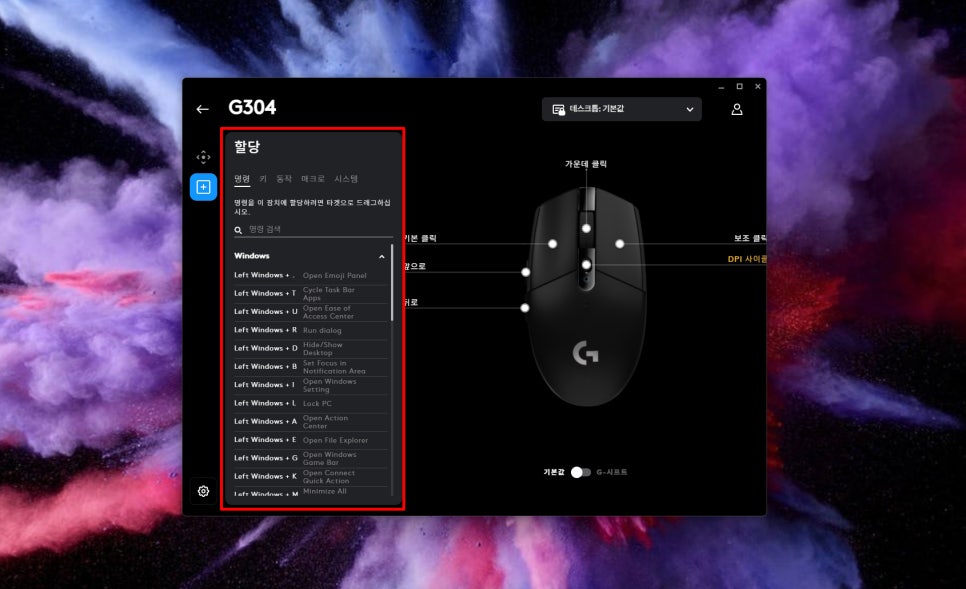
In the Assignments menu, you can assign desired functions to each of the G304’s six buttons. In addition to basic click functions, you can assign a variety of functions such as keyboard key combinations, launching specific programs, or executing macros.
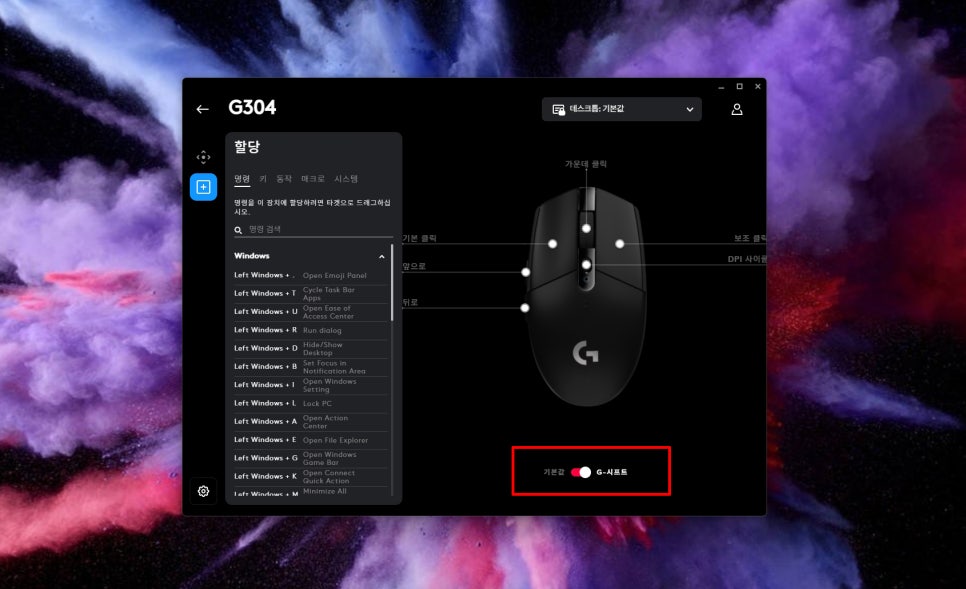
G-Shift is a feature that allows you to use one button as a secondary modifier key. This effectively doubles the number of available button functions, allowing you to utilize various features even with a limited number of buttons.
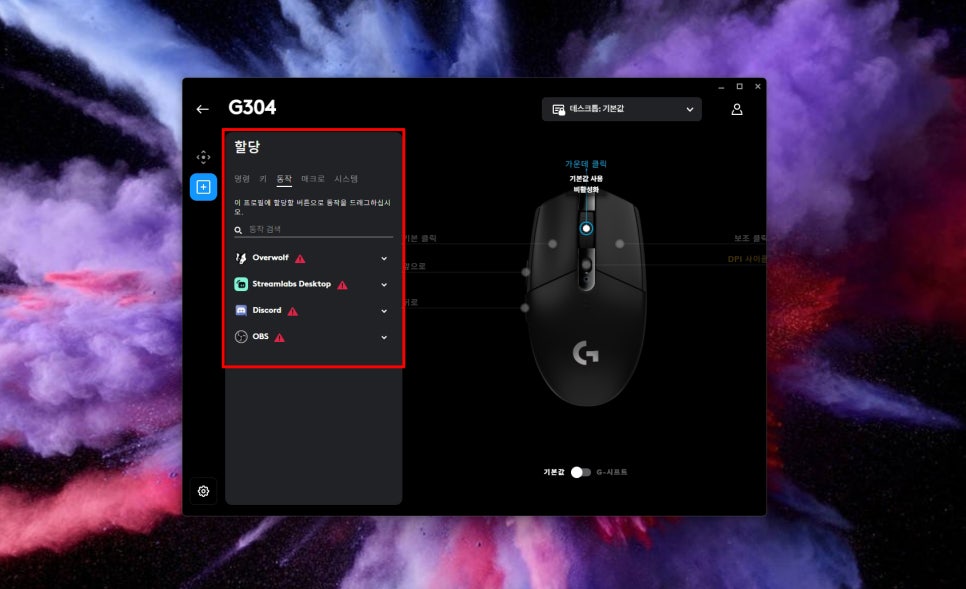
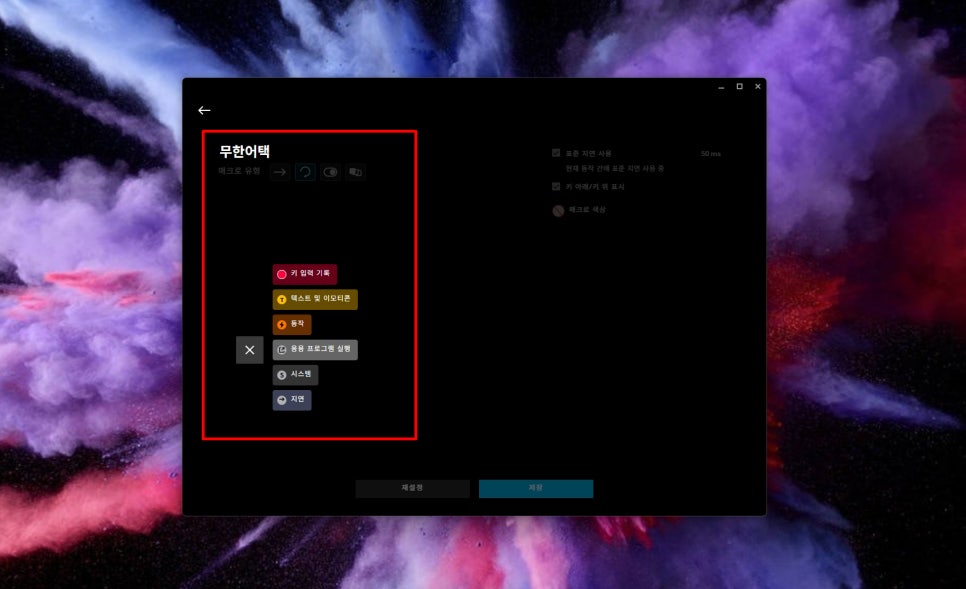
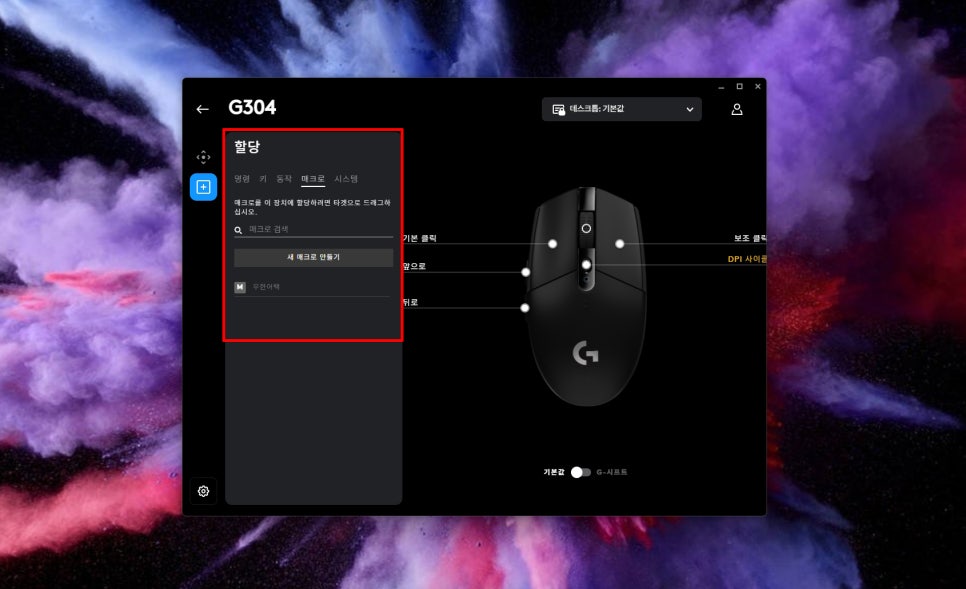
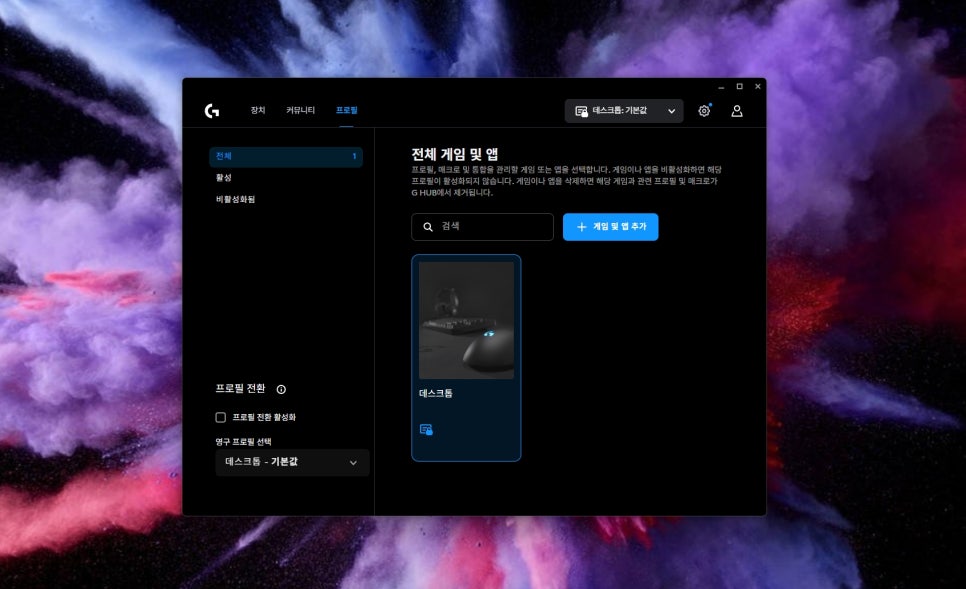
You can save and manage your configured button assignments and DPI settings as profiles. It’s convenient to create different profiles for each game and switch between them as needed. However, only one profile can be saved to the onboard memory.
User Review
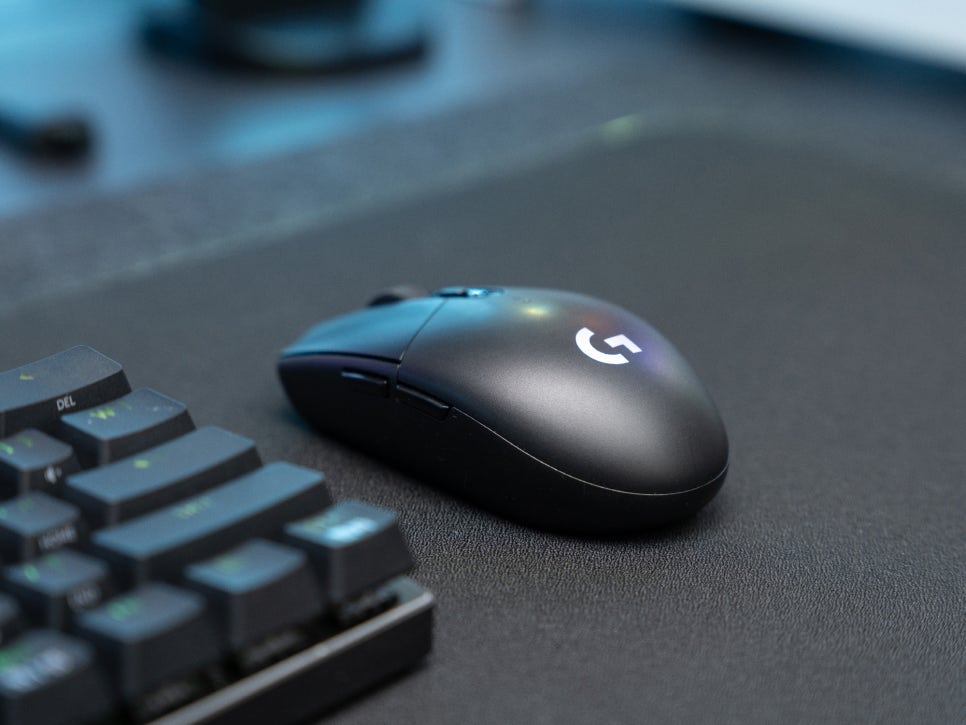
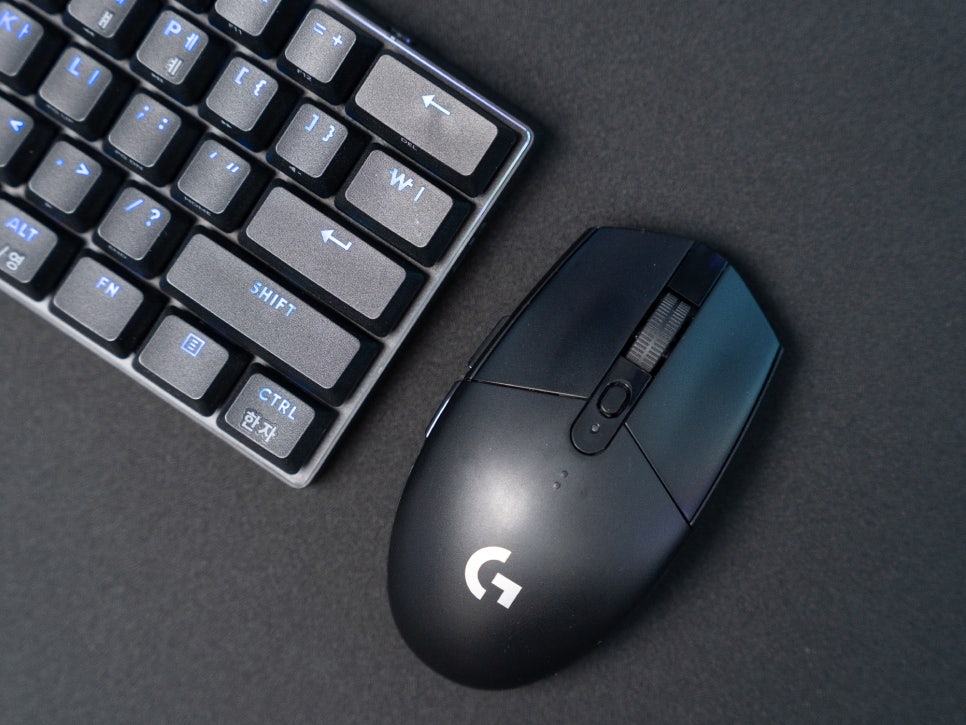
When you actually use the G304, you’ll find its response speed is faster than expected. There’s no perceptible delay when aiming in FPS games, and mouse movements are instantly reflected on screen.
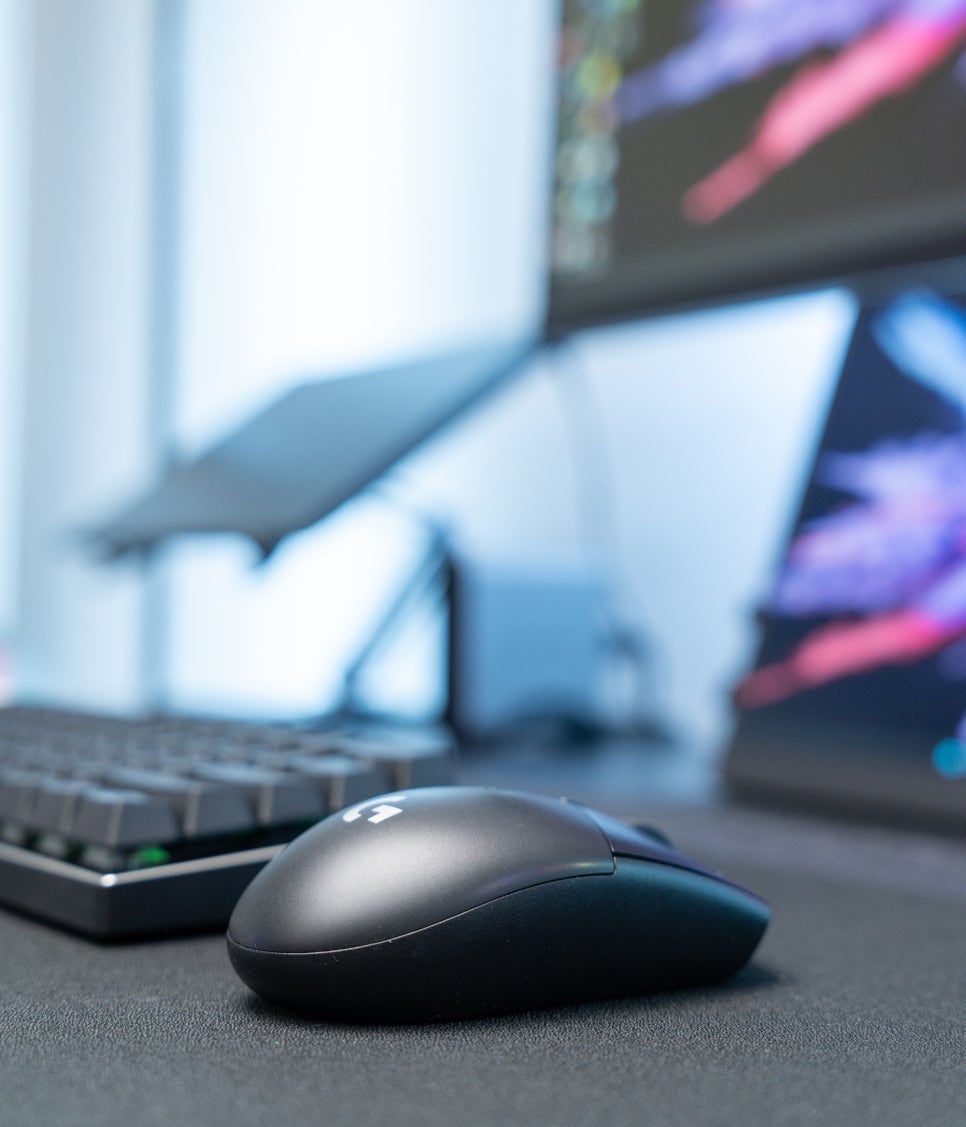
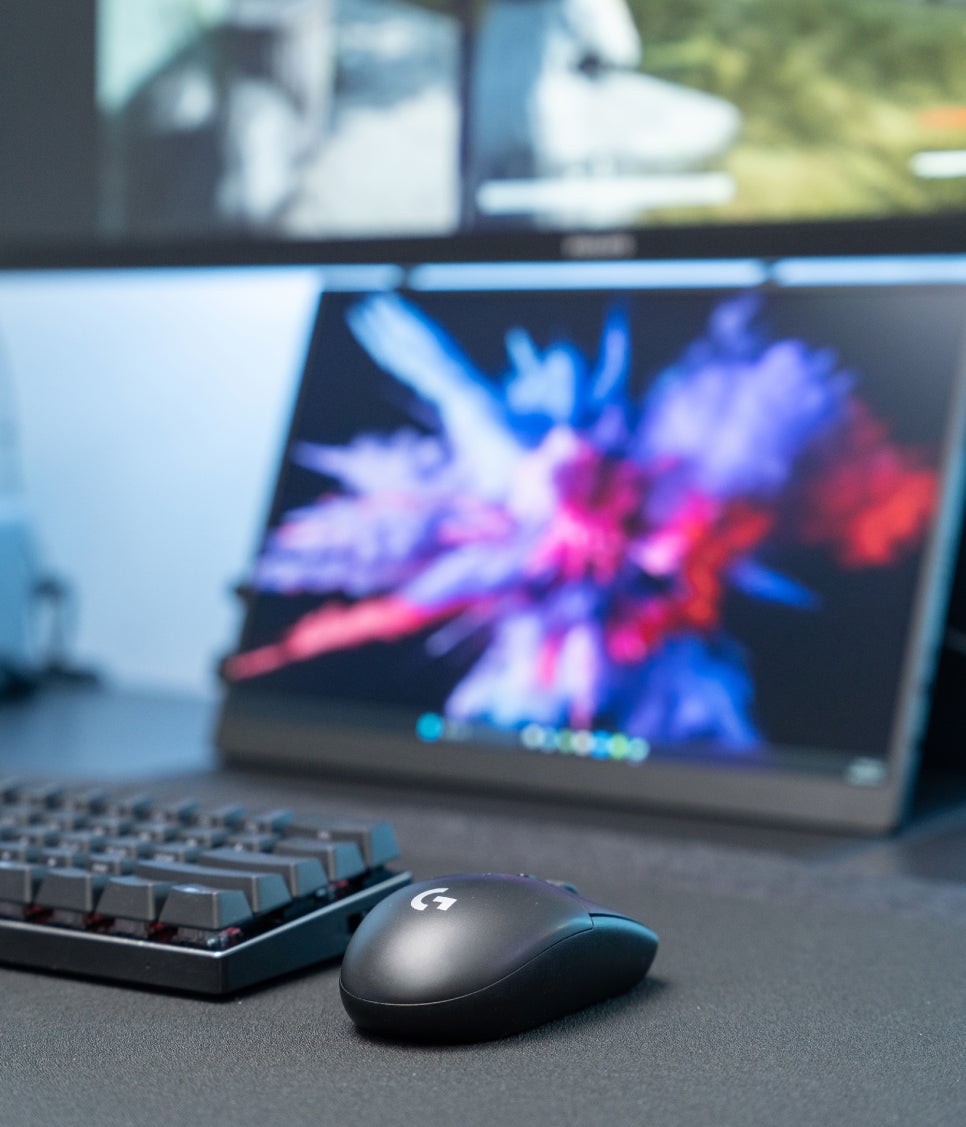
The tracking accuracy of the HERO sensor is also satisfying; even when you make large mouse sweeps, the cursor doesn’t jump or wobble, and it tracks accurately even with slow movements.
Thanks to zero smoothing, the sensor responds exactly as the user inputs without arbitrary correction, which is actually beneficial for those sensitive to aiming, such as in FPS games.
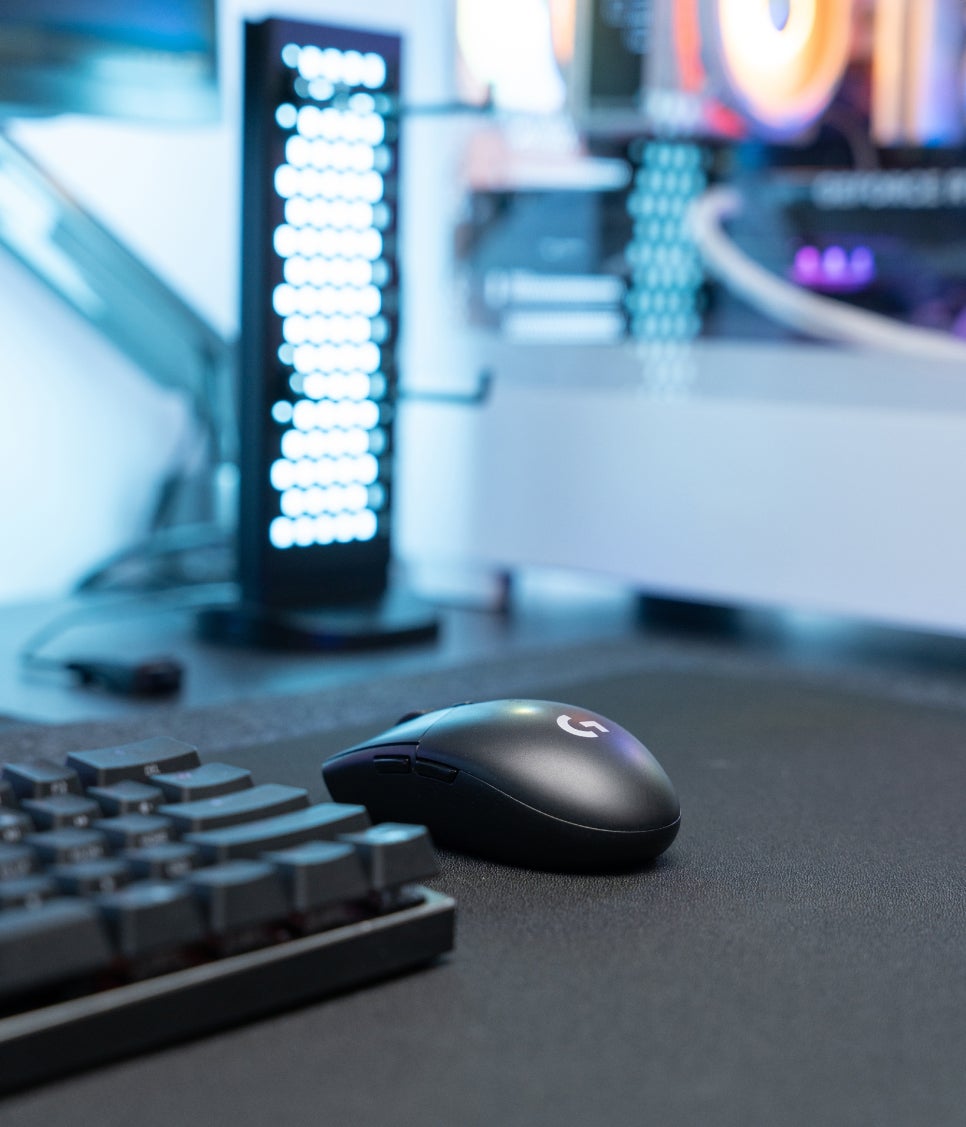
The 94g weight definitely puts less strain on the wrist during long gaming sessions, and the mouse follows lightly for quick flick shots or tracking.
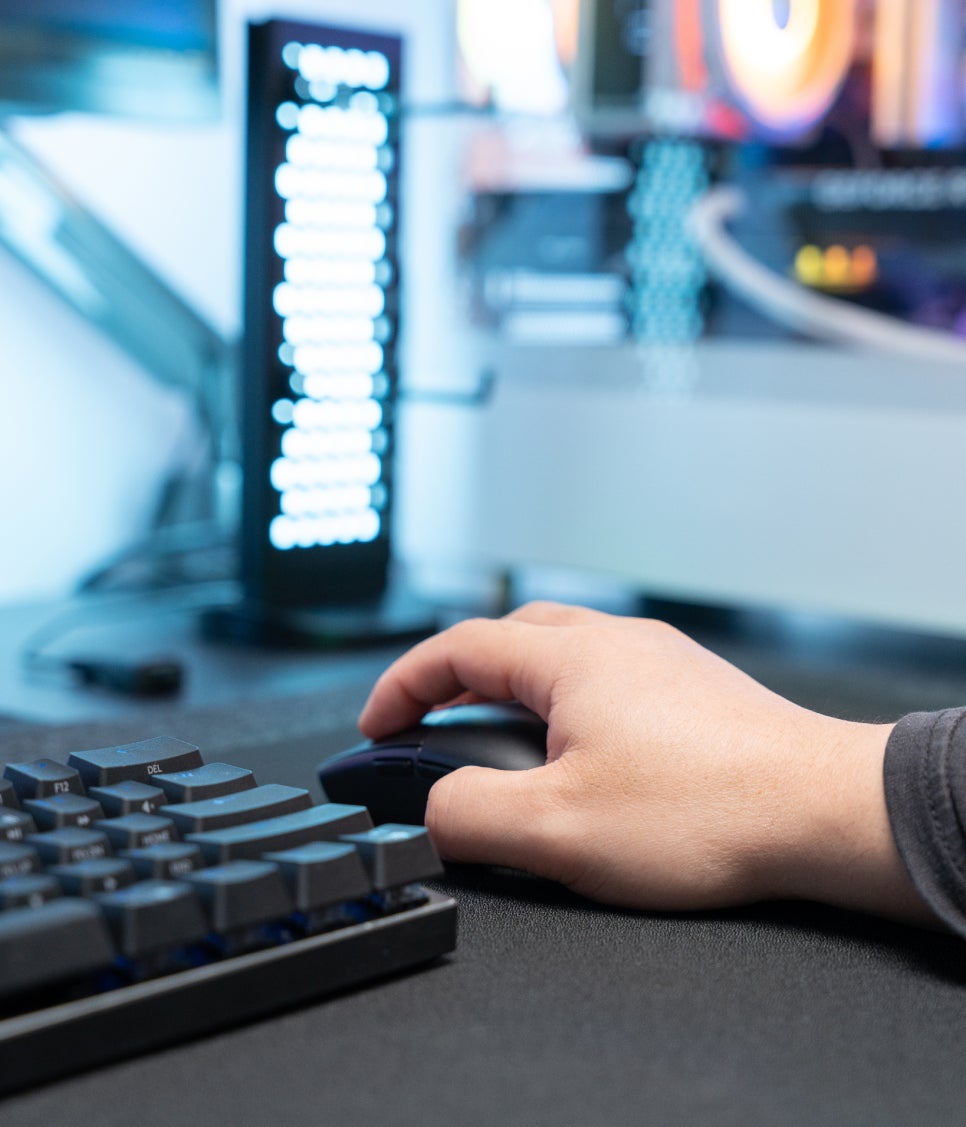
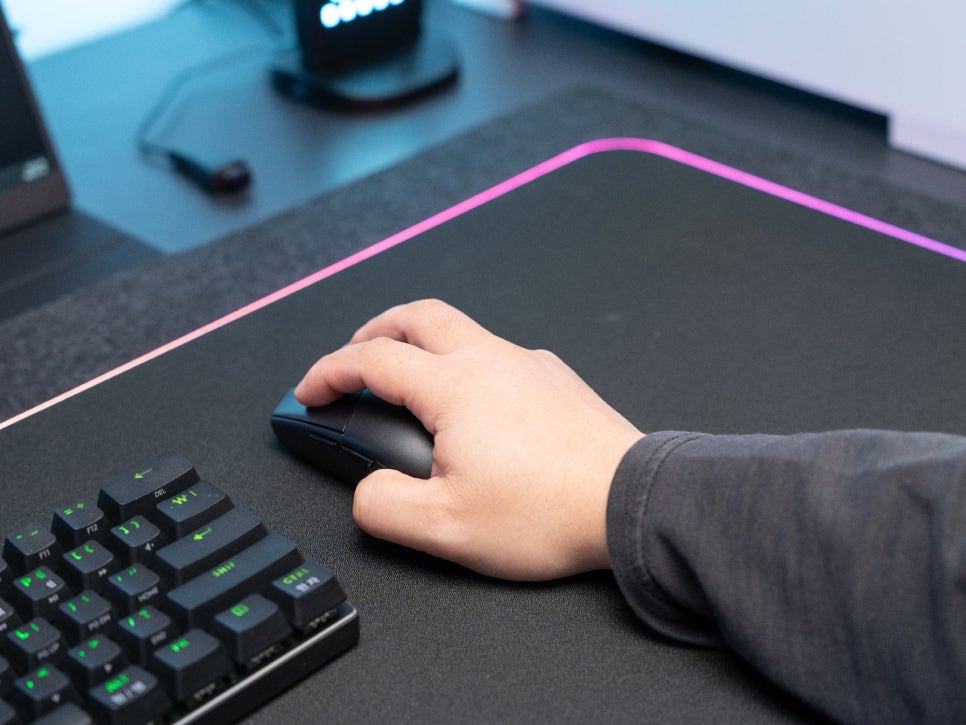
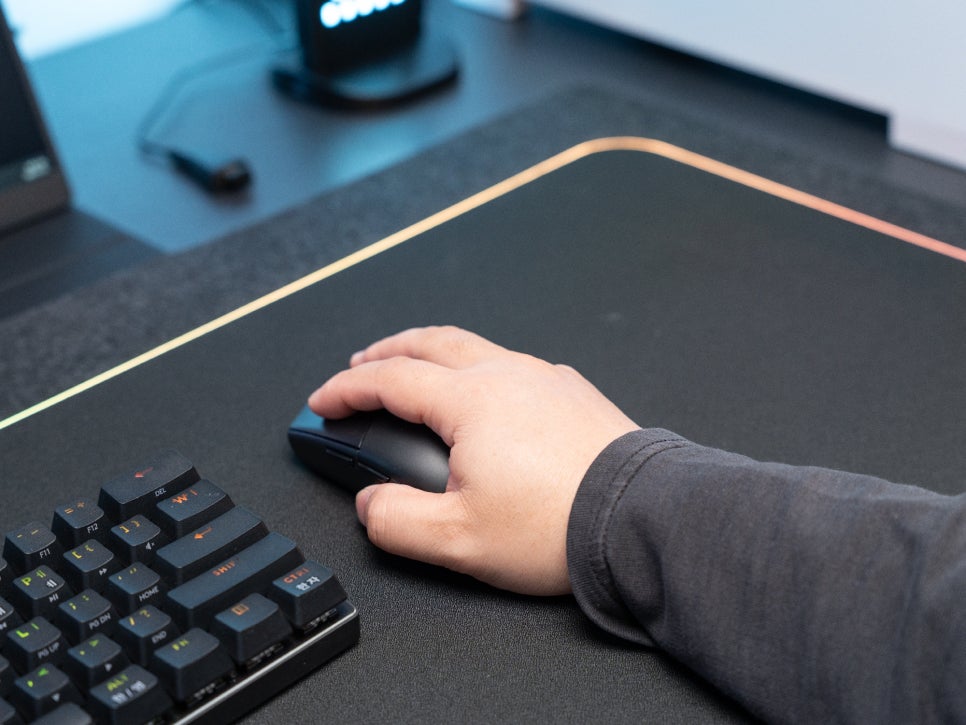
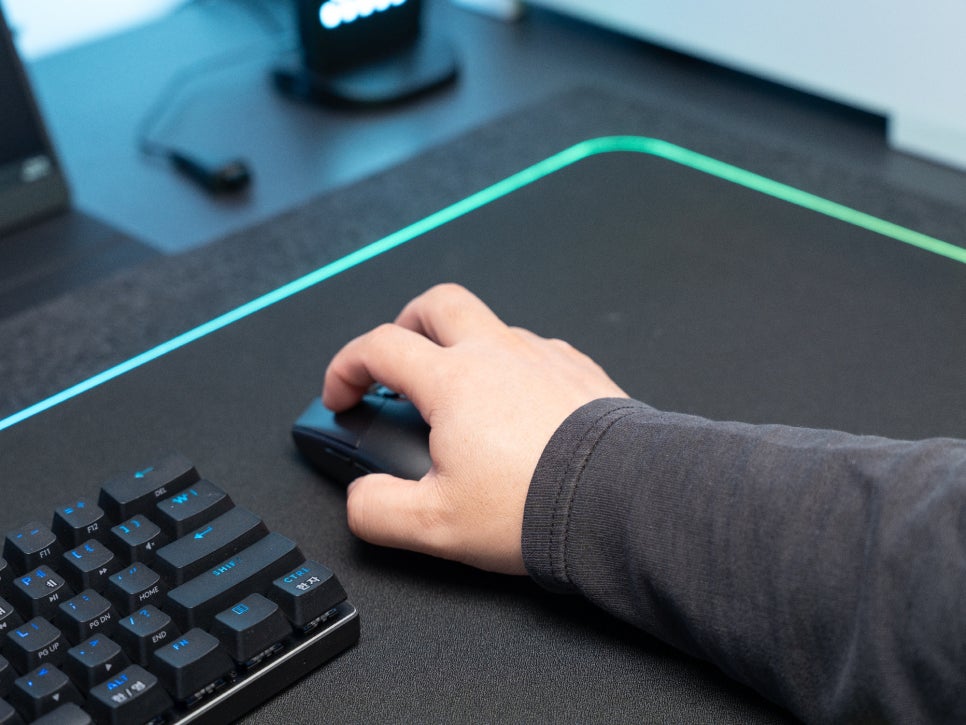
My hand size is around F9, so the G304 is the most comfortable and best fit for me. When using a claw grip, my fingertips rest perfectly on the front of the mouse, and the rear of my palm touches it just right, allowing for stable control.
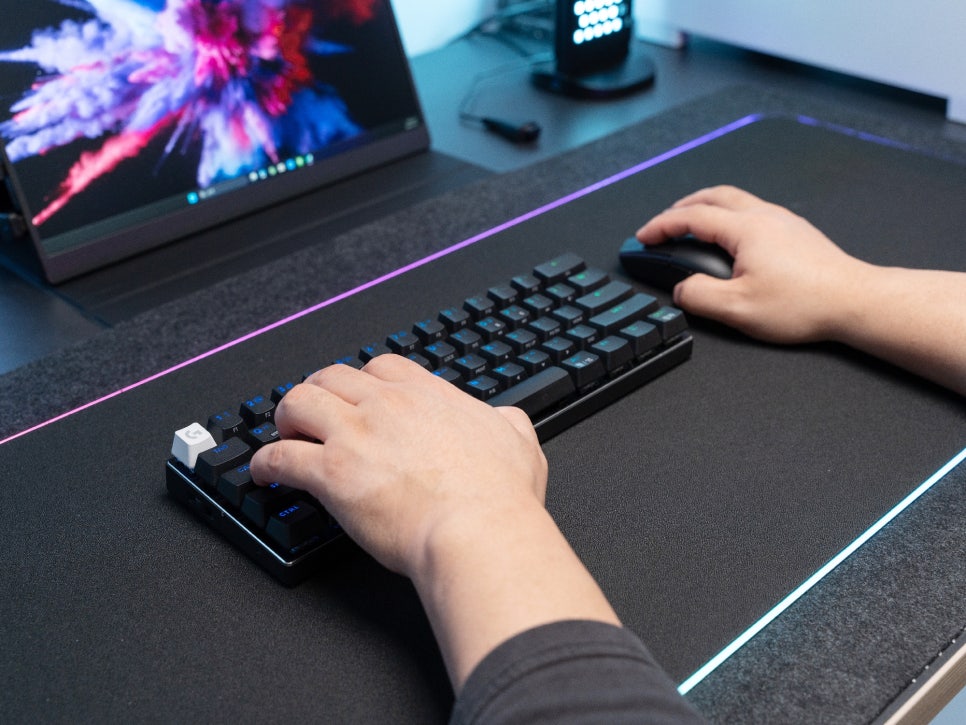
The buttons offer clear tactile feedback, making it obvious when a click has registered. The scroll wheel has distinct steps, which is useful for precise input.
Concluding the review
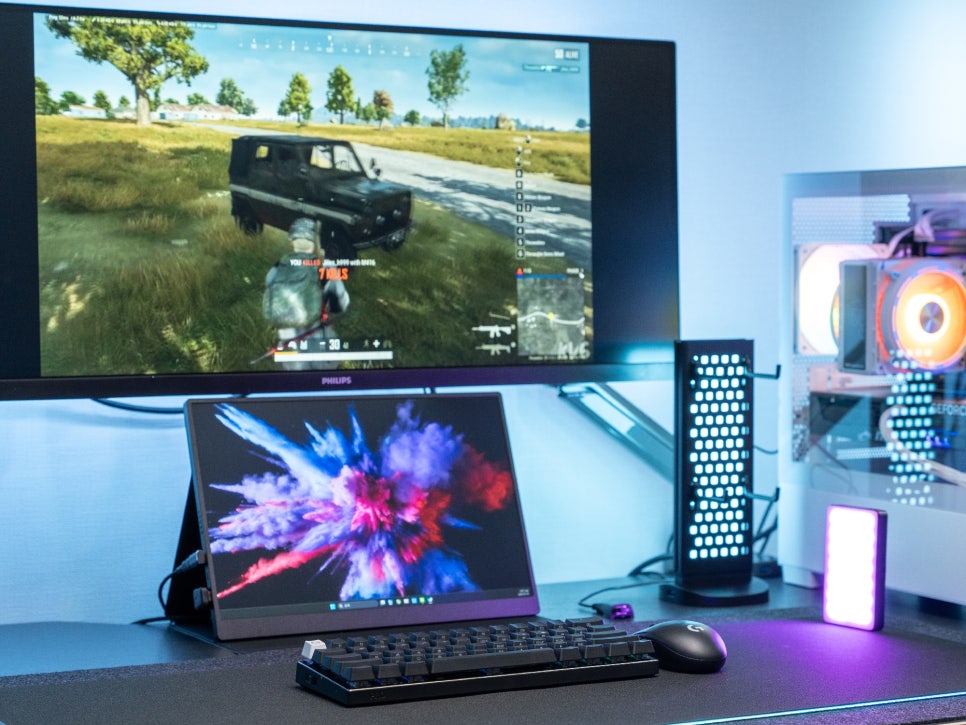
The Logitech G304 LIGHTSPEED is a product I can recommend as an entry-level wireless gaming mouse. It achieves a 1ms response time with LIGHTSPEED wireless technology, and the HERO sensor supports up to 12,000 DPI while demonstrating excellent power efficiency. Thanks to its light weight of 94g and its small, low profile, even people with small hands can use it comfortably, and it offers good portability.
The 6 programmable buttons and customization features via G HUB are also hard to find at this price point, making it a product I can recommend to those looking for a cost-effective wireless gaming mouse.
In the next review, I will return with a more in-depth user experience.
Buy Product
As an Amazon Associate I earn from qualifying purhases.
Purchase Product : https://amzn.to/4sV9WM0