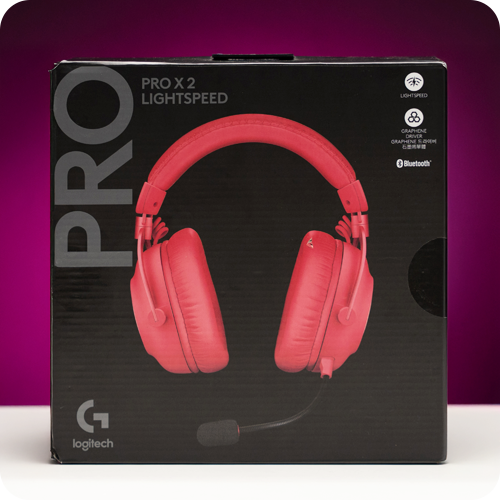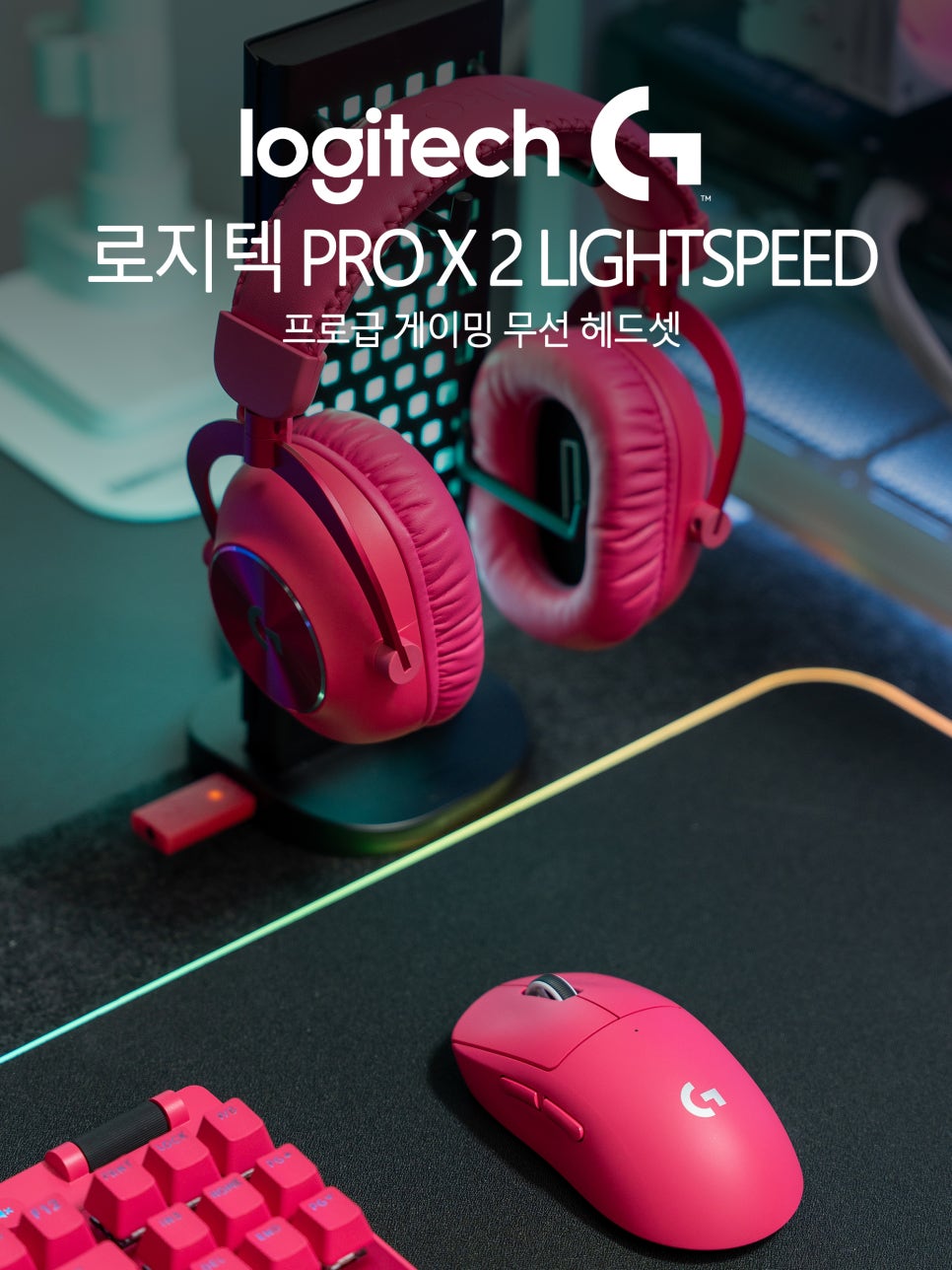
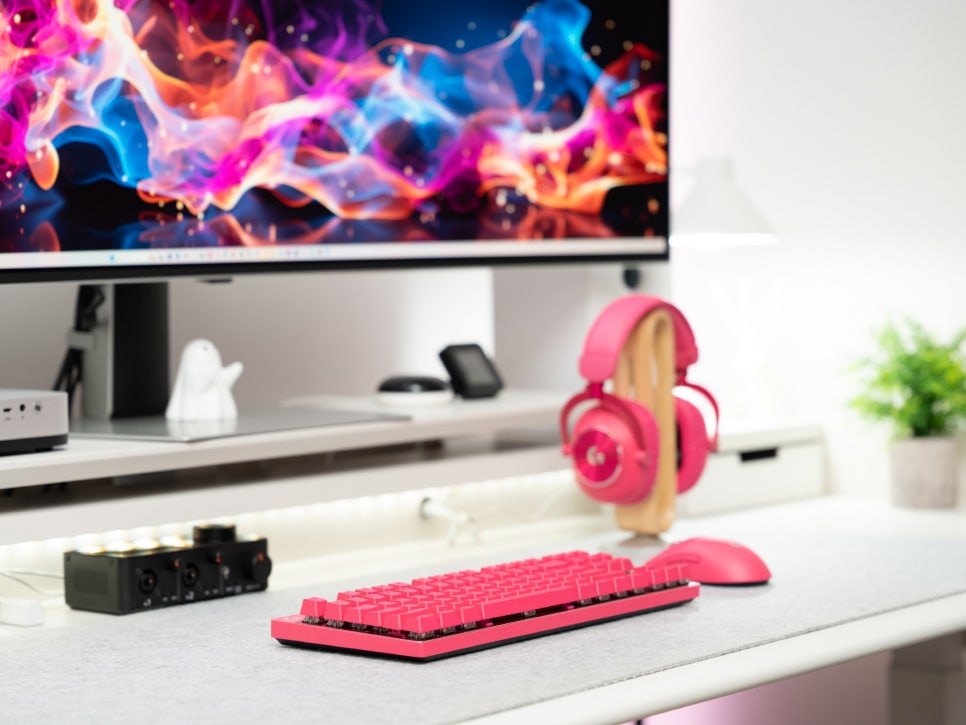
Logitech holds an unparalleled position in the gaming peripherals market, to the extent that almost every gamer has used a Logitech product at least once. The PRO series, in particular, is a lineup developed with professional gamers, boasting performance verified in actual esports environments.
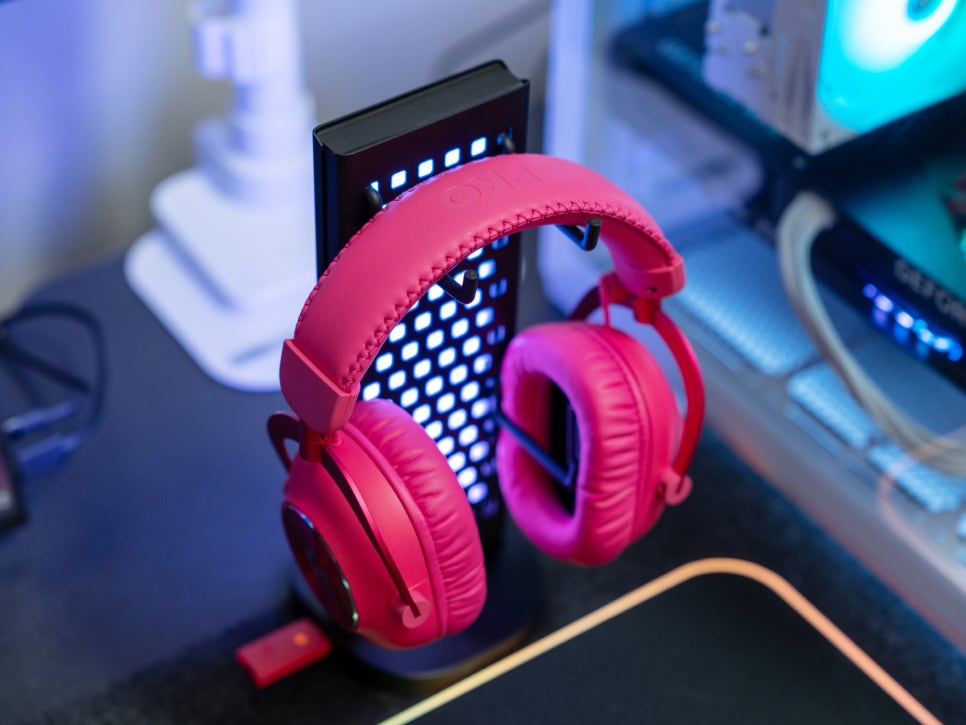
Following our previous review, today we’ll delve deep into the actual sound quality of the Logitech PRO X 2 LIGHTSPEED Wireless Gaming Headset and how to configure its detailed settings using G HUB.
Let’s find out why this headset is so popular among both professional and casual gamers.
Product Specifications
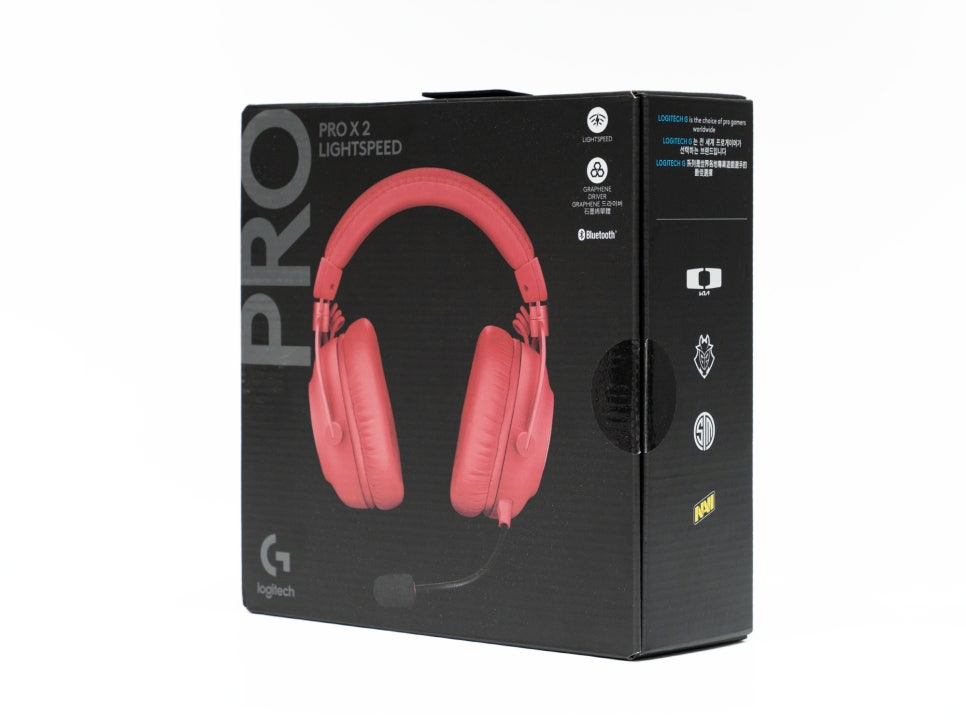
The Logitech PRO X 2 LIGHTSPEED Gaming Headset boasts significantly upgraded specifications compared to its previous generation. The most notable change is the inclusion of 50mm graphene drivers. This is a technology introduced for the first time in the Logitech headset series, delivering clear, distortion-free sound thanks to being much lighter and stiffer than conventional hybrid mesh drivers.
Wireless connectivity has also seen significant improvements; LIGHTSPEED 2.4GHz wireless technology offers a stable connection range of up to 30 meters, and Bluetooth connectivity is also supported for connecting with various devices. Furthermore, it still supports the traditional 3.5mm wired connection.
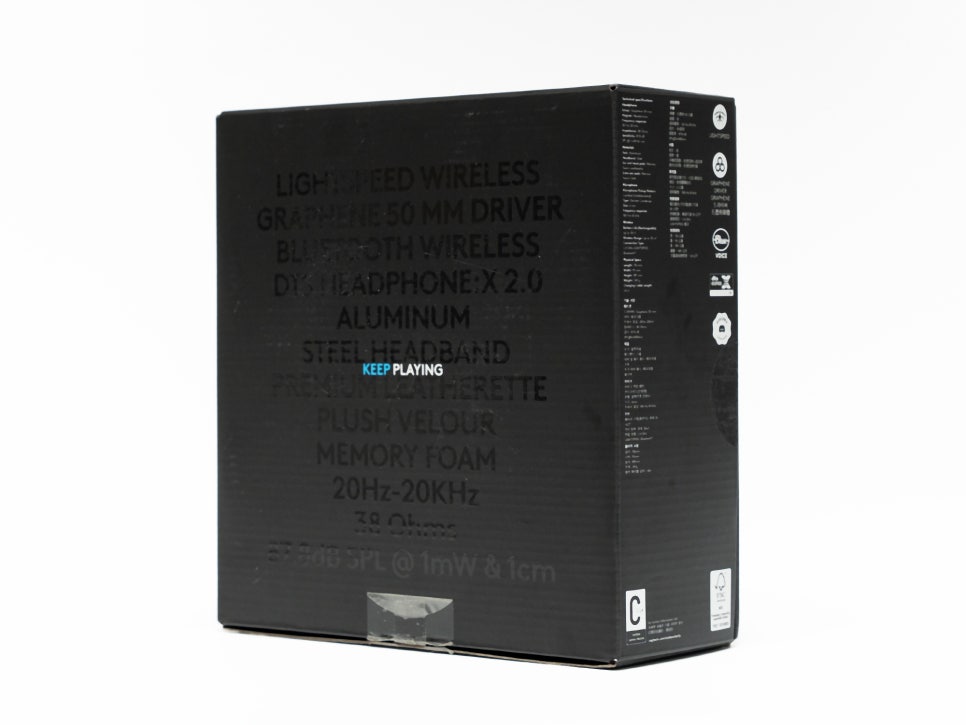
The most impressive aspect is the battery life of up to 50 hours; for casual gamers who play three to four hours a week, it only requires charging once or twice a month.
Introducing Logitech G HUB Features
Logitech G HUB is dedicated software that allows you to maximize the performance of the PRO X 2 LIGHTSPEED and manage various Logitech products.
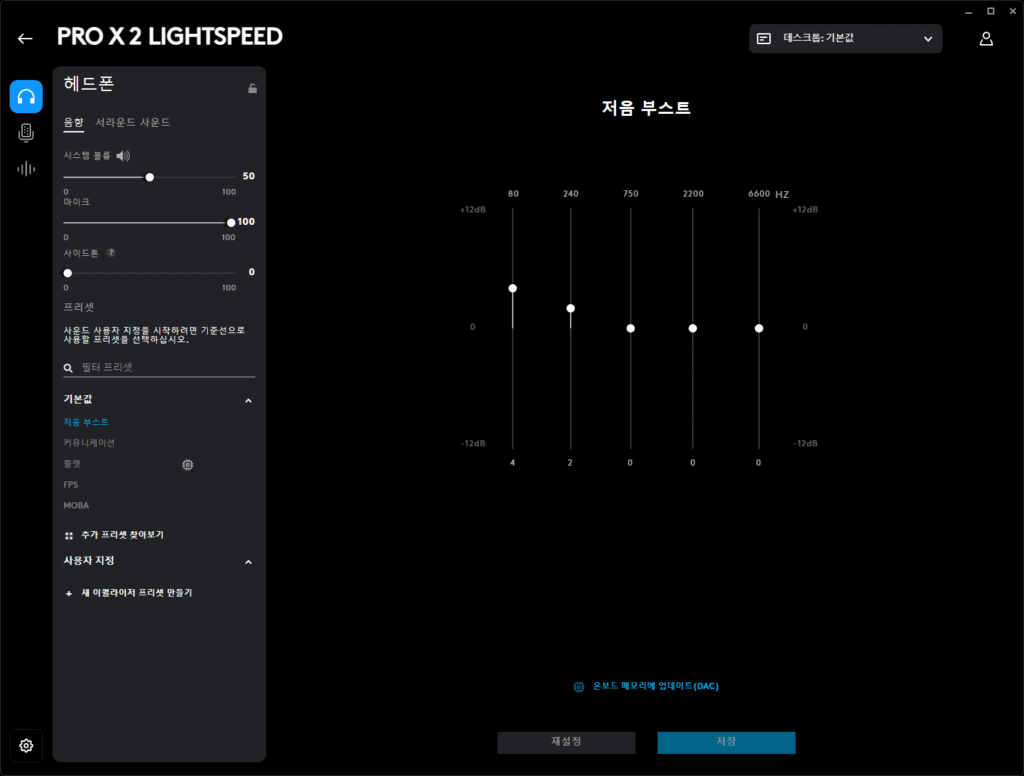
In the Headphone Settings > Acoustics section, various options are available. It fundamentally offers volume control and sidetone adjustment, along with five default presets. You can choose from Flat, Entertainment, Bass Boost, FPS, and MOBA presets, each providing sound optimized for its respective game genre.
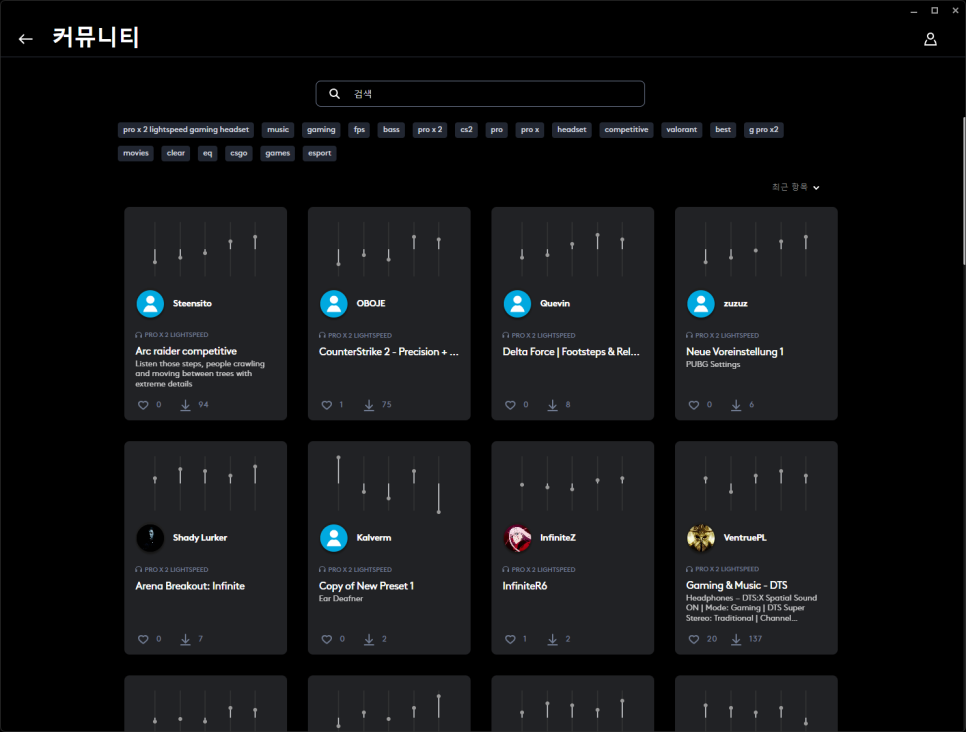
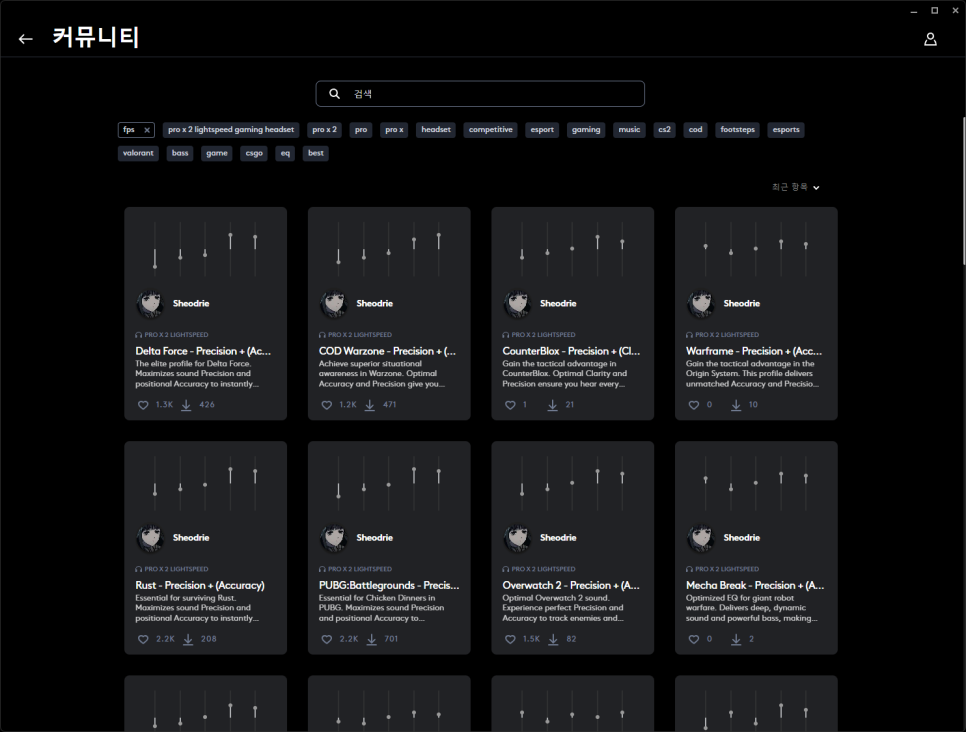
The ‘Browse Additional Presets’ feature allows you to download various presets created by users worldwide. These are categorized by game, music, movie, etc., making it easy to find your desired settings. For instance, selecting the FPS category lets you find optimized EQ presets for popular games like Battlegrounds, Call of Duty, and Overwatch.
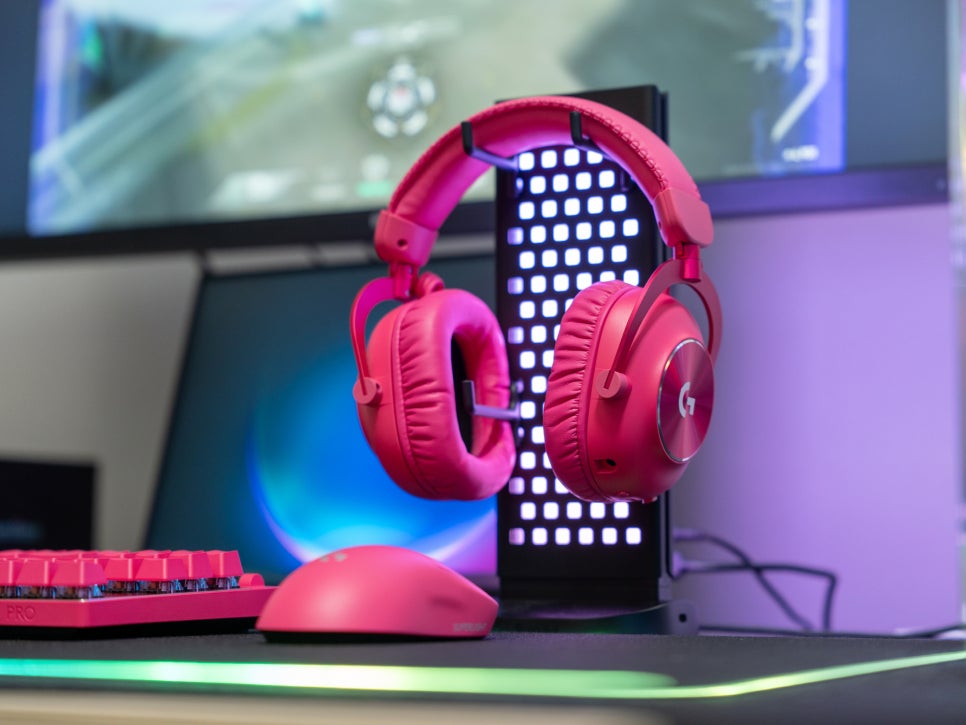
The Logitech PRO X 2 LIGHTSPEED supports DTS Headphone:X 2.0. It doesn’t merely mimic 7.1 channels; it accurately recreates the spatial audio of games and movies. Activating surround sound transforms the audio into an immersive, three-dimensional experience, providing a truly cinematic immersion when enjoying DTS:X-supported content.
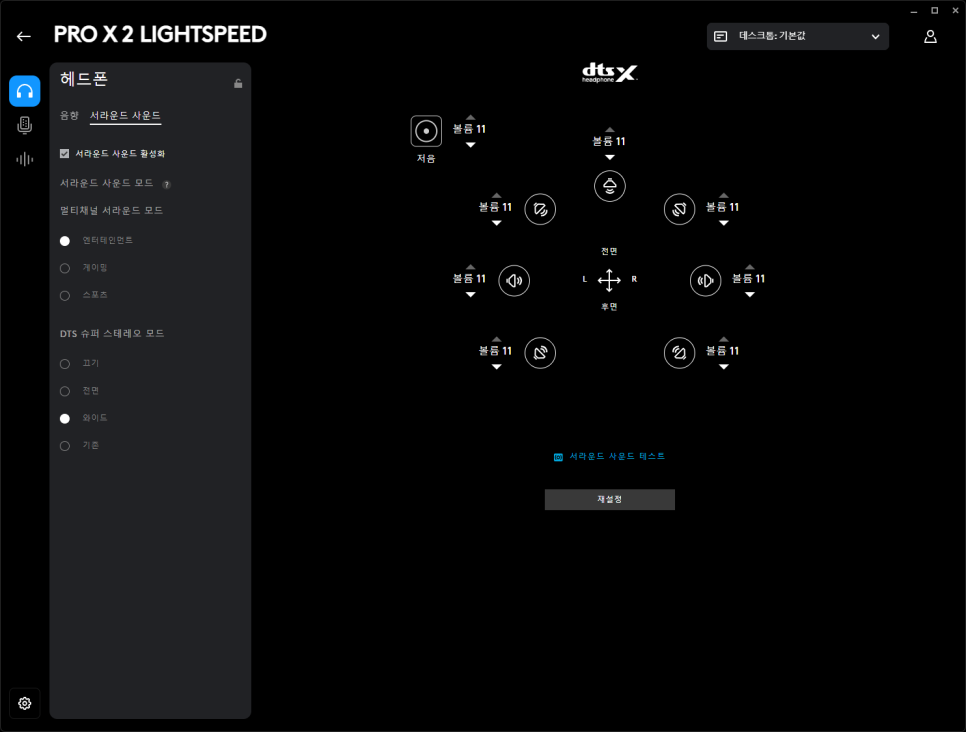
Surround sound mode can be selected from Entertainment, Gaming, and Sports modes, and DTS Super Stereo mode also offers three options: Front, Wide, and Traditional. Of course, detailed individual settings are also possible, allowing you to create your own unique sound environment.
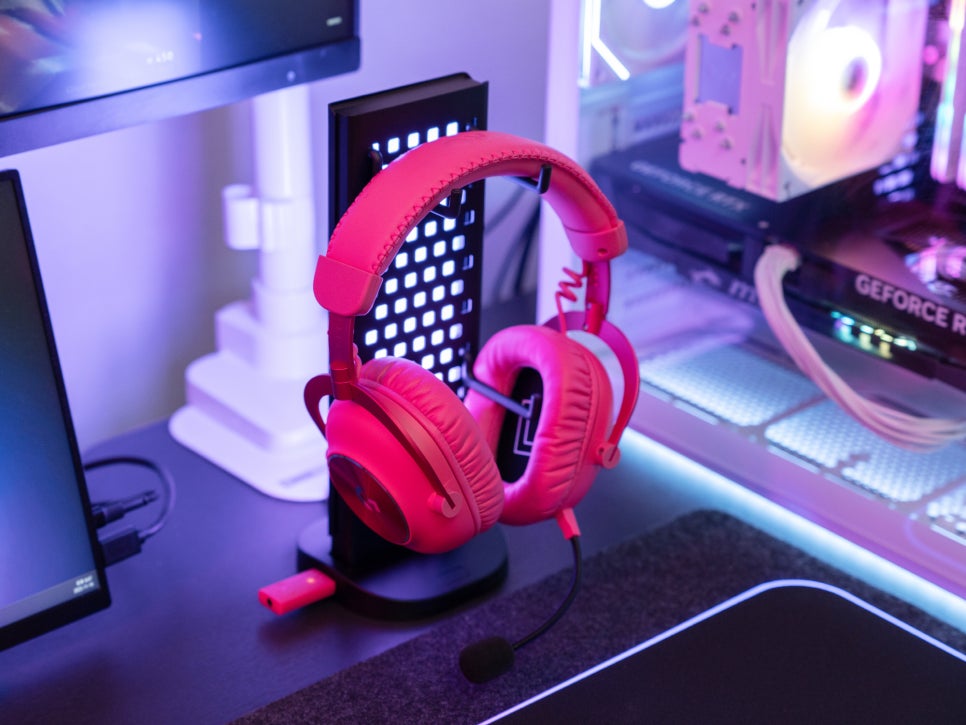
If you enjoy games where voice chat is crucial, microphone performance is paramount. In the G HUB’s Microphone menu, you can activate the BLUE VO!CE feature from Blue Microphones, which Logitech acquired. You can choose from various presets and fine-tune them, instantly checking the results through real-time testing.
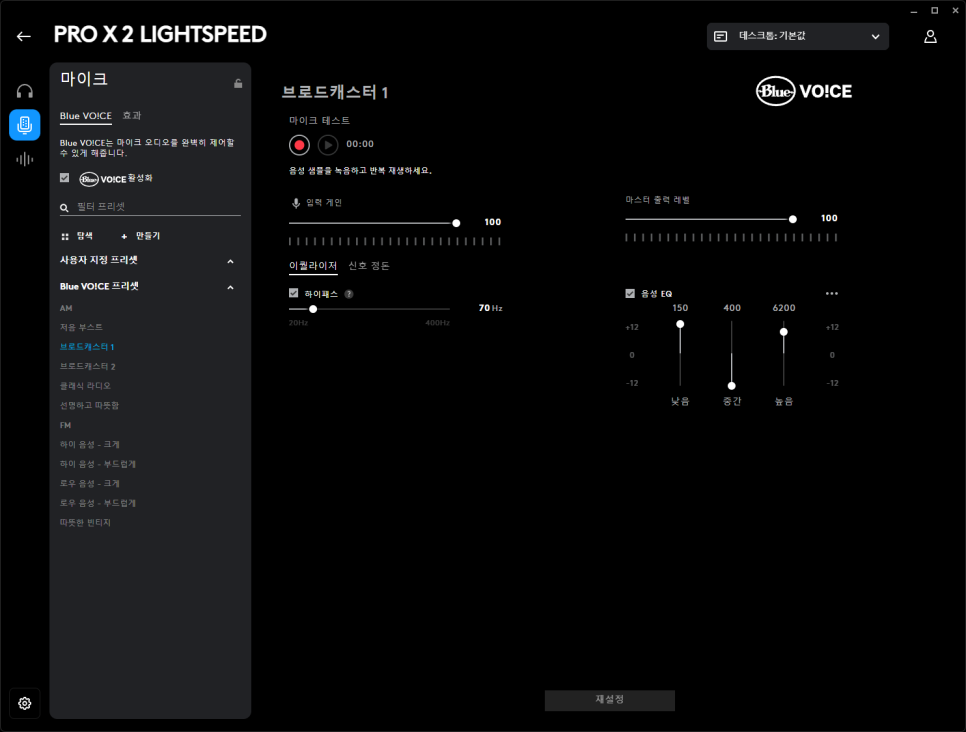
With 3-band EQ settings, you can adjust the bass, mid, and treble of your voice, and a high-pass filter can remove unnecessary low-frequency noise. Professional audio processing features like plosive adjustment, de-esser, and compressor are also provided, offering sufficient quality for broadcasters and streamers.
Sound Test
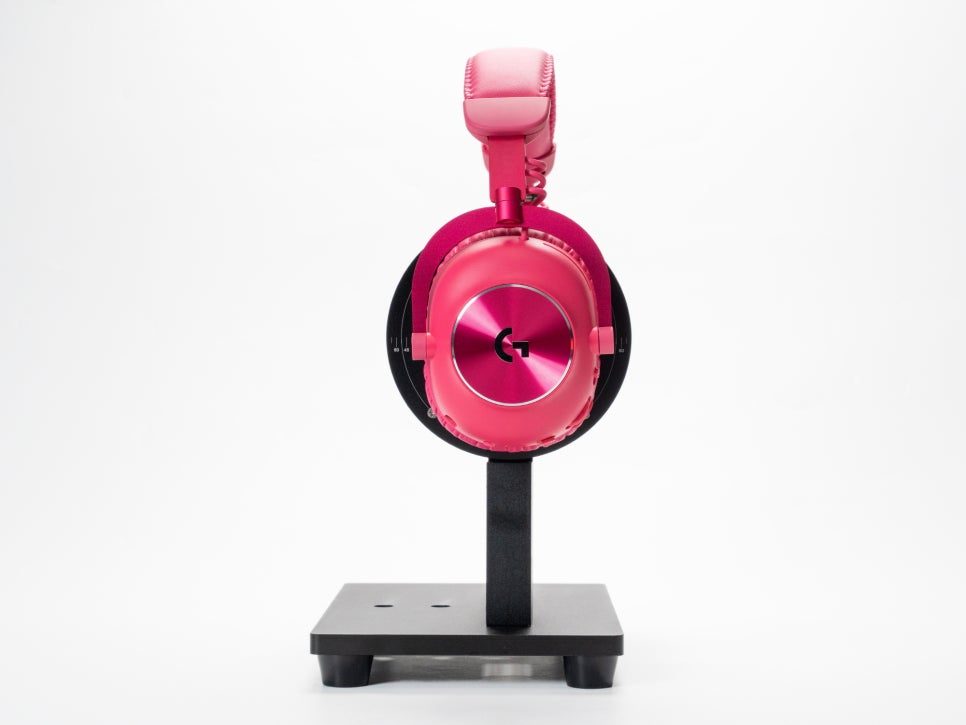
For the actual sound test, I first set the preset to ‘Flat’ and listened to various genres of music. The initial impression was a very balanced sound; the bass was not overwhelming but provided ample impact, and the mid-range clearly conveyed vocals and instrument sounds. The treble also maintained appropriate clarity without causing ear fatigue.
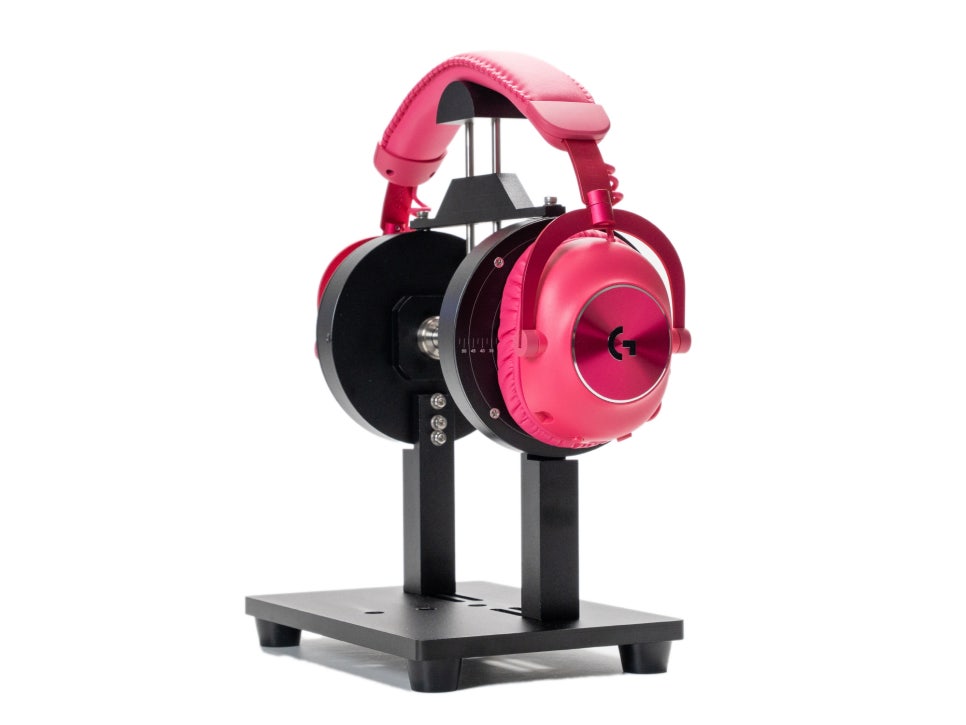
When I activated the DTS:X setting and tested it, the previously flat sound immediately transformed into a three-dimensional experience. Especially with movies or DTS:X-supported games, it truly felt like being in a cinema.
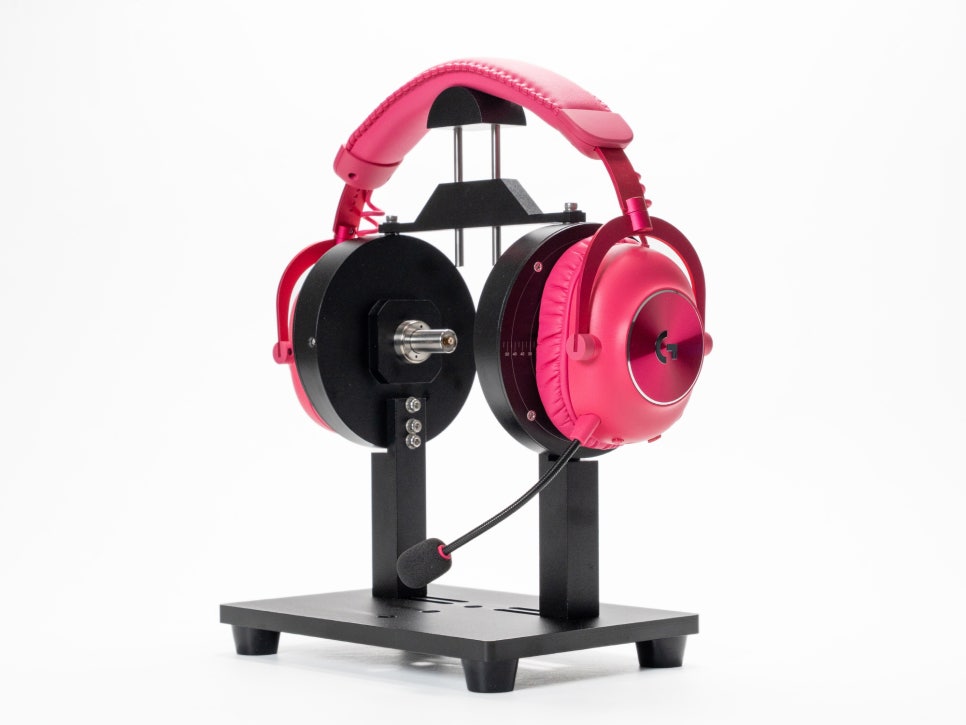
For the microphone test, I first recorded with BLUE VO!CE disabled, and the voice sounded somewhat flat and compressed. The limitations of a 6mm unidirectional condenser microphone were apparent. However, after activating BLUE VO!CE and adjusting each setting value through real-time voice monitoring, the voice became much richer and warmer. Applying the ‘Broadcaster 1’ preset, in particular, demonstrated a tone and voice quality suitable for streaming broadcasts.

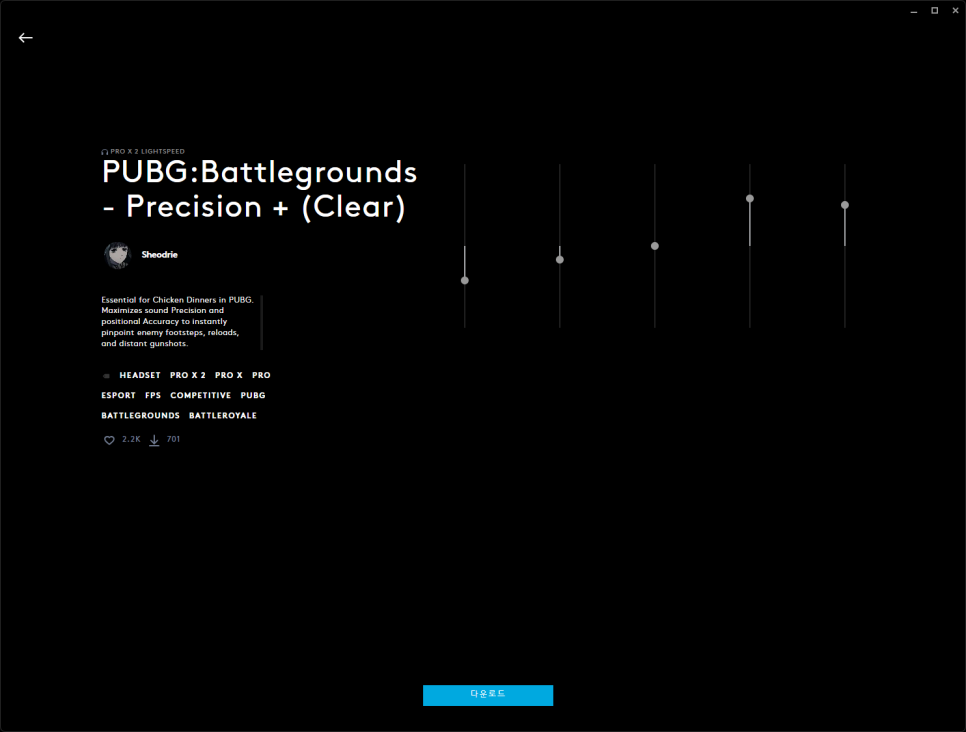
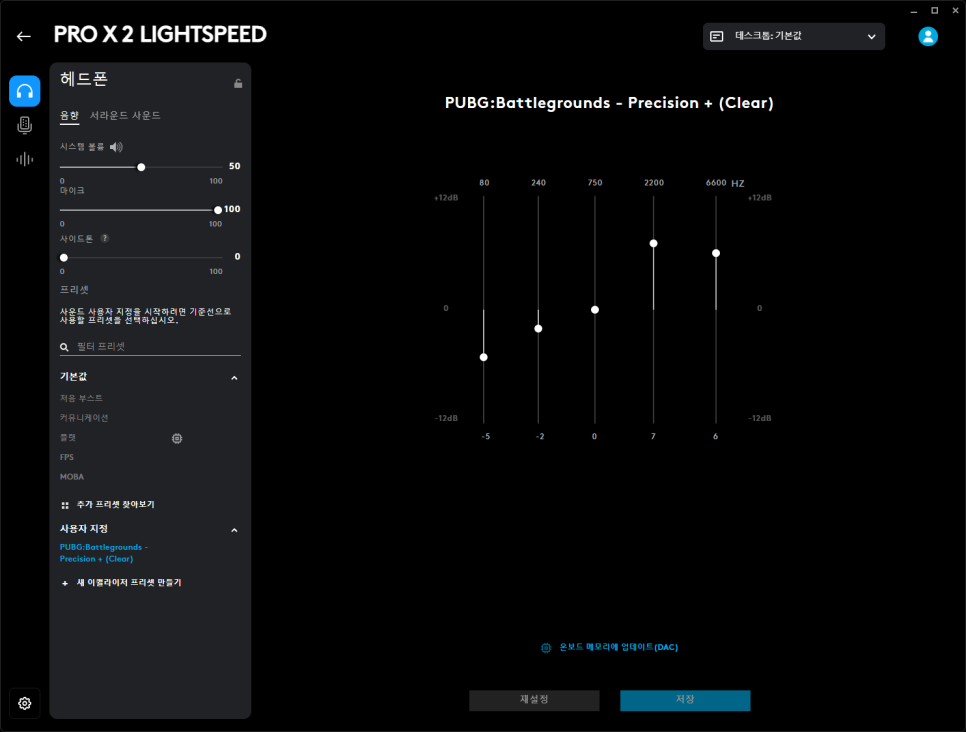
For the game sound test, I downloaded and applied the Battlegrounds preset from the ‘Browse Additional Presets’ section. This preset emphasizes the 2200Hz and 6600Hz ranges, allowing me to hear footsteps and gunshots with much clearer directional cues.
In actual gameplay, it became significantly easier to pinpoint enemy locations by sound alone, and I could even distinguish between sounds from the upper and lower floors within buildings.
User Experience
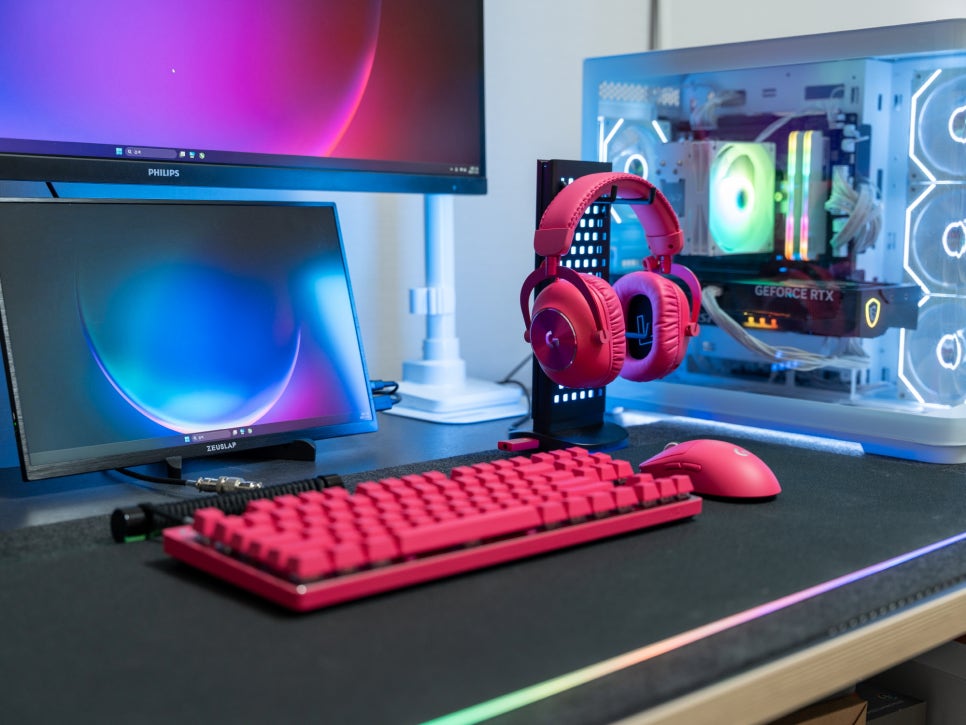
After using the Logitech PRO X 2 LIGHTSPEED Gaming Headset for two weeks, I found that the product’s quality is exceptionally high, living up to Logitech’s reputation. I experienced absolutely no connection drops or delays, which are common issues with wireless gaming headsets, and the stability of LIGHTSPEED technology is outstanding.
A particularly interesting feature is the ability to manage two LIGHTSPEED products with a single dongle. For example, when using a PRO X 2 mouse and keyboard simultaneously, you only need one receiver, saving USB ports.
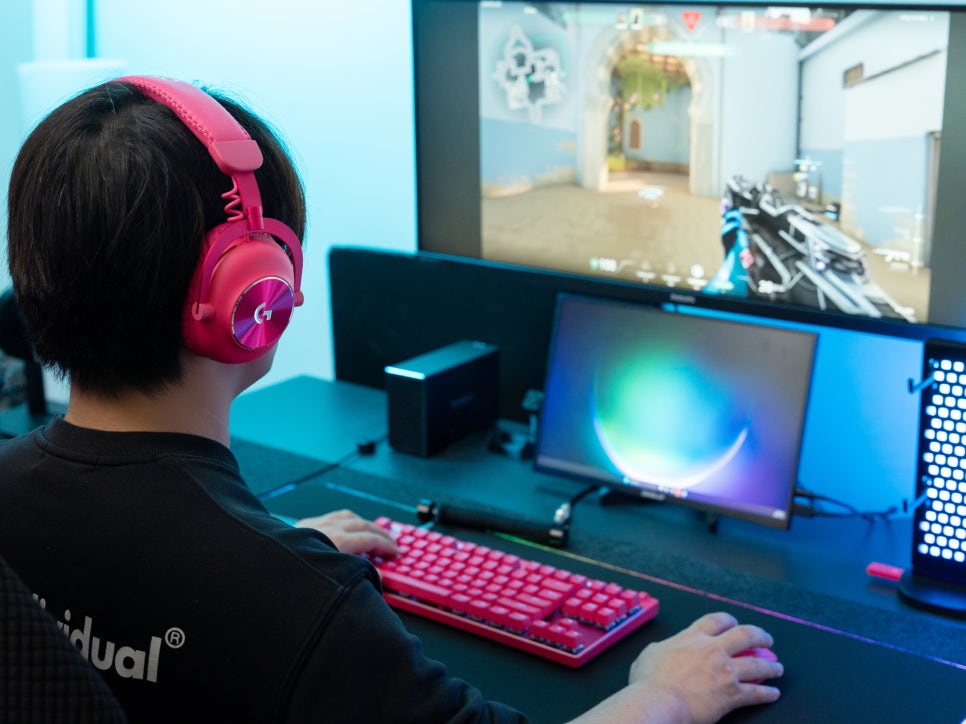
The fit is also incredibly comfortable; the memory foam ear pads gently enveloped my ears while providing a snug fit, and I experienced no ear pain or stuffiness even during prolonged use. As an eyeglasses wearer, I was particularly satisfied that there was almost no discomfort from my glasses frames being pressed.
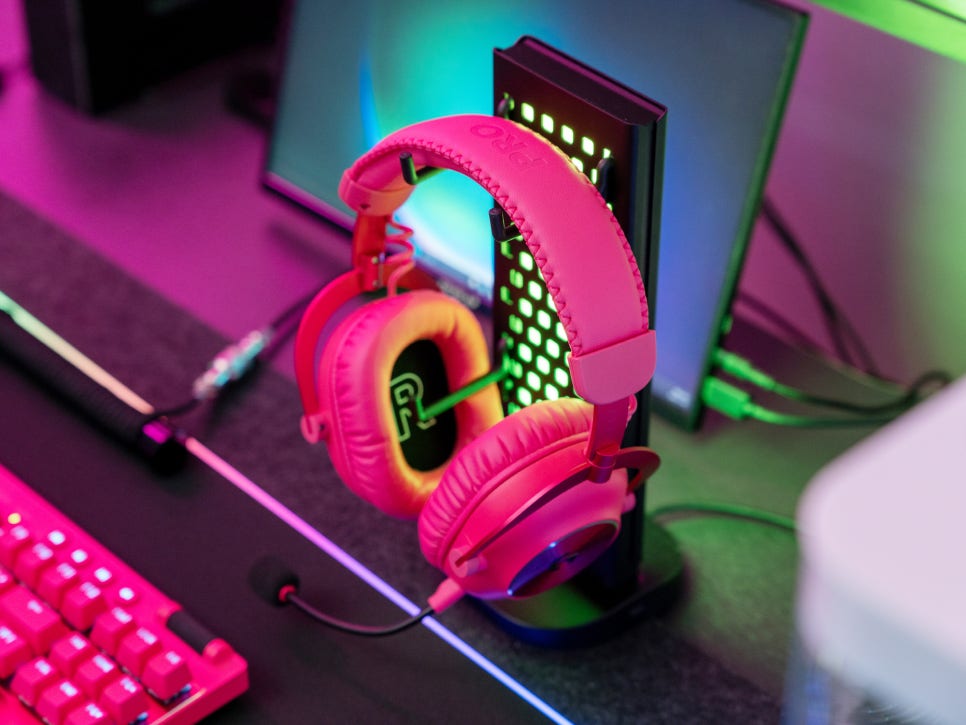
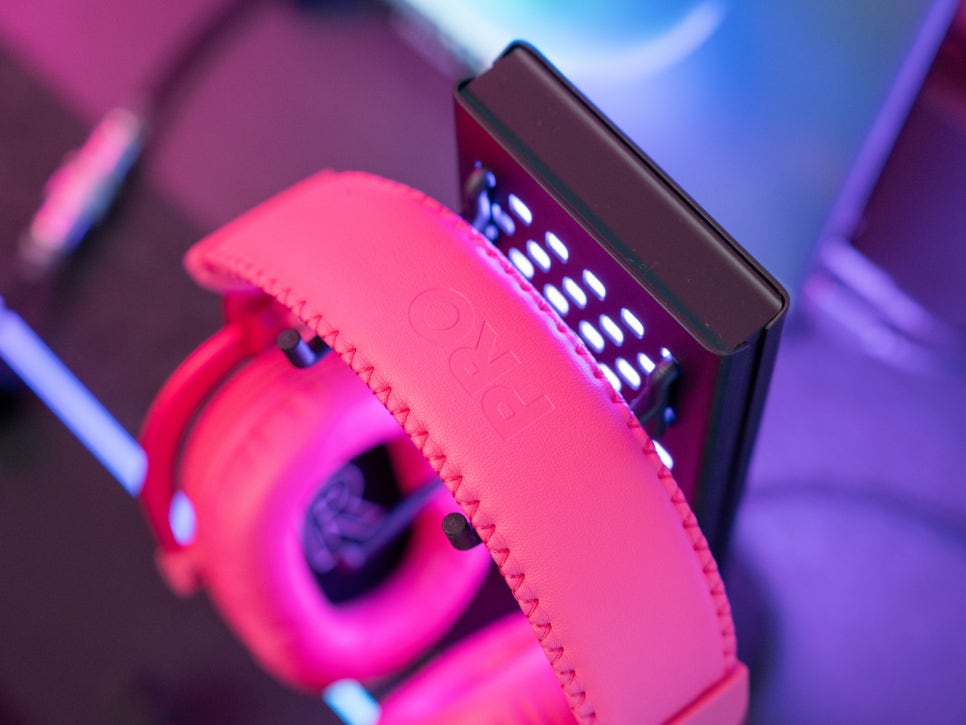
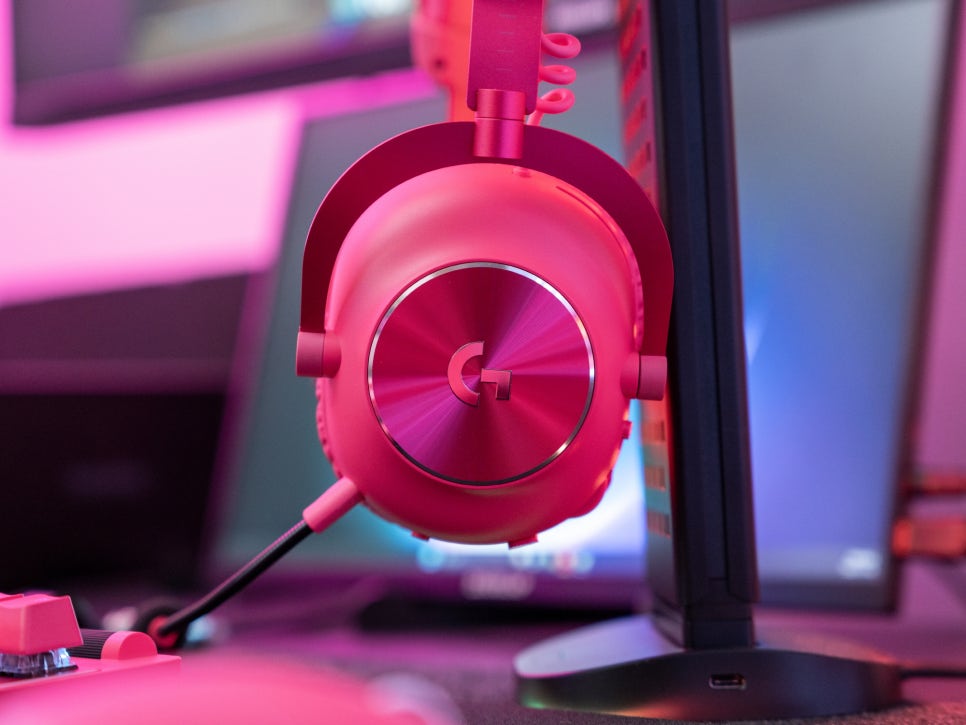
While 345g isn’t exactly lightweight, the weight distribution is excellent, so there was no strain on my neck. The headband also has a wide adjustment range, allowing for comfortable wear regardless of head size.
In Conclusion
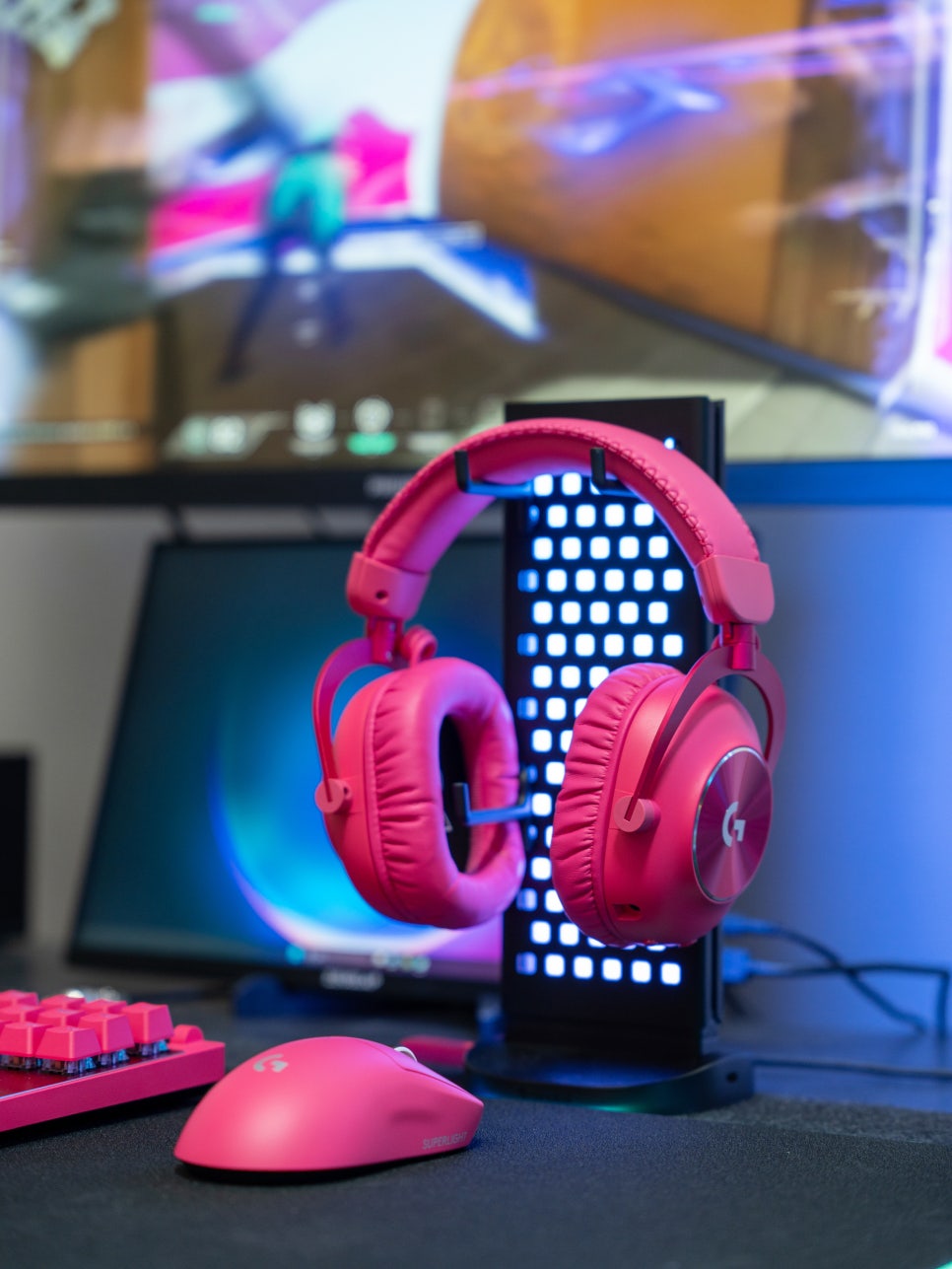
The Logitech PRO X 2 LIGHTSPEED Wireless Gaming Headset is a premium product that faithfully reflects the demands of professional gamers. Its greatest strengths include the clear and accurate sound delivered by the 50mm graphene drivers, an impressive battery life of over 50 hours, and the stable wireless connection provided by LIGHTSPEED technology.
The combination with G HUB software is particularly appealing; the ability to customize sound to your preference and utilize presets created by users worldwide is a significant advantage. The microphone with BLUE VO!CE technology also offers sufficient quality for in-game voice chat or simple streaming purposes.
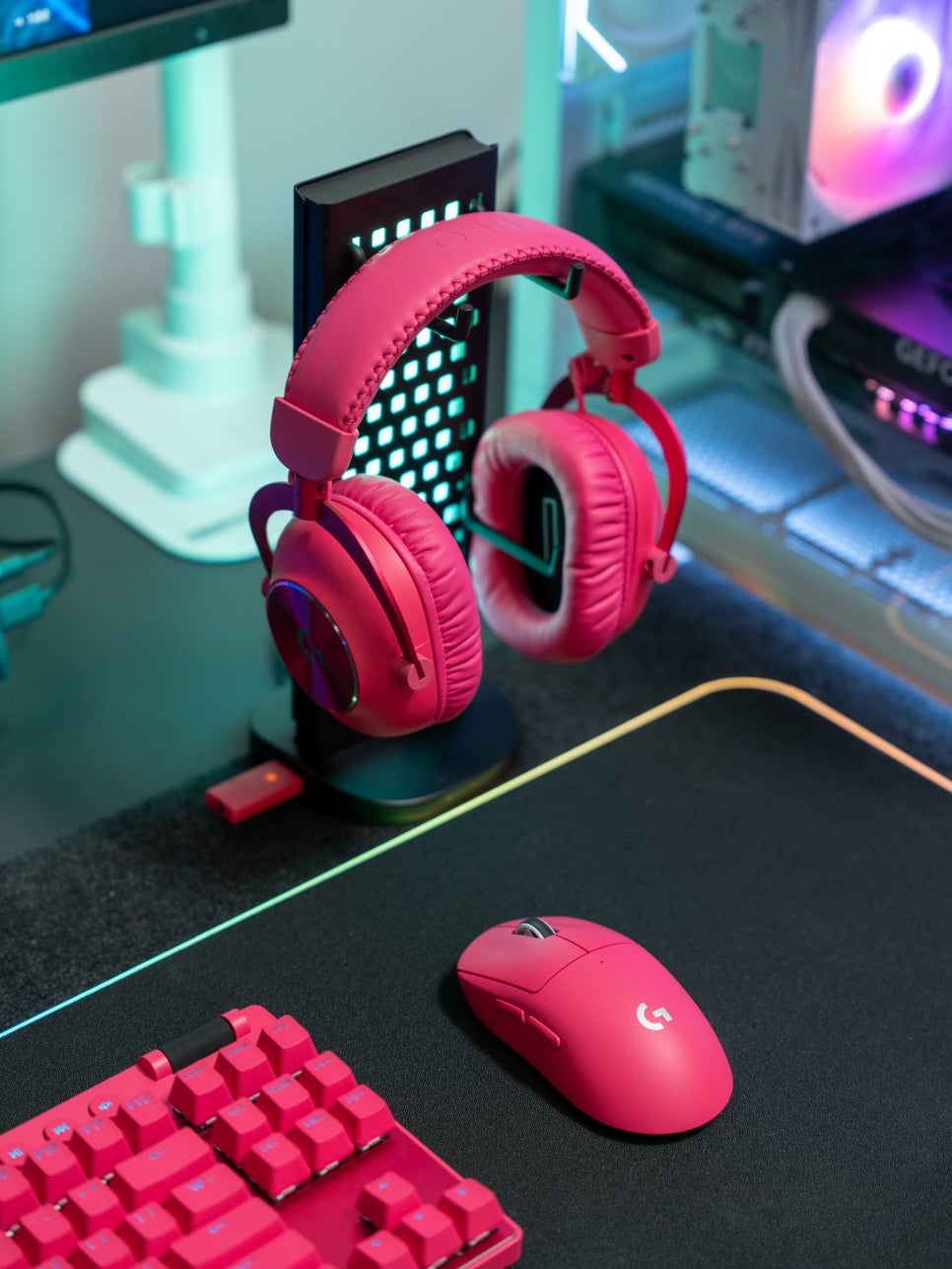
Even two years later, this headset remains a competitive product; in terms of stability, durability, and proven performance, the PRO X 2 LIGHTSPEED still holds a top position in the high-end lineup.
If you’re looking for a wireless gaming headset with excellent, proven performance, the Logitech PRO X 2 LIGHTSPEED, chosen by professionals, would be worth considering.
As an Amazon Associate I earn from qualifying purhases.
Purchase Product : https://amzn.to/3MVOPtw