

In recent years, the performance of liquid coolers in the PC hardware market has become highly standardized. With cooling performance alone no longer a differentiating factor, manufacturers are experimenting with various innovations, such as integrating displays into pump heads.
These display-equipped products allow users to monitor CPU temperatures and system information in real-time and even upload custom images or videos to personalize their PCs. However, the high price has often been a barrier to purchase.
Enter the PCCOOLER CPS DC360 PRO ARGB DISPLAY, which has been making waves in hardware communities for its impressive performance at an astonishingly affordable price. Let’s take a closer look at what this product has to offer.
Specifications and Components
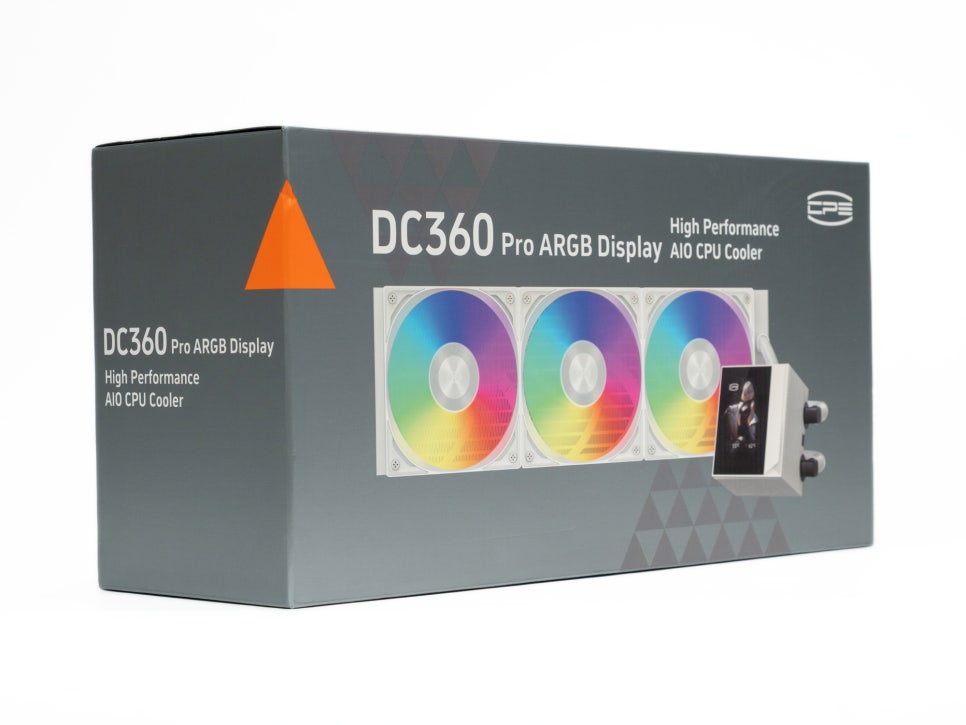
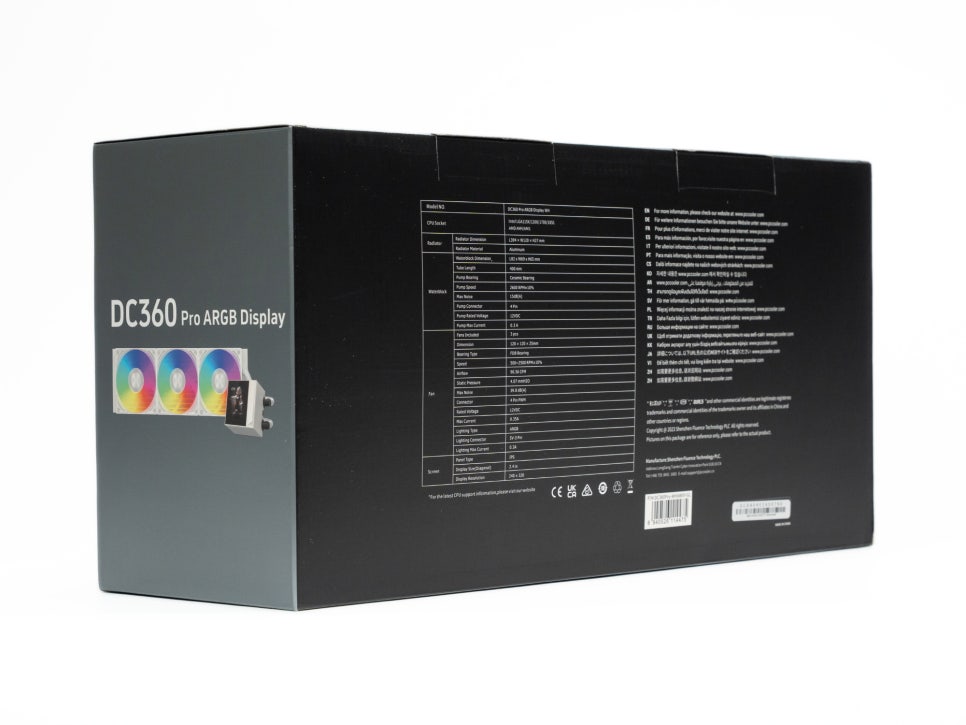
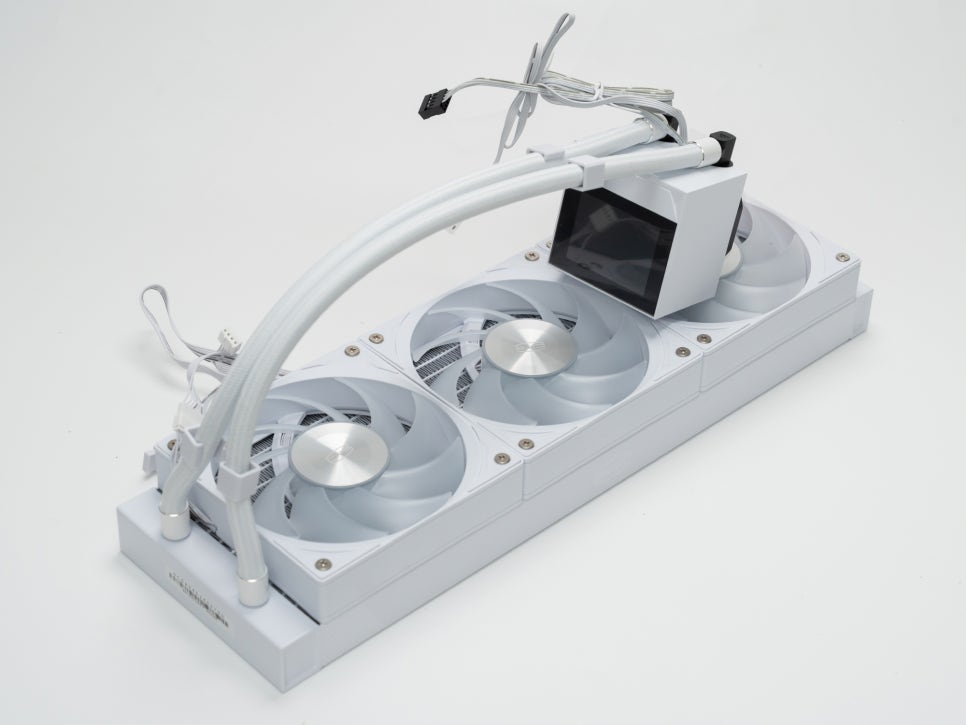
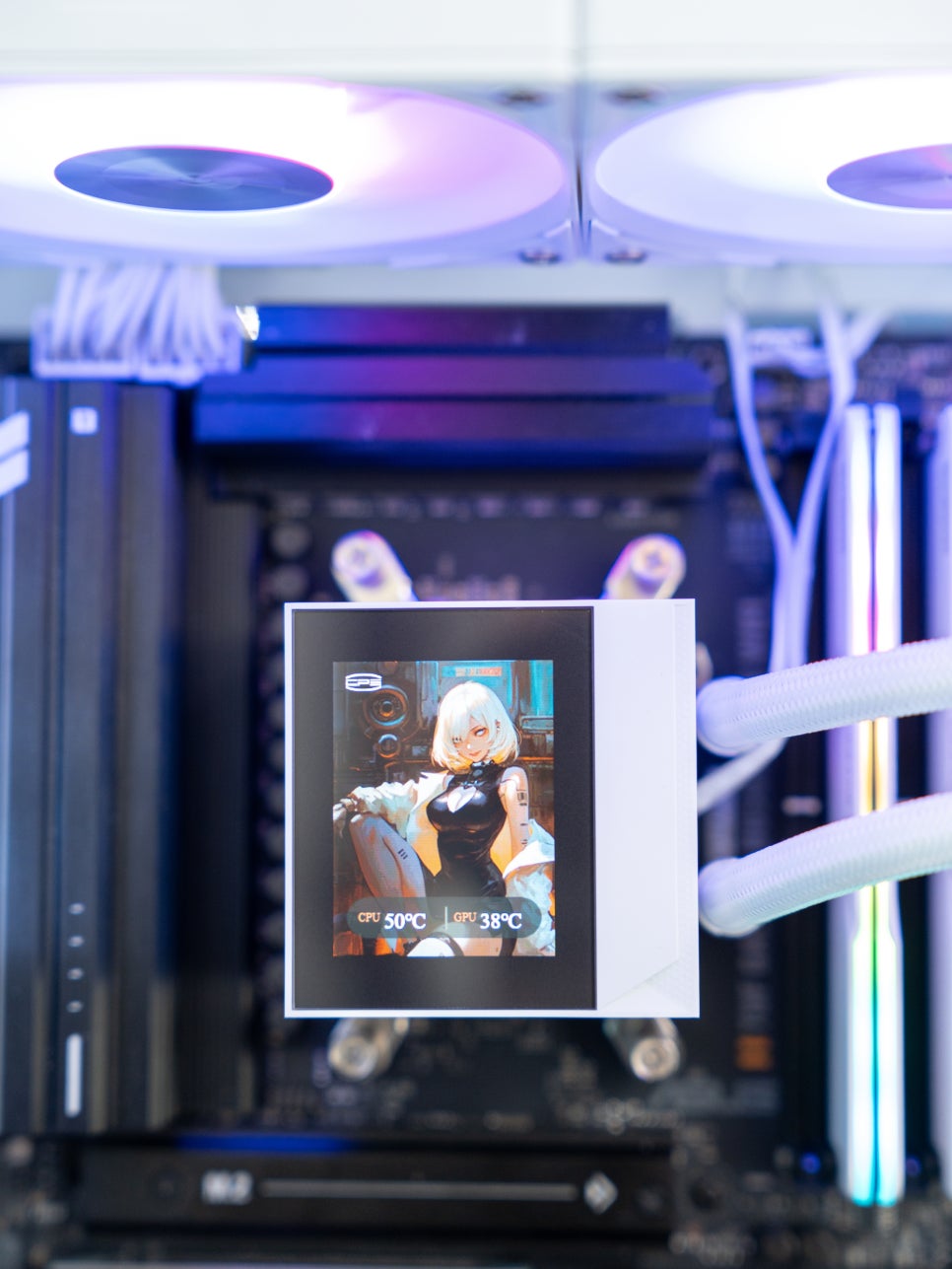
The PCCOOLER CPS DC360 PRO ARGB DISPLAY is a recommended liquid cooler featuring a 360mm triple radiator. Its pump head includes a 2.4-inch IPS display capable of showing various information in clear quality.
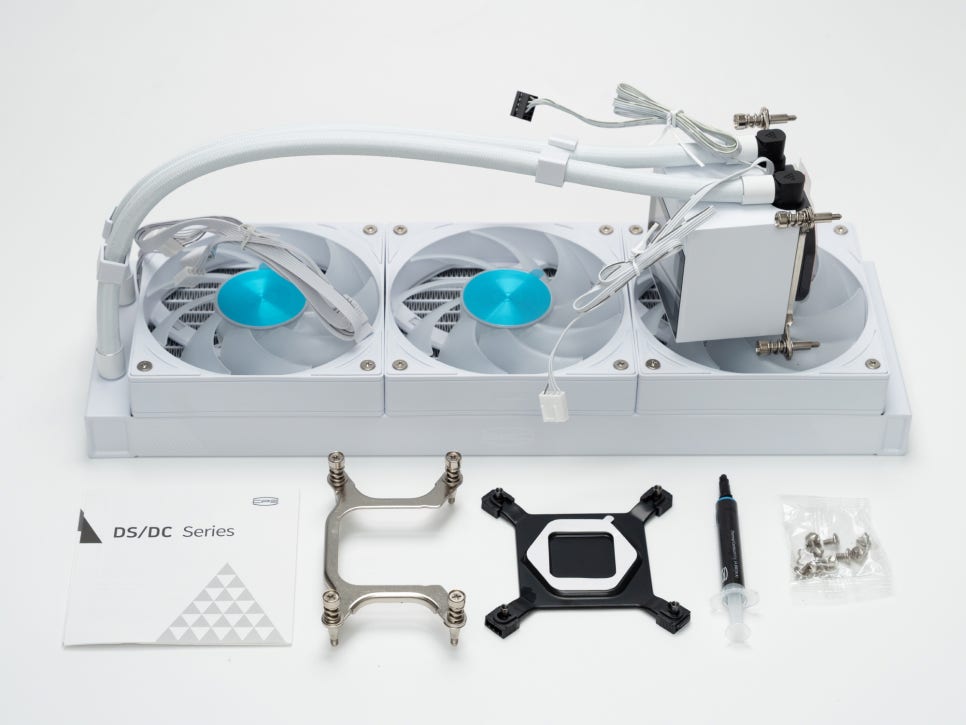
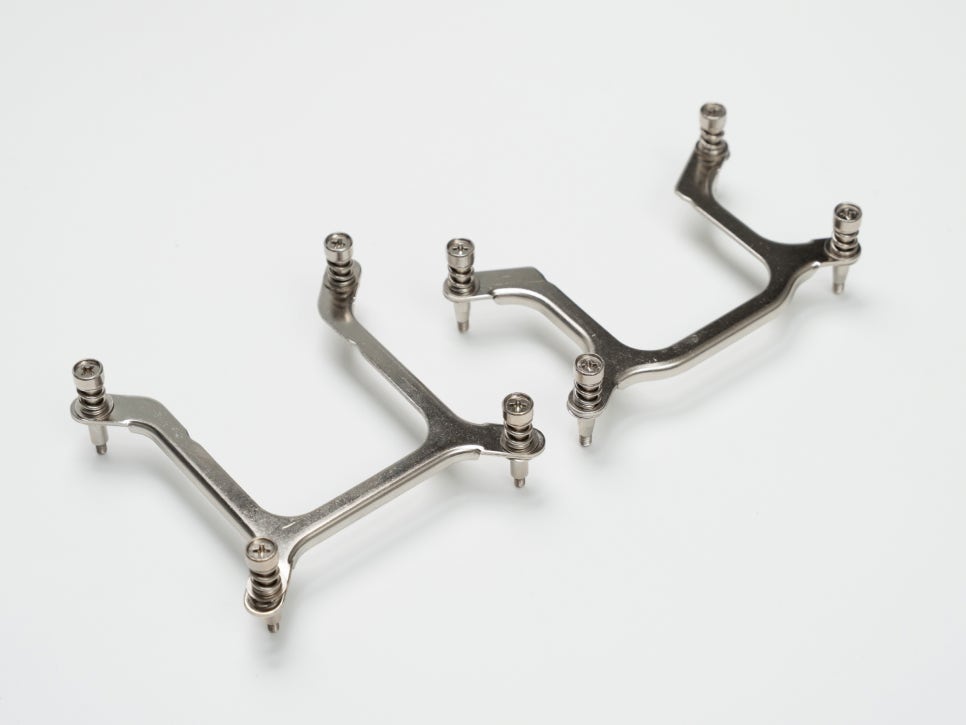
The components are quite simple: an all-in-one cooler with the radiator and pump already connected, three ARGB 120mm cooling fans, Intel/AMD compatible brackets, thermal compound, and installation screws. The lack of complex parts makes it accessible for beginners, as you can easily install it by swapping the bracket for either Intel or AMD.
Appearance and Features
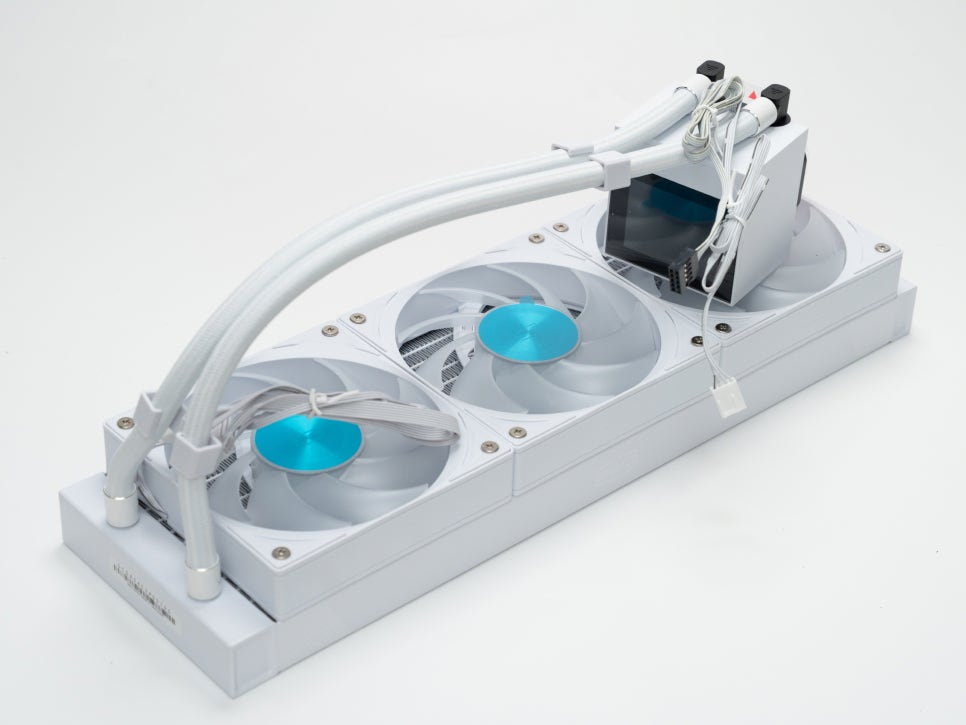
The triple radiator measures 394 x 120 x 27mm, matching the standard size for 360mm radiators. It is available in two colors: white and black.
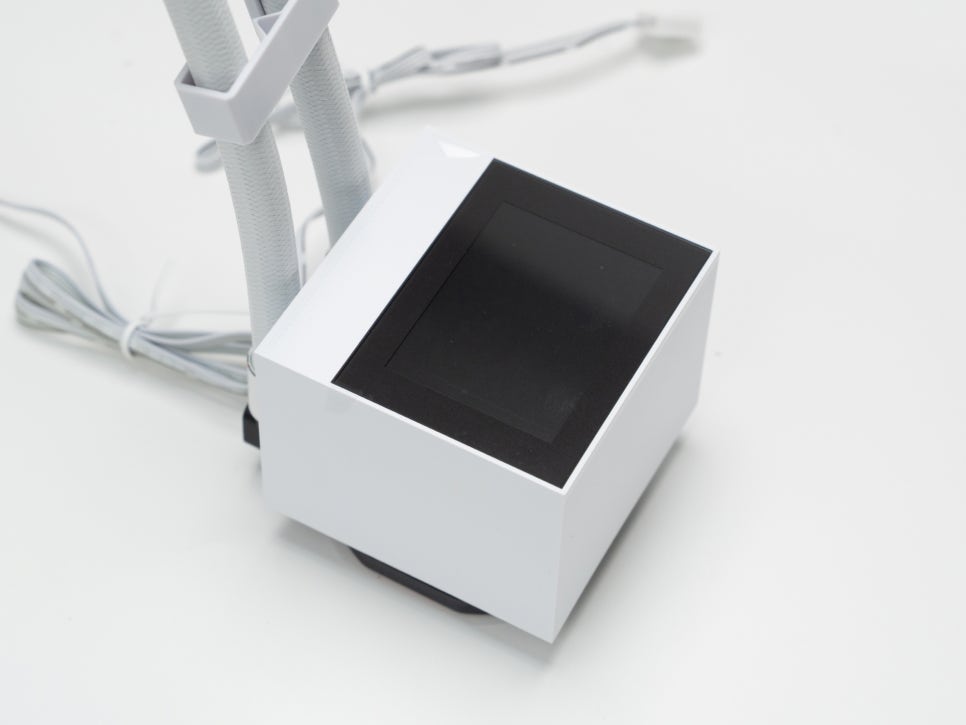
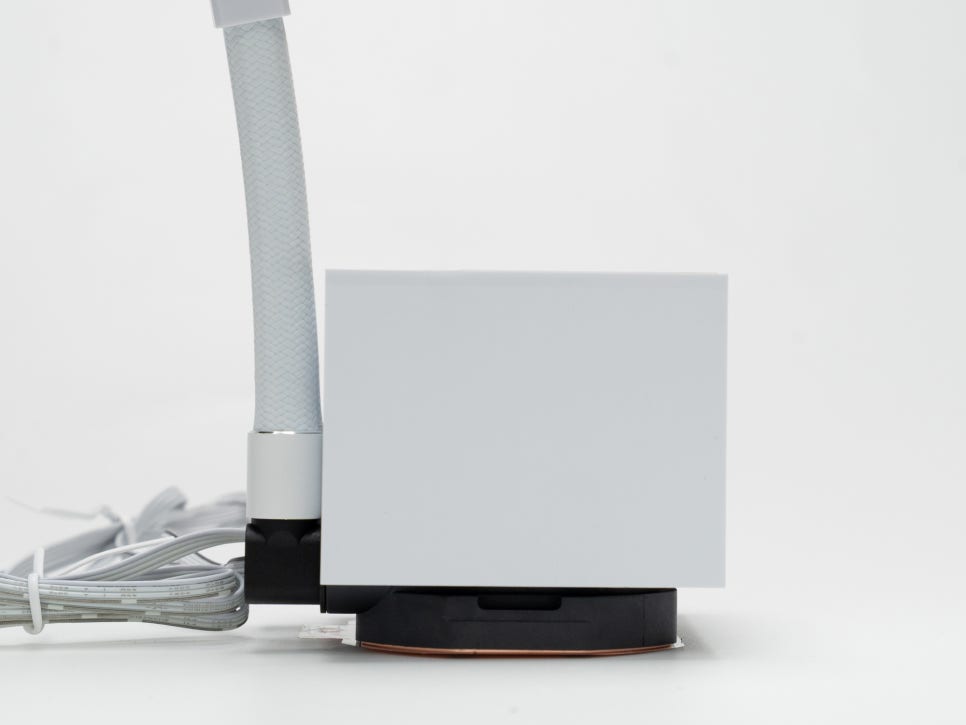
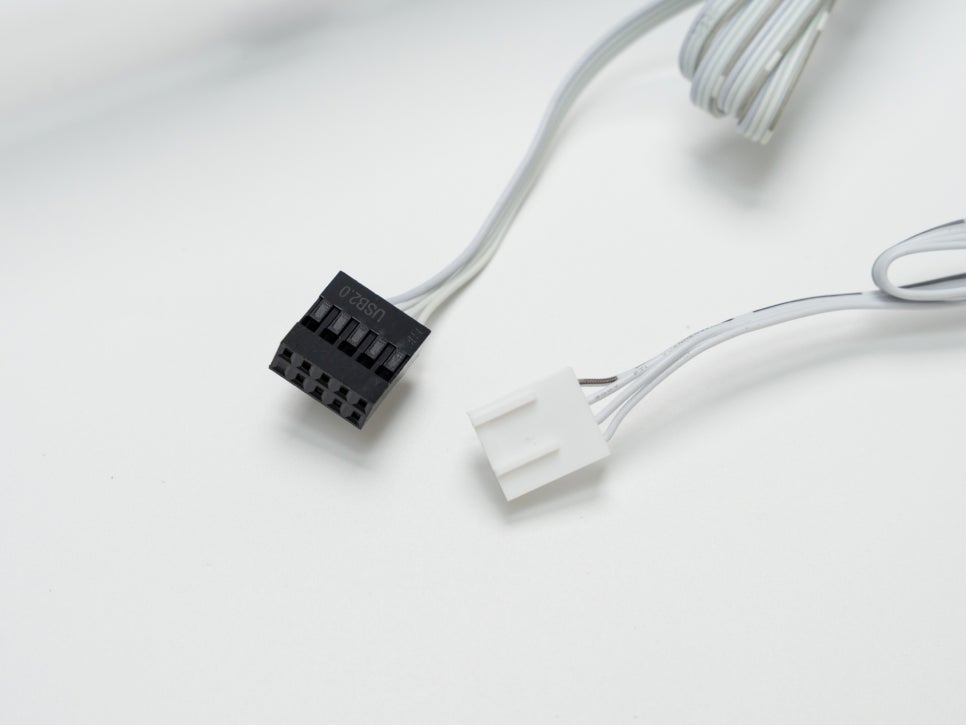
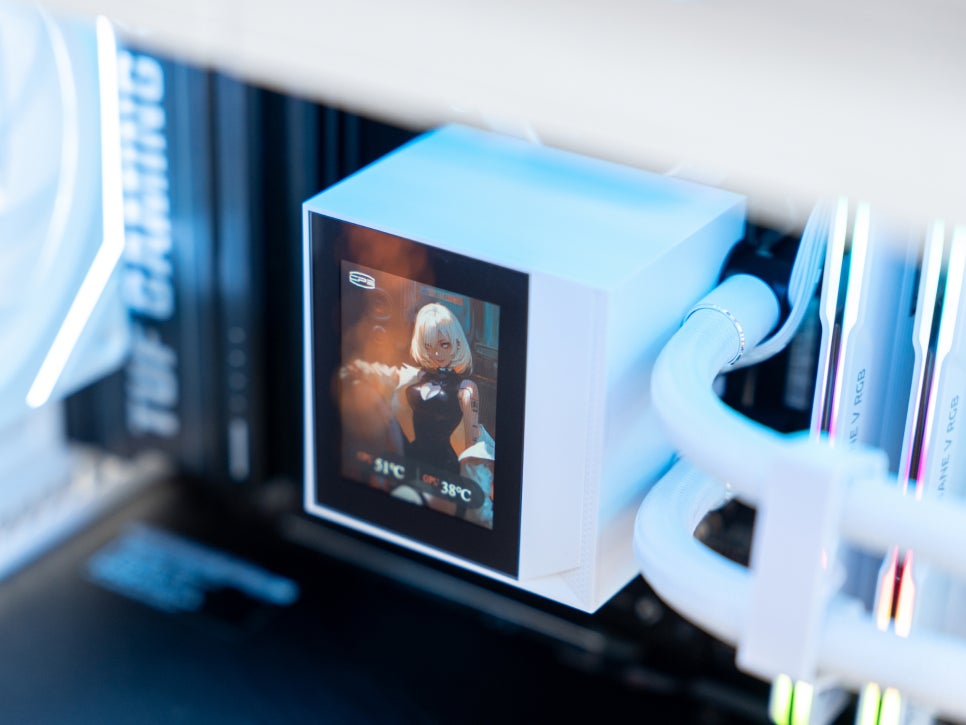
The pump head is the highlight of this product, featuring a vertically elongated 2.4-inch IPS panel for a unique look. With a resolution of 320 x 240, it offers sufficiently clear visuals for its size. The pump itself performs excellently, operating at up to 3,000 RPM to ensure stable circulation.
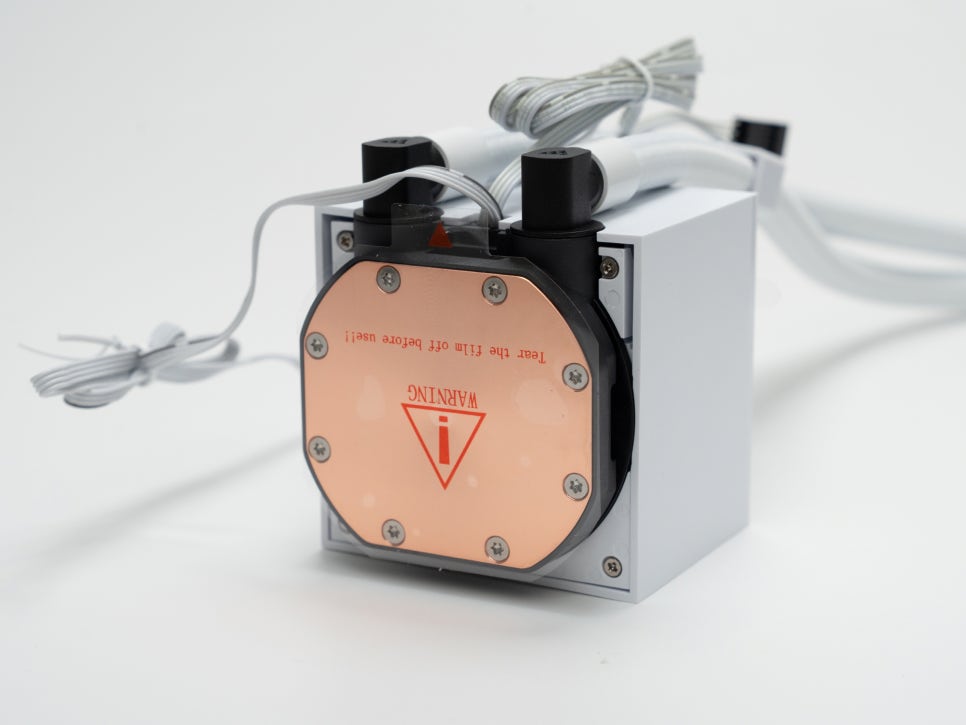
The copper base at the bottom boasts high thermal conductivity thanks to its precision micro-channel design.
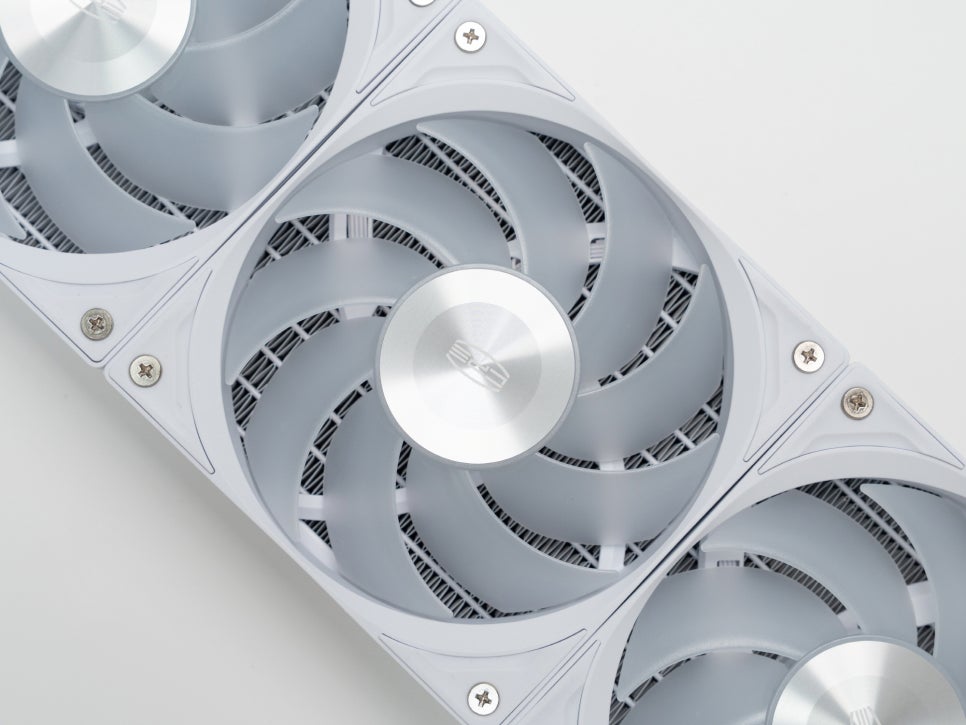
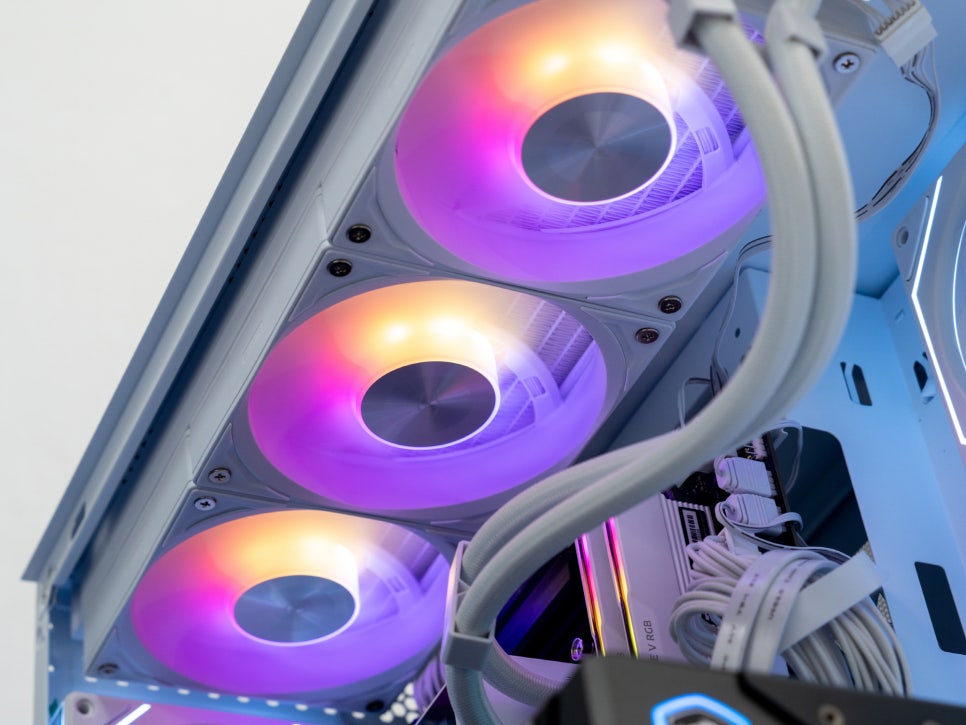
The 120mm ARGB cooling fans can spin up to 2,500 RPM, with a maximum air pressure of 4.07mmH2O and a maximum airflow of 90.56CFM.
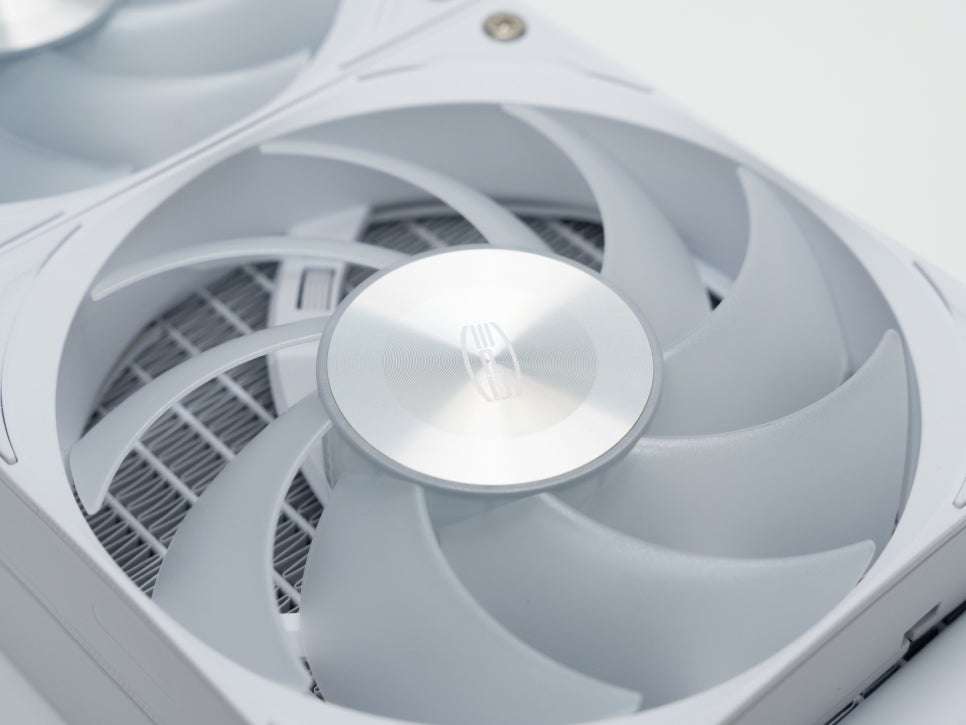
The fan blades are aerodynamically designed for efficient airflow, and the fan centers feature a premium metal design.
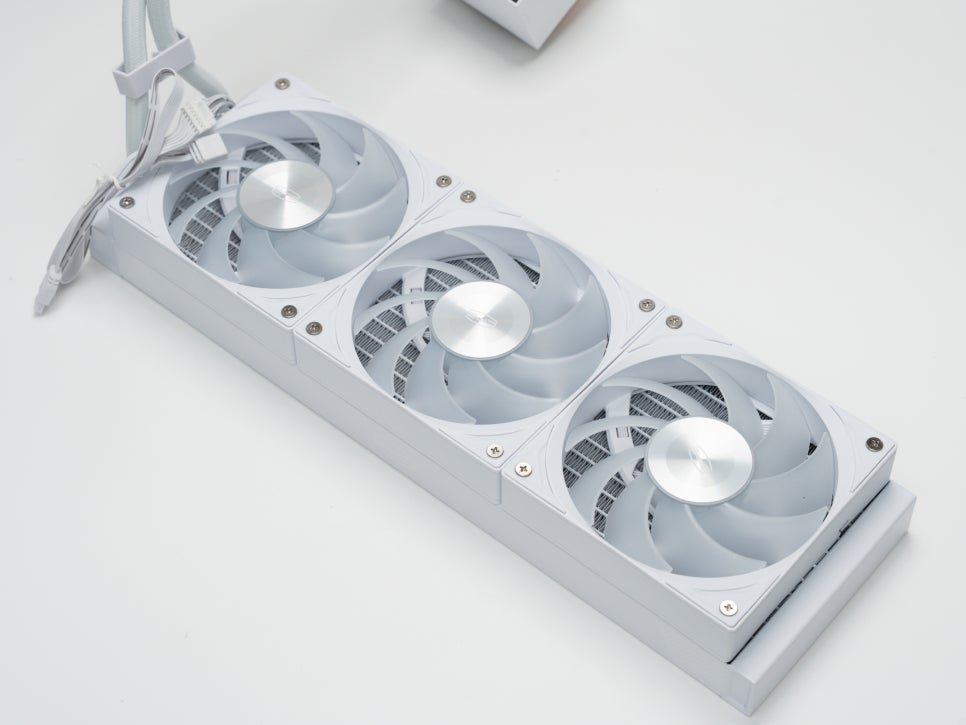
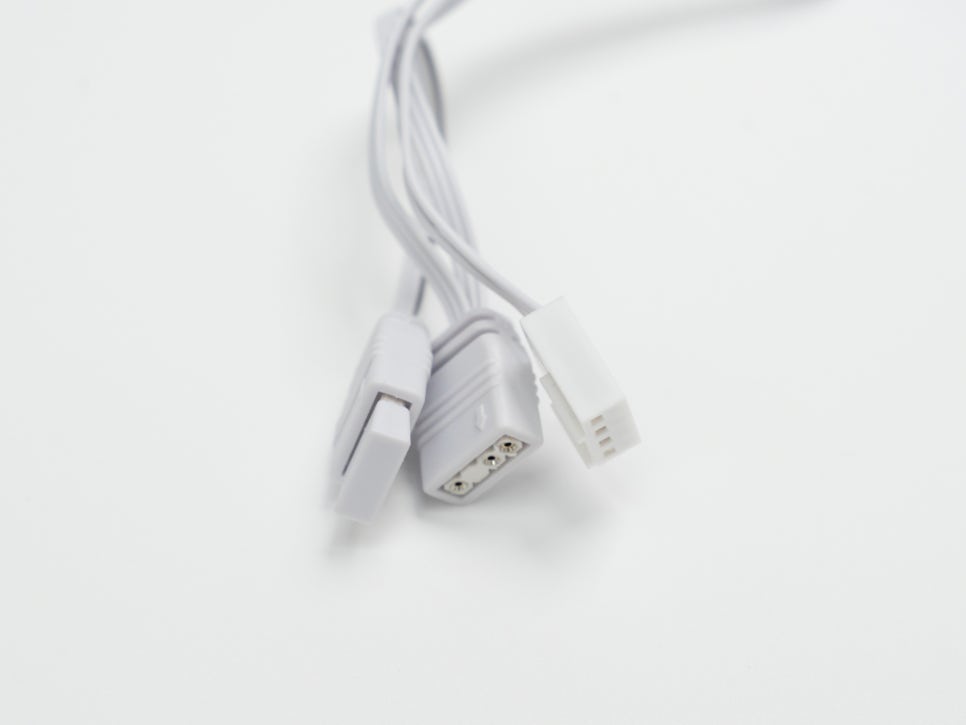
The fans support PWM control, automatically adjusting speed based on system load, and 5V ARGB for RGB synchronization with the motherboard.
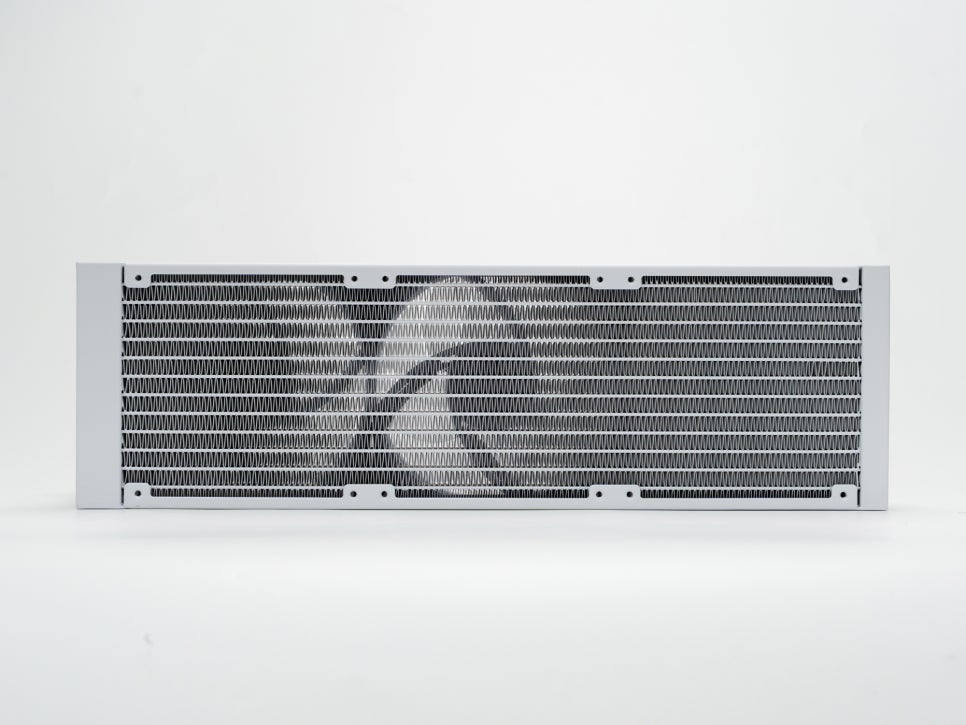
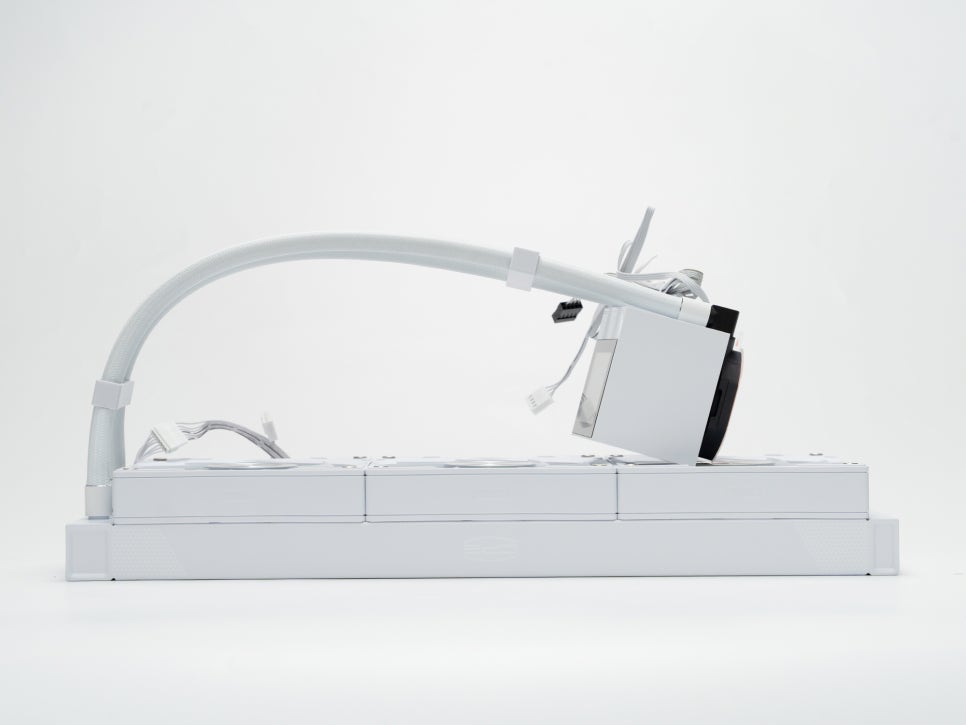
The radiator is reasonably thick at 27mm, with densely packed fins for high heat exchange efficiency. Made from aluminum, it is lightweight yet durable.
Assembly and Installation
One of the biggest advantages of this product is its easy installation. Unlike typical liquid coolers that require complex backplates, standoffs, and washers, this product boasts a straightforward installation process.
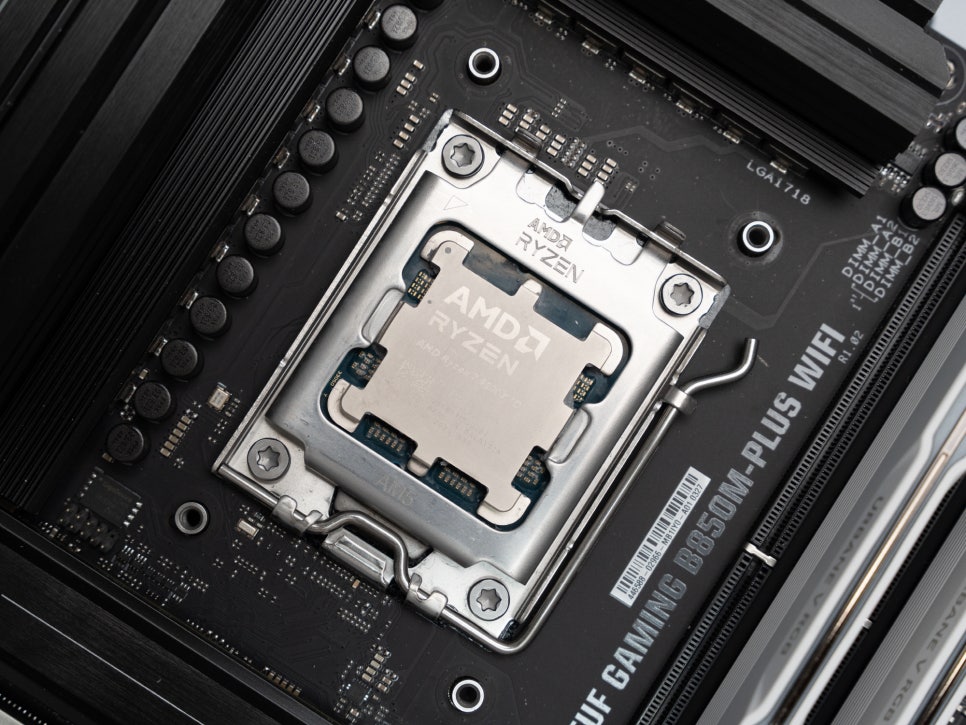
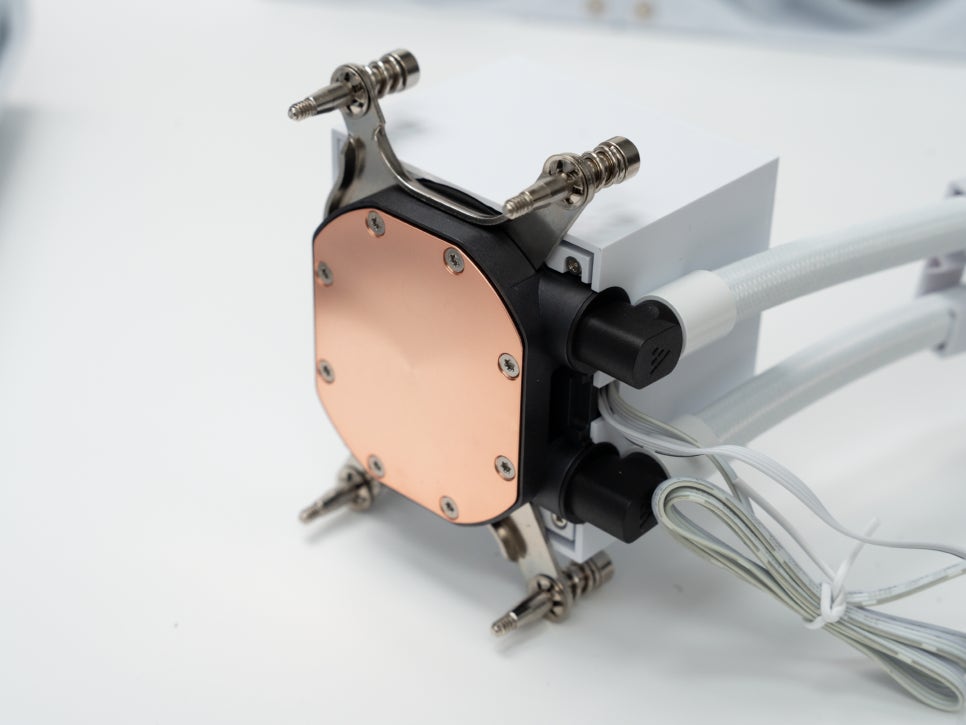
First, replace the bracket on the pump’s underside with one that matches your system. Choose the Intel or AMD option based on your CPU socket.
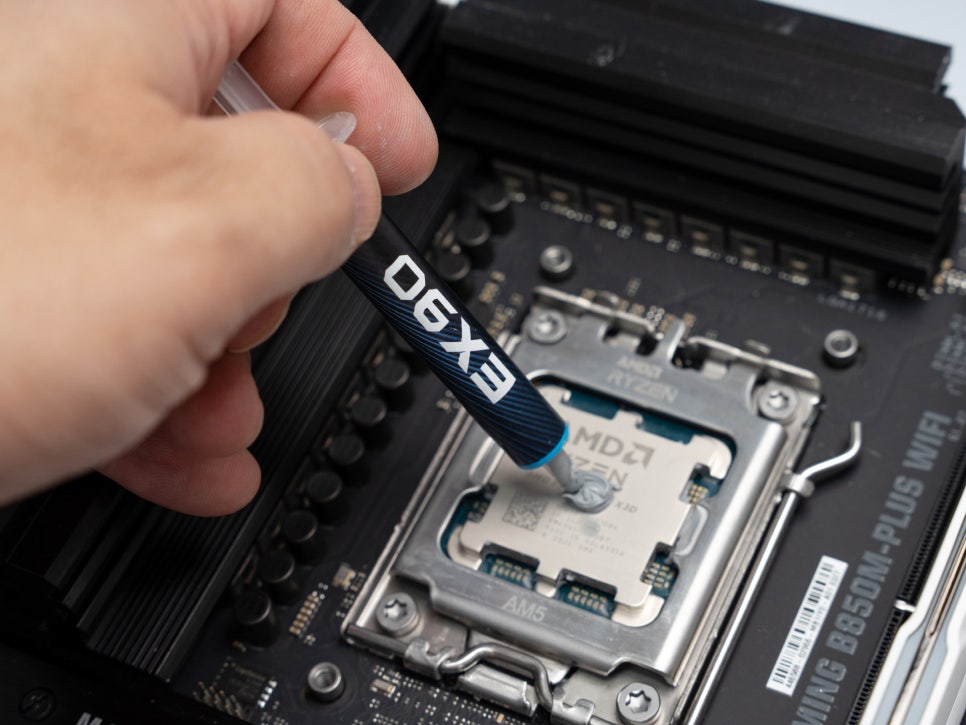
Next, apply an appropriate amount of the included thermal compound to the CPU.
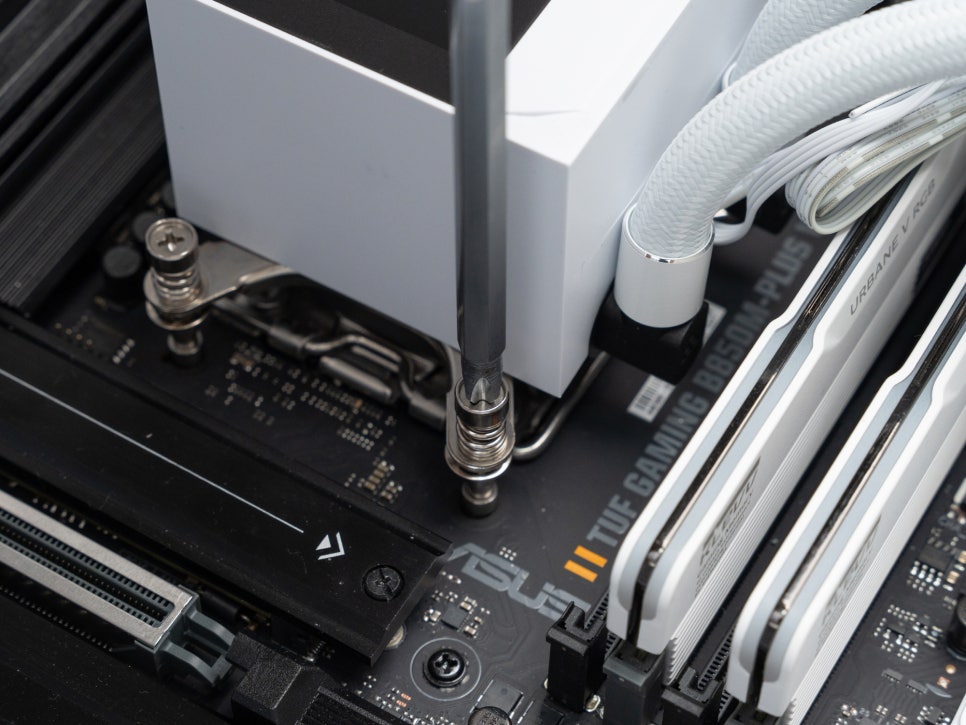
Place the pump head on the CPU, and alternately tighten the four screws at the bracket corners diagonally. That’s all there is to it—beginners can complete the installation in about 10 minutes.
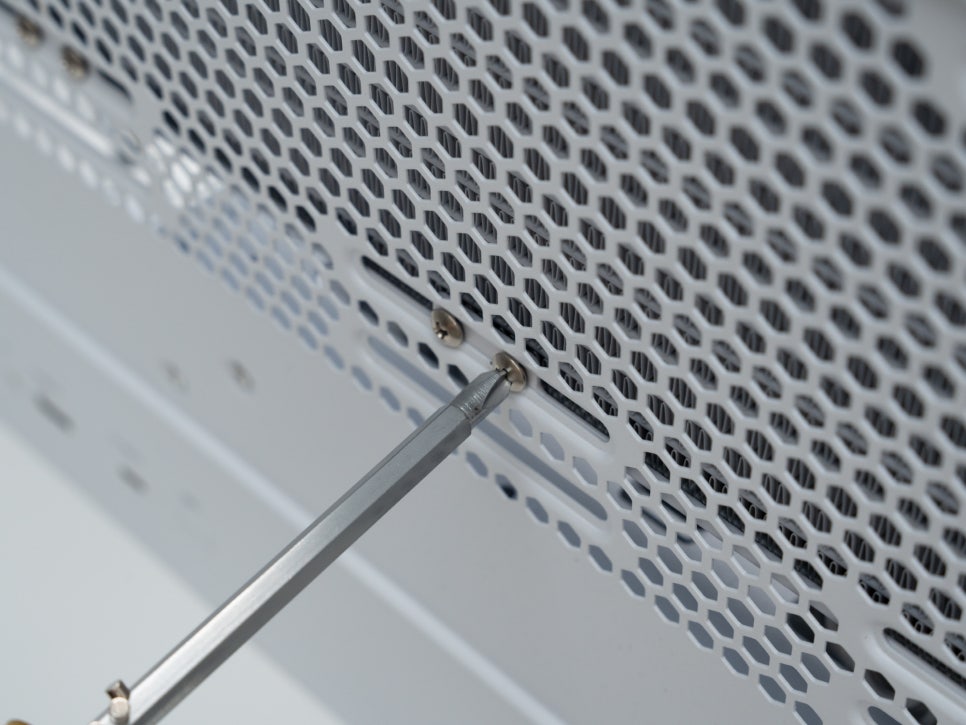
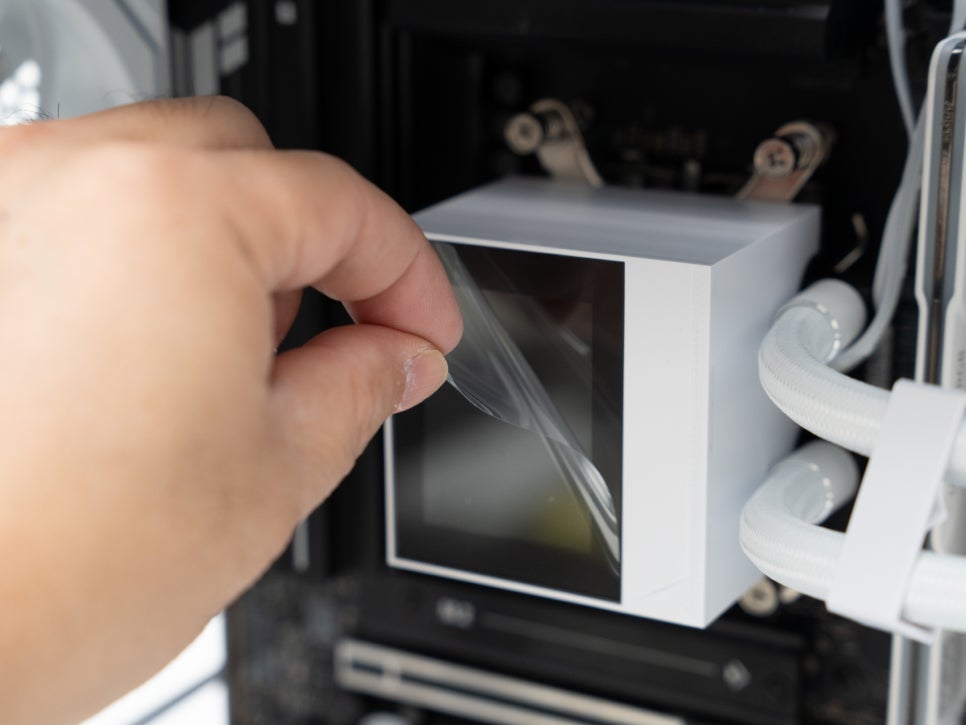
Finally, attach the radiator to the top or front of the case and remove the protective film from the display to complete the installation.
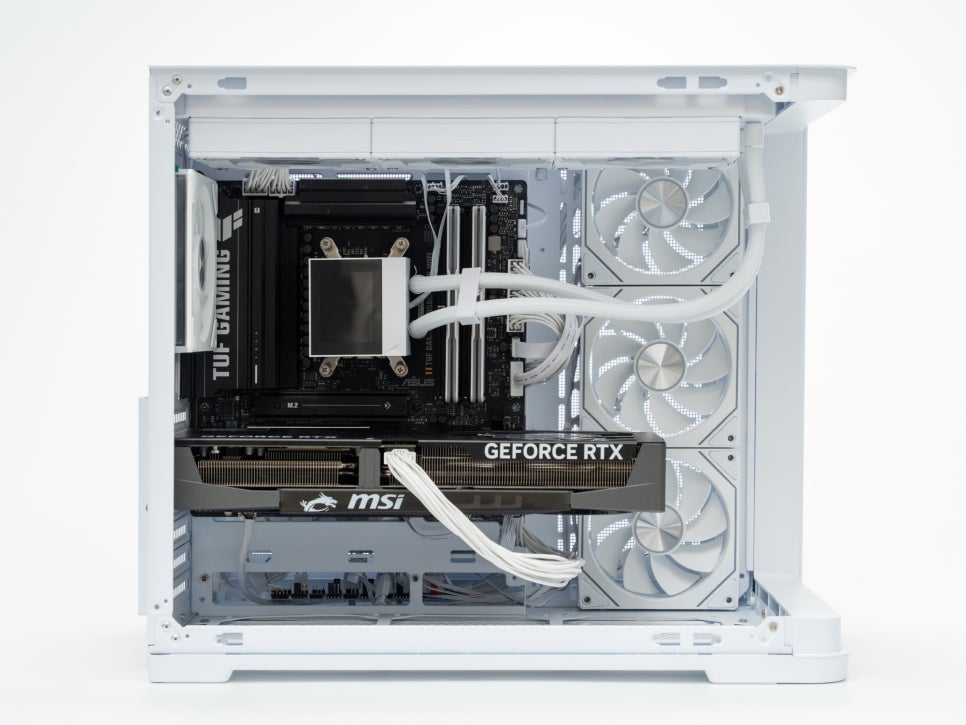
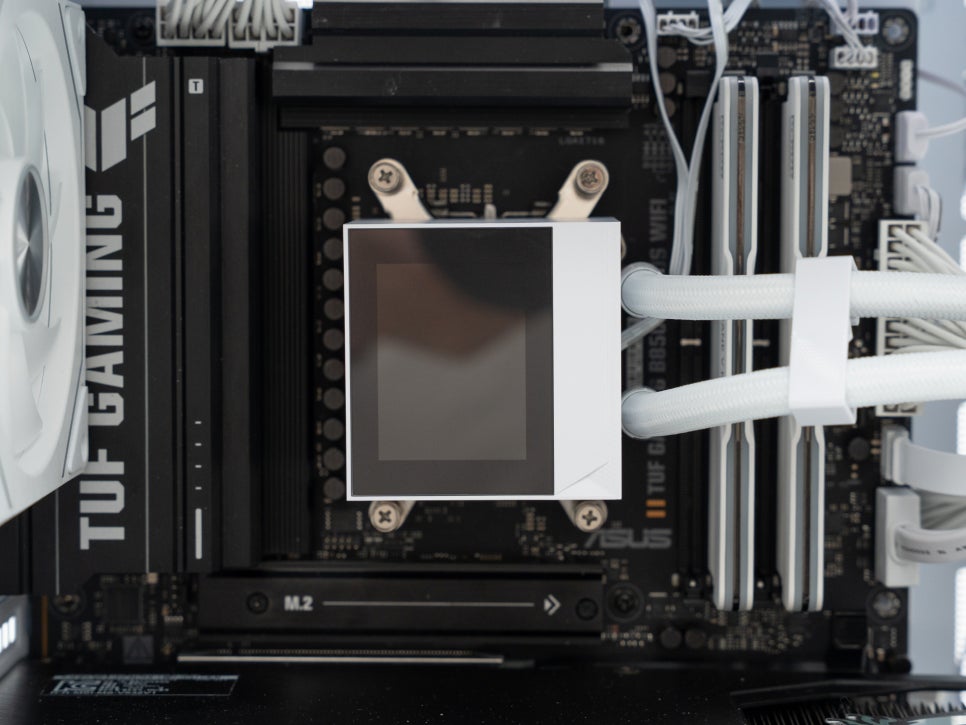
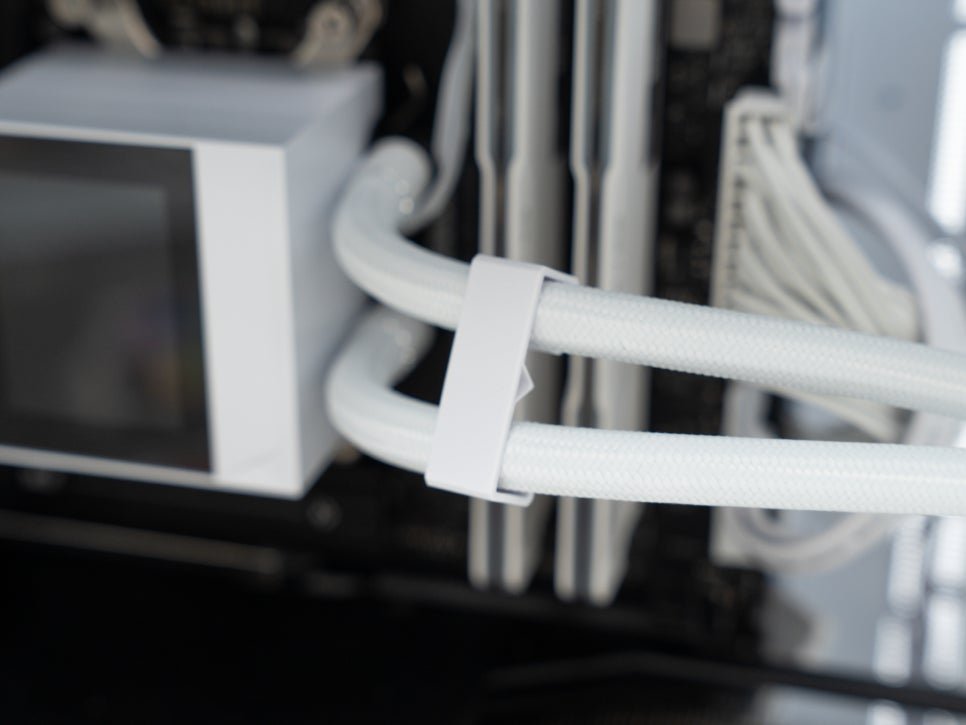
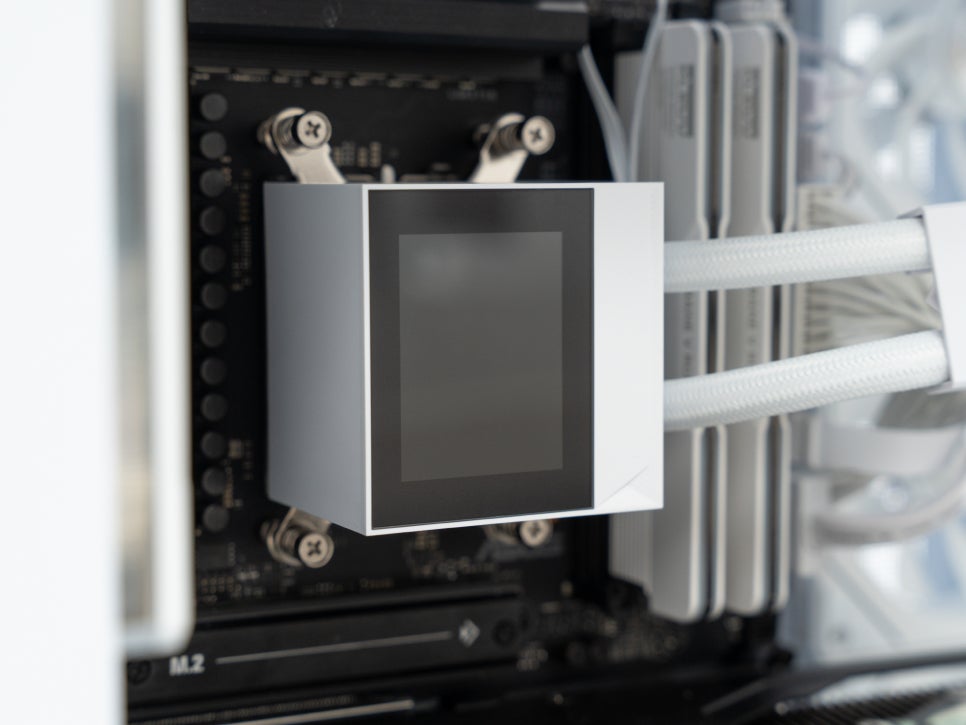
The vertically elongated display provides a clean look, enhancing the overall system appearance.
Software Introduction
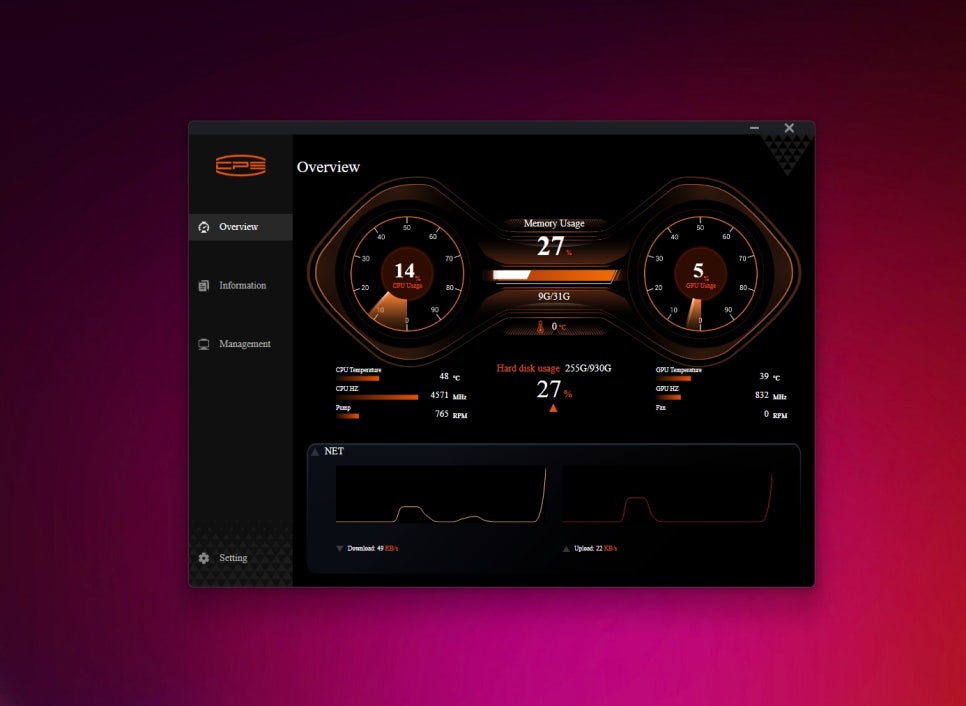
The dedicated application can be downloaded from the PCCooler official website or the official domestic importer, Ultimake. The software features an intuitive interface for easy use.
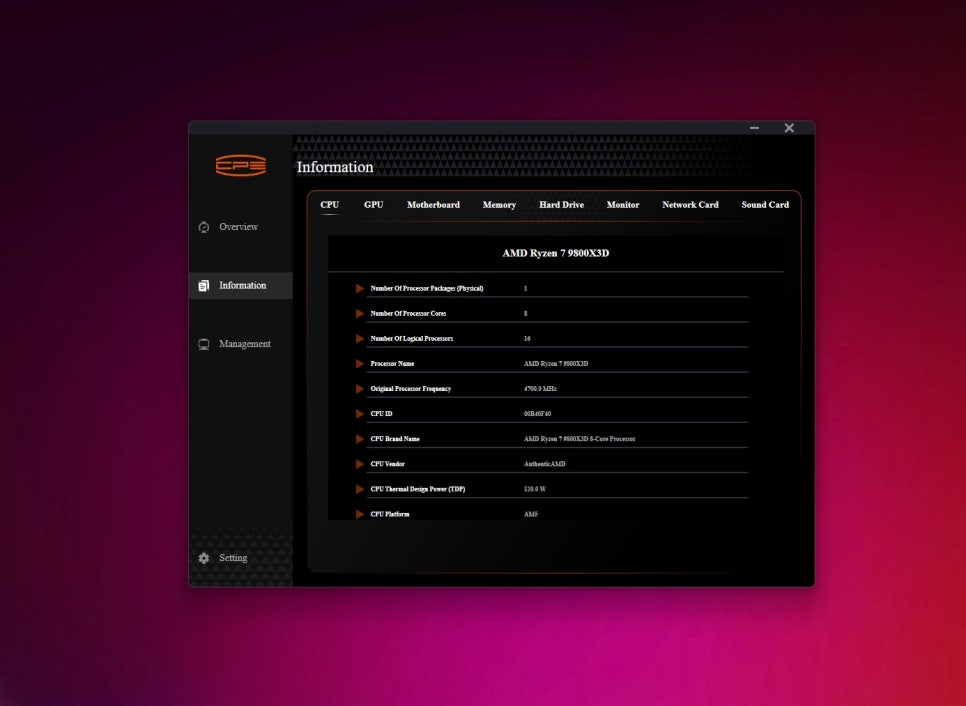
The main screen is divided into three menus: Overview, Information, and Management. The Overview provides a snapshot of the system’s overall status, while the Information tab offers more detailed hardware information.
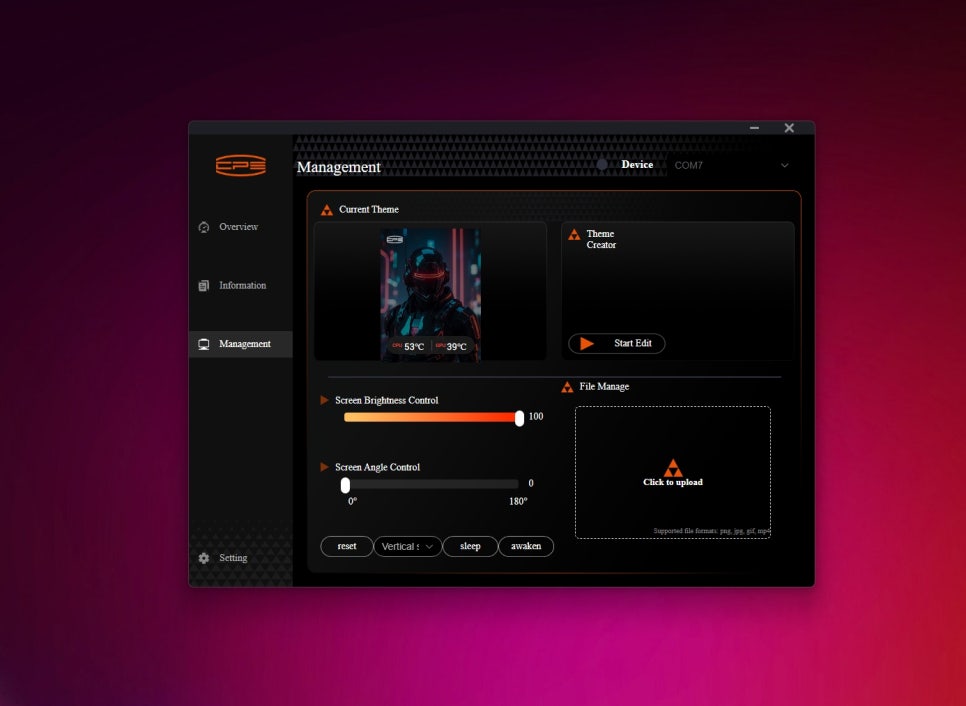
The most important Management menu allows for extensive display customization, including brightness adjustment, angle changes, and applying or creating various themes.
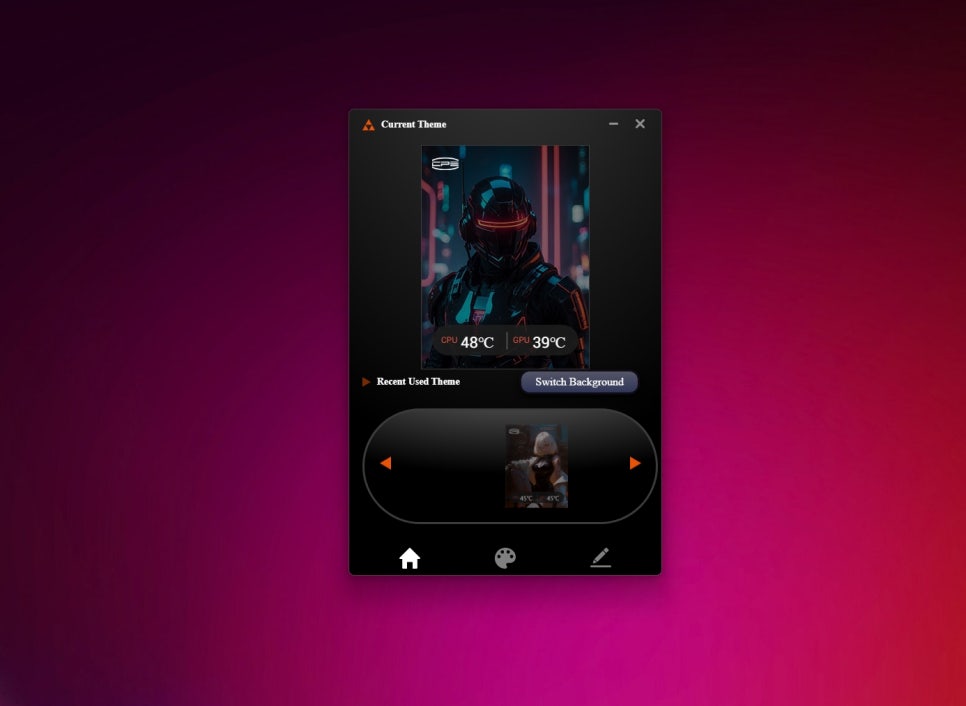
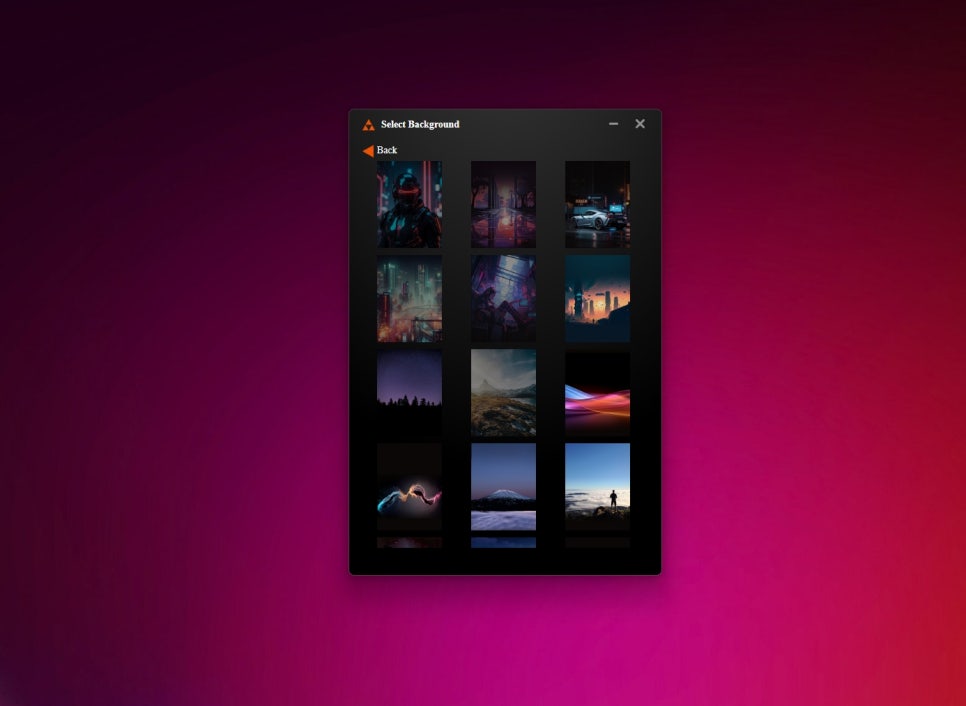
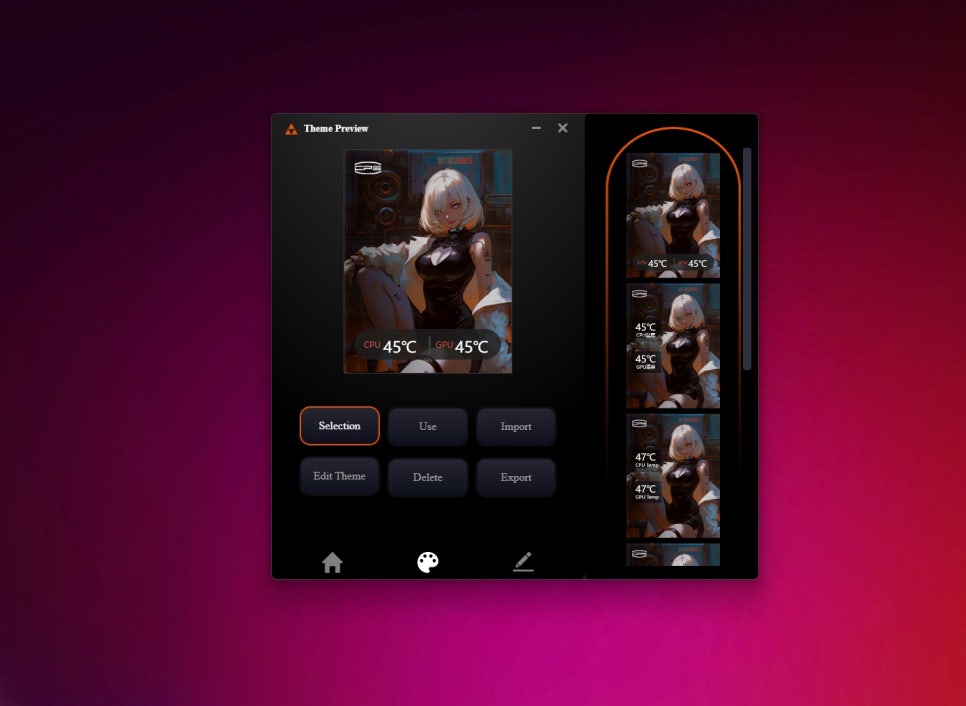
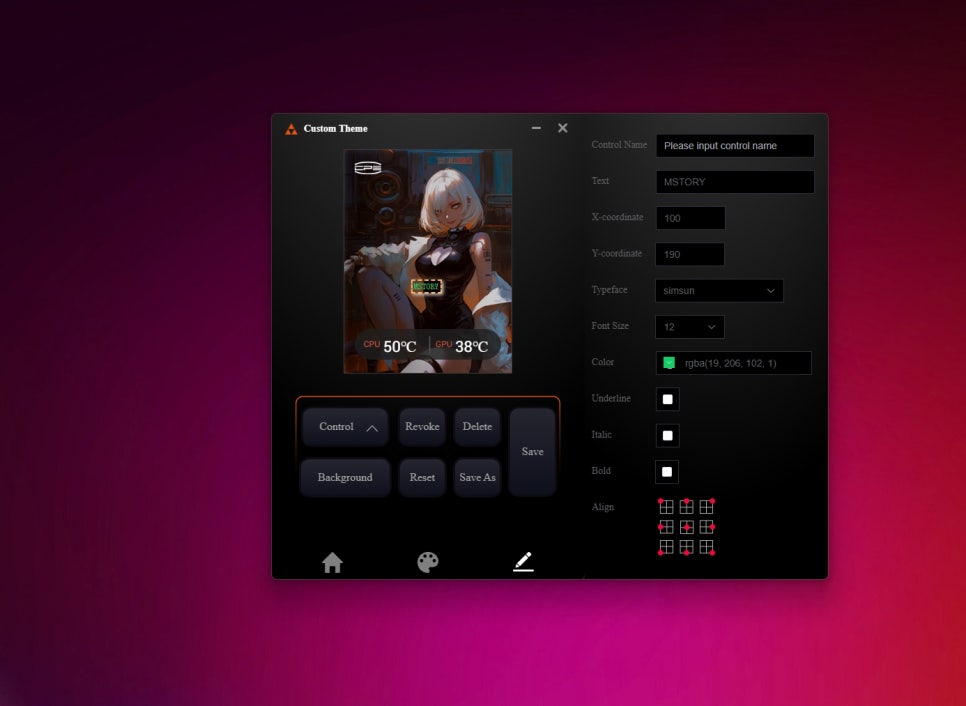
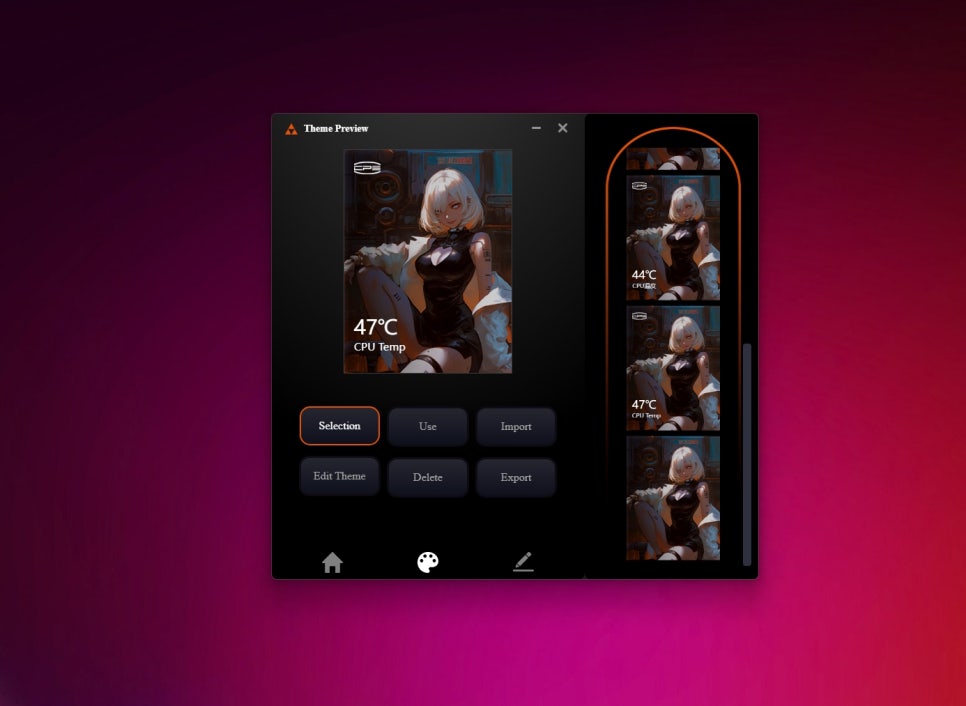
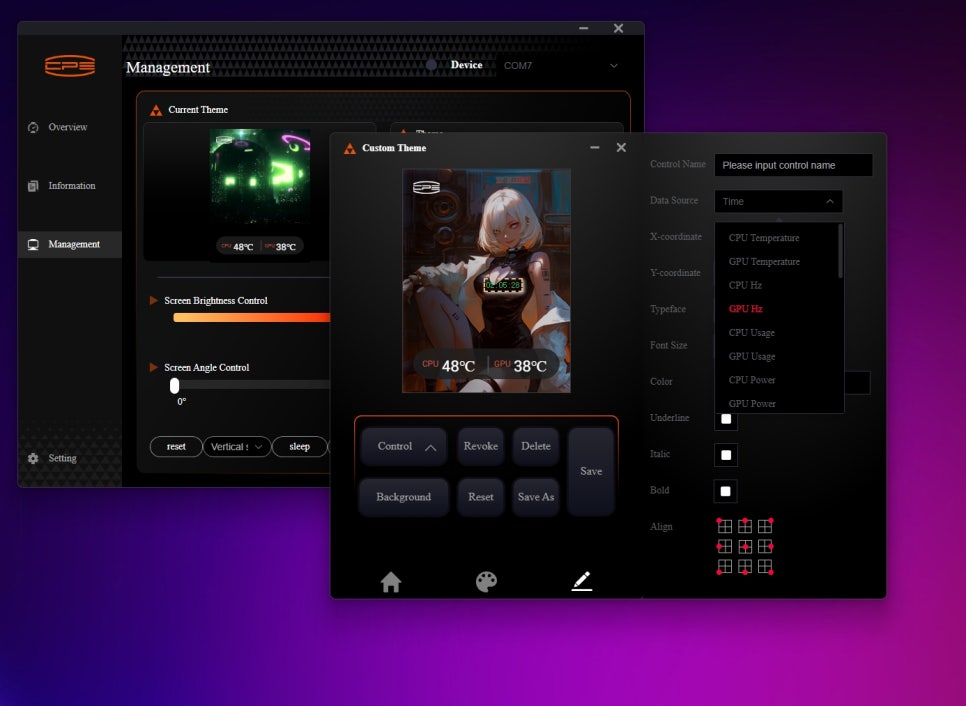
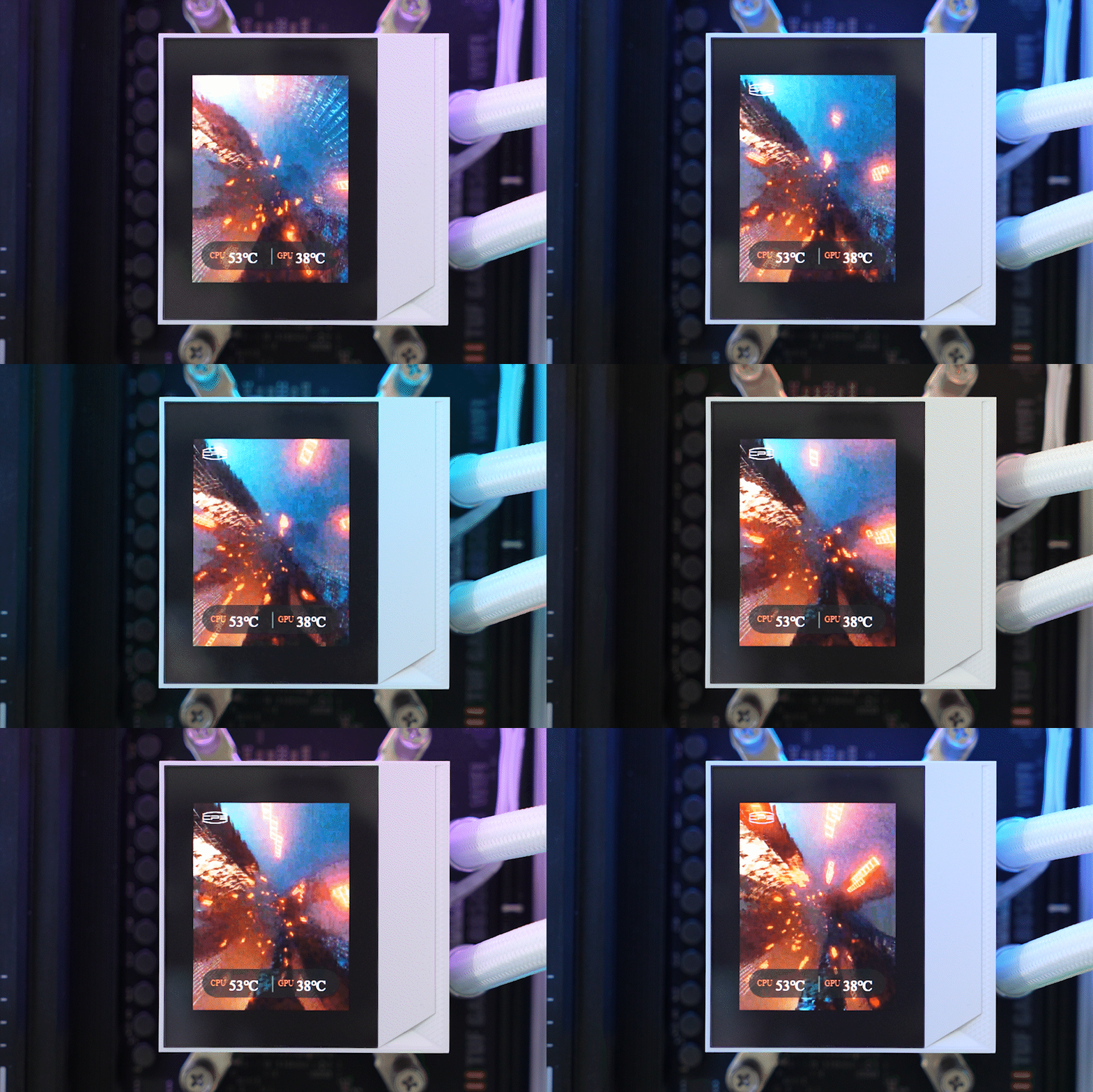
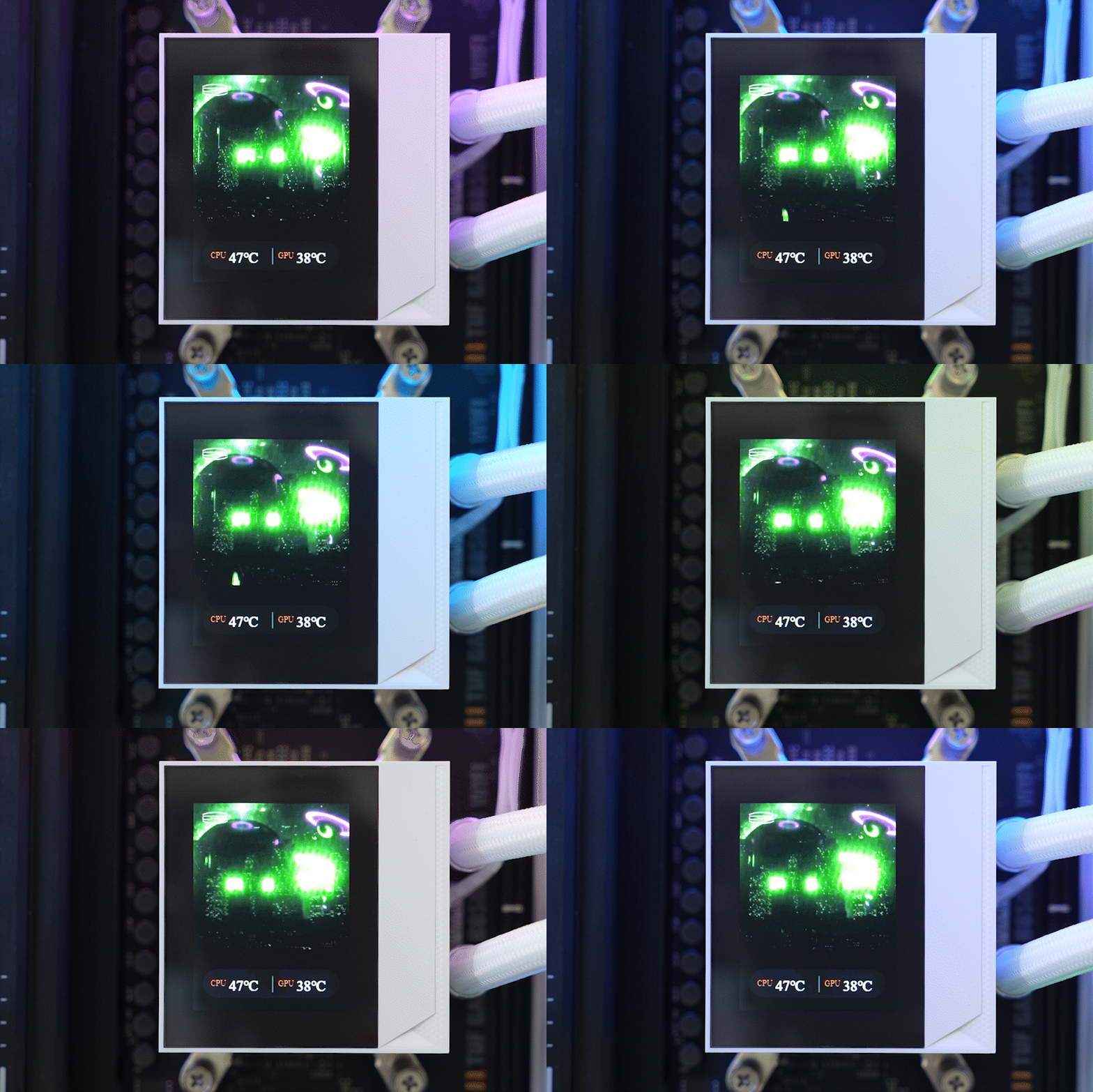
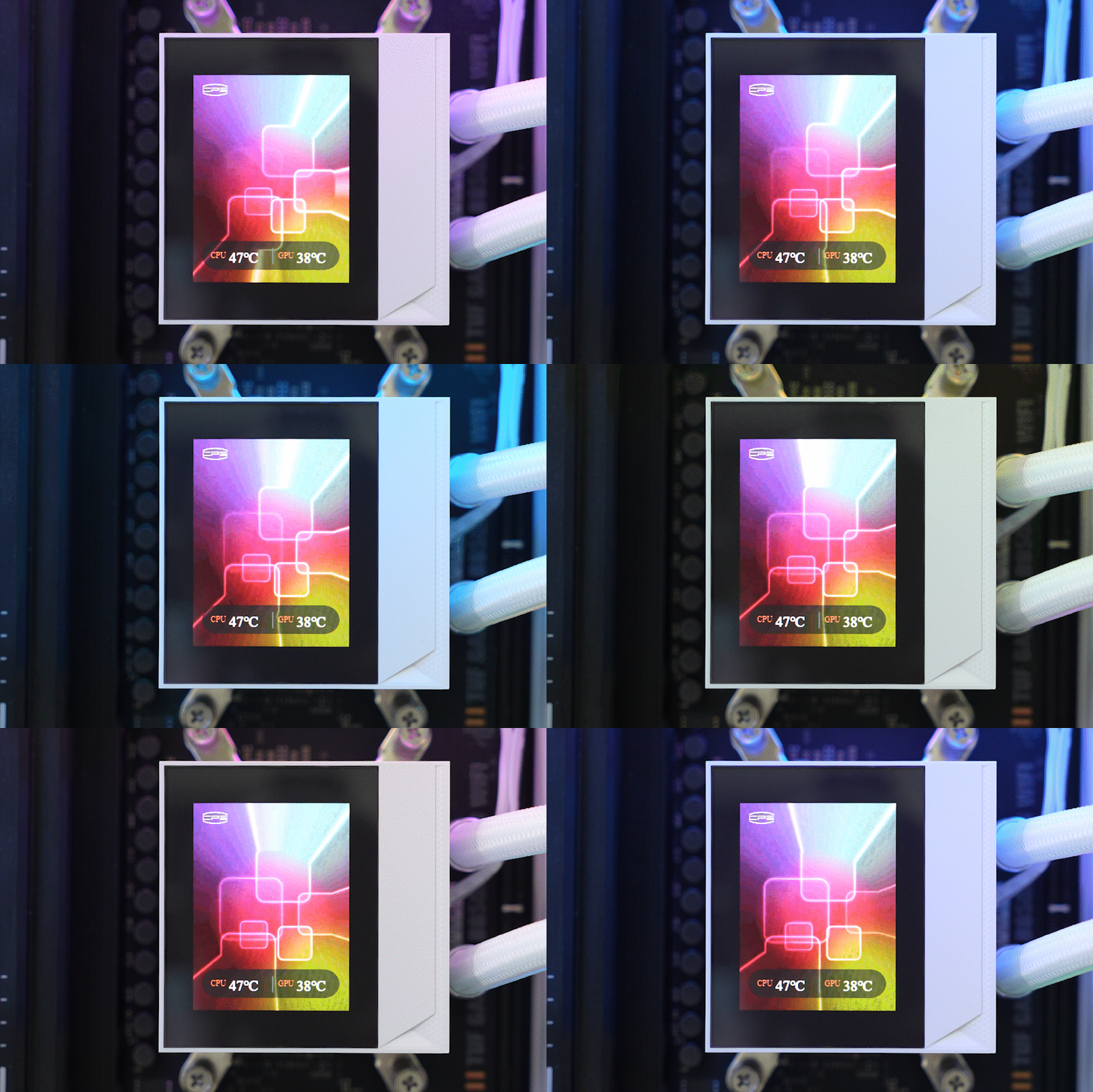
Backgrounds can be replaced with images like JPGs or animated GIFs, and you can select the information displayed to create a personalized theme.
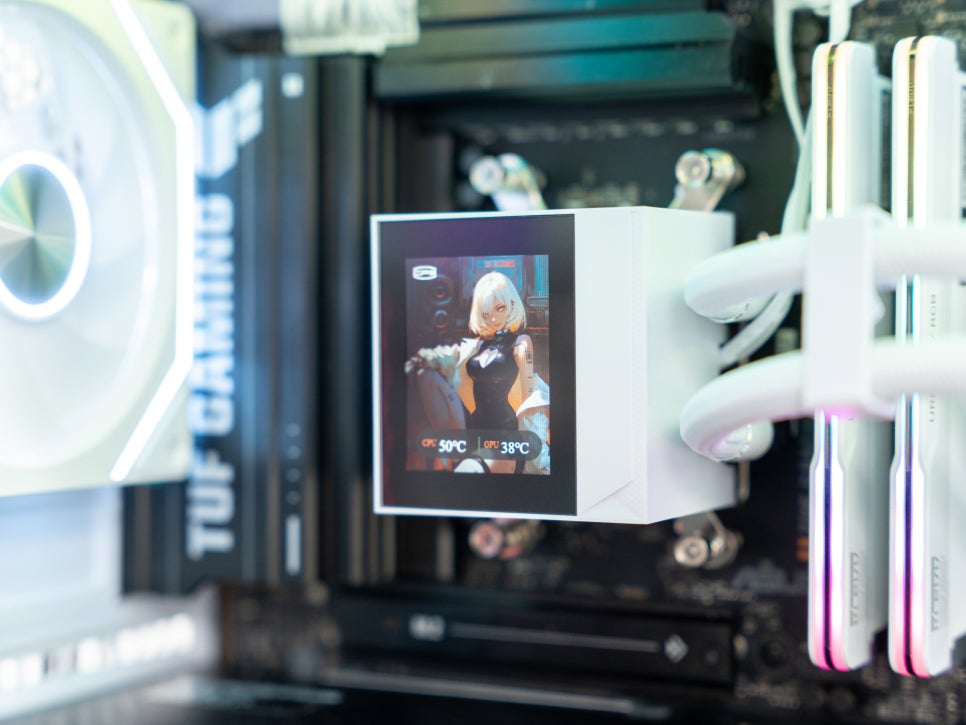
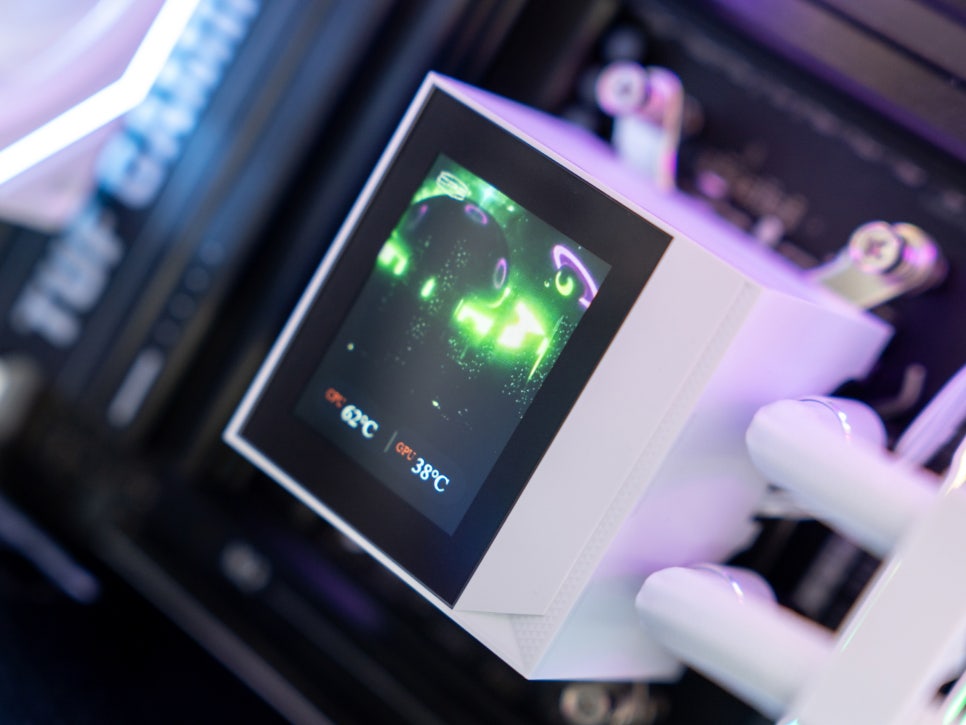
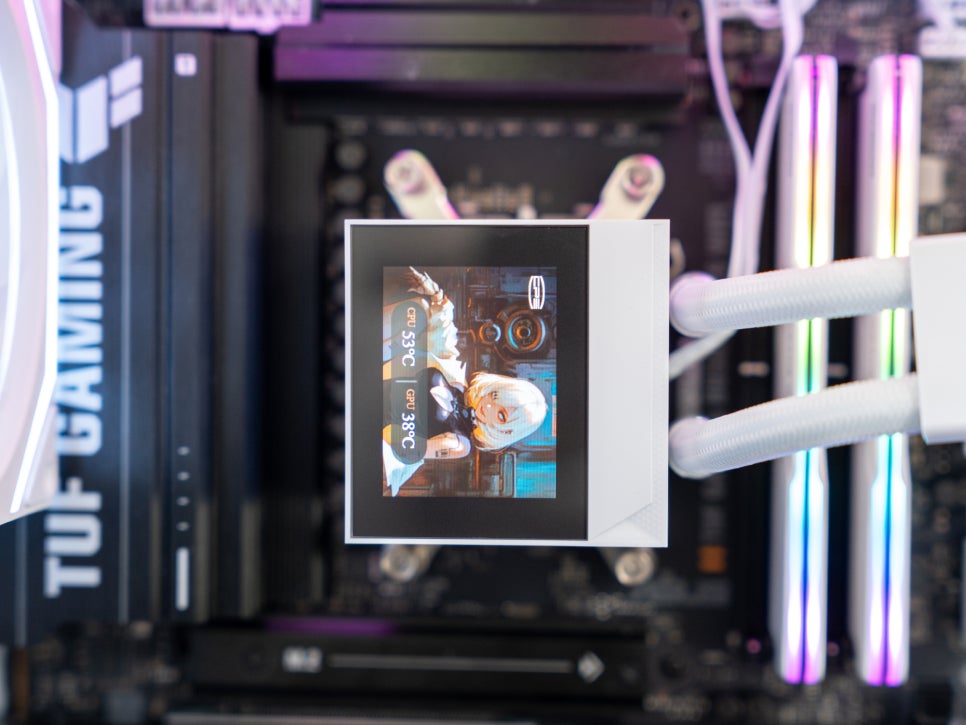
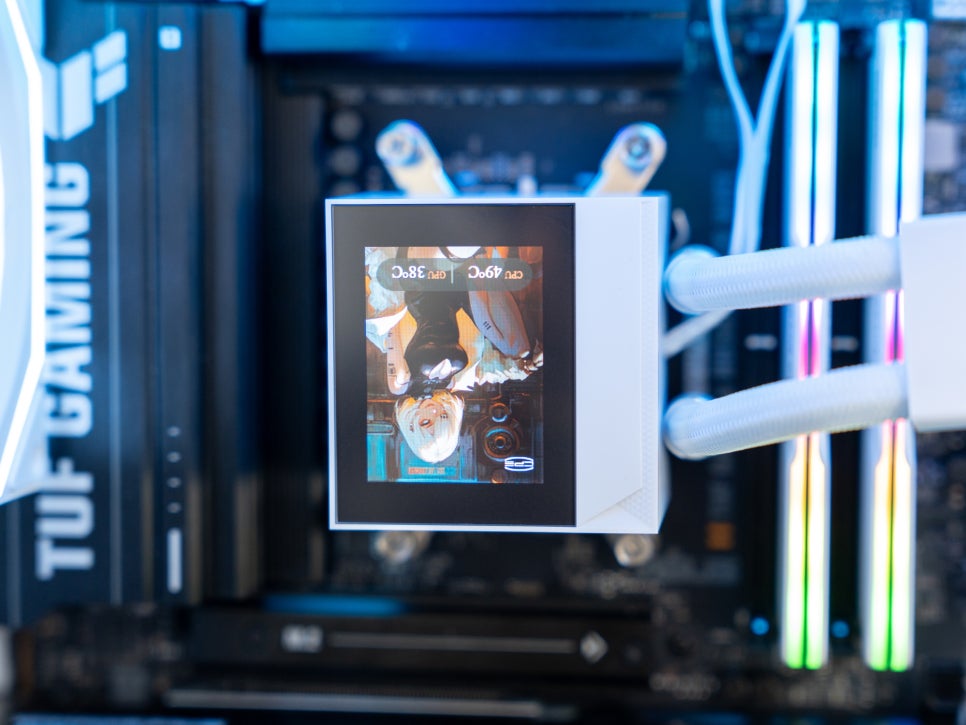
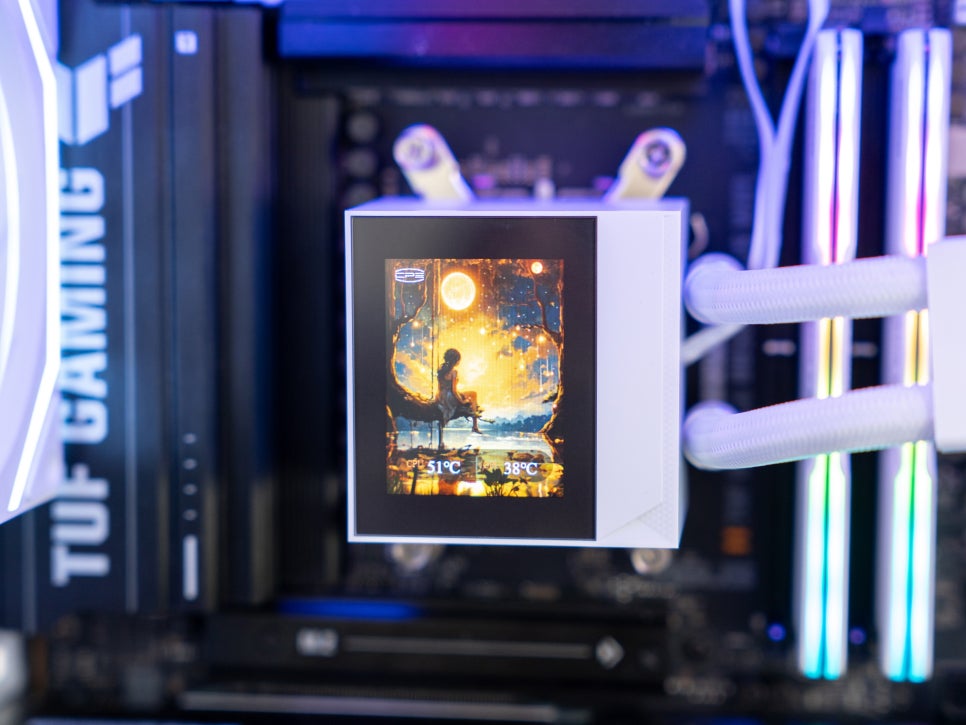
The display, with a resolution of 320 x 240 and a 2.4-inch 60Hz specification, offers smooth color and motion. Although slightly dim, it poses no issues in dark gaming environments.
RGB Effects
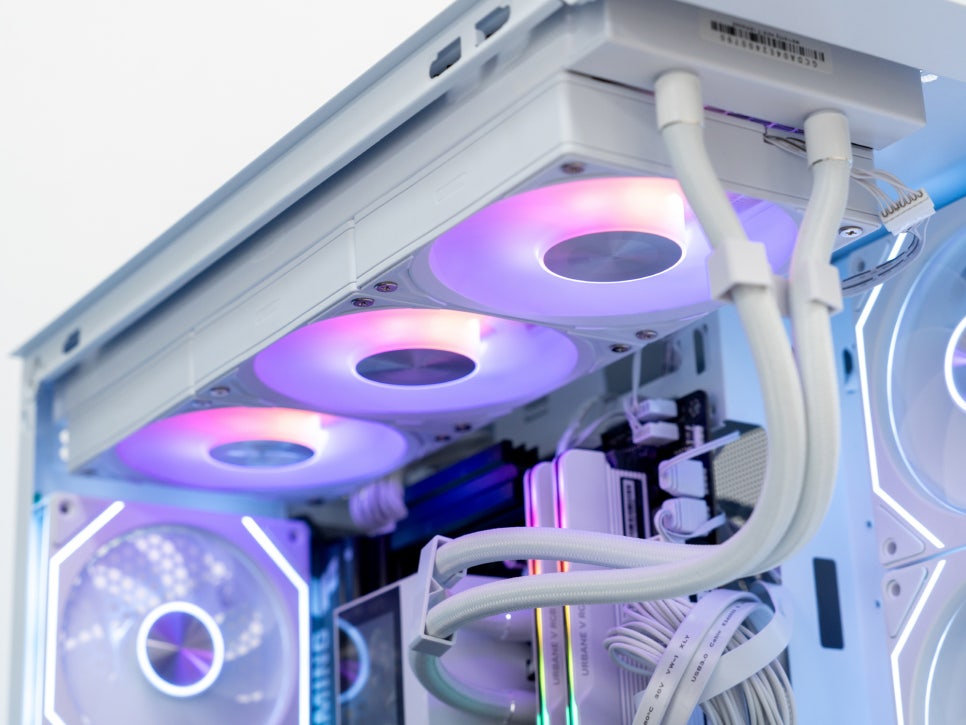
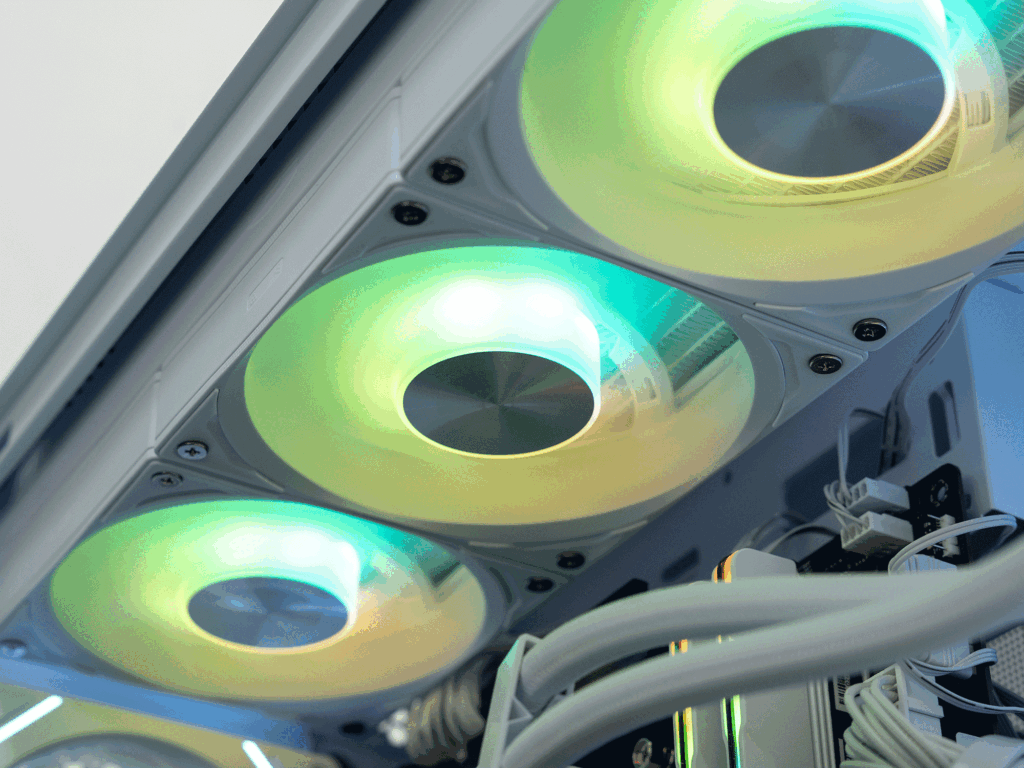
All three 120mm cooling fans feature ARGB, allowing for vibrant RGB lighting setups. Connecting to the motherboard’s ARGB header enables synchronization with the motherboard manufacturer’s RGB software for cohesive system lighting effects.
Performance Test
We conducted a simple performance test using the AIDA64 System Stability Test for 15 minutes, followed by a 10-minute Cinebench 2024 multi-core rendering test.
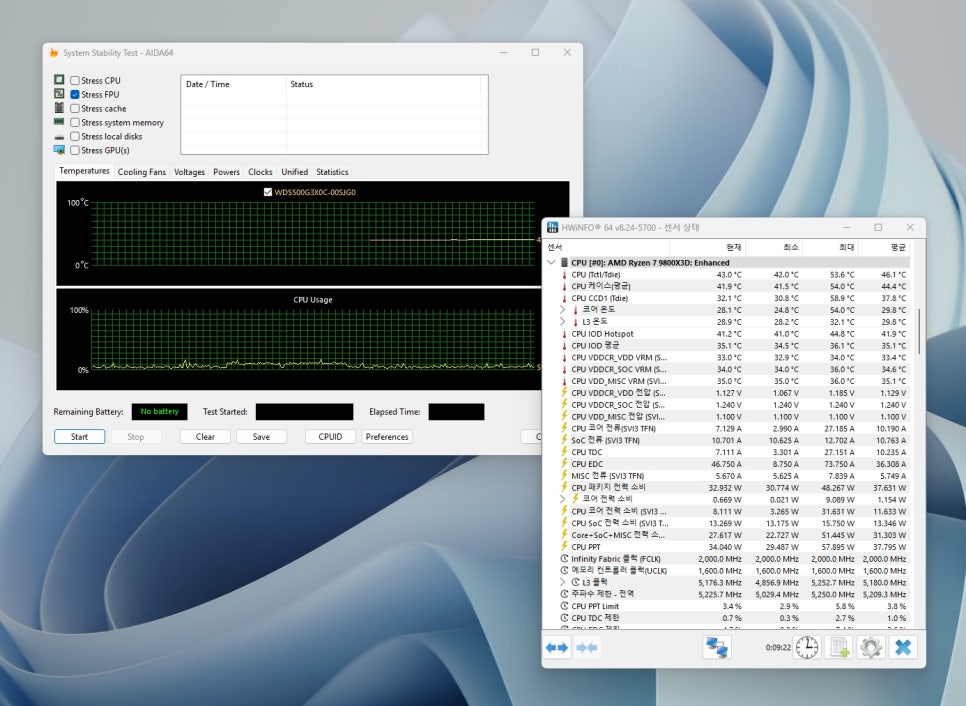


The results exceeded expectations, demonstrating excellent cooling performance among similarly priced liquid coolers. It maintained stable temperatures under heavy load with acceptable noise levels. Hardware benchmark sites have given similar evaluations, confirming its performance.
Conclusion
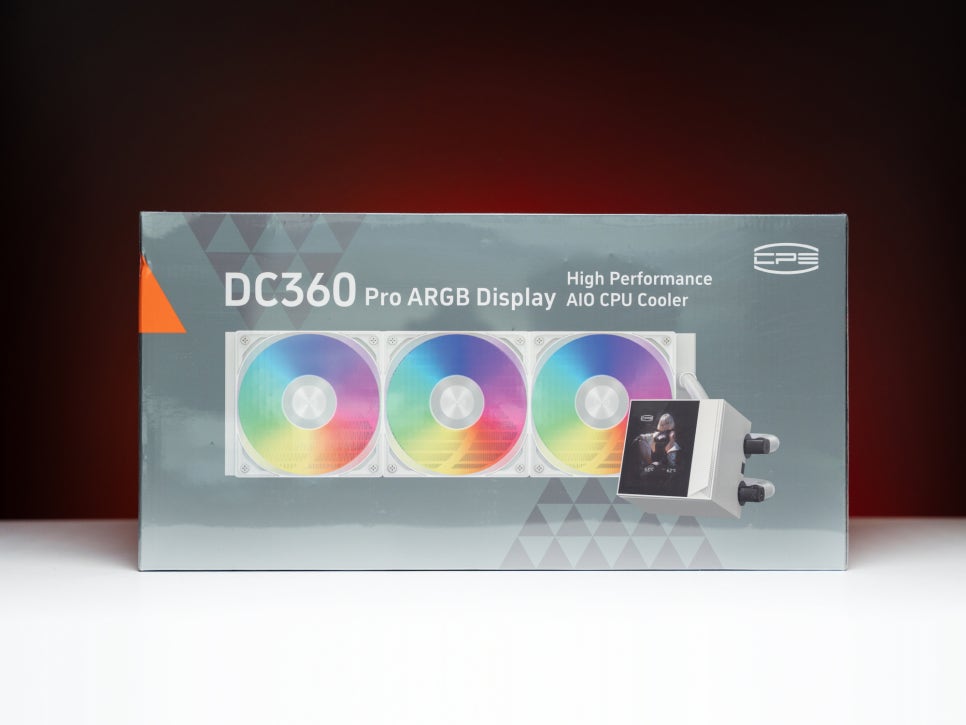
The PCCOOLER CPS DC360 PRO ARGB DISPLAY is a liquid cooler that truly embodies value for money. Its 2.4-inch IPS display allows real-time system monitoring and personal expression, and its one-step installation process is a significant advantage for beginners.

Additionally, the ARGB effects enable stunning PC customization, and the dedicated software allows for extensive display customization.
As confirmed in previous tests, it offers top-tier performance for its class at a reasonable price, making it an attractive option for those seeking a liquid cooler.
Especially for first-time liquid cooler users or those looking for a display-equipped product at a reasonable price, this is worth considering.
Purchase Product
As an Amazon Associate I earn from qualifying purhases.
Purchase Product : https://amzn.to/3LPvqdf
