

Razer, a global gaming gear brand, offers a wide range of gaming gear from mice and keyboards to headsets and laptops. They continuously release competitive products through their proprietary technology and collaborations with professional gamers.
Among Razer’s gaming headset lineup, the BlackShark series is a premium lineup specifically designed for professional and hardcore gamers. Inspired by helicopter pilot headsets, its unique yoke design has become an iconic feature of the BlackShark, known for its excellent comfort and durability.
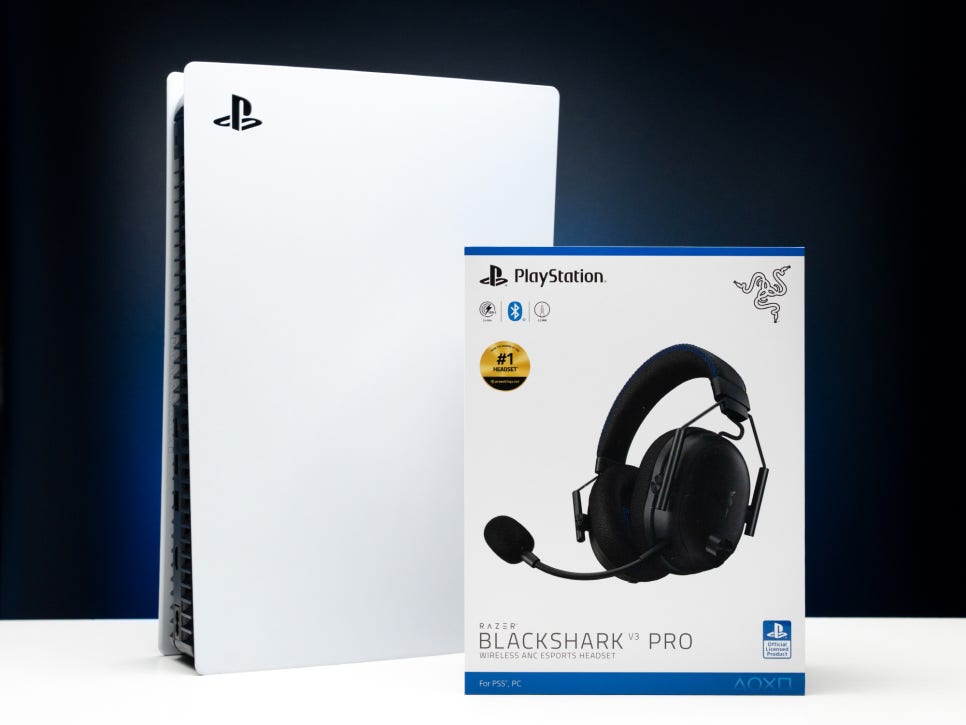
The Razer BlackShark lineup is available in three models, with the Pro model also released in versions optimized for different consoles. The PRO model, compared to the standard model, features second-generation HyperSpeed wireless technology achieving ultra-low latency of 10ms and includes active noise canceling (ANC) as part of its premium features.
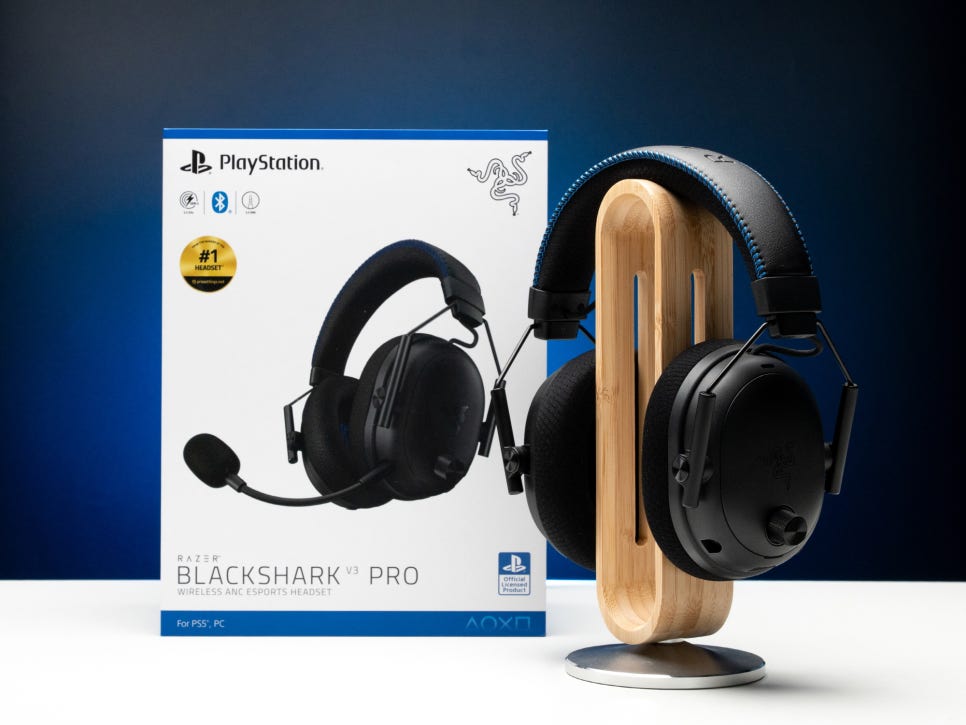
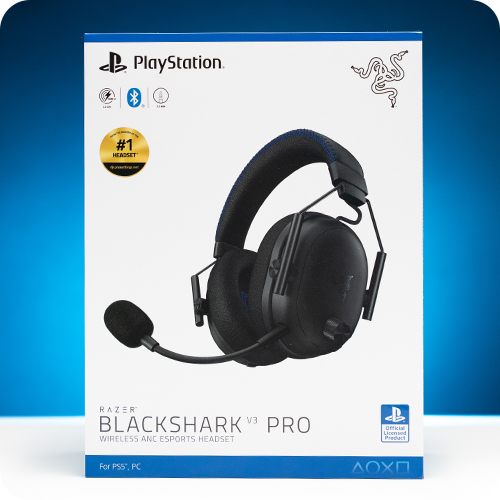
Today, we’ll take a look at the Razer BlackShark V3 Pro for PlayStation, a product officially certified by Sony PlayStation, as indicated by its name.
Specifications and Components
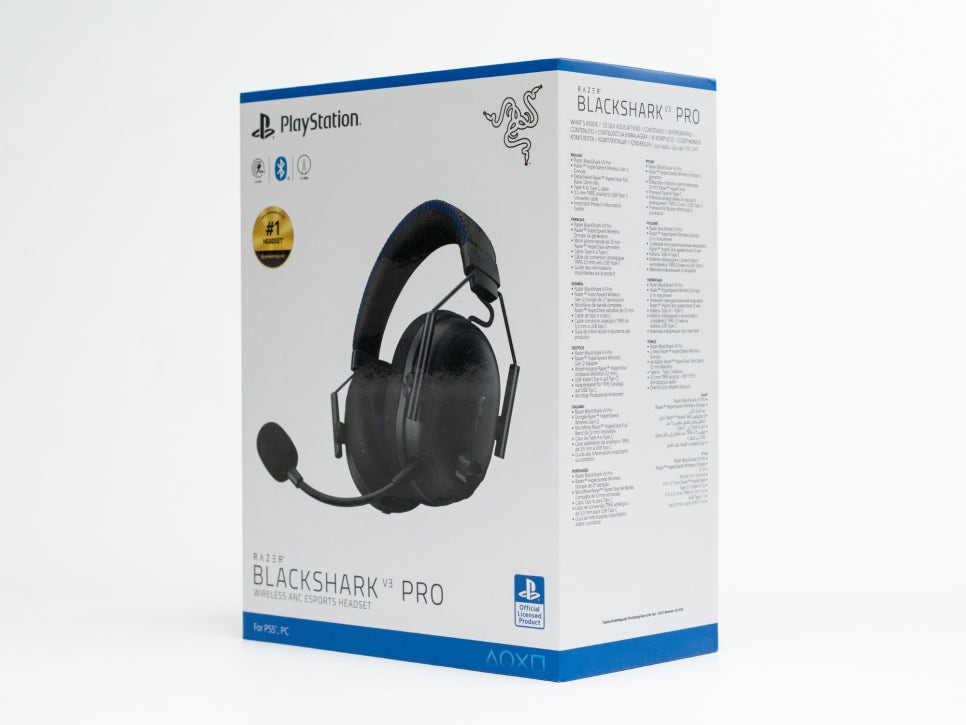
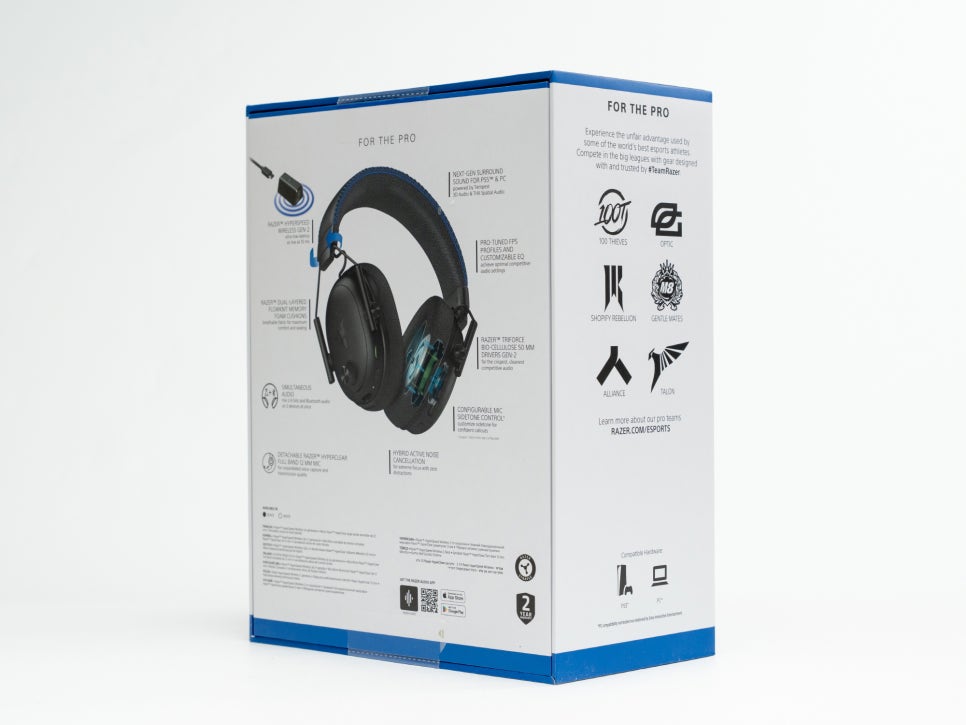
Key features of the Razer BlackShark V3 Pro for PlayStation gaming headset include the 50mm Razer 2nd Gen TriForce Bio-Cellulose drivers, supporting a wide frequency response range from 12Hz to 28,000Hz. This surpasses the typical gaming headset range of 20Hz to 20,000Hz, offering richer and more detailed sound.
Wireless connectivity is supported by second-generation HyperSpeed Wireless technology, providing ultra-low latency of 10ms, along with Bluetooth 5.3. Wired connections are possible via USB-C audio and 3.5mm analog connections, making it versatile across various platforms.
To obtain official PlayStation licensing, the product must meet Sony’s strict hardware compatibility standards, audio performance tests, and demonstrate perfect integration with the PlayStation ecosystem to receive the certification mark.
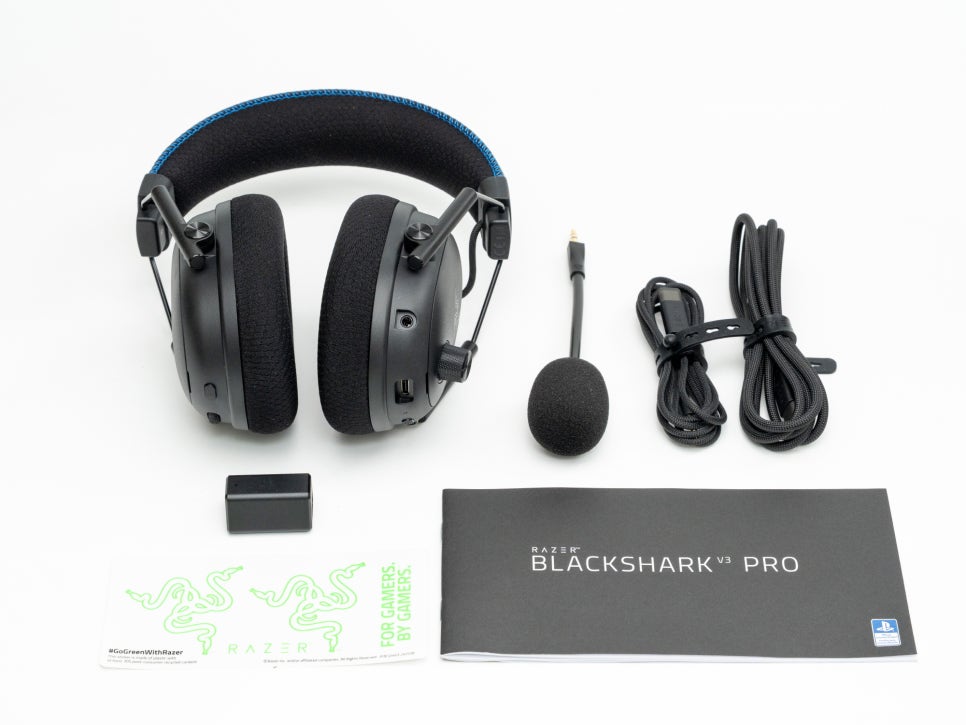
The package includes the headset body, a detachable Razer HyperClear 12mm wideband microphone, a HyperSpeed wireless dongle, a USB-C to USB-A cable, a USB-C to 3.5mm adapter cable, and a user manual.
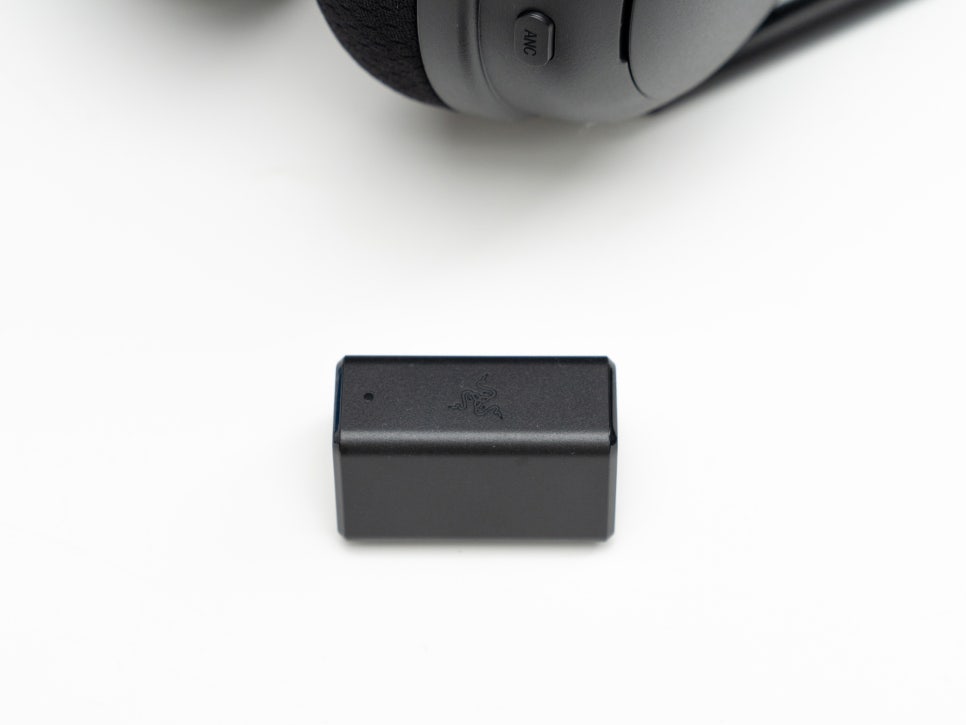
Unlike typical small dongles, the wireless dongle connects via a USB-C to USB-A cable, allowing it to be placed directly in the line of sight with the headset for stable signal reception, even in living rooms or complex gaming desk environments.
Appearance and Features
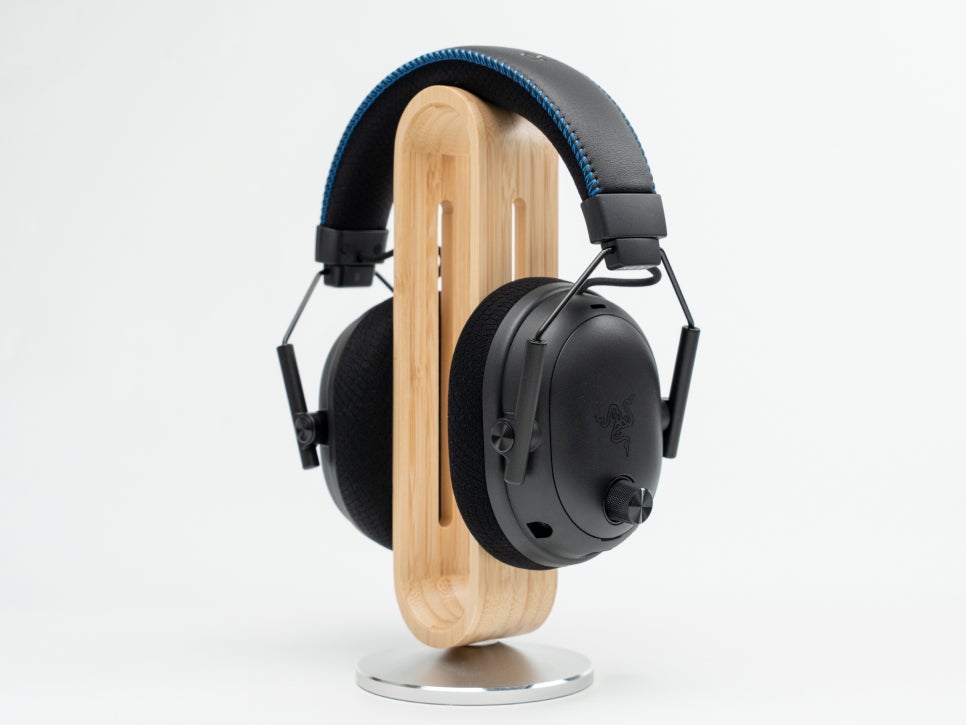
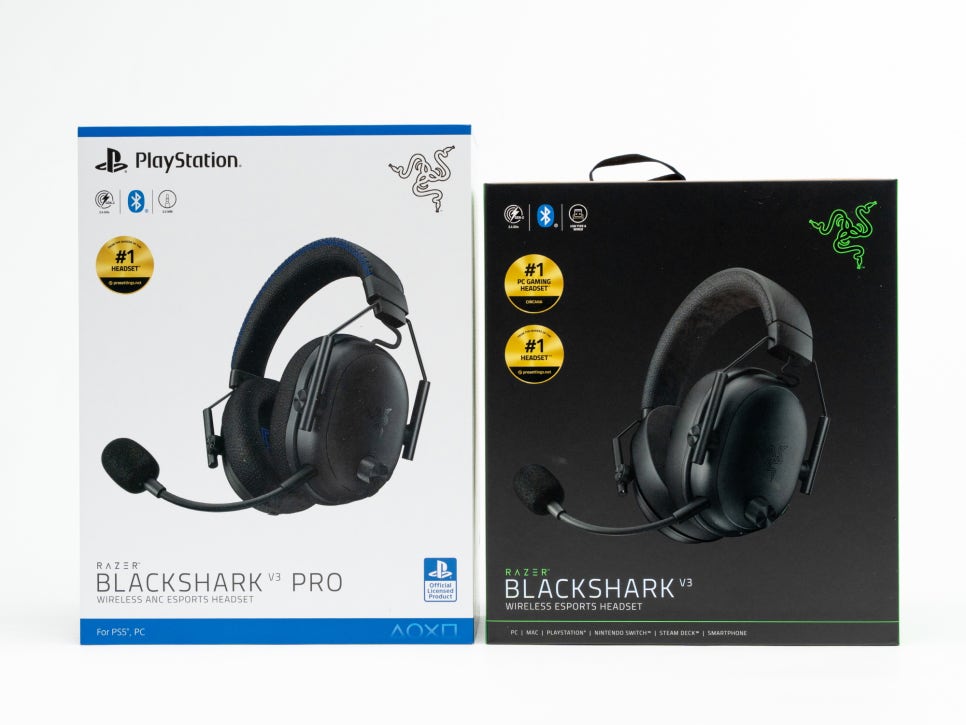
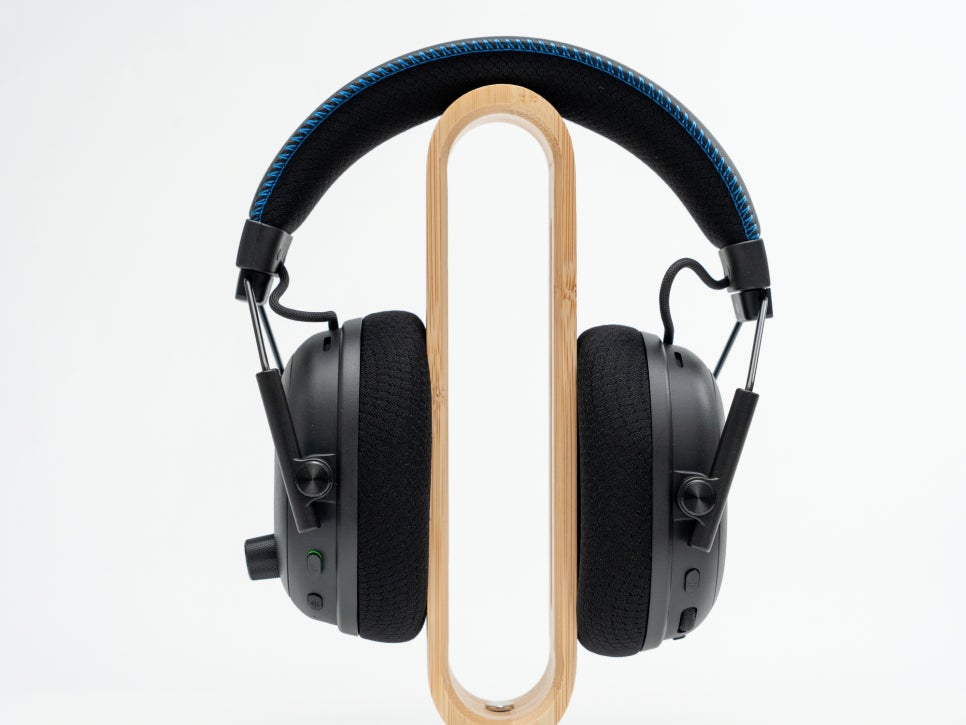
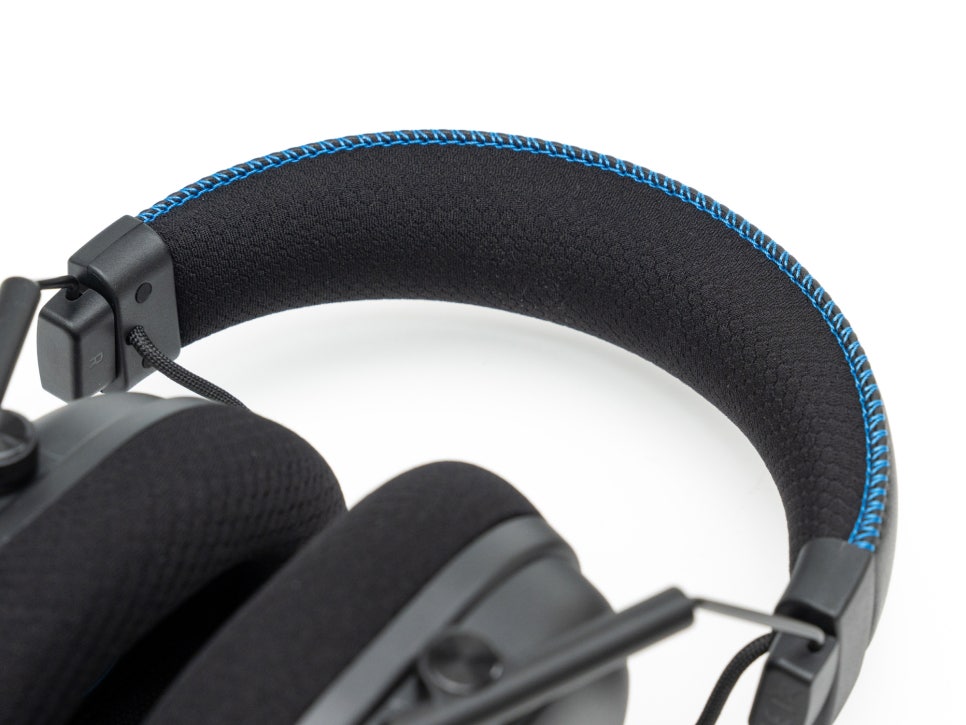
The Razer BlackShark V3 Pro for PlayStation maintains the series’ unique design reminiscent of helicopter pilot headsets. While similar in appearance to the BlackShark V3, it features subtle differences, primarily in a matte black color with blue stitching on the headband, symbolizing its status as an officially certified PlayStation product.

A prominent vertical volume knob is located on the left housing, allowing precise adjustments during gameplay. The knob’s surface is textured for easy differentiation from other buttons.
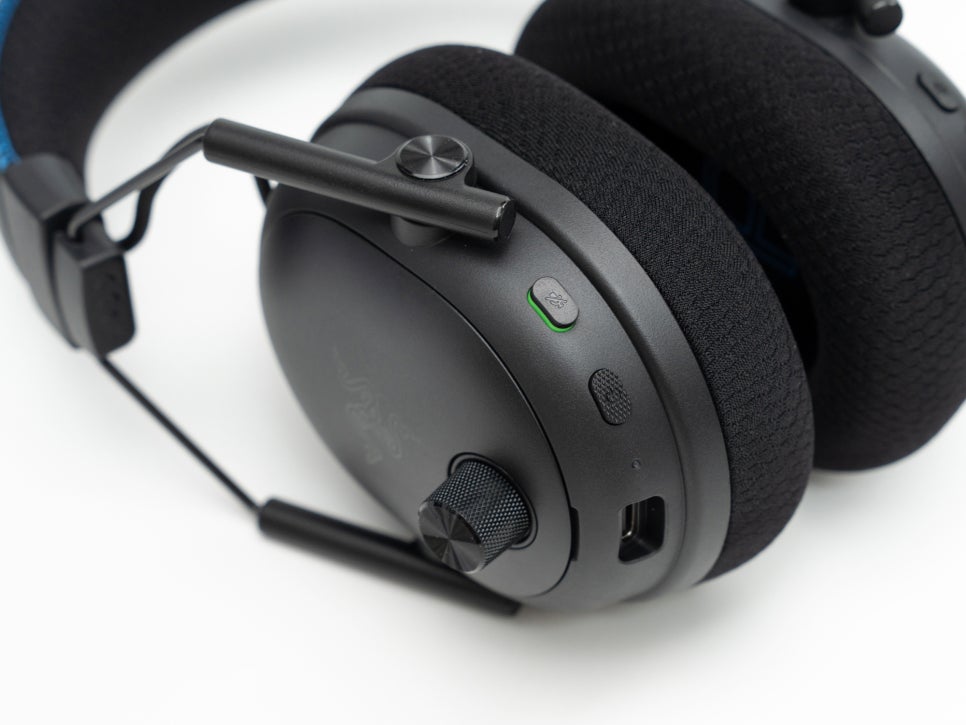
On the left housing side, from the front, you’ll find a 3.5mm microphone jack, a USB-C charging port, a power button, and a microphone mute switch.
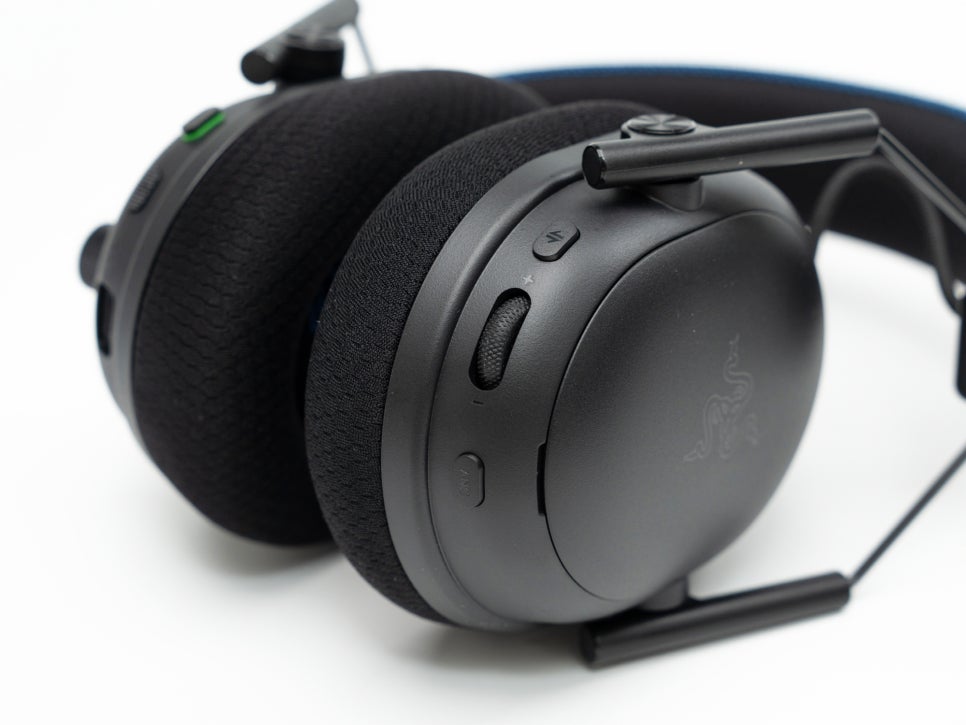
The right housing also features various buttons, including a multifunction button for EQ preset switching and Bluetooth pairing, and a customizable roller below it, which is set by default for microphone sidetone adjustment on PlayStation but can be changed to other functions via PC’s Synapse software.
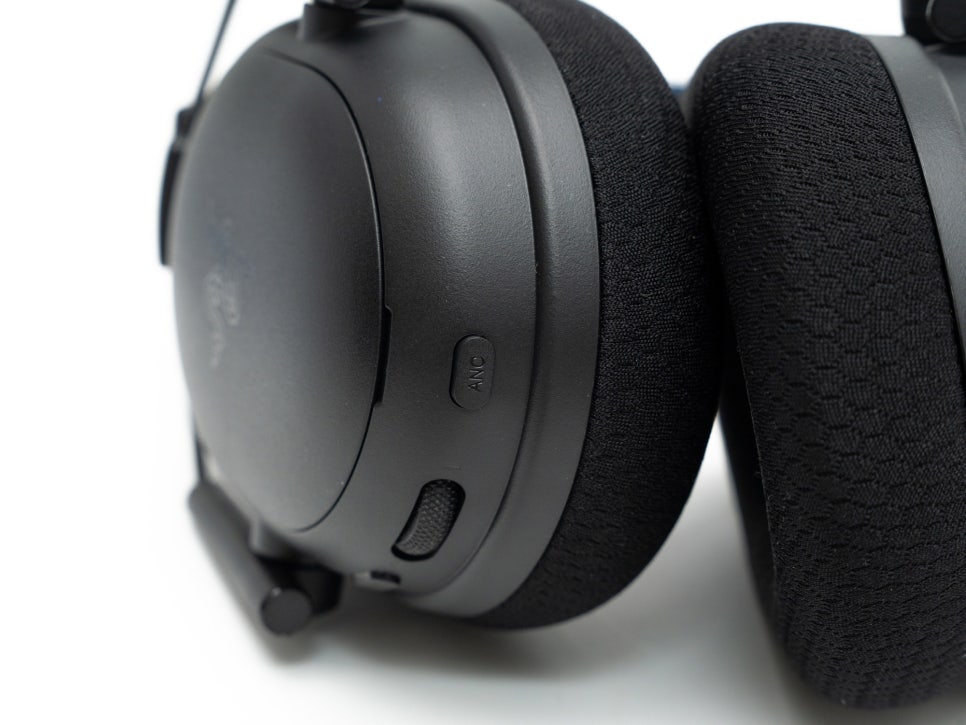
The Pro version includes an ANC button to control the ANC function, cycling through ANC ON, ambient mode, and ANC OFF with each press. It effectively blocks surrounding noise using a hybrid method with four microphones.
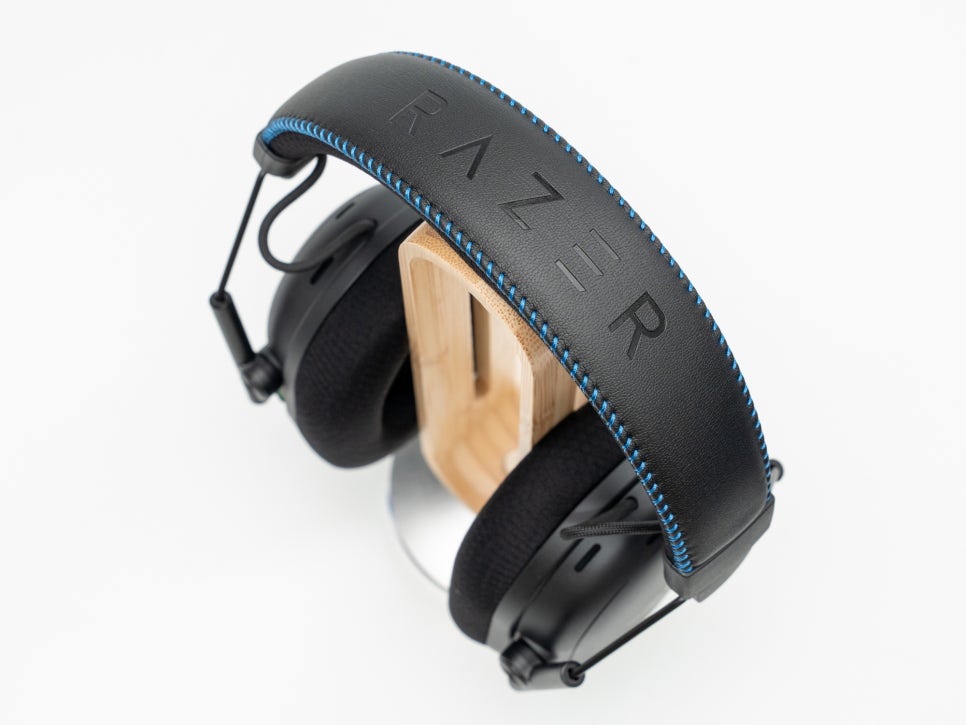
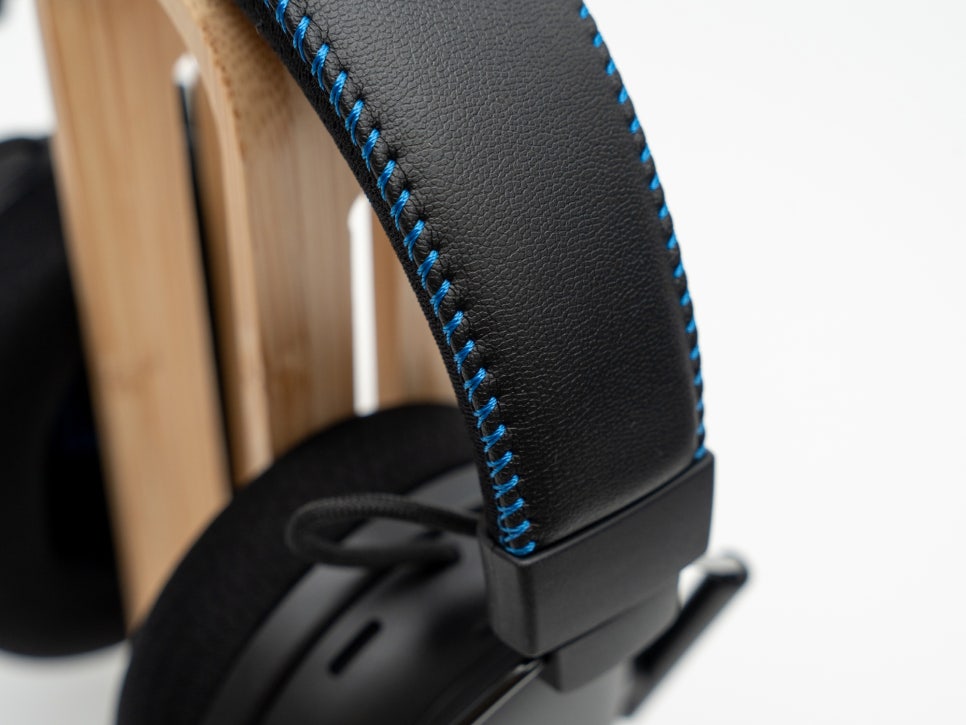
The headband is made of synthetic leather with thick memory foam inside, adding a touch of luxury with blue stitching symbolizing PlayStation.
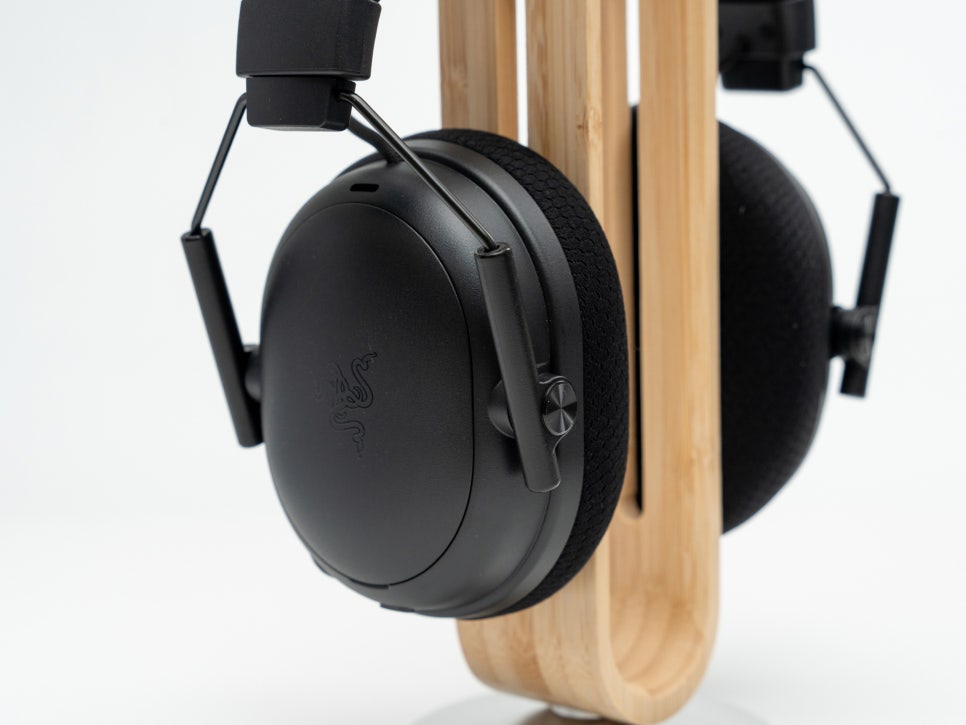
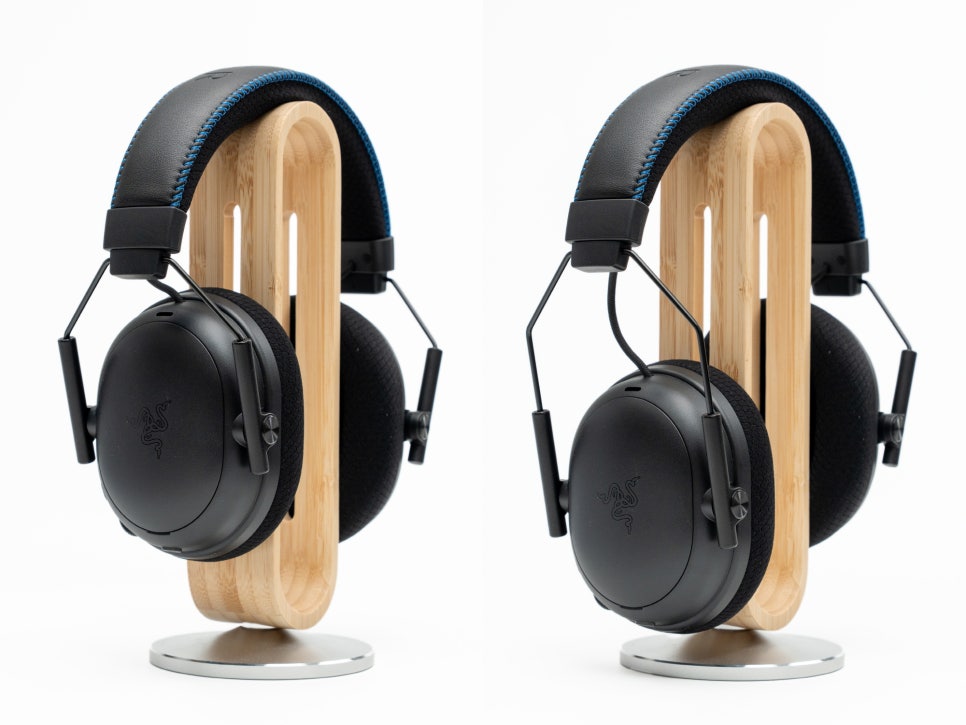
The headset housing can be adjusted in length via a sliding mechanism along the aluminum yoke, and the ear cups can tilt up to 15 degrees, allowing for adjustments to fit the user’s ear angle.
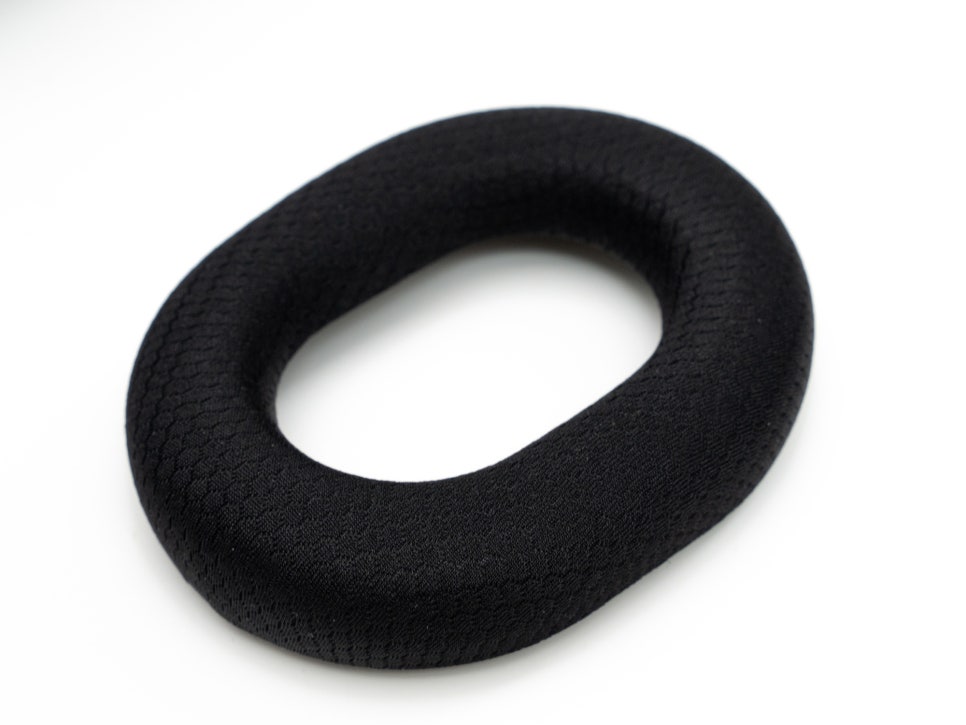
The ear cushions are made of breathable fabric, reducing heat and moisture buildup during extended wear. The internal diameter is 66 x 45mm, comfortably enveloping most users’ ears.
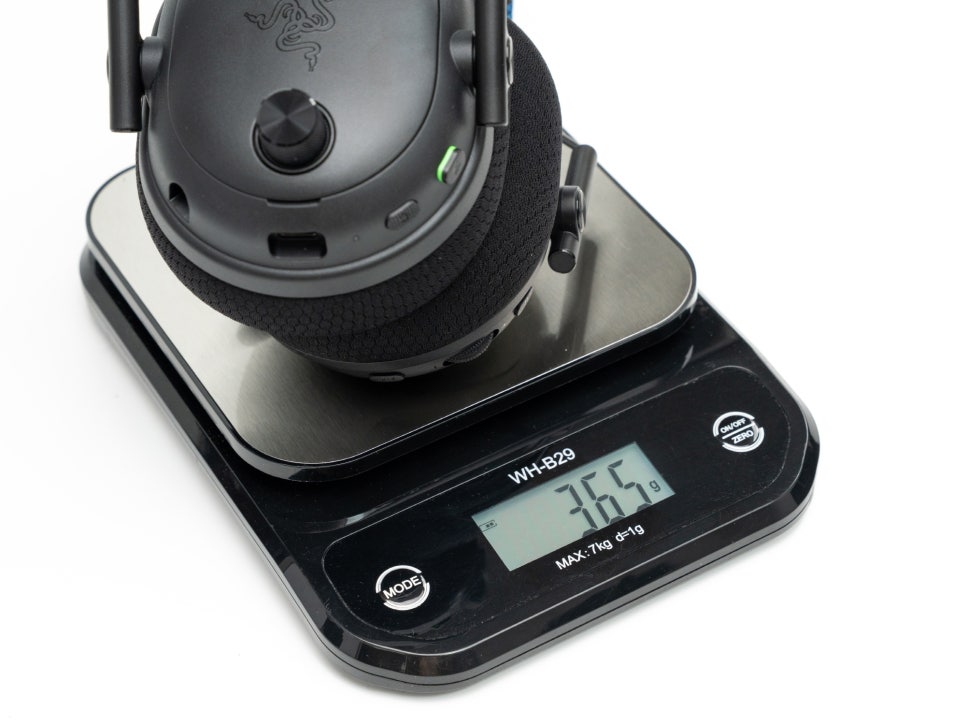
Weighing in at 365g, it is slightly heavier than the standard BlackShark V3’s 320g, but its excellent weight distribution and padding result in low fatigue even during long wear.
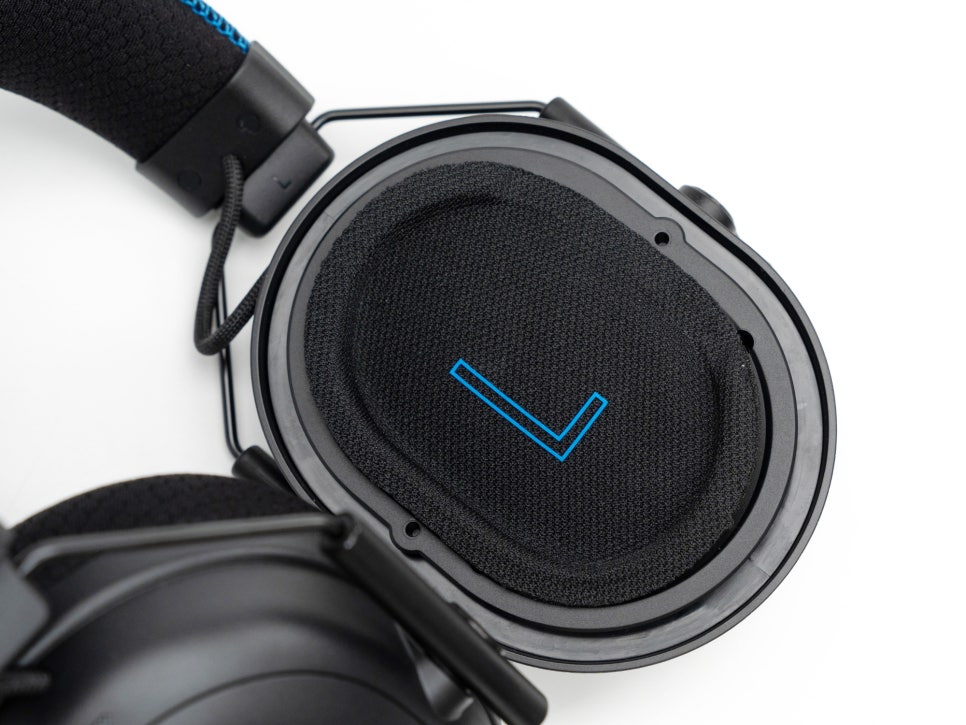
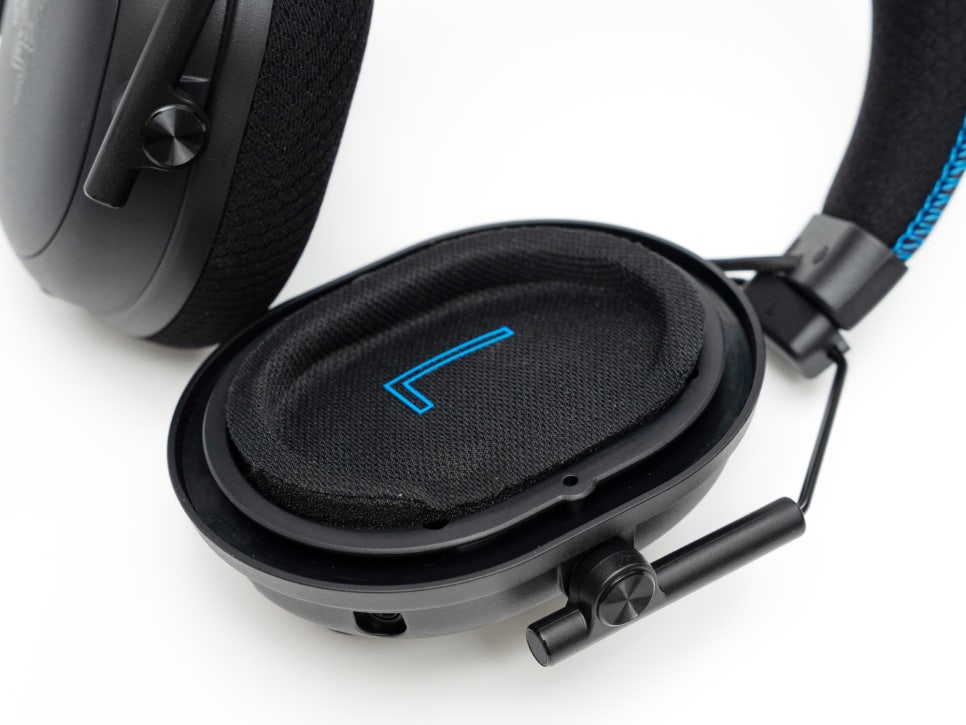
The Razer 2nd Gen TriForce Bio-Cellulose 50mm driver is the best among the BlackShark series, with bio-cellulose material reducing distortion and reproducing more accurate sound. It is designed to clearly distinguish bass resonance and high-frequency positional sound, covering a variety of games and optimized for FPS genres.

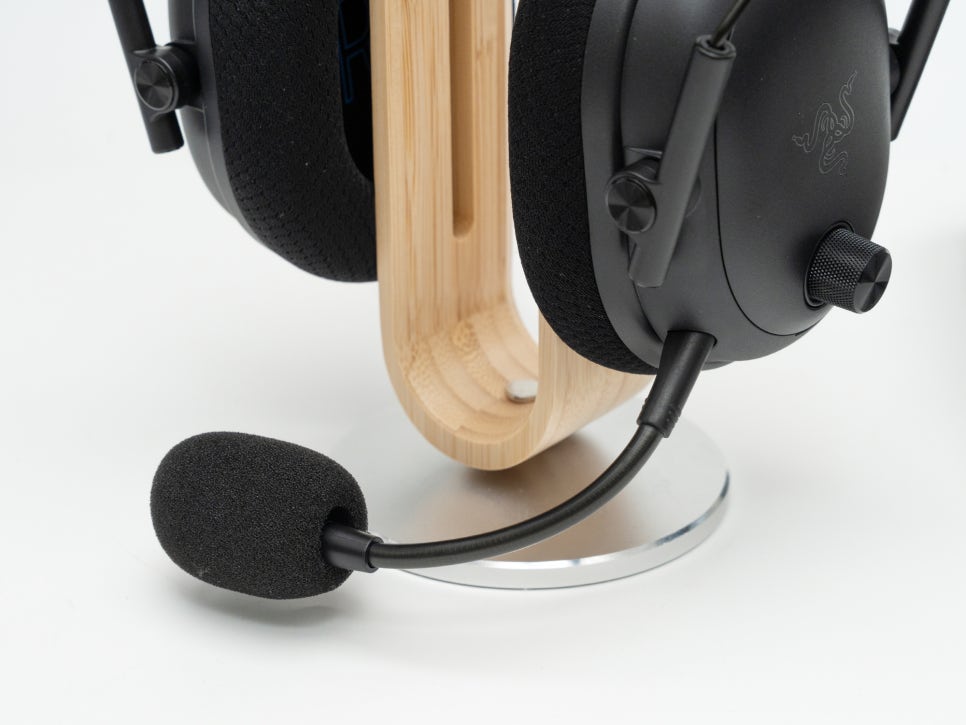
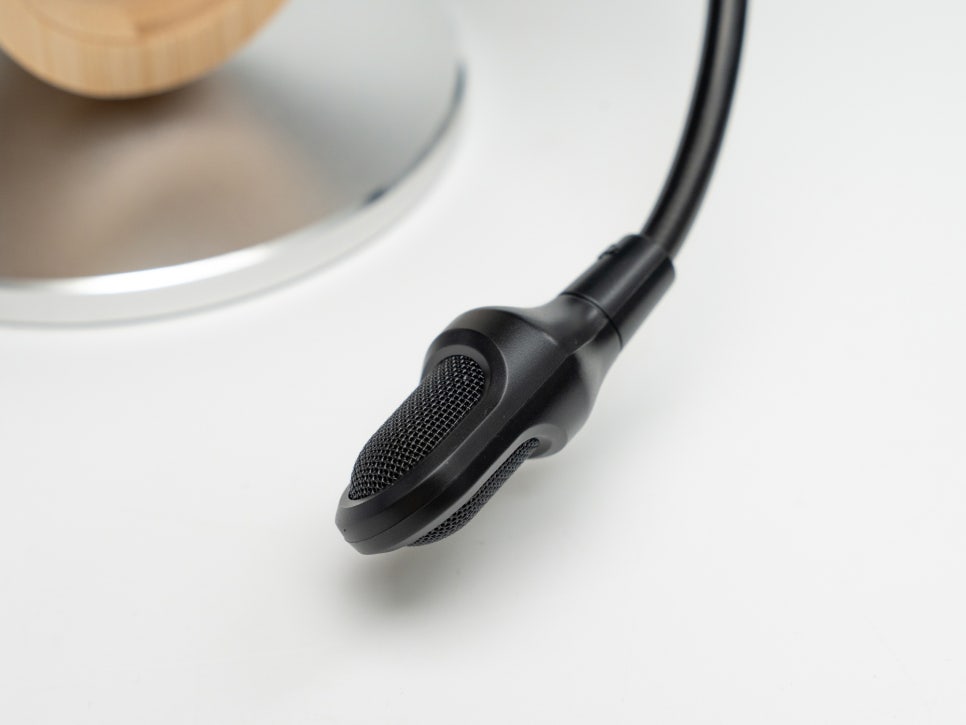
The detachable Razer HyperClear 12mm wideband microphone has been upgraded from the previous generation’s 9.9mm and supports a 48kHz sampling rate. It can be easily fixed in the desired position with a bendable gooseneck arm, and a foam windscreen is included to reduce pop noise and breathing sounds.
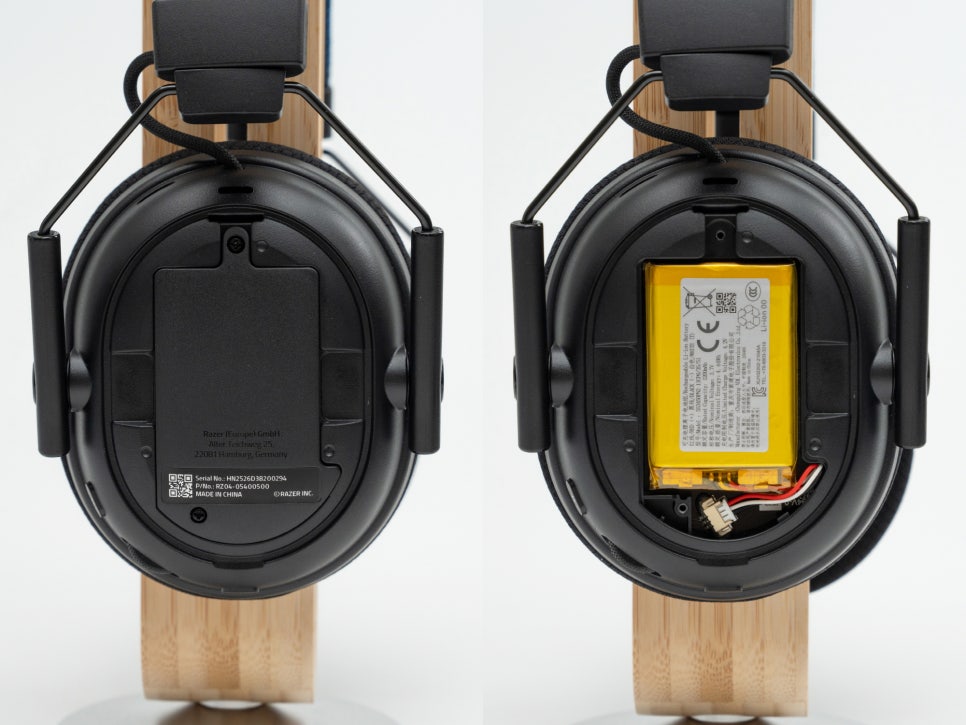
Opening the magnetic plate on the housing side reveals a replaceable battery inside the right ear cup, allowing for direct replacement when battery performance declines. The battery can be charged via the USB-C port, taking about 3 hours for a full charge. Once fully charged, it offers approximately 70 hours of use on PC with 2.4GHz wireless connection and about 48 hours on PlayStation or Xbox.
PlayStation Connection
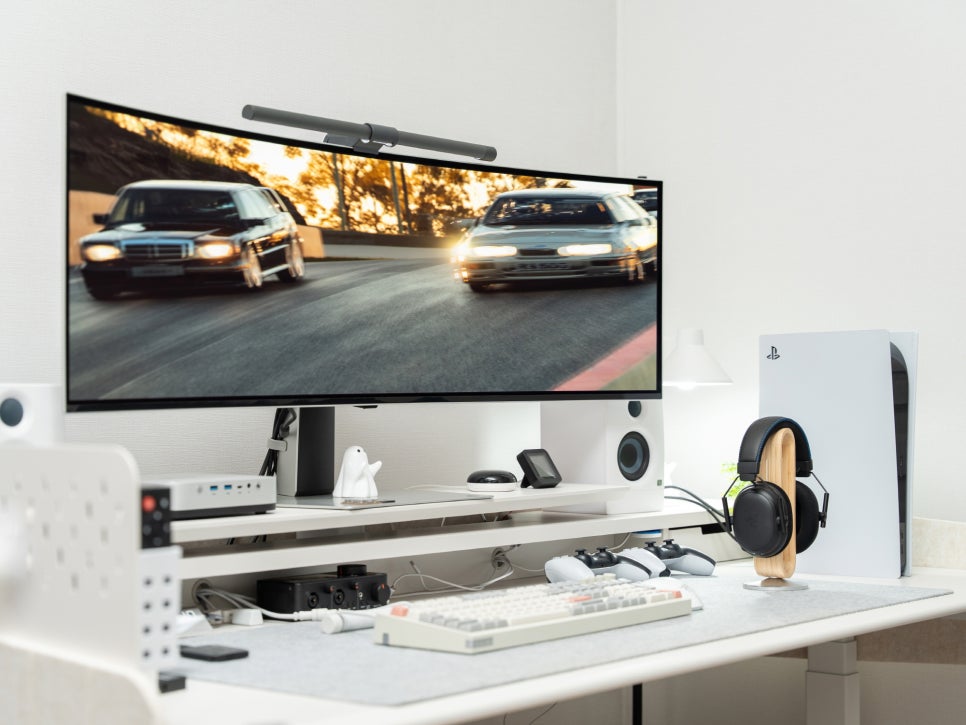
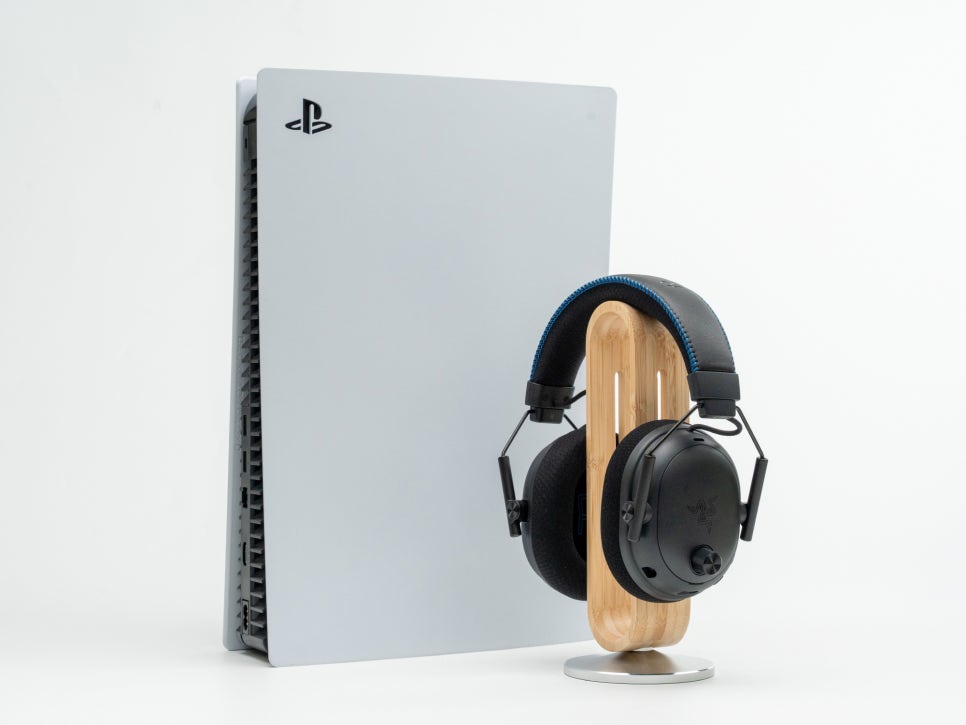
As an officially certified PlayStation product, connecting to the PS5 is very simple. For wireless use, connect the included HyperSpeed dongle to the PS5’s USB port using the USB-C to USB-A cable, and turn on the headset to automatically pair. After connection, you can verify that the output device and microphone have automatically changed to Razer BlackShark V3 Pro in the PS5 settings menu under sound.
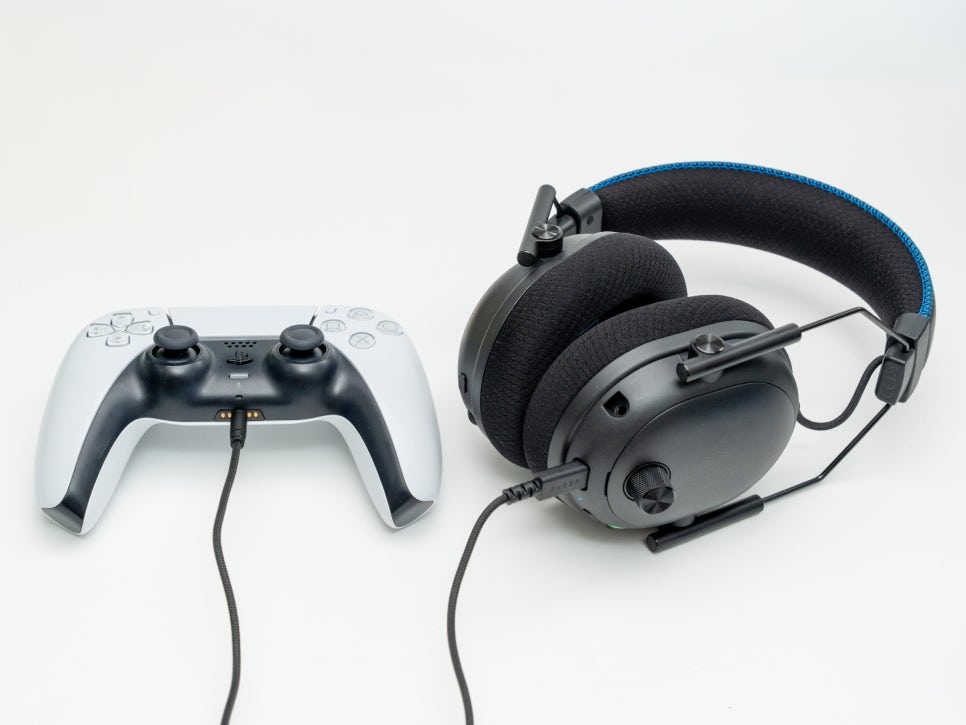
You can also directly connect to the PlayStation controller’s 3.5mm jack using the included USB-C to 3.5mm stereo cable. Wired connection allows for immediate use without the need for a USB wireless dongle or Bluetooth pairing process.
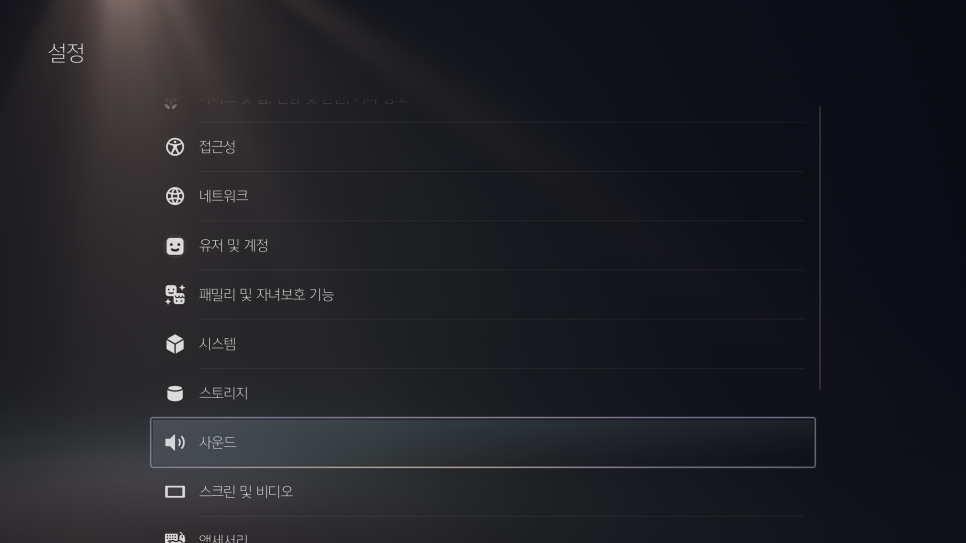
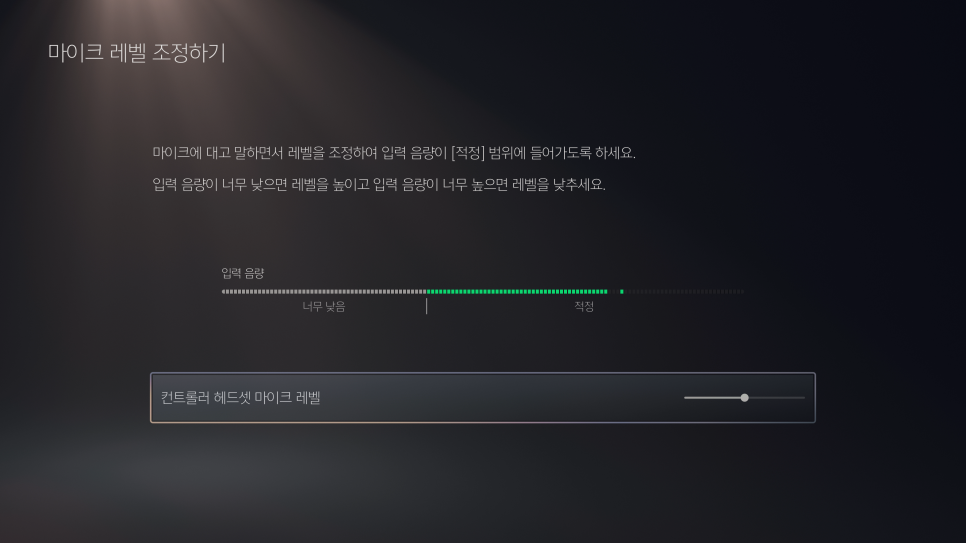
In the sound settings, you can adjust the headphone output volume, microphone level, and microphone mute status. The PS5 is equipped with the Tempest 3D AudioTech engine, allowing you to accurately perceive the direction and distance of in-game sounds when used with this headset. Selecting ‘3D Audio Headphone Measurement’ in the settings menu creates a 3D audio profile optimized for your hearing.
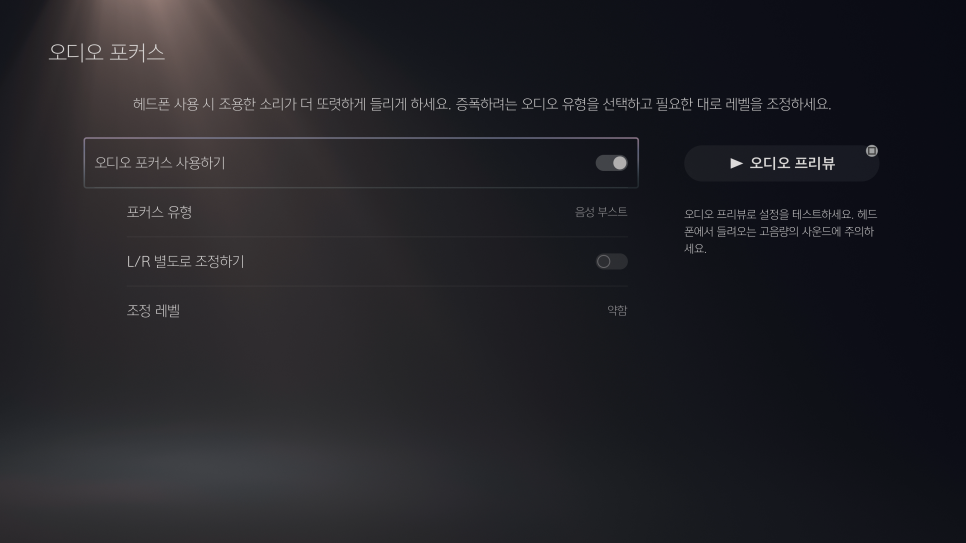
The PlayStation 5’s audio focus feature allows you to balance voice chat and game sound, with three modes to choose from.
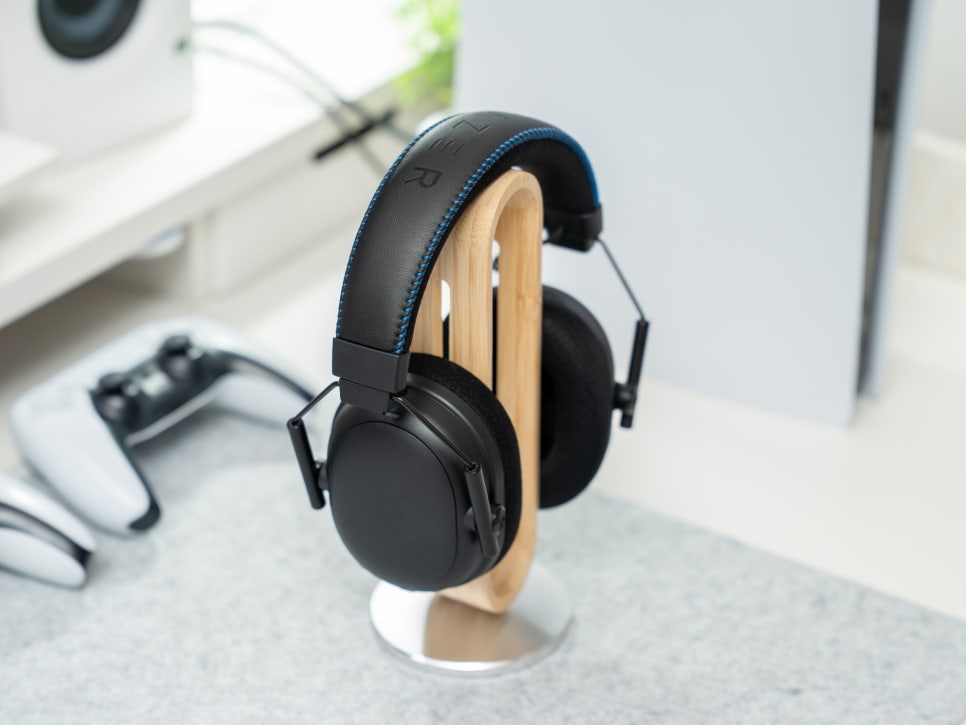
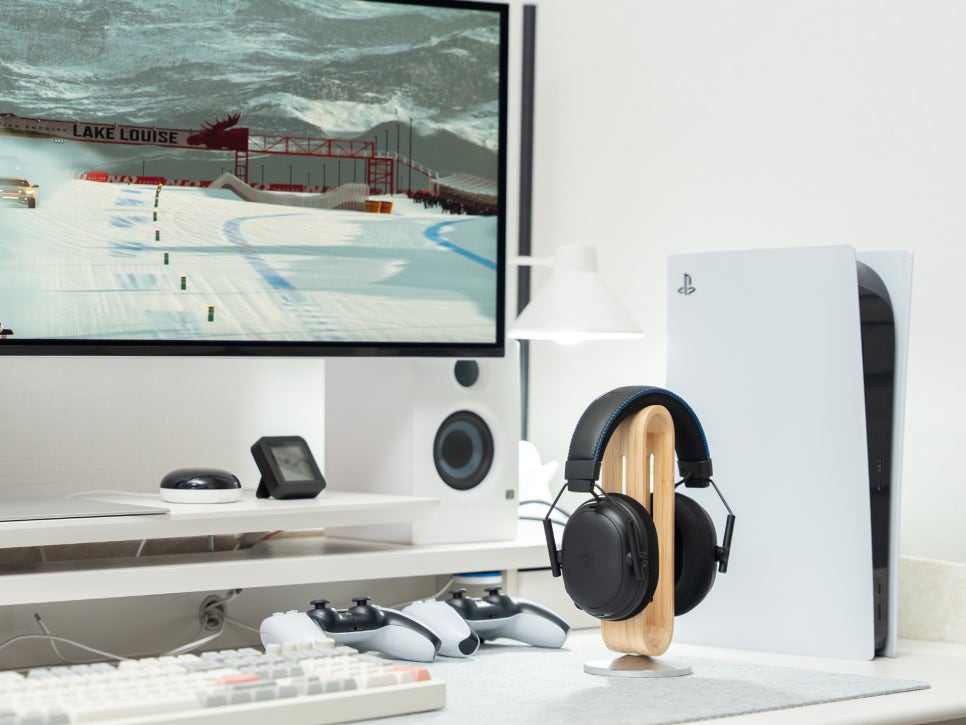
After testing various games connected to the PS5, I experienced an immersive soundscape. Setting the 3D audio effect enhances the immersive gameplay experience even further.
Synapse 4 Software
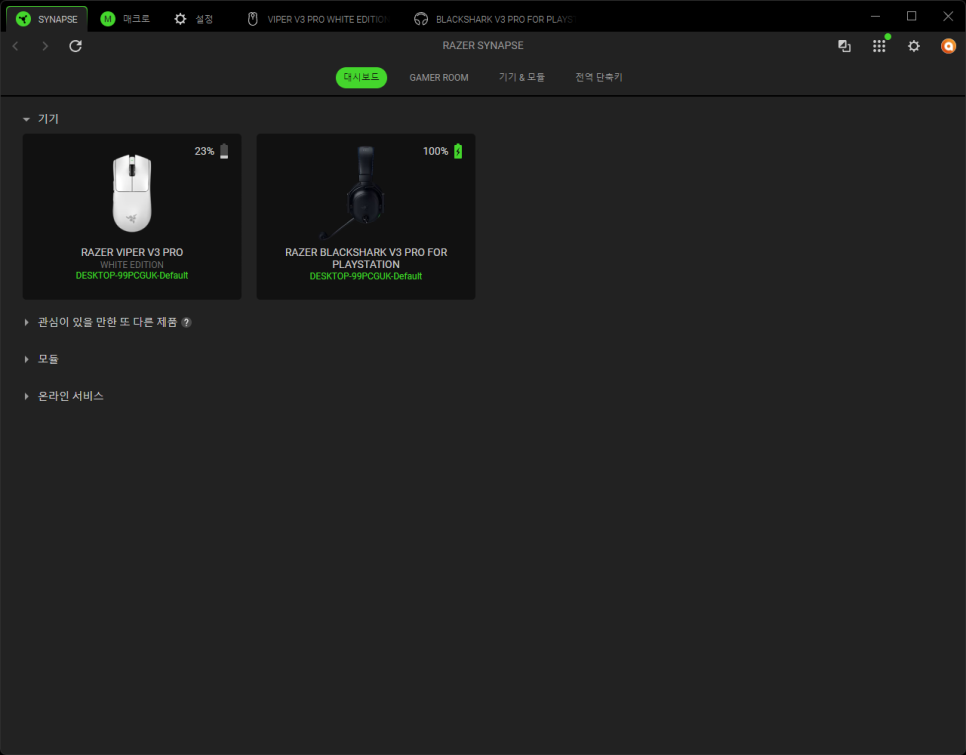
Razer Synapse 4 is Razer’s latest integrated peripheral management software, offering an intuitive interface and powerful features for detailed customization of Razer gaming gear.
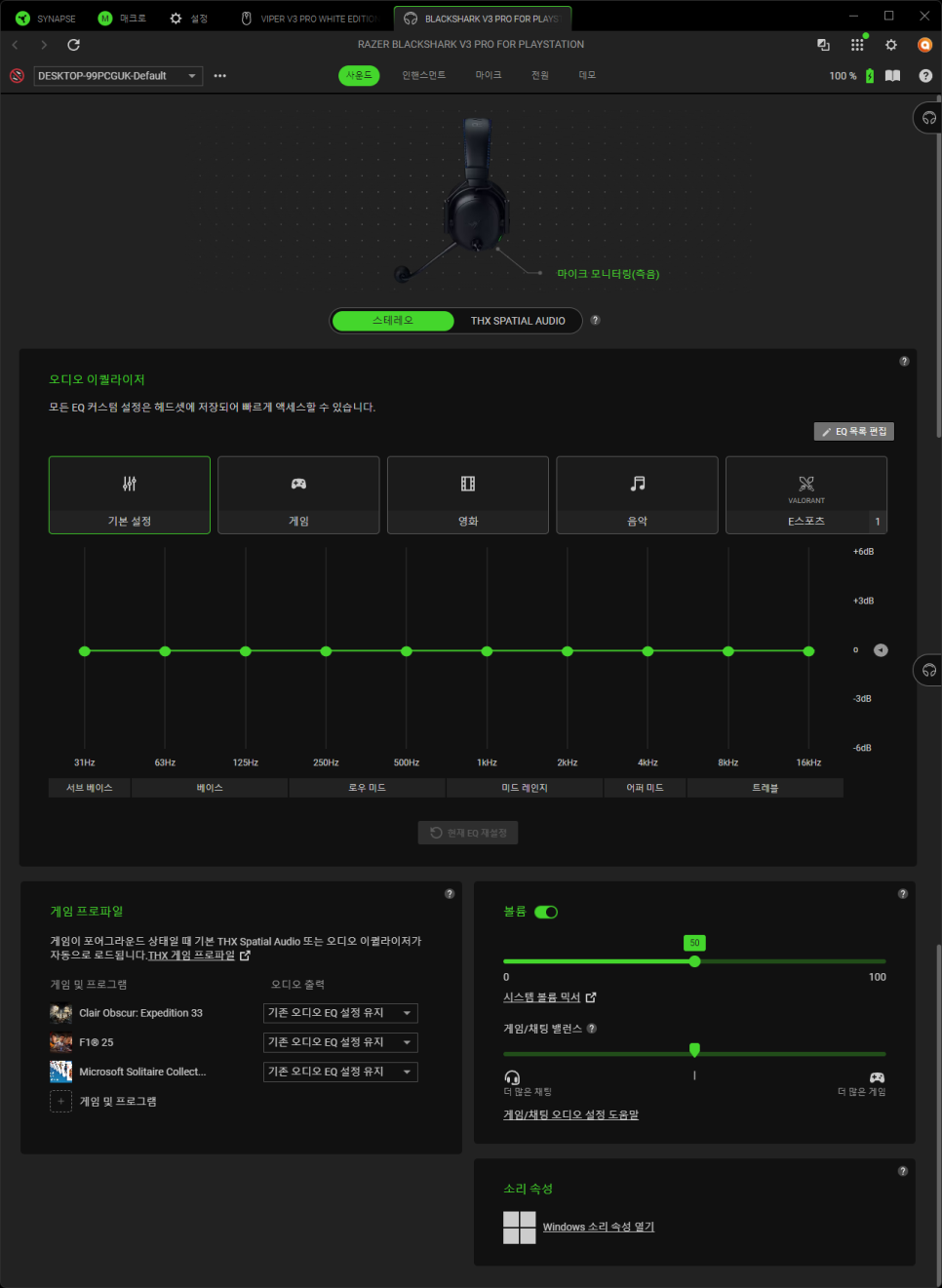
The sound menu provides a 10-band equalizer adjustable from 31Hz to 16kHz. Five presets—default, game, movie, music, and esports—are provided, and users can adjust the EQ themselves and save up to nine custom presets. These settings are stored in the headset’s internal memory, maintaining the same sound when used with consoles or other PCs.
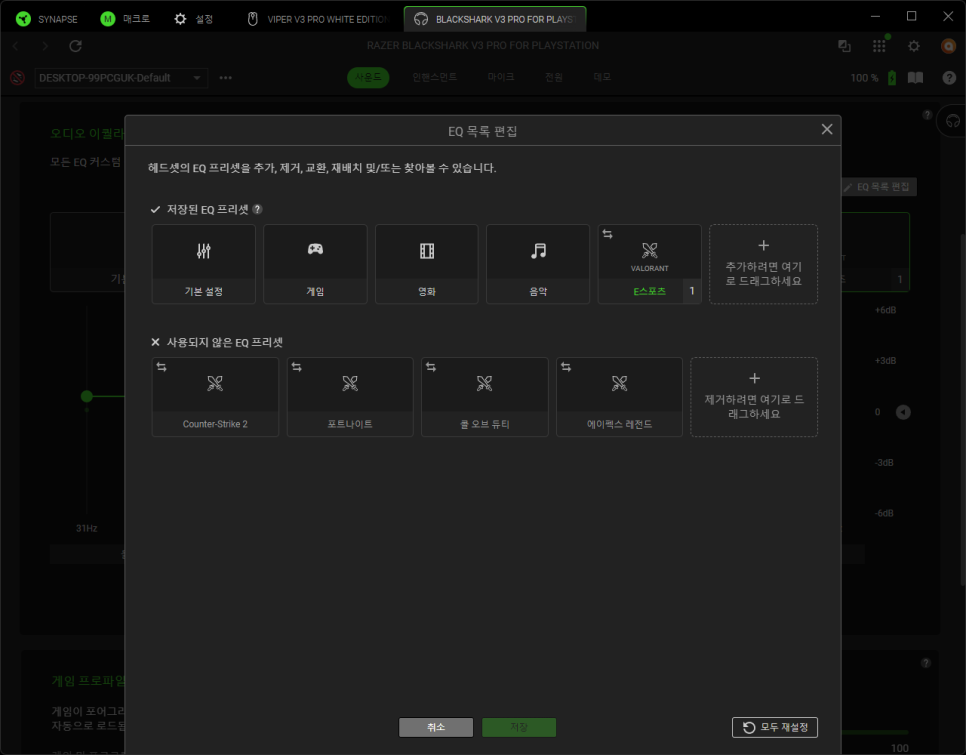
In the esports preset, you can apply game-specific EQ profiles created in collaboration with professional gamers. Each preset is tuned to emphasize footsteps and important audio cues of the respective game.
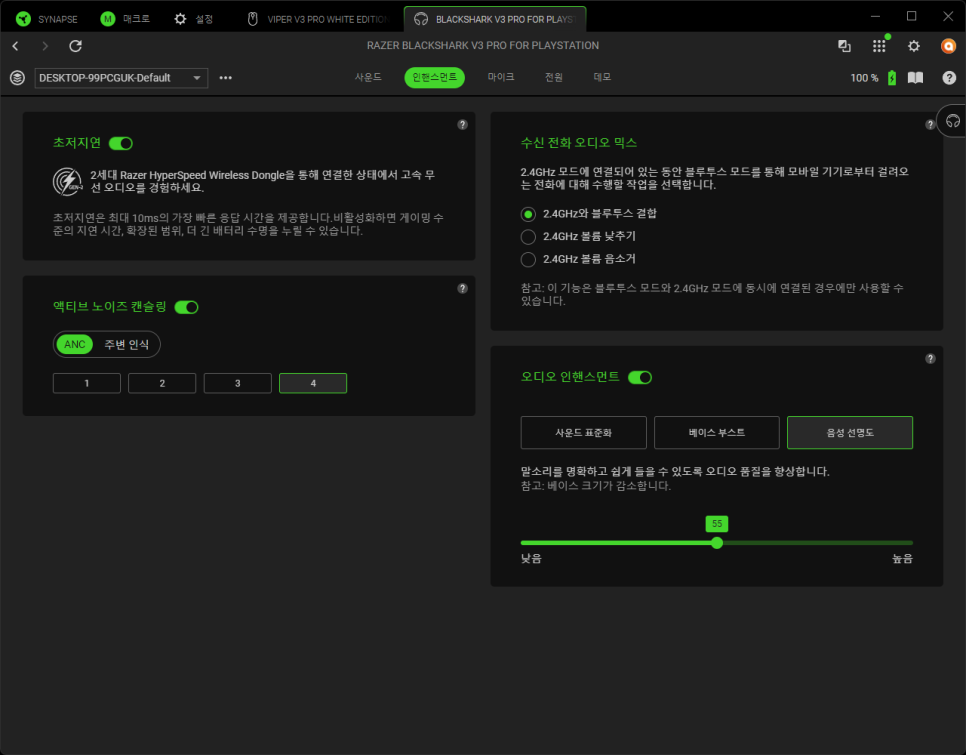
The enhancement menu allows you to set various audio enhancement features. Ultra-low latency mode minimizes latency when using Bluetooth, and active noise canceling blocks surrounding noise for focused gaming. The incoming call audio mix feature adjusts the balance of two audio sources when using 2.4GHz wireless and Bluetooth simultaneously, allowing for phone calls or music playback while gaming. The audio enhancement section lets you toggle effects like bass boost, vocal clarity enhancement, and sound normalization.
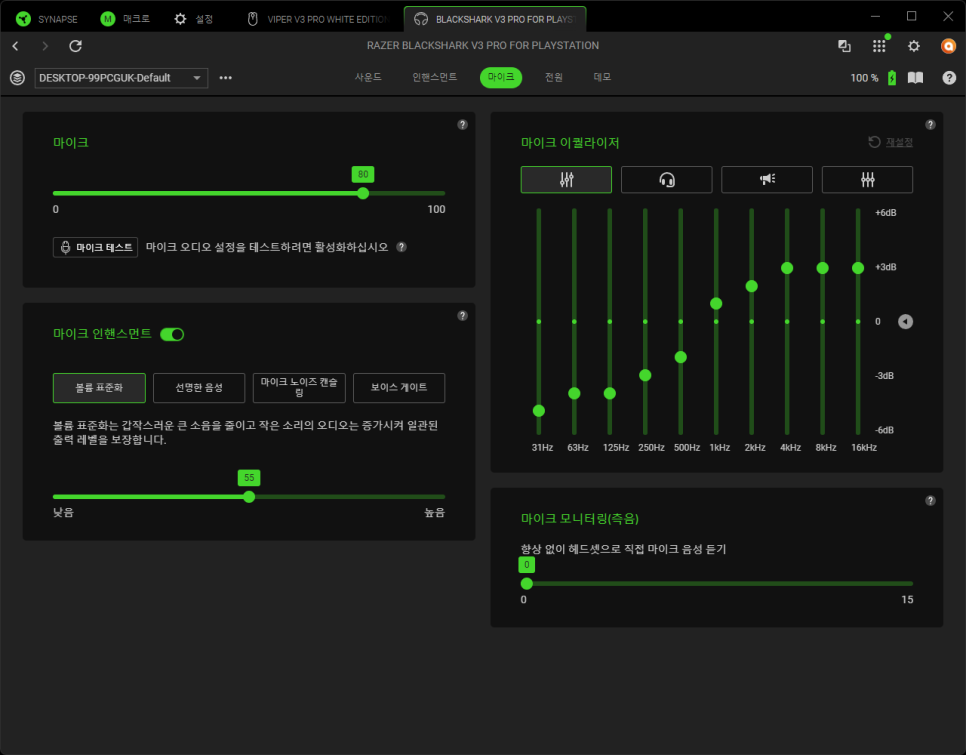
The microphone menu allows you to adjust input volume and offers a dedicated 10-band equalizer for the microphone. Activating the microphone monitoring feature lets you hear your voice in real-time, aiding in volume control.
Microphone enhancement features include volume normalization, vocal clarity, noise reduction, and ambient noise reduction, with noise reduction levels adjustable from 0 to 30 for stronger background noise removal.
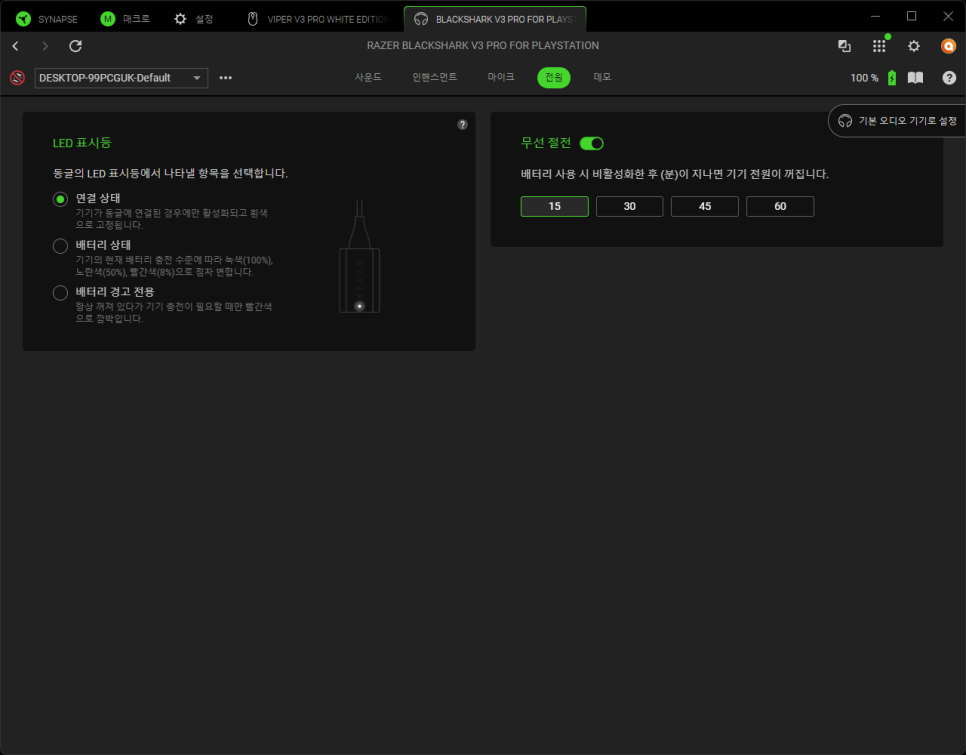
The power menu manages the headset’s power-saving settings, allowing you to set how long it takes to automatically turn off when idle, and choose what the LED indicator on the wireless dongle represents.
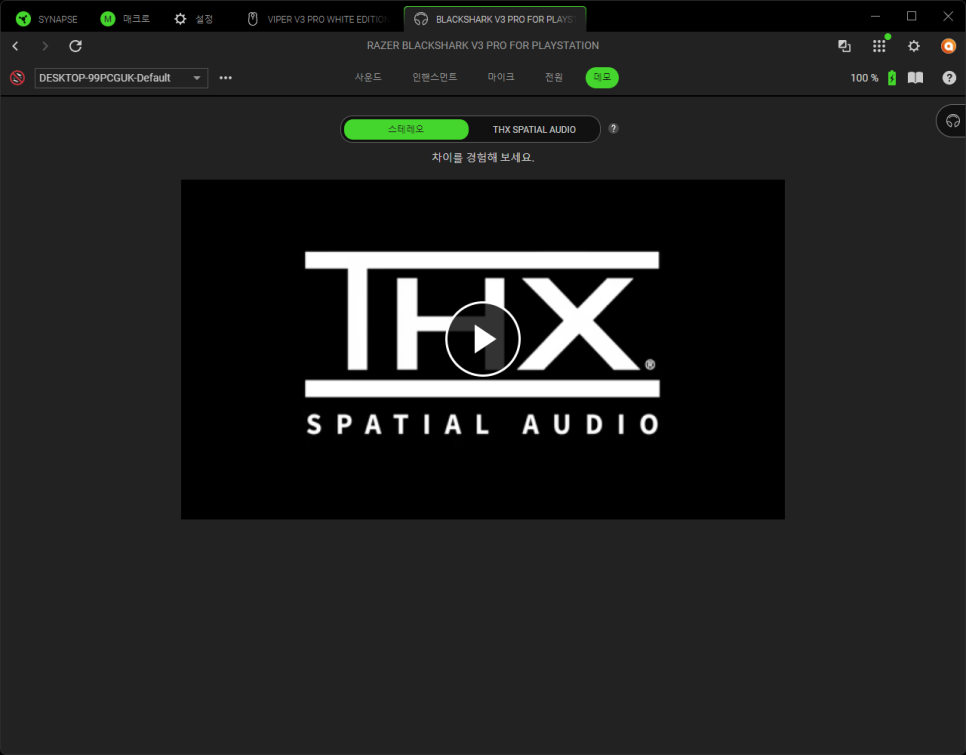
Since Razer’s acquisition of THX, the BlackShark series comes with Razer THX Spatial Audio by default. This technology provides 7.1.4 channel virtual surround sound, which can be activated in the Synapse 4’s THX menu.
Sound Test
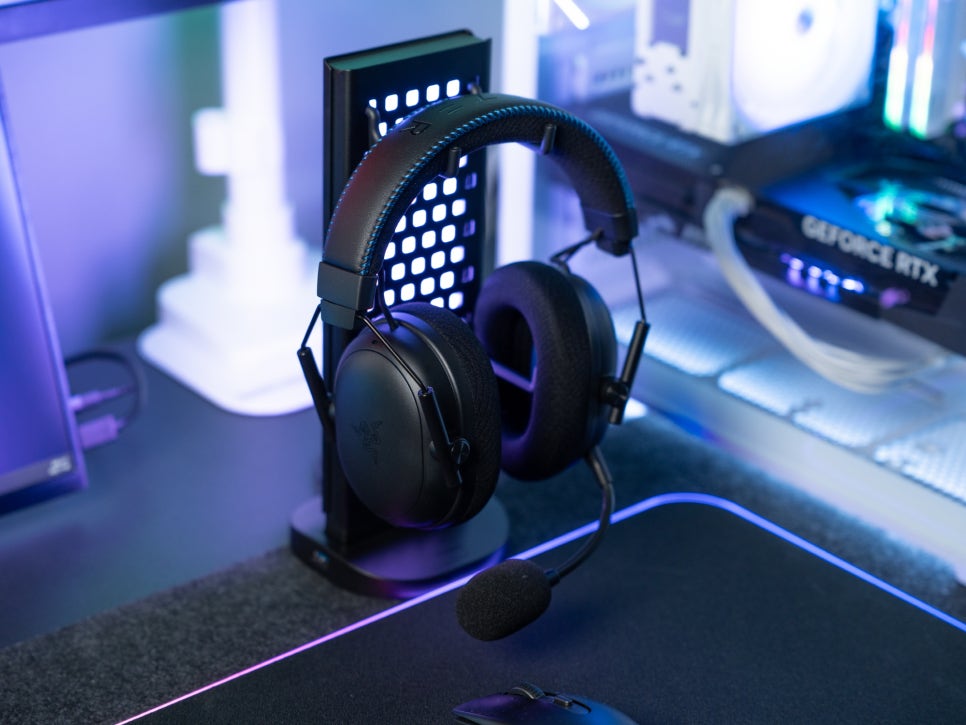
I set the preset to “Music” for listening and tested various genres of songs. The bass had a moderate emphasis that made it powerful yet not overwhelming, while the midrange was well-balanced, allowing vocals to sound clear and detailed. However, the treble felt a bit sharp — likely a result of tuning optimized for gaming. If your main focus is on music, lowering the 4kHz and 8kHz bands by about 2–3dB in the equalizer will give you a much smoother sound.
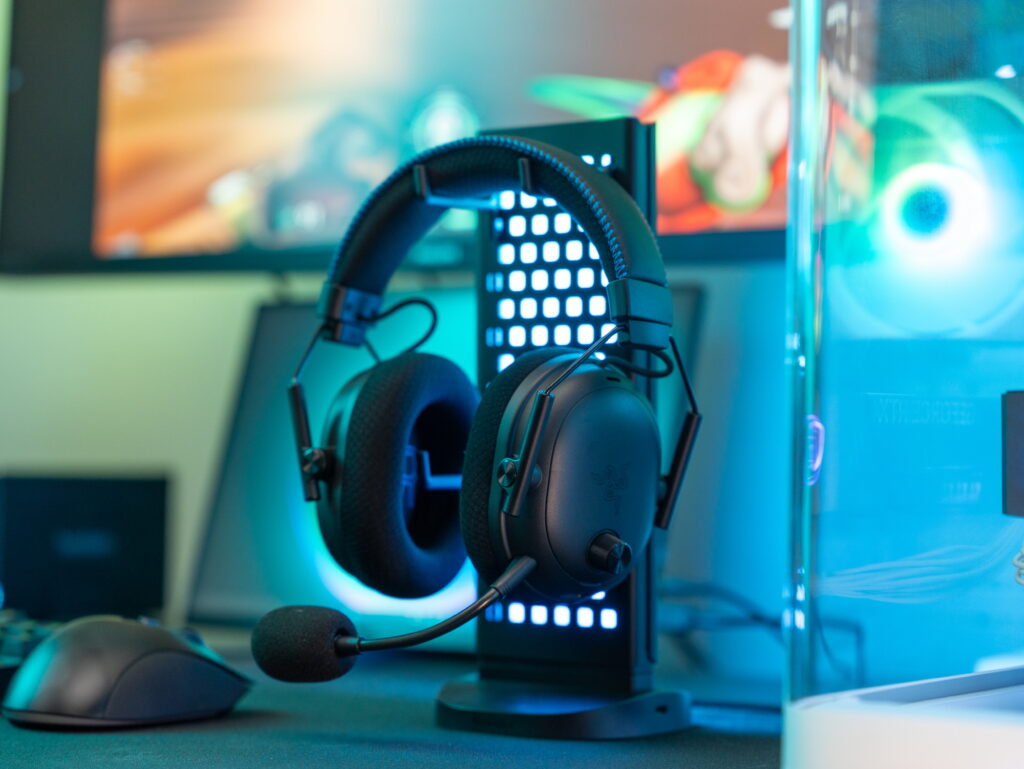
For the game sound test, I switched the preset to “Game.” In Valorant and PUBG, I was able to accurately detect the direction and distance of footsteps. The ability to distinguish sounds from upper and lower floors was particularly impressive. Using the provided gaming preset emphasized both lows and highs, making explosions more impactful and positional audio clearer.
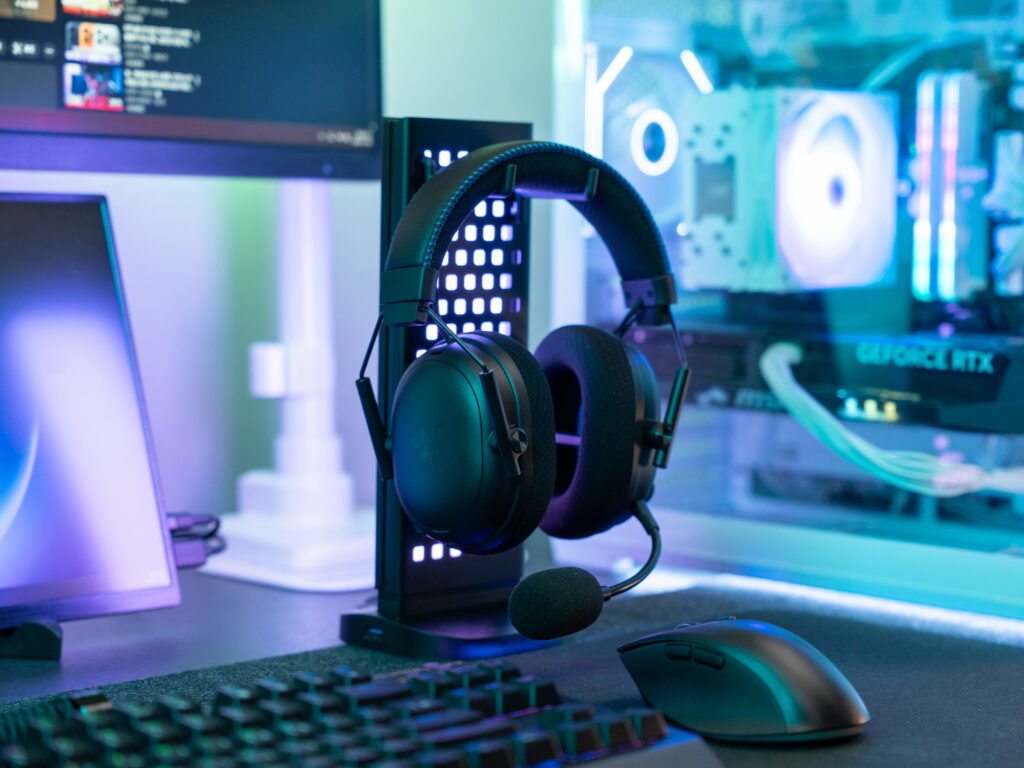
To test the ANC performance, I played low-frequency noises such as air conditioner and PC fan sounds through speakers. The headset provided sufficient noise isolation to stay fully immersed in gameplay. The ambient mode was also useful, allowing me to hear surrounding sounds without taking the headset off.
Usage Experience
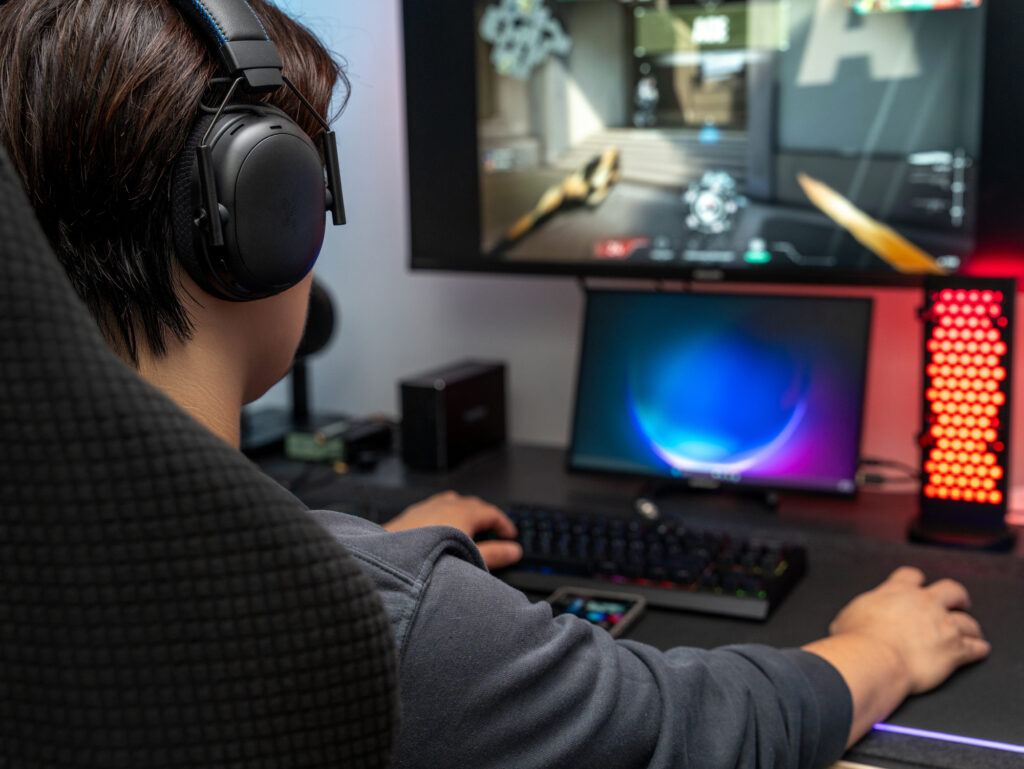
After about two weeks of use, the ultra-low 10ms latency felt almost indistinguishable from a wired headset — I couldn’t detect any noticeable audio delay at all. Having owned all models in the BlackShark V3 lineup, I could clearly compare them, and the TriForce Bio-Cellulose drivers delivered excellent bass response and detailed highs.
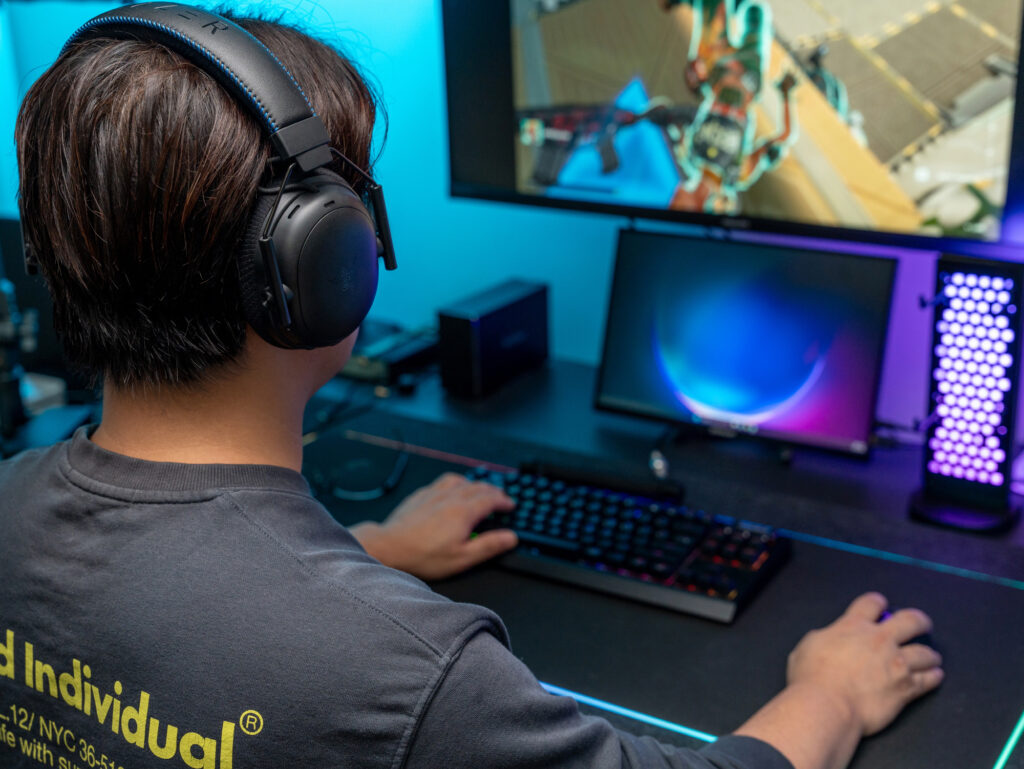
The microphone quality was also outstanding — my teammates mentioned my voice sounded much clearer than others’. The fine-tuned customization options and ANC function are, in my opinion, major advantages of the Razer BlackShark V3 Pro. Battery life was also impressive, lasting around 48 hours on PS5 and nearly 70 hours on PC, allowing for long gaming sessions without worrying about recharging.
Final Thoughts
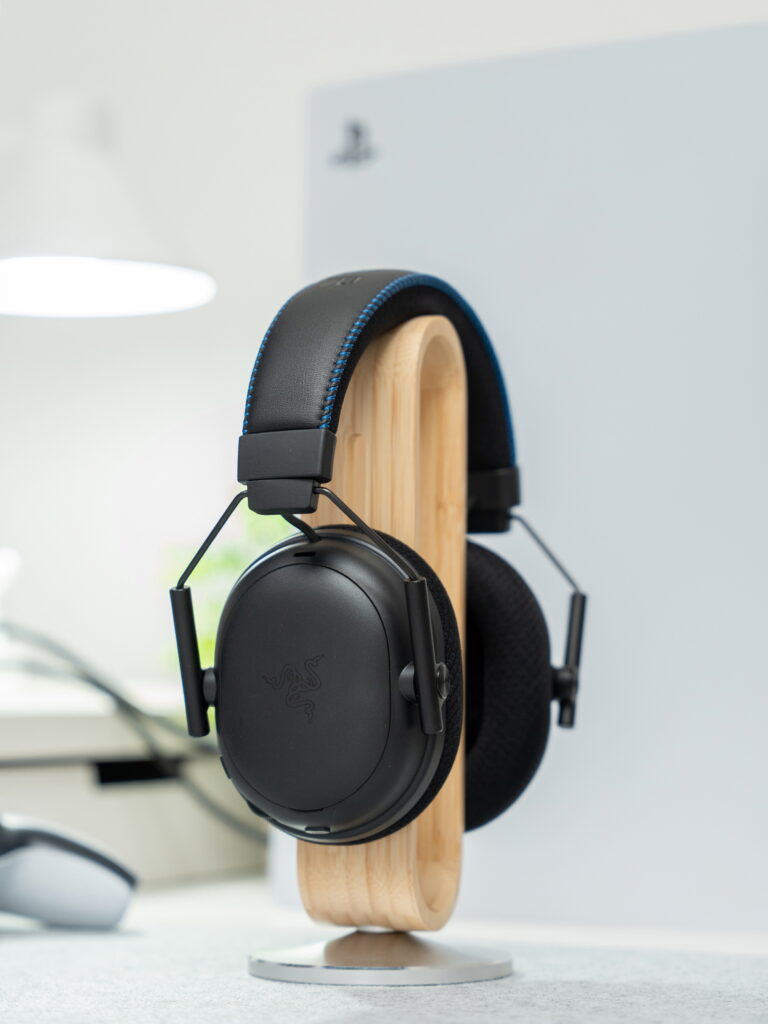
The Razer BlackShark V3 Pro for PlayStation combines Razer’s latest technologies — 50mm TriForce Bio-Cellulose drivers, ultra-low-latency 10ms HyperSpeed wireless connection, active noise cancellation (ANC), and the Razer HyperClear 12mm wideband microphone — to deliver a truly professional-grade gaming headset.
Its high-performance drivers and pro gamer–collaborated presets make it ideal for FPS players seeking precise, immersive sound. The PRO-exclusive ANC function further enhances immersion, setting it apart from standard models.
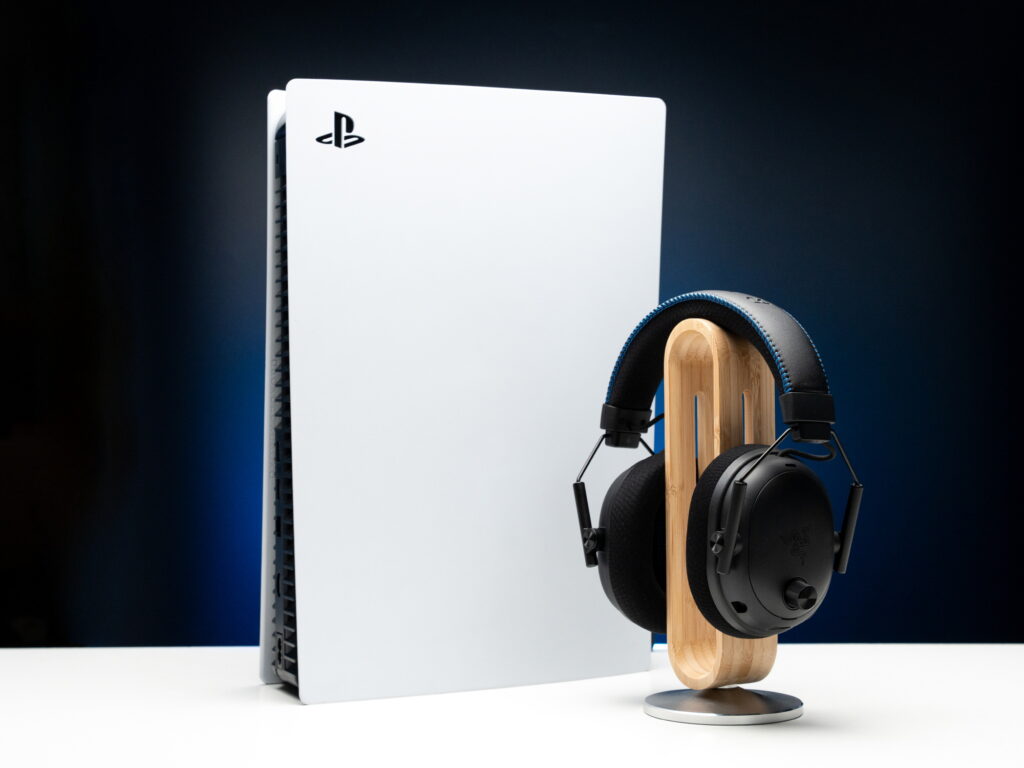
As an officially licensed PlayStation product, it offers excellent compatibility with the PS5 and, when paired with Tempest 3D Audio, provides a deeply immersive gaming experience. If you enjoy gaming on both PS5 and PC, I can highly recommend the Razer BlackShark V3 Pro for PlayStation.
As an Amazon Associate I earn from qualifying purhases.
Purchase Product : https://amzn.to/3LCIhPD
GamingHeadset #FPSHeadset #PlayStationHeadset #RazerHeadset #WirelessGamingHeadset #PS5Headset #BlackSharkV3Pro #RazerBlackShark #ProGamingHeadset