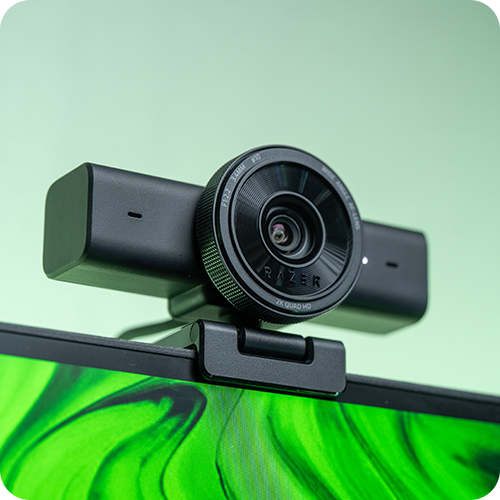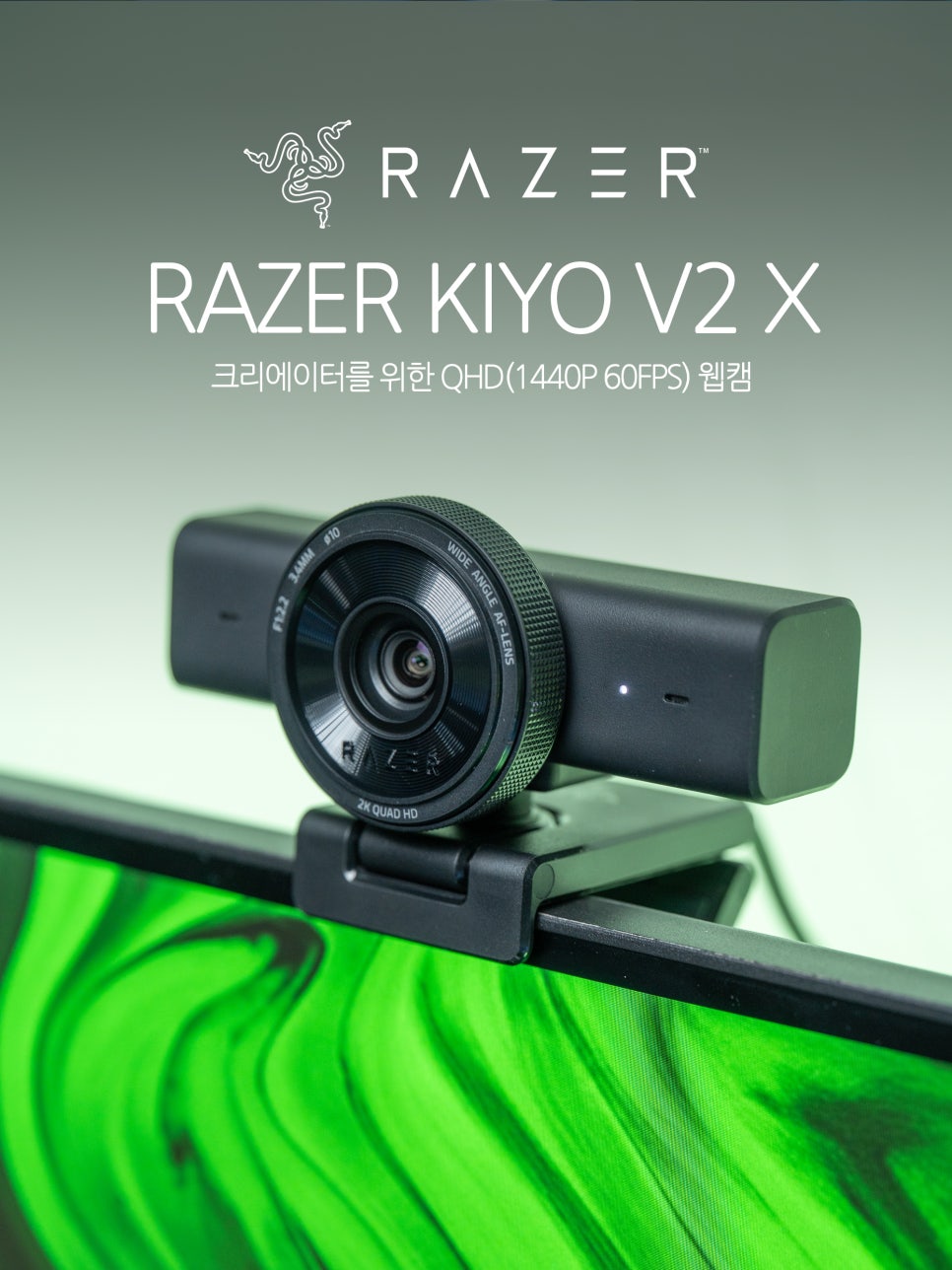
RAZER, the most preferred brand by gamers worldwide, offers a wide range of products across various categories, including PCs, gaming gear, and accessories. It’s said that once you step into the Razer ecosystem, it’s hard to leave, thanks to the appealing product interoperability and design. Moreover, Razer is a brand genuinely committed to streaming equipment, even having a dedicated category for creators.
While more people are using mirrorless cameras for broadcasting these days, additional equipment like digital mixers or capture cards is often required. For now, high-definition webcams remain more practical, and their utility as cameras for online classes or video conferences is still very high.
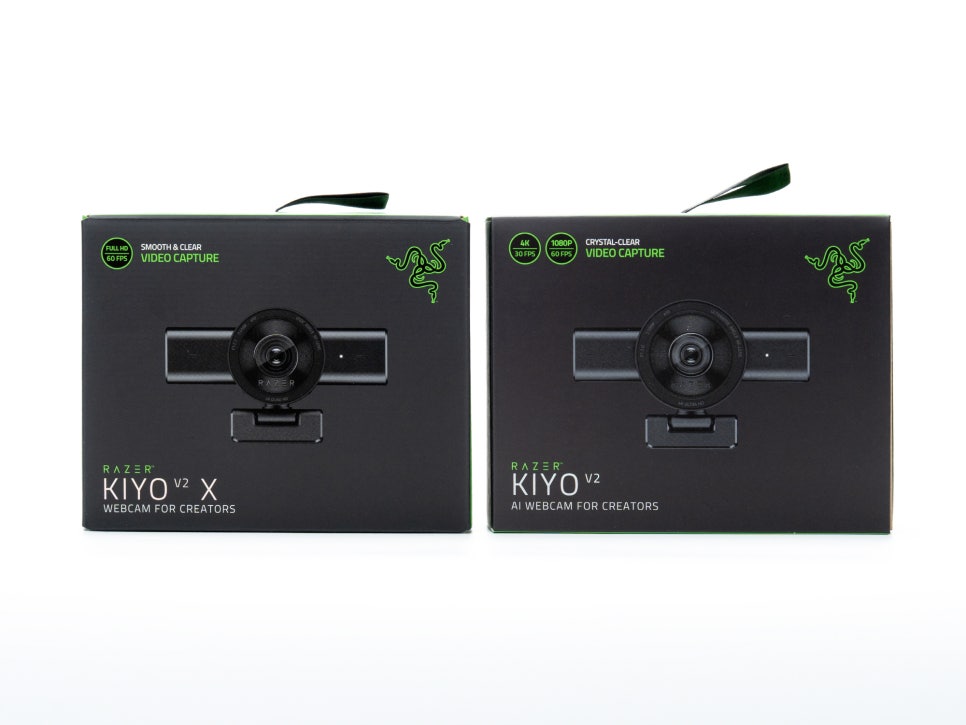
Razer also offers a webcam lineup called Kiyo. It’s divided into the Kiyo Pro Ultra, boasting DSLR-comparable image quality, the Kiyo V2 with 4K resolution, and the entry-level Kiyo V2 X with 2K resolution.
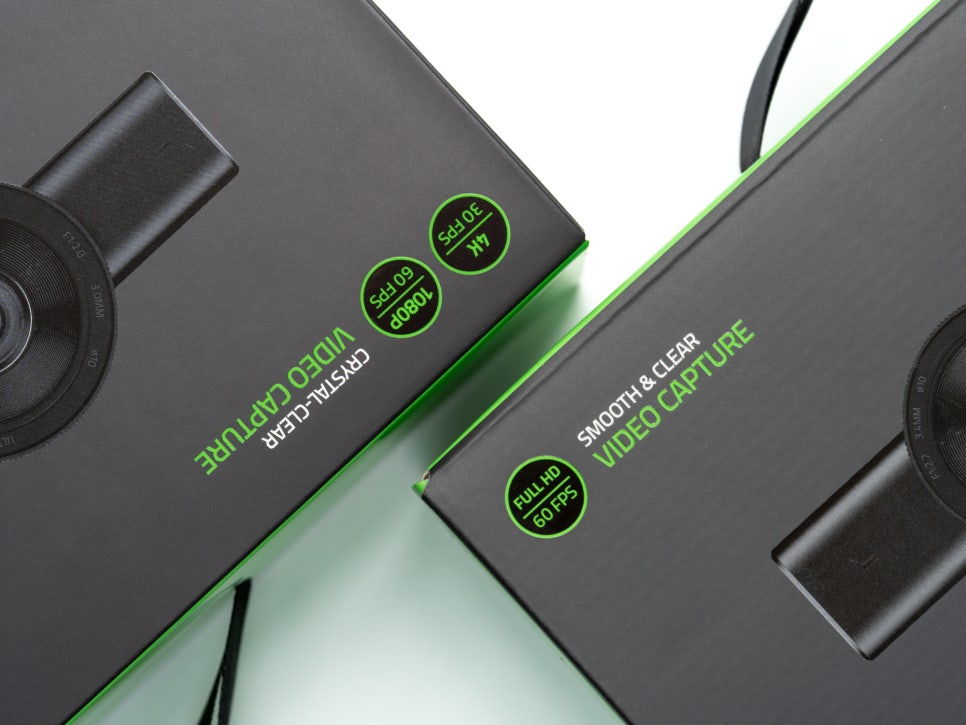
Briefly looking at the differences between the Kiyo V2 and Kiyo V2 X, the Kiyo V2 supports 4K 30fps and features a Sony STARVIS sensor, offering a wider 93-degree field of view and HDR. In contrast, the Kiyo V2 X supports up to 1440p 60fps, uses an 80-degree field of view with a 3.7MP sensor, and was released at a more reasonable price.
Starting today, we’ll be exploring the Kiyo lineup in a series. First, let’s meet the Kiyo V2 X, an entry-level 2K webcam.
Specifications and Components
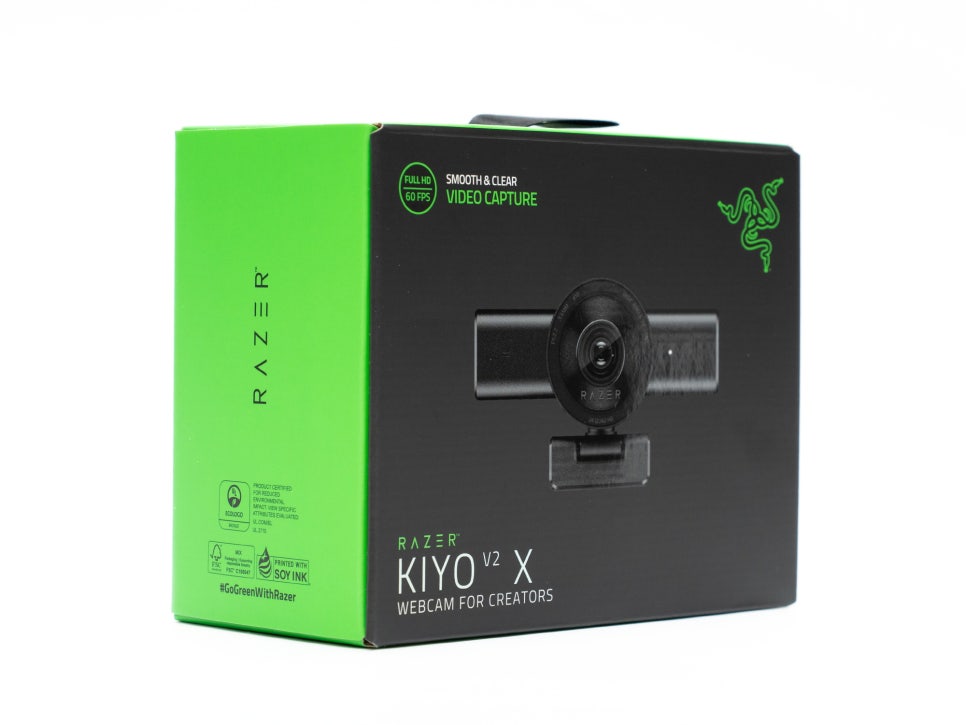
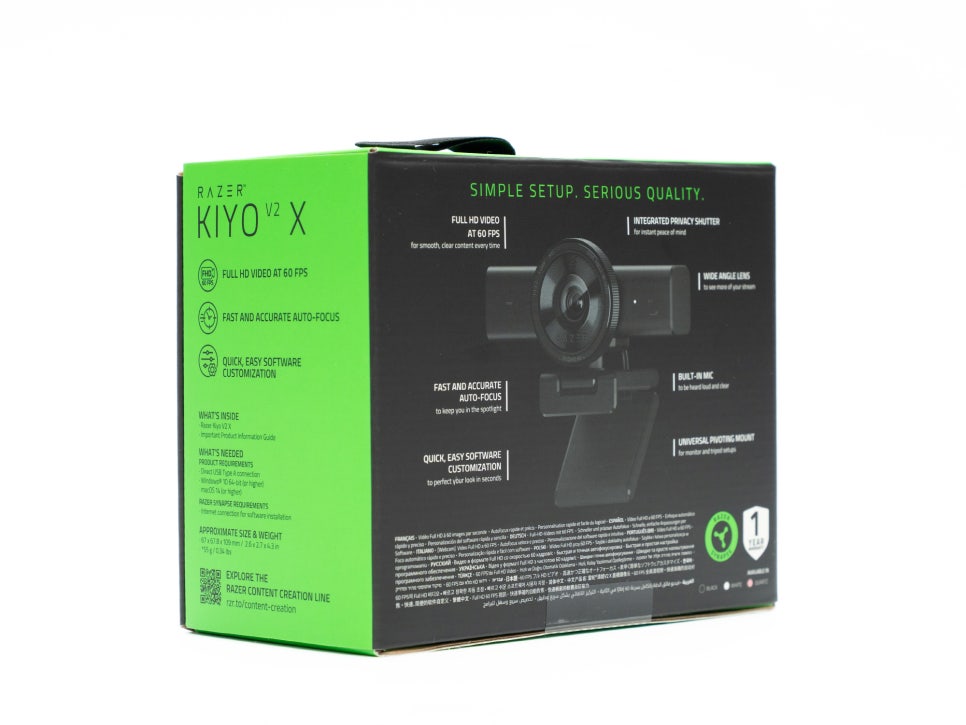
Looking at the key specifications of the Razer Kiyo V2 X, it can record at up to 1440p 60fps and supports MJPEG video format. It’s equipped with a 1/3-inch 3.7MP image sensor and has an aperture of f/2.2. The focal length is 3.4mm, providing a field of view equivalent to approximately 25mm in full-frame terms. The 80-degree field of view is suitable for capturing the user and a reasonable amount of background in typical usage scenarios.
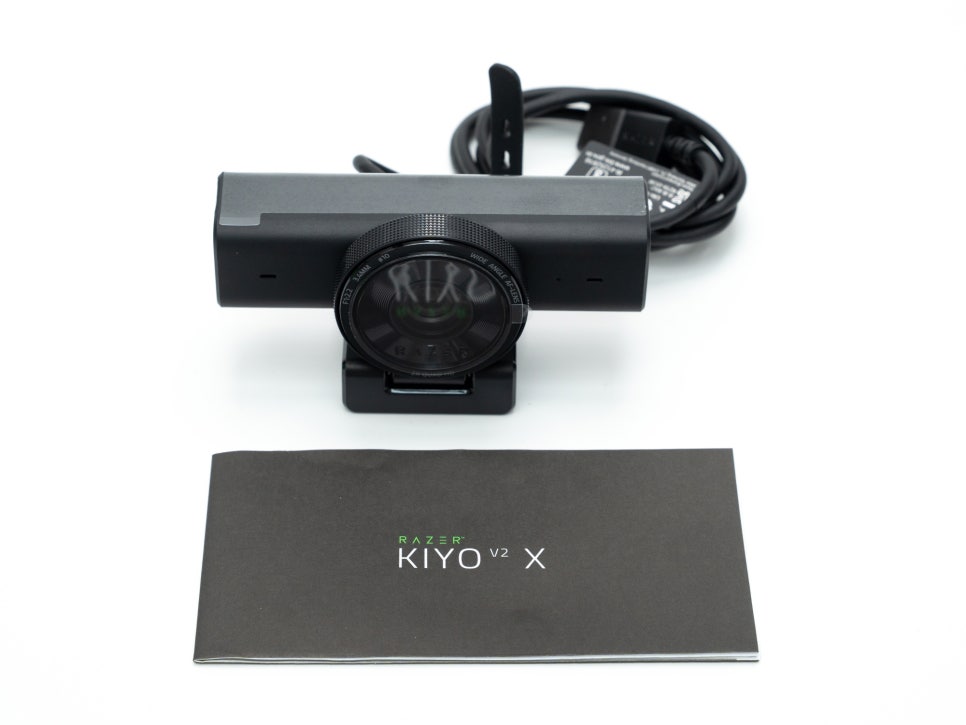
The components are quite simple. They include the Kiyo V2 X camera body, a user manual, and Razer stickers. Since the cable is integrated into the main unit, no separate cable is included. The plug-and-play design is a major advantage, allowing immediate use without complex installation.
Appearance and Features
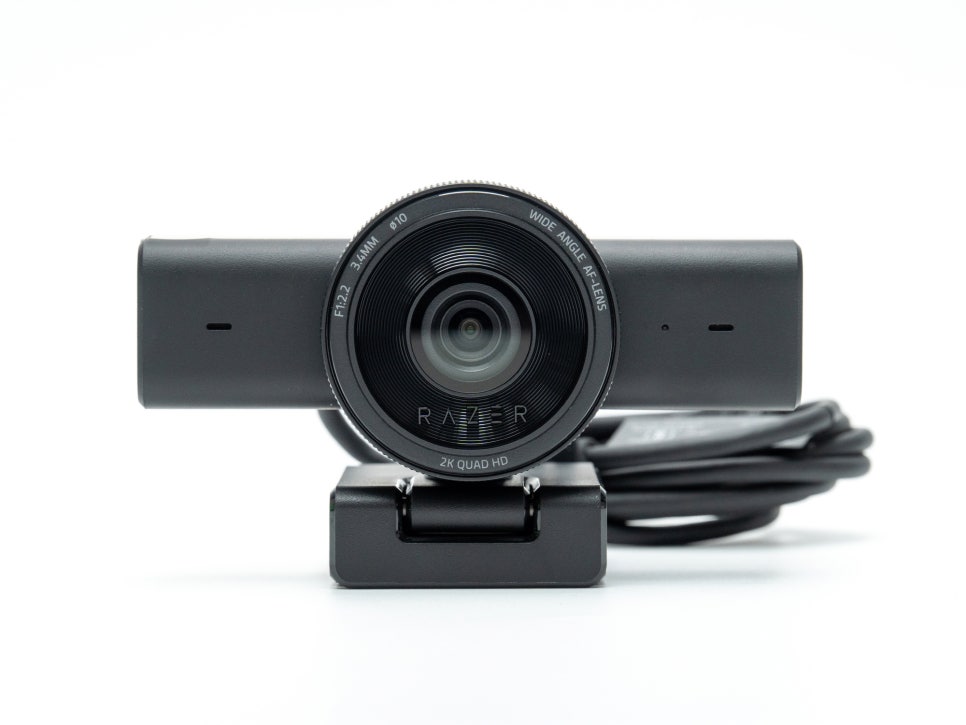
The Kiyo V2 X adopts a horizontally elongated bar-shaped design, in line with recent trends. It’s finished entirely in matte black plastic, giving it a clean and minimalist impression.
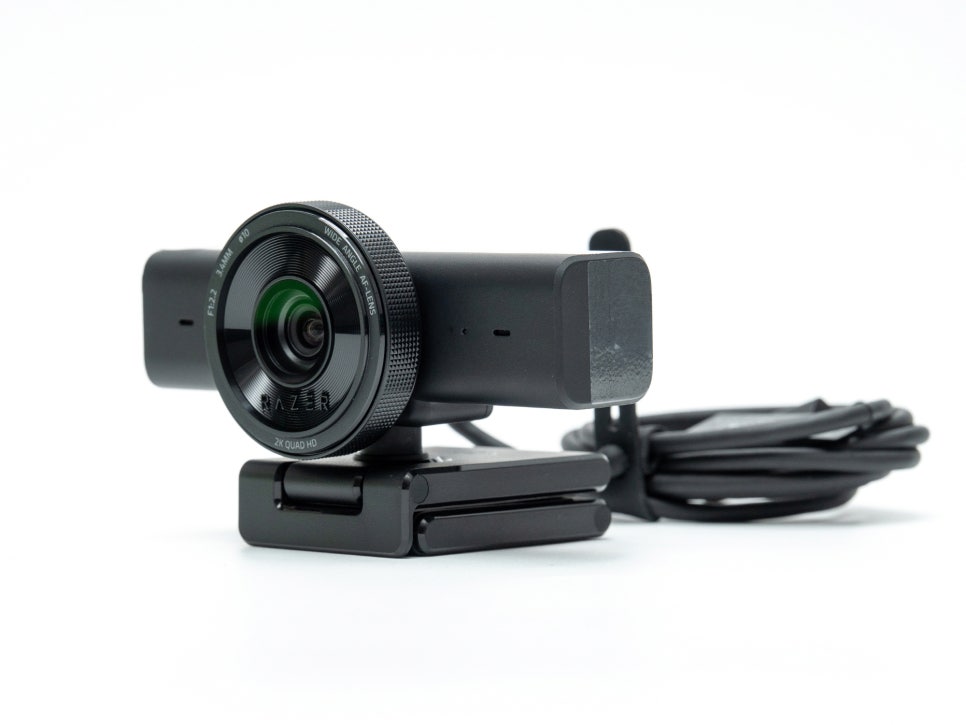
As mentioned, the image sensor is a 1/3-inch 3.7MP sensor, and it supports various video resolutions from 720p up to 1440p. It provides sufficient image quality for streaming and video conferencing, and offers the necessary option for those who desire smoother video with up to 60fps.
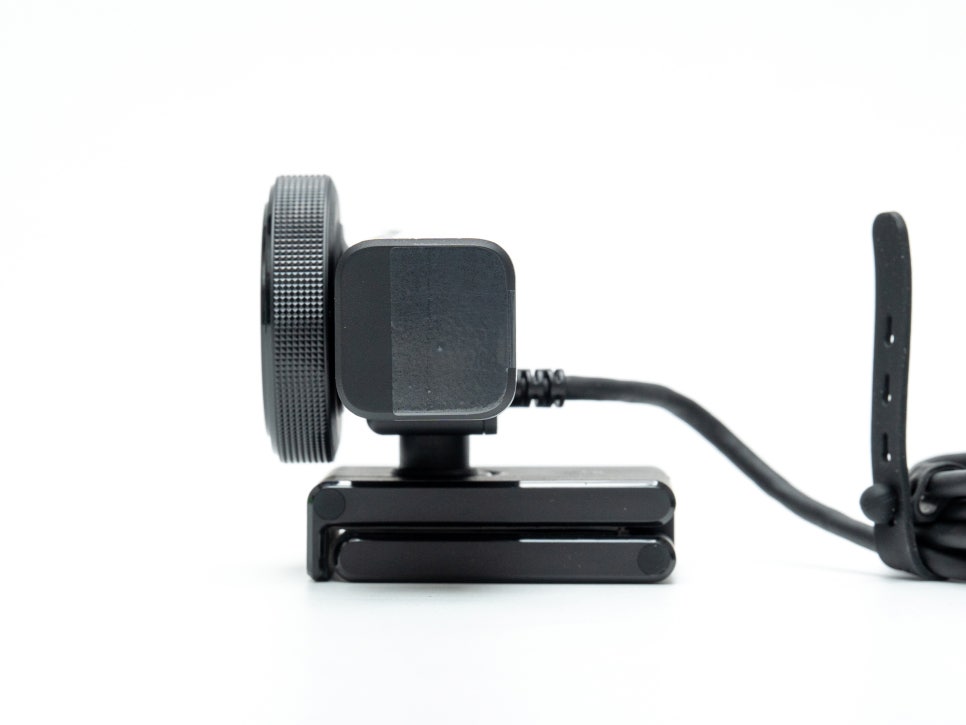
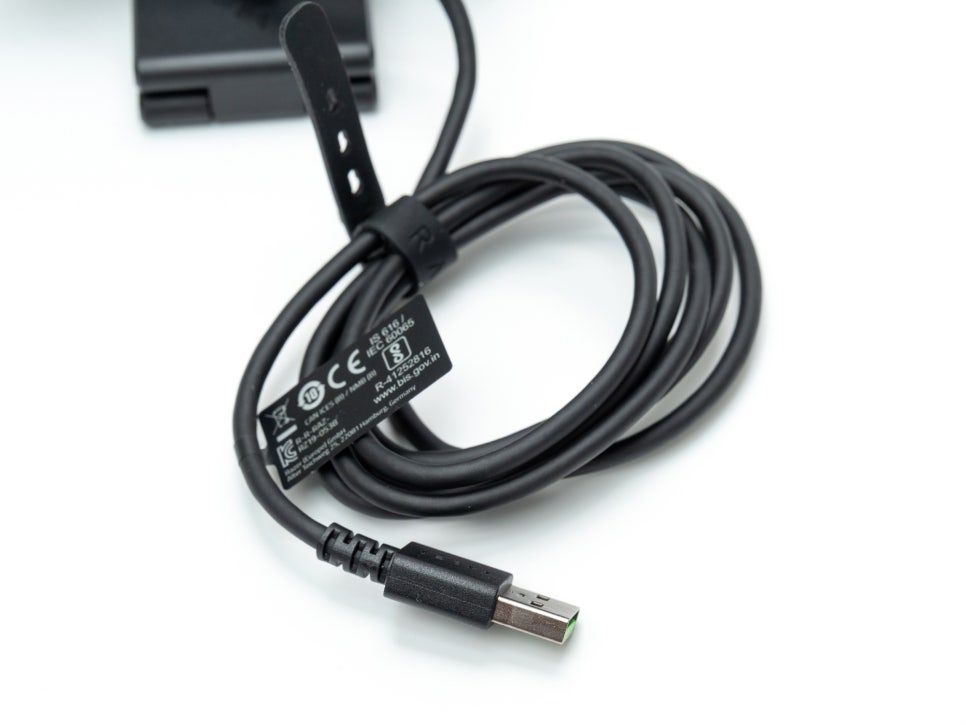
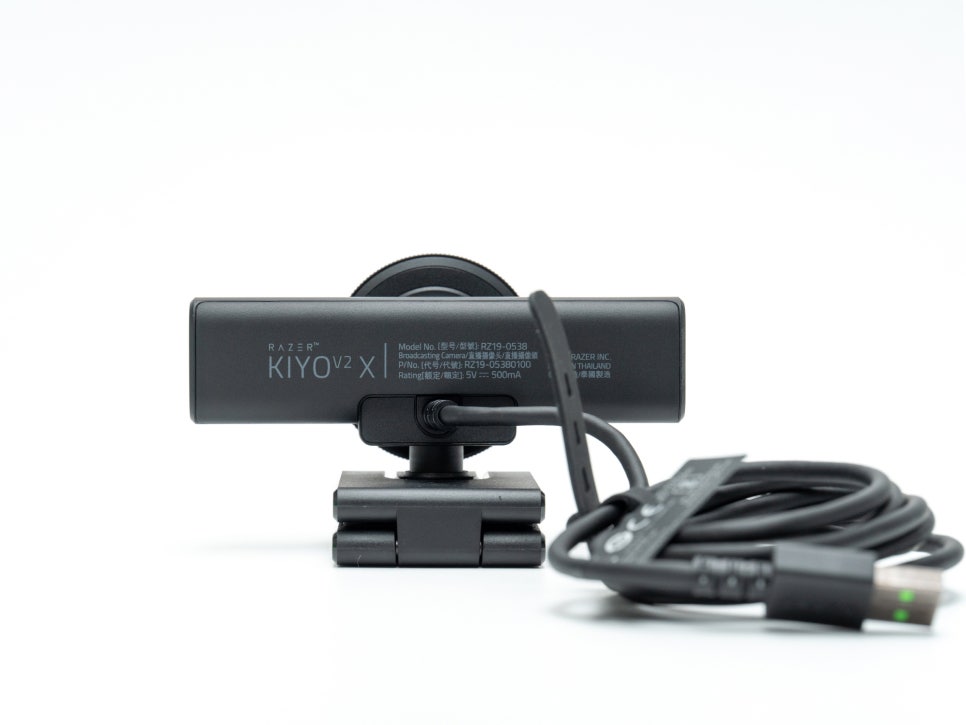
The cable is an integrated USB-A type, approximately 1.5m (57.5 inches) long. While the inability to detach it is a minor drawback, I believe it’s a sufficient length for most desk setups.
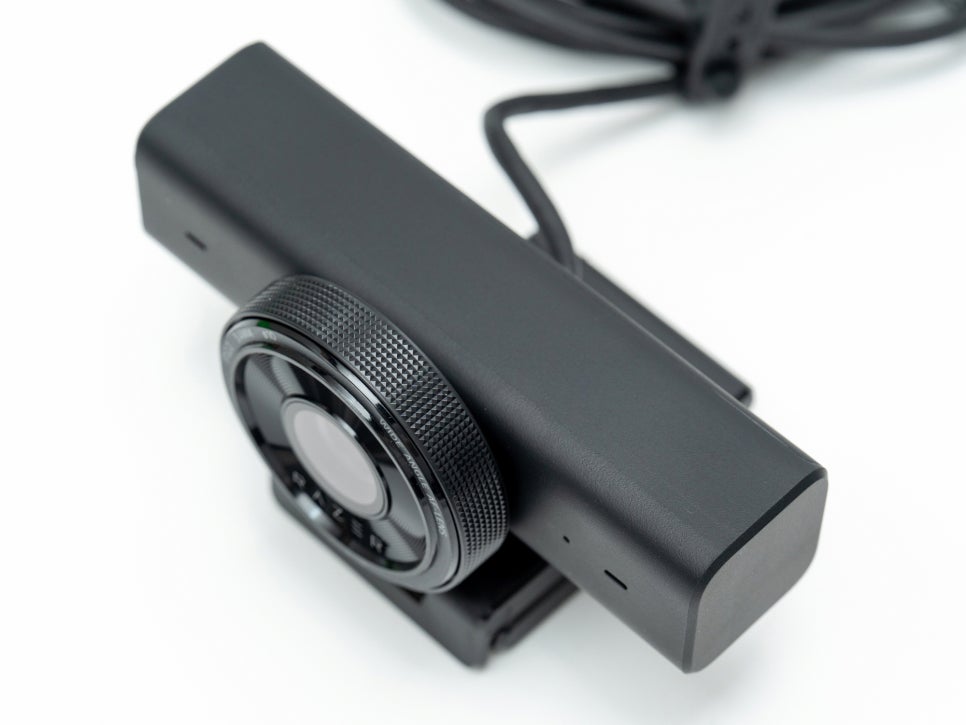
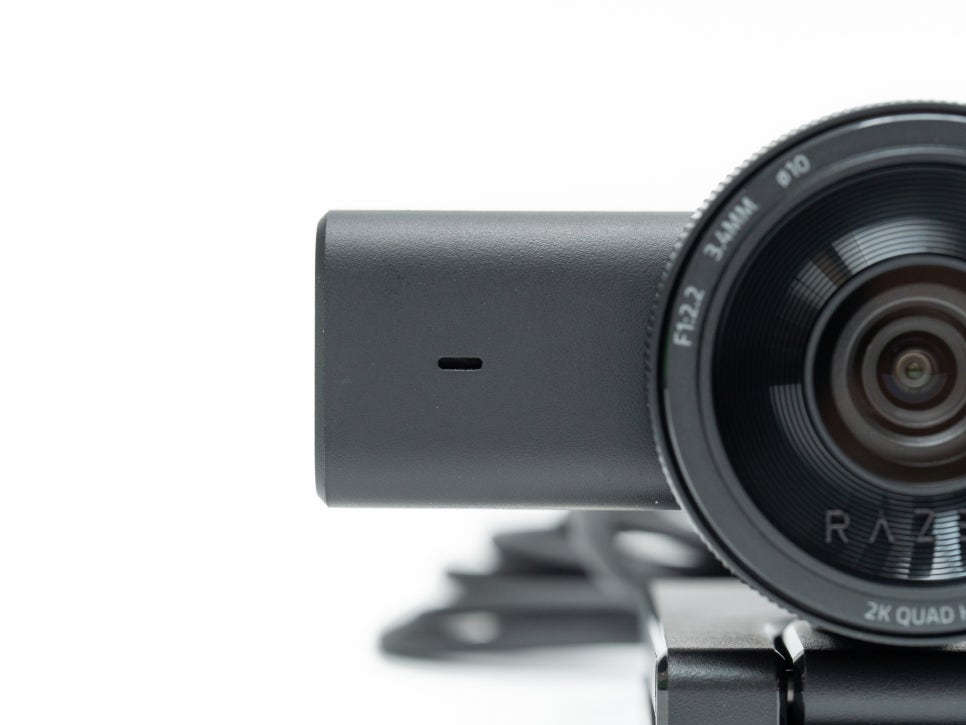
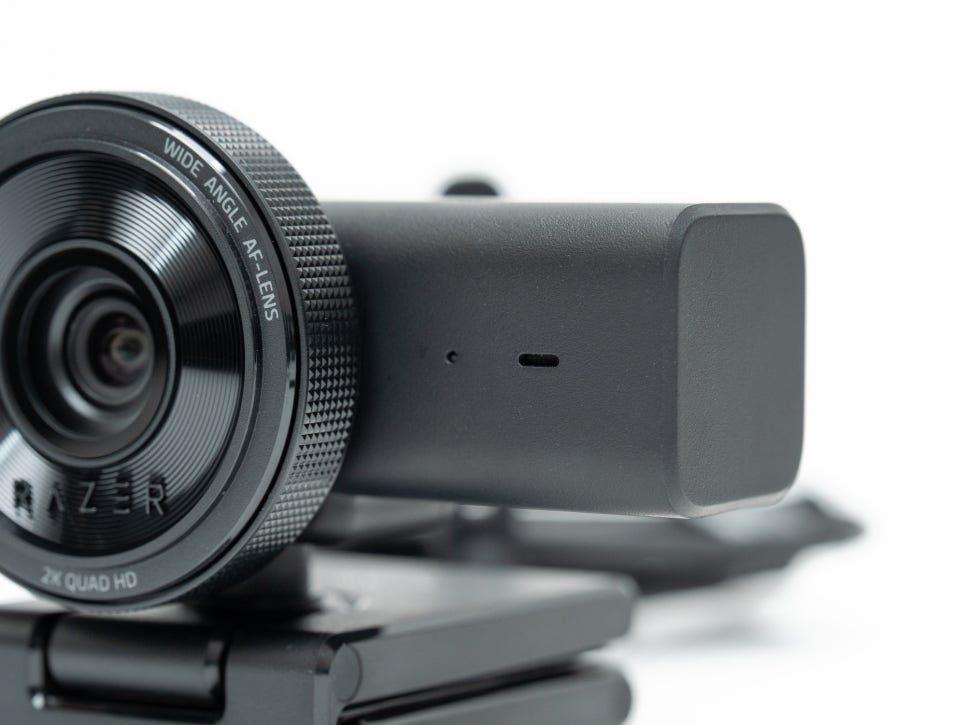
The lens is located in the center, with microphones attached on both sides, enabling stereo audio capture. The omnidirectional microphones pick up ambient sounds evenly and are decent for basic use when a separate microphone isn’t available.
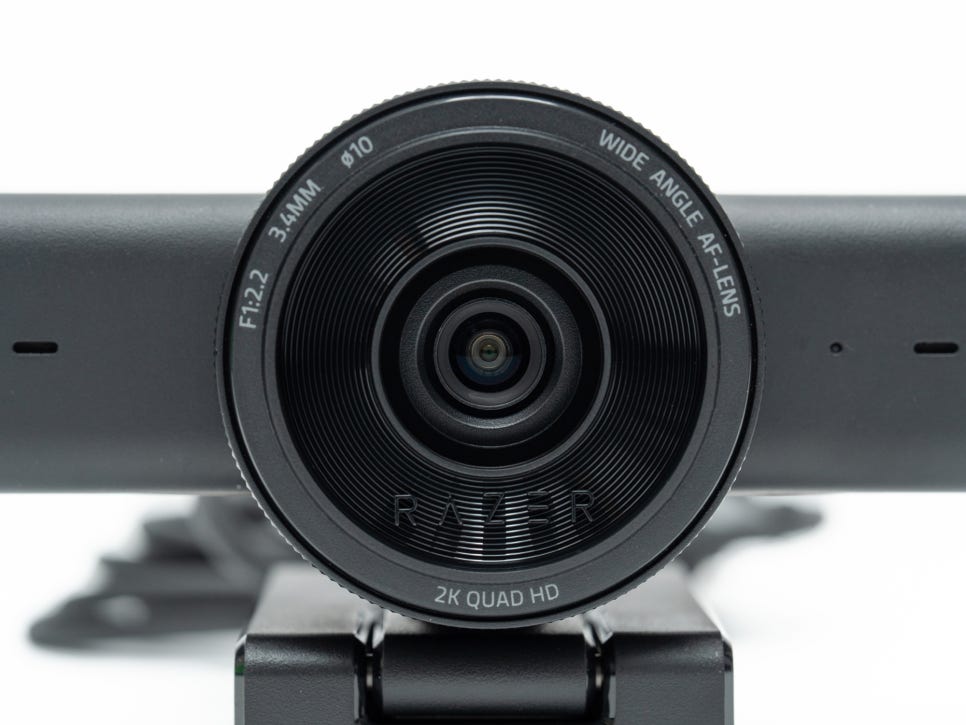
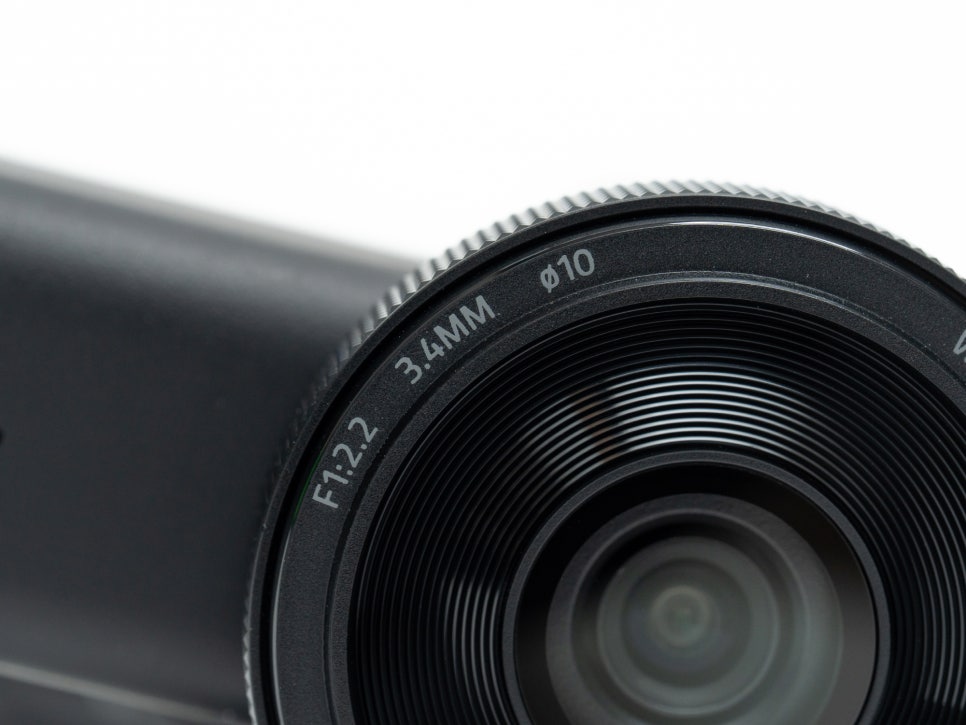
The lens has an 80-degree field of view, which is quite practical as it allows you to frame the user’s upper body along with a suitable amount of background. While a very wide field of view can make the background appear cluttered, the 80-degree wide-angle offers the advantage of maintaining a clean composition without feeling too confined. The 3.4mm focal length, equivalent to approximately 25mm in full-frame, provides a natural sense of perspective.
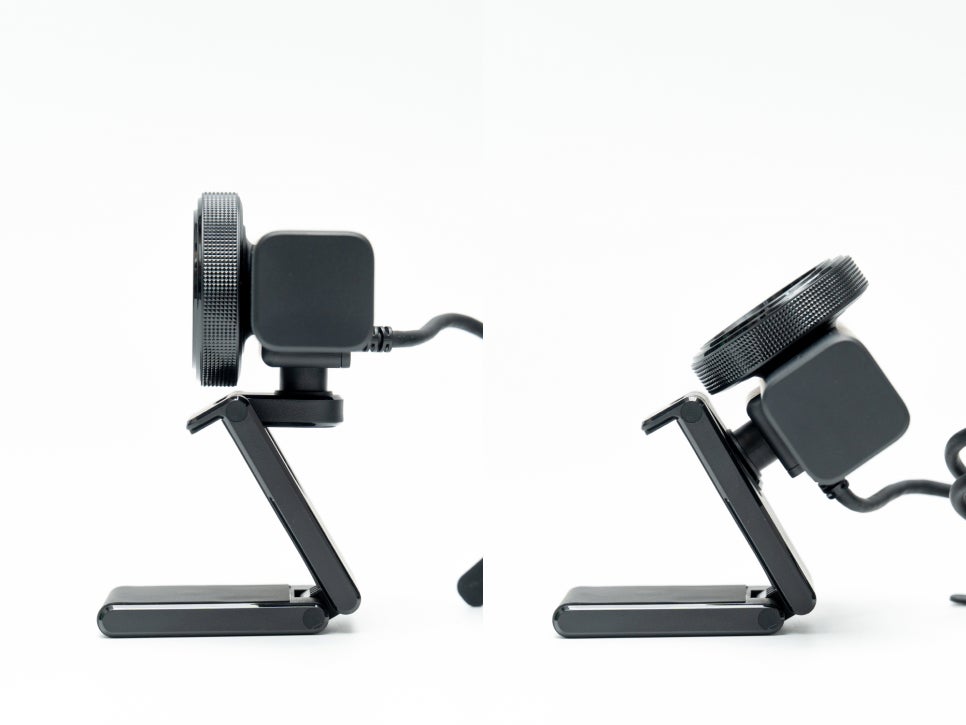
The camera body is designed with an integrated L-shaped mount. It allows for 360-degree rotation and vertical angle adjustment, making it versatile for various shooting environments.

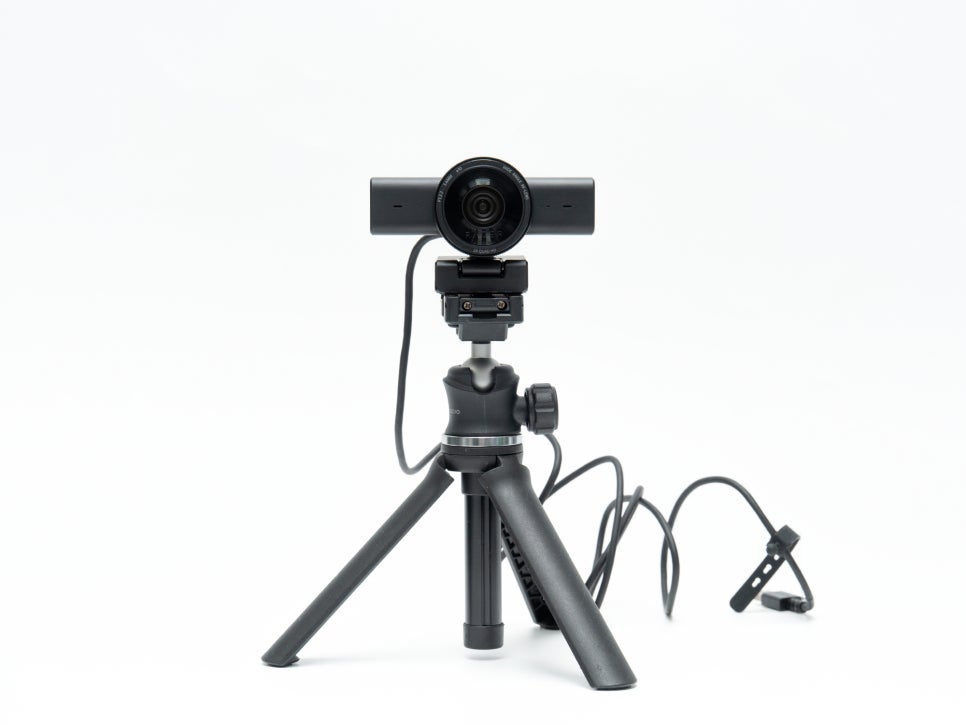
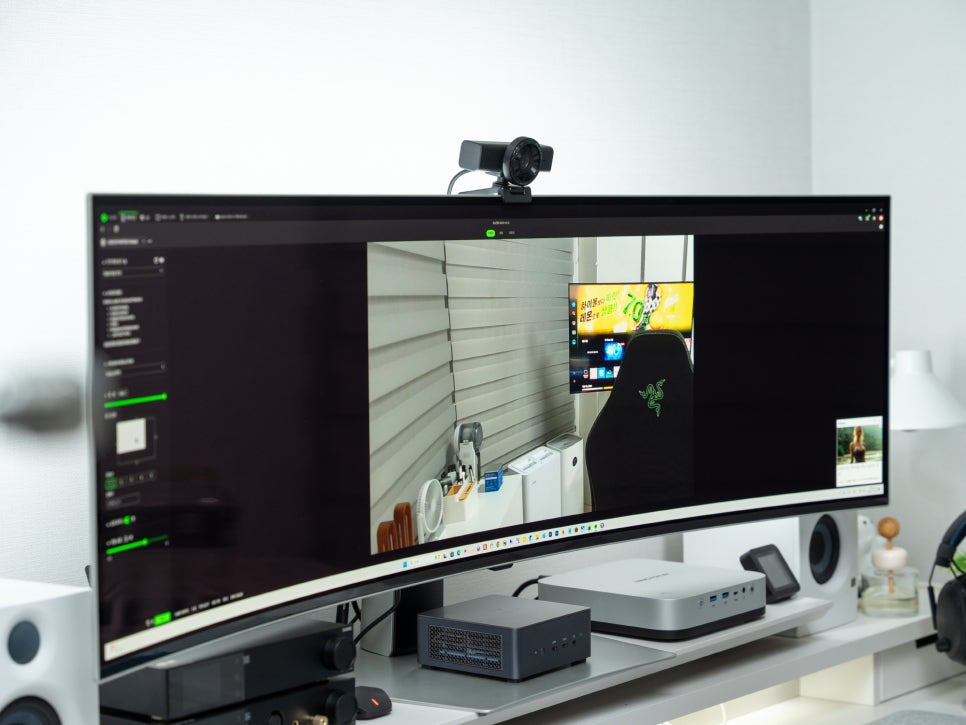
The L-shaped mount allows it to be placed on top of a monitor, and a 1/4-inch screw thread on the bottom means it can also be attached to a tripod.
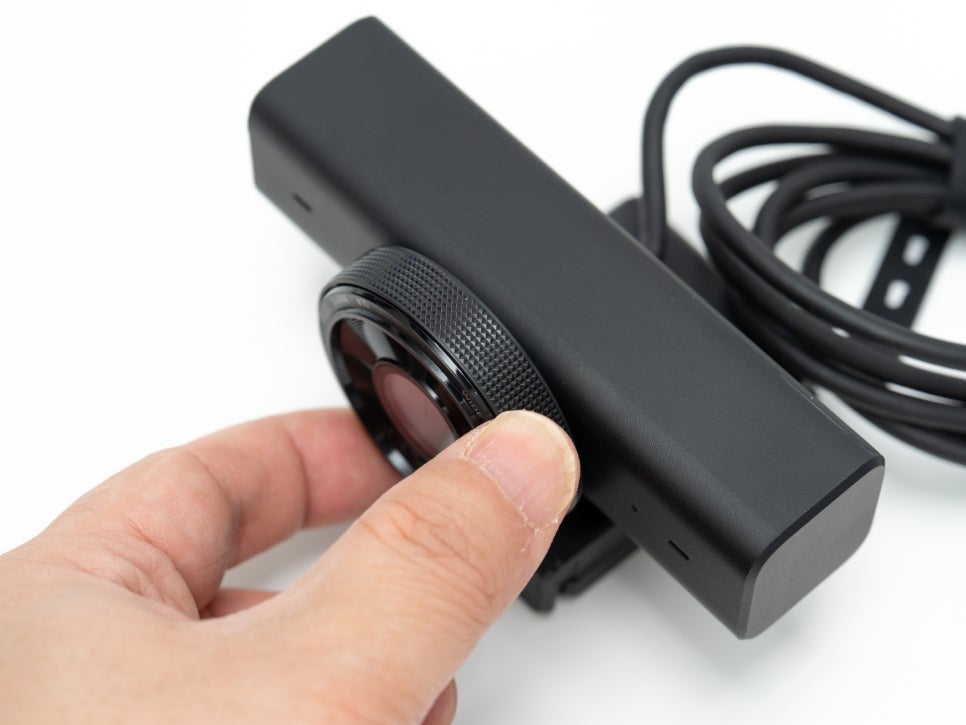
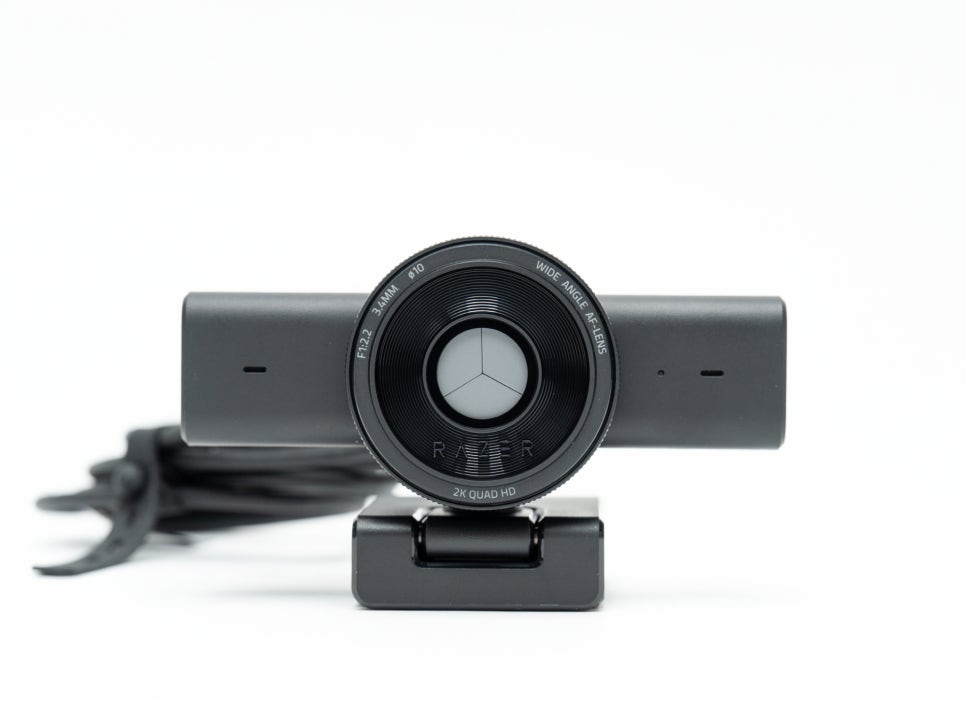
A feature for privacy protection is also included: turning the dial around the lens physically closes the shutter, completely covering the lens. This physical method, rather than a software-based block, ensures definite privacy.
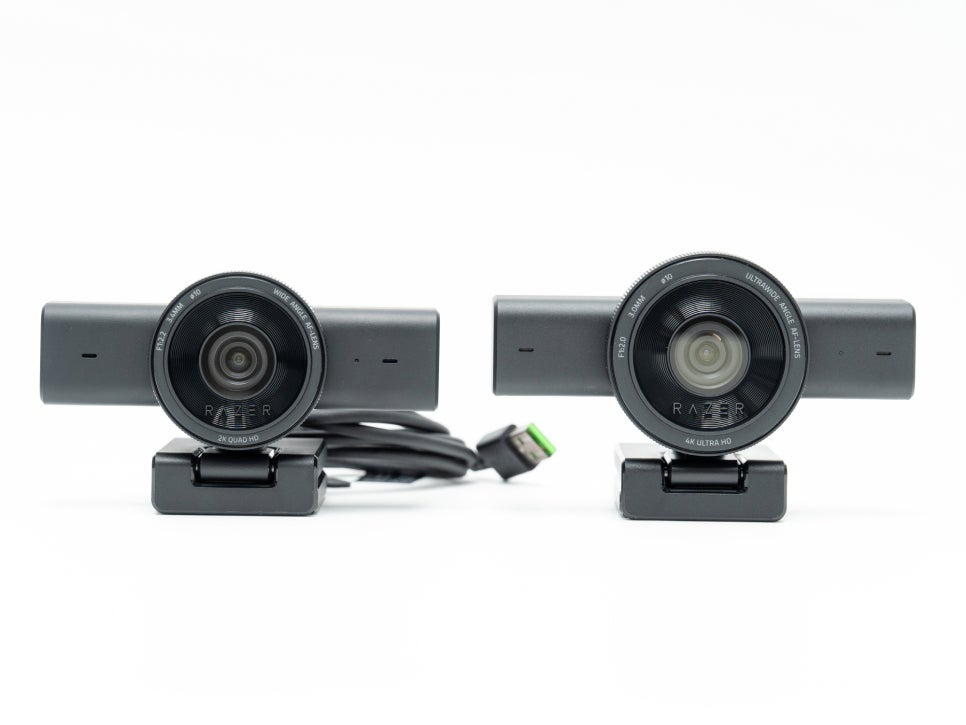
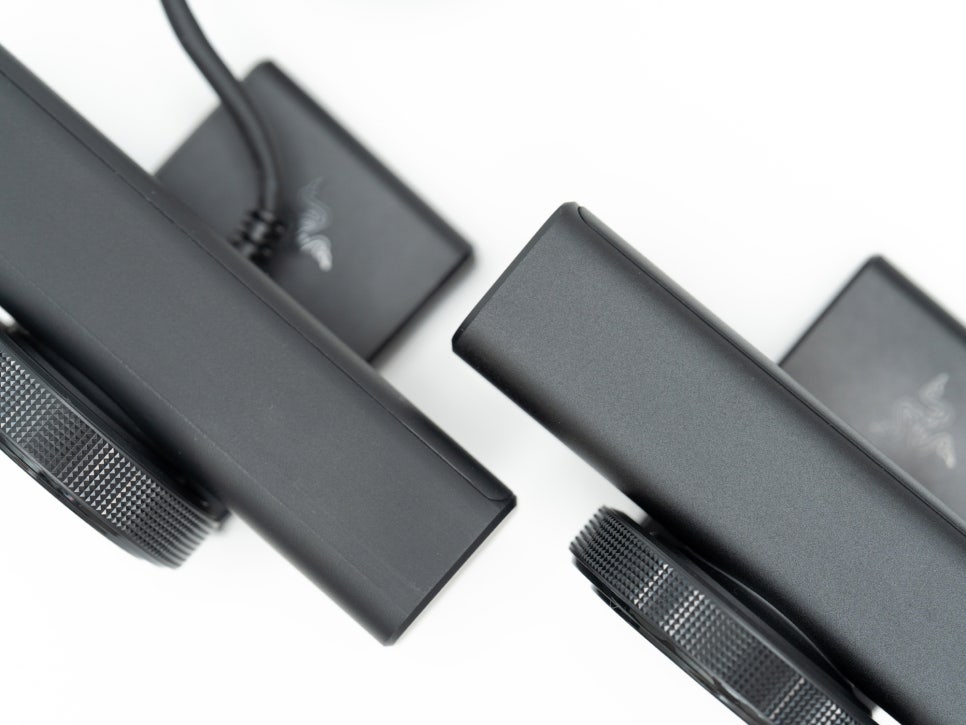
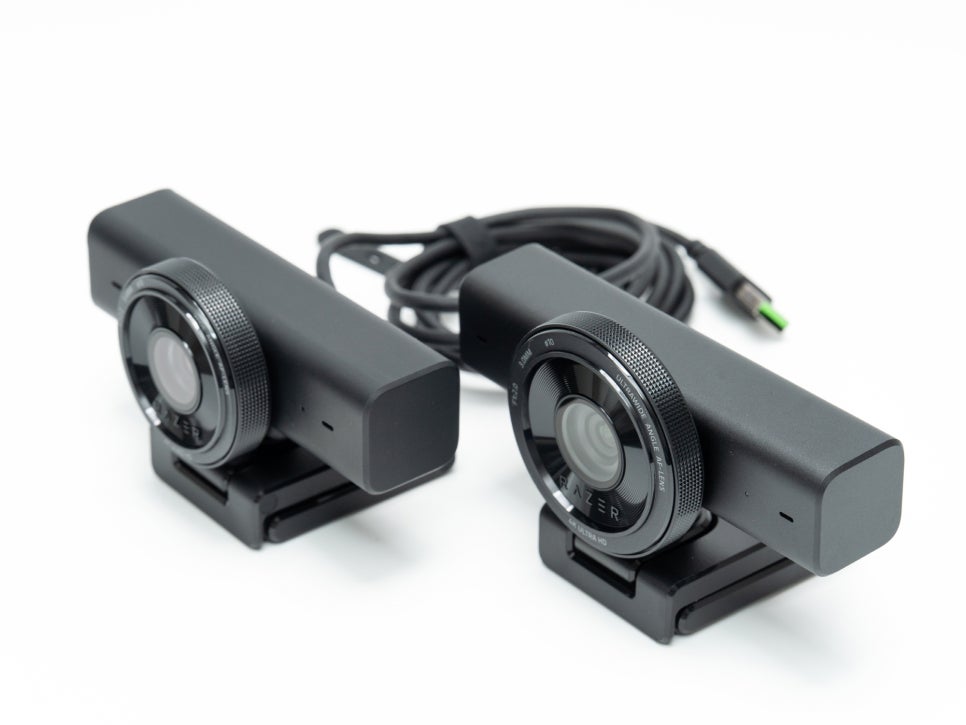
Compared to the Kiyo V2, the V2 is slightly larger and heavier. Functionally, the V2 offers 4K resolution, a 93-degree field of view, HDR, a detachable USB-C cable, and a Camo Studio Pro license, whereas the V2 X is a model focused on essential features.
Connection and Software
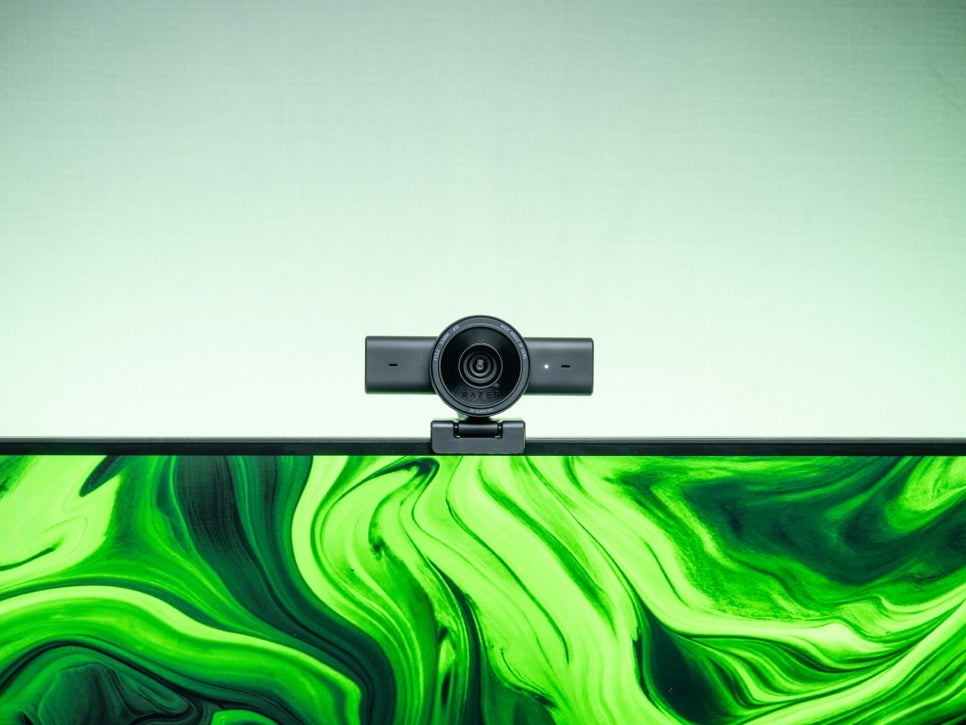
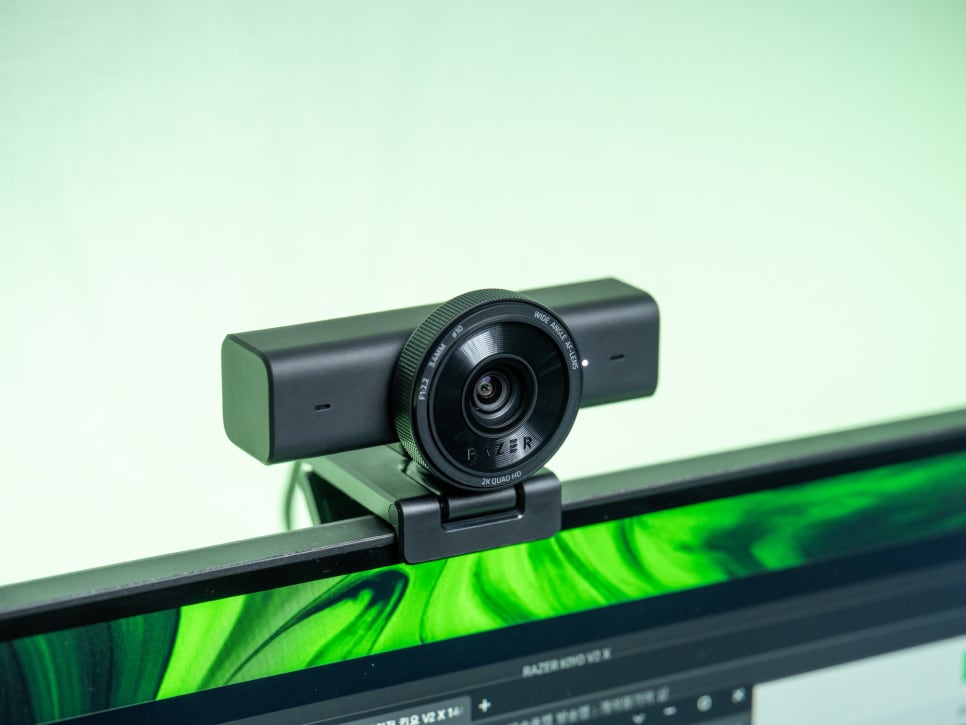
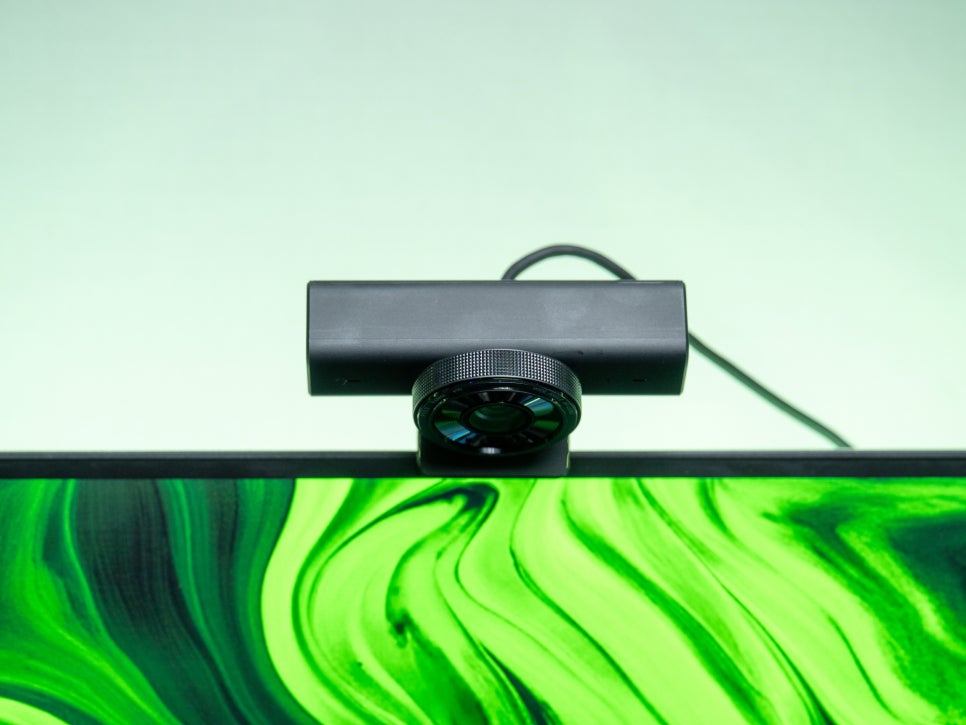
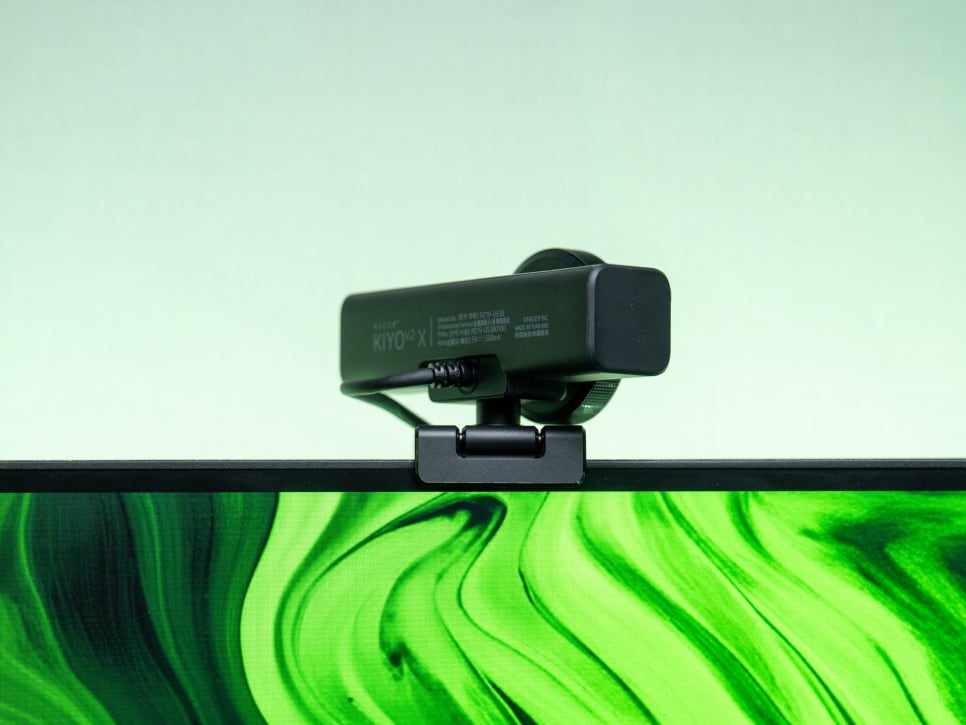
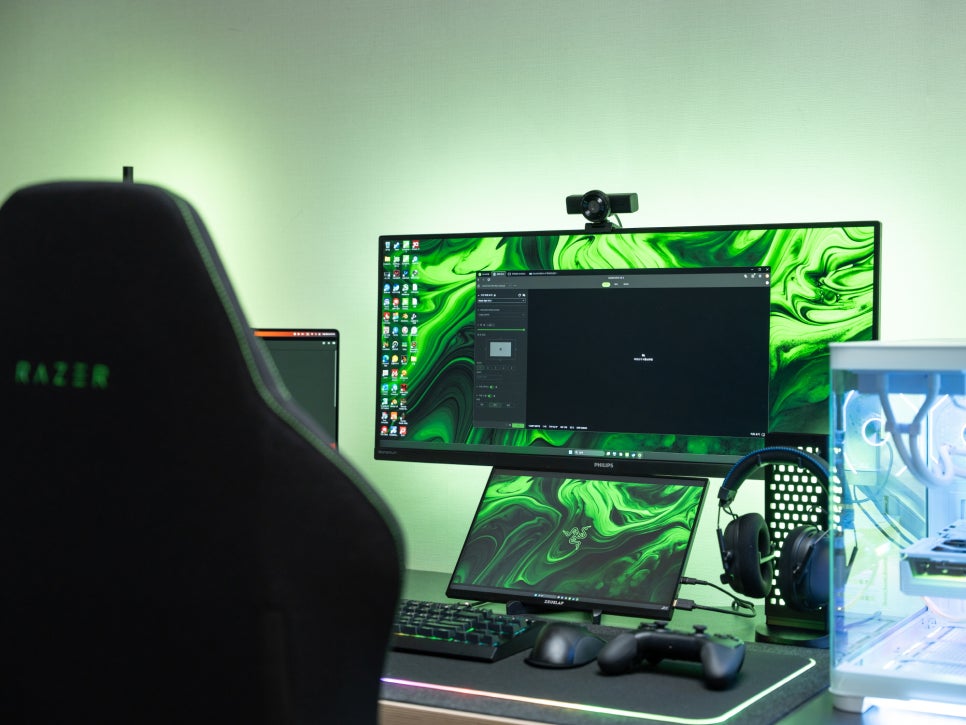
Thanks to the L-shaped mount, it’s easy to place lightly on top of a monitor. There’s no need for separate clamps or complex assembly; just set it on top. As mentioned earlier, the camera can rotate 360 degrees and tilt approximately 90 degrees, making it convenient to achieve your desired angle.
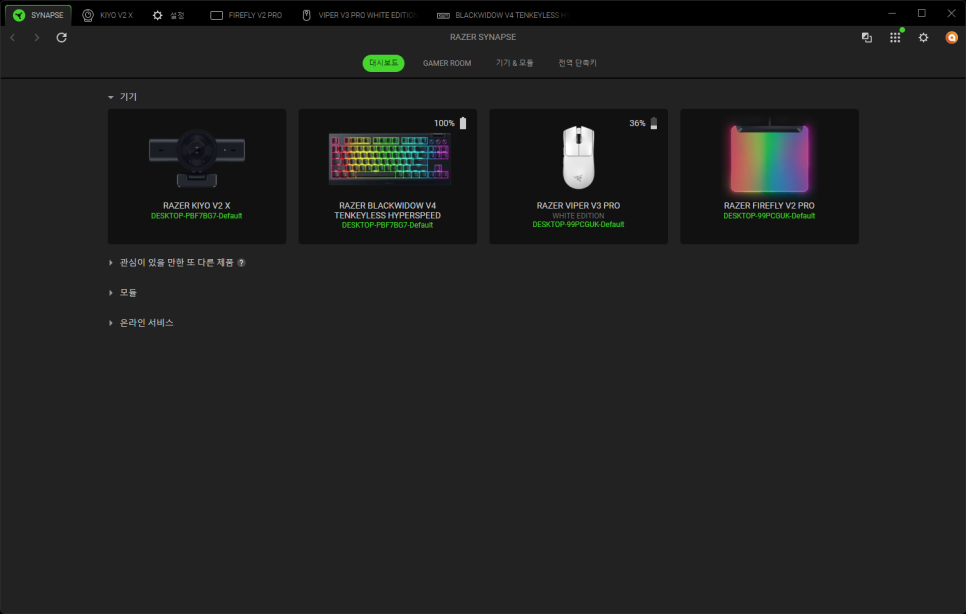
Once the camera is positioned, you can install Razer Synapse 4 for detailed settings. Synapse 4 is Razer’s unified software, allowing you to manage other Razer products like keyboards and mice, making it a familiar program for those already using the Razer ecosystem.
Feature Introduction
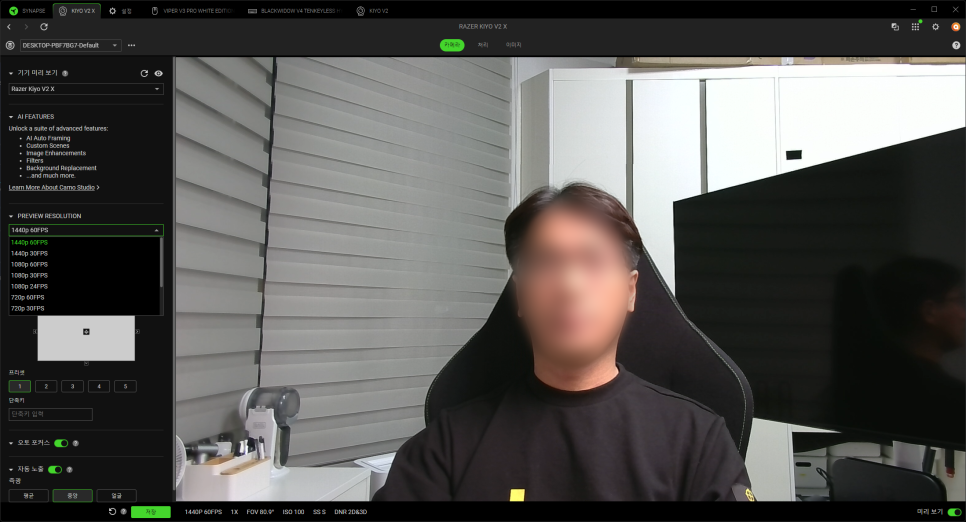
Within Synapse 4, you can set various camera functions and save those settings to the onboard memory. Once saved, you can use the same settings immediately even when connected to a different PC.
First, looking at the resolution settings, it supports 60/30 frames at 720p, 60/30/24 frames at 1080p, and 60 frames at 1440p. You can select the appropriate resolution and frame rate depending on the situation.
Thanks to the 80-degree wide-angle lens, you can capture the background in your shot, and if needed, you can also perform close-up shots using the portrait zoom feature.
Adjusting the Pan and Tilt functions in the software allows you to reposition within the frame without physically moving the camera, which is very convenient.
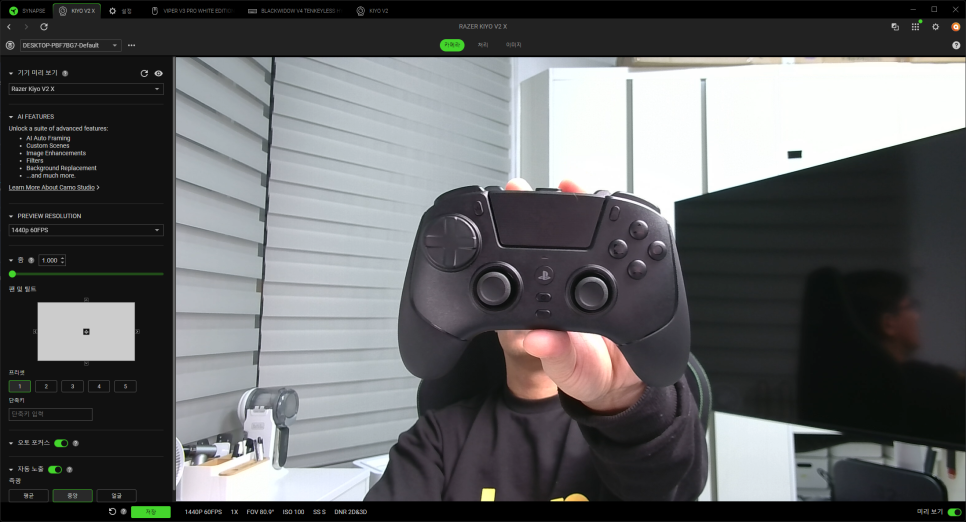
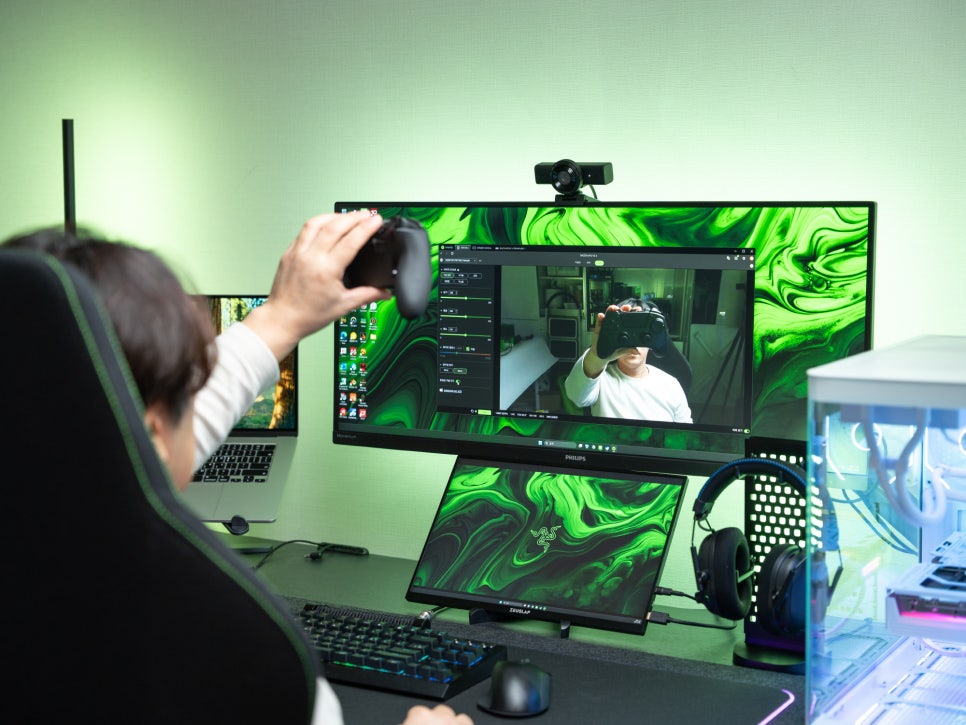
The autofocus function is fast; it keeps focus even with intense movements during game broadcasts or when the distance to objects frequently changes, such as during unboxing videos. However, its high sensitivity can cause it to readjust focus even with minor movements. If this is bothersome, fixing it to manual focus is an option.
In the image menu, you can select from default color presets or manually adjust brightness, contrast, saturation, white balance, and more. By finding and saving your preferred color profile, you can record/broadcast with consistent colors.
Mirror mode is a left-right flip function; personally, I often use it because I feel my left side looks better on screen 🙂
User Experience
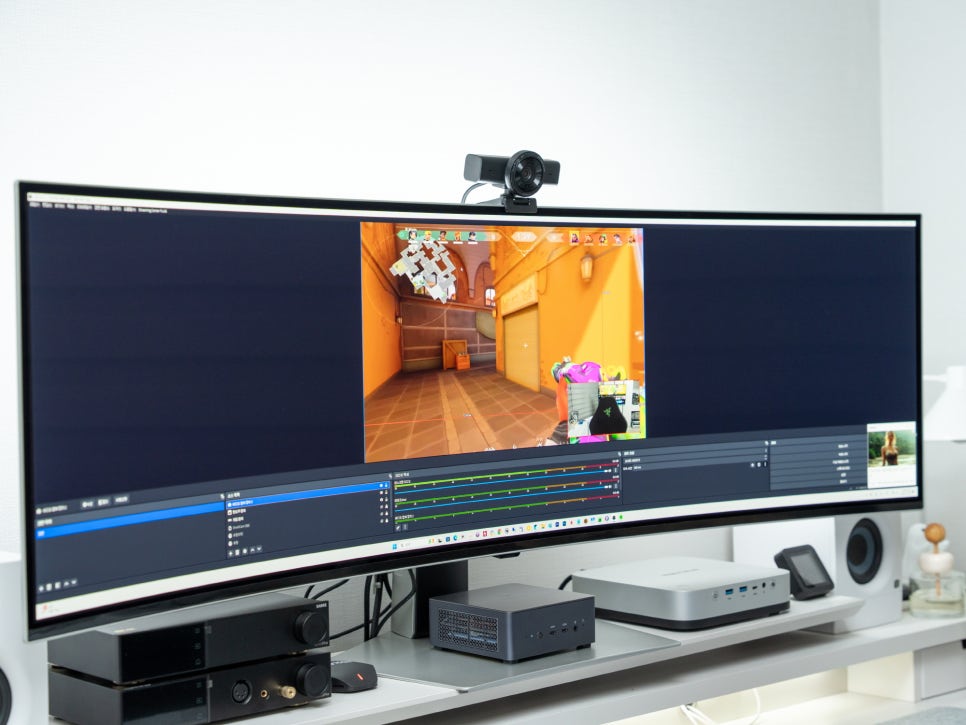
Webcams have a wider range of uses than one might expect; they can be used for various purposes such as recording review videos, game recording, streaming, and online meetings.
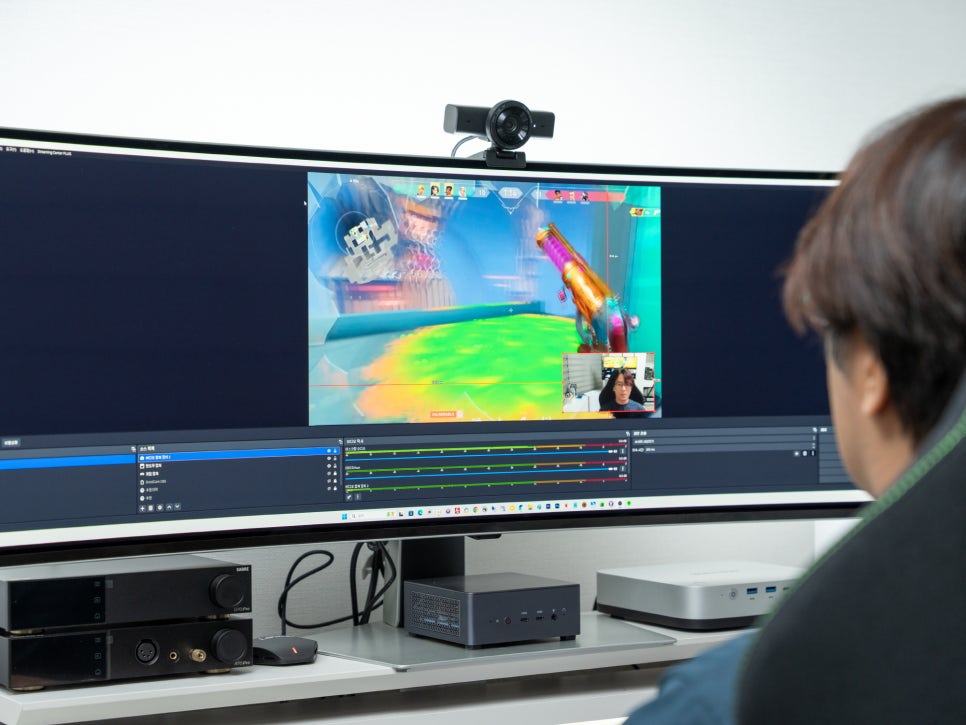
Recently, there’s been a noticeable increase in people starting to stream on various broadcasting platforms like YouTube, AfreecaTV, and Chzzik. The Kiyo V2 X is perfectly compatible with OBS and dedicated programs for each platform. Of course, it also supports video conferencing software like Zoom and Microsoft Teams.
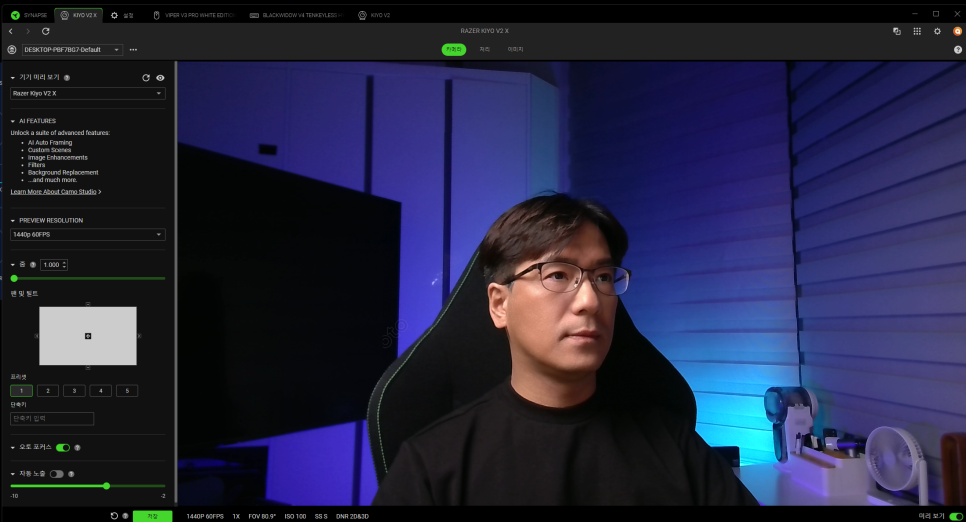
If you want to elevate your video quality, I recommend paying attention to your lighting environment. While it’s ideal to purchase softbox lighting to use as key and fill lights, and even add a backlight, instead of shooting under typical fluorescent lights, simply lowering the room’s ambient light and adding subtle background lighting can dramatically change the atmosphere.
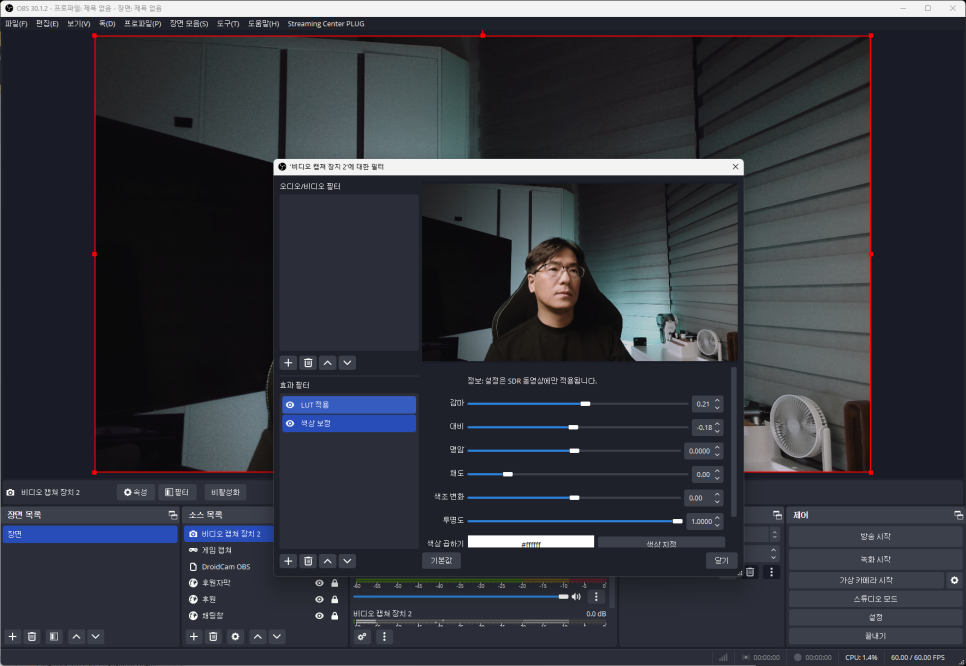
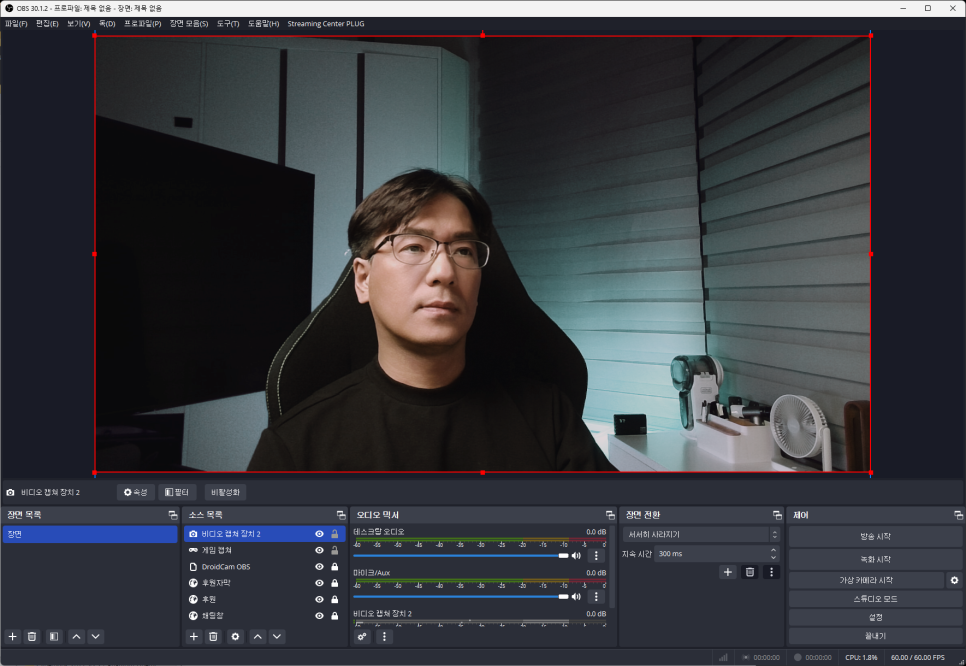
Once these basic settings are complete, you can add various filters in OBS. You can apply LUTs to create cinematic color grading or use skin correction filters to achieve a clean look.
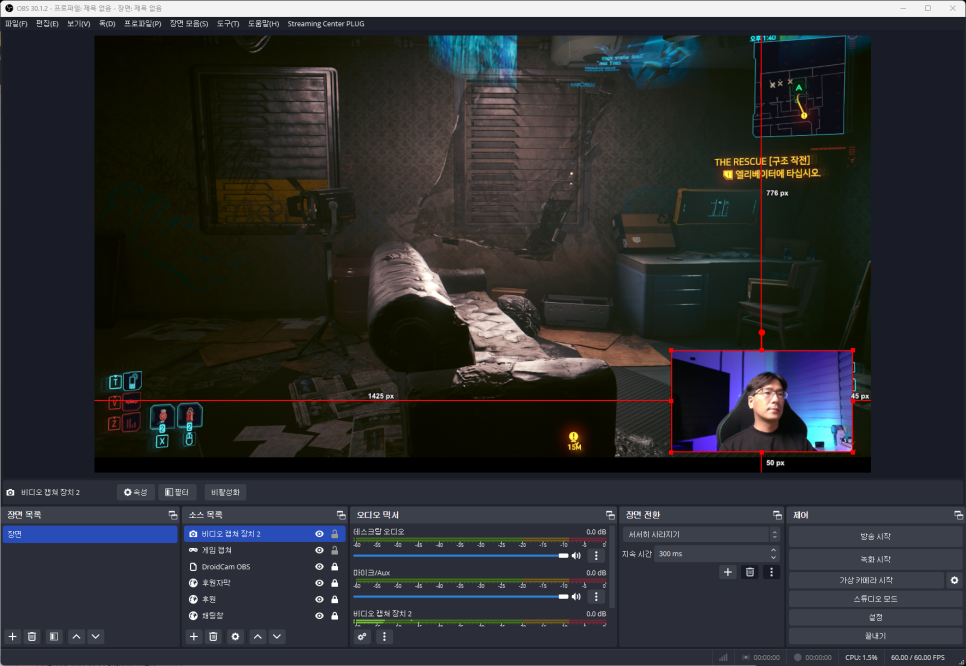
If you’re broadcasting games, you can display your face in a small window over the game screen, or use a hand cam to simultaneously stream your keyboard or mouse operations.
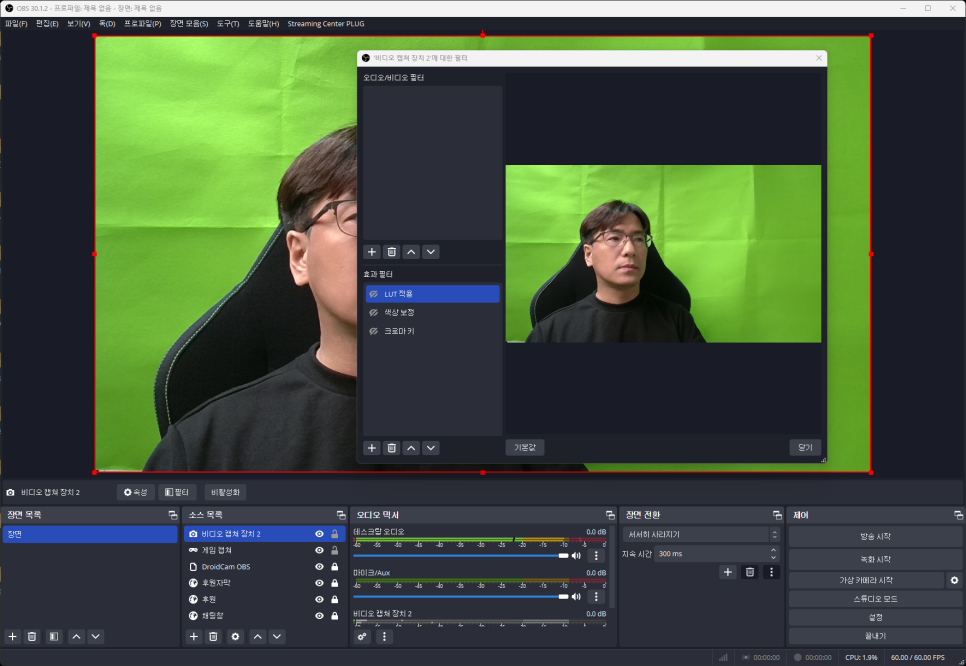
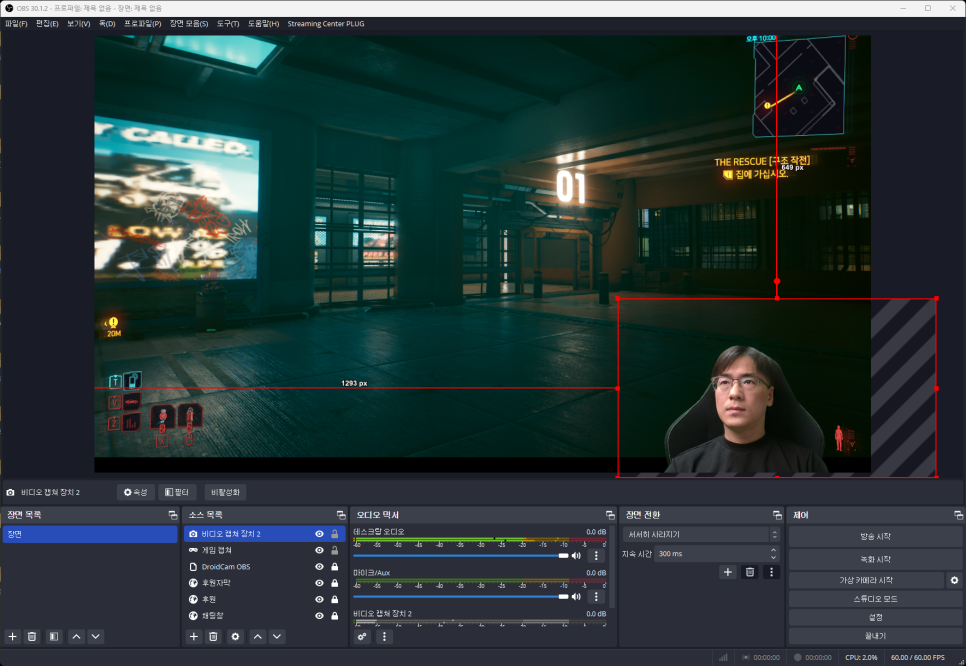
If you want to neatly remove and composite the background, you can purchase a chroma key fabric, set it up as your background, and then apply the chroma key option in OBS for a much more natural game screen composition.
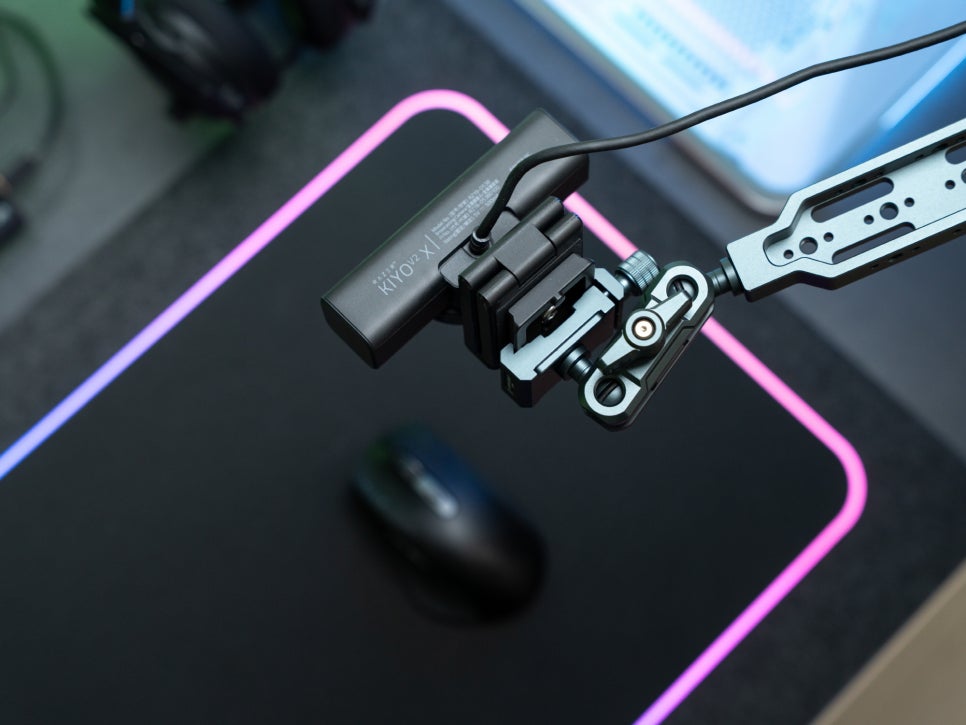

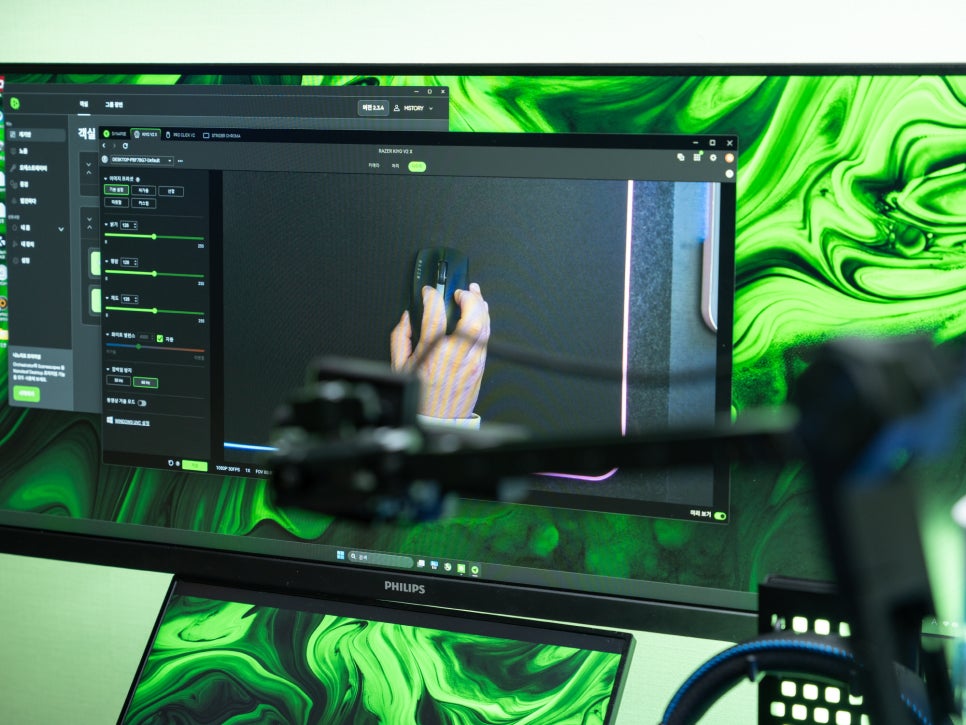
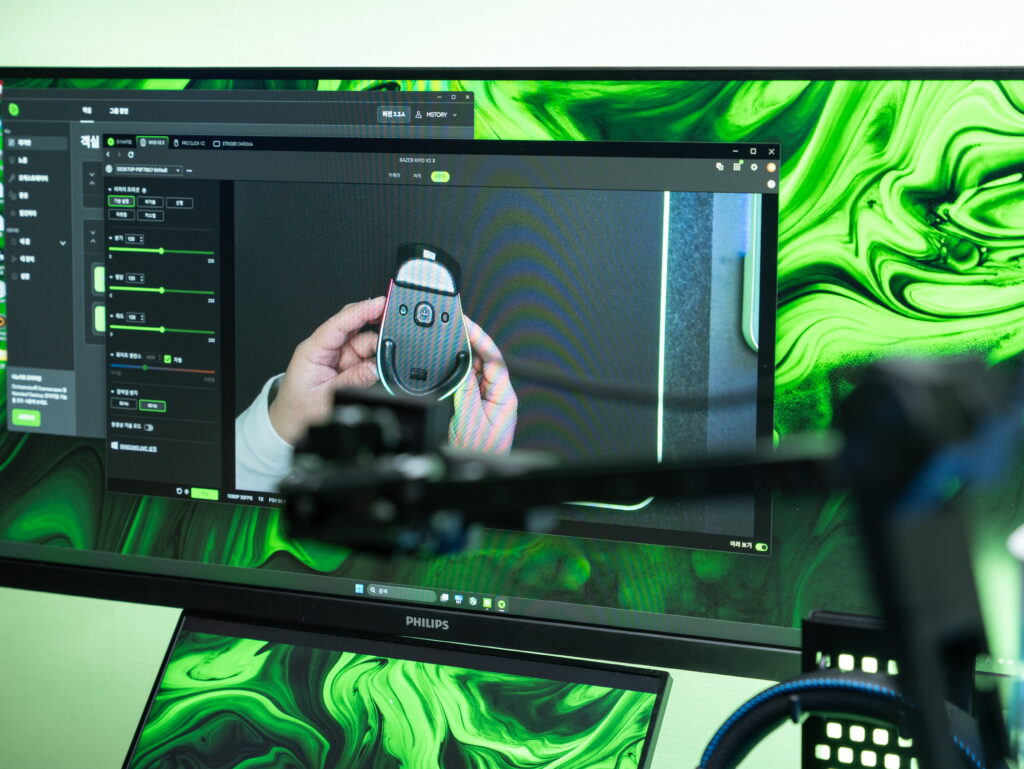
The Kiyo V2 X is well-suited for product review filming or handheld camera use thanks to its lightweight design and decent image quality. If you’re already using the higher-resolution Kiyo V2 as your main camera, adding the Kiyo V2 X as a handheld or secondary angle for a multi-cam setup is a great option.
Wrapping Up the Review
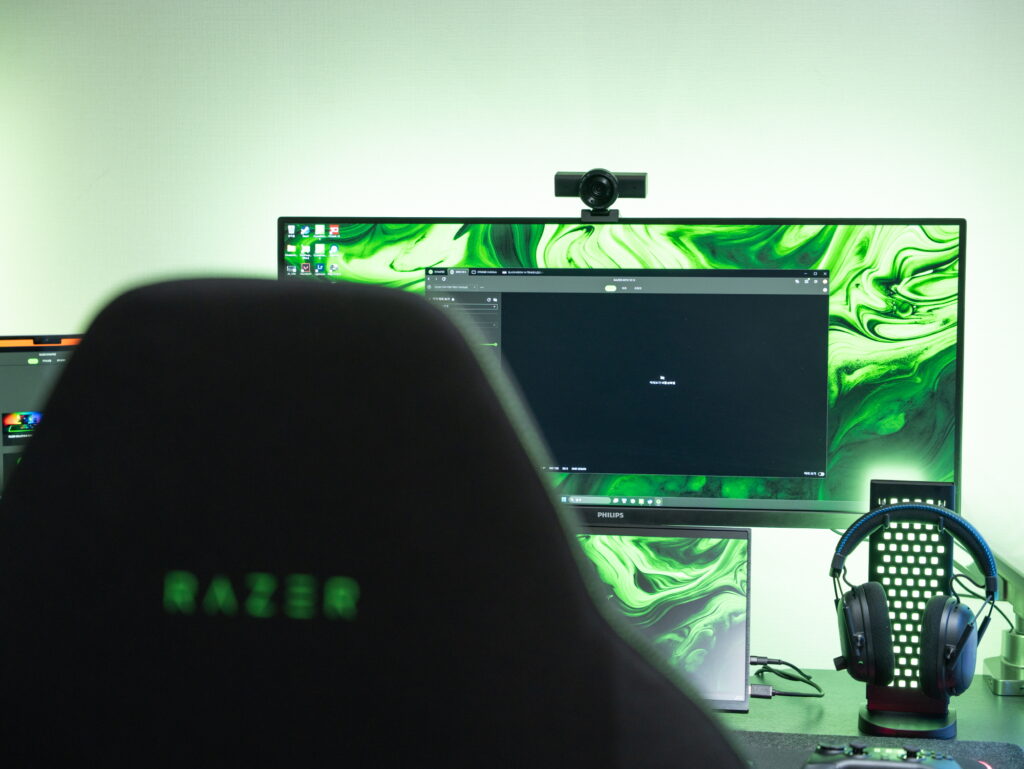
The Razer Kiyo V2 X is a sensible webcam for those just getting into streaming or video conferencing. It covers all the basics with solid 1440p 60fps resolution, smooth video, fast and accurate autofocus, and an 80-degree field of view. I also appreciate the physical privacy shutter that lets you securely cover the lens when not in use.
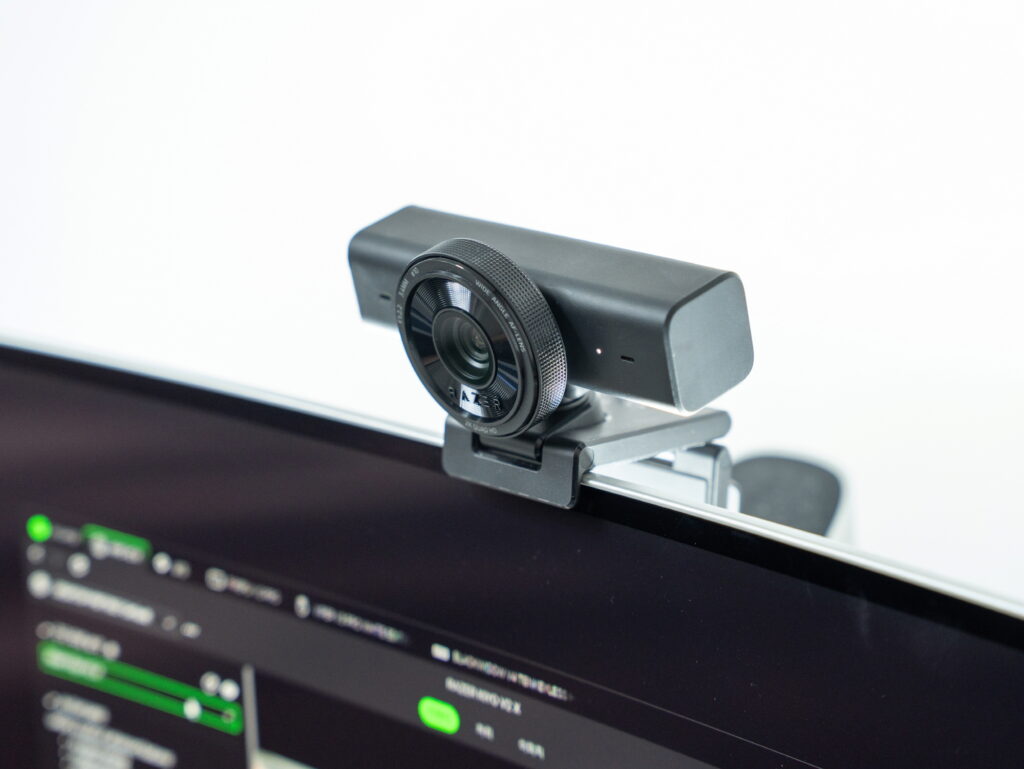
It’s plug-and-play, so it’s recognized immediately when connected to your PC, and fine-tuning settings through Razer Synapse 4 is straightforward. You can jump right into streaming or meetings without any complicated setup, and the ability to mount it on both monitors and tripods is another plus.
Of course, compared to the higher-end Kiyo V2, there are differences in sensor size, field of view, and HDR support, and it doesn’t include a Camo Studio Pro license. However, for those who already have a Razer ecosystem set up, the ability to manage everything through Synapse could be an appealing bonus.
Next time, we’ll take a closer look at the Kiyo V2, the higher-end model featuring 4K resolution and a Sony STARVIS sensor.
As an Amazon Associate I earn from qualifying purhases.
Purchase Product : https://amzn.to/48Kn8eg