
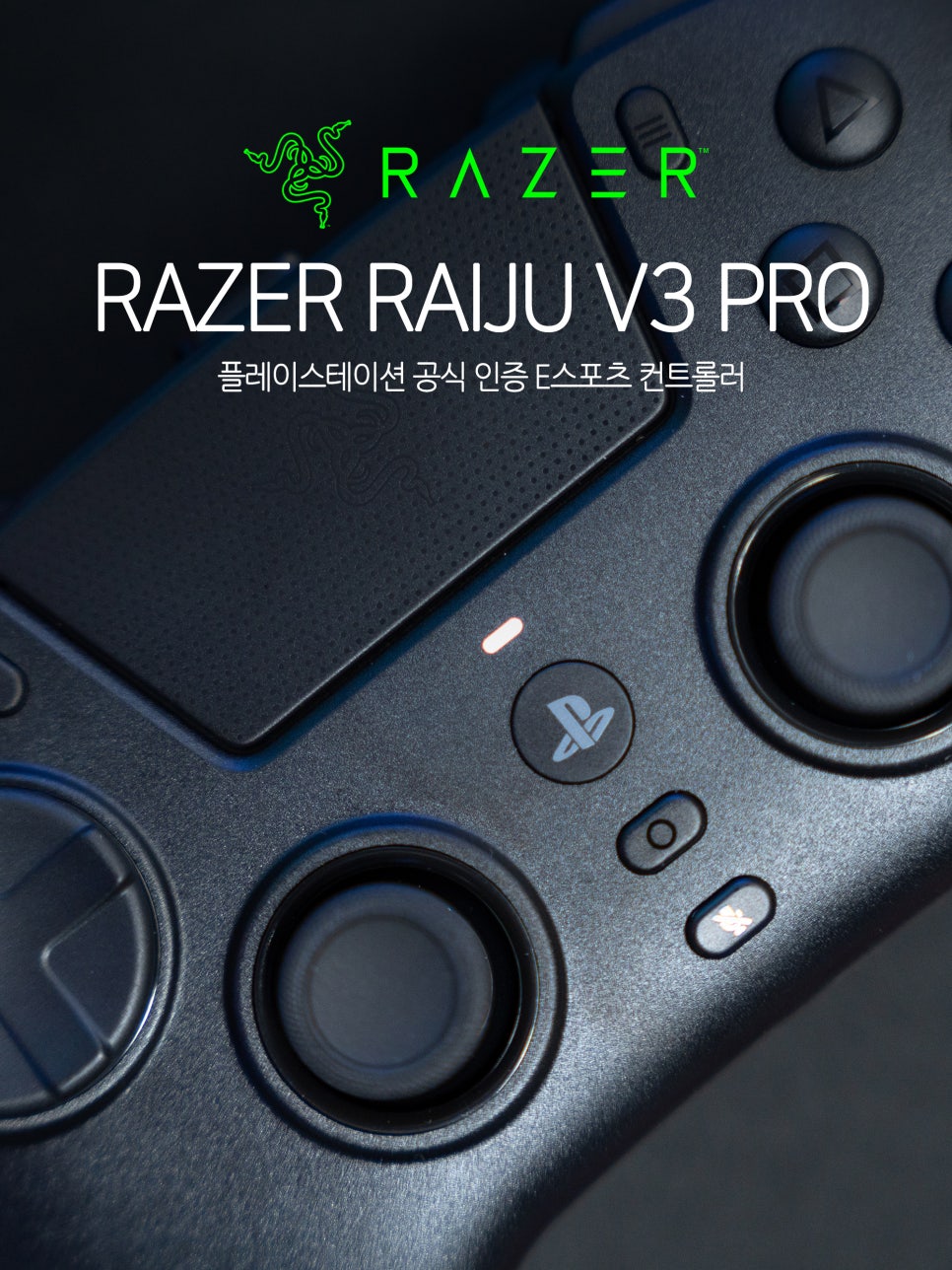
Razer, a global gaming gear brand, consistently releases top-tier products not only for PC gaming gear like mice, keyboards, and headsets but also in the PlayStation accessory sector. Obtaining an official PlayStation license is not as simple as it seems. Only after passing the stringent device compatibility and quality standards set by SIE (Sony Interactive Entertainment) can a product bear the PlayStation® family mark and OLP logo.
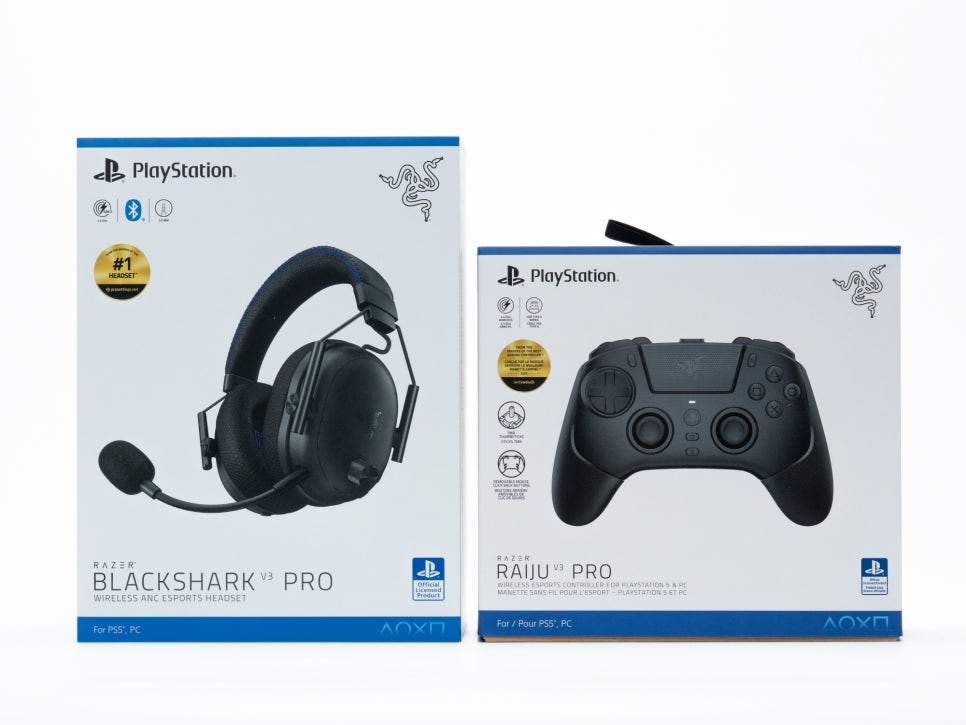

Razer has passed this rigorous certification with several product lines, including the BlackShark Pro, Raiju Pro, Hitsune, and Hammerhead. Among these, products with the “PRO” designation are high-end lineups developed for esports professionals and hardcore gamers, incorporating Razer’s latest technology. Today, I will introduce the Razer Raiju V3 Pro, a gamepad designed for those seeking pro-level performance among PlayStation controllers.
Specifications and Components
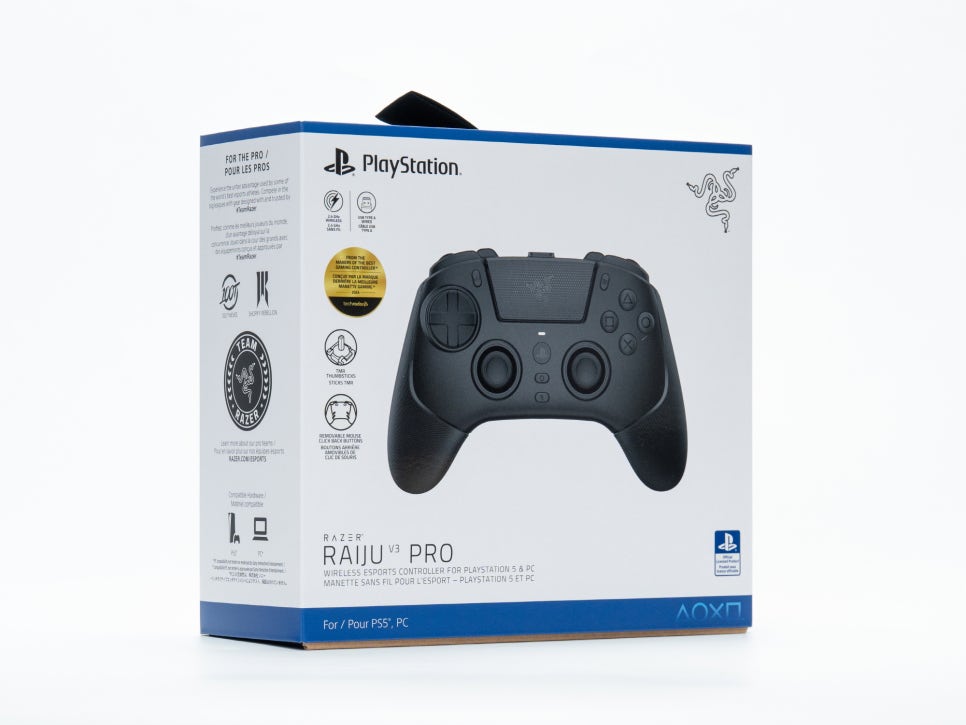

Product Specifications
Product Name: Razer Raiju V3 Pro
Compatible Devices: PlayStation 5, PC
Connection Type: Wireless (2.4GHz HyperSpeed), Wired (USB-C to A)
Weight: 258g
Dimensions: 168.8 x 113.4 x 65.1mm
Battery Life: 36 hours
Supported Ports: USB-C, 3.5mm Audio

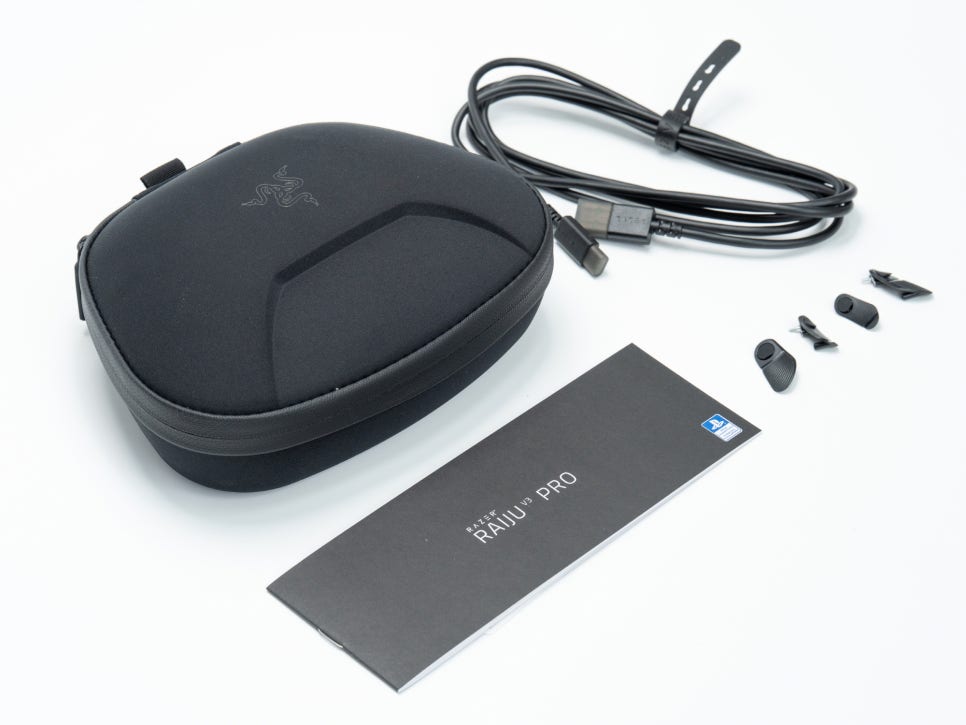
Upon opening the box, the first thing you notice is the premium hard shell carrying case. Inside, the Razer Raiju V3 Pro is securely fixed, and it comes with a HyperSpeed wireless 2.4GHz USB-A dongle and a high-quality 2M braided USB-C cable.
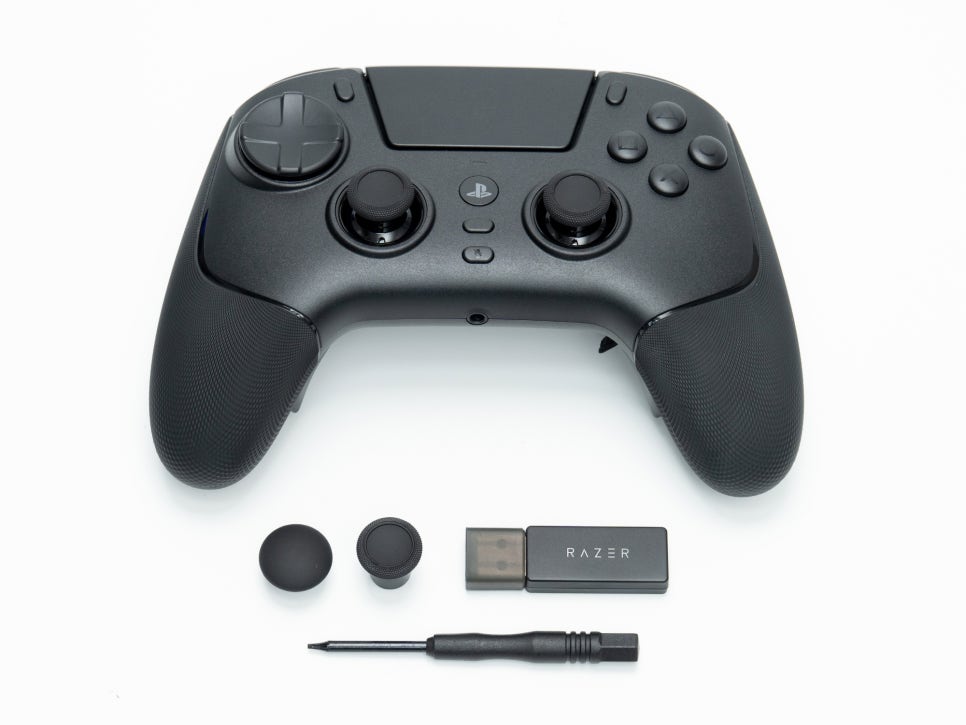
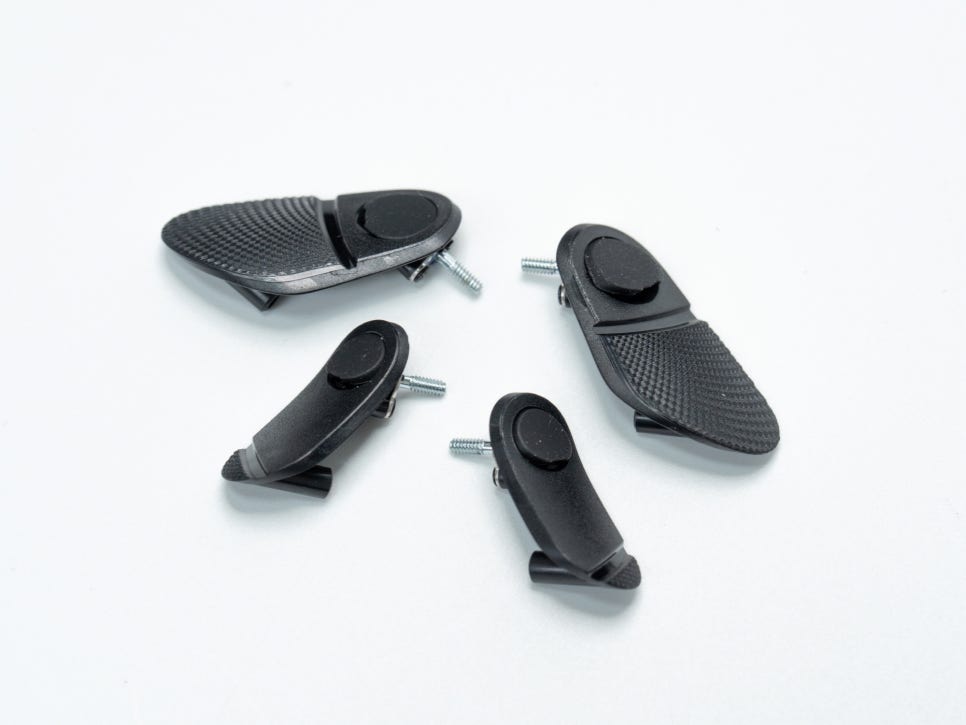

Additionally, it includes two interchangeable thumbstick caps (one long convex, one short concave), four replaceable back buttons, and a dedicated screwdriver for button replacement, allowing customization without extra tools. The carrying case is of high quality, ensuring the controller is safely protected during travel.
Appearance and Features
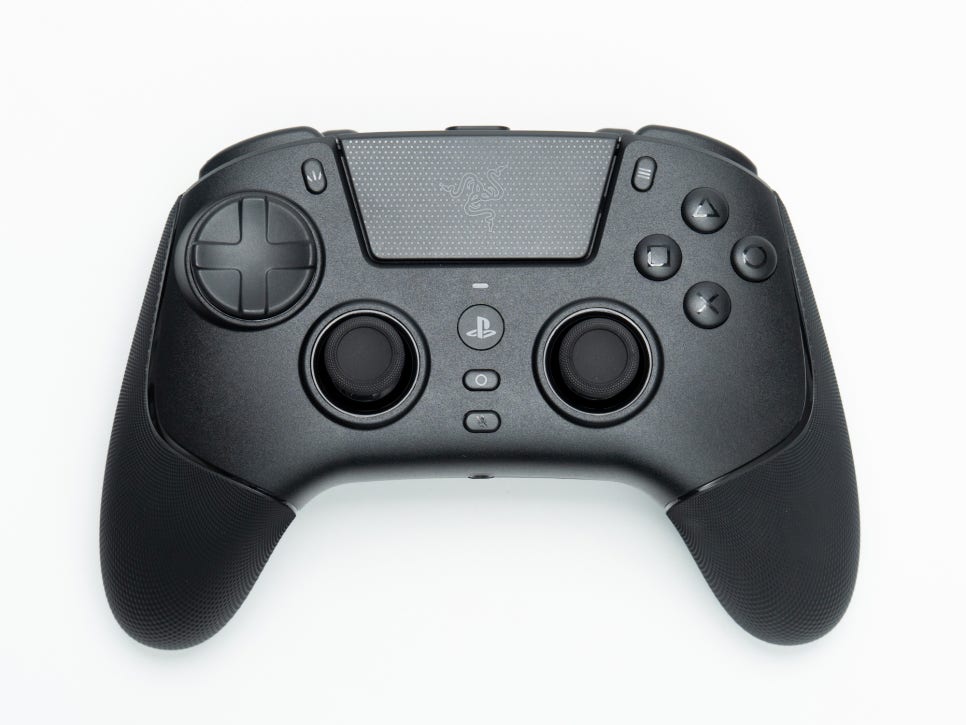
The overall build quality of the Raiju V3 PRO is robust and luxurious. It is available in two colors: white and black.

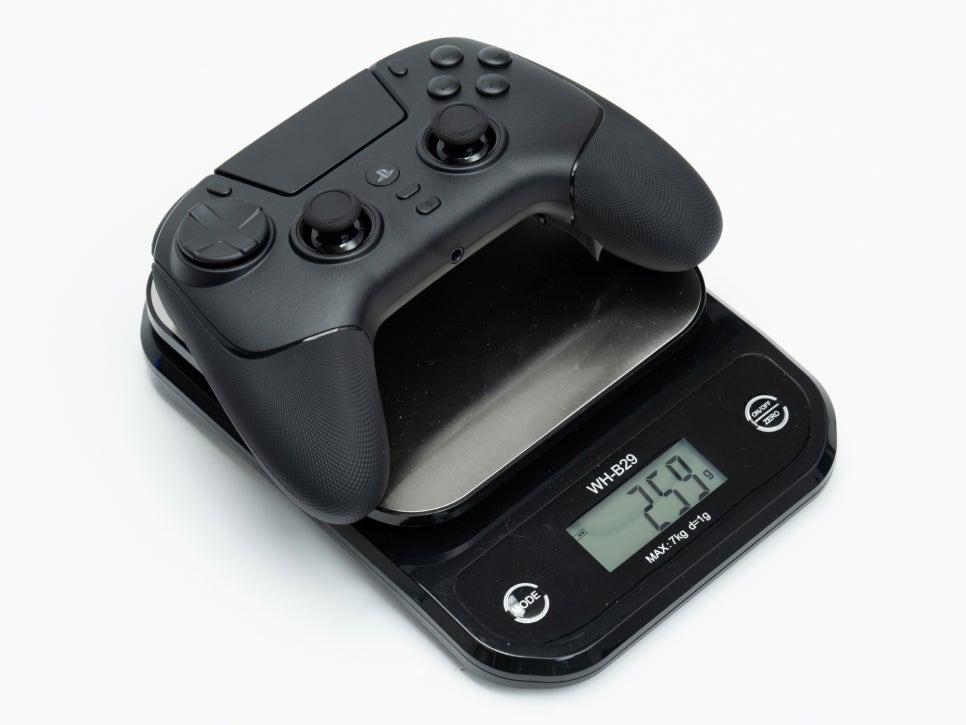
The first thing you notice when holding the Raiju V3 PRO is its lightweight nature. Weighing in at 259g, it is about 10% lighter than the DualSense, significantly reducing wrist fatigue during extended gaming sessions.
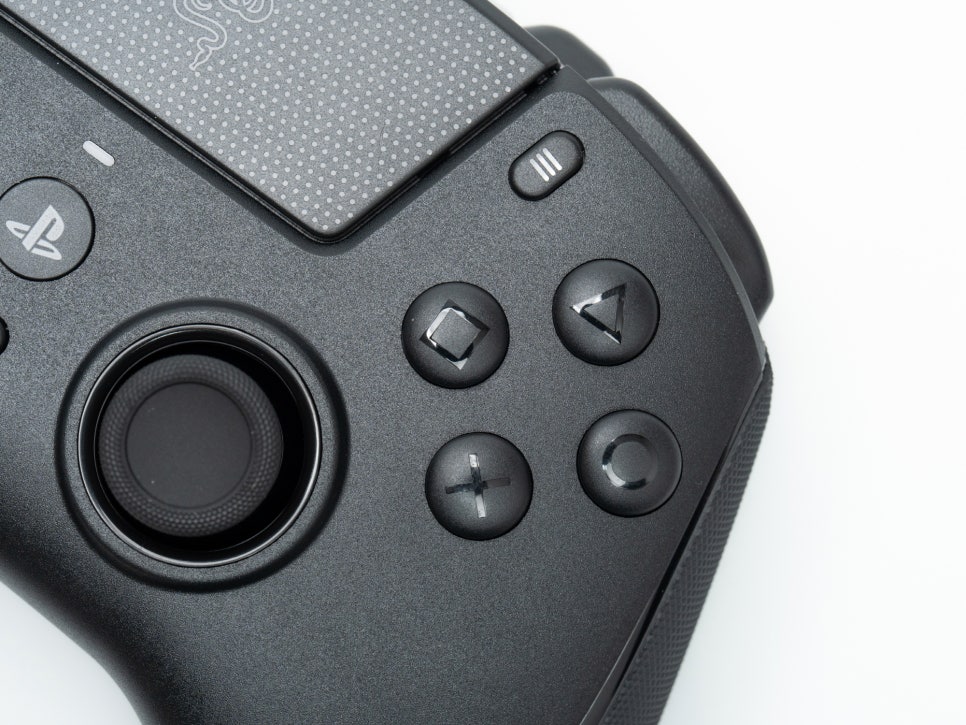
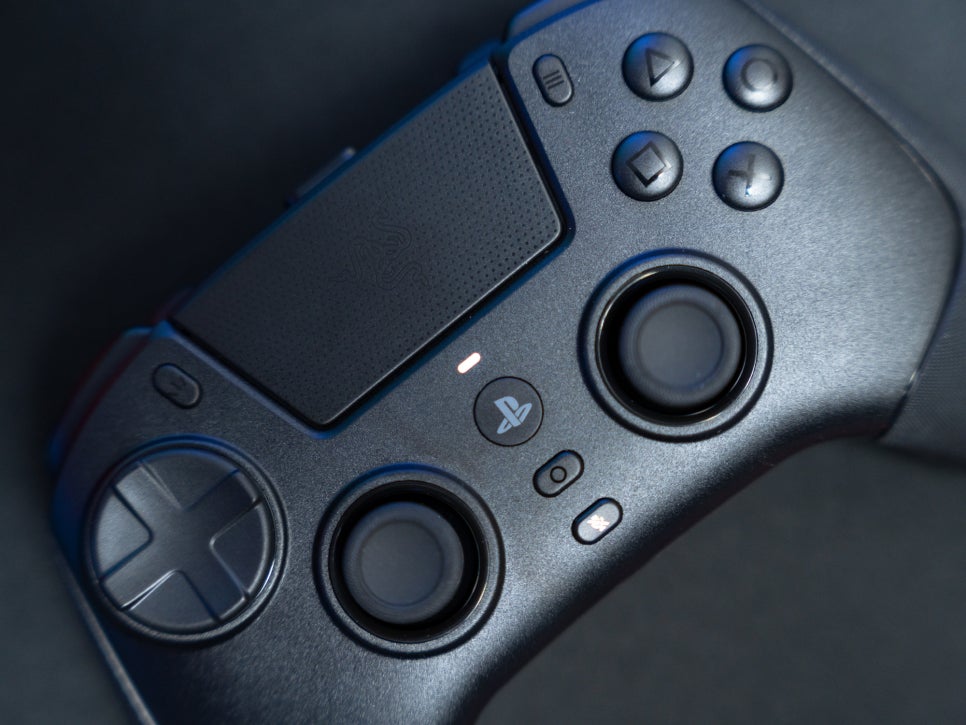
The face buttons use Razer’s mechanical tactile PBT buttons. Unlike traditional PlayStation controllers that offer a mushy membrane feel, the Raiju V3 Pro provides a clicky sensation similar to a mouse click, with rapid response times.
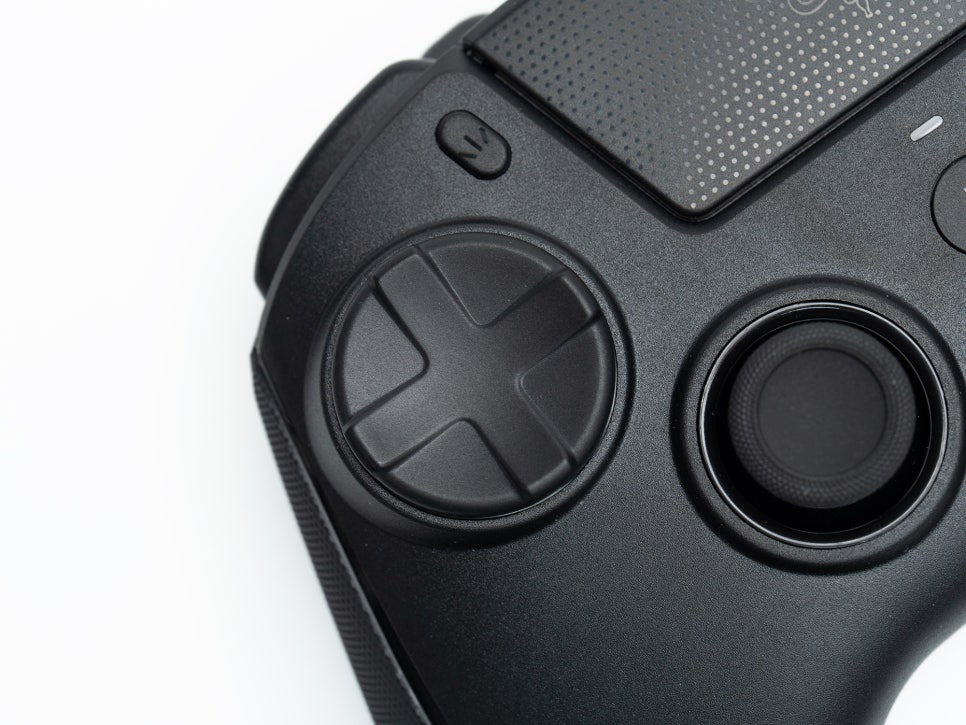
The D-pad is designed with a circular floating style, allowing for much more precise 8-directional input. This is advantageous for fighting games that require command inputs or precise directional control.
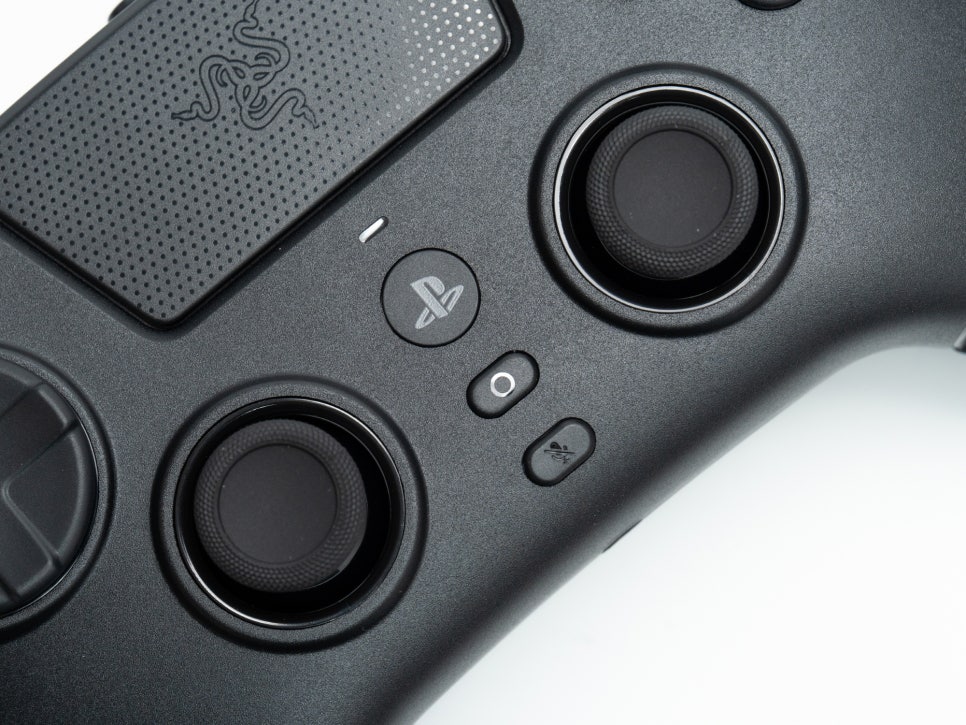
One of the standout features of the Raiju V3 Pro is its symmetrical thumbsticks equipped with TMR sensors. While maintaining the PlayStation-style symmetrical layout, it incorporates TMR technology, an evolution beyond the Hall effect sensor, eliminating concerns about stick drift. The TMR sensor accurately detects subtle movements, greatly enhancing aiming accuracy. The stick caps can be easily swapped between long convex and short concave styles to suit your play style.
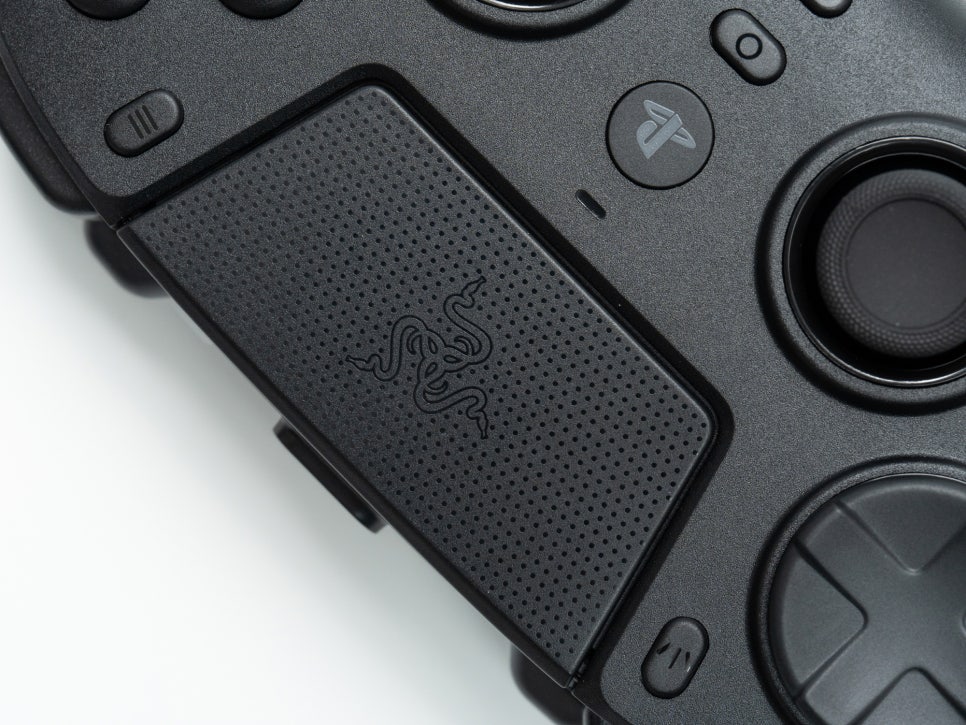
The touchpad in the center of the controller subtly features the Razer logo. Like the DualSense, it functions fully as a touchpad, allowing seamless use in games that require touch controls.
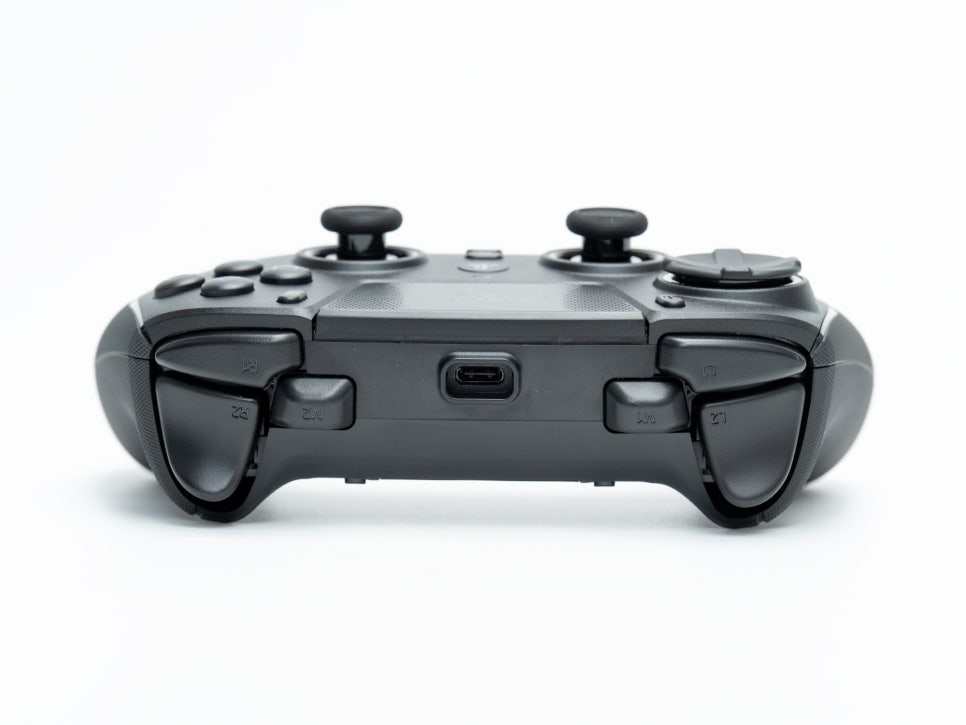
In addition to the L1/R1 bumpers and L2/R2 triggers, M1/M2 claw grip bumpers are added inside the triggers. Positioned for easy access by the index fingers when holding the controller in a claw grip style, they are optimized for use as additional buttons.
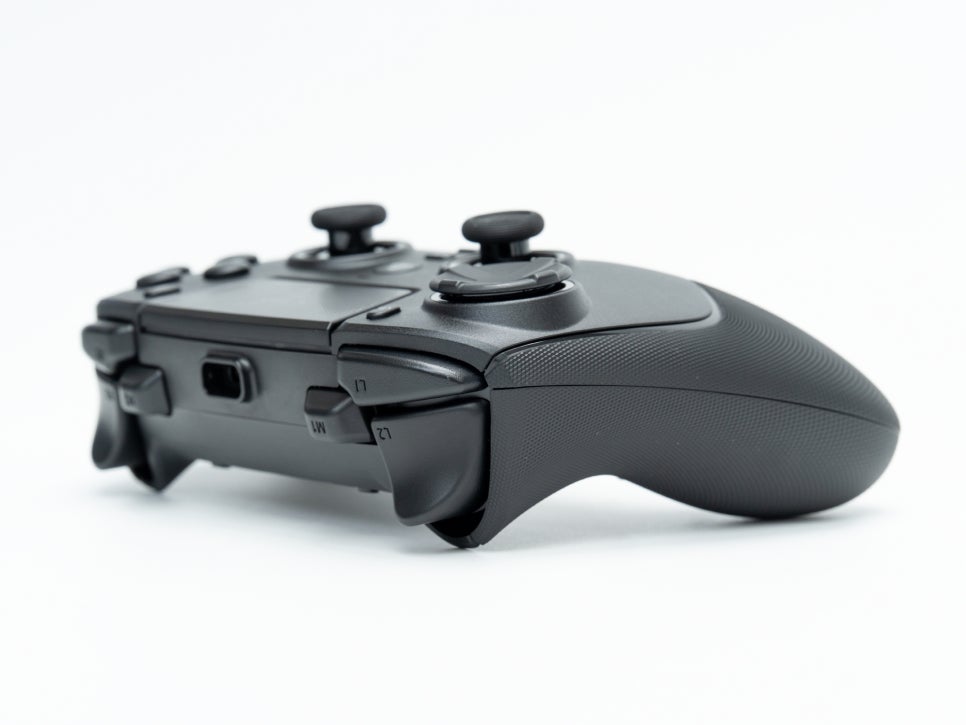
The L2/R2 triggers feature Razer’s Pro HyperTrigger technology. A physical switch on the bottom of the controller allows you to toggle between lock mode and unlock mode.
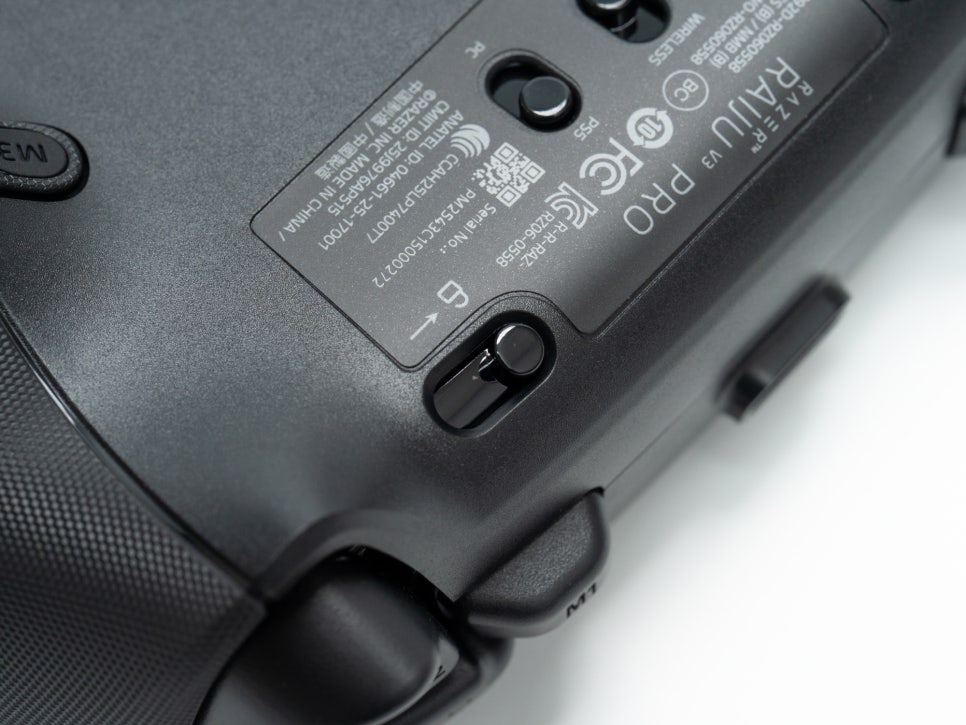
In lock mode, the trigger stroke is shortened to a mouse click-like feel, useful for fast firing responses in FPS games. In unlock mode, it operates with a full stroke like traditional analog triggers, allowing for precise acceleration control in racing games.

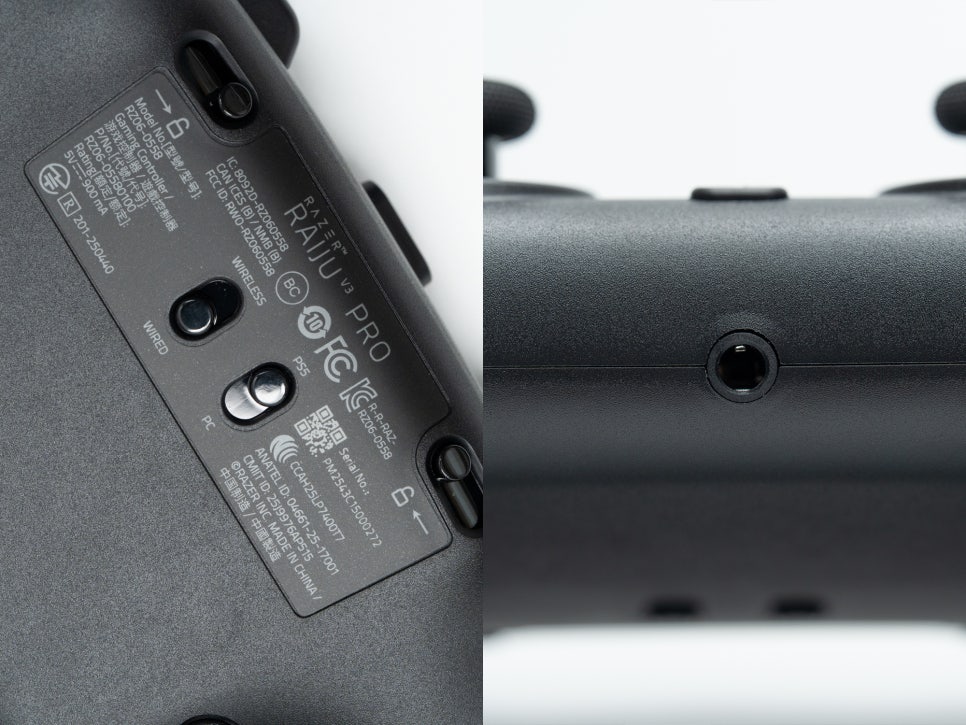
Switches for PS5/PC mode and wireless/wired mode are located at the bottom of the controller, allowing easy mode changes depending on the situation. The USB-C port and 3.5mm audio jack are also located at the bottom, minimizing cable interference when using wired connections or earphones.

Four macro buttons (M3~M6) are placed on the grip section of the controller. These buttons also provide a mouse click-like feel and are positioned where fingers naturally rest, reducing the risk of accidental presses.
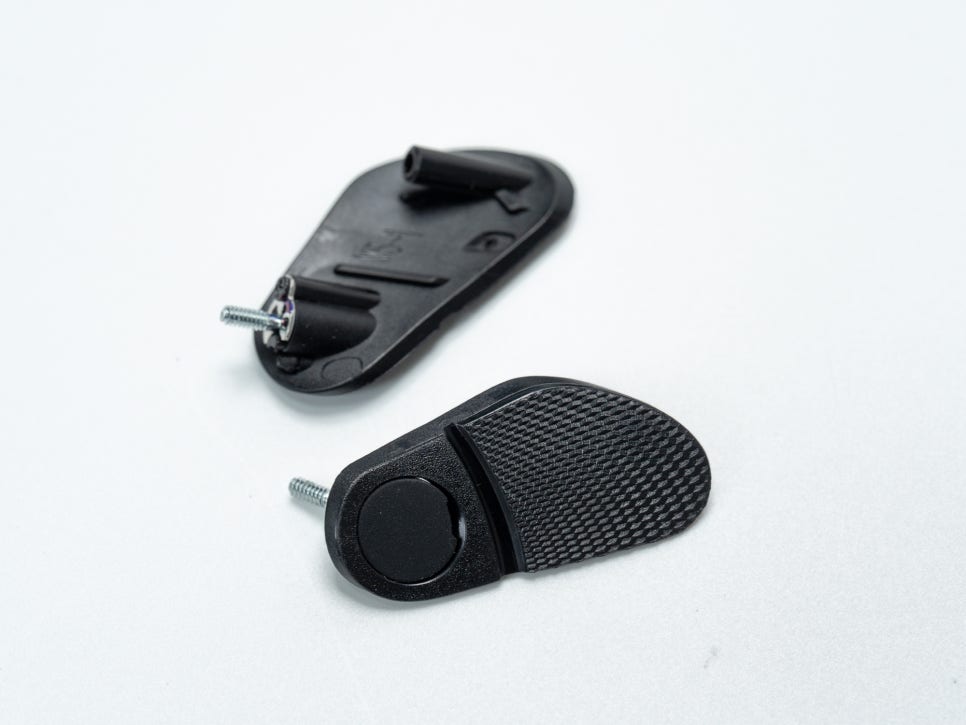
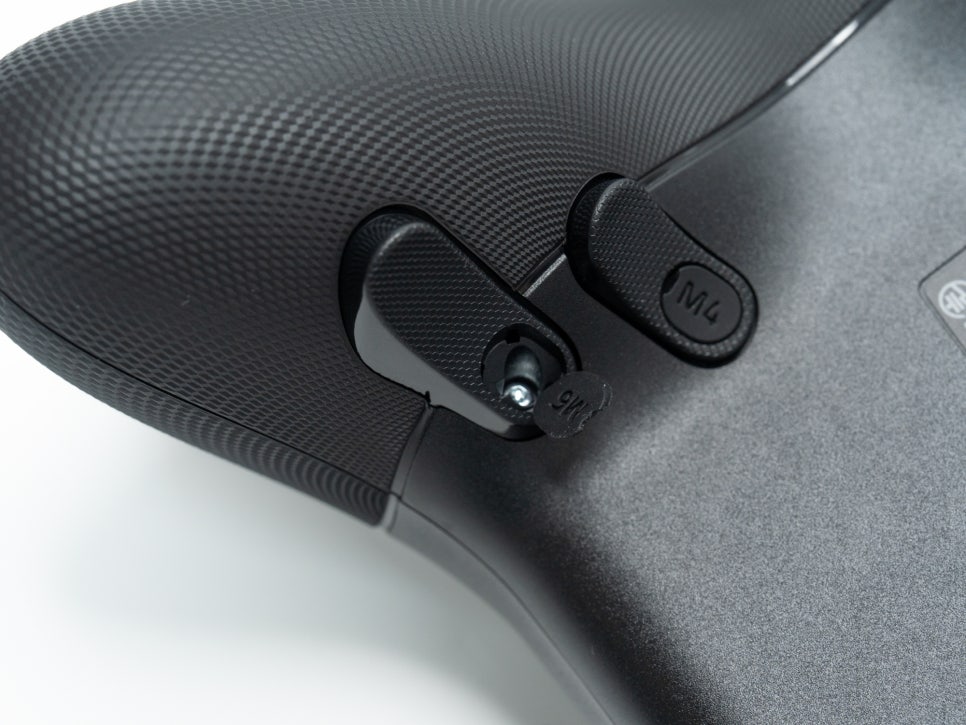
If you prefer not to use the back buttons, you can remove them with the provided screwdriver and replace them with flush blanking plates, ensuring a smooth back surface and preventing accidental presses.
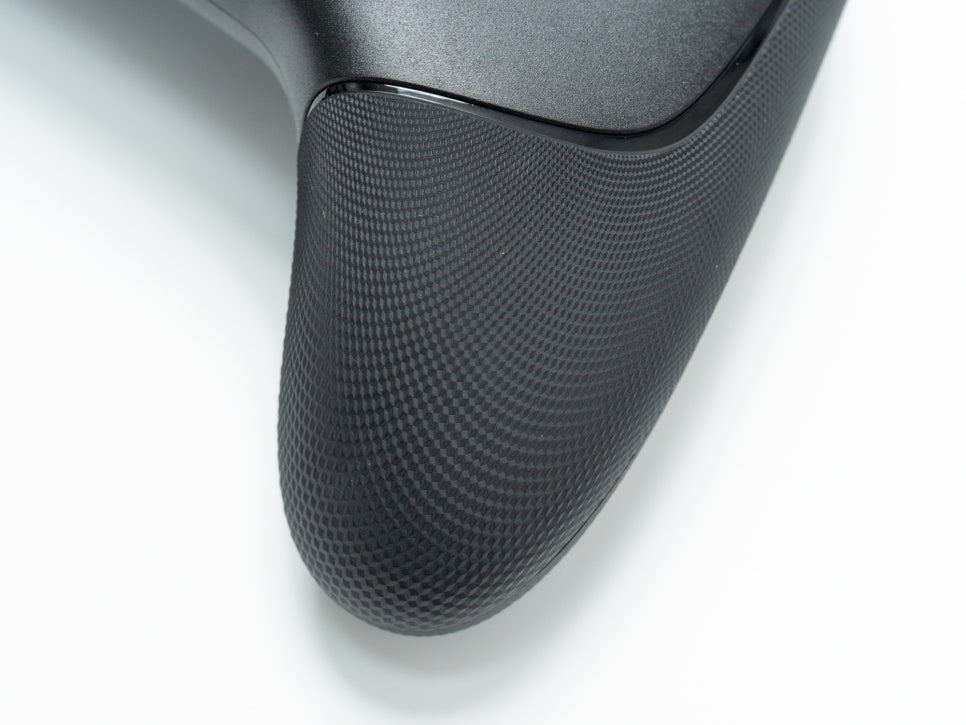
The grip section features an anti-slip texture, preventing the controller from slipping during play. Compared to the PS5 DualSense, the handles are slightly longer, designed to comfortably accommodate larger hands.
Connection and Synapse 4 Introduction

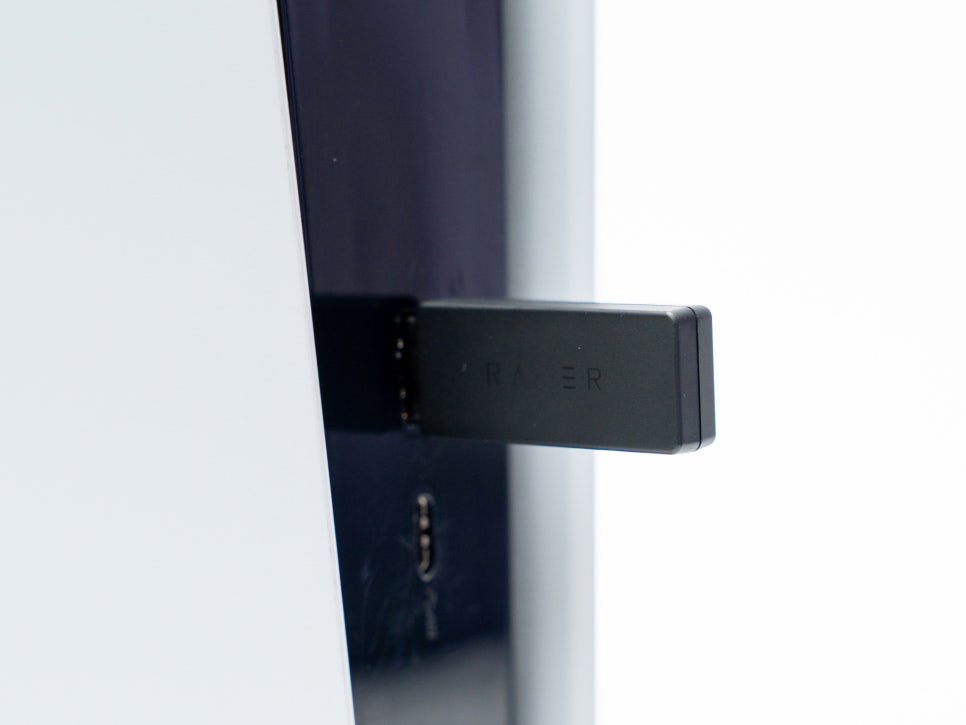
The Raiju V3 Pro is an officially licensed PlayStation product, ensuring perfect compatibility with the PS5. Simply plug the included HyperSpeed 2.4GHz wireless dongle into the USB port of the PS5 console for instant connection without the need for pairing.
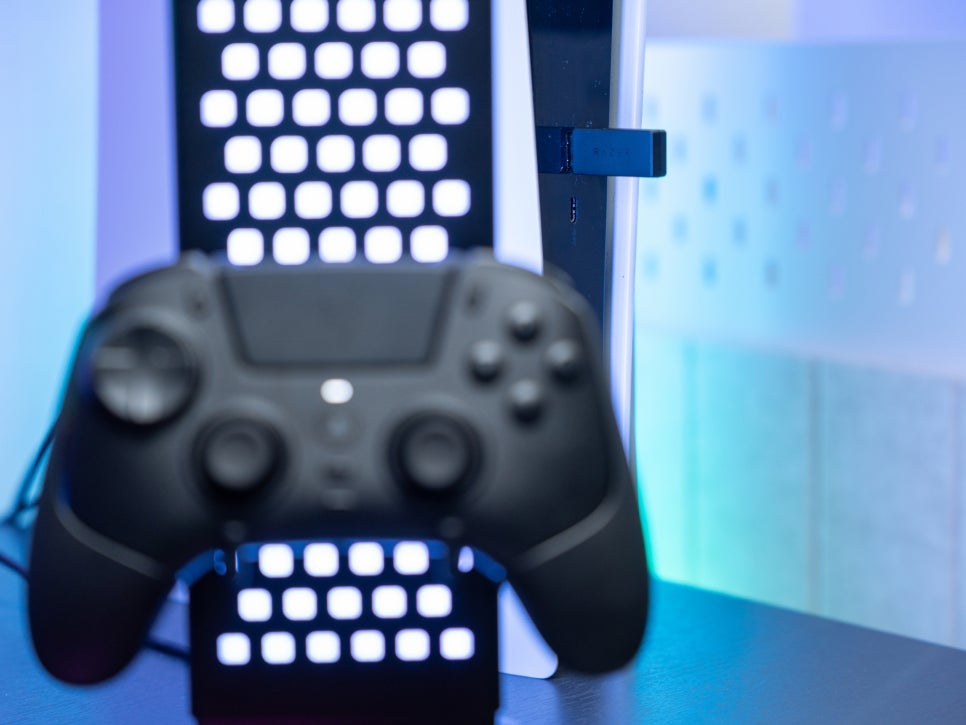
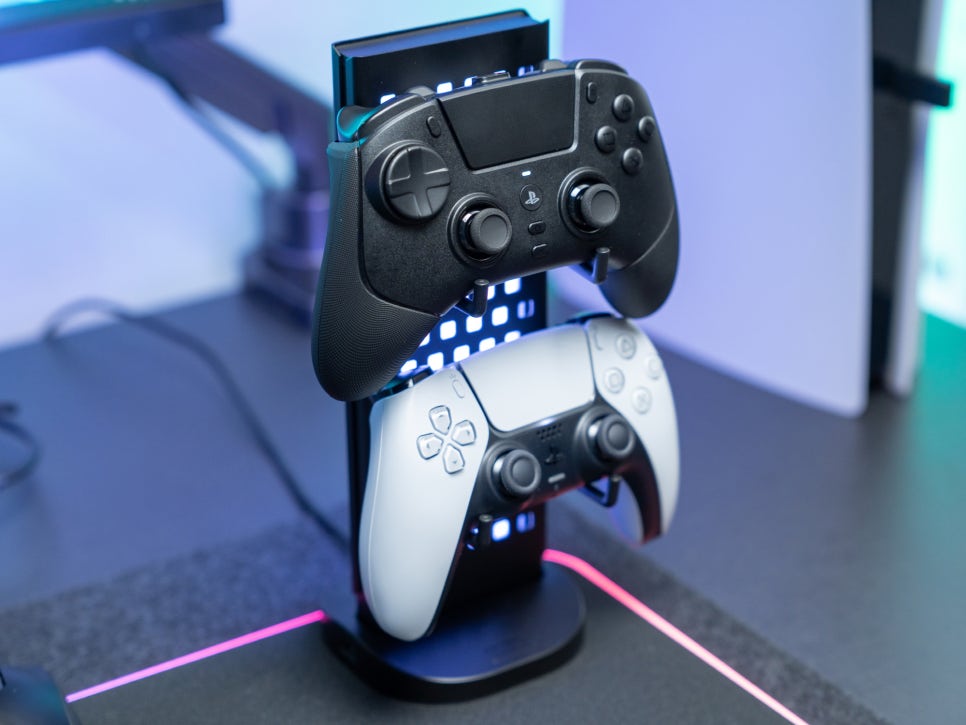
In the PS5 settings screen, the controller is recognized as Razer Raiju, and it responds without delay in games. However, due to Sony’s licensing policy, haptic feedback and adaptive trigger functions are not supported.
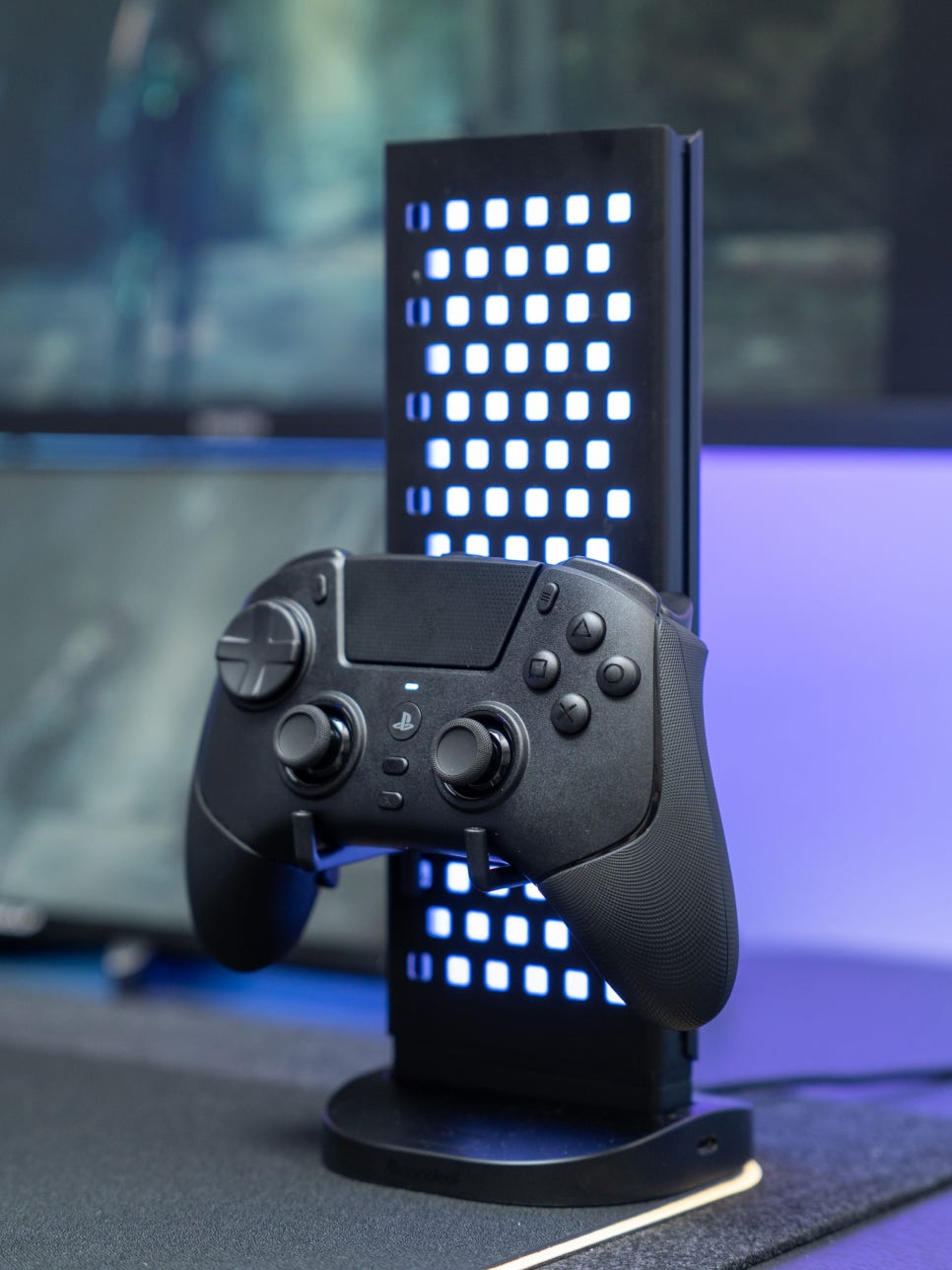
The integration with PC is also excellent. It can be used on a PC with the same wireless dongle, and when connected via a wired connection, it supports up to a 2,000Hz polling rate for even more precise input. It is recognized immediately as plug-and-play in most Steam games.
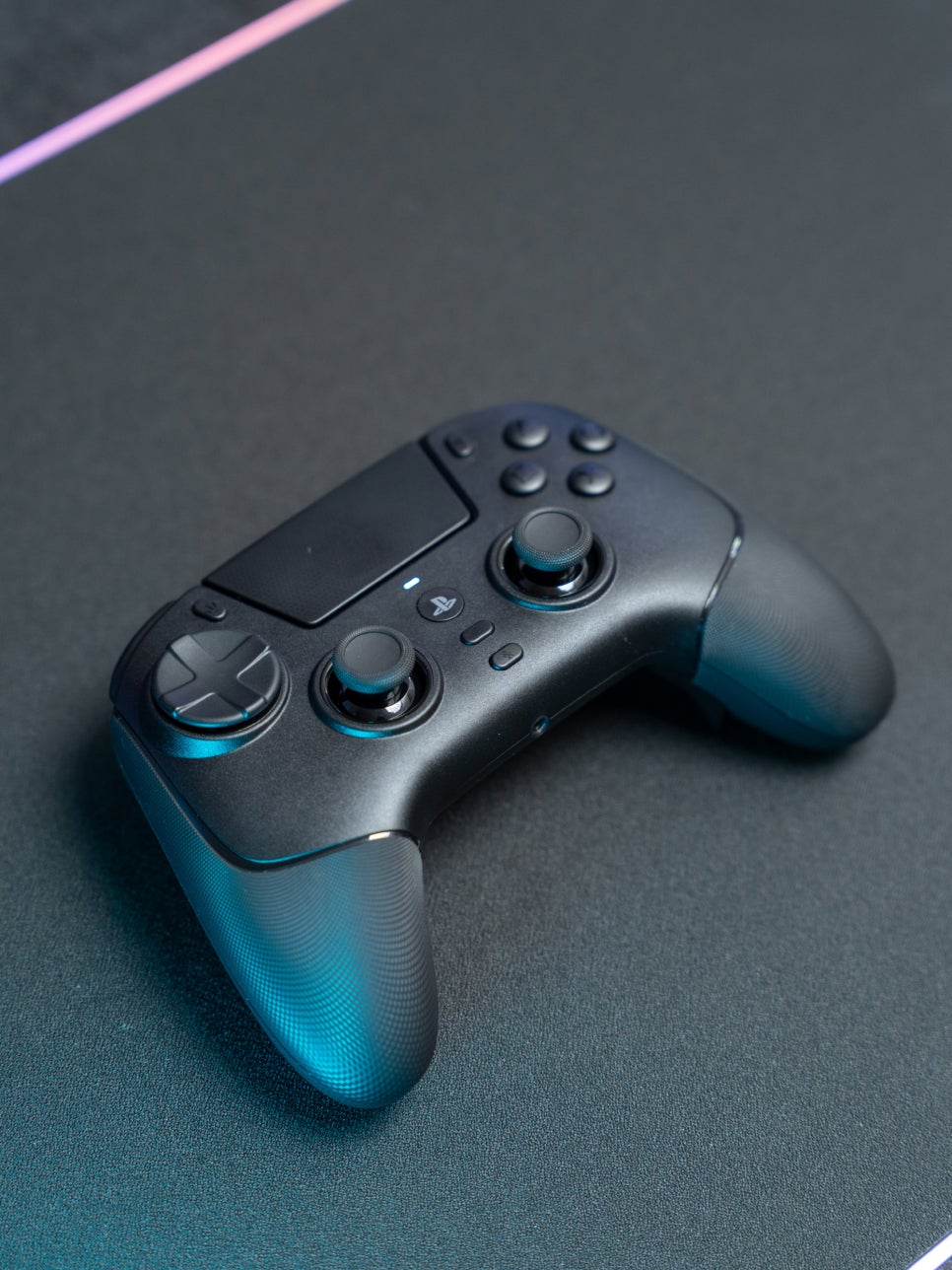
Through Razer Synapse 4, you can finely adjust all settings of the controller. The Razer Controller App is also available, allowing settings to be configured on a smartphone even without a PC.

Button Mapping: You can rearrange the functions of all buttons as desired. This includes the M1~M6 buttons, face buttons, and bumpers, allowing for complete customization.

Trigger Settings: You can finely adjust the actuation point of the L2/R2 triggers. Setting how much pressure is needed for input recognition according to the game genre allows for faster responses.

Thumbstick Deadzone and Sensitivity: You can adjust the size of the stick’s deadzone and sensitivity curve. There is also an option to prevent overlap with in-game deadzones, creating an optimal aiming environment.

Profile Management: You can store up to four profiles in the controller’s onboard memory. Press the profile button to quickly switch to different settings for each game.

Polling Rate Settings: You can choose between 250Hz/500Hz for wireless connections and 250Hz/500Hz/1,000Hz/2,000Hz for wired connections.
User Experience
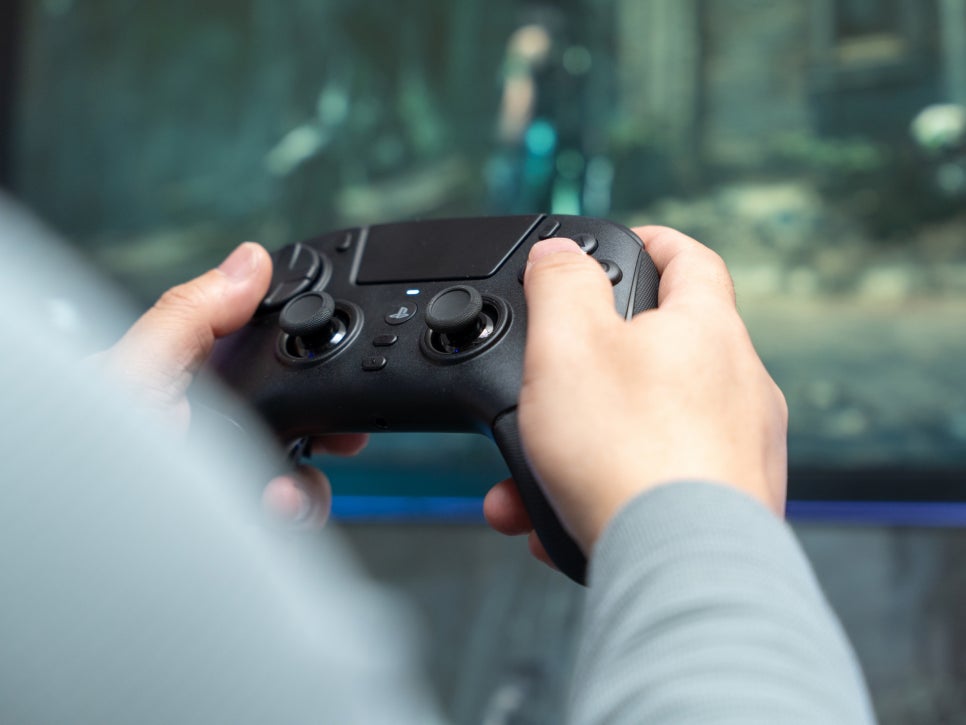
First, I tried playing the action game Stella Blade. The immediate click feel of the PBT buttons was a great help in timing parries and dodges, where quick response is crucial. Especially during boss battles, the reduced finger fatigue from button mashing allowed for comfortable play.
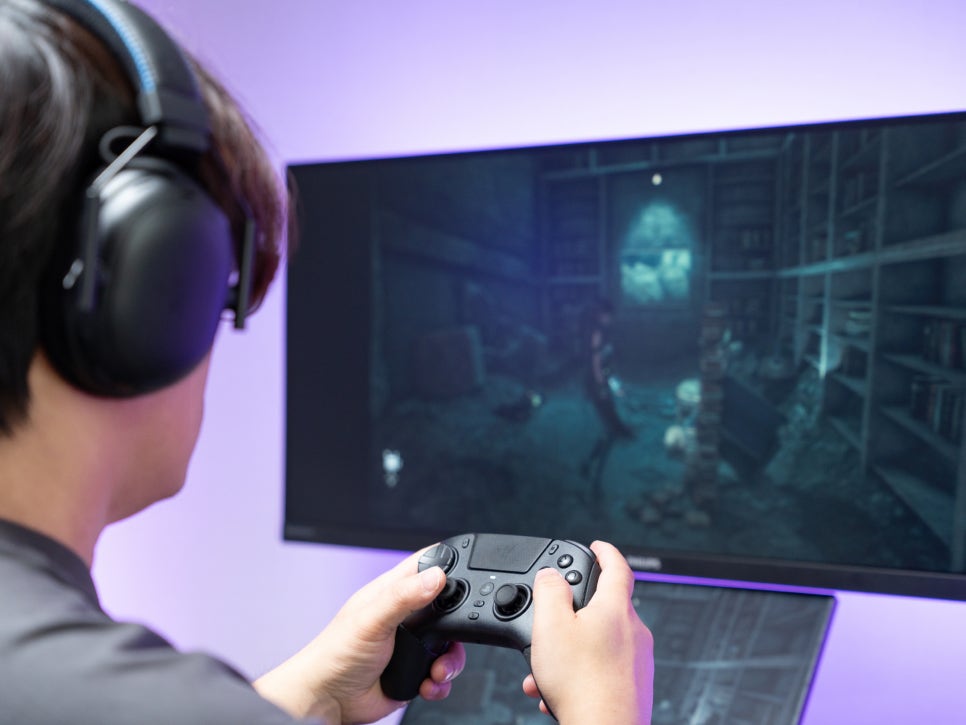
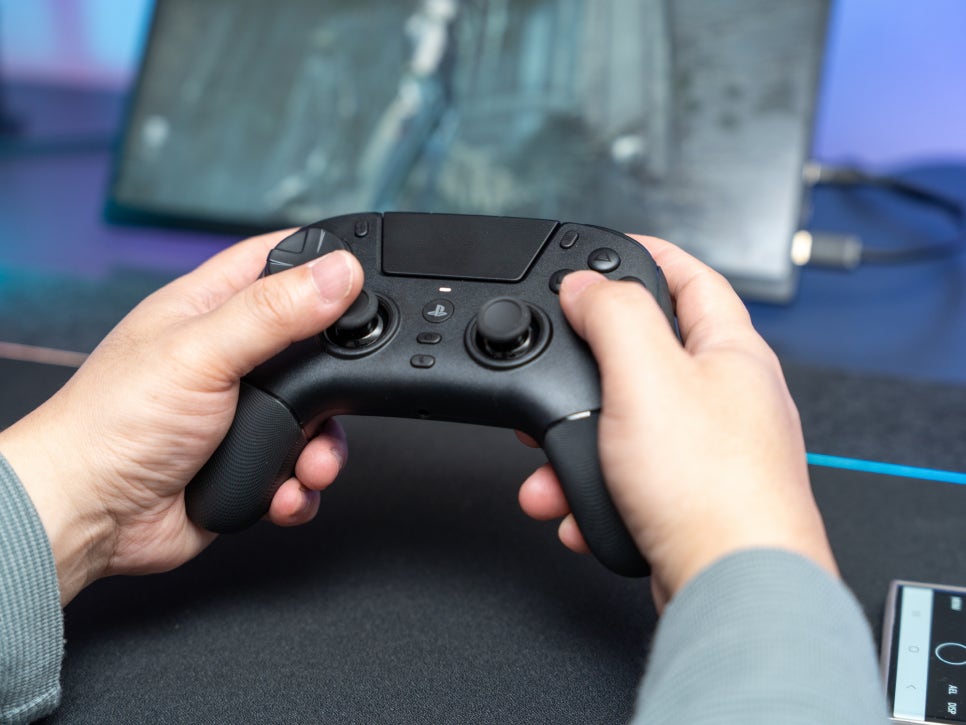
Mapping dodge and lock-on to the back buttons meant my thumbs never had to leave the sticks, making it much easier to track enemy movements while executing evasive maneuvers. Thanks to the lightweight design, I could immerse myself in the character for 2-3 hours of continuous play without straining my wrists.

In the EA FC series, the analog characteristics of the triggers are paramount. Setting the Raiju V3 Pro’s HyperTrigger to unlock mode allows for fine-tuning sprint intensity, making ball control during dribbles smoother.

The 8-directional D-pad proved unexpectedly useful for skill move inputs. It reduced input errors when executing complex skill commands, making skill cancels and combo moves more accurate. In online matches, where minute differences can determine victory, such precision translates into competitiveness.

Honestly, although I’m a perennial beginner who loves gaming but never improves, I could definitely feel the difference after switching from a regular DualSense to the Raiju V3 Pro. The most significant change is the button response speed. While the DualSense’s membrane buttons have a slight delay during the press and release process, the mechanical buttons of the Raiju feel like input and recognition occur almost simultaneously.
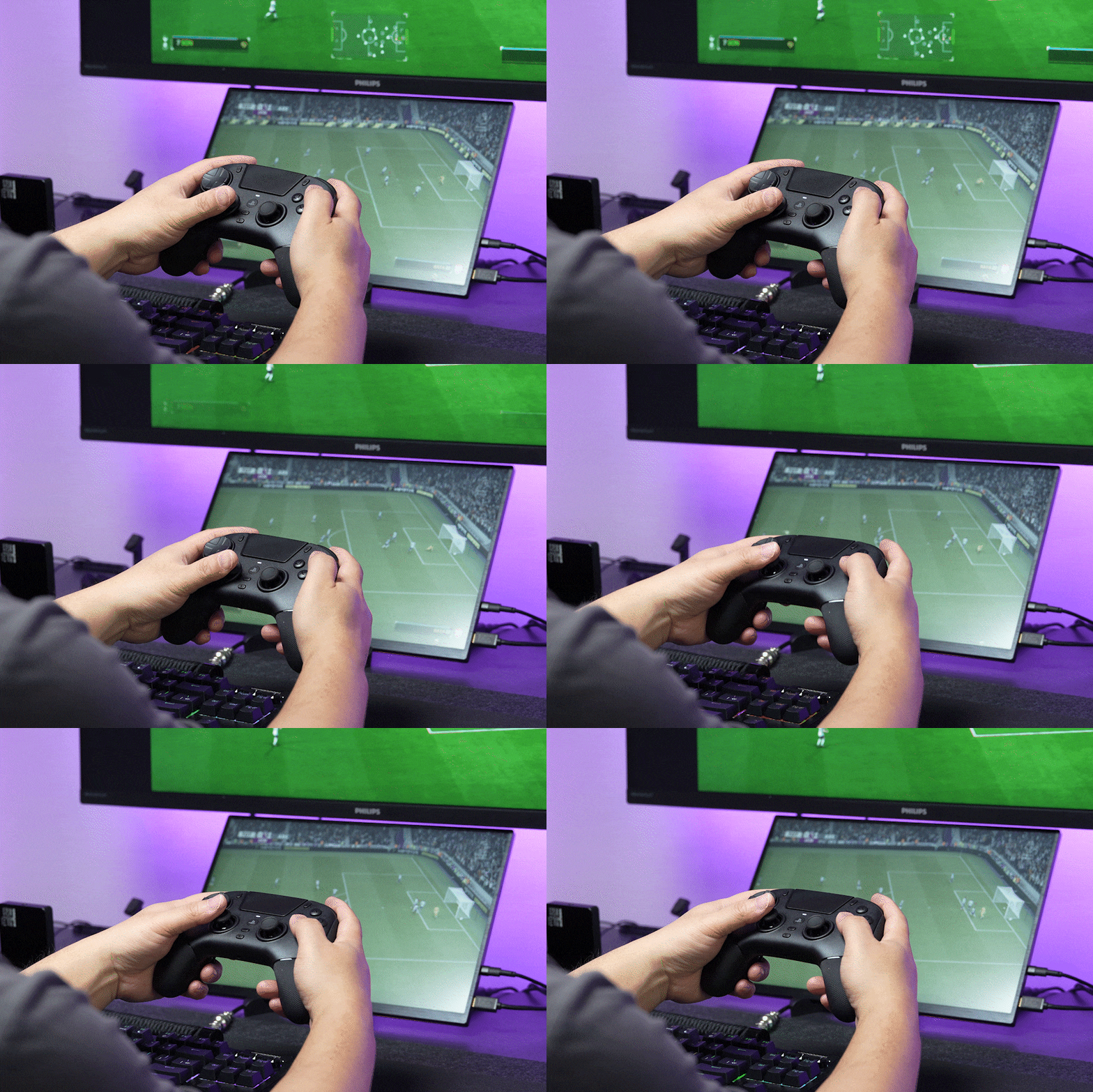
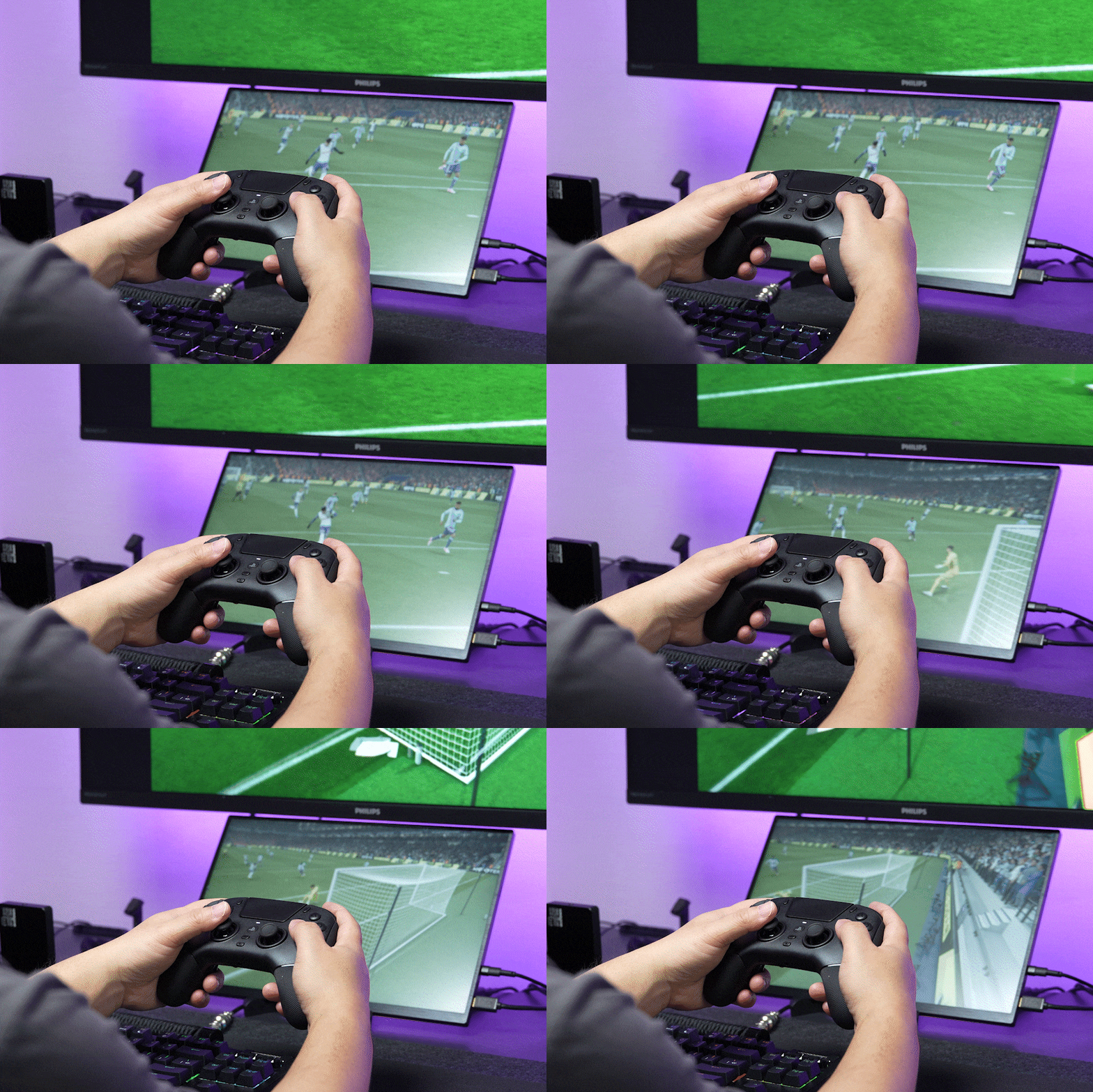
Since the buttons react the instant you press them, timing for shots and actions is noticeably faster. The weight difference is also greater than expected; the DualSense weighs about 280g while the Raiju is around 258g, making it over 20g lighter.
Battery performance is another major factor—while the DualSense Edge lasts about 6 hours, the Razer Raiju V3 Pro offers 36 hours of usage, so you can play for days without worrying about recharging.
Wrapping Up
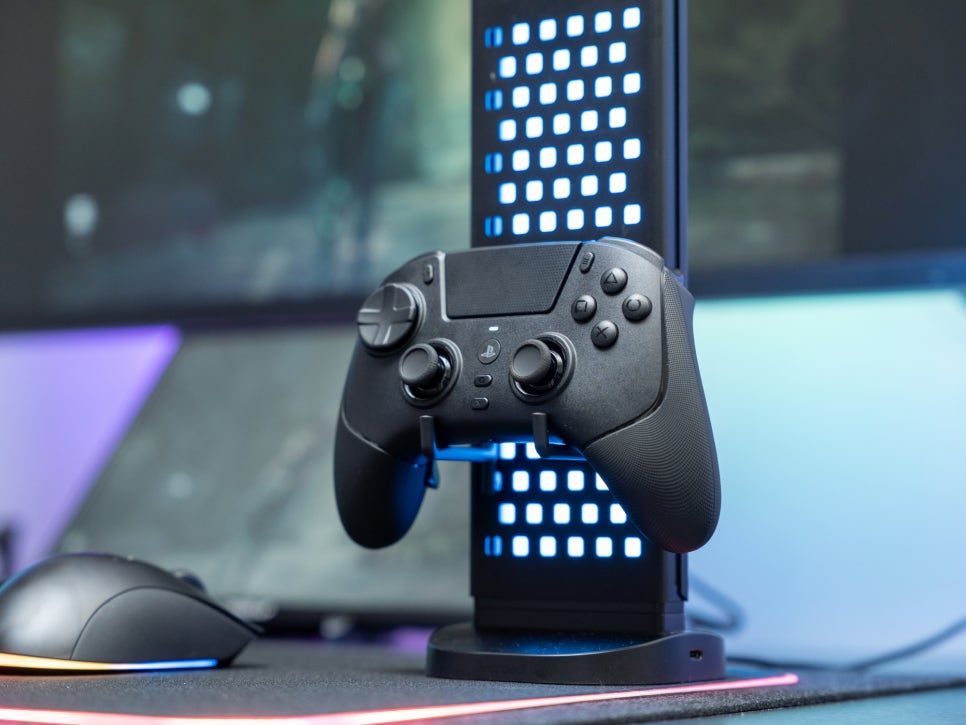
The Razer Raiju V3 Pro is a premium gamepad designed for esports pros and hardcore gamers. As the first officially licensed controller in the PS5 ecosystem to feature TMR thumbsticks, it fully incorporates the technical expertise Razer has built through its gaming mice and keyboards.
With features like mouse-click tactile buttons, precise TMR sticks, dual-mode HyperTriggers, six remappable buttons, and a 36-hour battery life, it delivers performance and functionality worthy of a top spot on any list of recommended gamepads.
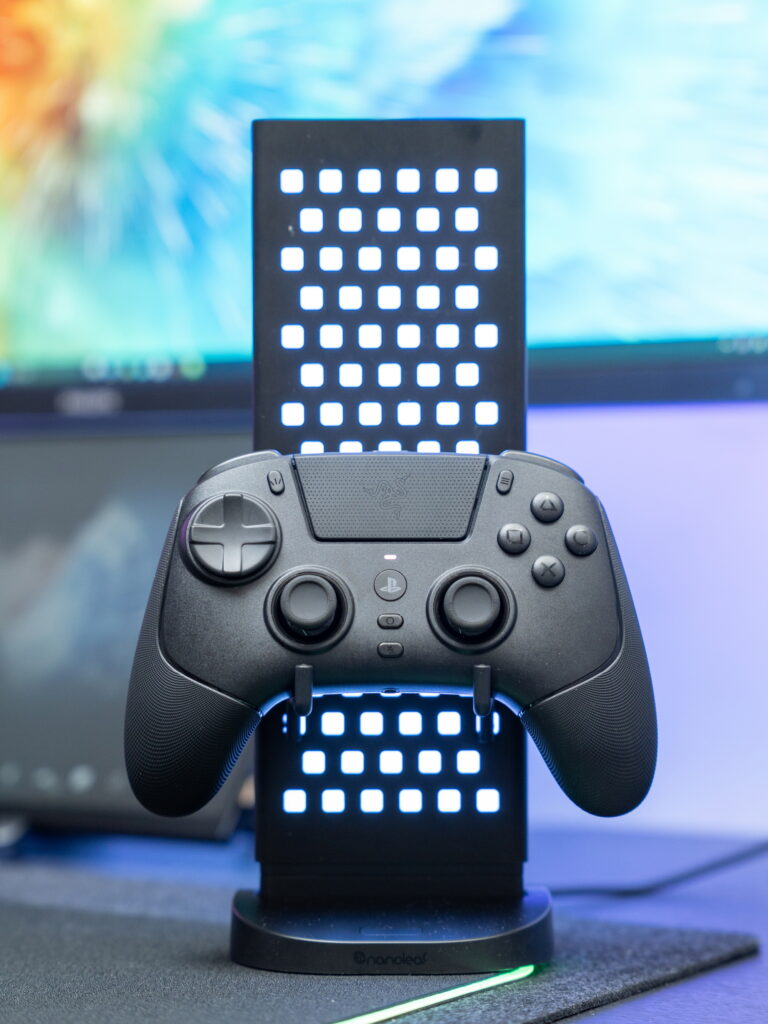
While the absence of haptic feedback due to third-party licensing restrictions is a drawback, this trade-off allows for a lighter build, ensuring comfort during extended gaming sessions. If you enjoy genres that require rapid response and precise input—such as FPS, fighting, and sports games—the Raiju V3 Pro is definitely worth considering.
As an Amazon Associate I earn from qualifying purhases.
Purchase Product : https://amzn.to/4rXmLpl
