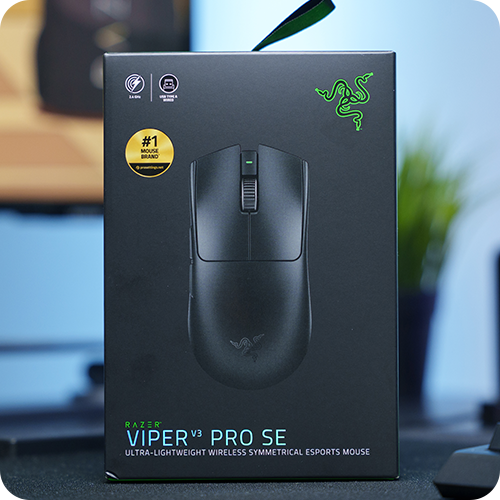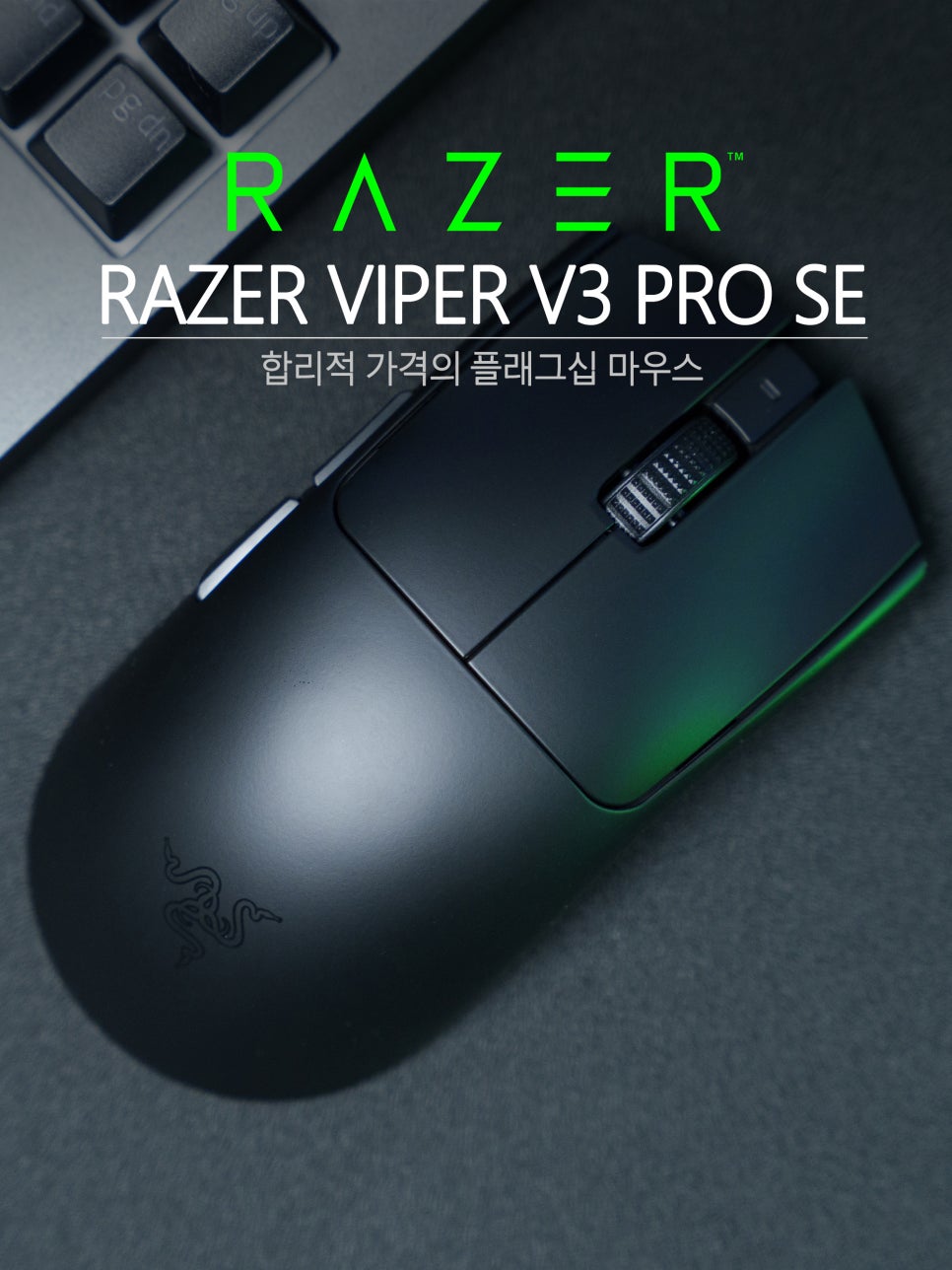
Razer’s Viper series is a flagship lineup that holds a strong position in the gaming mouse market. It is widely used among esports players, and is also a product greatly loved by League of Legends and Valorant users, so much so that a Faker edition was released.
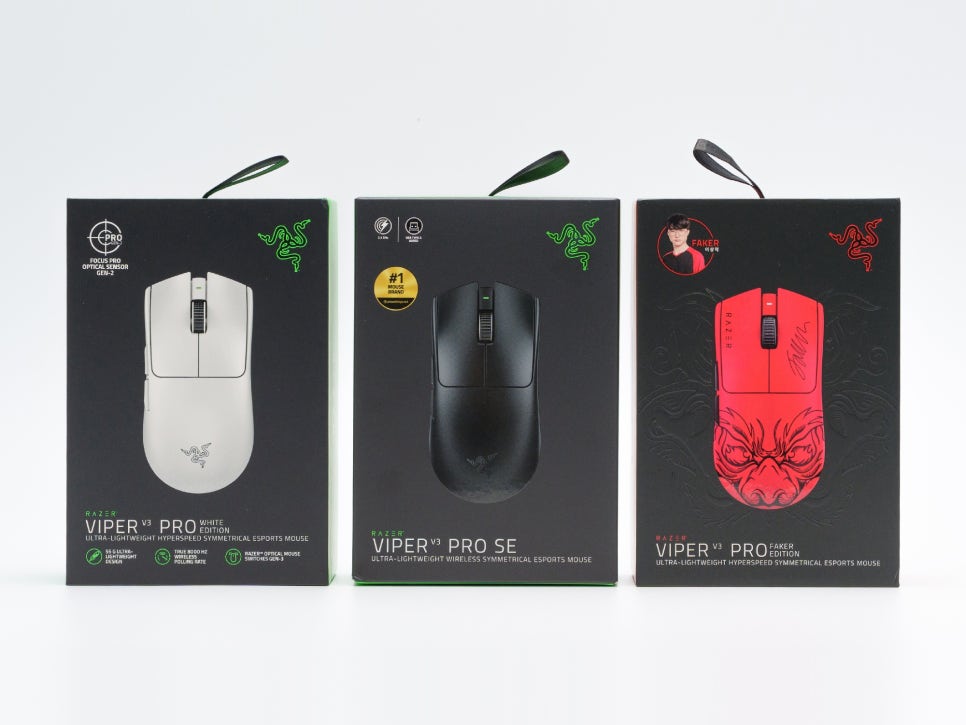
I am also a big fan of the Viper series, currently owning both the White Edition and the Faker Edition. This time, a new product, the Viper V3 Pro SE, has been released, which retains the core performance of the Viper V3 Pro while significantly enhancing its price competitiveness.
We will take a detailed look at this product, which not only offers excellent performance as an FPS mouse but also includes all the essential features of a gaming wireless mouse, all while being launched at a reasonable price point.
Specifications and Configuration
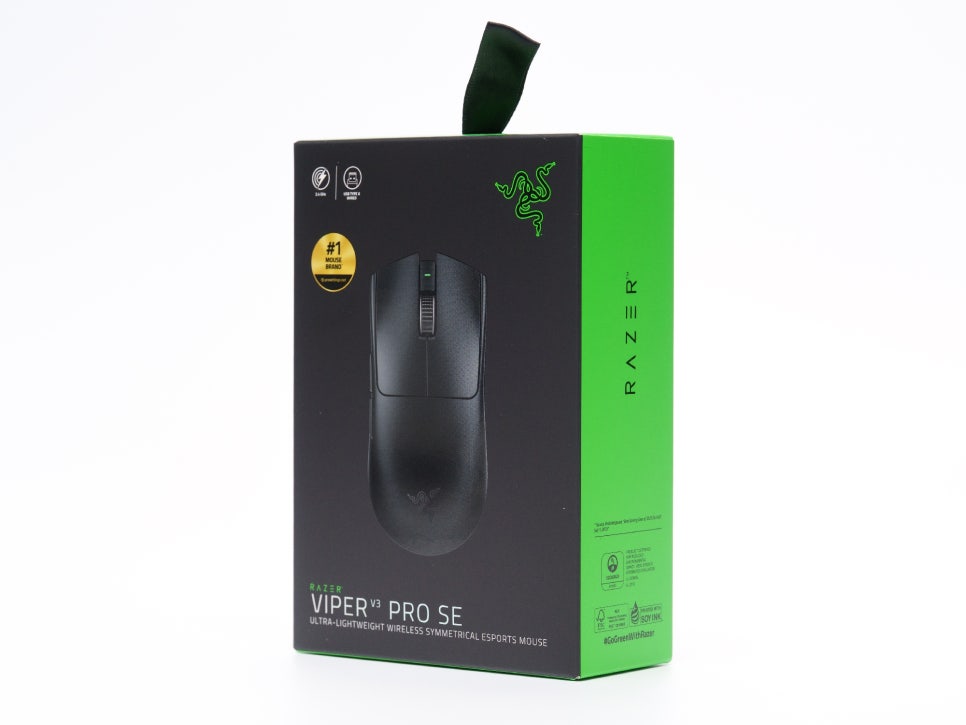
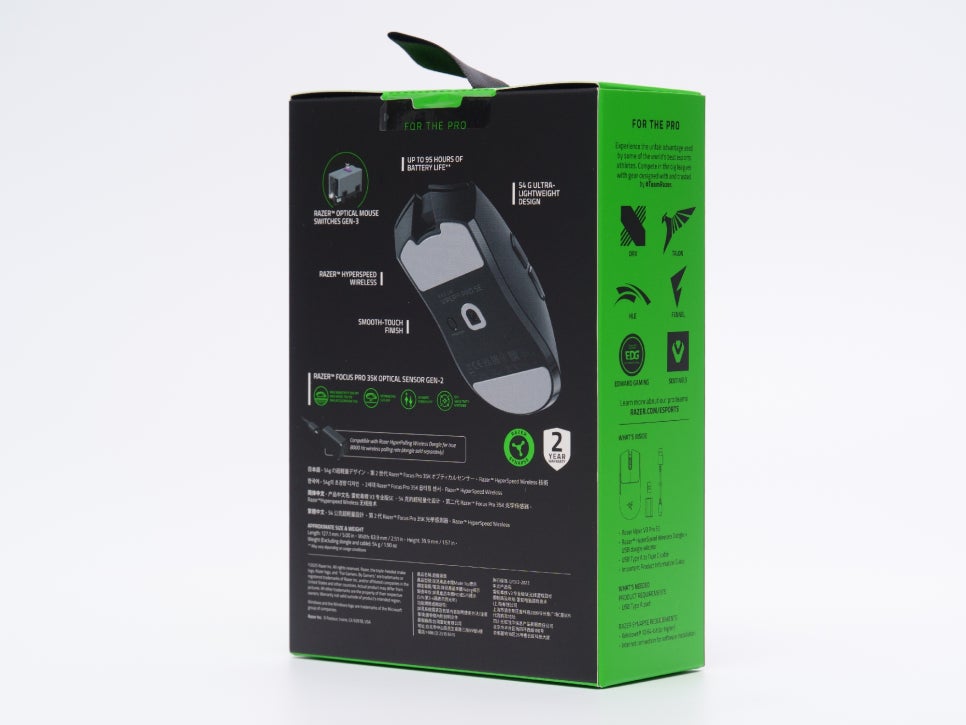
The Razer Viper V3 Pro SE maintains excellent specifications, as it directly inherits the DNA of the Pro version.
Key Specifications
Sensor : 2nd Gen Razer Focus Pro 35K Optical Sensor
Max DPI : 35,000
Max Speed : 750 IPS
Max Acceleration : 70G
Polling Rate : 1,000Hz (Default), up to 8,000Hz (with separate purchase of HyperPolling Dongle)
Switch : 3rd Gen Razer Optical Mouse Switches
Weight : 54g
Battery Life : Up to 95 hours (1,000Hz), up to 17 hours (8,000Hz)
Connectivity : HyperSpeed Wireless (2.4GHz) / Wired
Dimensions : 127.1mm x 63.9mm x 39.9mm
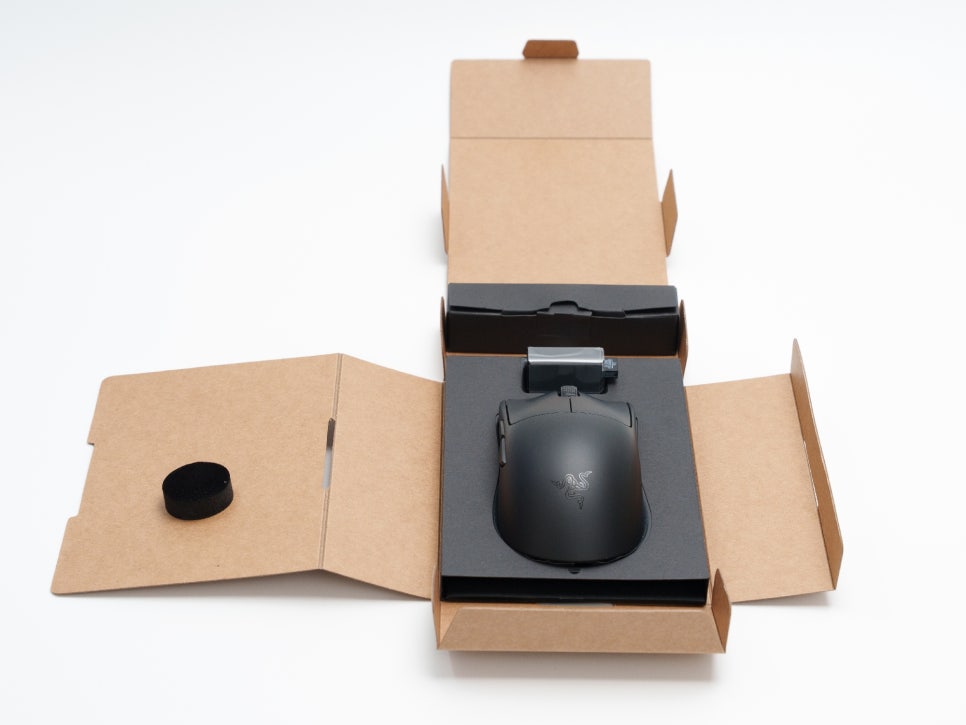
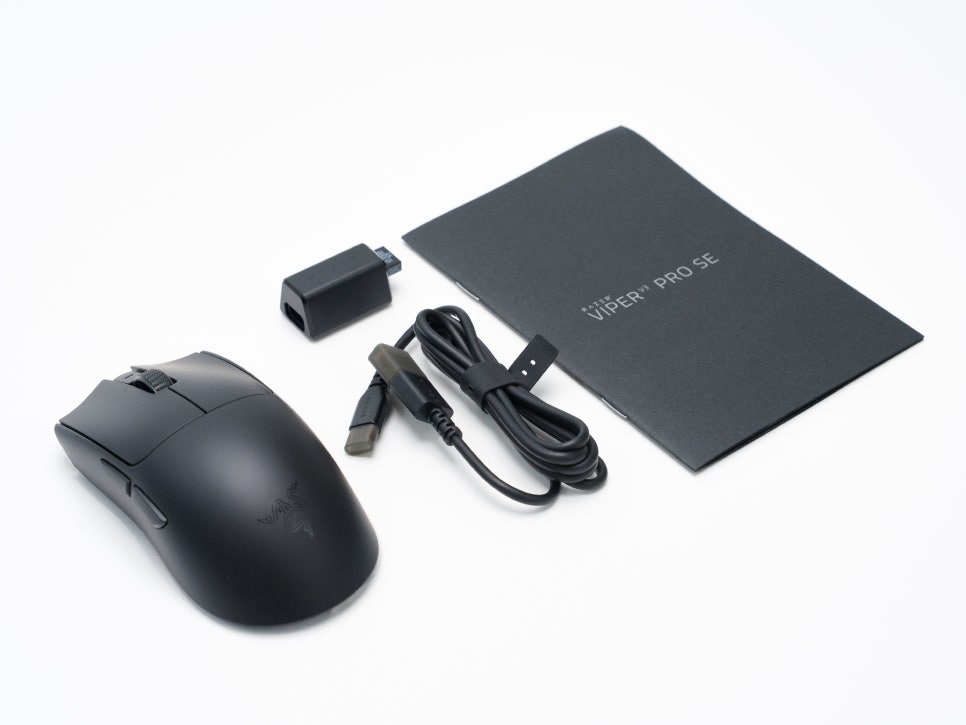
Looking at the product’s components, it consists of the Viper V3 Pro SE main unit, a USB-C charging cable, a HyperSpeed wireless dongle, a dongle extender, and a user manual.
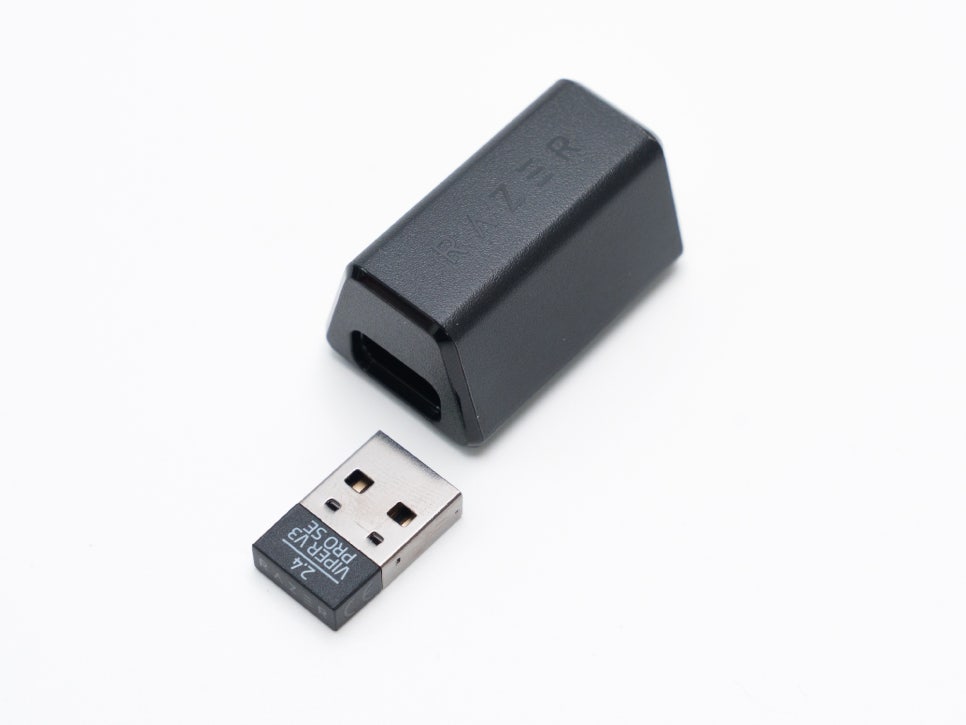
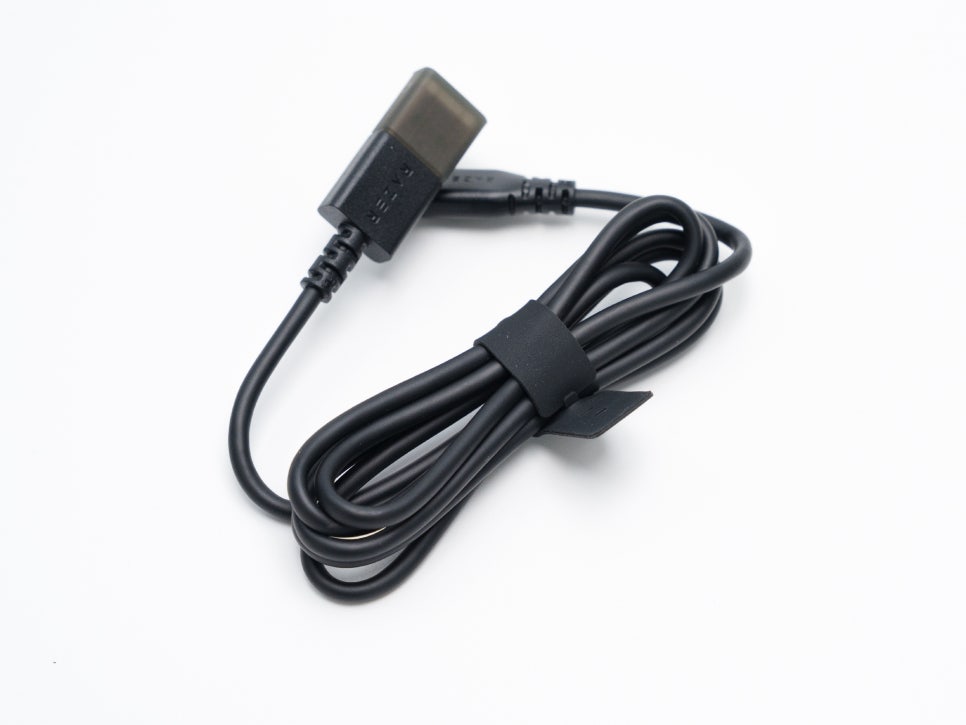
The biggest difference from the V3 Pro model is that the default dongle supports 1,000Hz. However, if you purchase a HyperPolling dongle separately, it supports up to 8,000Hz, allowing for an upgrade as needed. Additionally, extra grip tape has been excluded from the package contents.
Appearance and Features
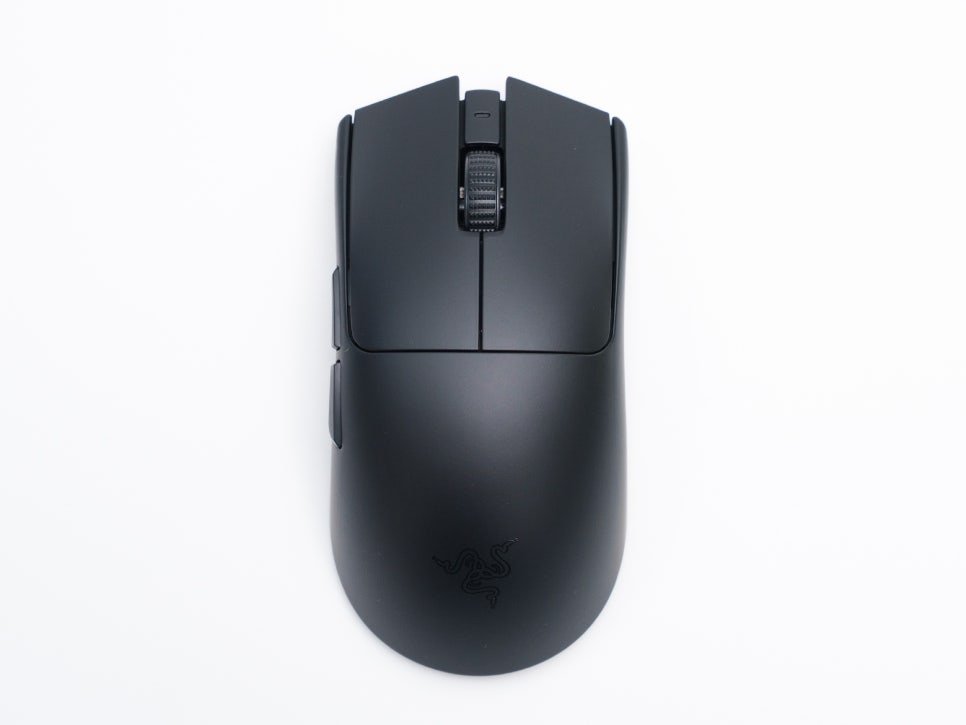
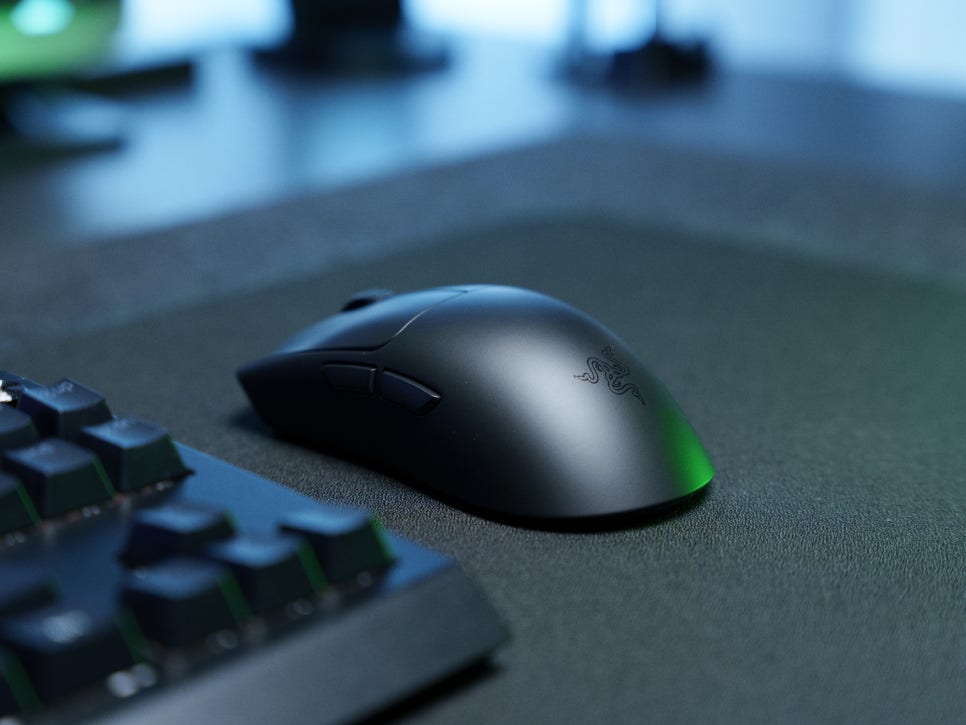
The most significant feature of the Viper V3 Pro SE is that it retains the perfect shell of the V3 PRO series. It is designed with a balanced, symmetrical structure, ensuring comfortable use regardless of your grip style.
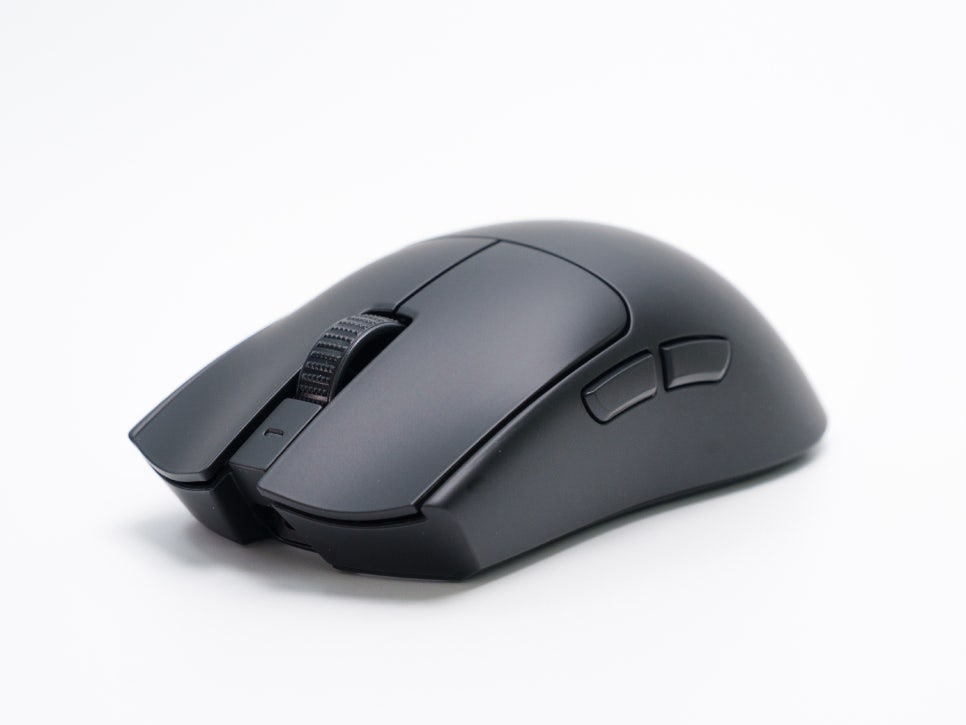
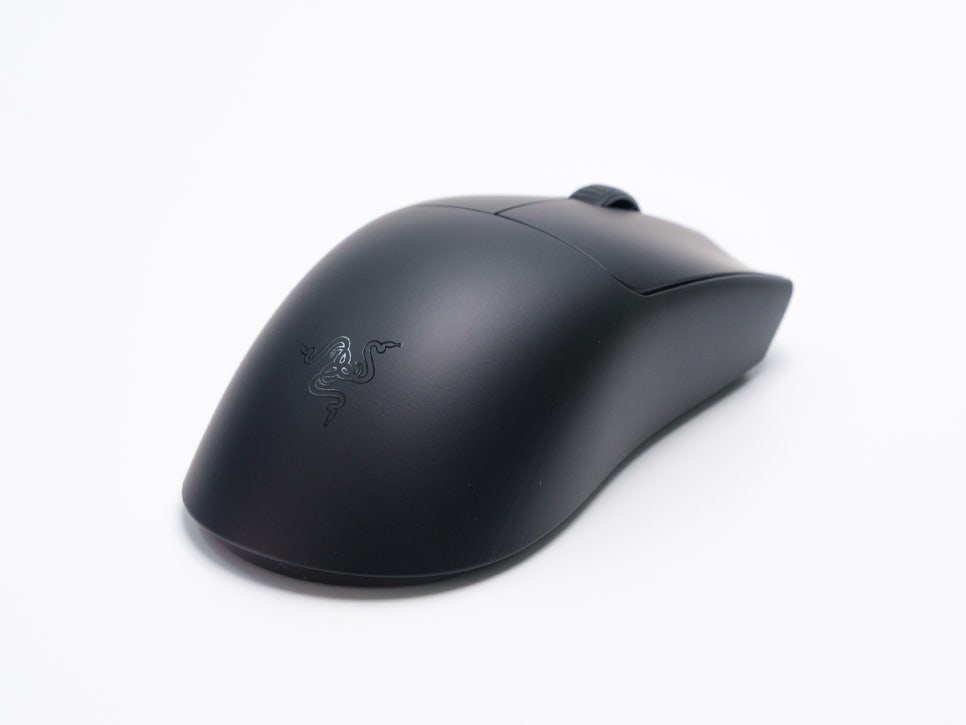
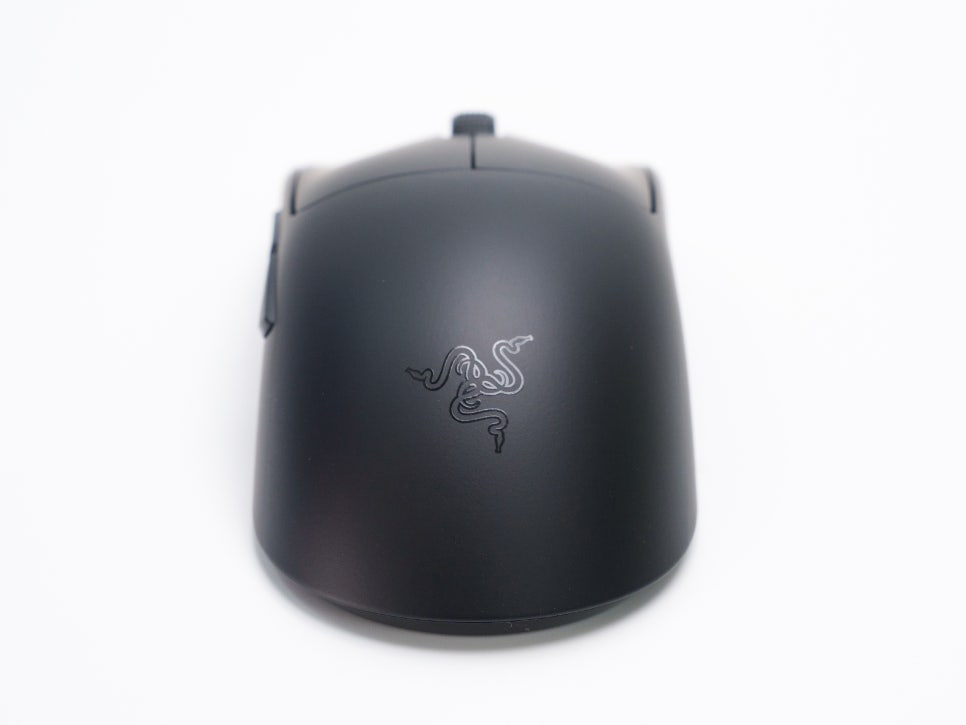
It uses Razer’s 3rd generation optical mouse switches, found in flagship products, offering a lightning-fast 0.2ms response time, preventing unintended double clicks, and guaranteeing a 90-million-click lifespan. Because it utilizes an infrared method, it provides clear advantages in durability and response speed compared to mechanical switches.
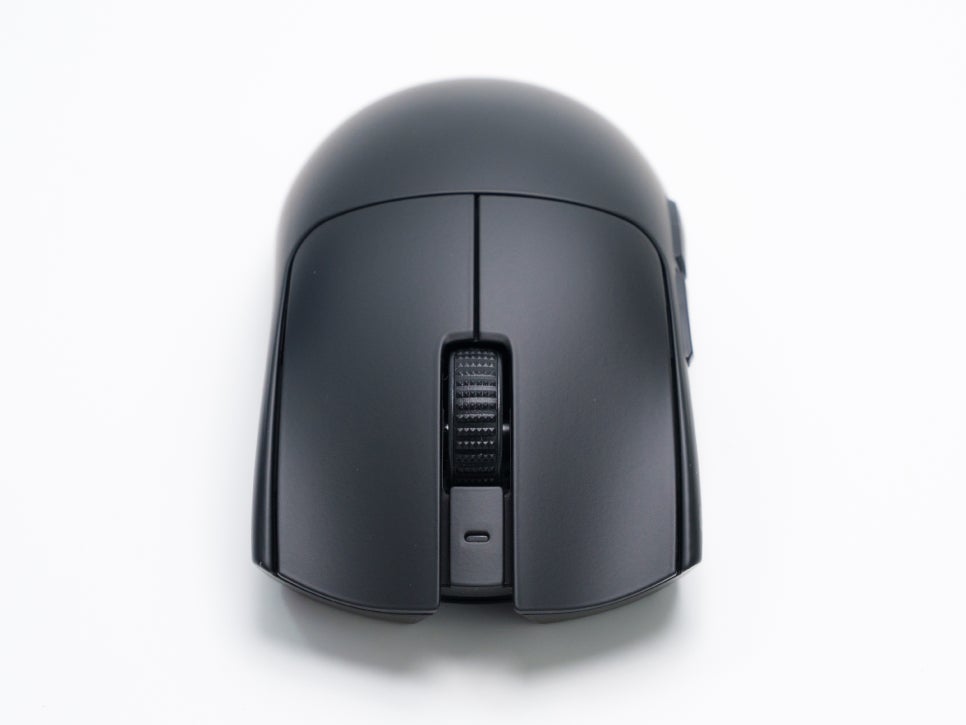
The top features left and right buttons along with a central scroll wheel. To prevent accidental DPI button presses from disrupting gameplay, the DPI button is located on the bottom.
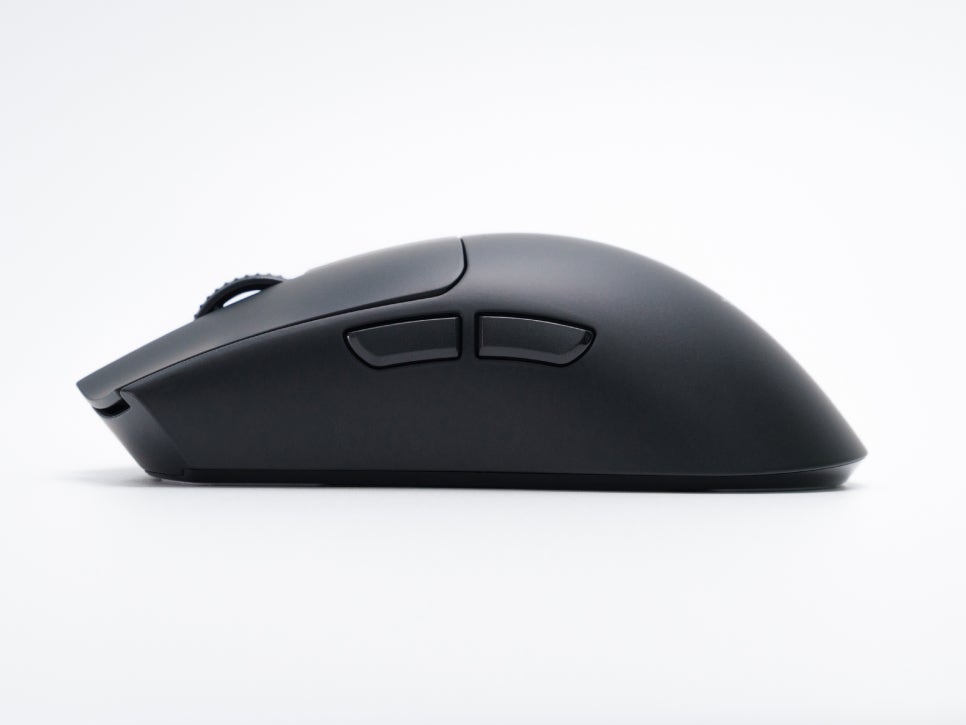
Finger grooves are applied to the button positions, and the design prevents the ring finger from getting pinched. This is a result of gradual improvements based on pro gamers’ feedback, incorporating real users’ opinions even down to the side button placement and mouse curvature.
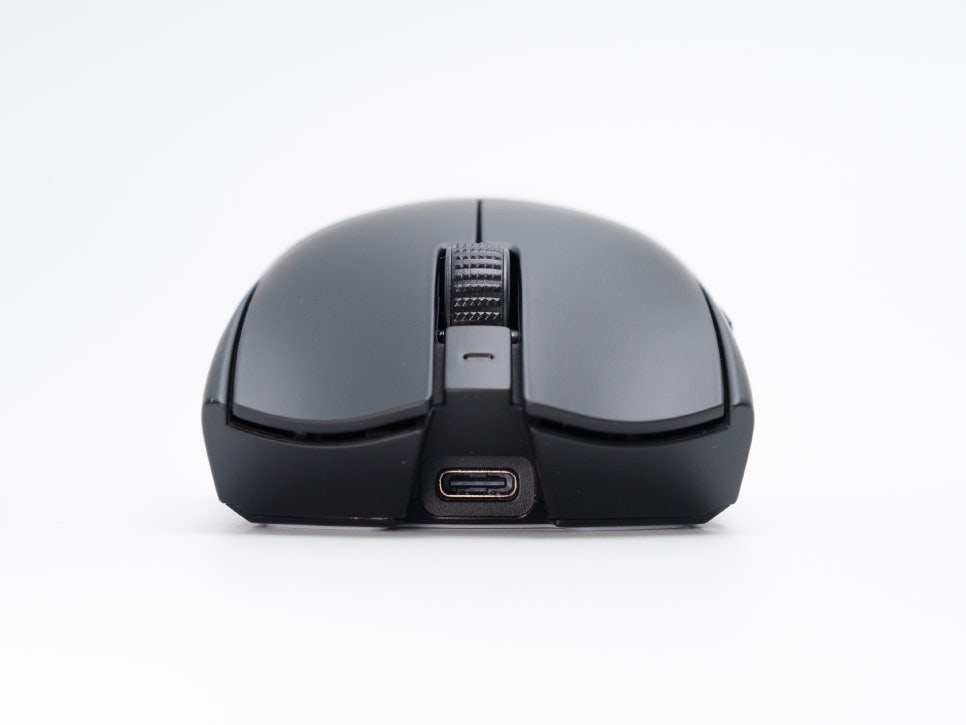
It boasts up to 95 hours of battery life when using a 1,000Hz polling rate, and can still be used for up to 17 hours even with an 8,000Hz dongle.
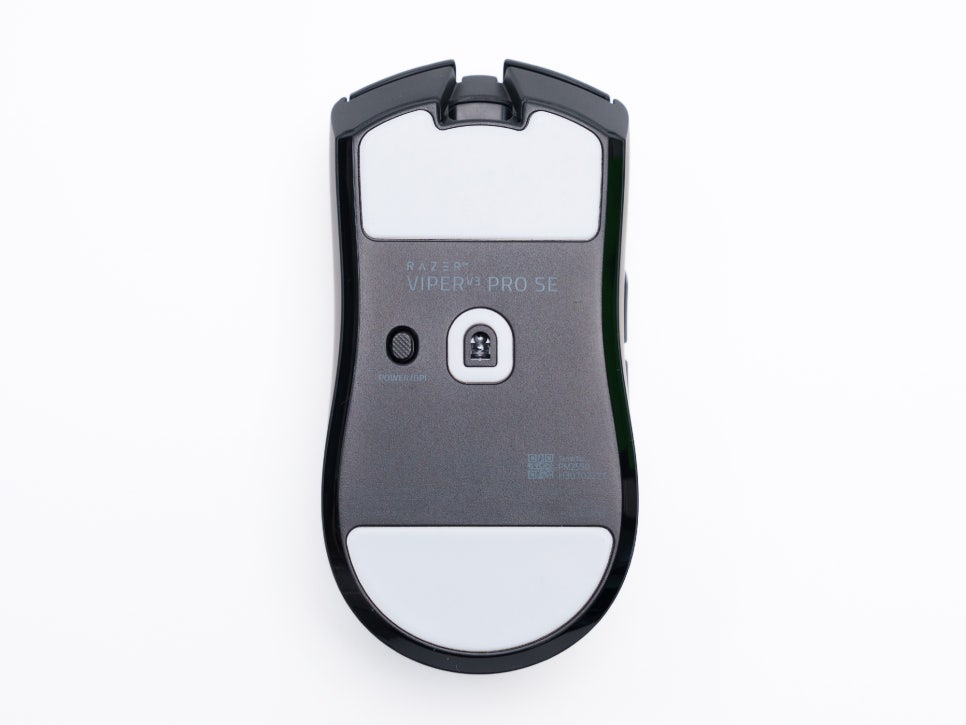
The bottom features power and DPI change buttons, and notably, the mouse feet are quite large. Unlike previous models, they now cover almost half the area, which significantly smoothed out movements, including sliding. Made from 100% PTFE material, these are the largest feet in Razer’s product line, offering an exceptionally smooth glide across mouse pads.
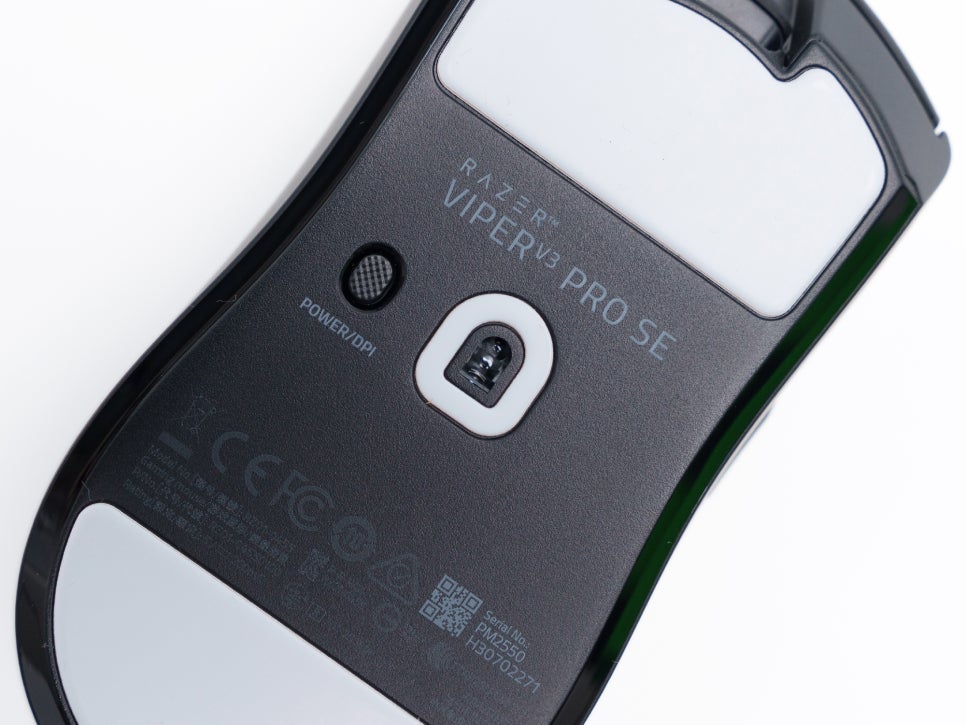
On the underside, it’s equipped with the 2nd generation Focus Pro 35K optical sensor, boasting specifications of up to 35,000 DPI, 99.8% accuracy, and a maximum speed of 750 IPS.
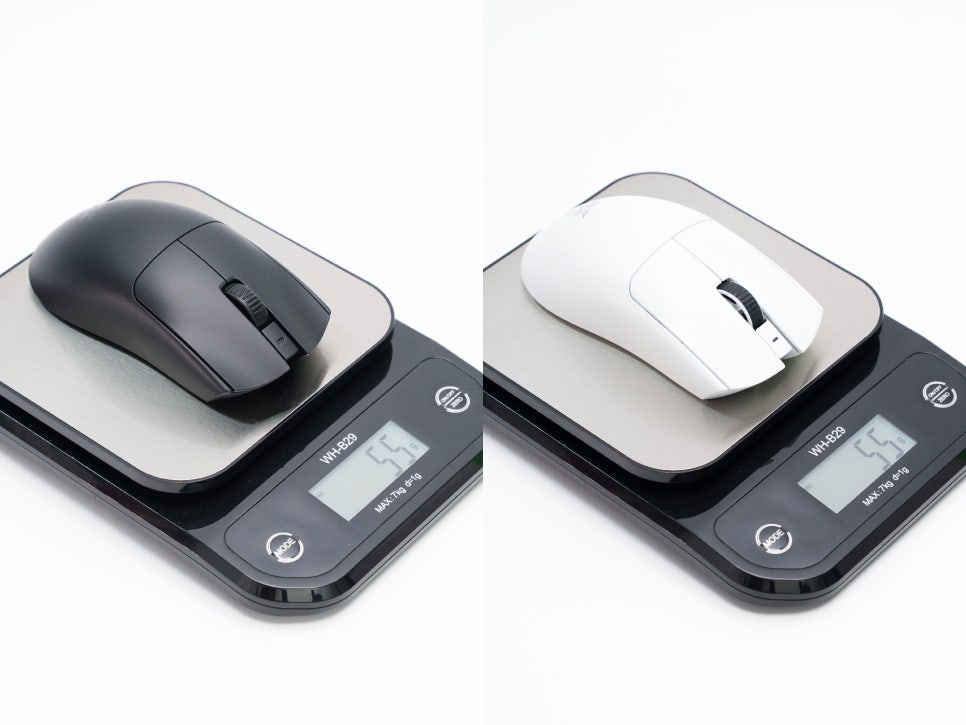
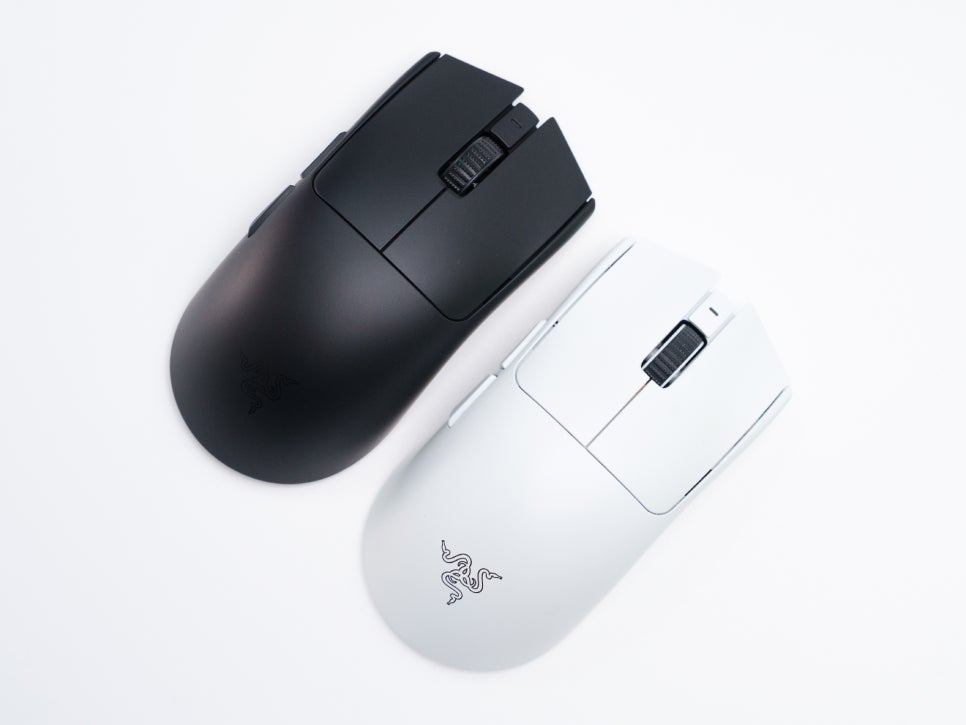
Most notably, the mouse weighs 54g, identical to the V3 PRO model. The fact that this weight was achieved without a perforated design showcases Razer’s technological prowess, and the addition of a soft-touch matte coating results in excellent grip.
Connectivity and Software Introduction
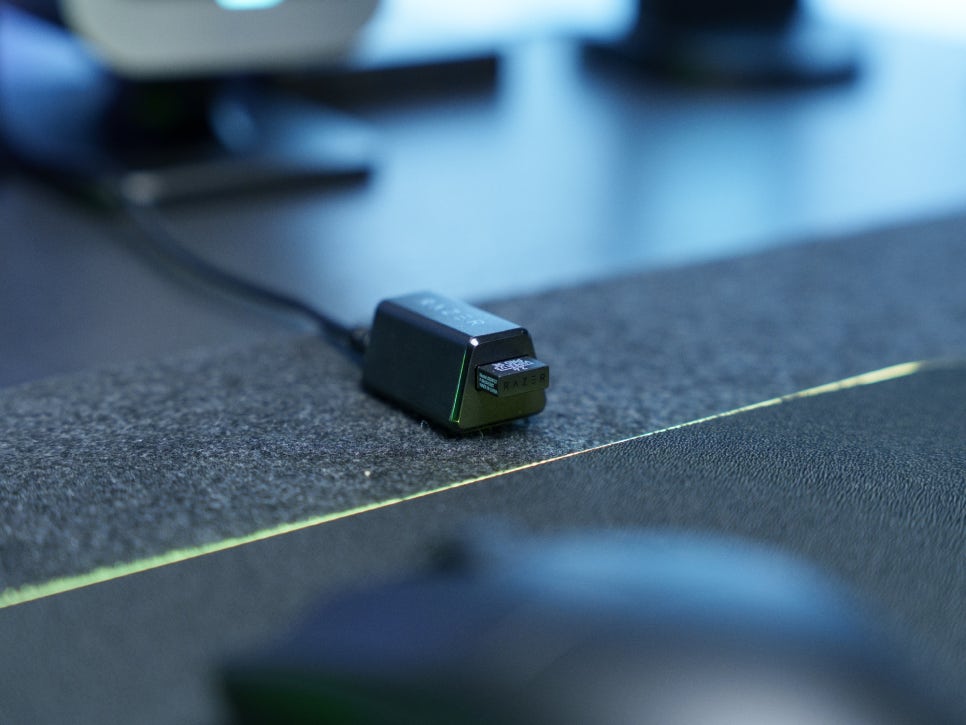
When you connect the included HyperSpeed dongle and USB cable to your PC, a program automatically runs, guiding you through the installation of three software applications: RAZER Synapse, RAZER Cortex, and Razer Axon.
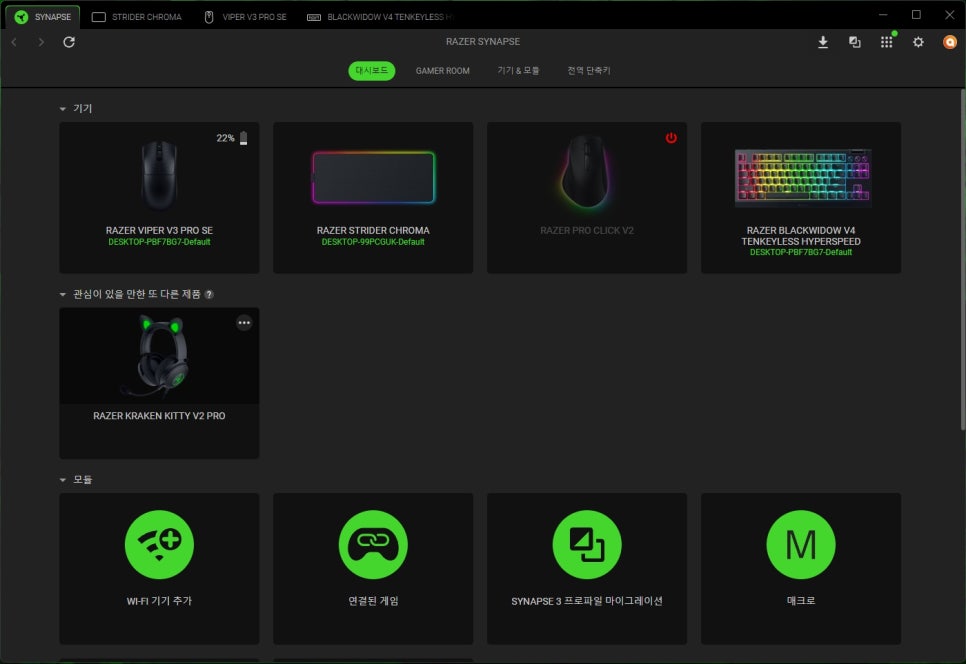
Among these, RAZER Synapse, which allows for detailed configuration of Razer products, offers various functions such as detailed product settings, firmware installation, and profile management for Razer products.
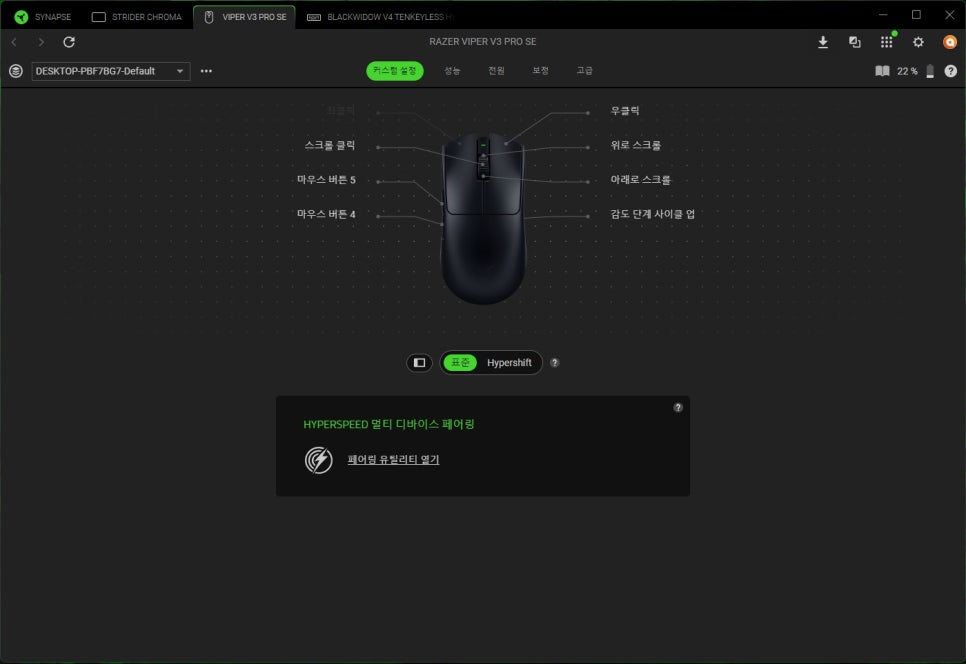
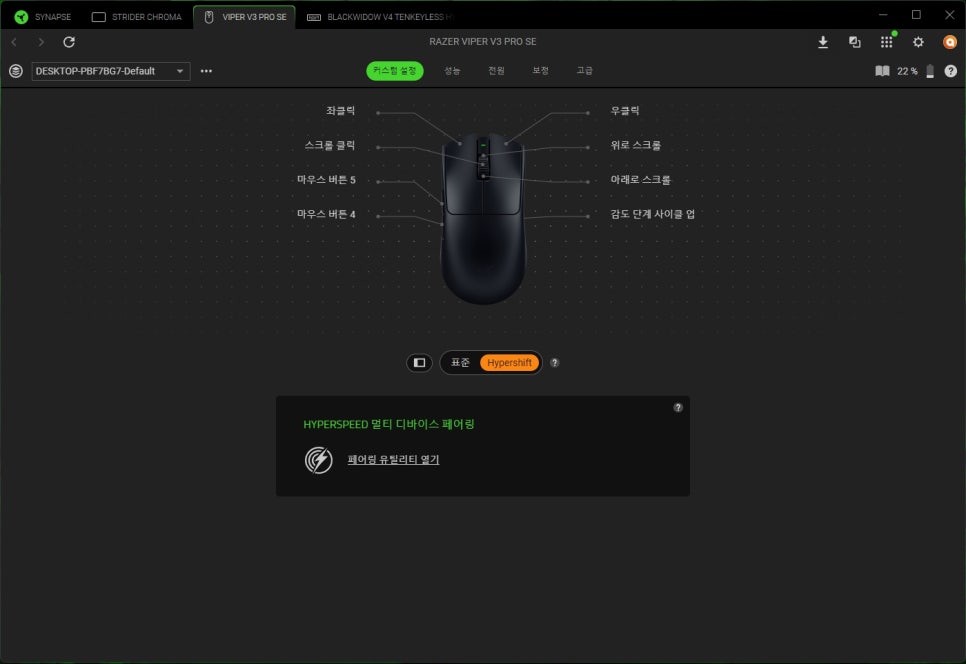
In the button mapping menu, you can freely assign desired functions to a total of 8 buttons. Notably, by utilizing the HyperShift function, you can map two functions to a single button, allowing for more efficient use. HyperShift works by changing the functions of other buttons while a specific button is being held down, much like the Shift key on a keyboard.
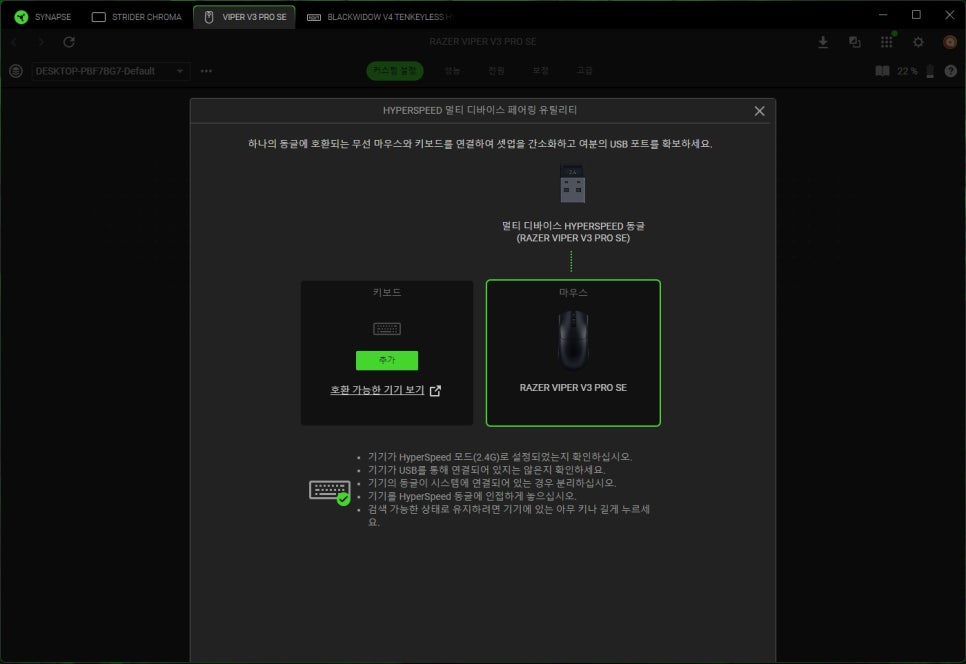
The HyperSpeed Multi-device pairing feature is also available, allowing you to connect multiple Razer devices with a single dongle. You can pair up to two devices, making it possible to use a mouse and a keyboard with just one dongle.
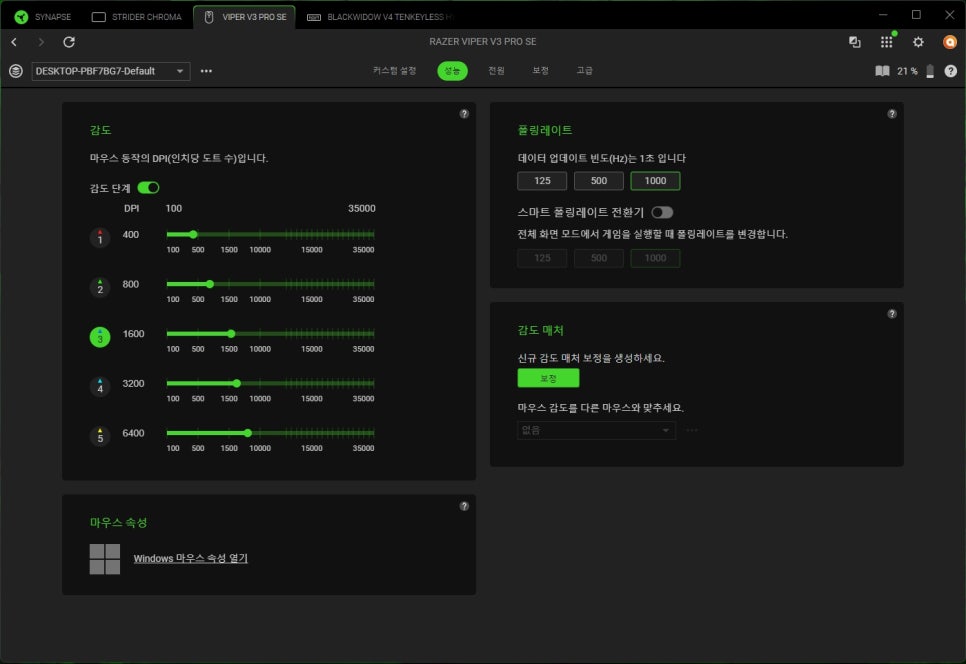
In the Performance menu, you can set five levels of sensitivity, each of which can be changed by pressing the DPI button at the bottom. Whenever the DPI is changed, the top LED indicates the setting with a color, allowing you to see at a glance which DPI is currently set. The polling rate can be set up to 1,000Hz by default, and it supports up to 8,000Hz if you purchase a HyperPolling dongle separately.
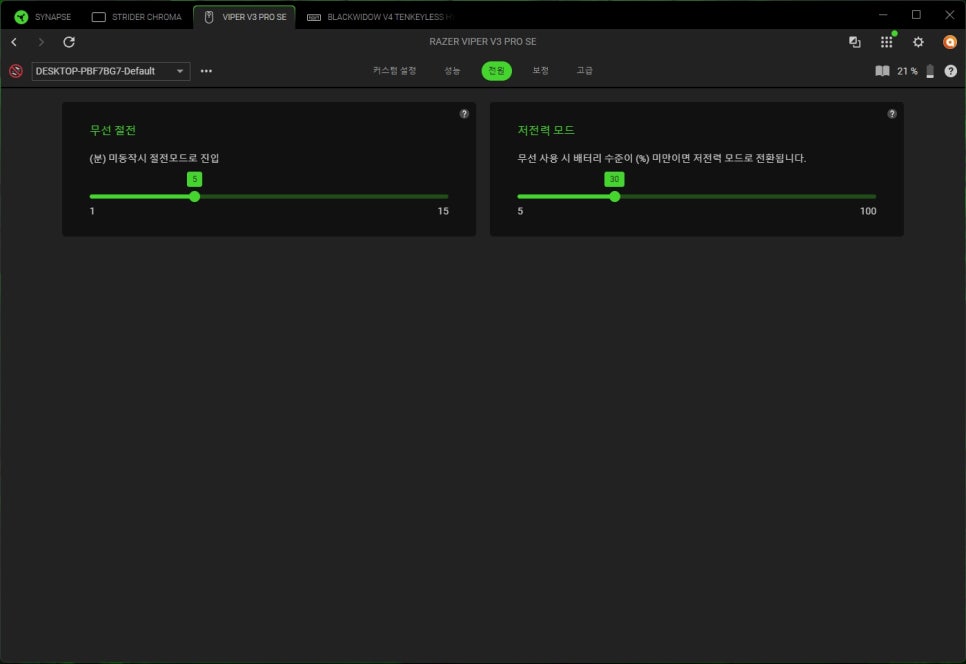
In the Power menu, you can set up power-saving mode to maximize battery efficiency. You can configure it to automatically switch to power-saving mode if the mouse is not used for a certain period.
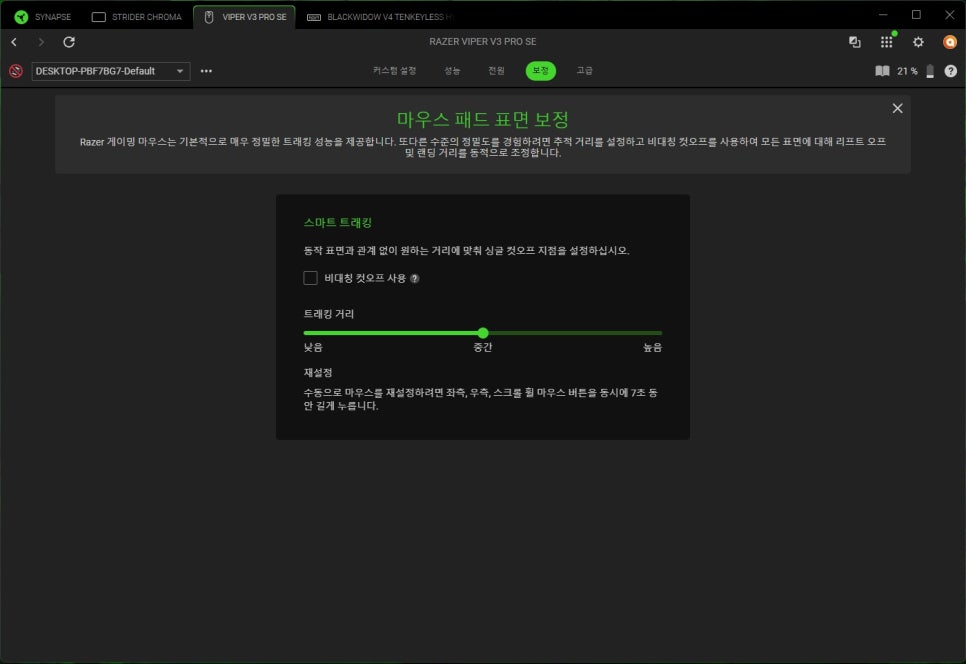
In the Calibration menu, you can set up Smart Tracking. This feature scans the surface of your mouse pad to provide optimal tracking performance. Sensor performance can vary slightly depending on the material of the mouse pad, but Smart Tracking ensures you can achieve the best performance on any pad.
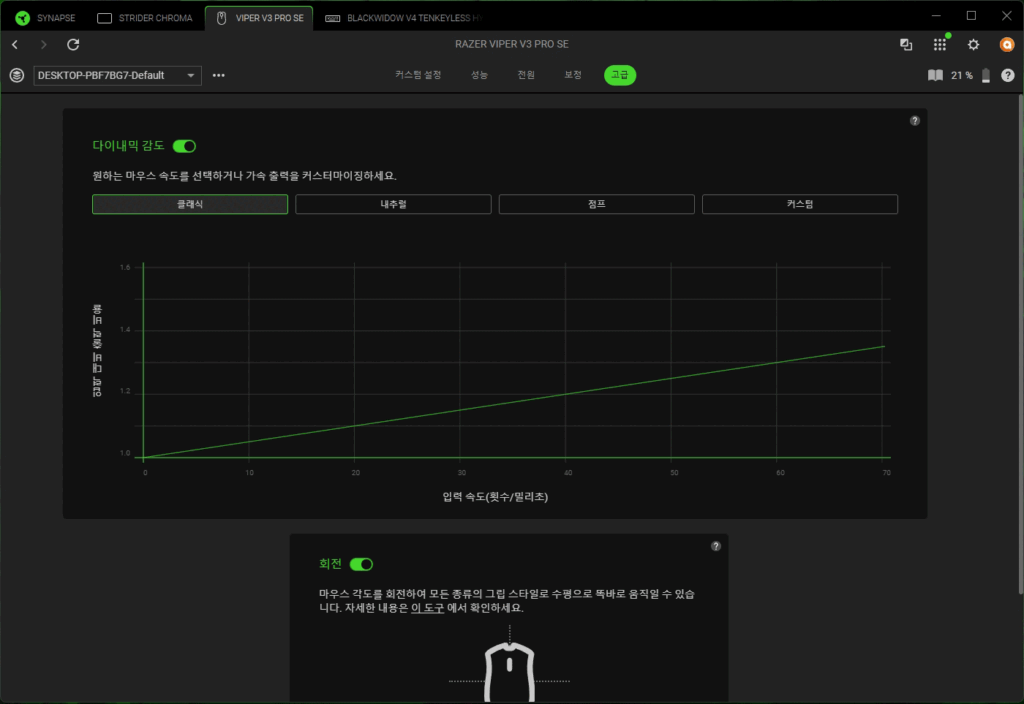
In the Advanced menu, you can set four levels of Dynamic Sensitivity. Dynamic Sensitivity is a feature where the DPI automatically adjusts according to the speed of the mouse’s movement: it increases the DPI for faster movements to allow for larger shifts, and lowers the DPI for slower movements to enable precise aiming.
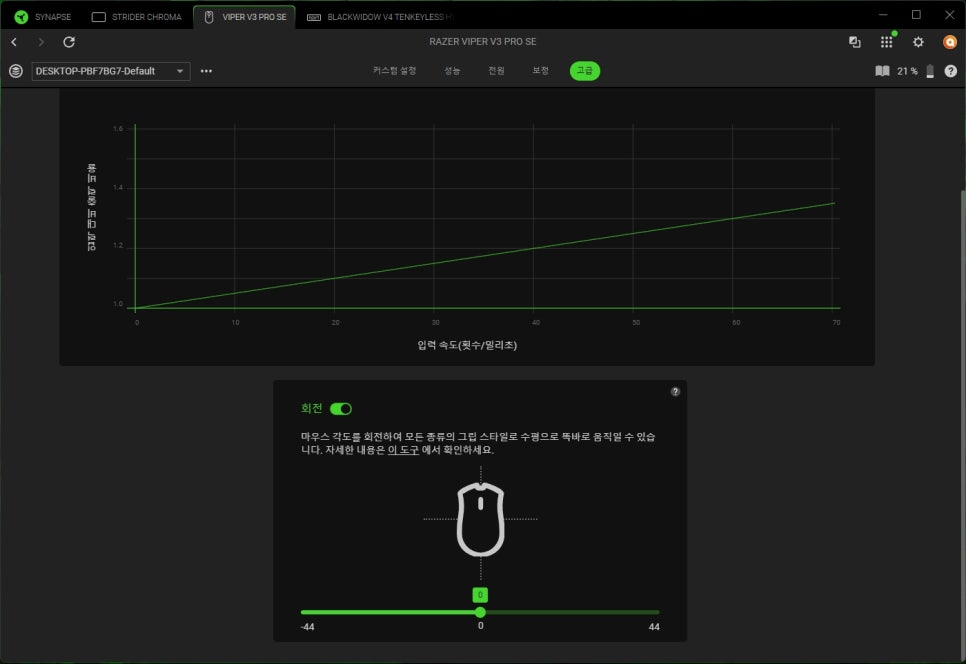
The “Rotation Function” is a calibration feature for users who hold or use the mouse at an angle, allowing even users with a habit of holding the mouse at an angle to move the cursor accurately vertically/ horizontally.
Review
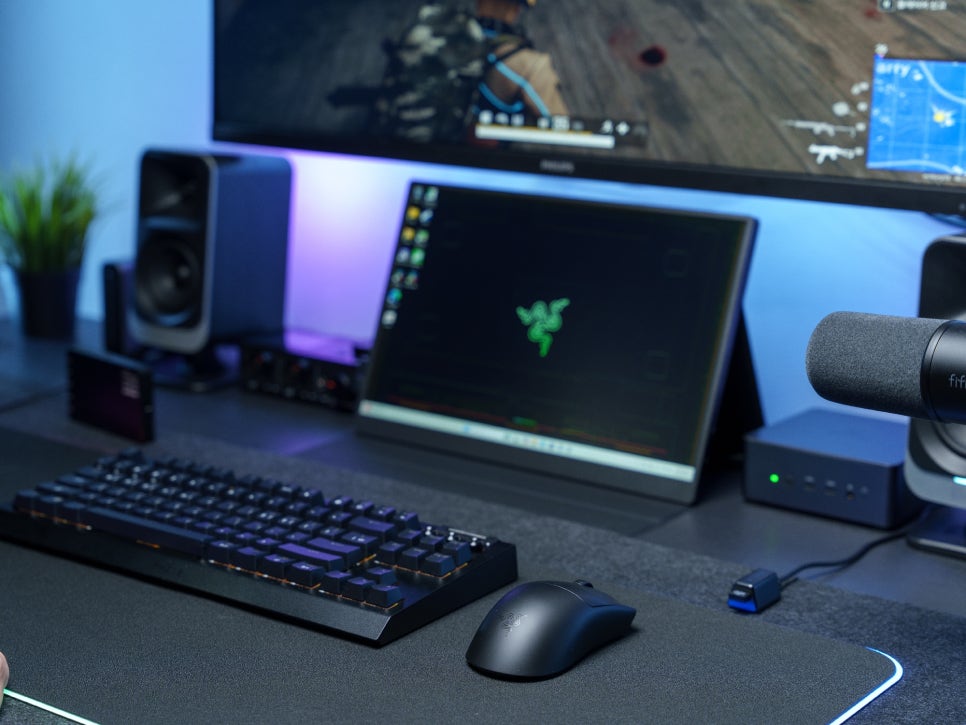
Thanks to the large-area PTFE feet on the bottom, the sliding is remarkably smooth, which can significantly reduce wrist fatigue for gamers who enjoy fast-paced games like FPS, MOBA, and MMORPGs. It demonstrated excellent glide not only on cloth pads but also on hard pads, and its braking performance, allowing precise stops when needed, was also superb.
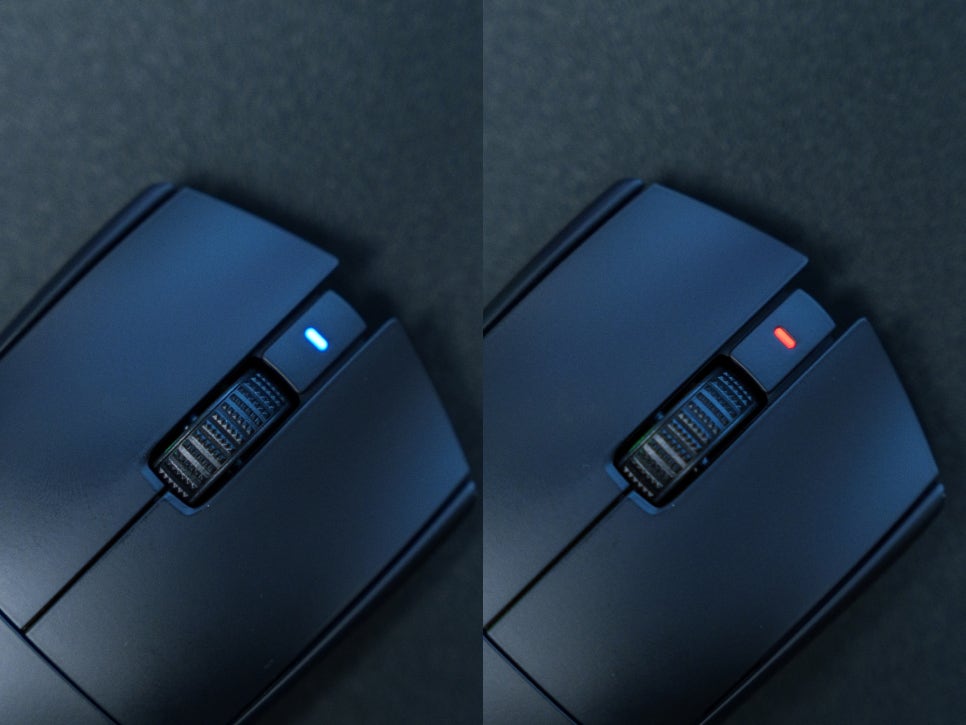
It is very convenient that the top LED changes color whenever the DPI is changed, allowing you to instantly see the current DPI setting at a glance. It is preset to RED (400), GREEN (800), BLUE (1600), SKYBLUE (3200), and YELLOW (6400), enabling immediate visual confirmation even during gameplay.
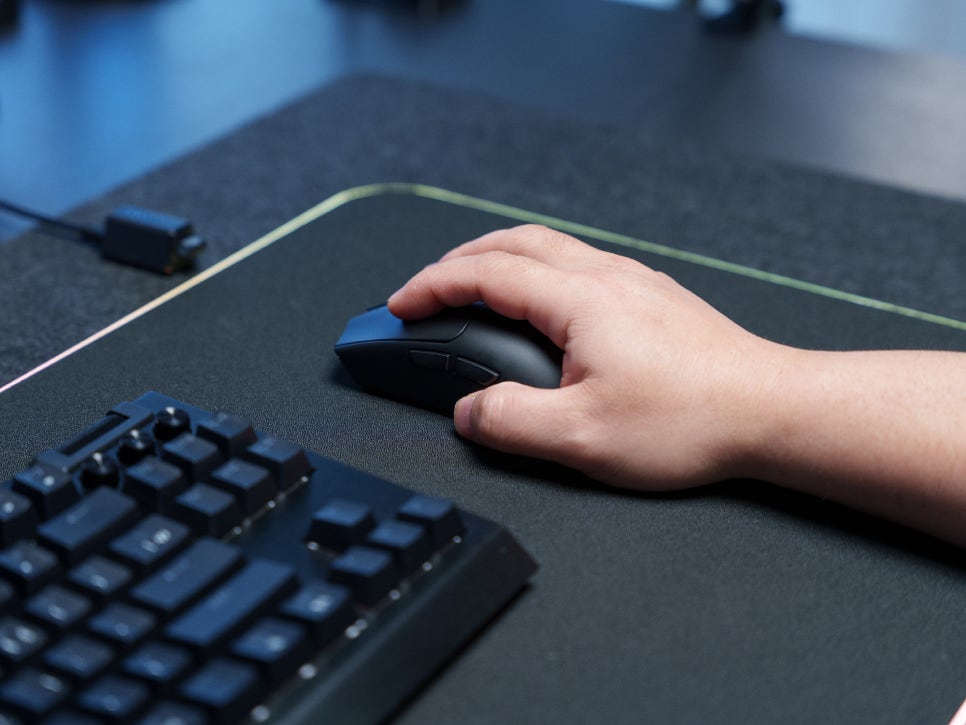
I tried gripping the Razer Viper V3 Pro SE using various grip styles, and despite my small hands (F9 size), I found it very comfortable to use without any strain. The smooth surface coating provided excellent grip, and thanks to its symmetrical design, it was comfortable to hold in any style, whether palm grip, claw grip, or fingertip grip.
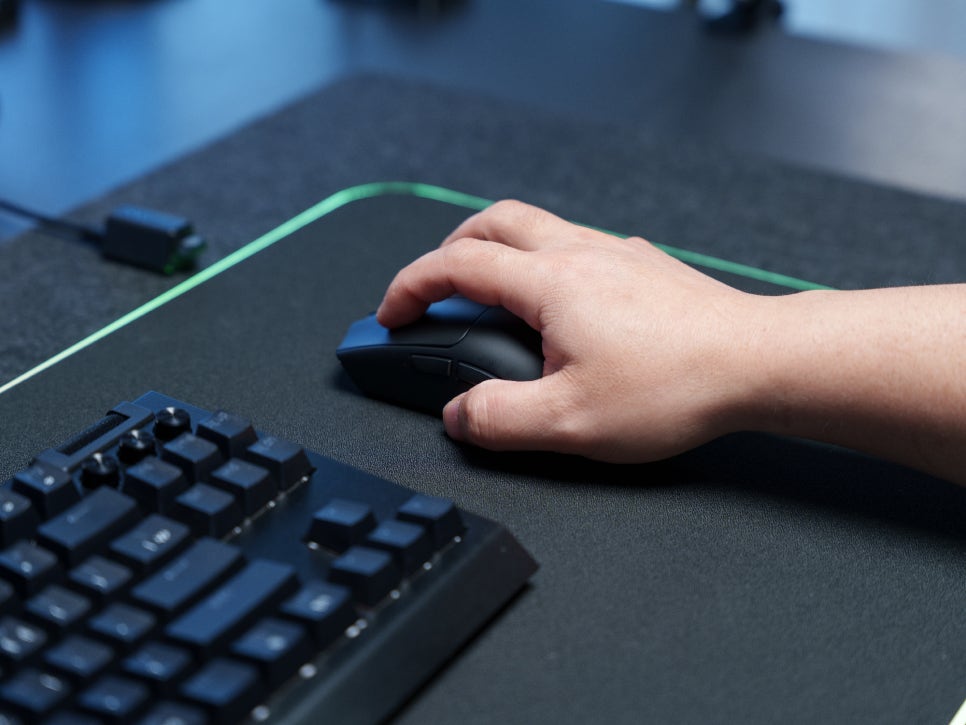


When using a palm grip, my entire palm rested on the mouse, allowing for stable usage. With a claw grip, I could utilize wrist snaps for precise aiming in situations demanding quick reactions. Even when using a fingertip grip, thanks to its light 54g weight, I could fully control it with just my fingers.
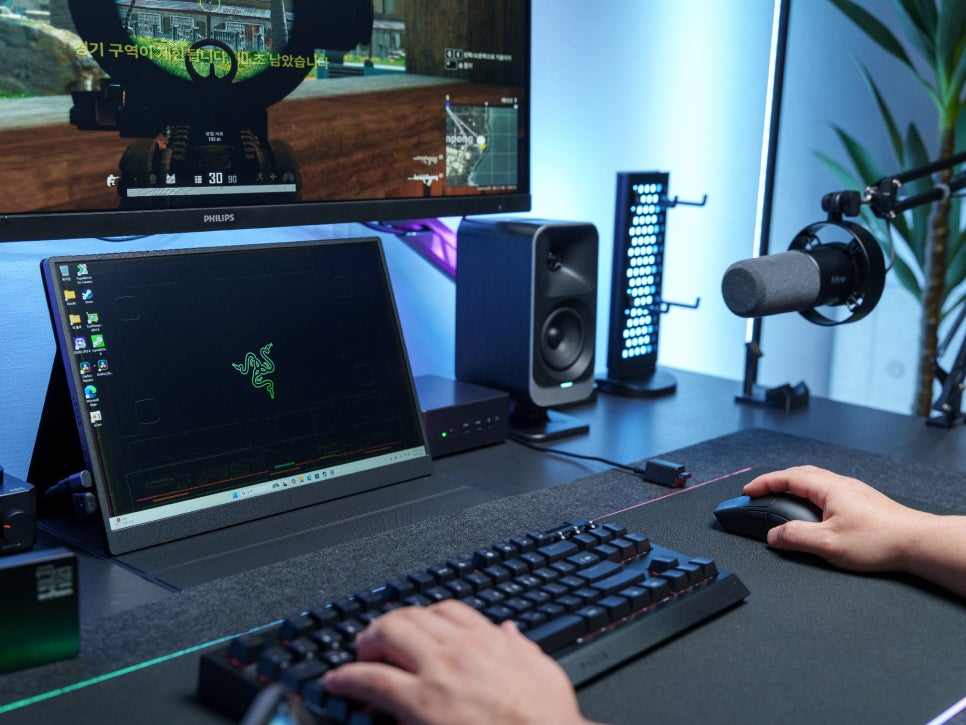
In Battlegrounds, where extended playtime is crucial, the ultra-light 54g weight meant I experienced almost no wrist fatigue even after 3-4 hours of continuous play. Especially when fine aim adjustments were necessary in long-range engagements, I could set a low DPI and aim precisely with smooth gliding.
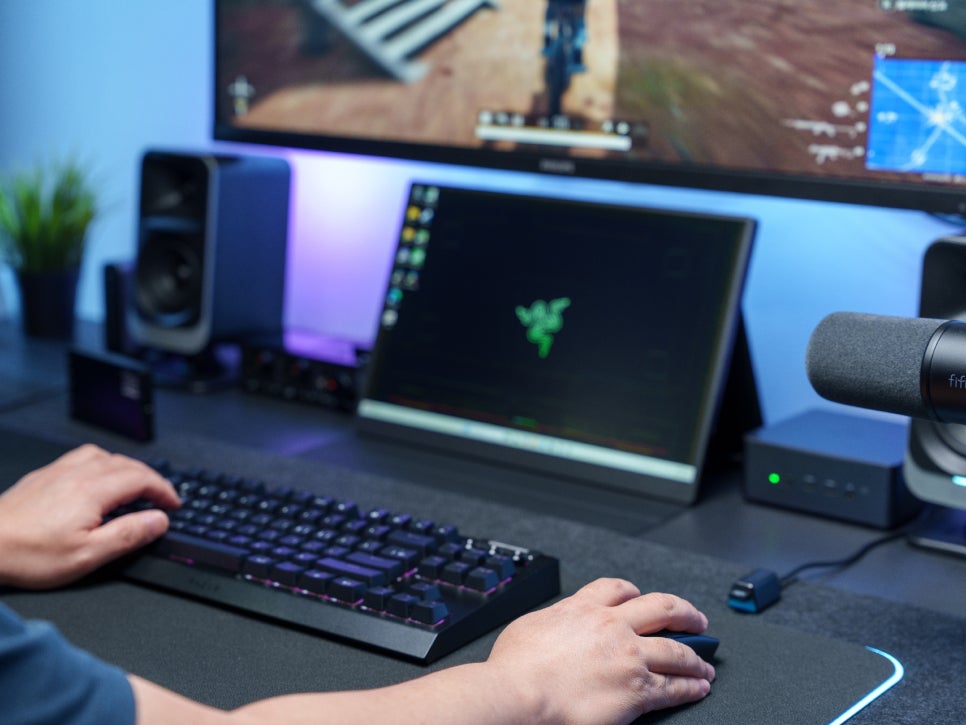
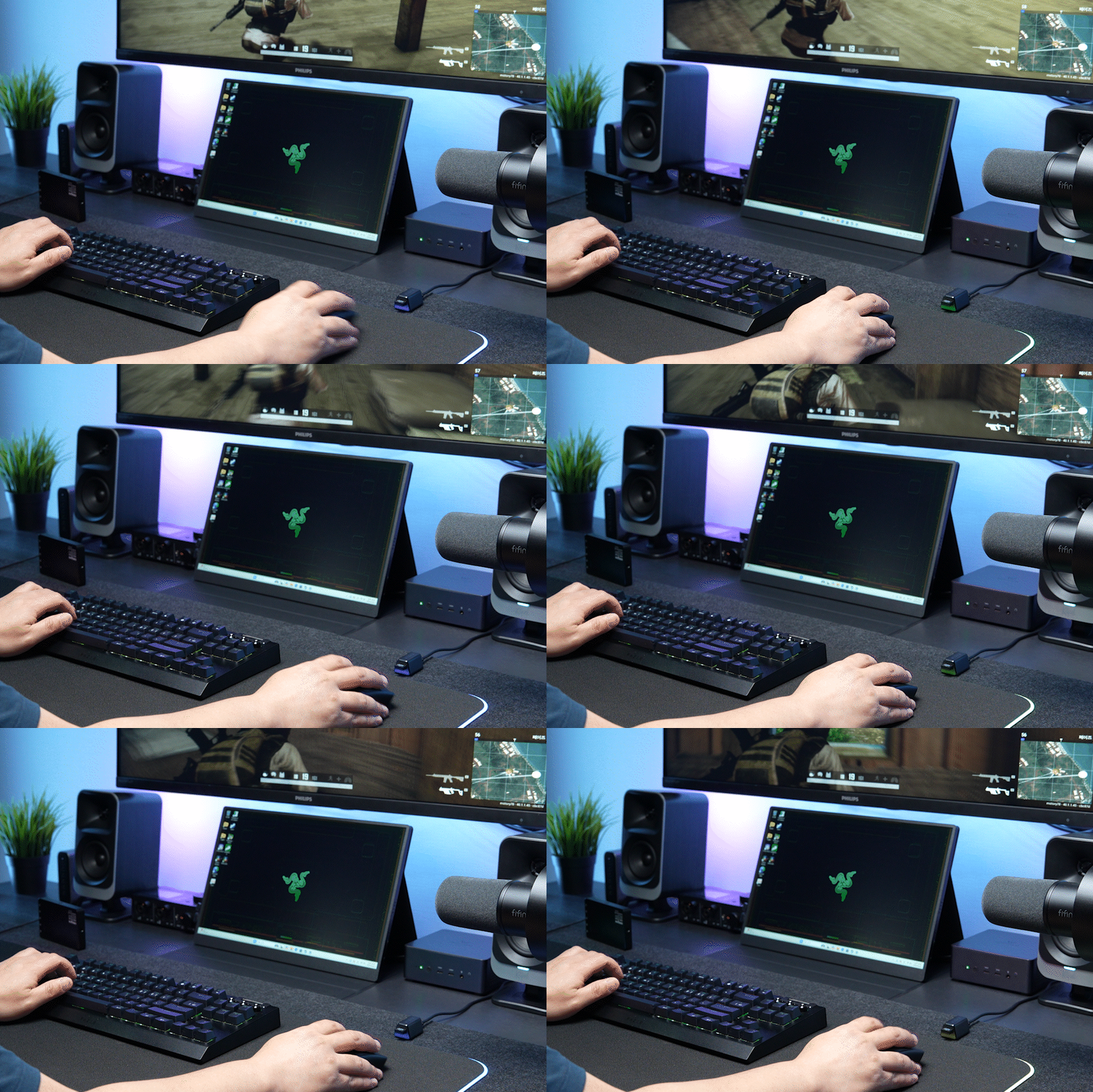
The 2nd generation Focus Pro 35K sensor provided stable tracking and perfectly handled all situations, from fast-paced urban combat to cautious long-range sniping. In particular, the sensor accurately tracked even when I needed to quickly change my perspective while riding in a vehicle.
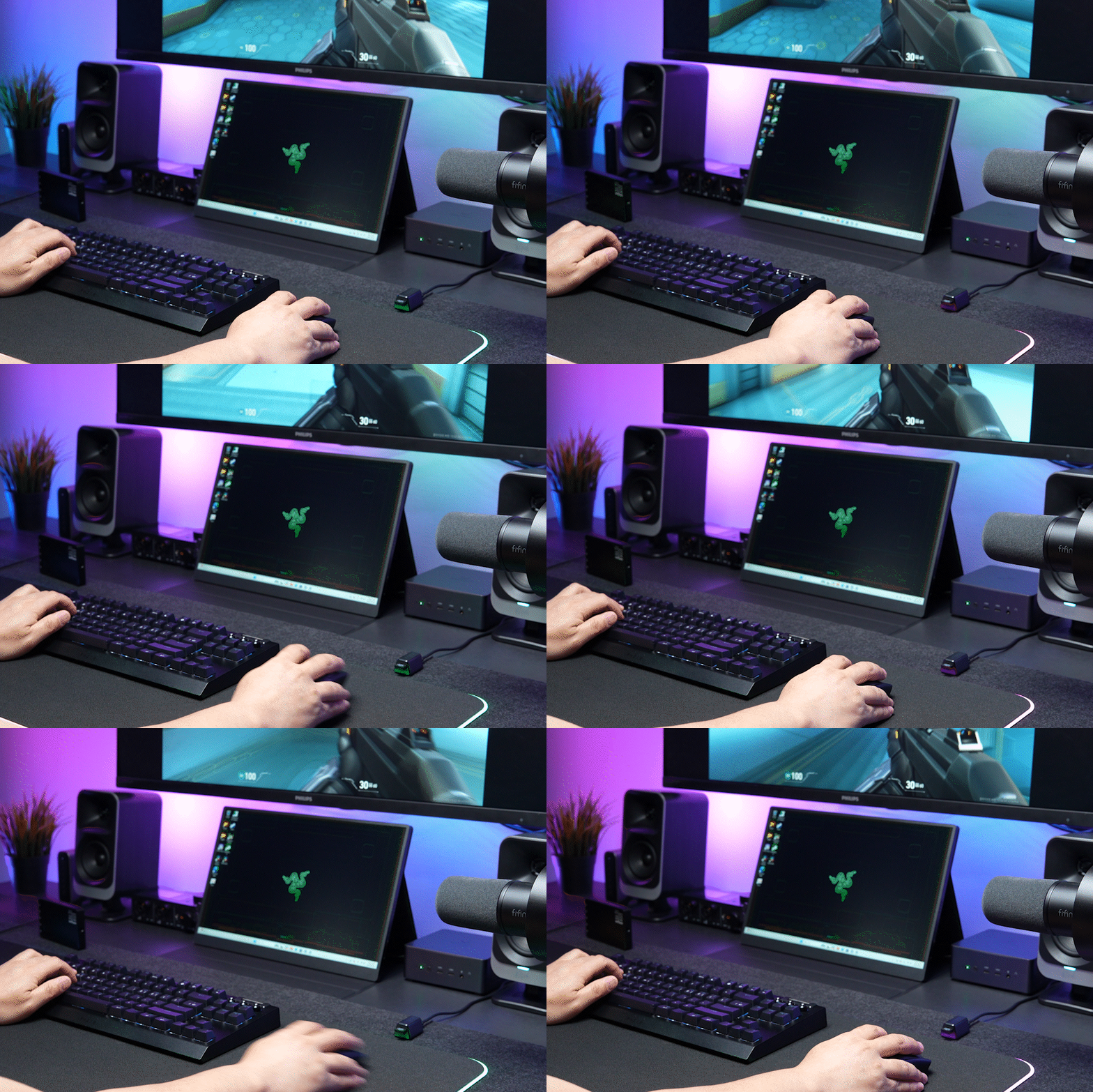
When used as a Valorant mouse, I experienced the benefits of the Focus Pro 35K sensor in situations requiring precise headshots. During quick peek plays or spray control, the mouse moved exactly as intended, significantly improving aim stability.

There were no battery issues whatsoever, which is often the biggest concern with wireless mice. Its battery life of up to 95 hours when used at 1,000Hz is enough for about a week of use without charging, allowing me to completely escape the hassle of frequent charging.
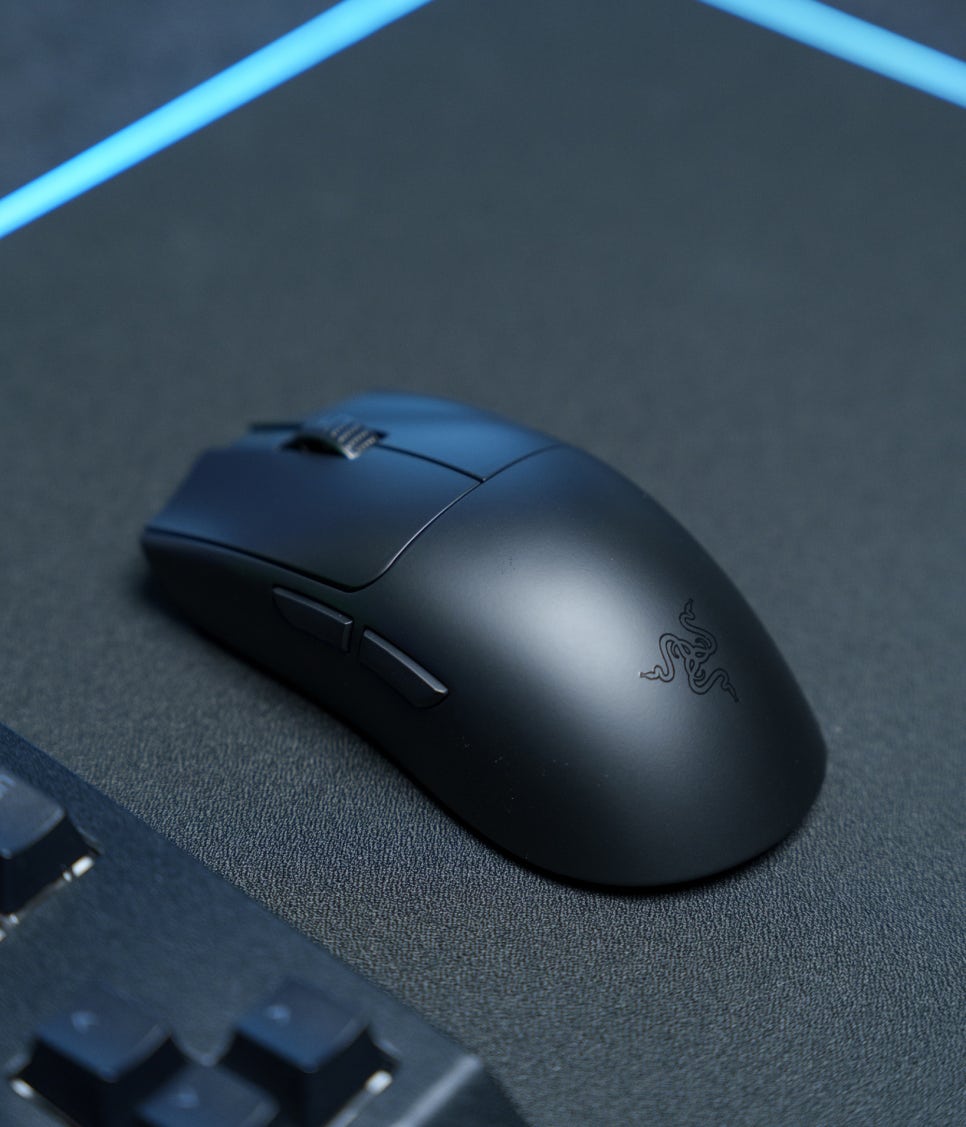
I was also very impressed with the feel of the 3rd generation optical mouse switches. While the light and fast click feel, different from mechanical switches, was a bit unfamiliar at first, once I adapted, it actually enabled faster rapid clicks and more precise inputs. The guaranteed click lifespan of 90 million clicks is also an advantage, ensuring long-term use.
Concluding the Review
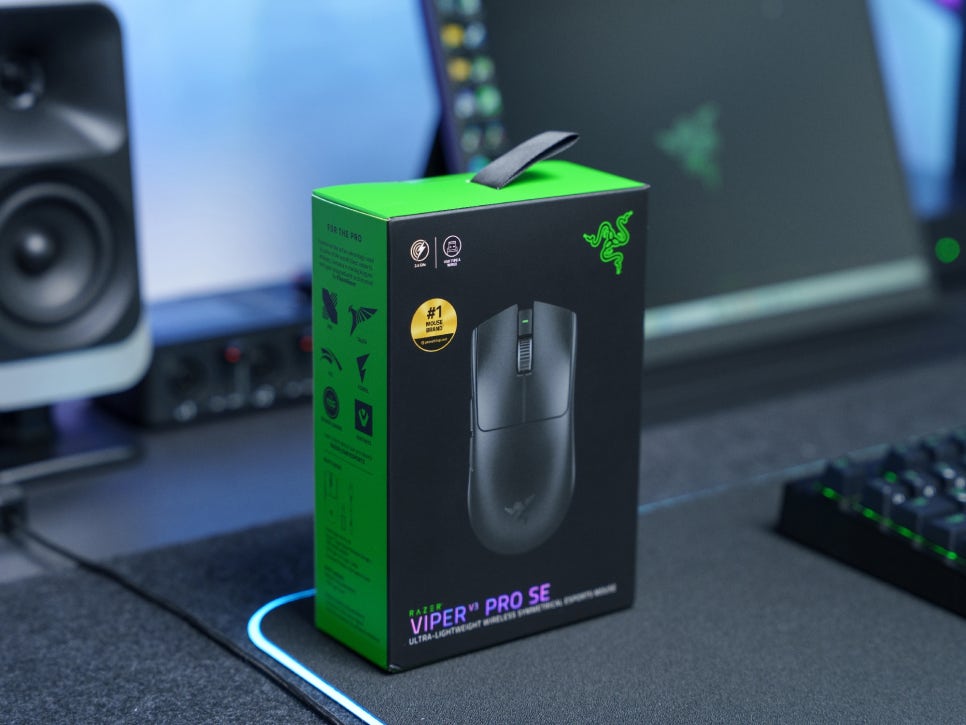
The Razer Viper V3 Pro SE is a strategic product that inherits the core performance of a flagship model while significantly enhancing its price competitiveness. Compared to the Pro model, it offers virtually identical performance, with the only differences being a base polling rate of 1,000Hz and the exclusion of grip tape.
Its ultra-light weight of 54g, the precision of the 2nd generation Focus Pro 35K sensor, the fast response speed of the 3rd generation optical switches, and the smooth gliding provided by its large PTFE feet—it perfectly embodies all the elements a gaming mouse should have.
For users who enjoy FPS games like Valorant or PUBG, this mouse’s precise tracking and fast response speed can clearly help improve their skills, and even for those who play League of Legends or other genres, it’s a gaming mouse that can upgrade their gaming experience with its excellent performance and comfortable grip.
A 1,000Hz polling rate alone is sufficient for most gamers, and its expandability to upgrade to 8,000Hz later by purchasing a HyperPolling dongle if needed is also attractive. If you’re a gamer who wants to experience flagship-level performance at a reasonable price, we recommend the Razer Viper V3 Pro SE.
Buy Product
As an Amazon Associate I earn from qualifying purhases.
Purchase Product : https://amzn.to/4sgSIsF