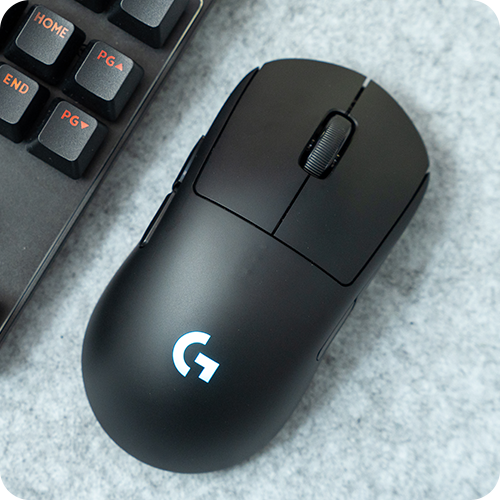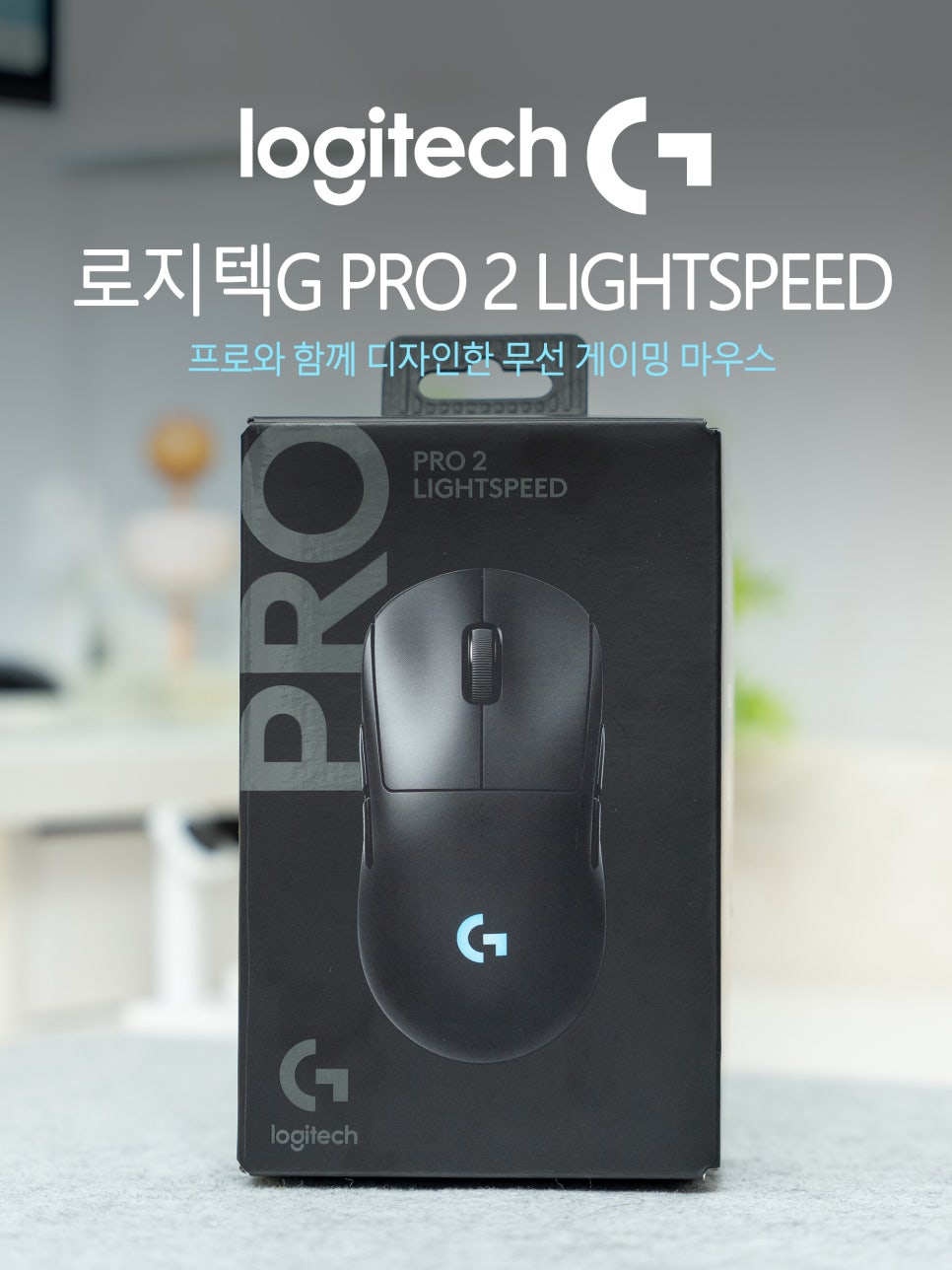
Previously, I shared an unboxing review of the Logitech G PRO 2 LIGHTSPEED; this time, I’d like to share my experiences after actually using this gaming mouse as my main one for a month.
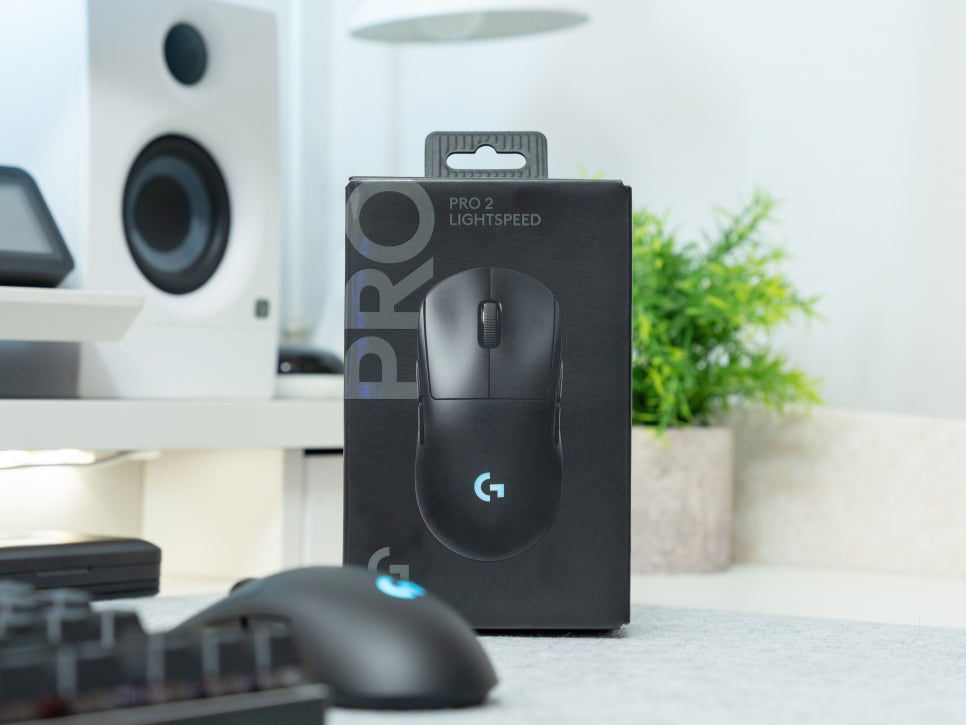
The Logitech G PRO 2 LIGHTSPEED can be customized to fit the user’s hand perfectly via the G HUB software. After going through this process, I tested it in various FPS games, including Valorant. Now, let’s take a closer look at whether the click feel of the LIGHTFORCE switch or the HERO 2 sensor makes a noticeable difference in actual gameplay, as well as the wireless response speed, and more.
Specifications and Configuration
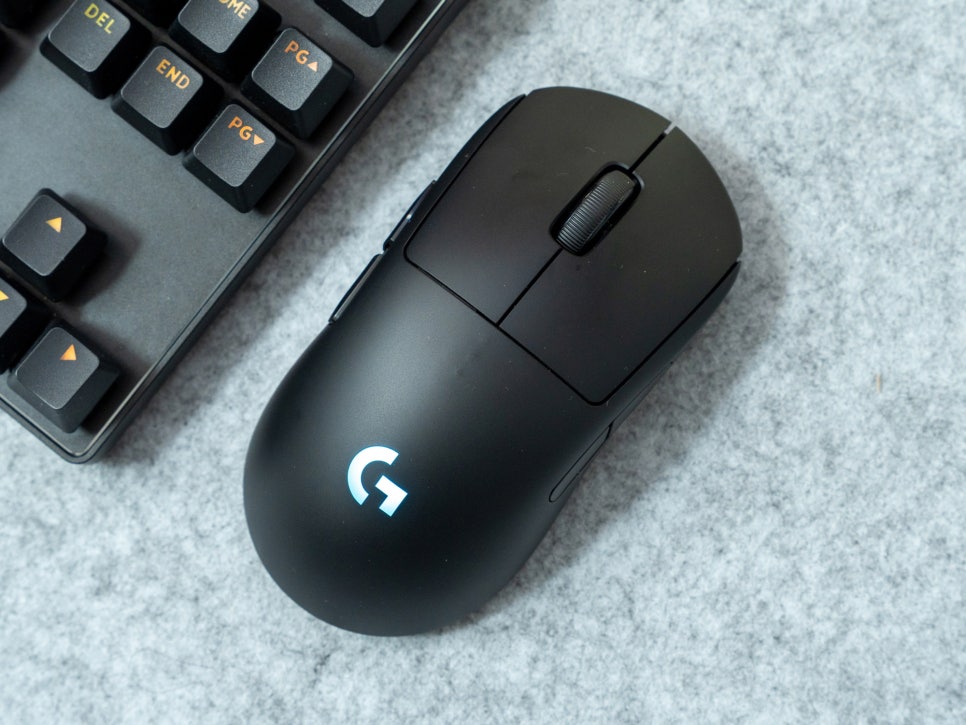
To summarize the specifications of the Logitech G PRO 2 LIGHTSPEED gaming mouse once again, this product features a symmetrical design with a length of 125mm, a width of 63.5mm, and a height of 40mm, weighing 80g. It is equipped with Logitech’s self-developed HERO 2 sensor, adjustable from 100 to 44,000 DPI. It supports a maximum speed of 888 IPS and a maximum acceleration of 88G, with a default polling rate of 1,000Hz.
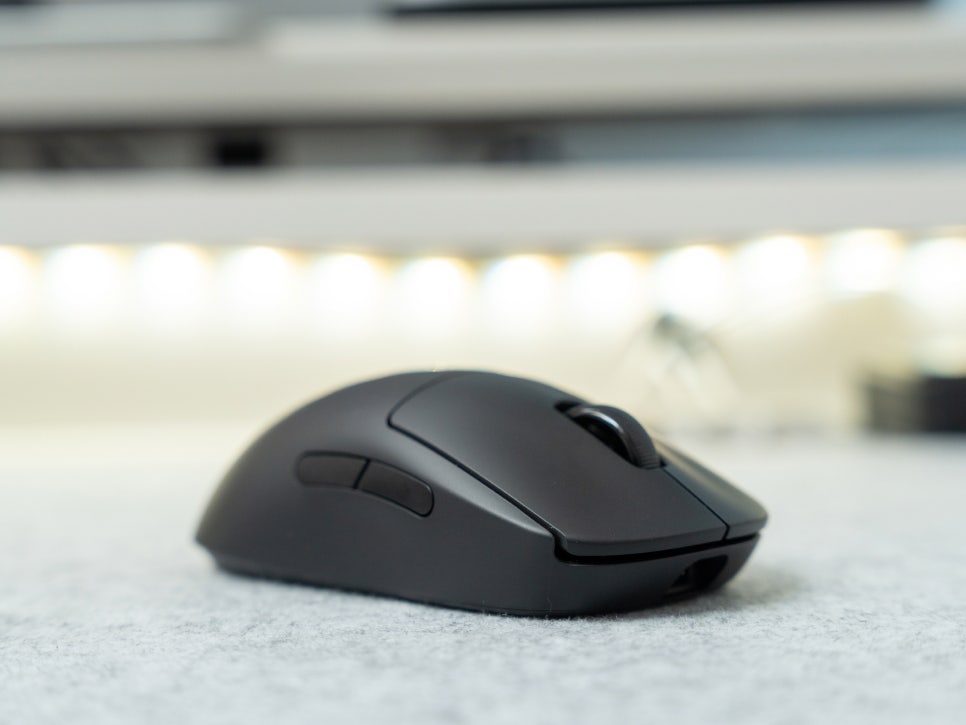
It features LIGHTFORCE hybrid optical-mechanical switches and has a total of 8 programmable buttons. With two side buttons placed on each side, it is designed for comfortable use by both left-handed and right-handed users.
The battery life is up to 95 hours with RGB lighting off, and approximately 60 hours with the lighting on. The charging port has been changed to USB-C type, enhancing convenience, and it is also compatible with Logitech’s POWERPLAY wireless charging pad. It comes in three colors—black, white, and pink—allowing you to choose according to your preference.
Product Features
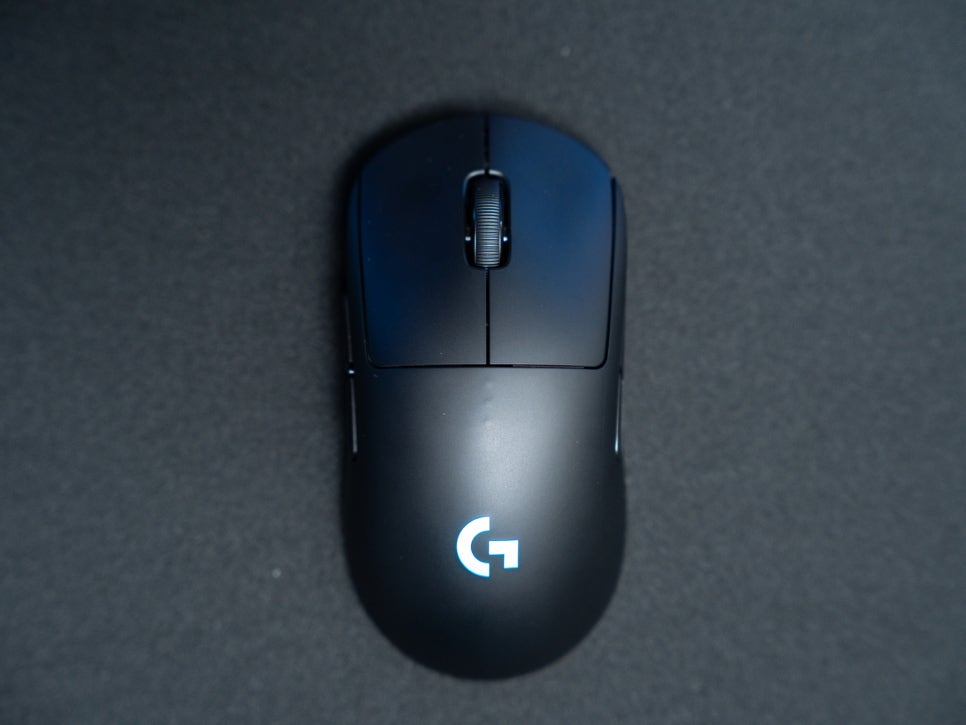
The biggest feature of this product is its perfectly symmetrical design. Engineered for ambidextrous use, it delivers the same performance whether you are right-handed or left-handed.
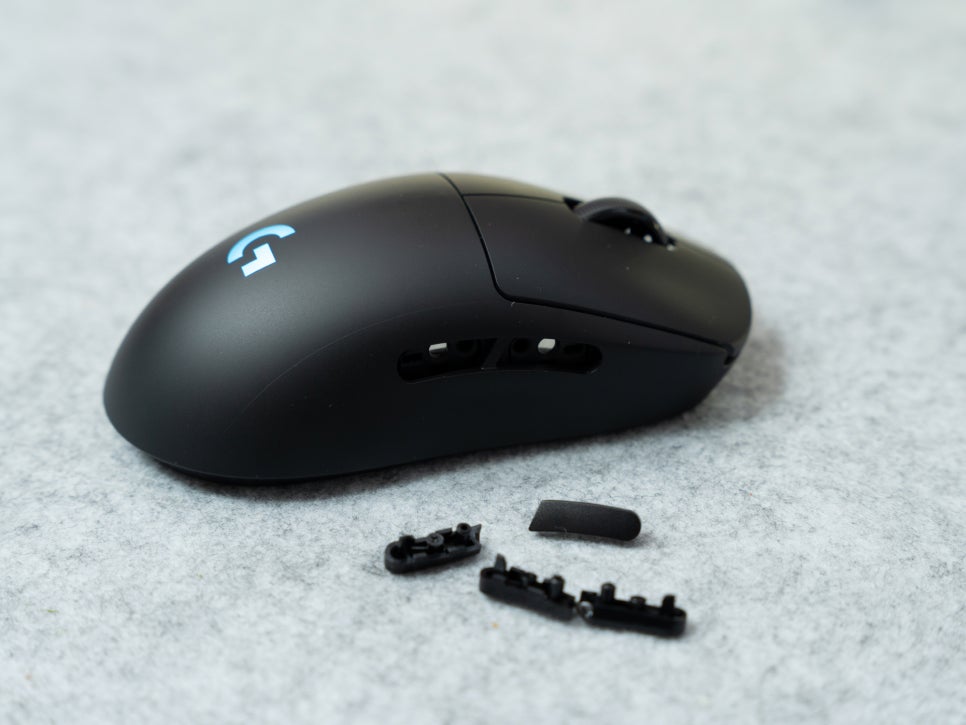
There are a total of four side buttons, two on each side. Thanks to magnetic covers, you can activate and use only the buttons you want. For instance, if you’re right-handed, you can keep only the left side buttons open and cover the right ones.
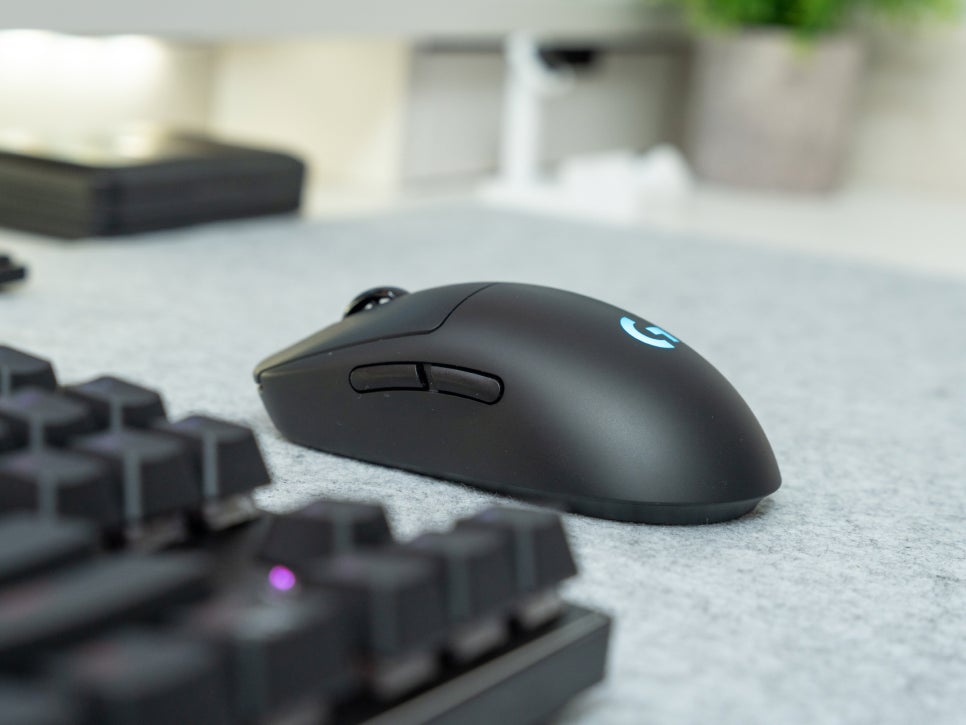
LIGHTFORCE hybrid switches combine the fast response speed of optical switches while retaining the distinct clicky feel characteristic of mechanical switches. When clicked, the tactile feedback is very clear and crisp.
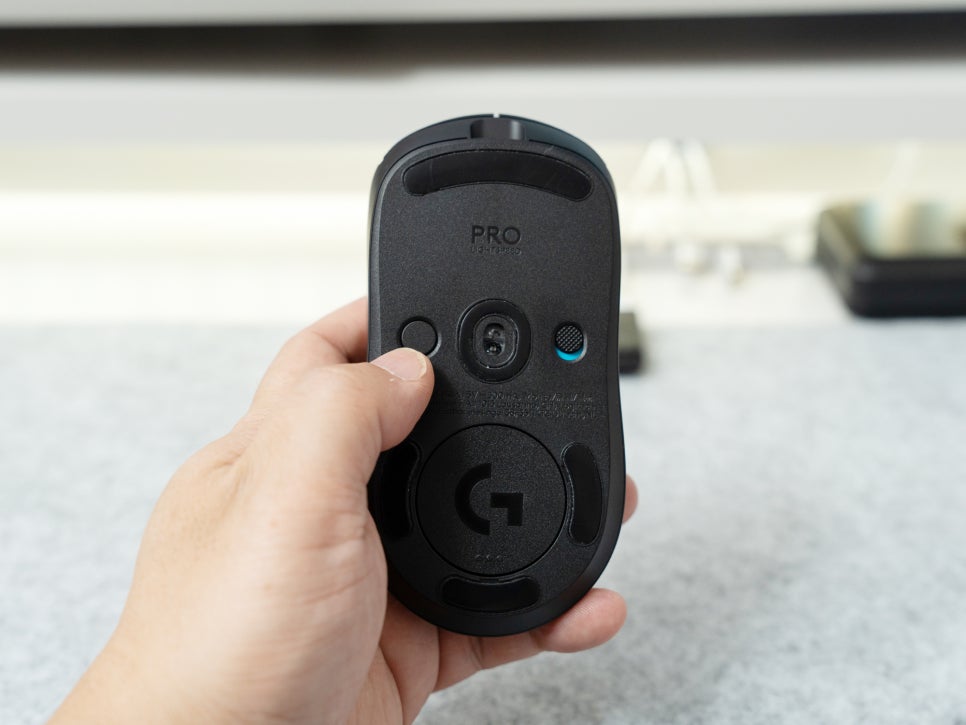
The HERO 2 sensor supports a maximum speed of 888 IPS and 88G acceleration, ensuring that tracking doesn’t break even when the mouse is moved very quickly. It was also great to be able to finely adjust the sensitivity to suit personal preference in increments of 100 DPI.
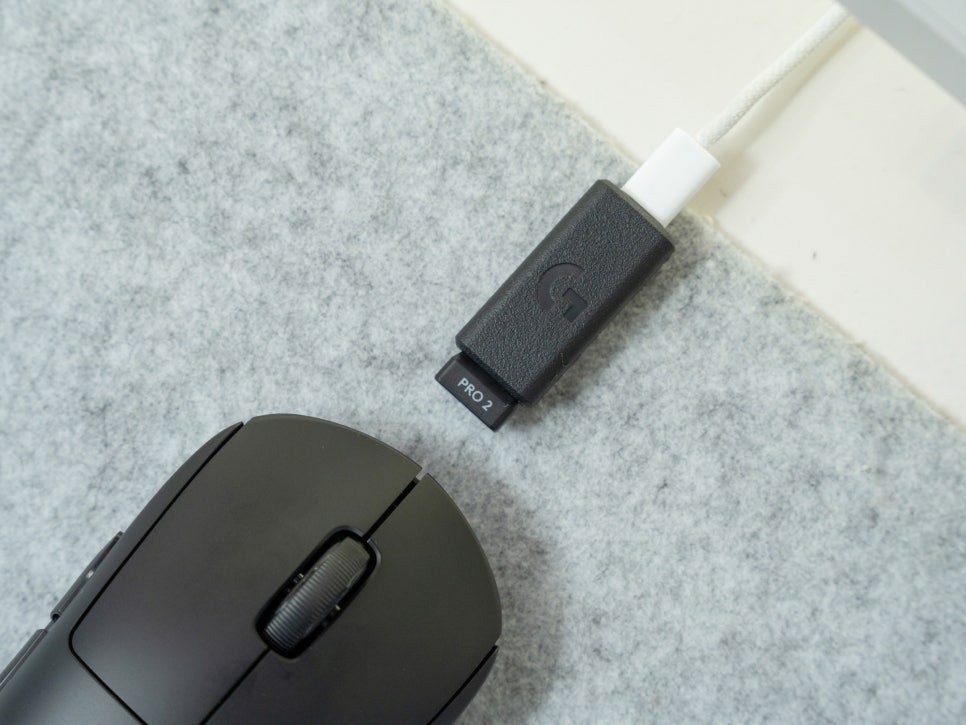
Logitech’s LIGHTSPEED wireless technology is already a proven technology among professional gamers. Having used it for a month, I haven’t experienced any delay or disconnections typically associated with wireless devices, not even once.
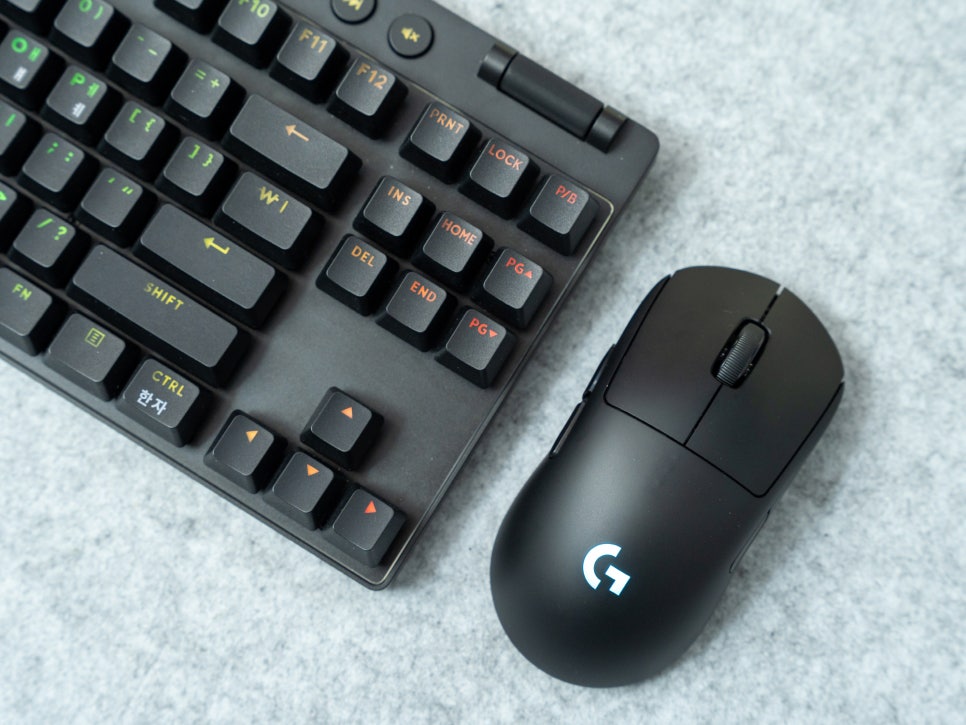
What’s more, if you’re using a Logitech LIGHTSPEED keyboard, you can connect the mouse using just the keyboard’s receiver, saving a USB port.
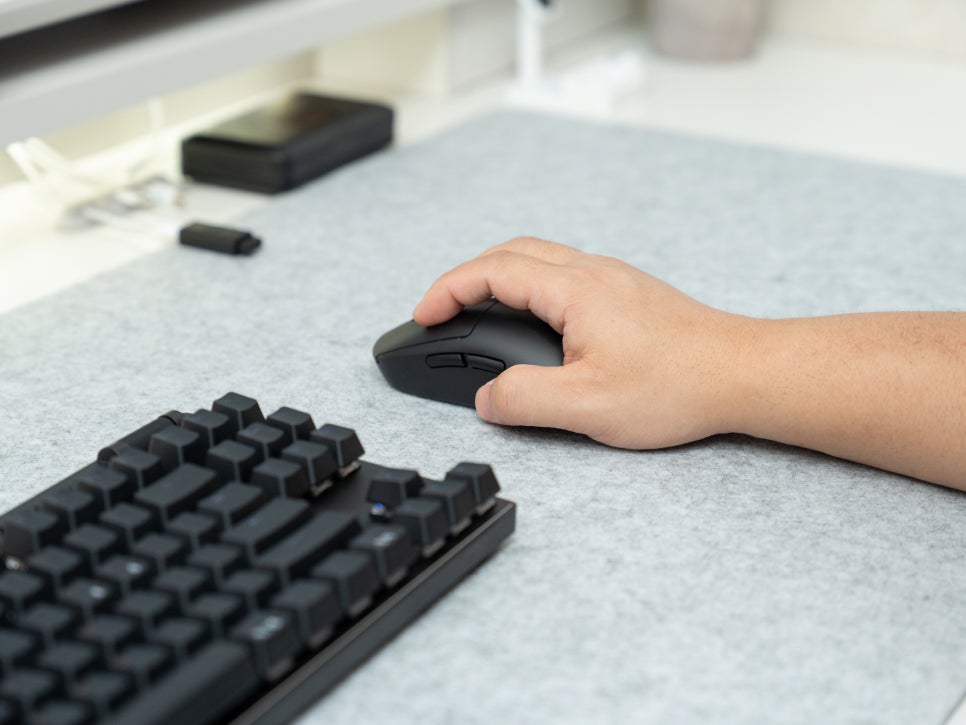
The weight is slightly heavier compared to ultra-light mice in the 60g range, but when held, it feels perfectly balanced, neither too light nor too heavy. Honestly, for those who prefer ultra-light mice, it might feel heavy, but in my case, even during long gaming sessions, it didn’t strain my wrist, and when moving the mouse quickly, the inertia felt just right, making it easy to control.
Logitech G HUB
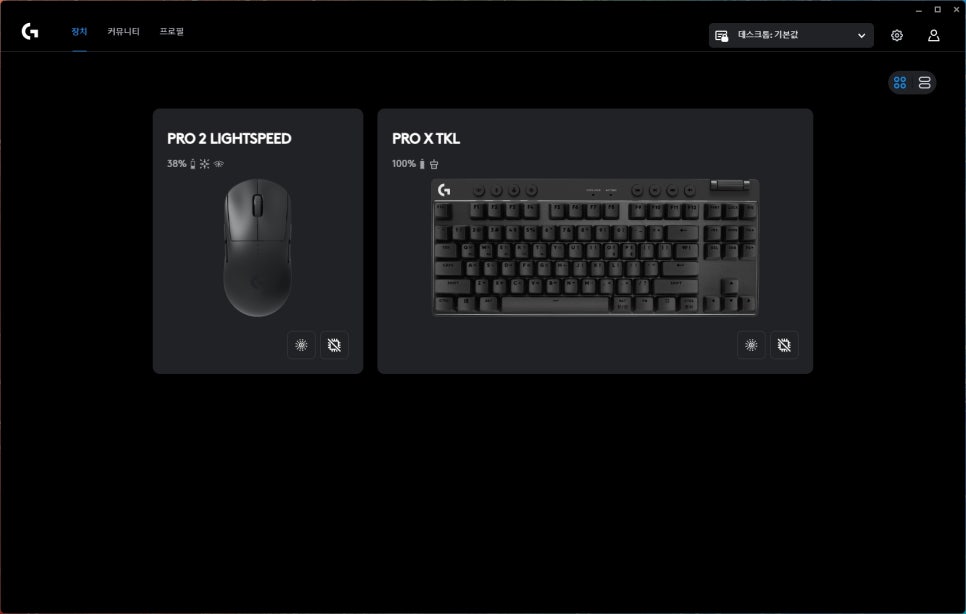
Logitech G HUB is software that allows you to manage all Logitech gaming devices. When you connect the Logitech G PRO 2 LIGHTSPEED to G HUB, you can meticulously customize all mouse functions.
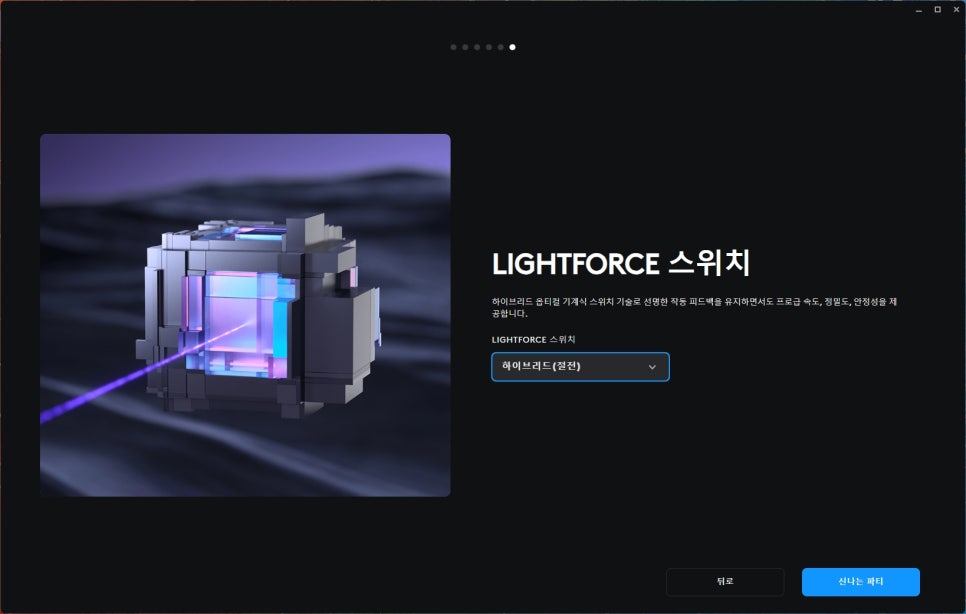
First, let’s talk about the LIGHTFORCE switch hybrid option. In G HUB, you can adjust how the switch operates. Hybrid mode is activated by default, but you can also switch to pure optical mode. In hybrid mode, you can simultaneously experience the clear click feel of a mechanical switch and the fast response speed of an optical switch. Personally, I found the default hybrid mode to be the most satisfactory.
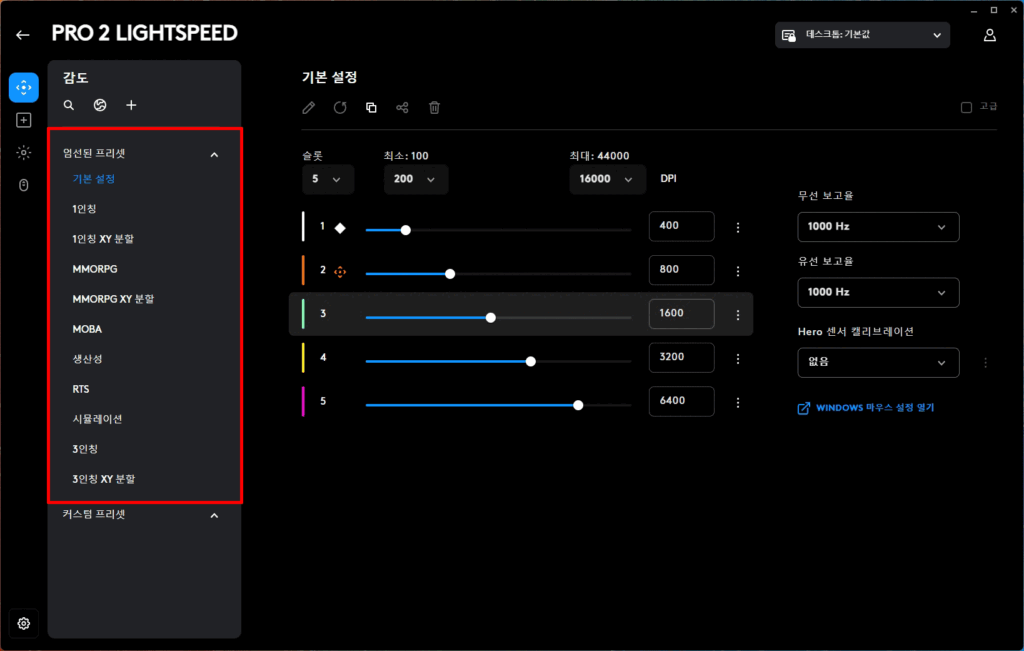
DPI settings are also one of G HUB’s core features. You can set up to 5 DPI levels, and each level can be finely adjusted in 100 DPI increments. I usually use 800 DPI as my main setting and have added 400 DPI for sniper mode. Pressing the DPI button on the bottom of the mouse changes the set level, but since it’s hard to access during gameplay, assigning the DPI shift function to a side button is also a good idea.
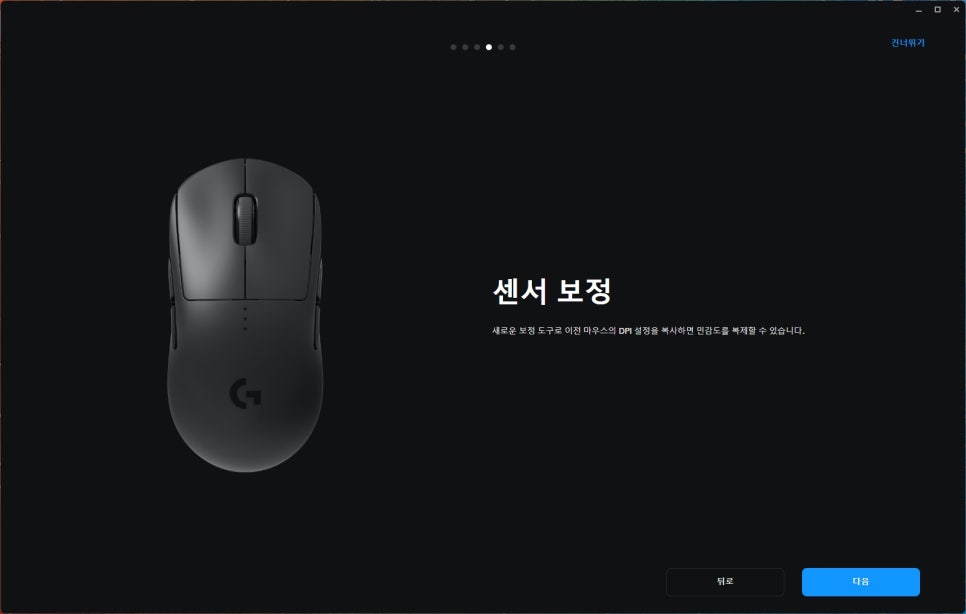
The sensor calibration feature optimizes the sensor to match the mouse pad you’re using. While the default settings provide good enough tracking, subtle differences can occur depending on the mouse pad surface. Therefore, if you allow G HUB to recognize the surface of your current mouse pad, the sensor will be calibrated accordingly.
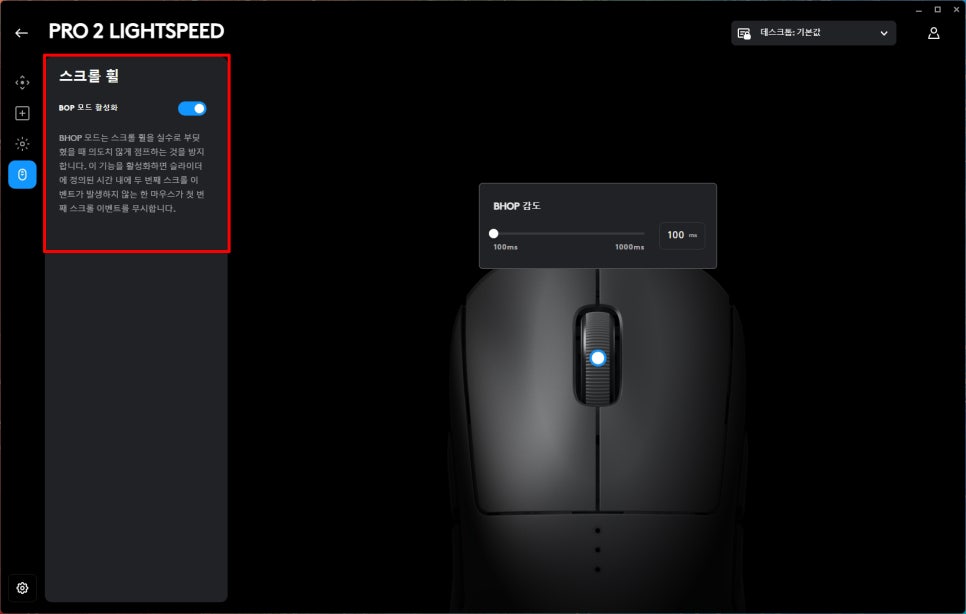
BHOP mode is a feature that automatically inputs consecutive presses when you hold down the jump button in situations where you’d normally have to repeatedly tap it. It’s a useful feature when utilizing bunny hops.
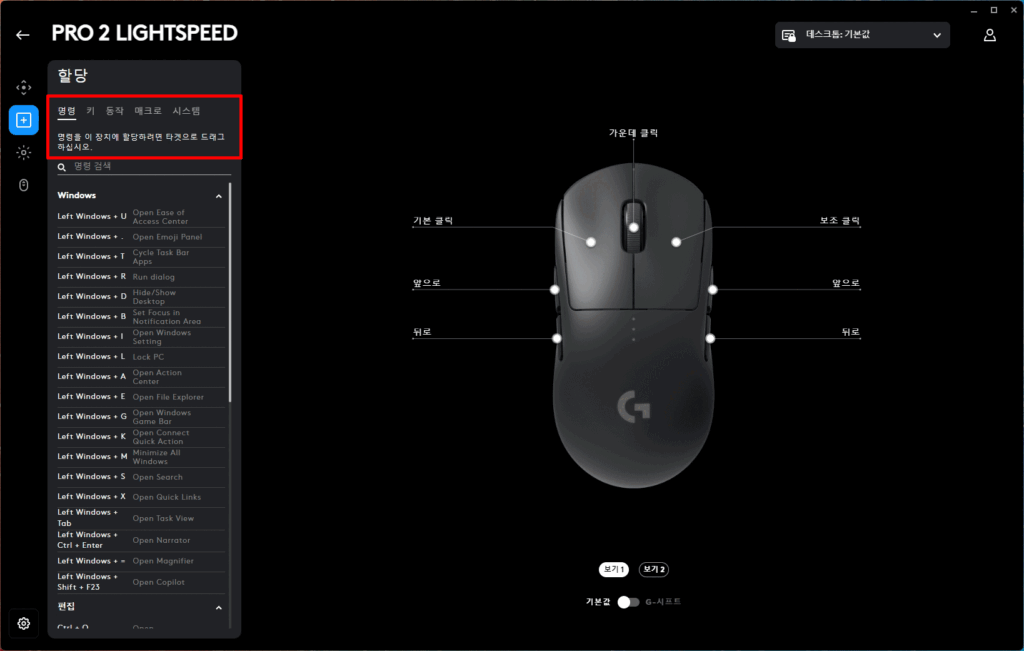
Another advantage of Logitech mice is the ability to freely assign desired functions to the 8 programmable buttons. You can map various functions like macros, keyboard shortcuts, and media controls to the buttons, which is quite convenient.
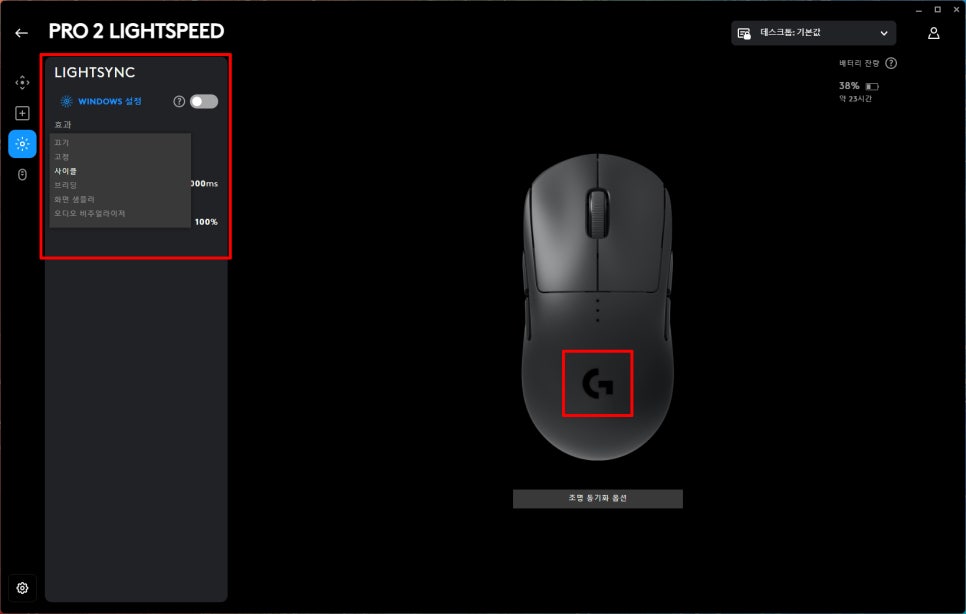
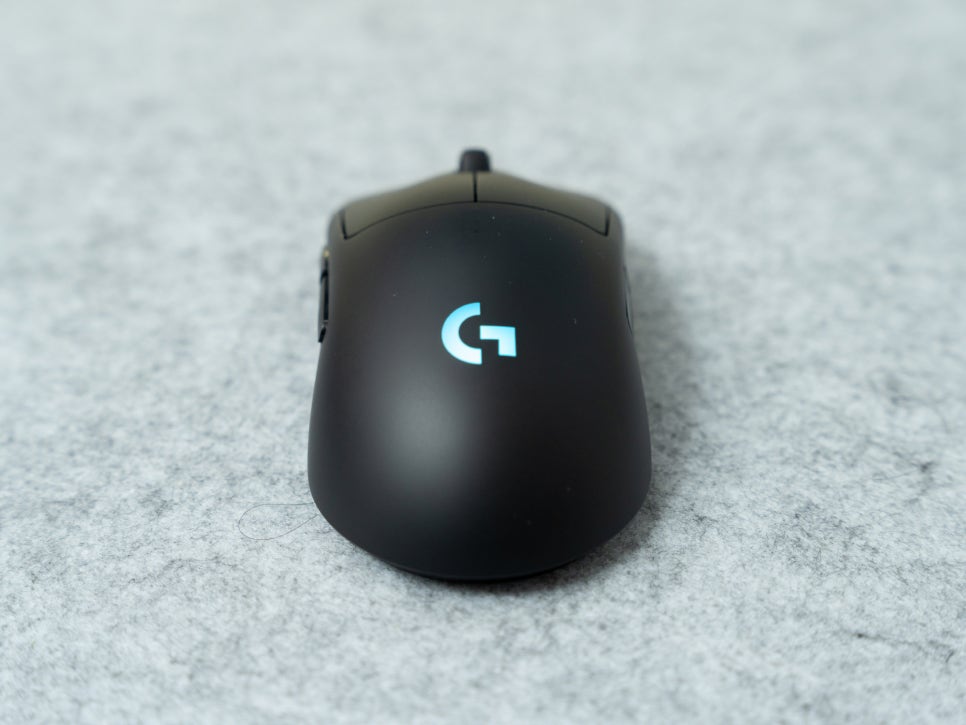
LIGHTSYNC RGB lighting customization is also available in G HUB. The G logo in the center of the mouse illuminates with RGB lighting, and you can set it to your desired color from 16.8 million options or apply various effects.
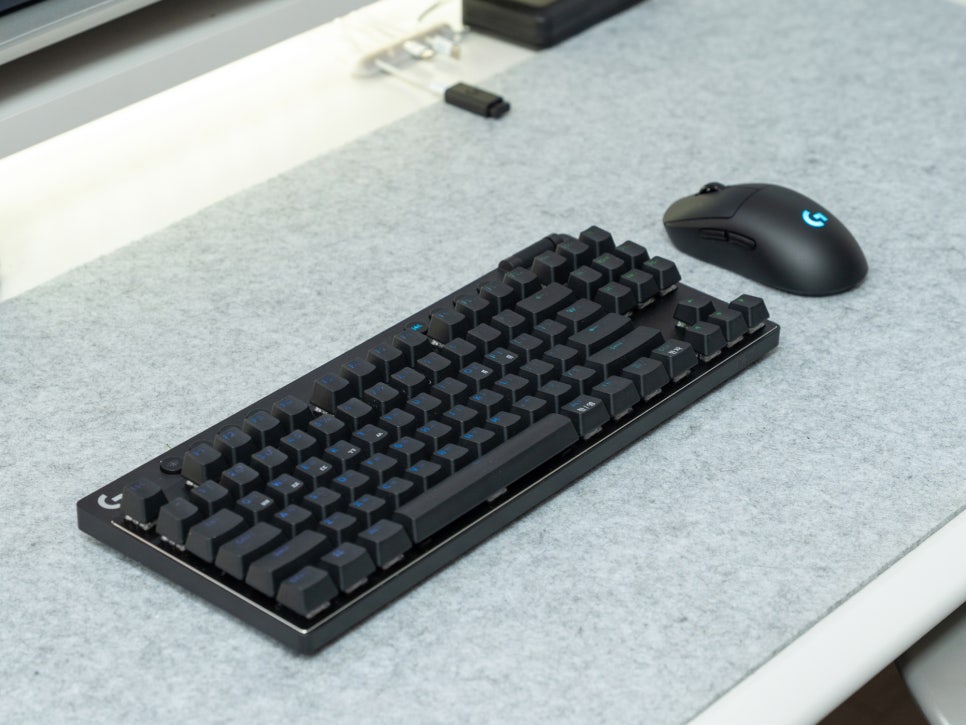
If you have other Logitech G Series products, you can link the lighting to create a unified setup.
Review
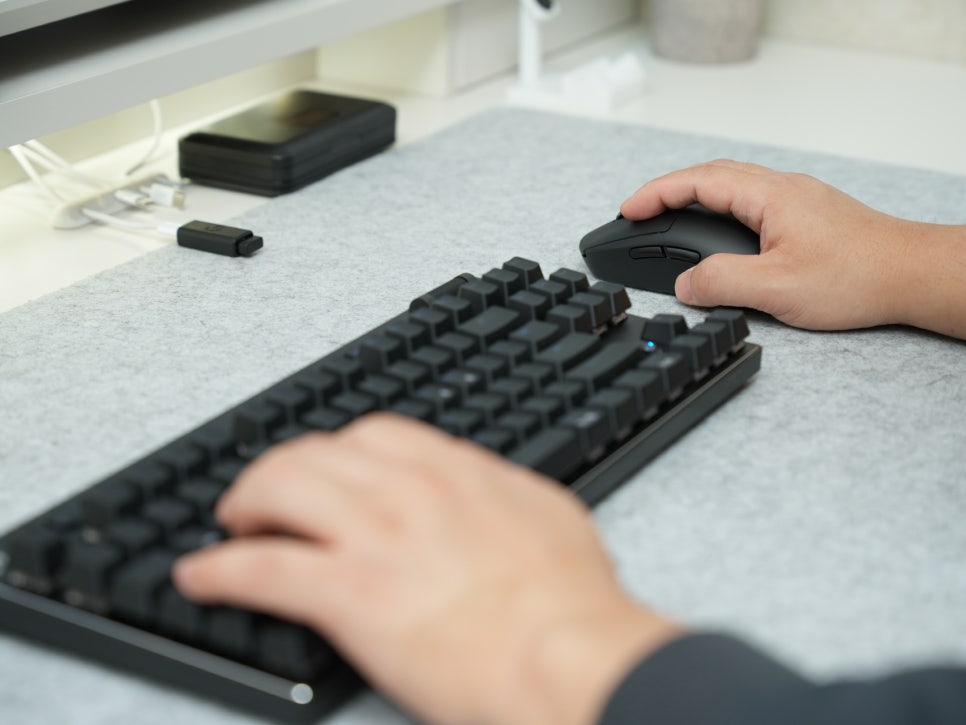
For a month, I primarily played games like Valorant and Battleground. Since Valorant is a game where precise aim and quick reaction speed are important, choosing the right mouse is critical, and to get straight to the point, I was extremely satisfied.
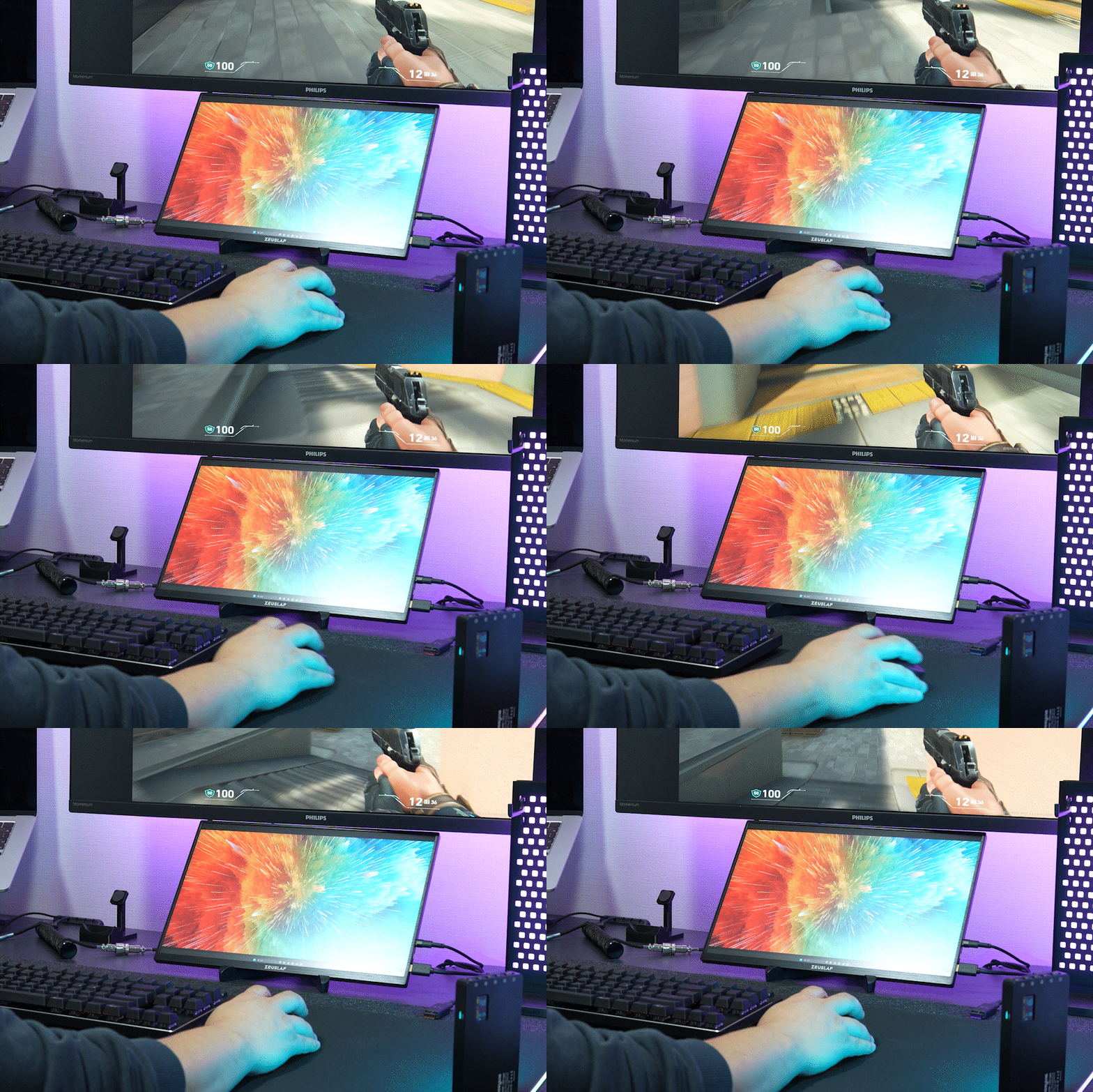
First, in terms of sensor performance, the HERO 2 sensor exceeded my expectations. Even in flick shot situations in Valorant where I had to quickly change my view, tracking was never interrupted, and the short lift-off distance when picking up and repositioning the mouse made the movement feel natural.
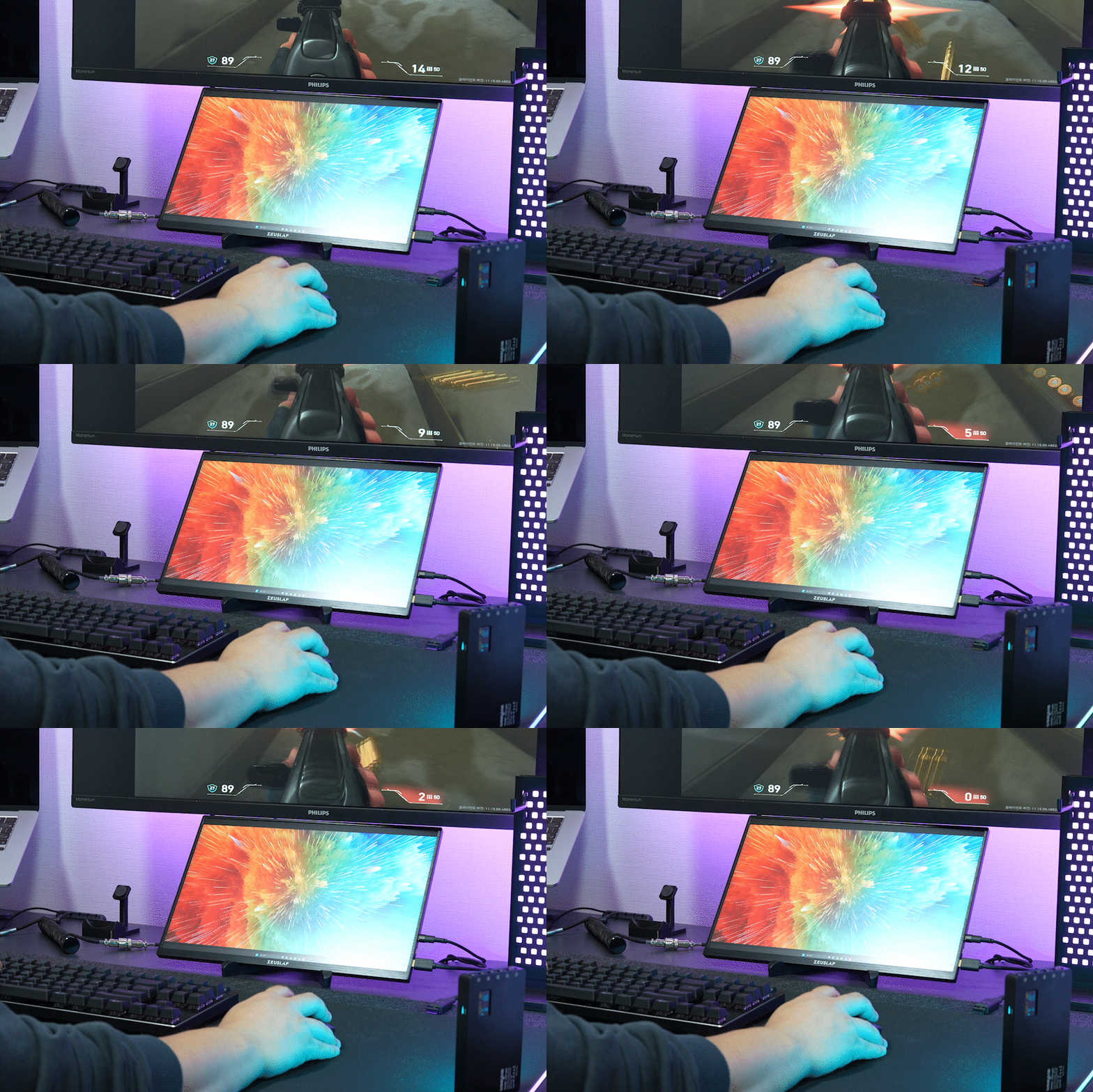
The fast response speed of the LIGHTFORCE switches was also definitely noticeable in actual gameplay. In Valorant, click timing is crucial in duels or one-tap situations, and it responds with virtually no perceptible delay. The click feel itself also provided crisp, tactile feedback, so I rarely misclicked or made mistakes.
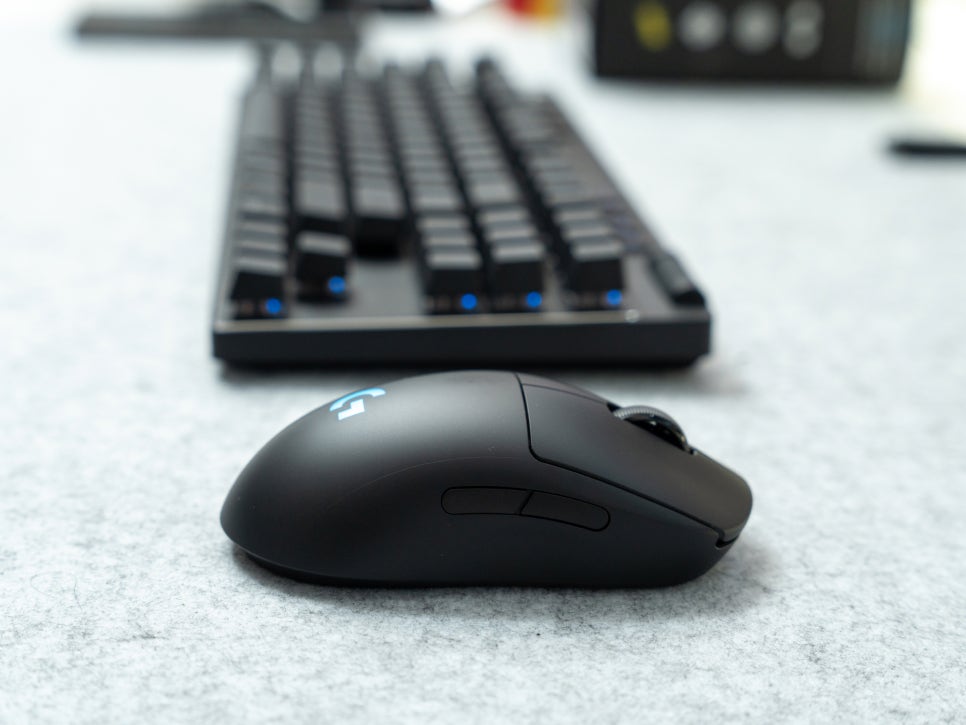
The stability of LIGHTSPEED wireless connectivity was truly on par with a wired connection, so I never felt any disadvantage due to it being wireless. For a month, I did not experience a single instance of connection loss or missed inputs.
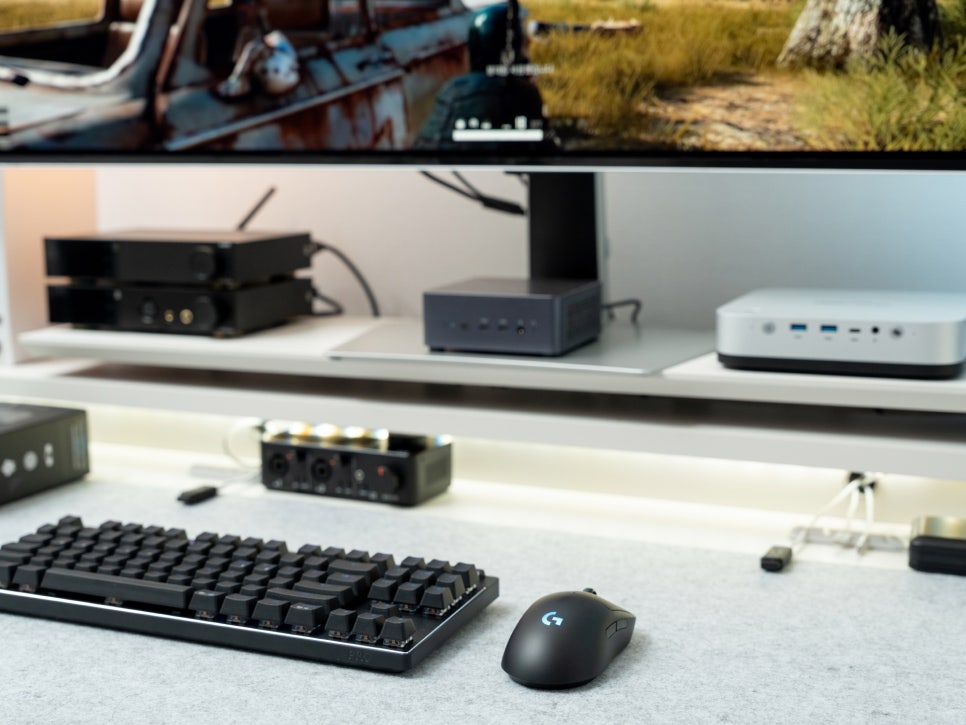
Beyond Valorant, I also played Battlegrounds, and the overall user experience was consistent. In any game requiring fast response times and precise tracking, the smooth tracking performance of the Logitech G PRO 2 LIGHTSPEED truly shined.
Concluding the Review
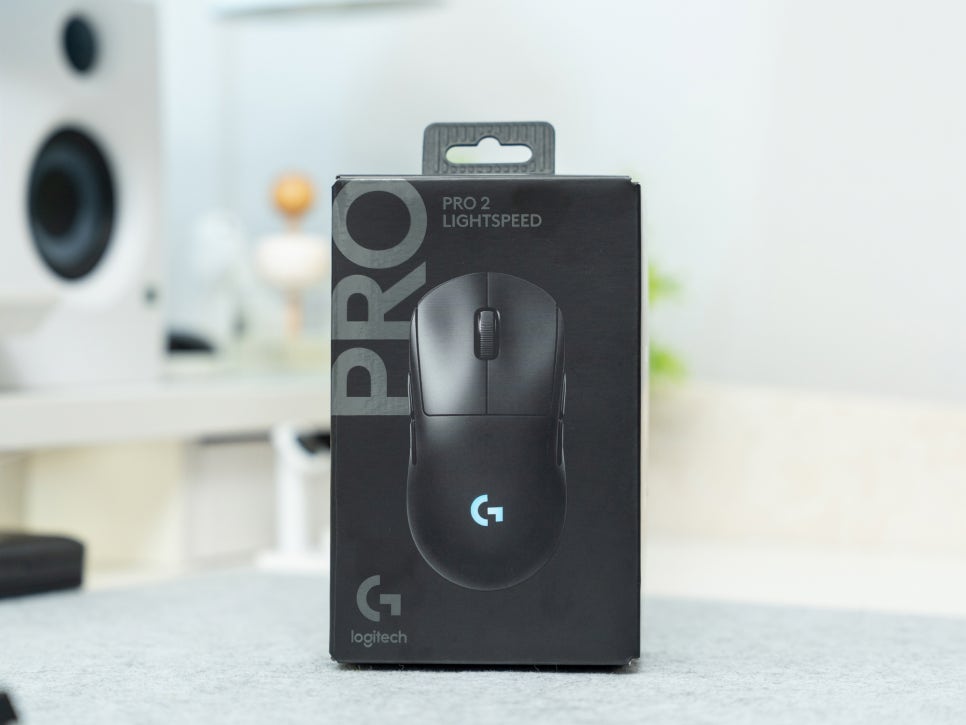
The Logitech G PRO 2 LIGHTSPEED maintains the proven symmetrical design of the existing PRO series, while elevating performance with LIGHTFORCE Hybrid switches and the HERO 2 sensor. It also enhances convenience with USB-C charging support and improved battery life.
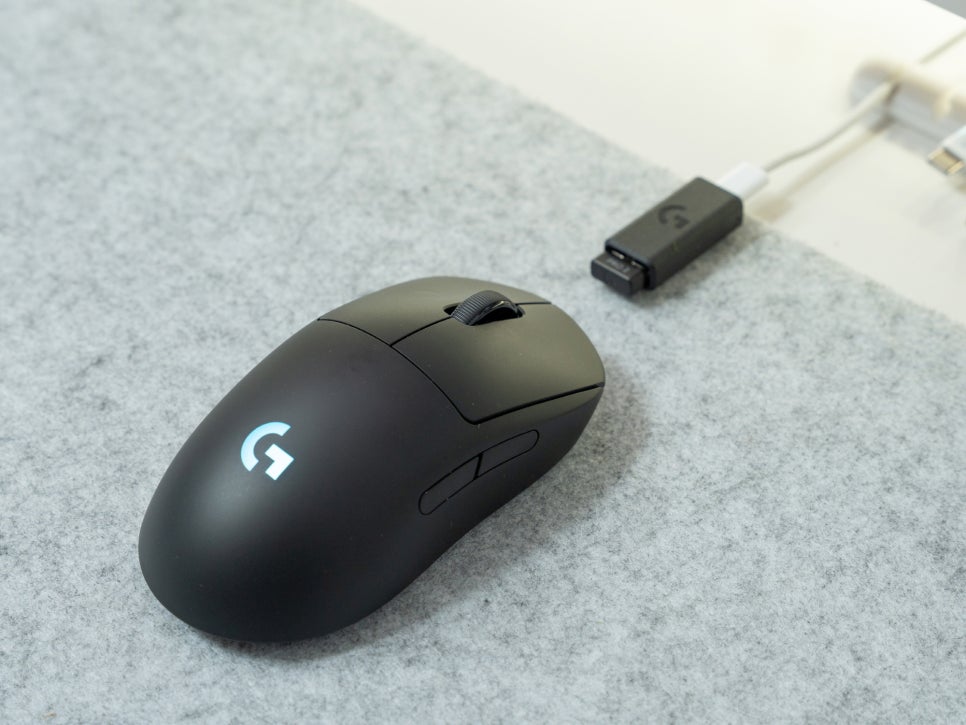
In particular, this mouse possesses all the essential features for FPS gamers: fast click response, precise sensor tracking, and seamless wireless connectivity.
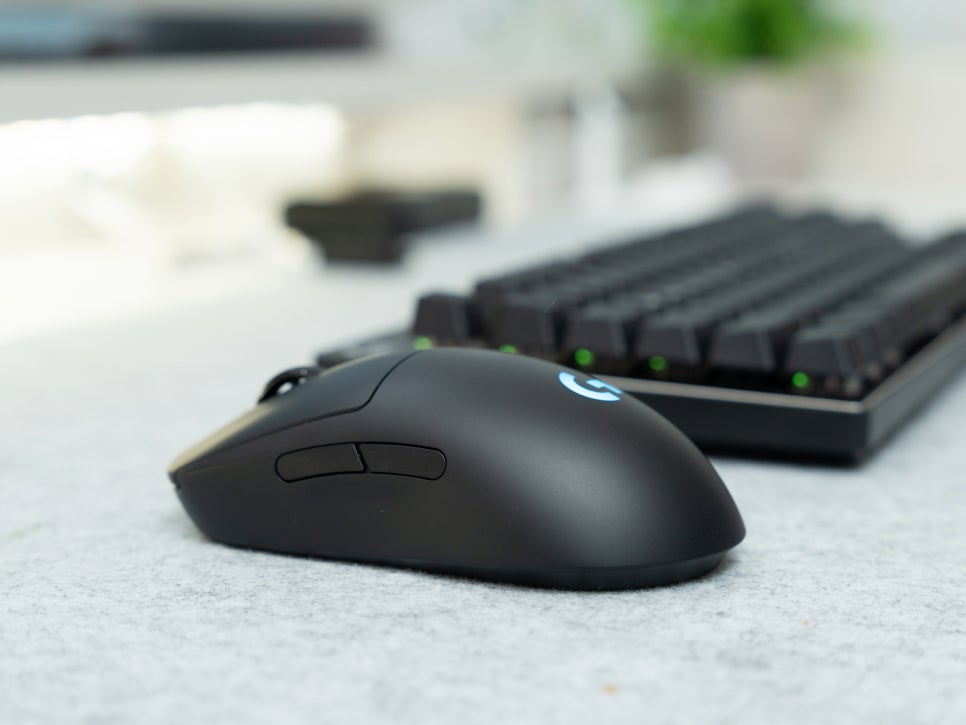
With its perfectly symmetrical design and side buttons arranged symmetrically on both sides, it seems like a great option for left-handed gamers as well.
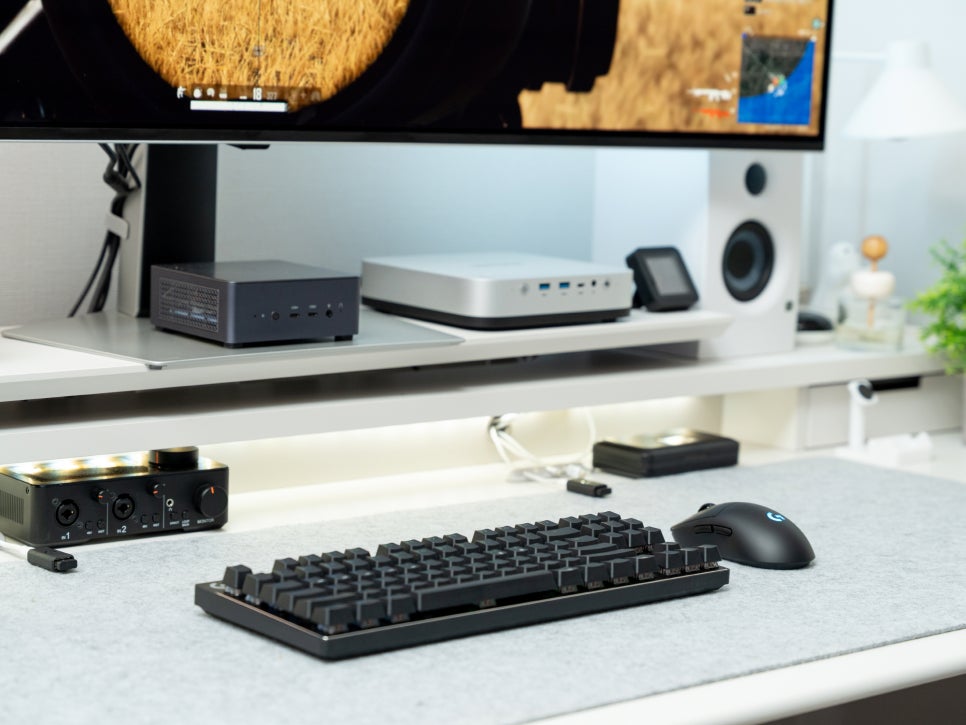
The Logitech G PRO 2 LIGHTSPEED is an excellent choice if you’re looking for a balanced, high-performance wireless gaming mouse within the Logitech lineup, or if you want to experience the mouse chosen by pro gamers at a reasonable price. You might want to take a close look at this product.
Buy Product
As an Amazon Associate I earn from qualifying purhases.
Purchase Product : https://amzn.to/4dqRHJQ