No matter if you’re an office worker, student, or gamer, the amount of time spent in front of a monitor each day has significantly increased. If you’ve ever sat for a long time, you’ve probably experienced dry eyes and headaches, and one of the causes of this is the difference in illumination between a bright screen and dark surroundings.
Because regular desk lamps can cause screen glare or leave the keyboard area still dark, monitor light bars, which mount on top of the monitor to illuminate only the workspace accurately without screen glare, began to gain attention.

While numerous brands are now releasing light bars, BenQ was the first to create this category. As a specialized display brand, BenQ opened up the monitor lighting market in 2017 by developing the world’s first monitor-specific lighting screen bar. Now, BenQ has launched the ScreenBar Halo 2, which significantly improves upon the shortcomings of its predecessor.
I will share my review of using this product, which features a wireless controller, triple-curved backlighting, full-spectrum LED, and even a motion sensor.
Specifications and Components
A quick look at the specifications shows the light bar body measures 50cm in width, 14.3cm in length/depth, and 10.9cm in height, while the wireless controller is 7.4 x 7.4 x 3.95cm. The light source uses dual-color LEDs, and its Color Rendering Index (CRI) is Ra 95 or higher, accurately reproducing colors.
Its color fidelity index (Rf) of over 96 makes it suitable for designers and photographers. The color temperature can be adjusted from a warm 2700K incandescent light to a cool 6500K daylight, and the illuminance at the center front exceeds 1000 lux at a height of 50cm. It’s powered by USB Type-C, consuming a maximum of 15W, and the controller has a built-in lithium battery that provides up to 3 months of use on a single charge.
Monitor compatibility has also expanded, allowing it to be mounted on monitors with thicknesses ranging from 0.43cm to 6cm, and it supports curved monitors with curvatures from 1000R to 1800R.
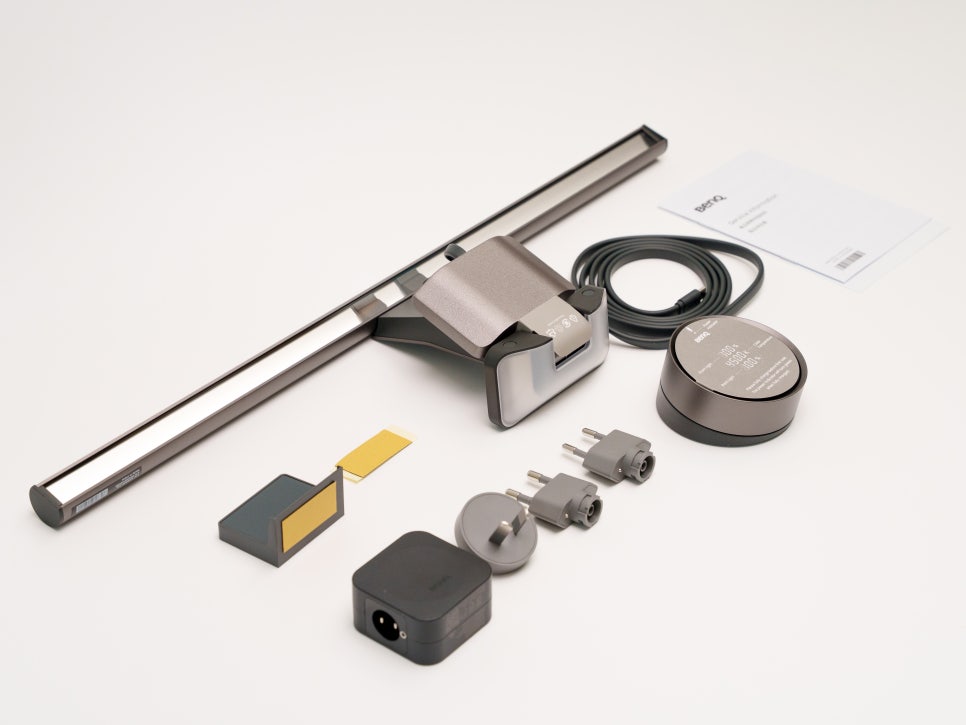

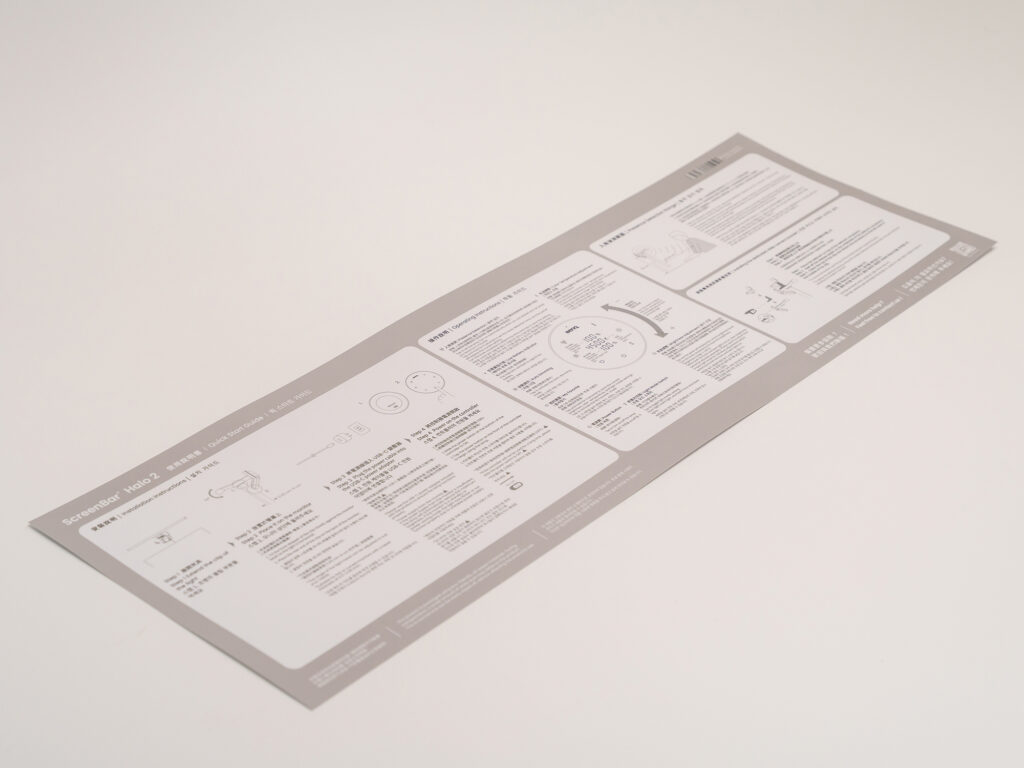
Opening the BenQ ScreenBar Halo 2 box reveals the light bar main unit, a wireless controller, a USB-C power cable, a webcam bracket, and a user manual.
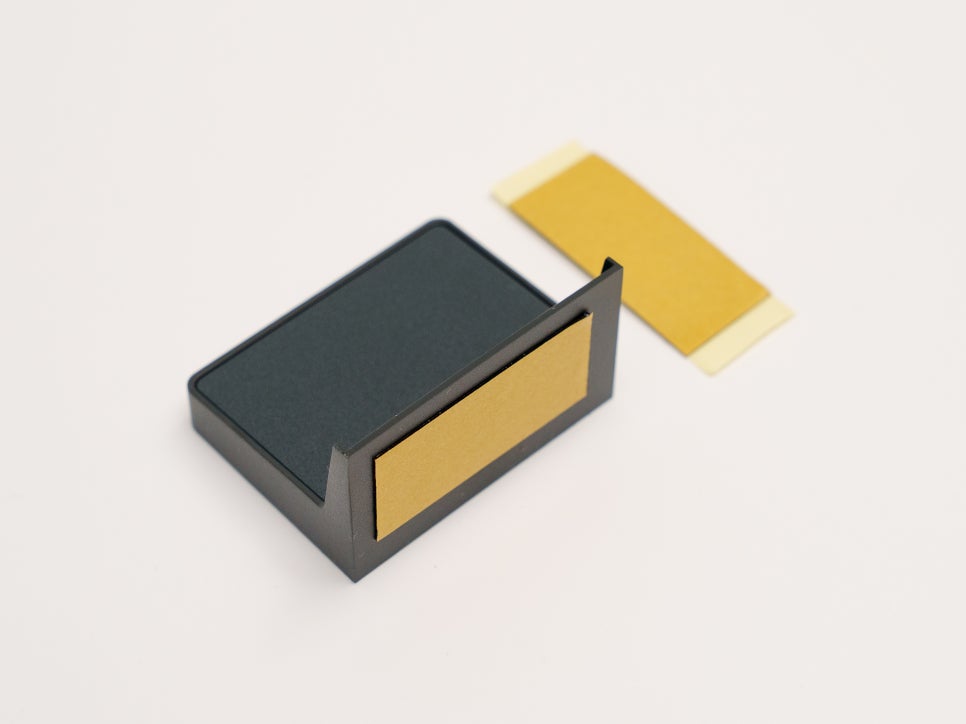
While the components themselves are simple, it’s noteworthy that the webcam bracket, which had to be purchased separately for the previous model, is now included as standard.
Appearance and Features
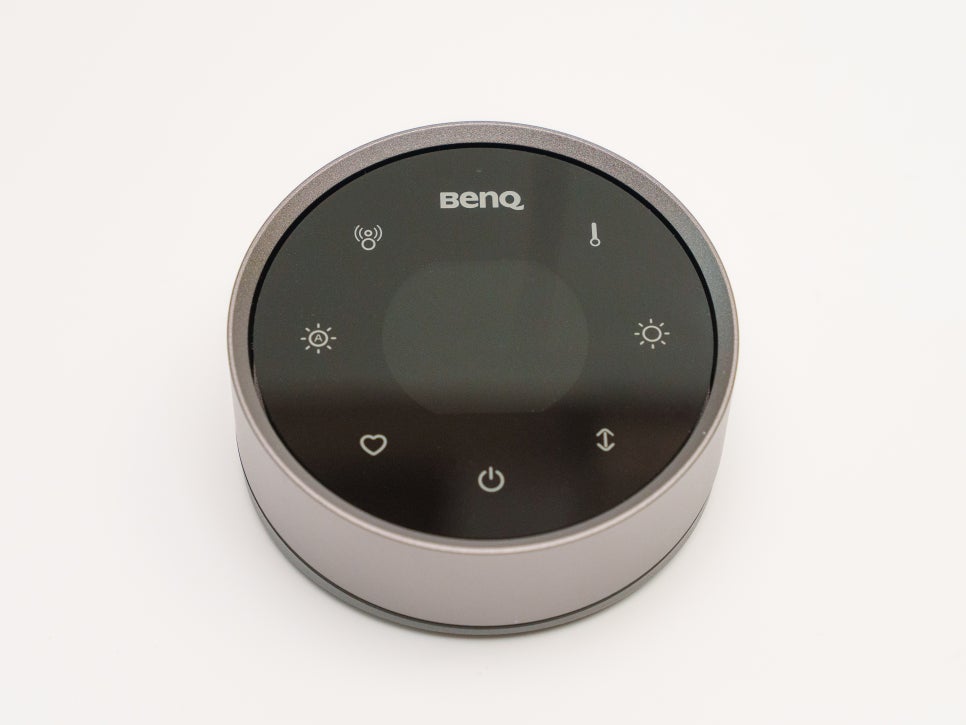
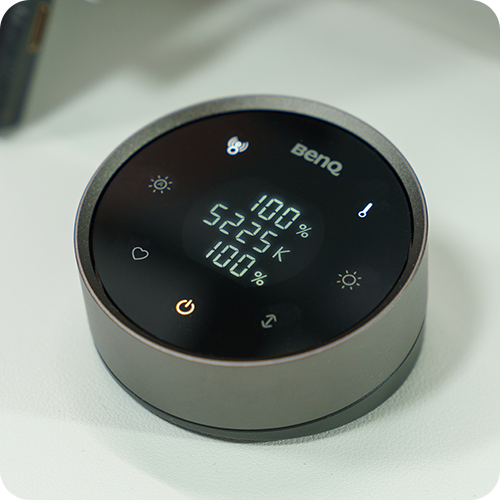
Let’s first look at the wireless controller. The central touch display accurately shows the current brightness and color temperature settings as numerical values, eliminating the inconvenience of adjusting by estimation as before.
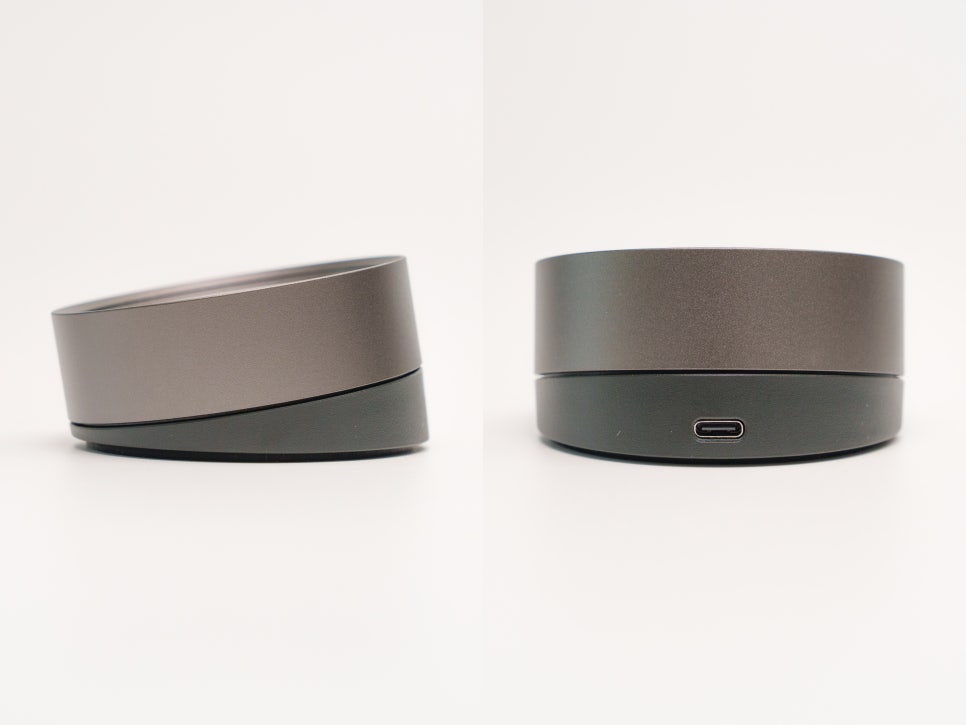
The controller’s display is tilted 10 degrees towards the user. When placed on a desk, it’s at an angle where the screen naturally comes into view without having to lower your head, and this kind of thoughtful detail feels very BenQ-like. It has a built-in lithium battery, and when charged via USB-C, it can be used for up to 3 months on a single charge, virtually eliminating charging stress.
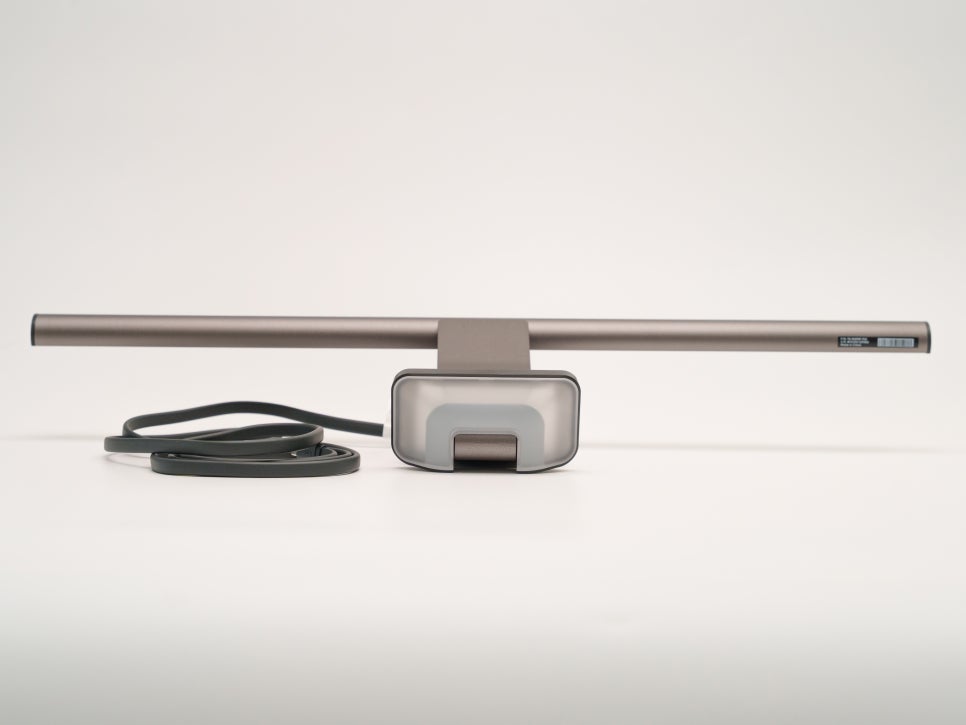
Next, let’s look at the light bar itself. The most significant change compared to its predecessor is the structure of the rear lighting. The BenQ ScreenBar Halo 2 features an optically patented triple-curved rear light.
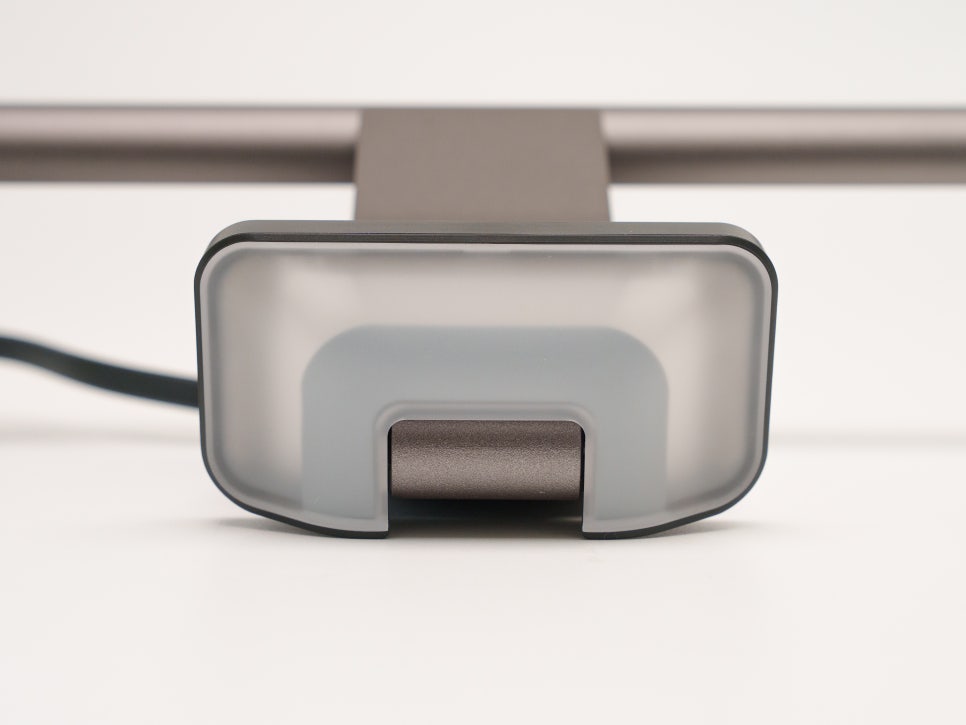
As the name suggests, LEDs are placed in three areas – upper curve, lower curve, and side curve – allowing light to spread evenly towards the wall. While the previous model’s rear light was narrow and monotonous, this new model has a much wider diffusion range, creating a subtle halo effect across the entire wall behind the monitor.
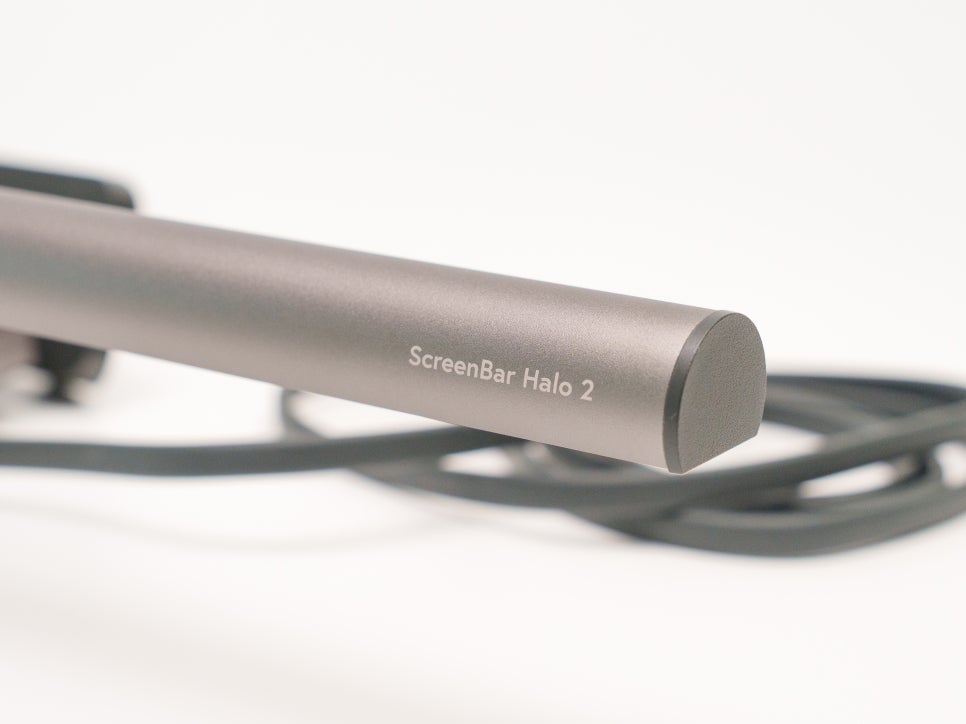
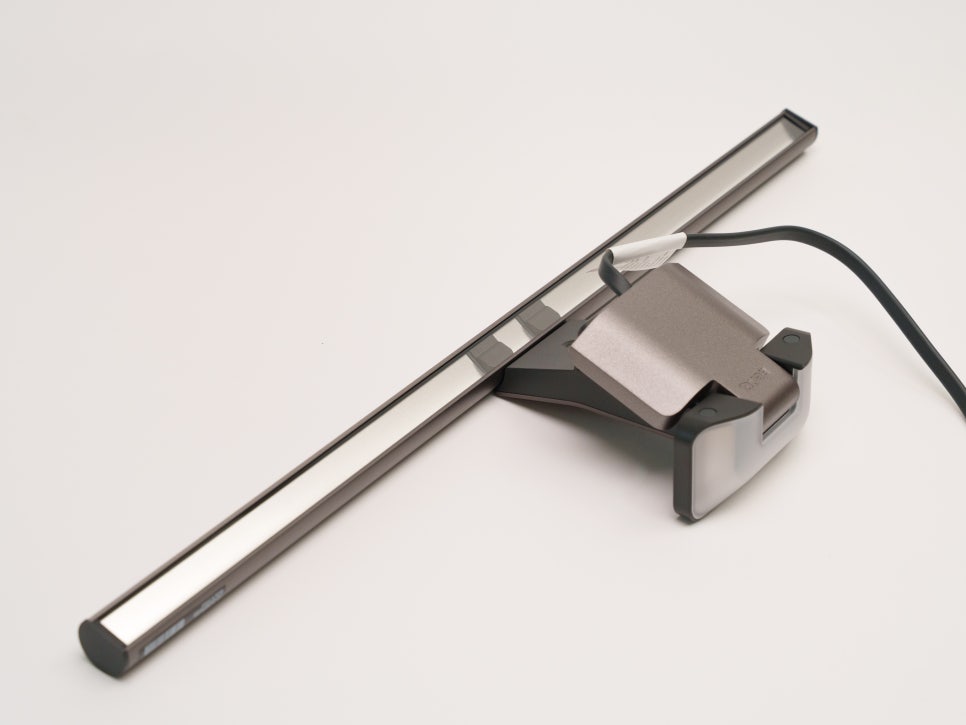
Looking at the brightness distribution of the front monitor light, the central area is illuminated with a bright intensity of 1000 lux, while the 85x50cm area is 500 lux, and the 115x60cm area is around 300 lux, a structure where the brightness gradually decreases.

The light doesn’t abruptly cut off but rather spreads out naturally, making it comfortable for the eyes. Additionally, it uses a full-spectrum LED chip which reproduces a color spectrum similar to sunlight, creating a natural light that is distinctly different from ordinary LEDs.
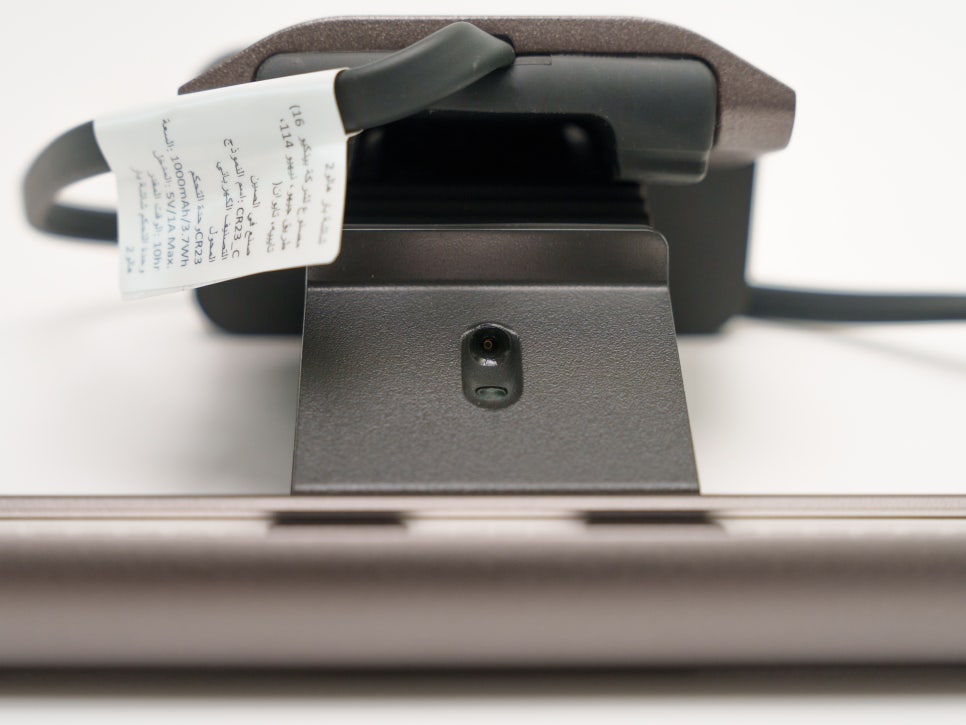
A real-time automatic brightness adjustment sensor is built into the bottom center of the light bar’s main body. Pressing the auto-dimming button on the controller detects the brightness of the surrounding environment and automatically adjusts to 500 lux, as recommended by the American National Standards Institute (ANSI). Since the color temperature is also set to 4000K at the same time, there’s no need to worry about it separately.
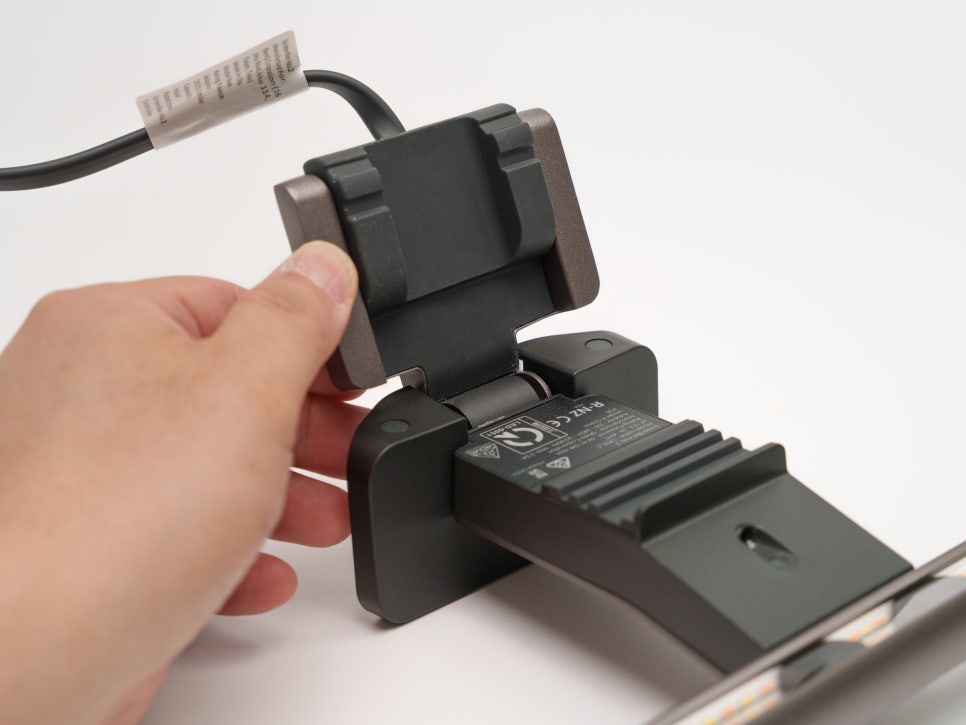
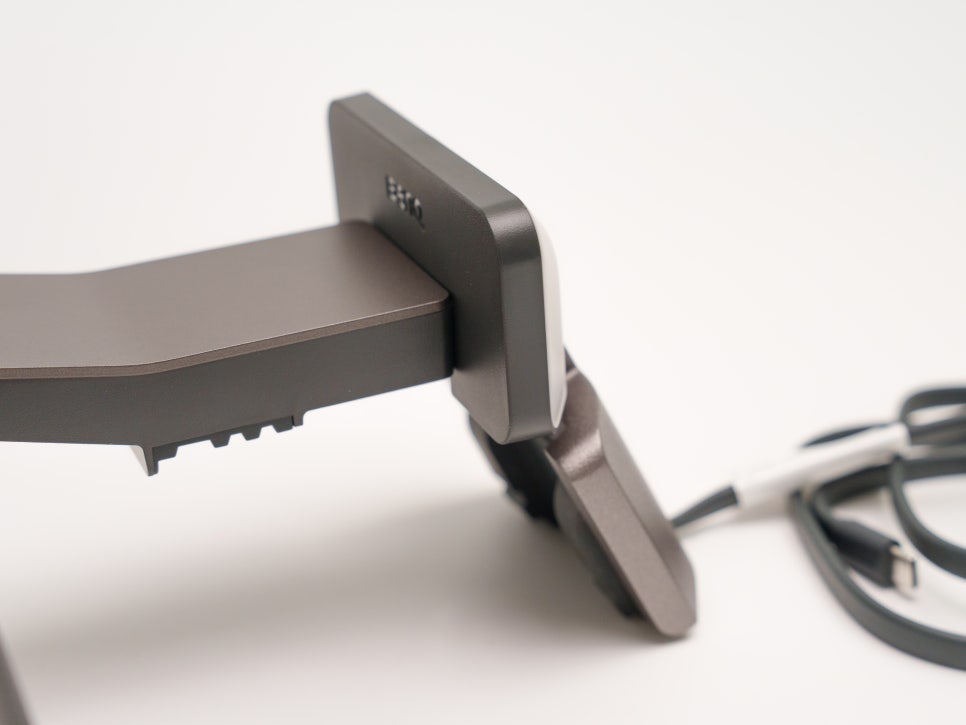
The clamp has also been significantly improved this time. Thanks to the new patented design, it can be securely installed on both flat and curved monitors.
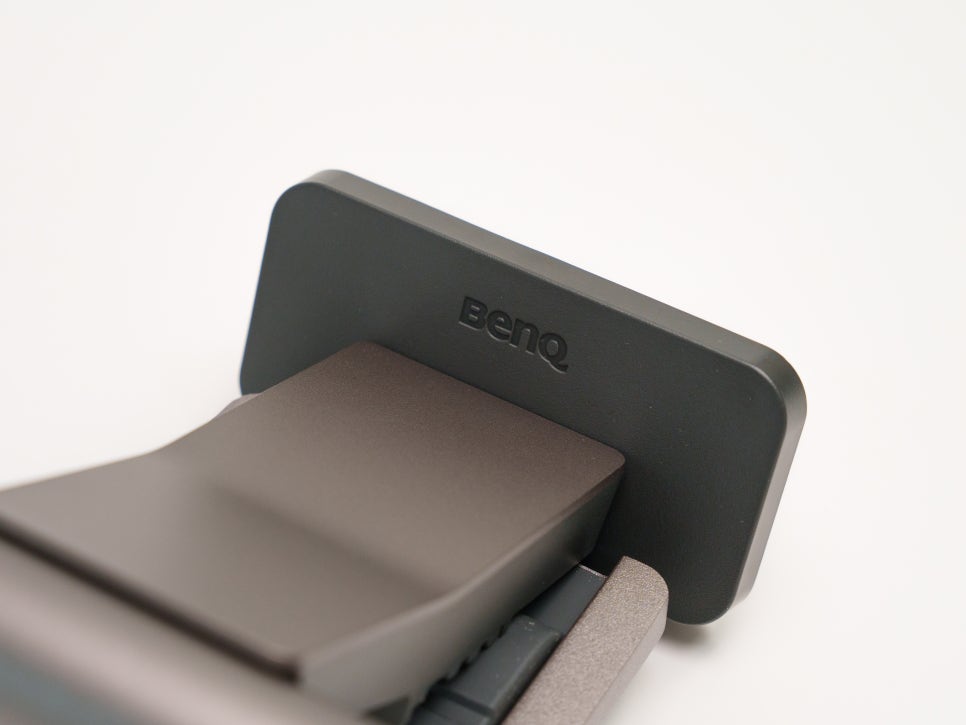
It has passed various durability tests, ensuring stable use without wobbling or slipping, even after long periods of mounting.
Feature Introduction
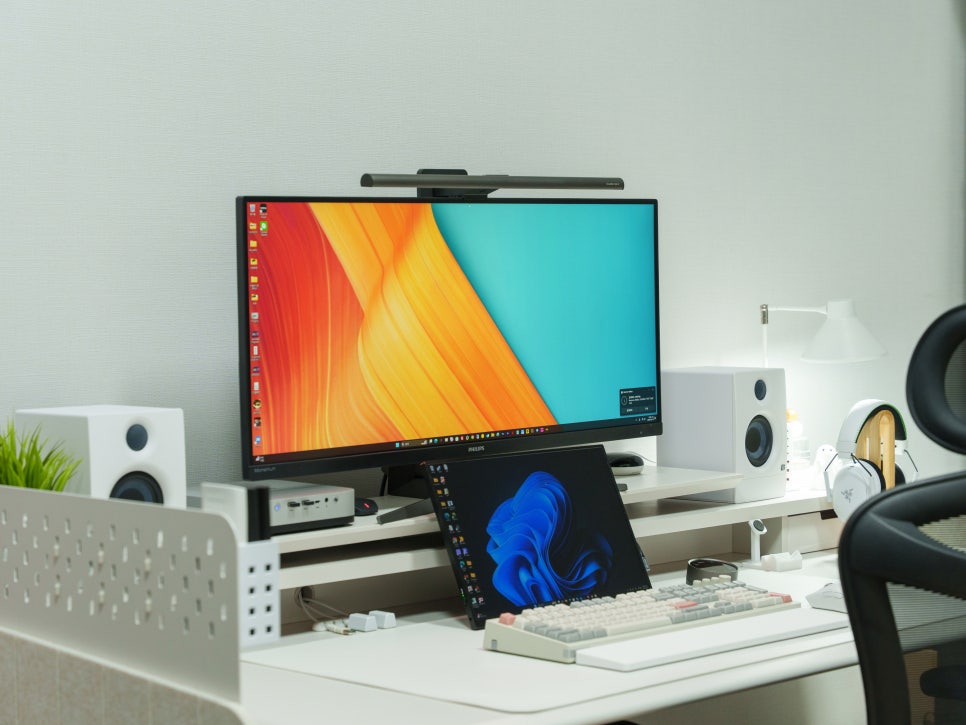

To briefly explain the installation method, simply attach the light bar to the top of the monitor with the clamp and connect the USB-C cable. That’s it. There are no separate parts to assemble, so installation is complete in just one minute.
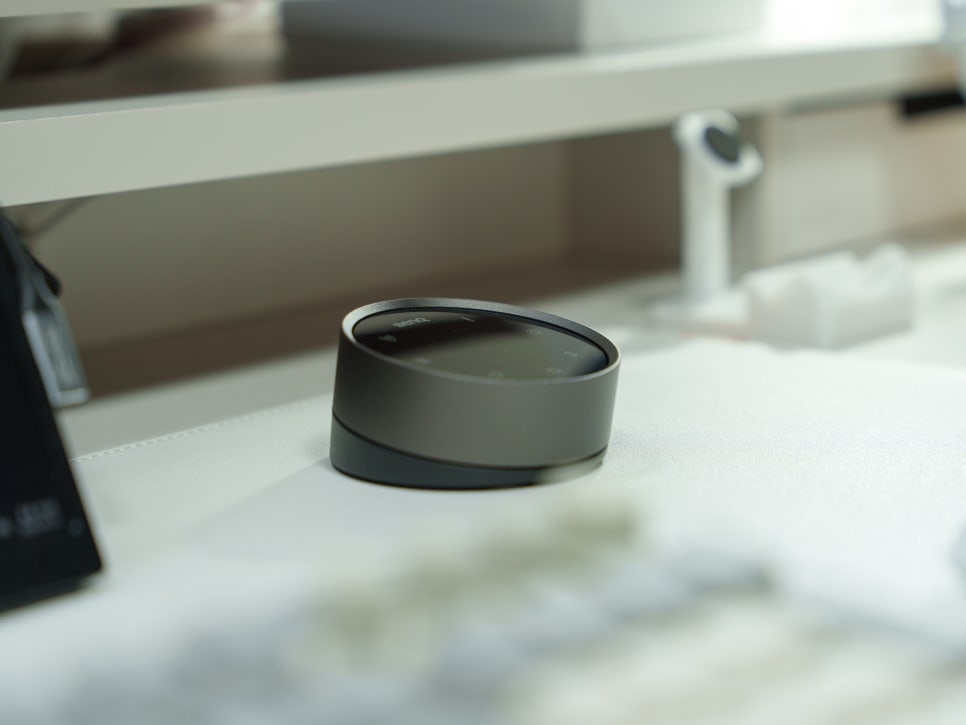

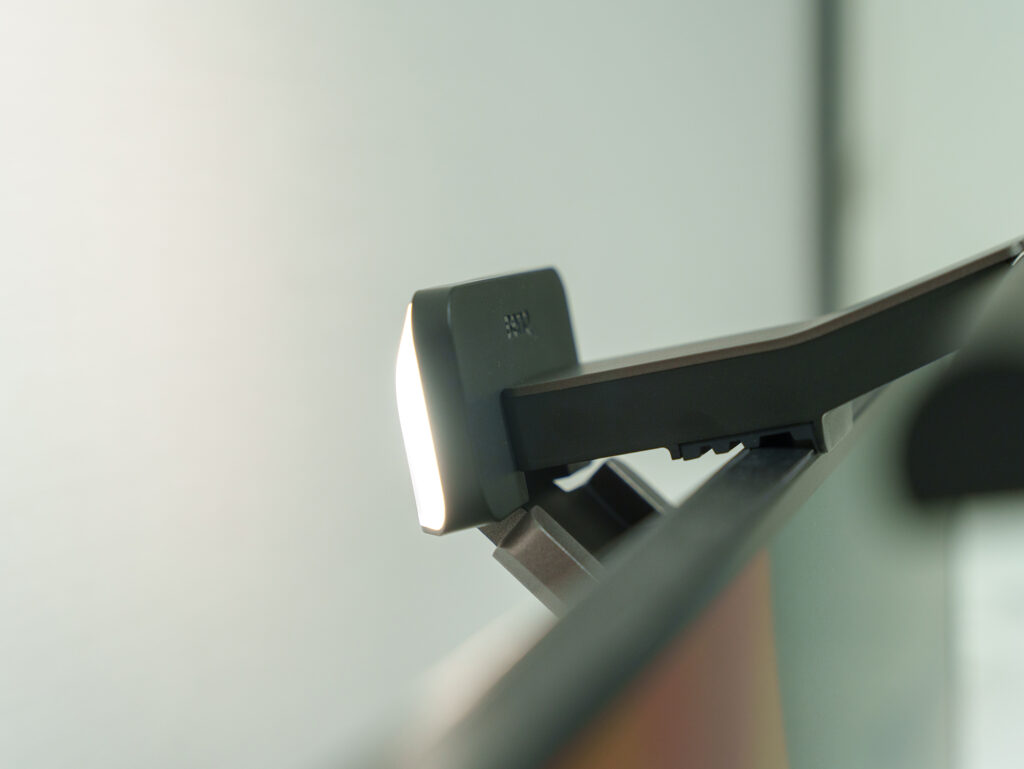
Let’s look at the lighting control features, which are key to monitor lighting. Using the wireless controller, you can control the front and rear lamps independently or simultaneously.

You can use it as workspace lighting by turning on only the front, or create an indirect lighting ambiance by turning on only the back. If you turn on both, you can enjoy both task and ambient lighting at the same time. You can set the brightness of each separately, and the color temperature can be precisely adjusted in 25K increments from 2700K to 6500K, allowing you to freely create a lighting environment that suits your preferences.

The automatic dimming function, explained earlier, operates when you press the ‘A’ button on the left side of the controller. Its built-in sensor detects the ambient brightness in real-time and automatically adjusts to an appropriate illuminance, making it slightly brighter during the day and a bit darker at night. This means users hardly need to adjust it manually.
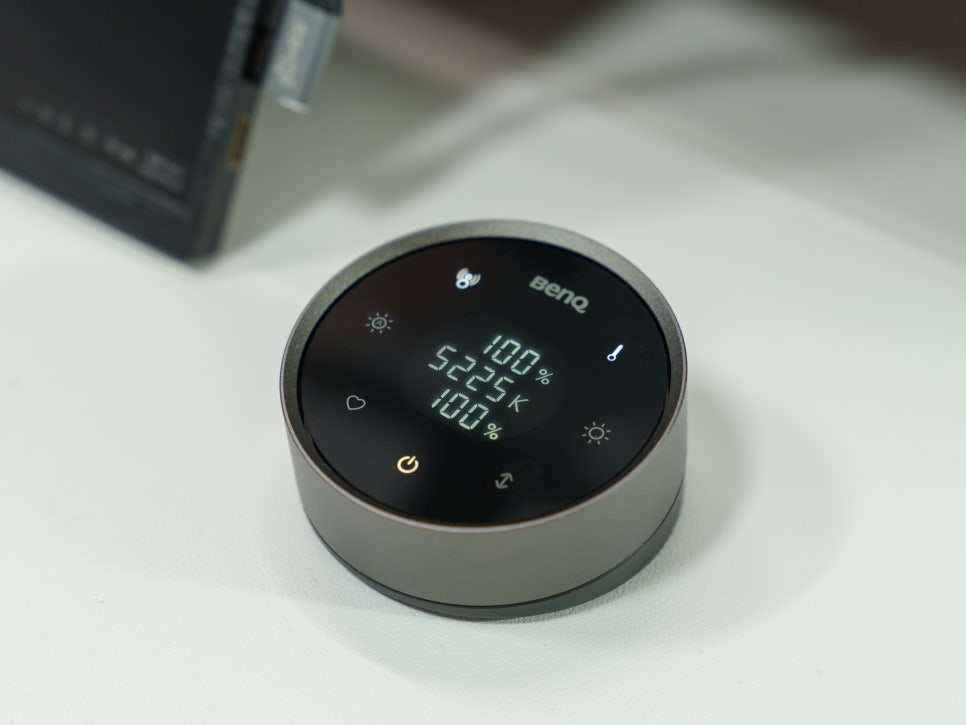
The human-shaped icon directly above the auto-dimming button is for the motion detection function. A position detection sensor, located underneath the light bar itself, detects user movement. When you sit down at your desk, the screen bar automatically turns on, and when you leave, it automatically turns off after 3 to 15 minutes.
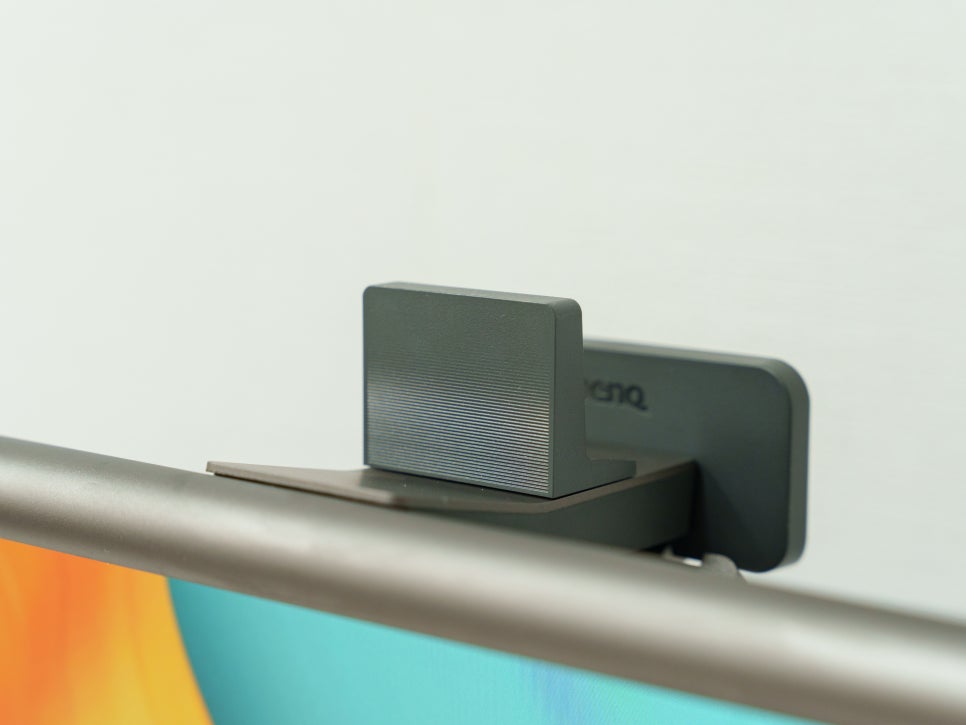
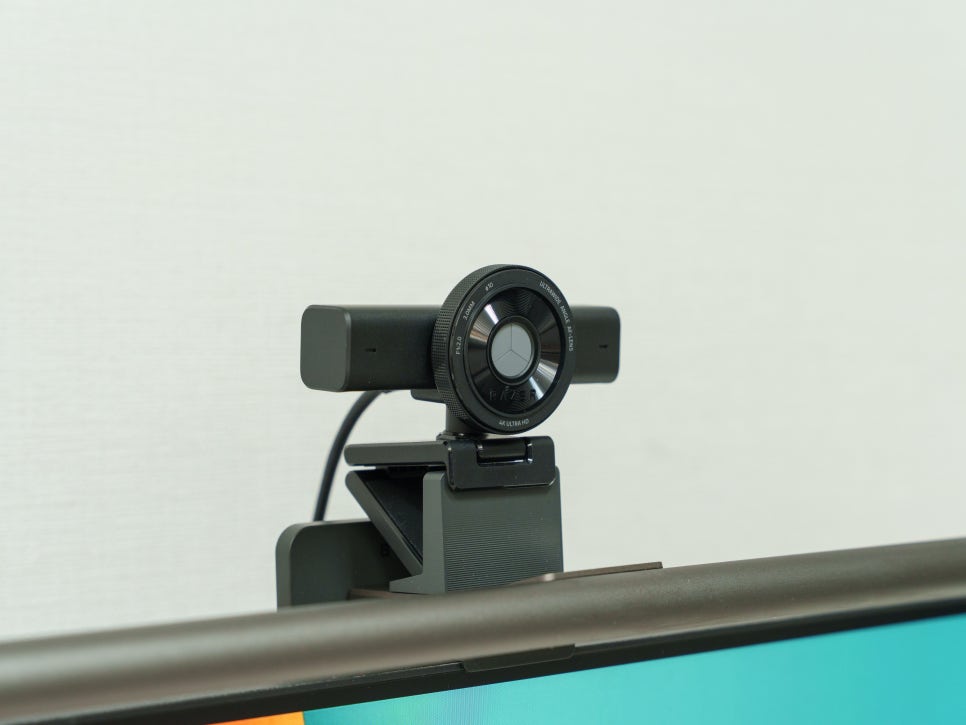
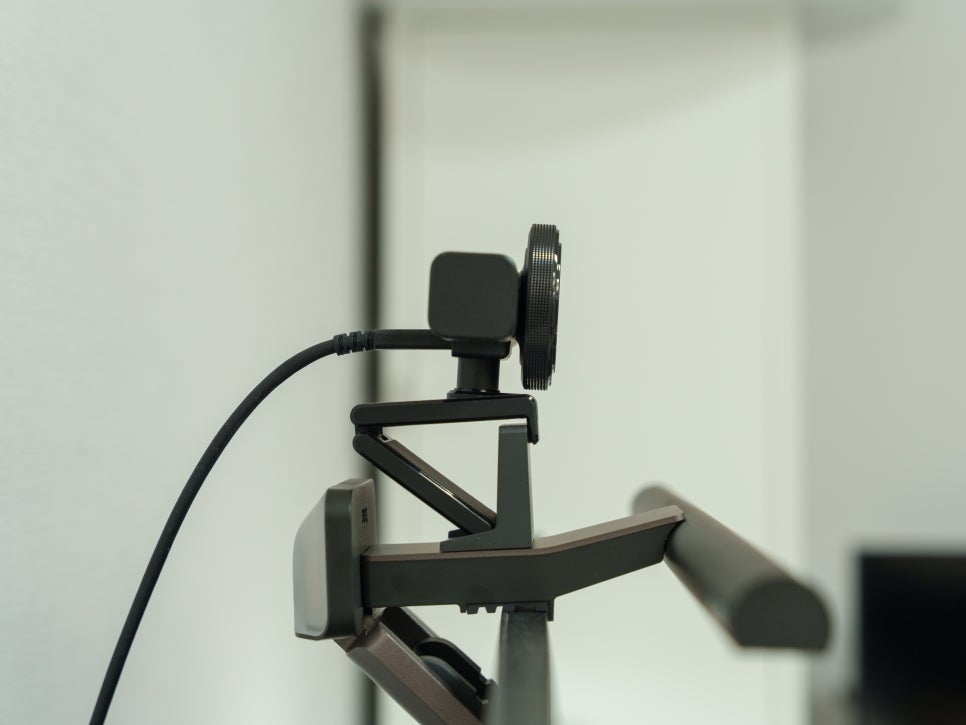
Furthermore, the problem of difficulty in mounting webcams when installing previous monitor light bars has also been resolved. By attaching the included webcam bracket to the top of the light bar, you can stably place your webcam. In an era where video conferencing has become commonplace, I truly appreciate such user-centric design.
Review

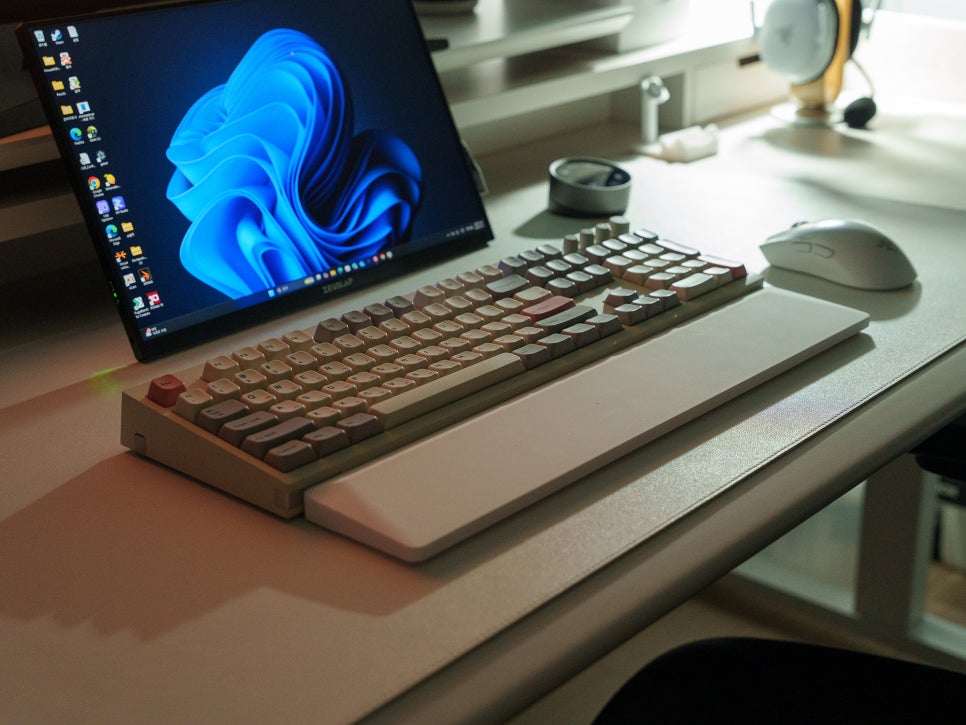
Thinking back to when I used only a regular desk lamp without a light bar, often only the area directly under the lamp was bright, while the keyboard and mouse areas remained dark. Because the light was focused on one side, shadows would sometimes appear when I was viewing documents or typing.
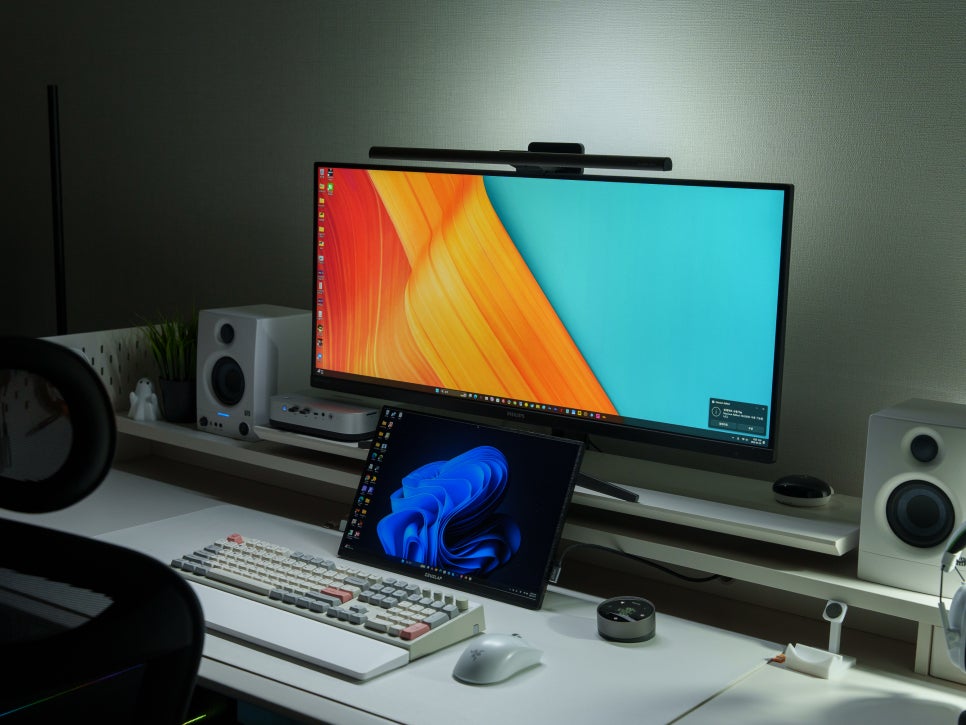
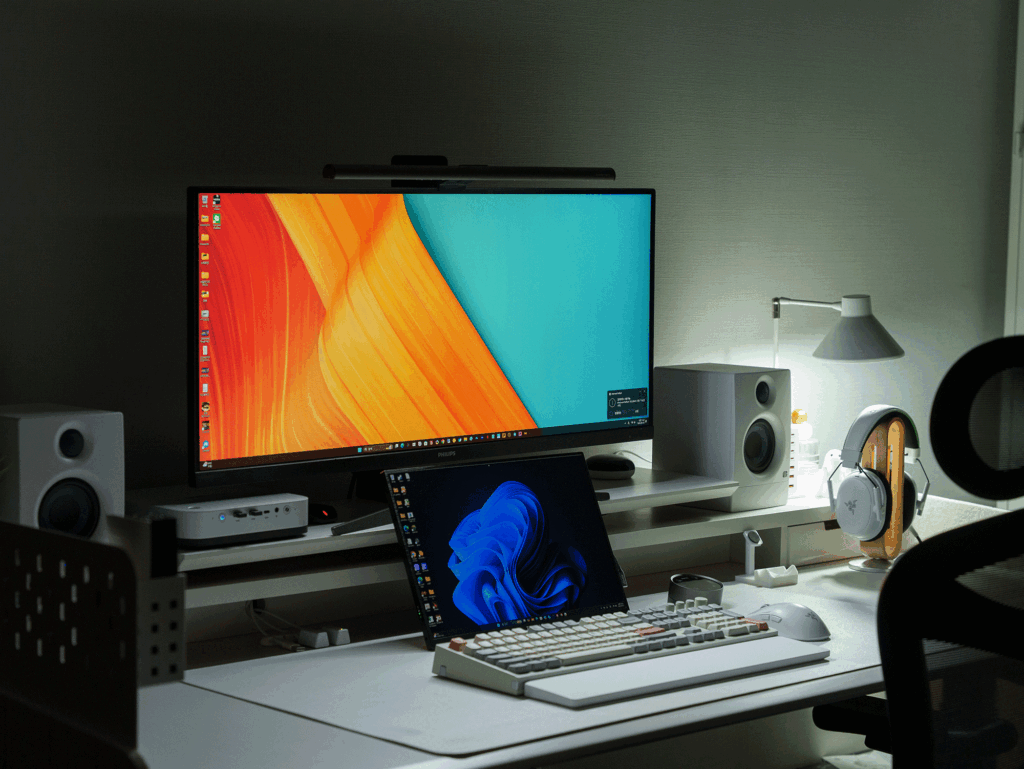
However, after installing the BenQ ScreenBar Halo 2, the front light evenly illuminates the entire workspace on my desk, while the back light subtly brightens the wall behind the monitor, reducing the contrast between the screen brightness and the surrounding environment.
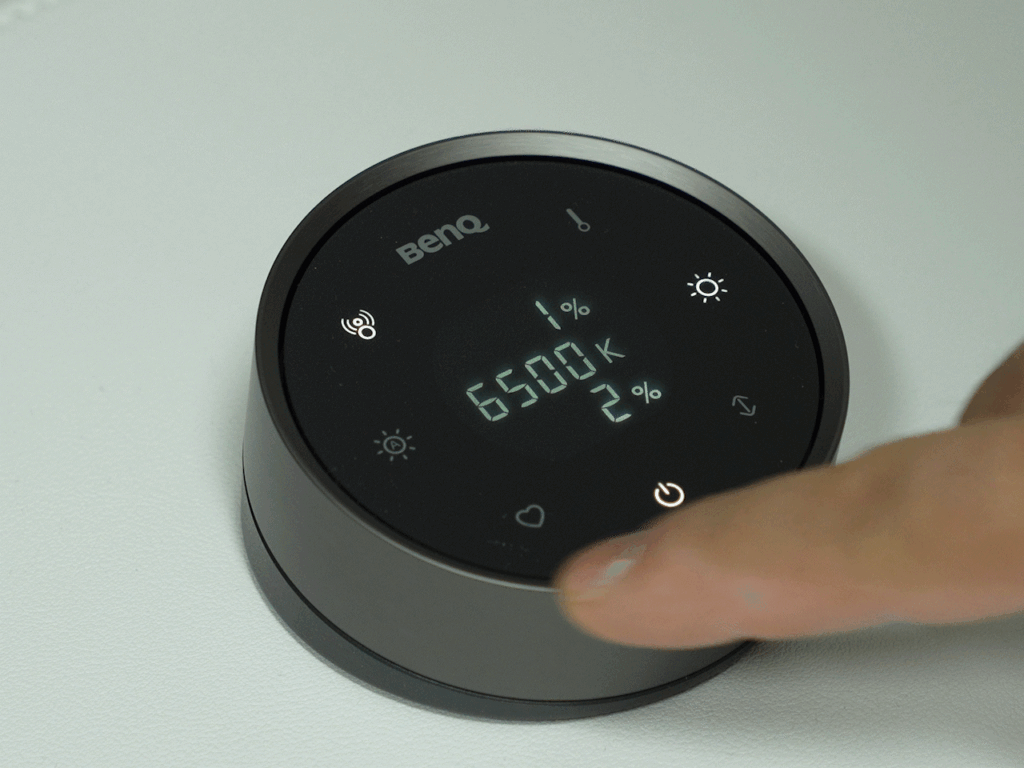
It’s also convenient to be able to quickly change the brightness and color temperature by turning the dial on the wireless controller.
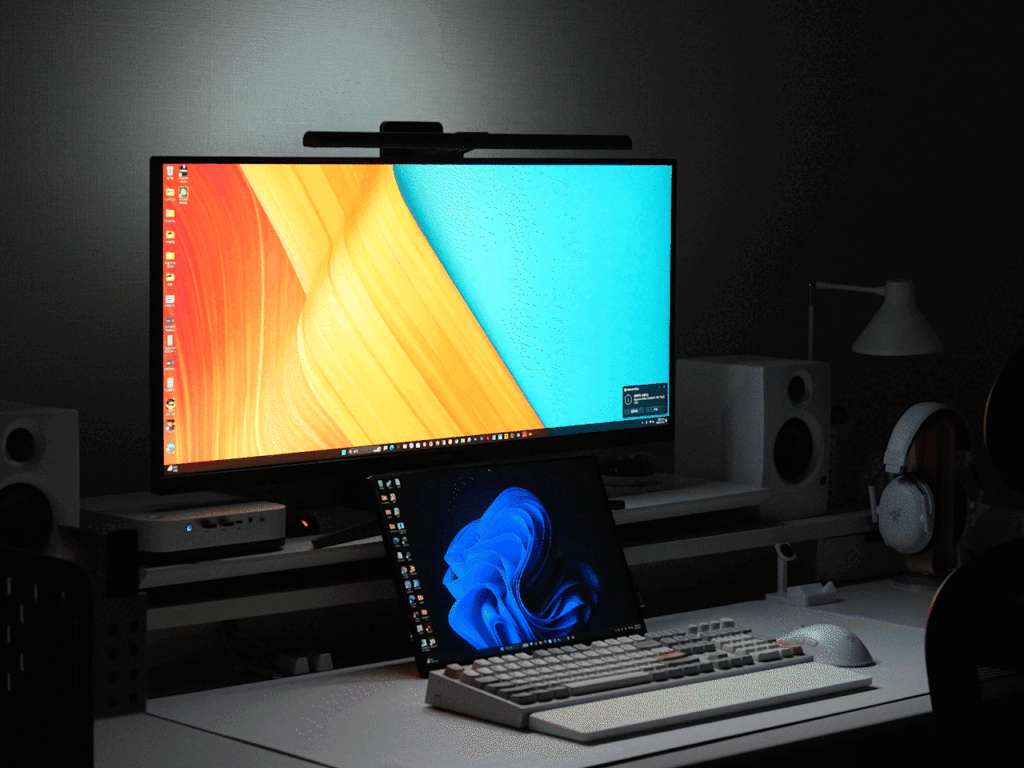
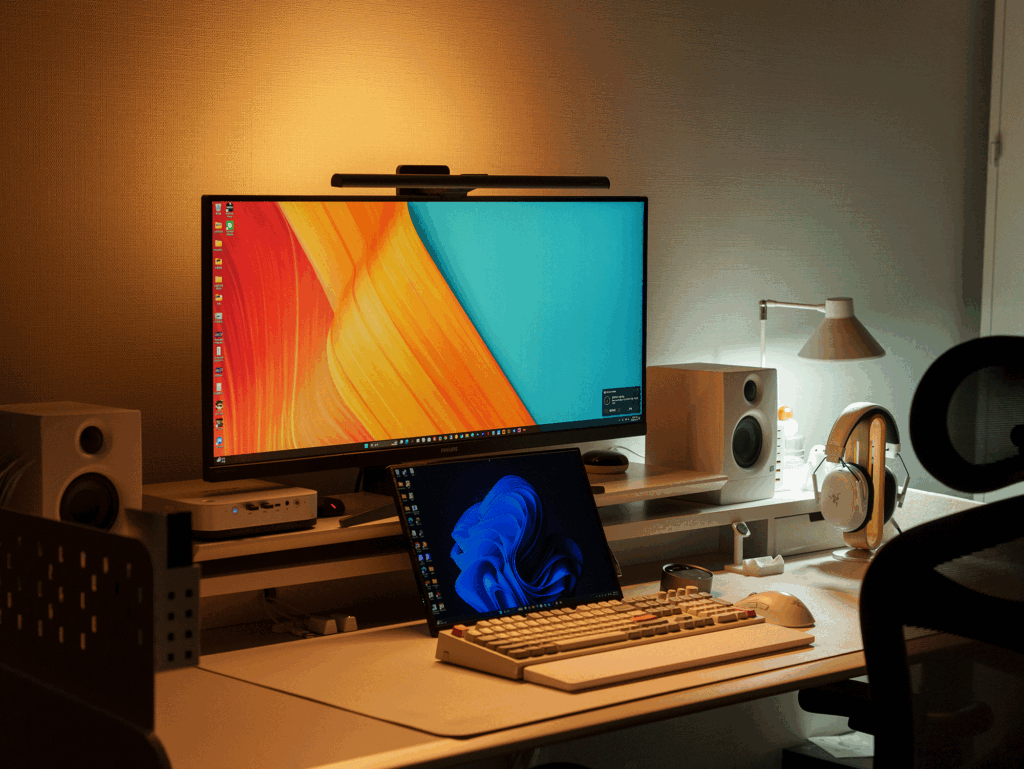
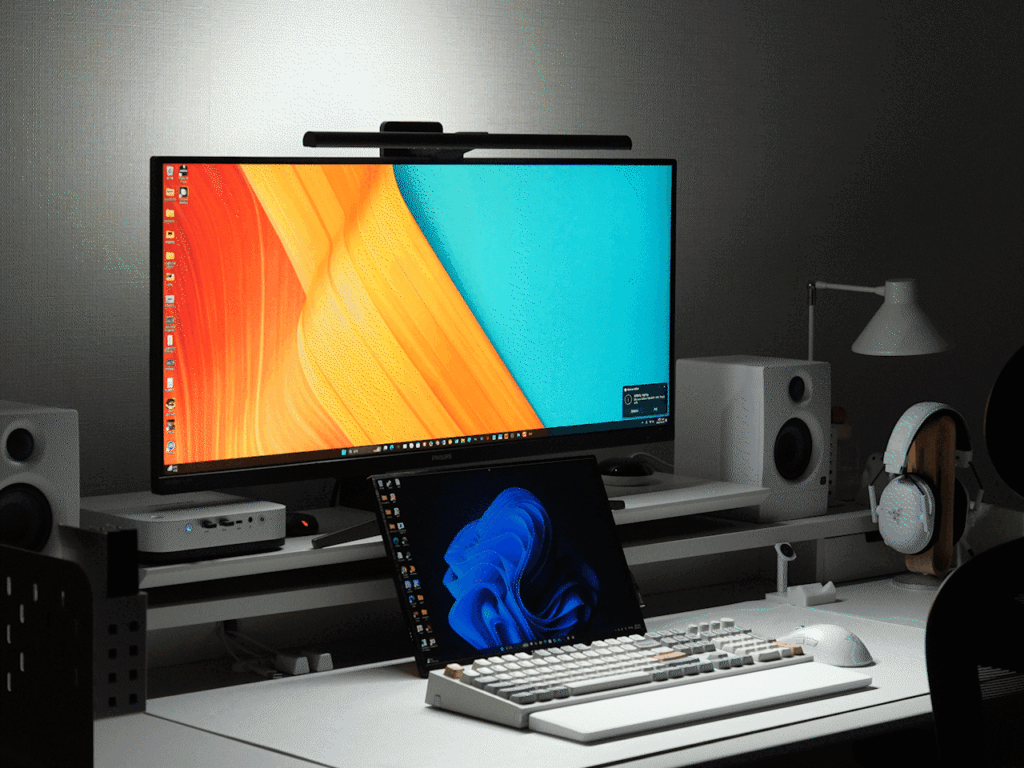
During the day, I use cool light at over 6000K to boost concentration, and in the evening, I switch to warm light around 3000K to give my eyes a rest. Of course, even when I leave it to auto-dimming, it adjusts quite accurately, so I mostly rely on the automatic setting.


Personally, I particularly liked the motion sensing feature. Sometimes I forget to turn off the light when I step away for a moment or go to bed, but the ScreenBar Halo 2 automatically turns off after a set time if I leave my desk, which is incredibly convenient. And when I return and sit down, it automatically turns back on.
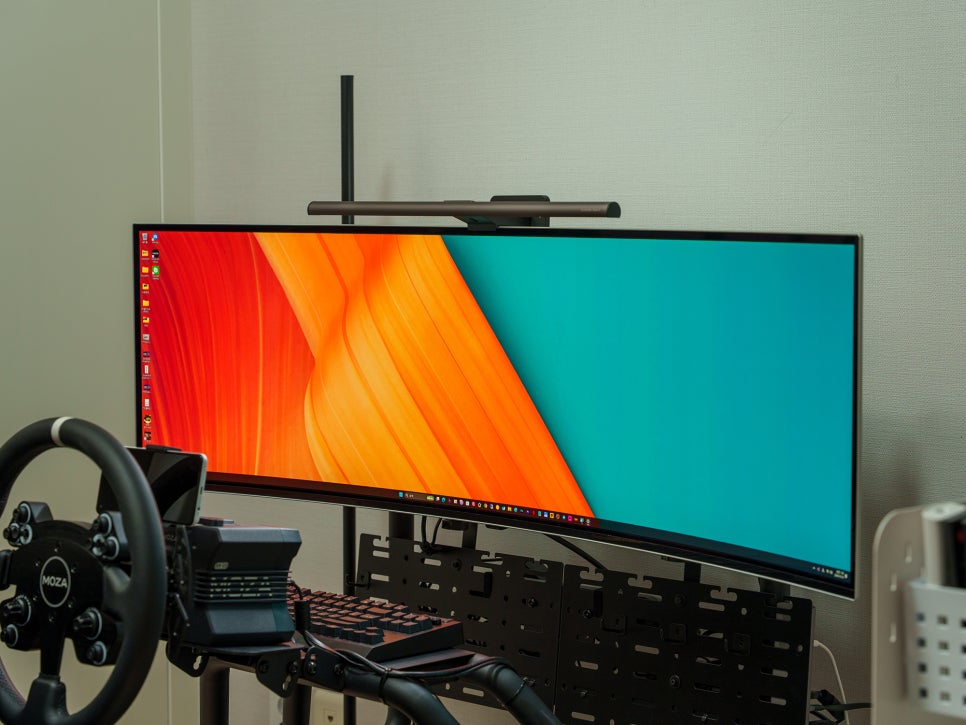
While it’s great for a PC work environment, I personally use it by installing a monitor light in my racing cockpit. Many people probably turn off the room lights for immersion when playing sim racing or other games.
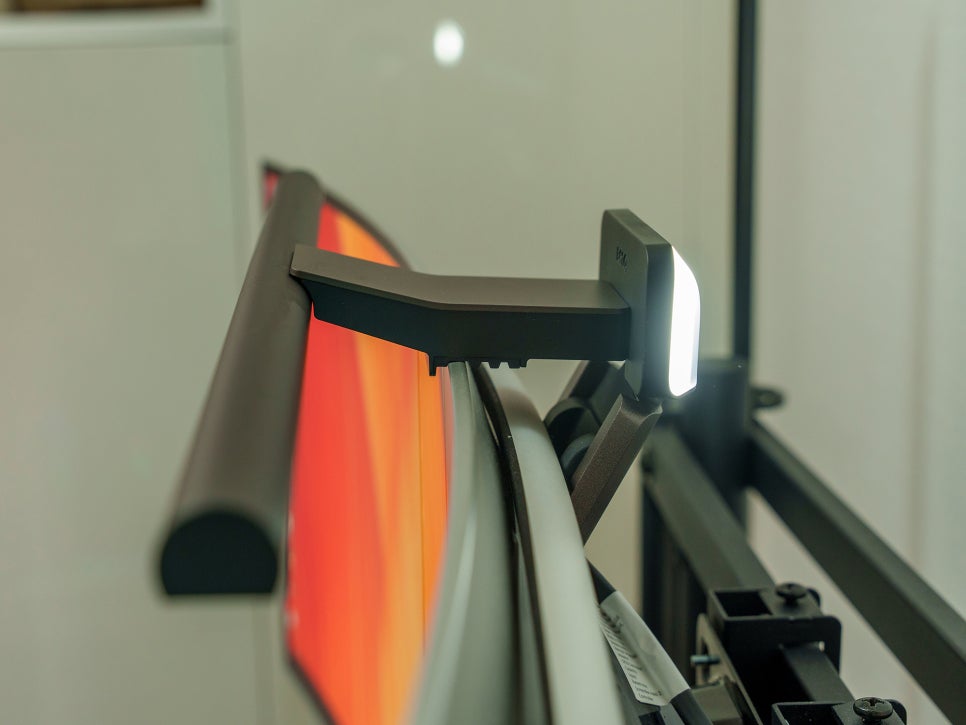
In such cases, you often rely on touch for keyboard or controller buttons, or on the keyboard’s built-in LED backlight. However, the darker the ambient light, the greater the contrast with a bright monitor, which isn’t good for eye health. The BenQ ScreenBar Halo 2 neatly solves this problem.
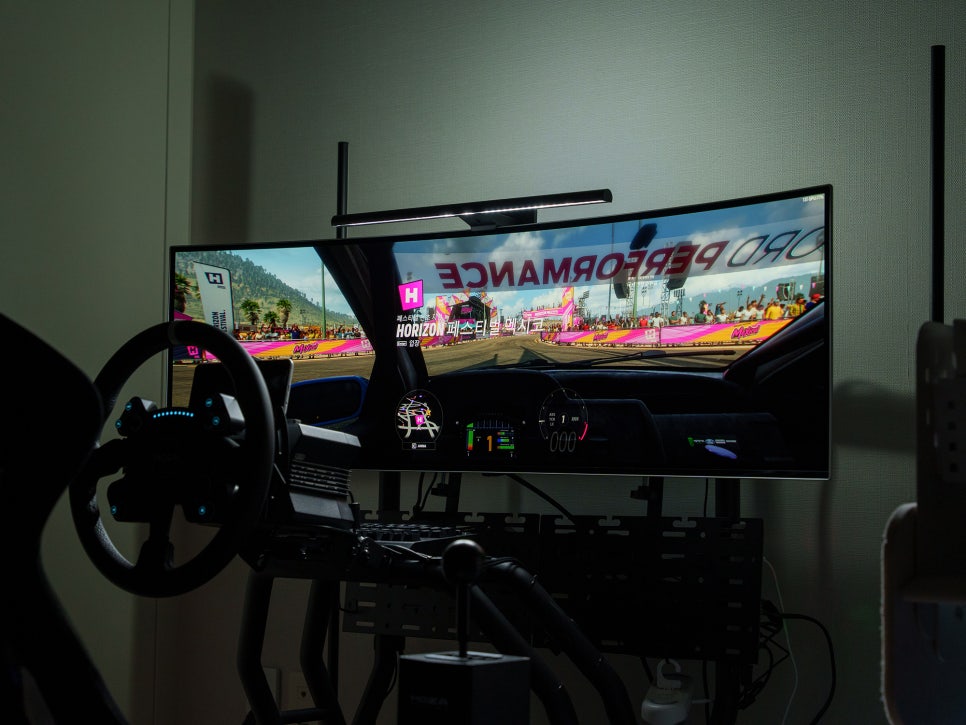
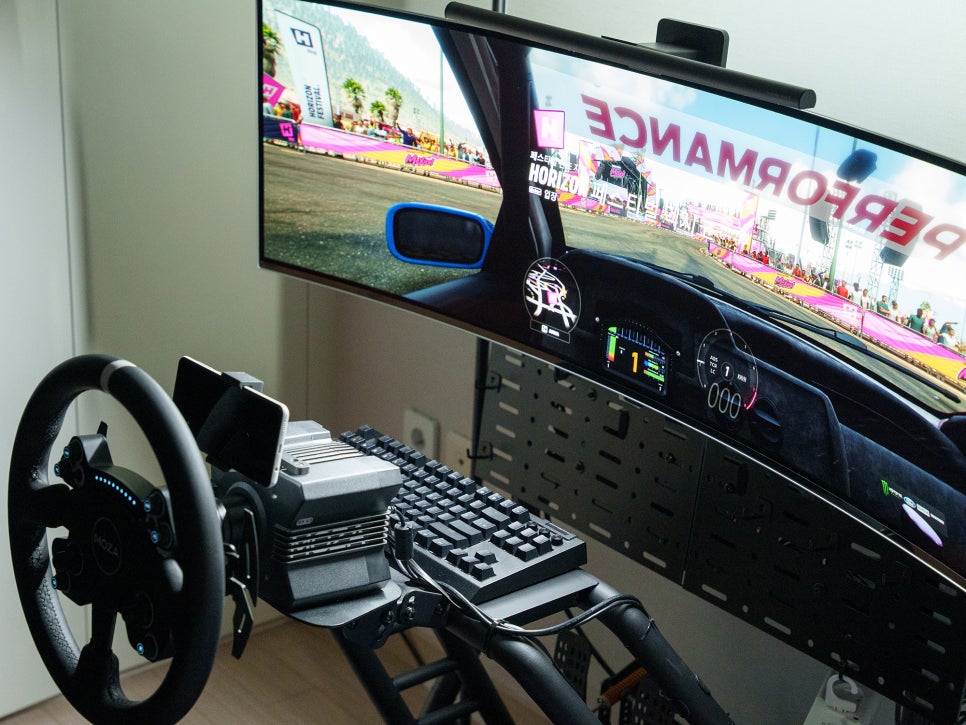
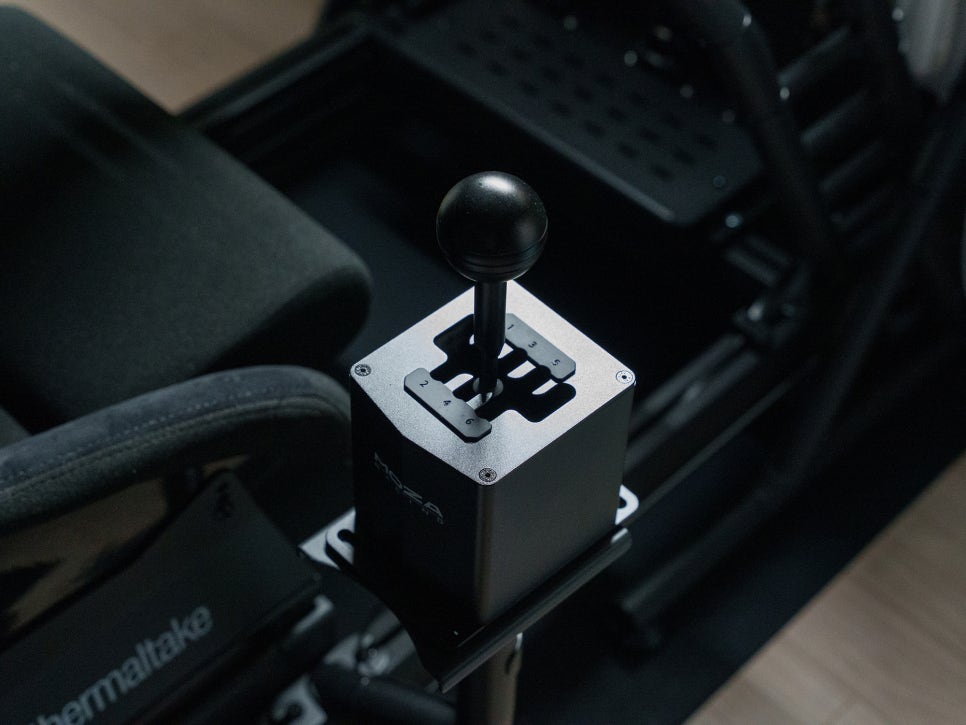
If you install the light bar in your cockpit, the front light subtly illuminates the controller and button panel, making it easy to distinguish each button.
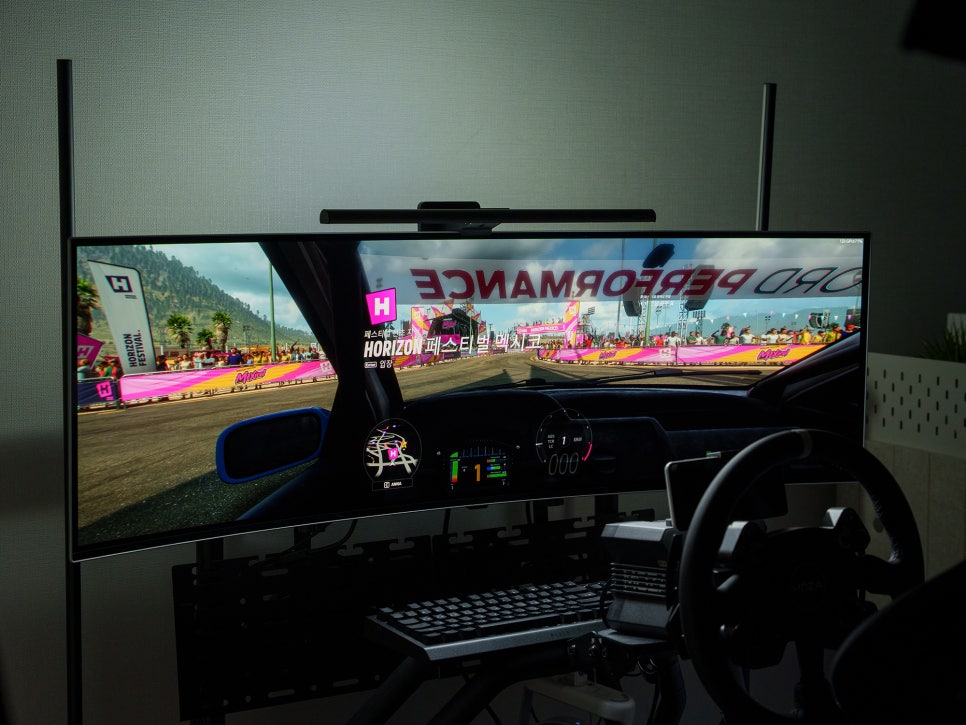
If you also turn on the rear lighting, you can maintain a pleasant ambiance where the entire room isn’t too dark, preserving immersion while also taking care of your eye health. I think this is a worthwhile use case for gamers to consider.
Concluding the review
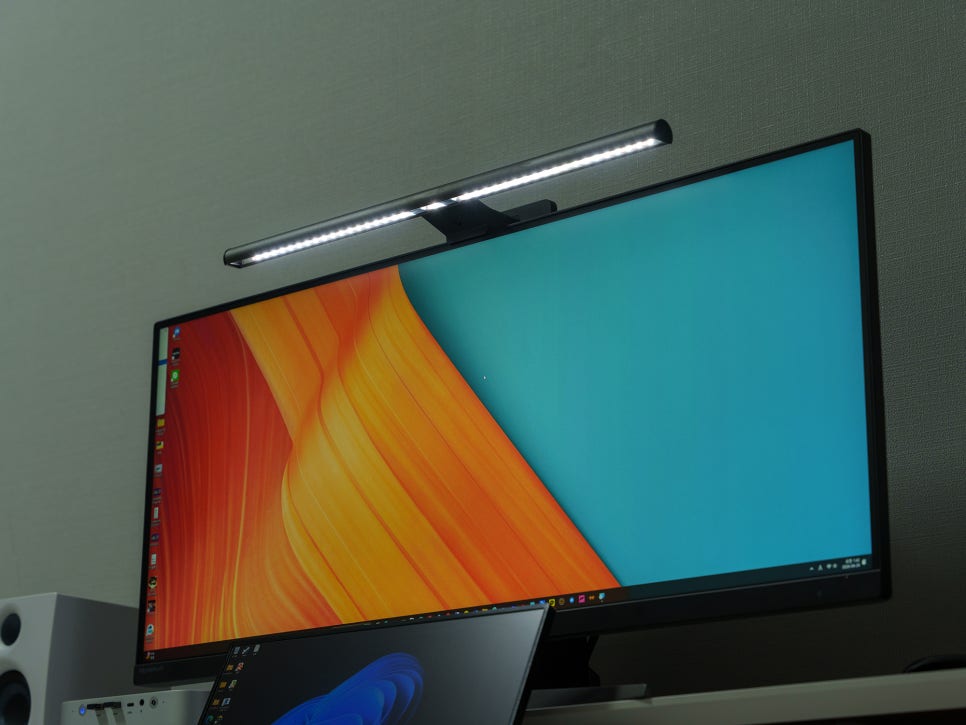
If you had to summarize the BenQ ScreenBar Halo 2 in one phrase, it’s the ultimate monitor light. As a product that encapsulates the expertise of BenQ, the company that created the world’s first monitor-specific light in 2017, it boasts patented triple-curve backlighting and full-spectrum LEDs. These features reduce contrast while reproducing light close to natural daylight, and with an Rf value exceeding 96, its color accuracy is professional-grade.
The wireless controller completely resolves the biggest inconvenience of the previous generation with its intuitive operation and settings displayed clearly at a glance. Its attractive 3-month battery life also allows you to maintain a clean desk setup without the hassle of wires.
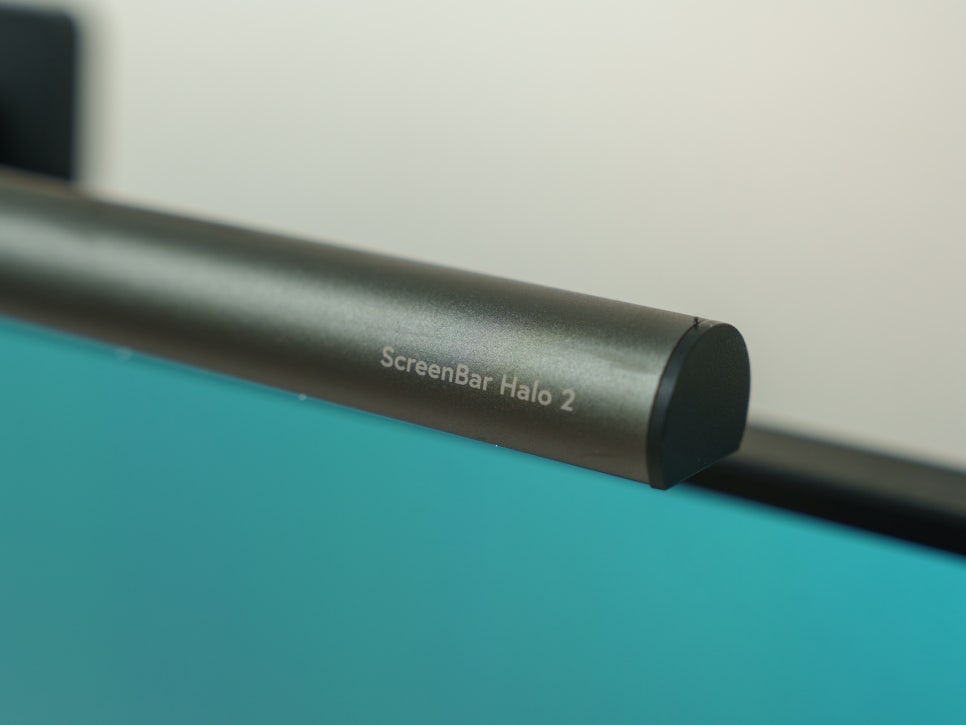
For office workers, students, and gamers who spend long hours in front of a monitor, eye health is not an option, but a necessity. After personally experiencing how much a single light bar can transform a work environment, I can’t help but wonder why I didn’t start using it sooner.
Whether you are considering a monitor light for the first time or looking to upgrade from an existing light bar, I believe the BenQ ScreenBar Halo 2 will be a highly satisfying choice.
Buy Product
As an Amazon Associate I earn from qualifying purhases.
Purchase Product : https://amzn.to/3OoHDHu