
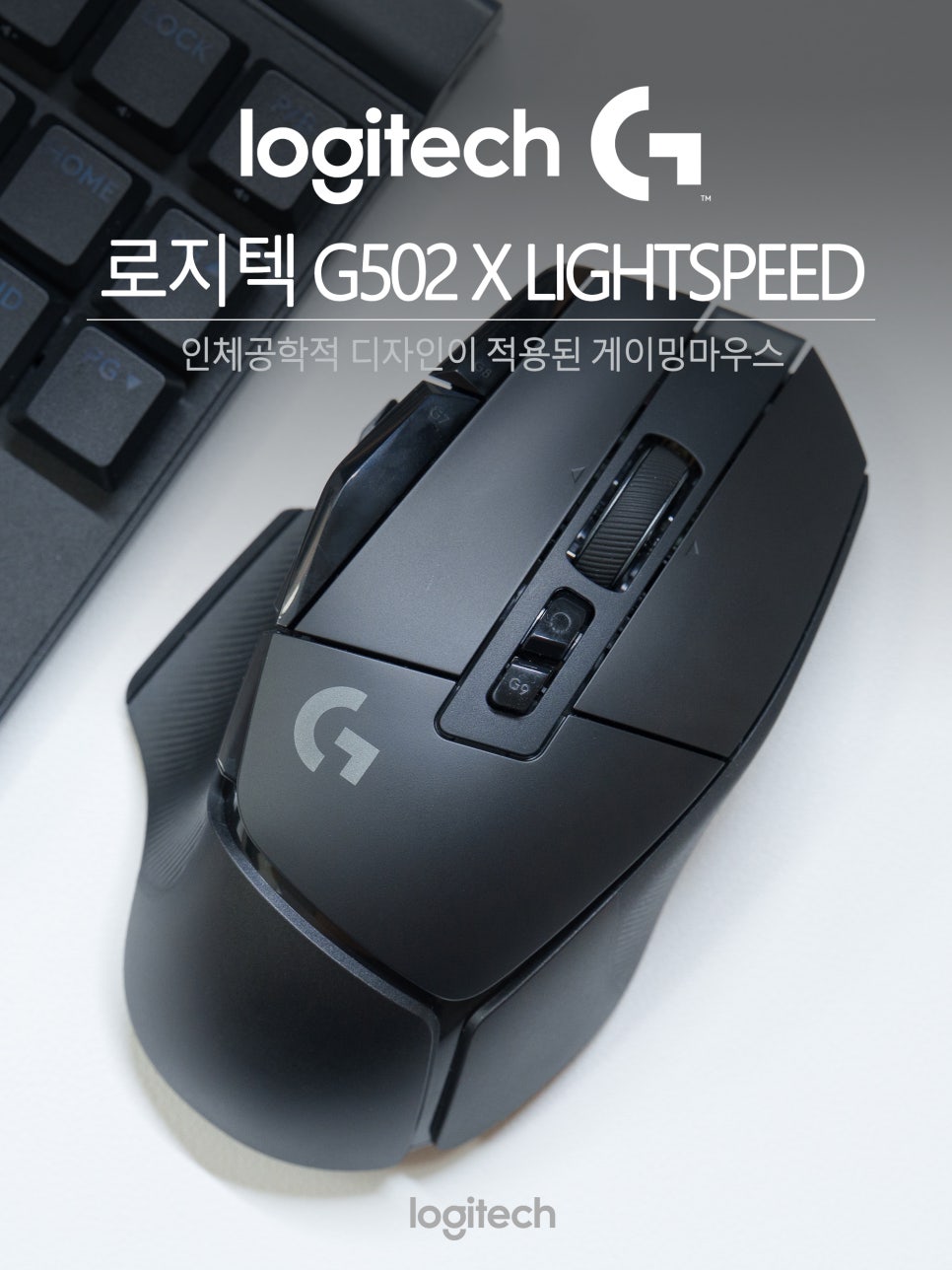
When choosing a gaming mouse, there’s a name you’ll naturally encounter at some point: the Logitech G502 series. This lineup gained popularity through word-of-mouth due to its numerous buttons and ergonomic design upon its initial release, consistently receiving love from gamers both domestically and internationally. The Logitech G502 X LIGHTSPEED is the product that inherits this legacy and has been completely redesigned.
What sets this product apart from the existing series is not only its performance but also its newly changed wireless technology and switch structure. Despite quite some time having passed since its release, it remains one of the bestsellers that consistently appears on recommended lists for wireless gaming mice.
Particularly noteworthy are its 13 programmable buttons. For those who frequently manipulate inventory in games like PUBG, or who need multiple skill and item shortcuts in MMORPGs, the ability to handle these with a single button is a huge advantage.
Now, let’s take a look at the Logitech G502 X LIGHTSPEED.
Specifications and Components
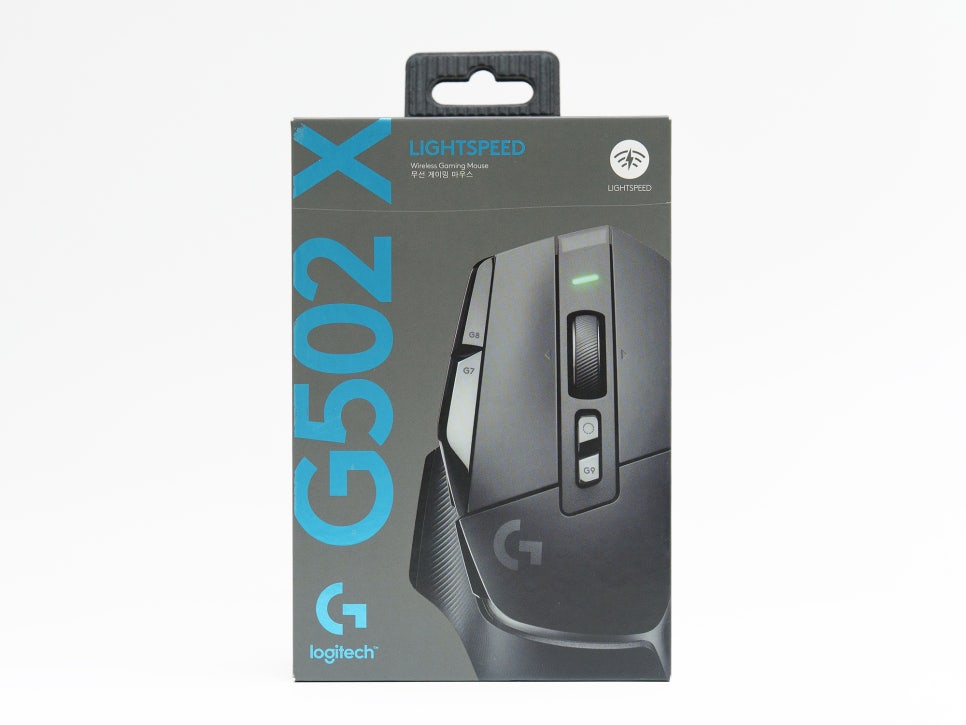
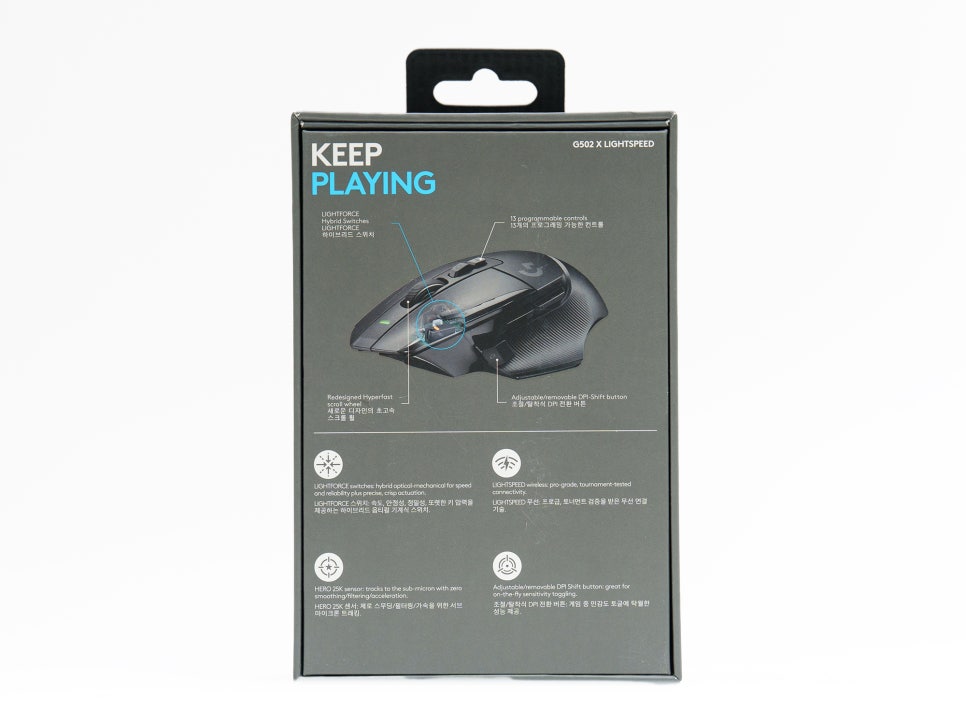
Key Specifications
Product Name : Logitech G502 X LIGHTSPEED
Color : Black, White
Connectivity : LIGHTSPEED Wireless (2.4GHz)
Sensor : HERO 25K
DPI Range : 100 ~ 25,600 DPI
Number of Buttons : 13 (11 programmable)
Switches : LIGHTFORCE Hybrid Optical-Mechanical
Weight : 102g
Battery : Up to 140 hours
Other : POWERPLAY compatible (sold separately)
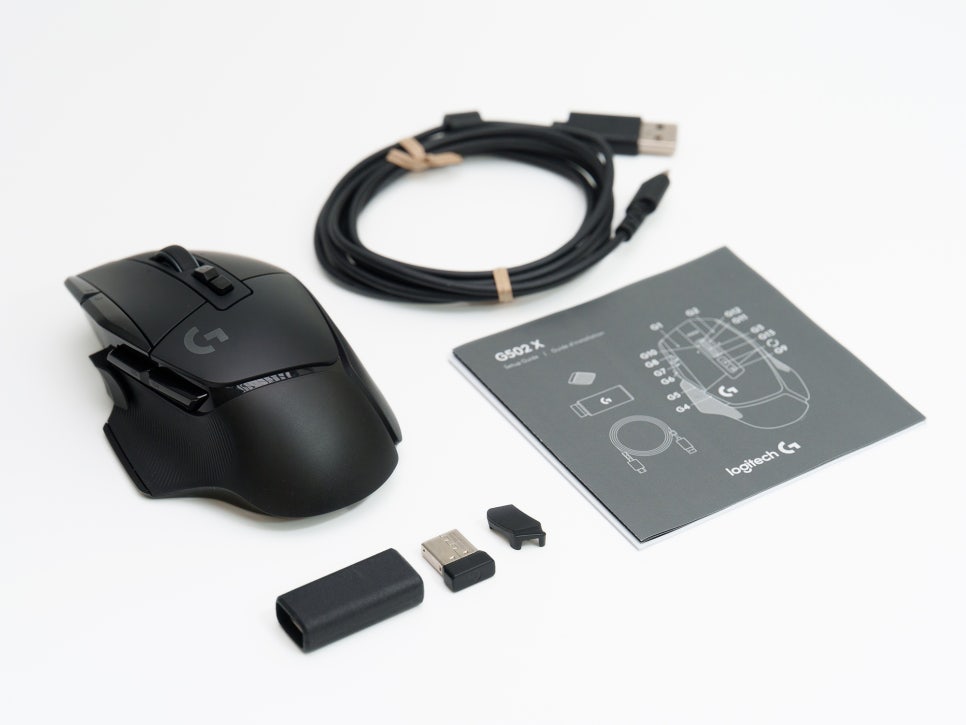
Opening the box reveals the mouse body, a USB-C charging cable, and a 2.4GHz LIGHTSPEED wireless receiver (USB dongle).
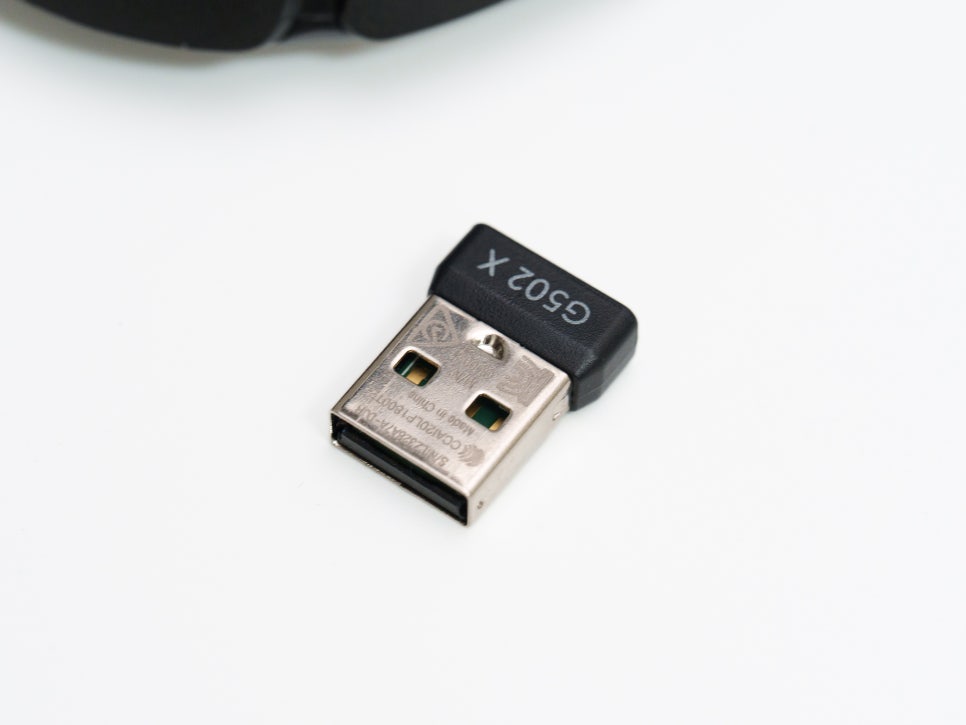
The dongle can be stored in a dedicated compartment on the bottom of the mouse, so there’s no need to worry about losing it while on the go. A separate DPI shift button cover is included, allowing for a clean finish if the button is not used.
Appearance and Grip
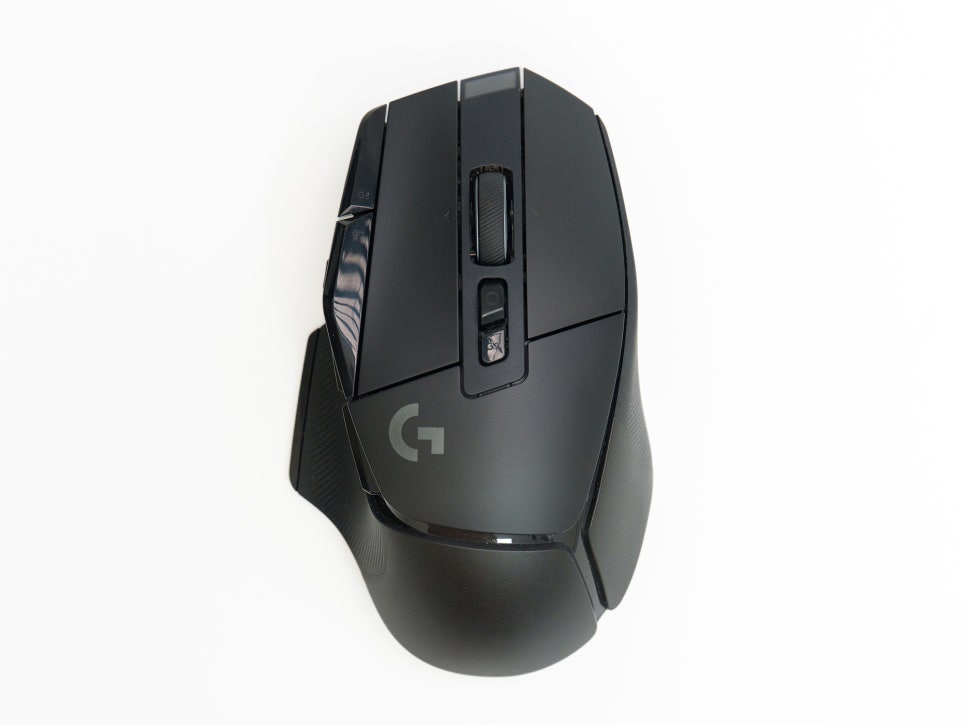
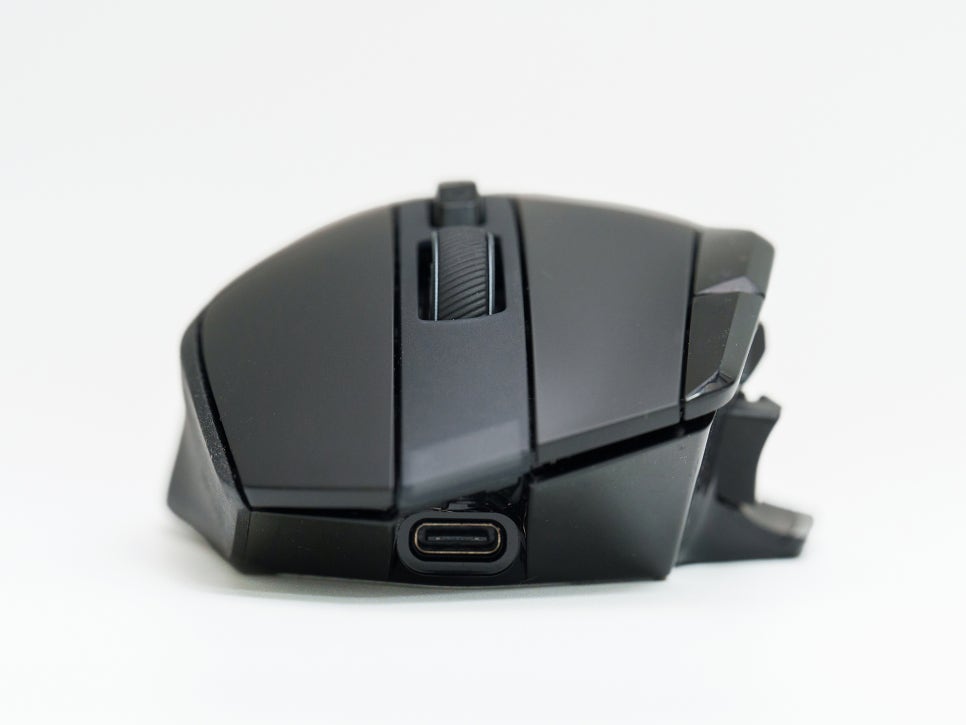
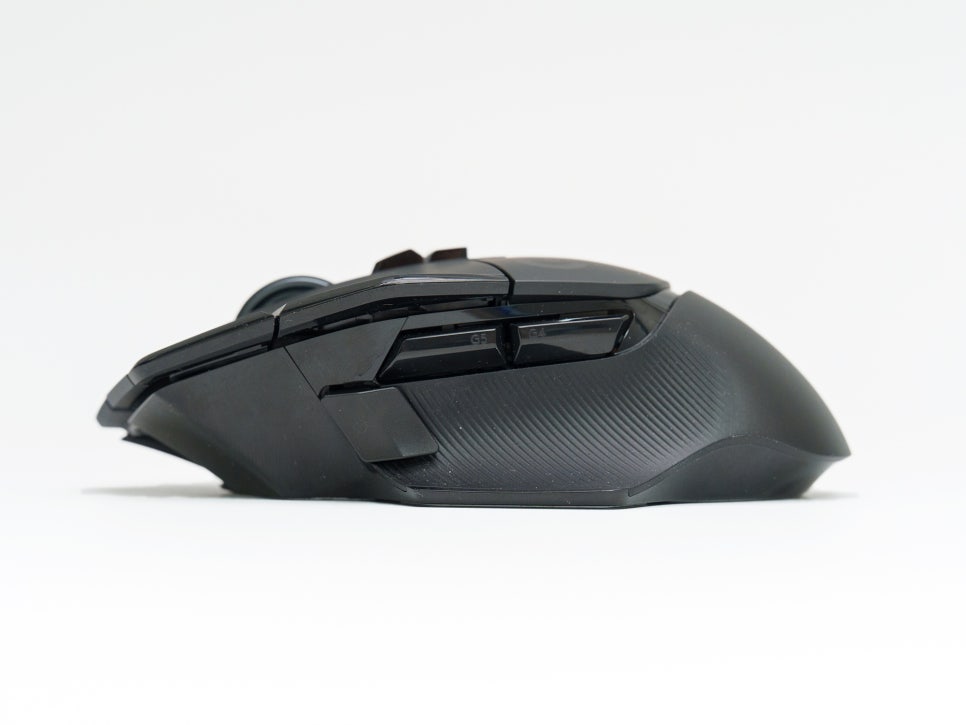
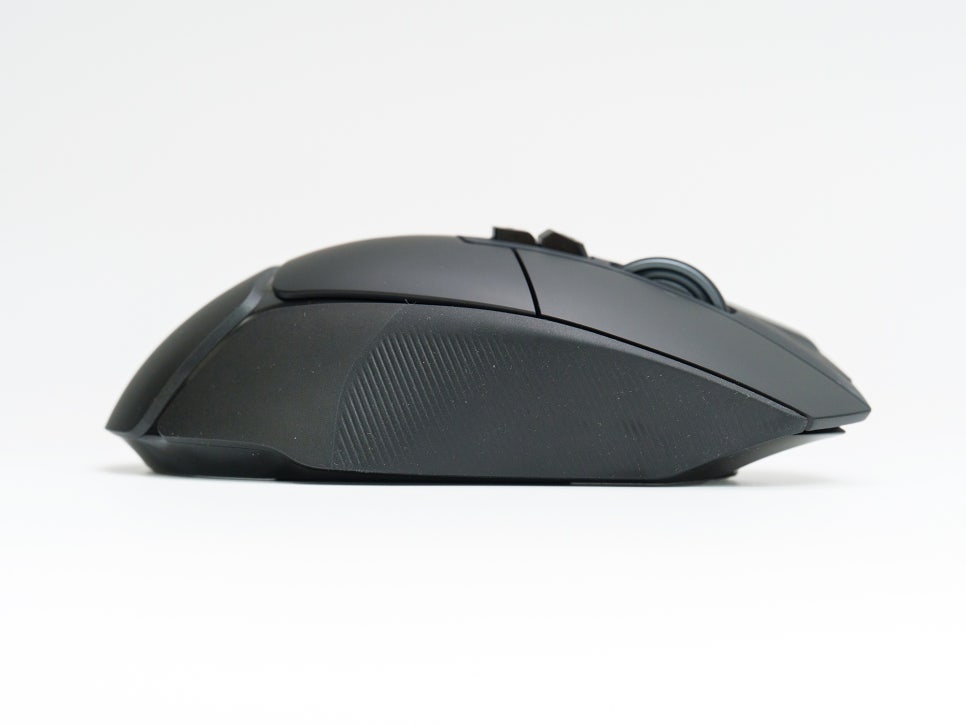
The Logitech G502 X LIGHTSPEED features an ergonomic, asymmetrical design exclusively for right-handed users. It is optimized for a palm grip, where the entire hand rests on the mouse, and users with larger hands will find it even more stable. The thumb area on the side provides a wide resting space, allowing the entire hand to rest naturally even during long periods of use.
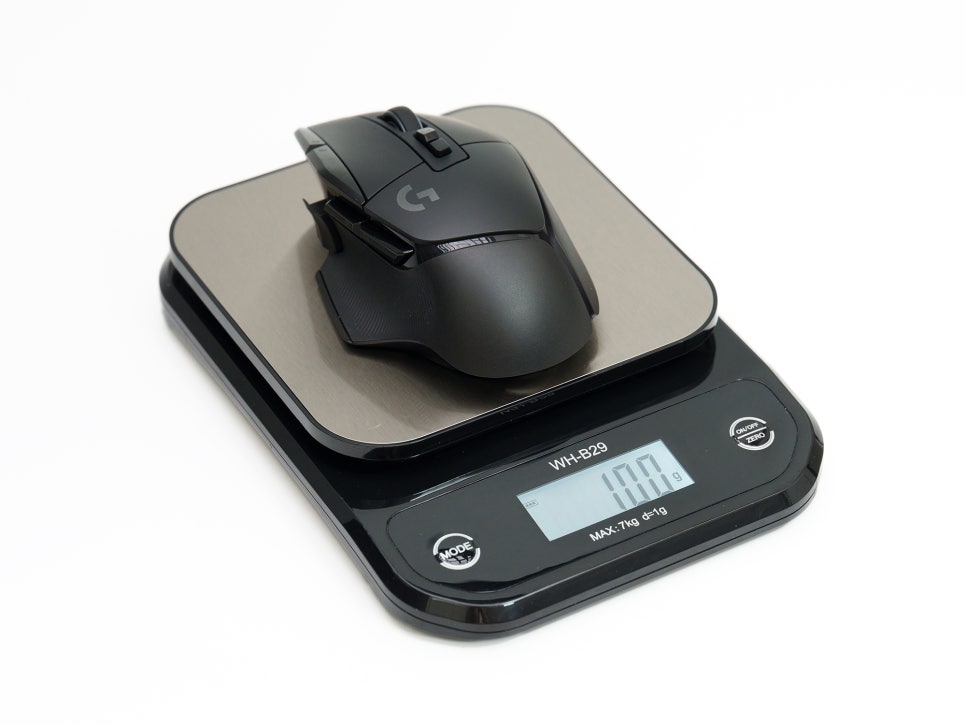
Weighing in at 102g, it might seem heavy compared to recently released ultralight mice that are in the 40-60g range. However, considering the hardware and number of buttons the G502 X LIGHTSPEED packs, 102g is an acceptable weight. Unless you frequently lift your mouse quickly, like in Valorant, this weight won’t be a significant issue.
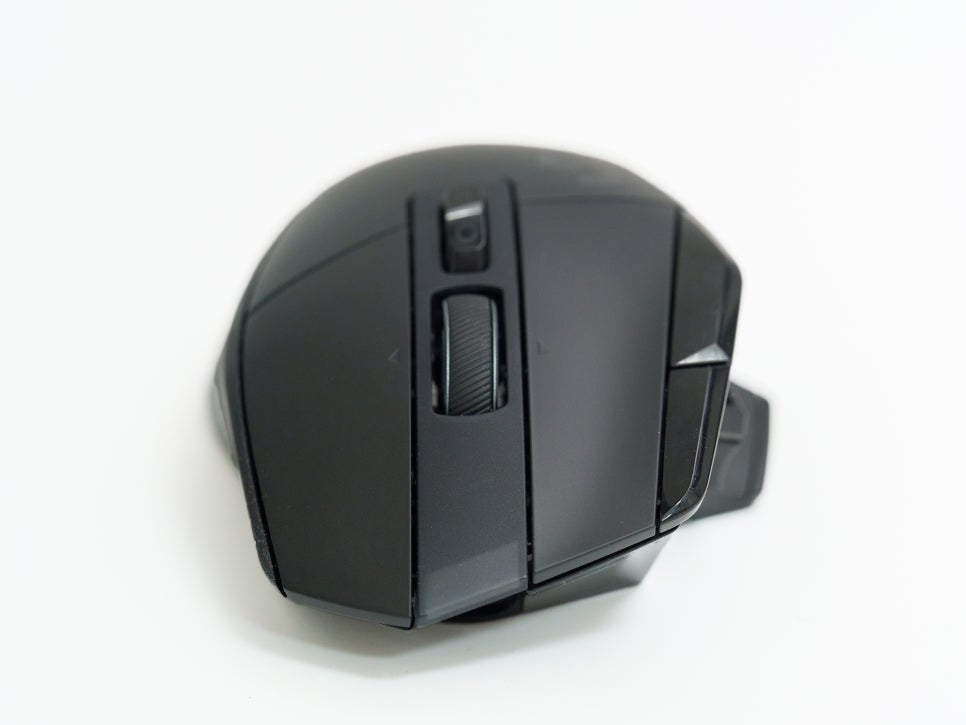
The G502 X LIGHTSPEED’s most defining feature is undoubtedly its extensive button layout. Let’s take a look at the position and function of each button. First, there are the basic left and right-click buttons. They are equipped with LIGHTFORCE switches, enhancing speed and stability.
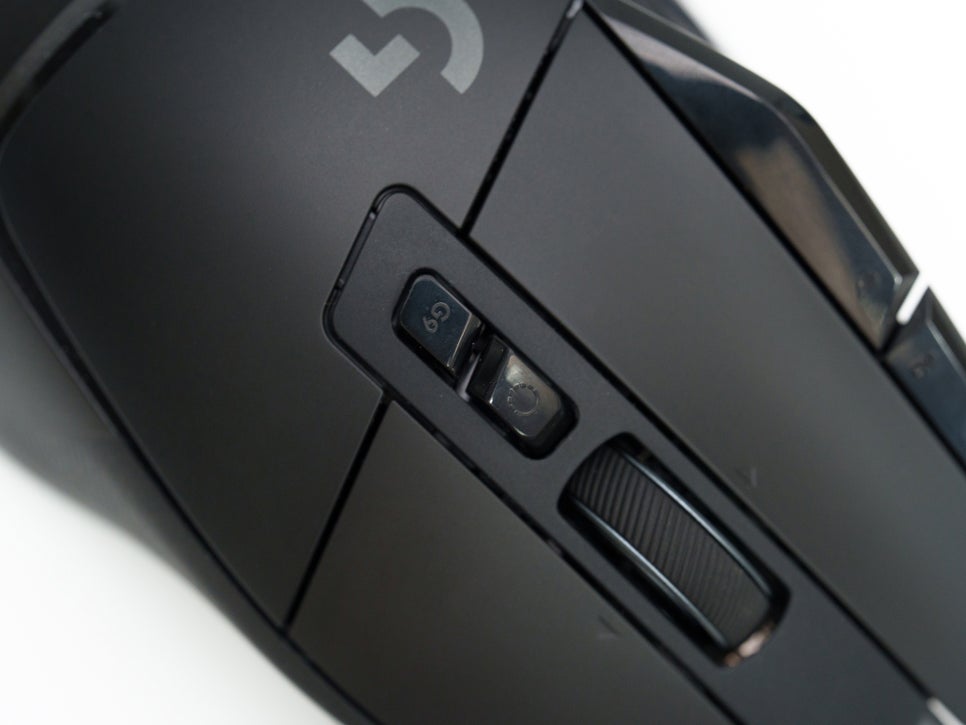
The scroll wheel is a 4D scroll wheel, allowing for four-directional input (up, down, left, right). The button located directly below the scroll wheel is the scroll mode switch button. It toggles between the clicky, ratcheted mode and the hyper-fast mode for infinite scrolling. And directly below that is the profile switch button, allowing you to switch between stored onboard profiles.
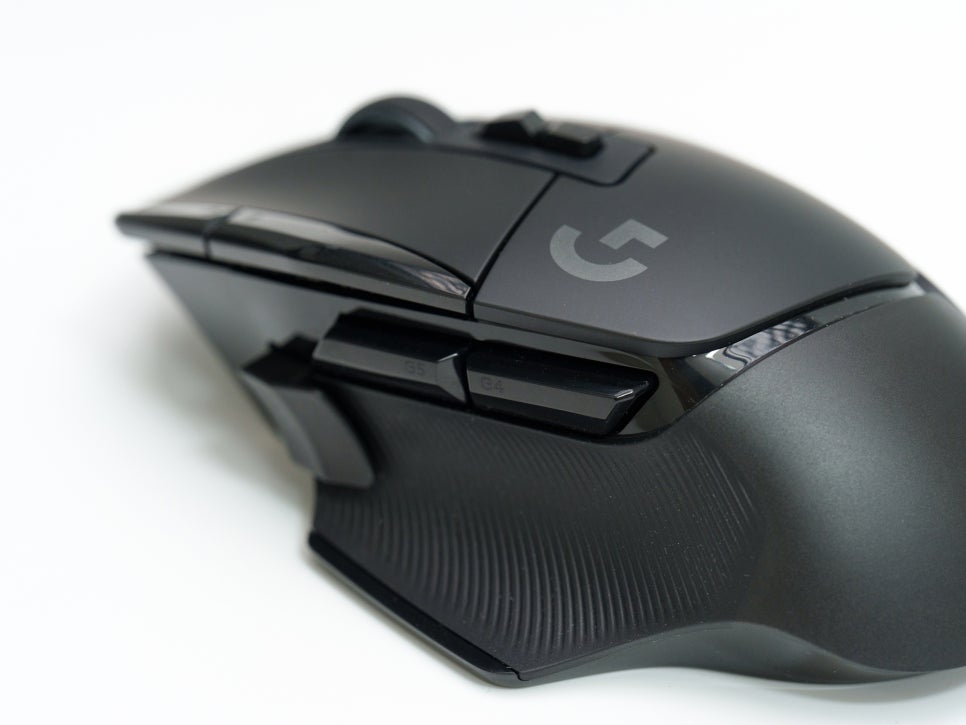
On the side, there are forward and back buttons. These two buttons are located above the thumb rest and are typically assigned to navigate forward/backward in a browser.
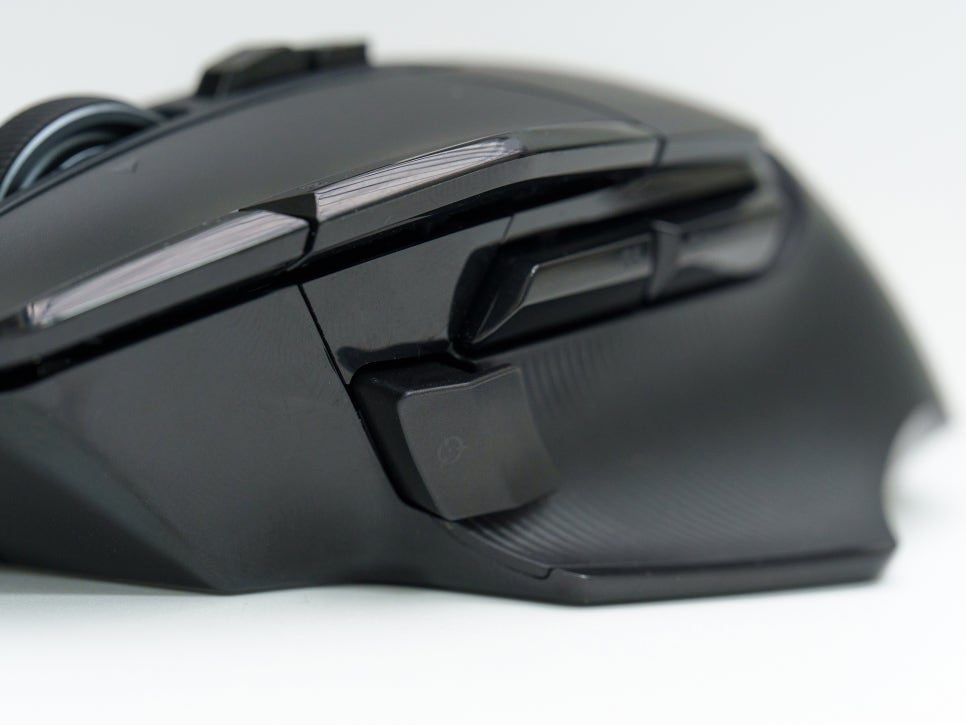
And the DPI Shift button momentarily switches to a pre-set DPI value while the button is held down. This is very useful for lowering sensitivity when sniping in FPS games.

The two buttons next to the left-click button are the DPI up and DPI down buttons, allowing for immediate DPI changes during gameplay. These buttons can be fully customized with G HUB software.
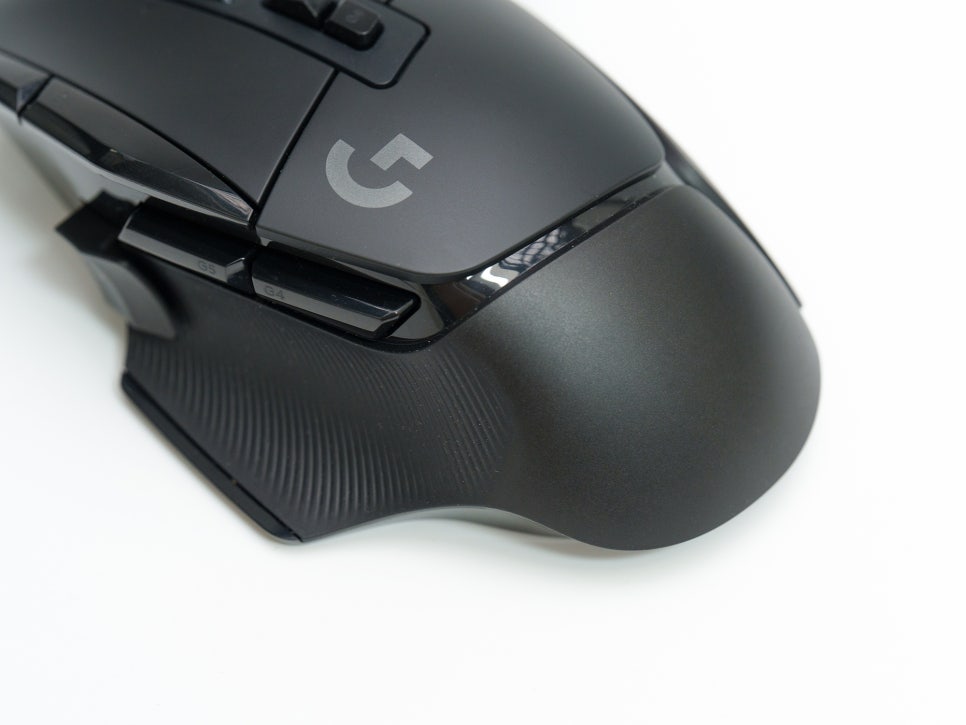
On both sides of the mouse, there are rubber grips that prevent the mouse from slipping, even if your hands sweat during gameplay.
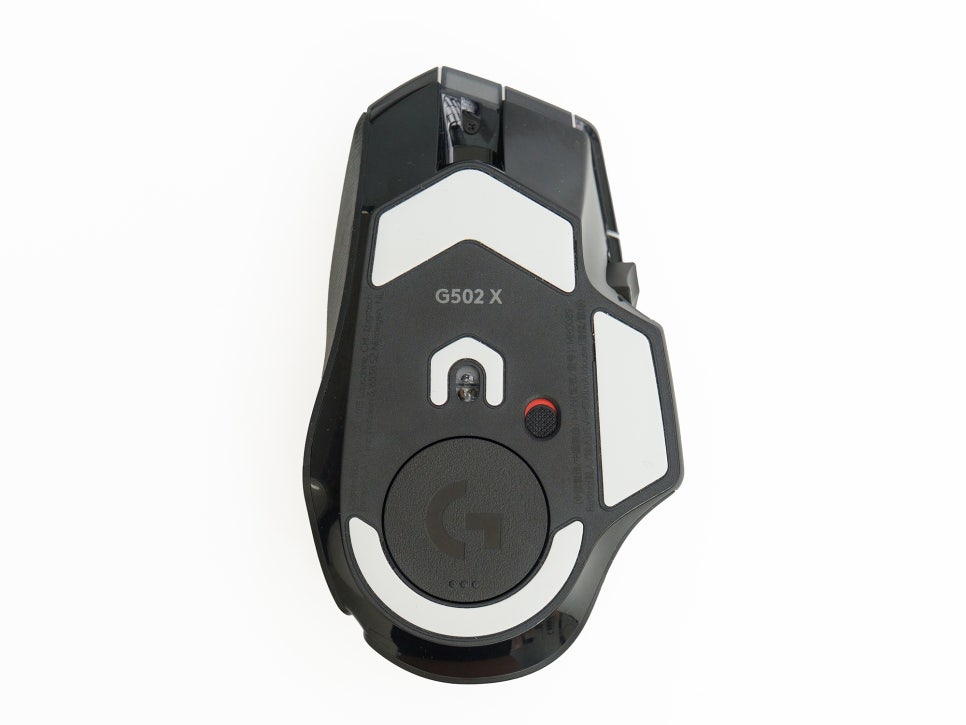
The bottom of the mouse features large PTFE feet. PTFE is a fluoropolymer material with a very low coefficient of friction, allowing the mouse to move smoothly across the mouse pad without any catching or stuttering.
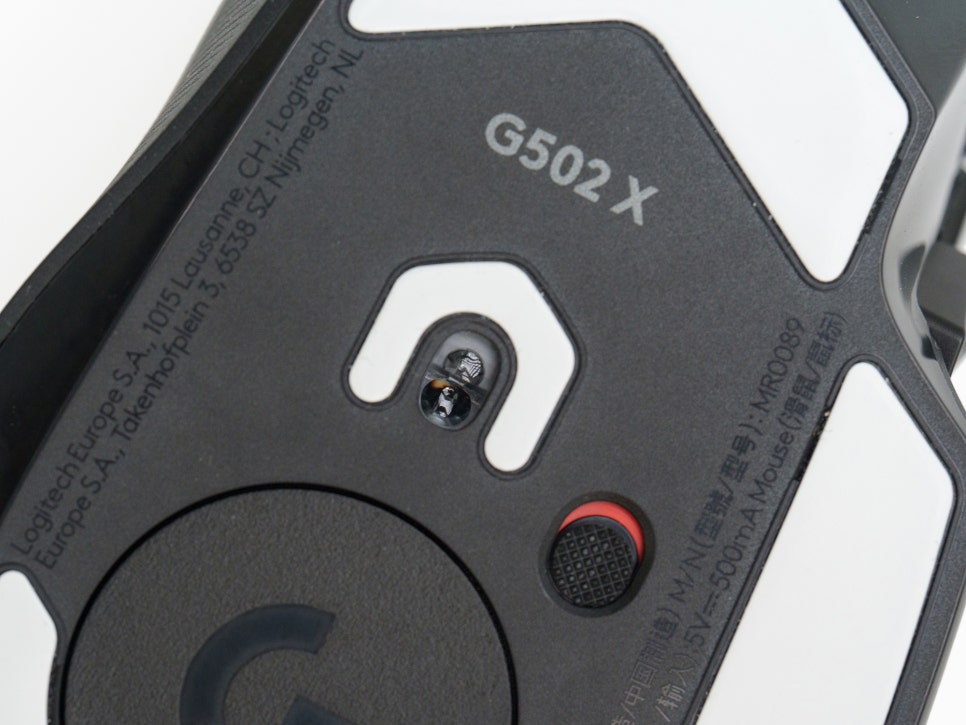
The integrated sensor is Logitech’s self-developed HERO 25K, supporting up to 25,600 DPI. A key feature of the HERO sensor is its support for zero smoothing, filtering, and acceleration. It transmits hand movements directly to the screen without artificial correction, characterized by precise responsiveness without cursor jitter or acceleration.
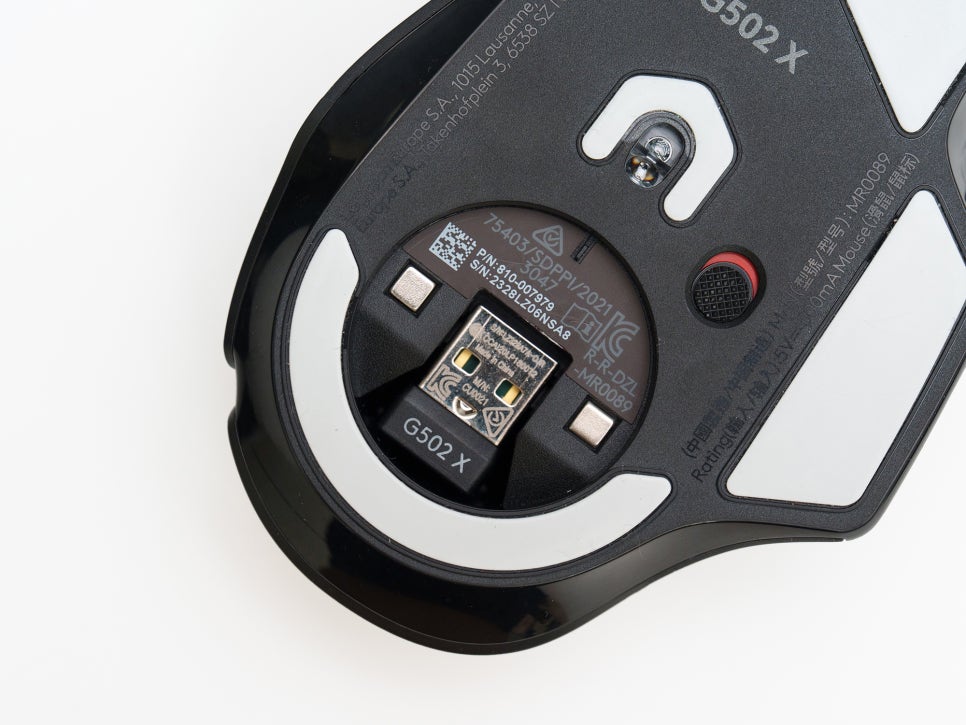
The wireless dongle is designed to fit snugly into a dedicated storage compartment on the bottom of the mouse. When carrying the mouse in a laptop bag or backpack, there’s no need to pack the dongle separately, making it extremely convenient.
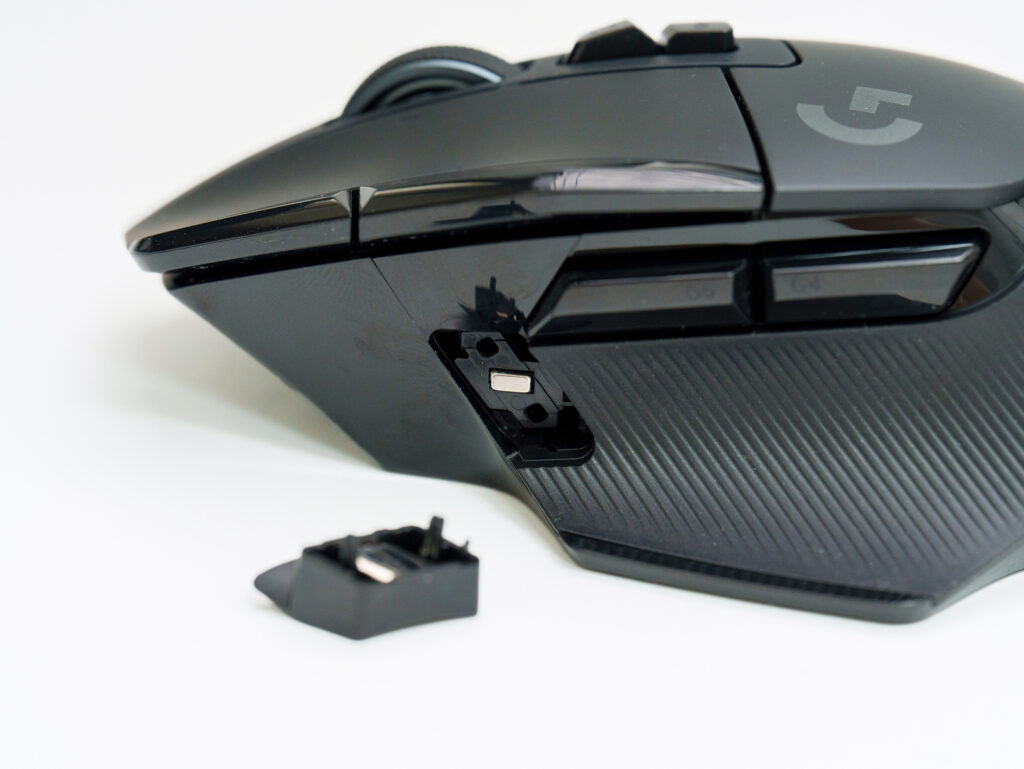
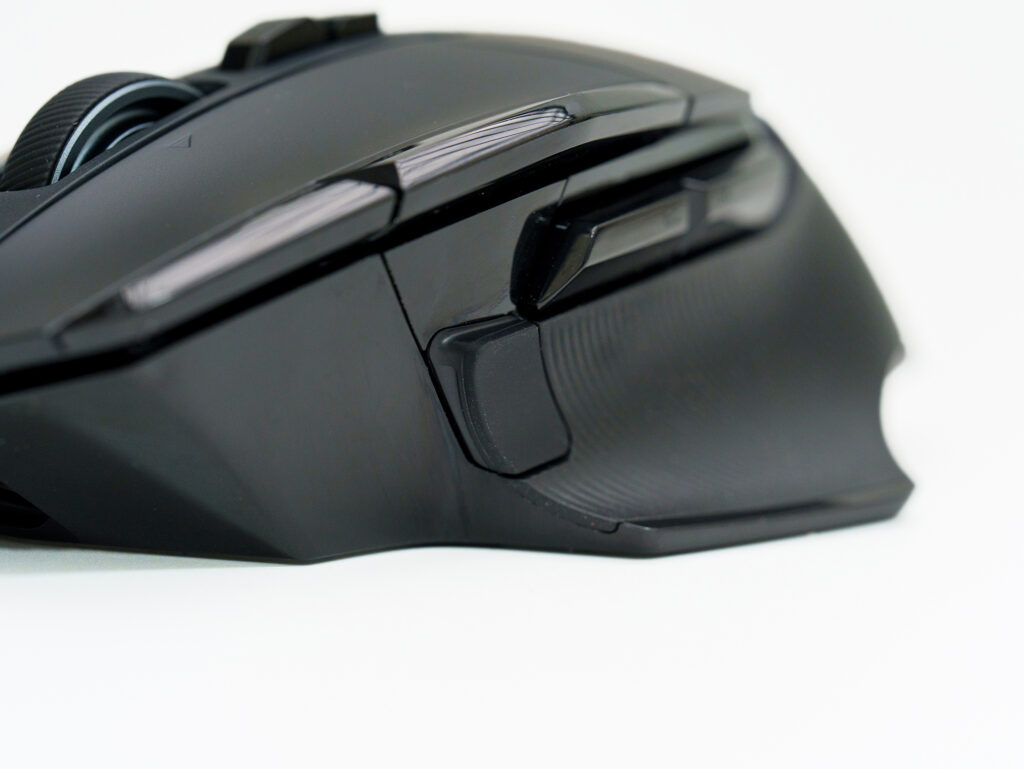
When not using the side DPI switching buttons, you can deactivate them using the included cover.
Connection and G HUB Software
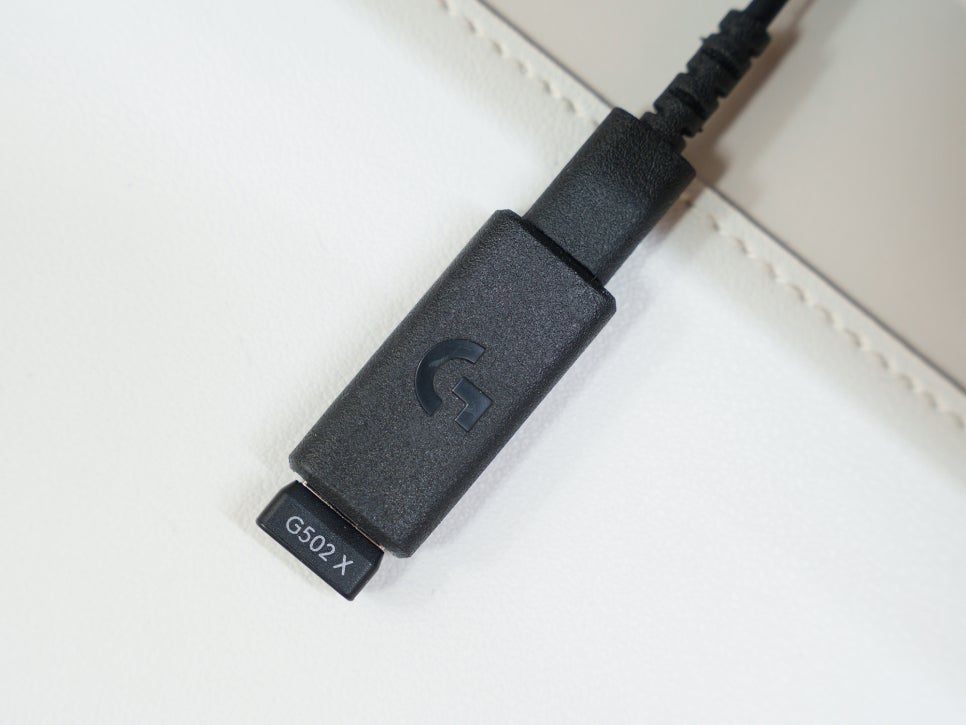
First, connect the receiver using the included extension cable and power on your mouse; they will then automatically synchronize.
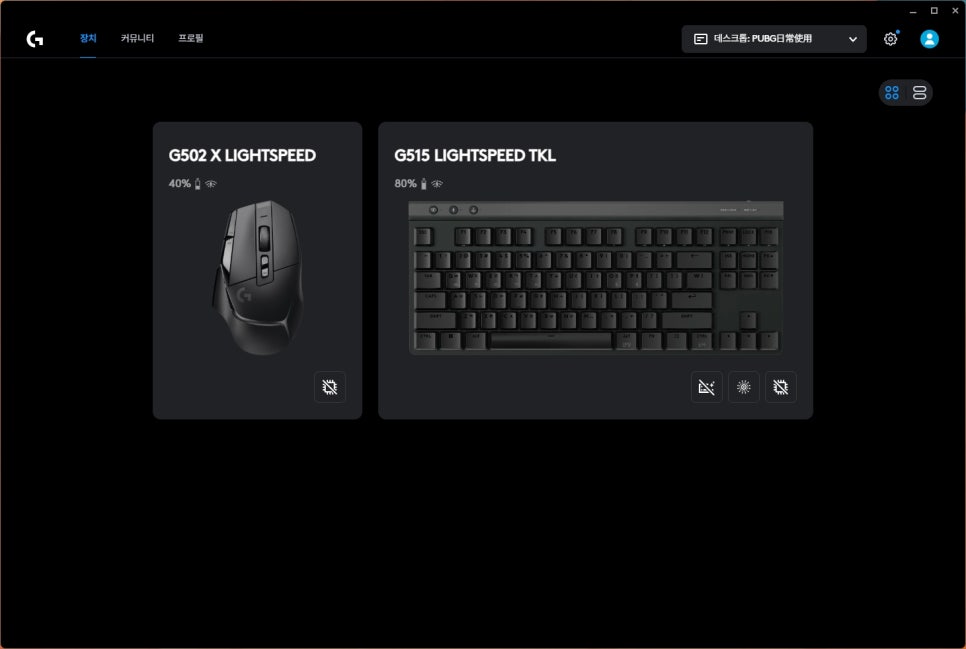
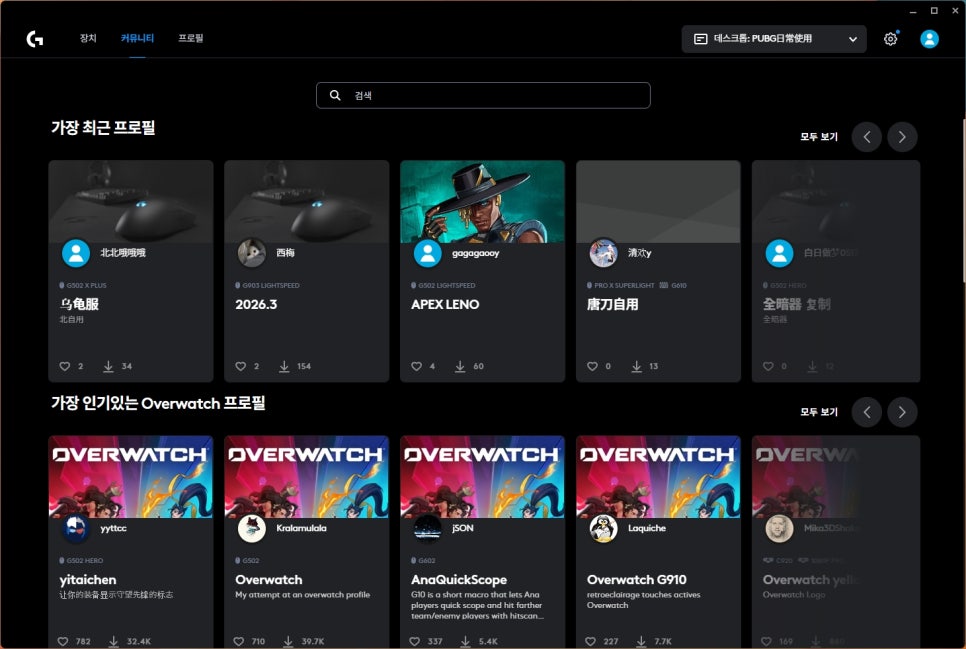
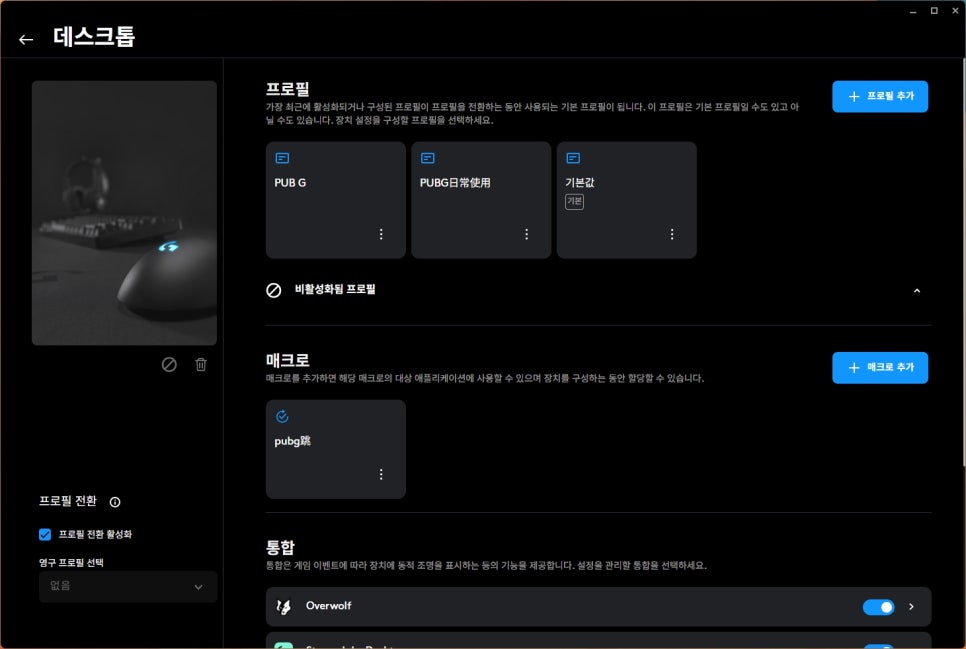
Once linked, you can adjust mouse sensitivity, assign buttons, and more using Logitech’s dedicated G HUB software. G HUB also features a community tab where you can download and instantly apply game-specific profiles or macros shared by other users.
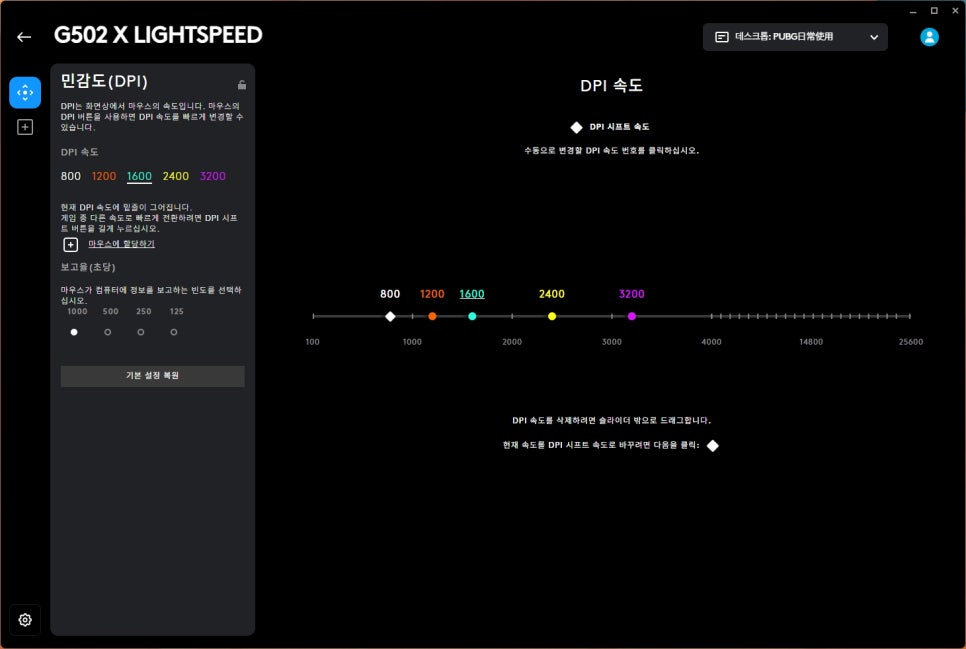
DPI can be finely adjusted from a minimum of 100 to a maximum of 25,600. You can pre-register up to 5 DPI levels and switch between them instantly using the DPI button on top of the mouse. For instance, you can quickly switch to 1200 DPI for web browsing, 800 DPI for FPS games, and 400 DPI for precision tasks.
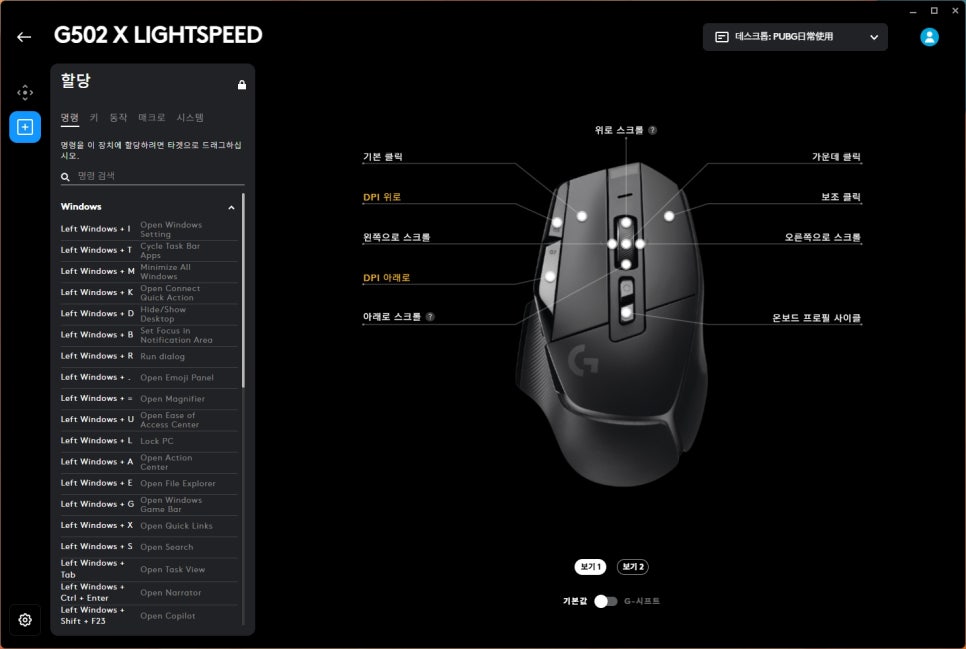
You can assign desired functions to each of the 13 buttons. A wide range of assignments is possible, from simple keyboard shortcuts to complex macros. In games like Battlegrounds, assigning actions such as opening your inventory, using bandages, or taking painkillers to the side buttons will significantly reduce the need to lift your hand from the keyboard during combat.
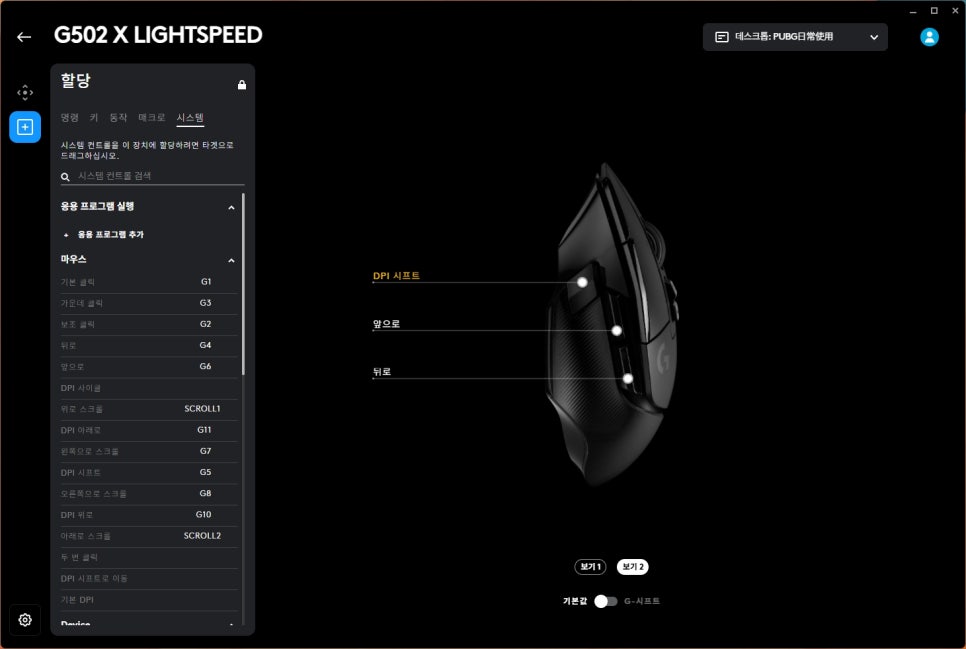
For MMORPGs, assigning frequently used actions like casting skills, taunts, or using healing potions will allow you to manage complex rotations much more smoothly.
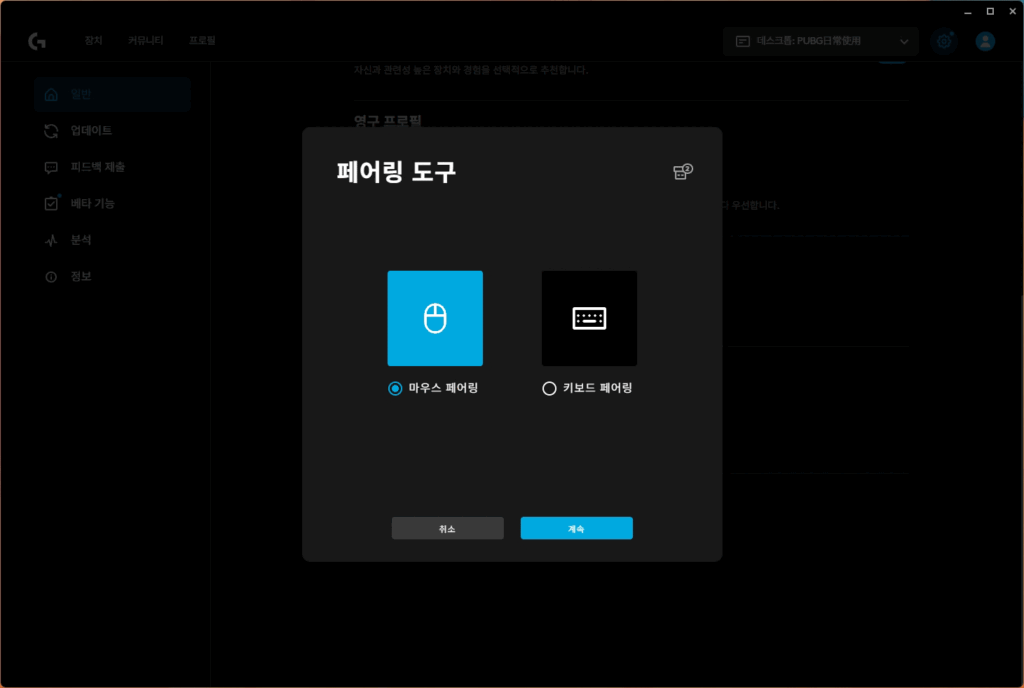
And one more thing: you can connect both a mouse and a keyboard simultaneously with a single LIGHTSPEED dongle. By pairing two devices to the same LIGHTSPEED receiver via the G HUB’s device pairing menu, you can use a wireless keyboard and a wireless mouse together without occupying an additional USB port.
Simple Review
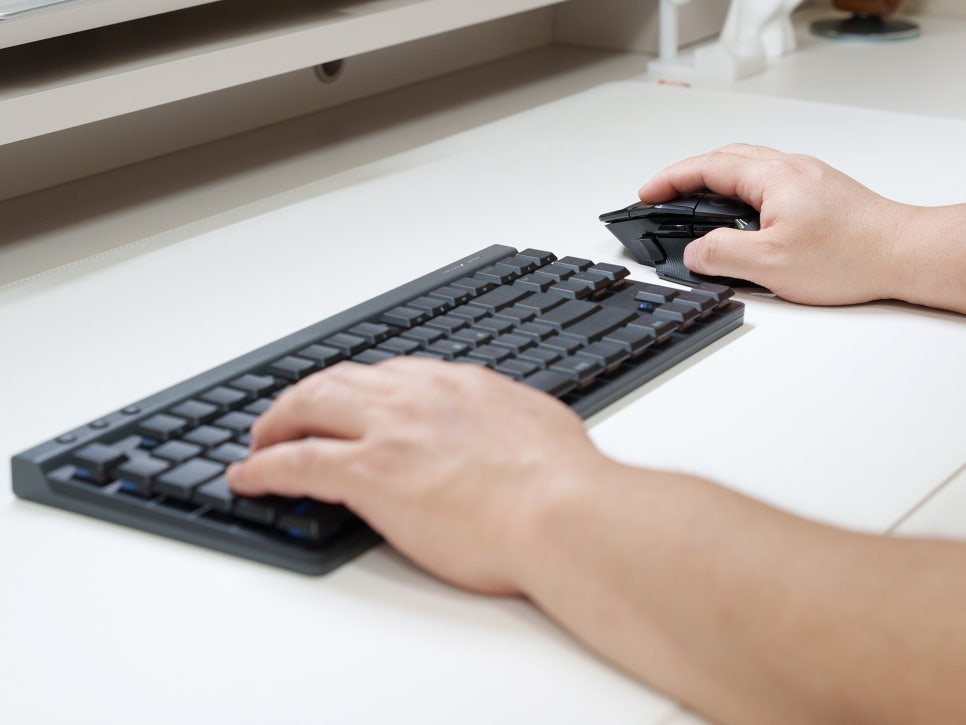
My initial impression when I first held it was that it fit my hand better than expected. I thought the numerous buttons would make it feel complicated, but the frequently used buttons are naturally clustered near the thumb, so after just a few days of getting used to it, it quickly feels comfortable in hand.
The click feel of the LIGHTFORCE switches is definitely different from standard mechanical switches. The tactile click feedback is present, the response is incredibly fast, and the reduced concern about misinputs due to metal contact wear even after long-term use provides peace of mind regarding its condition and maintenance over time.
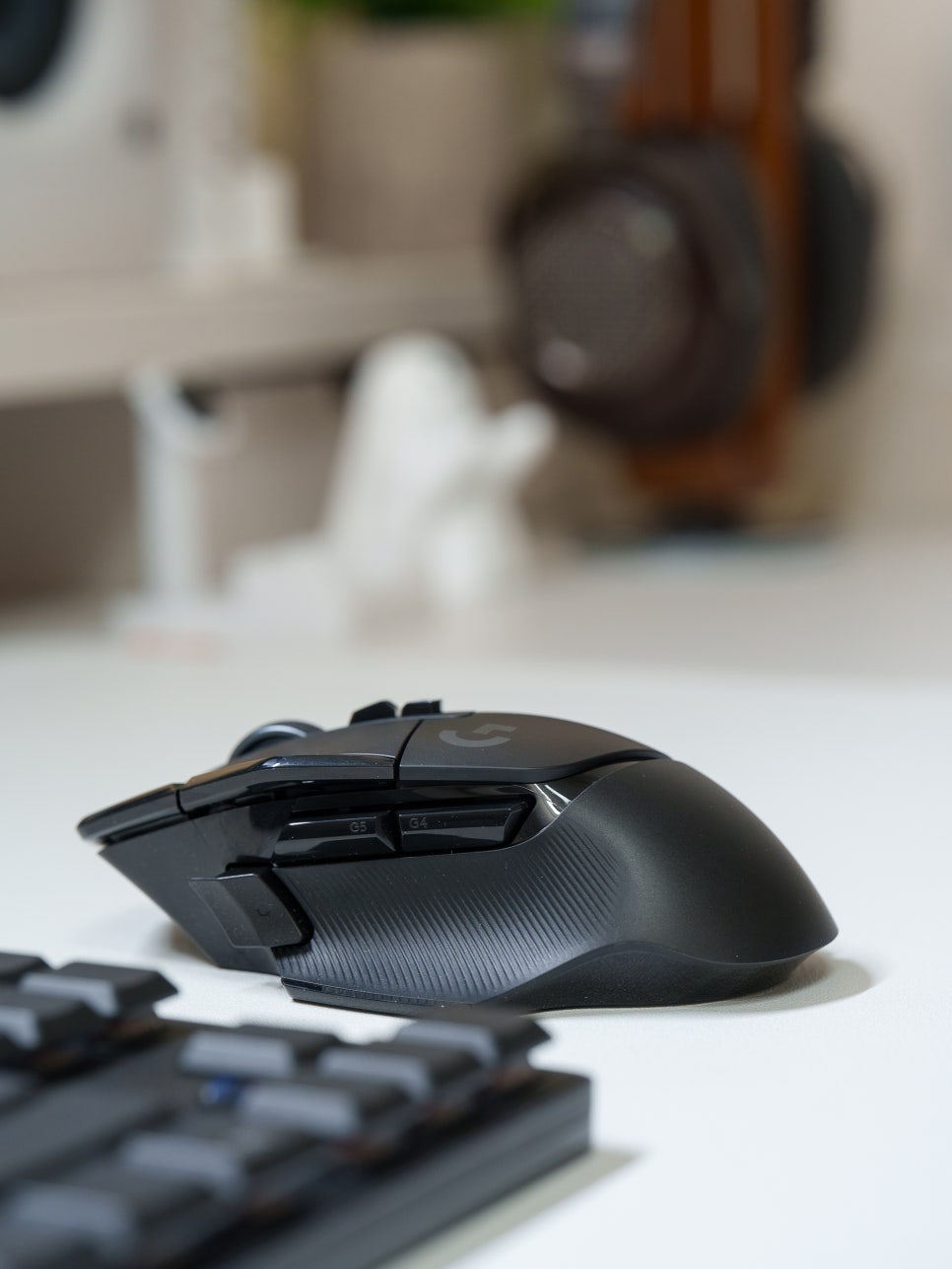
As I’ll cover in a future review, I really felt the advantages of this mouse while playing Battlegrounds. During combat, picking up items or healing with the keyboard meant I couldn’t shoot at that critical moment. So, I assigned bandages, pain killers, and energy drinks to the side buttons, respectively. This allowed me to quickly apply healing with just my thumb right after an engagement, which made a surprisingly significant difference.
I also found myself using the scroll wheel more often than expected. In hyperfast mode, scrolling through the inventory is incredibly smooth, and switching to ratcheted mode makes it easy to precisely cycle through weapon attachments one by one. Once you develop the habit of switching between these two modes depending on the situation, you’ll notice a significant reduction in inventory management time.
The wireless connection stability is also impressive; I didn’t experience any disconnections or lag during games, and the 140-hour battery life was satisfying, allowing for ample time between charges.
Concluding the review

Despite a significant amount of time passing since its release, the Logitech G502 X LIGHTSPEED remains a competitive product in the wireless gaming mouse market. With the HERO 25K sensor, LIGHTFORCE switches, and LIGHTSPEED wireless technology proven in the esports scene, it demonstrates a high degree of refinement.
Above all, this mouse’s greatest strength truly shines in game genres that require complex controls; it can be customized to suit the user’s play style using G HUB.
This review focused mainly on its general features and first impressions. In the next review, I will return with user experiences categorized by game genre.
Buy Product
As an Amazon Associate I earn from qualifying purhases.
Purchase Product : https://amzn.to/4sGYgfo
#GamingMouse
#LogitechG502XLIGHTSPEED
#WirelessGamingMouse
#LogitechGamingMouse
#RecommendedGamingMouse
#LogitechMouse
#LightweightMouse
#ProGamerMouse
#HERO25K
#LIGHTSPEED